

- Monthly visits
- 14,297
- 2026-10
- Monthly growth -65.3%
CodeBurn - Track AI coding costs and token use from local session data
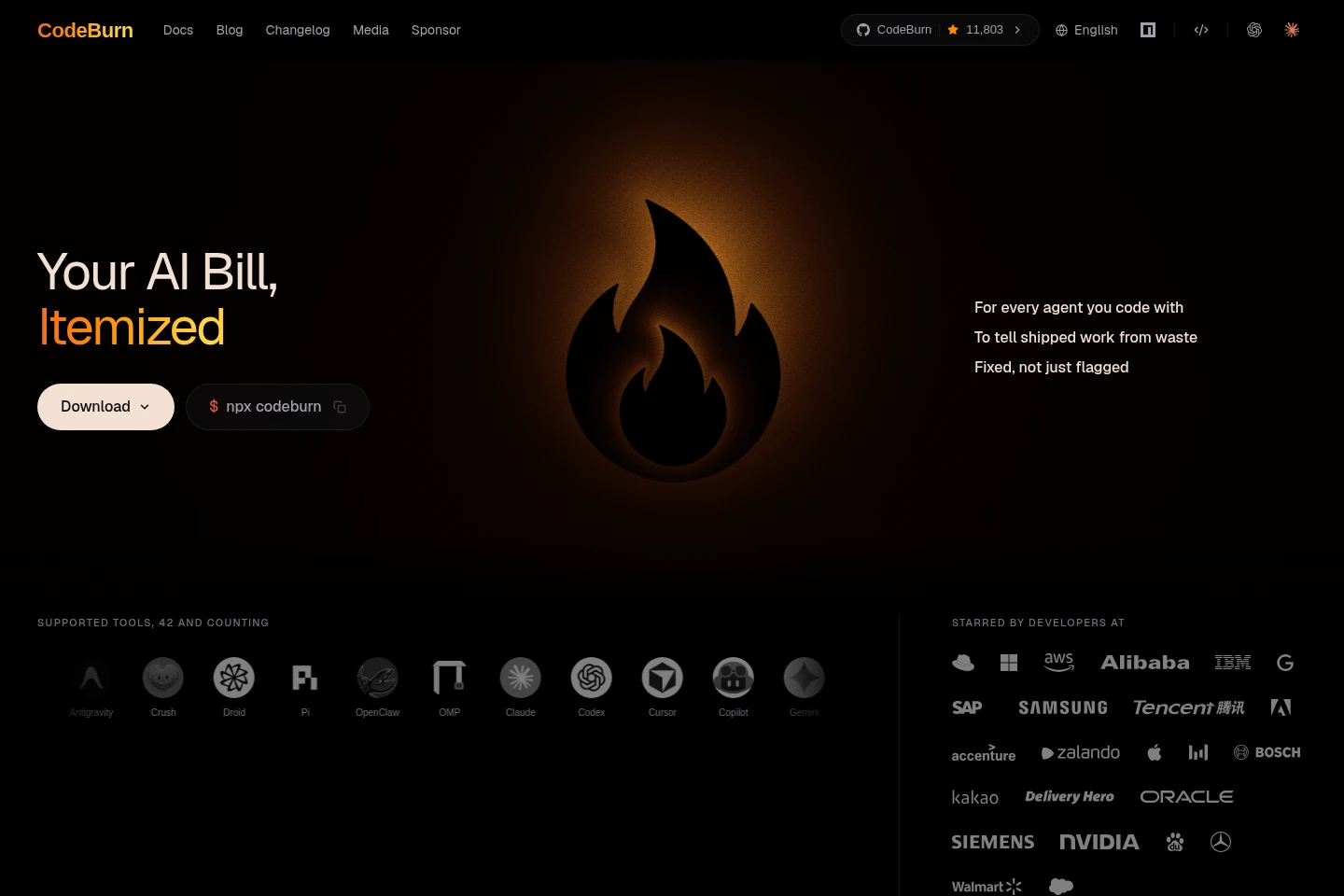
CodeBurn is a free, open-source tool for reviewing AI coding usage across 42 tools. It reads session files on your device and breaks down tokens and estimated costs by model, project, task, and session. Desktop, command-line, and editor interfaces include session and pull-request views, usage indicators, and findings that help identify token-waste patterns.
- AI Productivity
- AI Usage Management
- Data Analysis
- AI coding cost tracker
- token usage analysis
- Claude Code session costs
Capabilities
Usage and cost breakdown
Breaks down AI coding tokens and costs by model, project, session, and activity. It reads local session files from supported coding tools and can display ranges from today through lifetime totals.
Session and pull request analysis
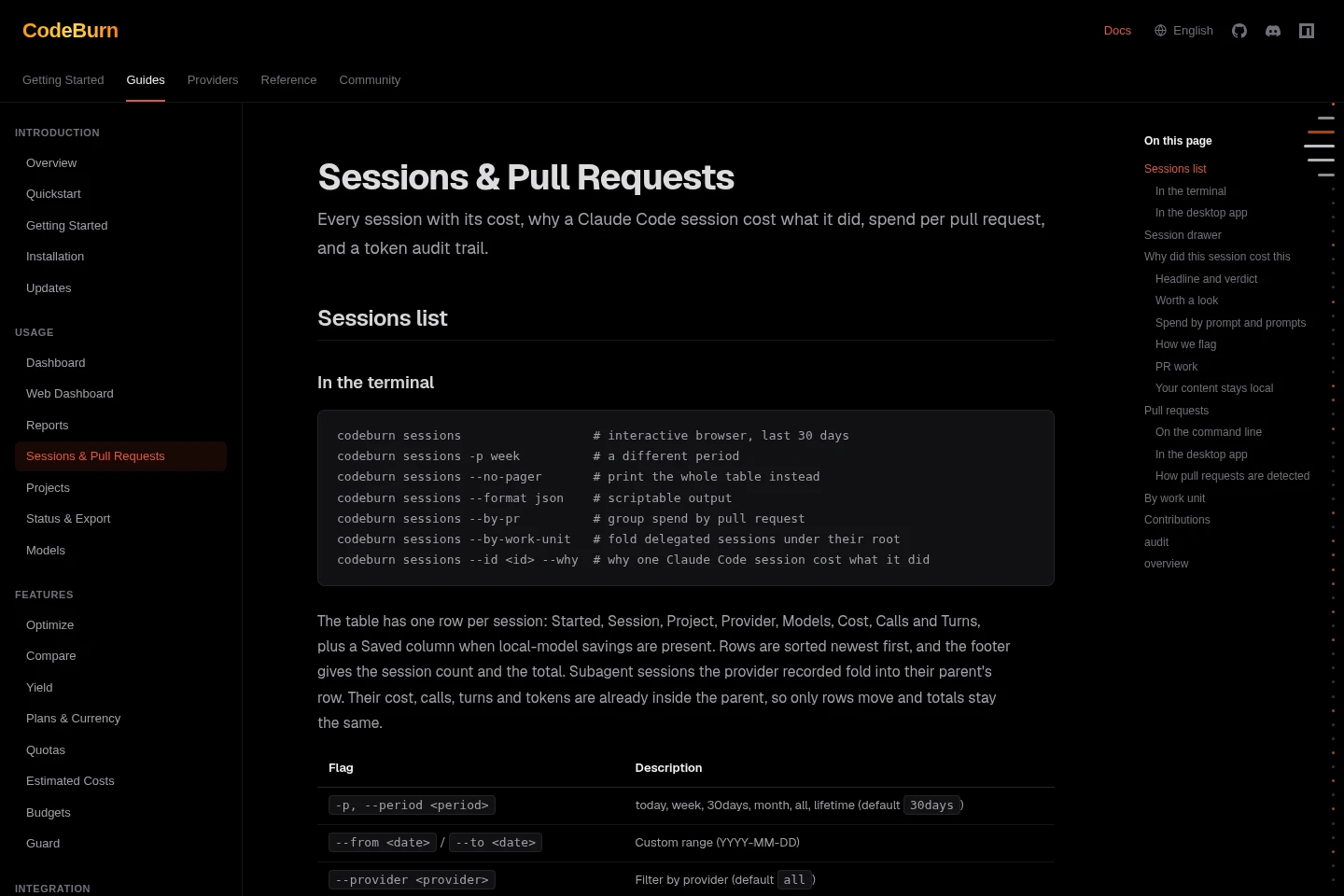
Shows session costs and, where available, explains contributing prompts, helper runs, and context reads. Pull-request views connect spend to branches, review runs, and merge phases using local session data.
Waste detection and fixes
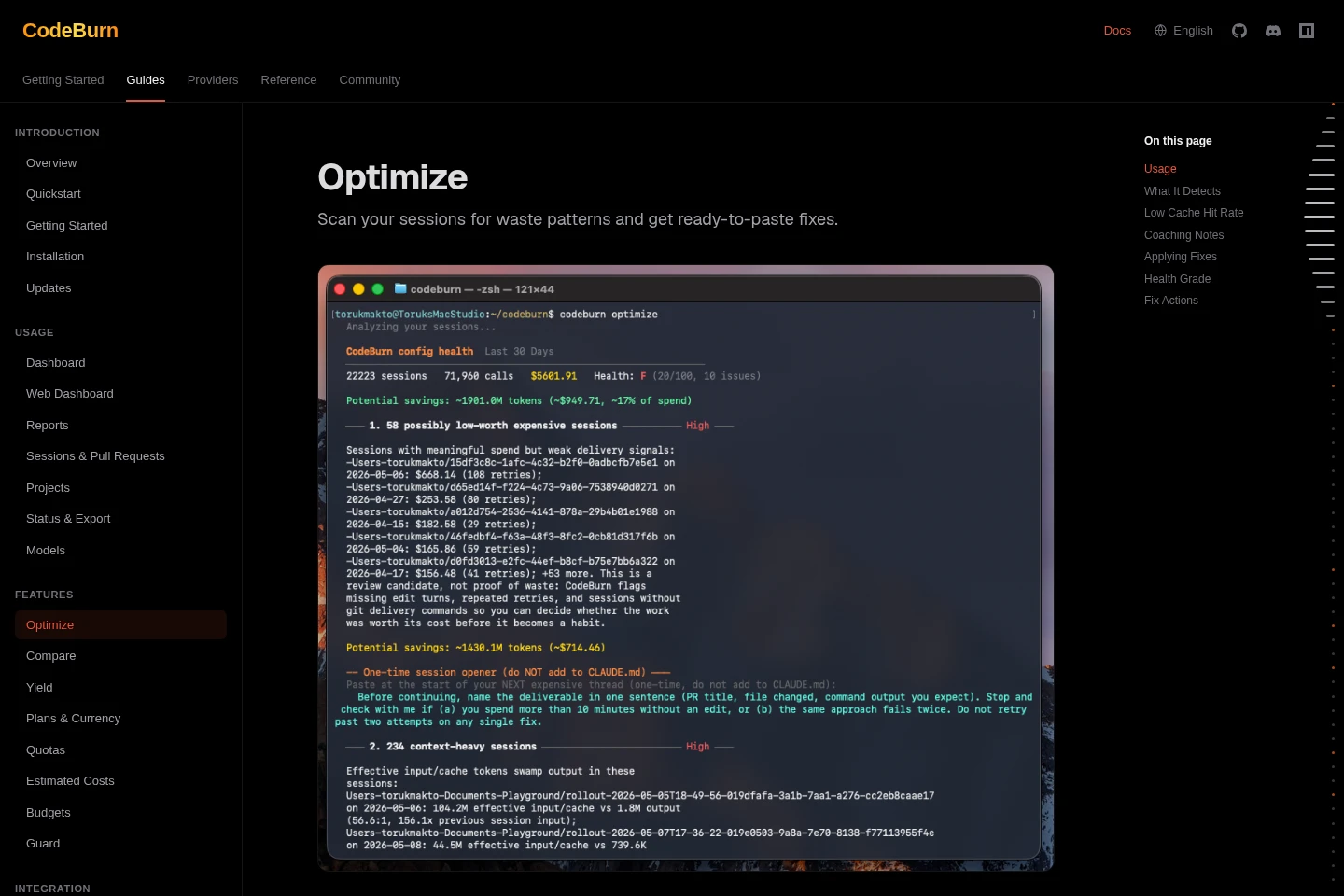
Scans coding sessions for patterns such as duplicate reads, unused MCP servers, and context bloat, then reports ranked findings and suggested fixes. Some configuration-class fixes can be applied, backed up, and undone.
Live usage indicators
Displays current spend and plan usage in the menu bar, tray, or editor, including reset timing for supported providers. Availability and displayed usage depend on the installed interface and locally available provider data.
Pricing
CodeBurn's desktop app, CLI, and editor extension are described as free and open source. Compare the available interface and platform features; CodeBurn Teams is separately offered through a beta-access request.
| Plan | Price | Included features and limits |
|---|---|---|
| Free | Free; no price stated |
|
Use cases
Review AI coding spend by project
When assessing where AI coding usage is going, inspect totals by model, project, activity, or session. CodeBurn reads the session files already on the device and presents selectable time ranges, including daily, monthly, and lifetime views.
Investigate the cost of a coding session
When a coding session costs more than expected, open its session details to review cost, models, turns, and available contributing activity. For Claude Code sessions, the explanation can include prompts, helper runs, context re-reads, and failed steps.
Find and address token-waste patterns
When reviewing coding-agent sessions for avoidable usage, run Optimize to find patterns such as repeated reads, unused MCP servers, or bloated context. It ranks findings and supplies fixes; applicable configuration changes can be backed up and rolled back.
Limitations
Session analysis depends on session files being available locally for the coding tools being reviewed.
The detailed explanation of prompts, helper runs, context re-reads, and failed steps is specifically described for Claude Code sessions.
Usage rings and reset timing are shown for supported providers and plans; they are not described as available for every provider.
CodeBurn Teams is presented as a beta-access request, not as a generally available plan.
Who it is for
Developers who use multiple AI coding tools and need a local view of their token costs
Coding teams reviewing project, session, and pull-request costs from AI-assisted work
FAQ
Does CodeBurn upload session data?
The site describes CodeBurn as local-only and says session files stay on the device. Its desktop app reads local session files, and the VS Code extension is described as sending nothing uploaded.
Which coding tools does CodeBurn support?
The homepage lists 42 supported tools, including Claude Code, Cursor, Codex, Copilot, and Gemini. Support details can vary by tool and interface.
What does Optimize detect?
Optimize scans session history for patterns such as duplicate reads, unused MCP servers, bloated context, and low cache-hit rates. It reports ranked findings with suggested fixes; some configuration-class fixes can be applied and undone.
Is CodeBurn free?
The desktop app, command-line tool, and editor extension are described as free and open source. The homepage separately offers beta access to CodeBurn Teams by request.
Which operating systems are supported?
The desktop app is listed for macOS, Windows, and Linux. The menu bar app is native Swift for macOS, while Linux usage is described through a GNOME top bar.
Comments