

- Monthly visits
- 12,186
- 2026-09
- Monthly growth -29.2%
Code to Flow - Turn code into interactive visual diagrams
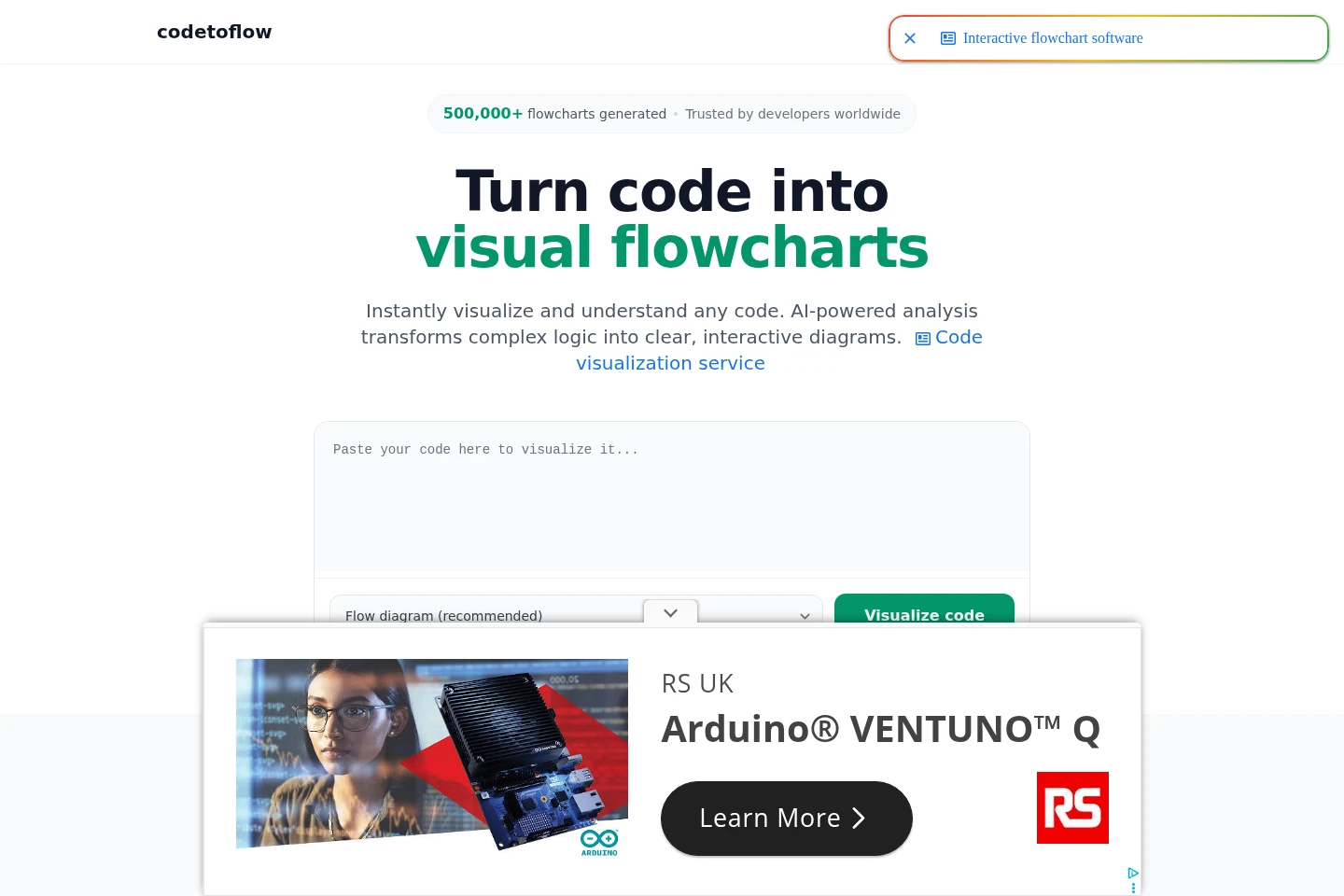
Code to Flow is a web tool that uses AI to analyze pasted code and create interactive diagrams of its logic. It supports flowcharts and other diagram types, offers code explanations and editing, and exports diagrams as PNG, SVG, or PDF. The free plan allows up to three flowcharts per day.
- AI Design
- Diagram Generators
- Coding Assistants
- code to flowchart
- AI code visualization
- source code diagrams
Capabilities
Code diagram generation
The tool turns pasted code into an interactive diagram of its logic. It analyzes code structure and flow, supports popular programming languages, and can generate flow, sequence, class, and user journey diagrams.
Diagram editing
Users can edit and customize generated diagrams. The interface provides editing controls, including copy, apply, and cancel actions for changes.
Diagram export
Users can download or share generated diagrams. Export formats listed on the site are PNG, SVG, and PDF, and diagrams can also be shared through a link.
AI code explanations
The service provides an AI-generated explanation alongside a code diagram. Users paste code for analysis, and an explanation appears with the visual representation.
Pricing
Code to Flow has a free plan and paid options billed either once or monthly. Compare flowchart access, the 8k token limit, and whether you want lifetime access or a cancel-anytime subscription.
| Plan | Price | Included features and limits |
|---|---|---|
| Lifetime Access | $66.99 one-time payment |
|
| Monthly | $9.99 per month |
|
Use cases
Understand unfamiliar code logic
When a developer or learner needs to follow code structure, they can paste a snippet for AI analysis and view its logic as a diagram with an accompanying explanation. This provides a visual representation for inspecting the code.
Create diagrams for technical documentation
When technical documentation needs a visual representation of code, users can generate a diagram from a pasted snippet, edit it, and export it as PNG, SVG, or PDF for use in documentation.
Communicate code during reviews
When developers need to discuss code logic in a review, they can create a diagram from a snippet and share a link or export the image. The diagram gives reviewers a visual view of the logic being discussed.
Limitations
The free plan allows up to three flowcharts per day; unlimited flowcharts require a paid plan.
The paid plans list an 8k token limit for code processing.
The site states that code is processed to generate a diagram and then discarded rather than stored.
Who it is for
Developers who need to inspect or explain code logic
Students learning programming concepts through visual diagrams
Software teams that communicate code structure in reviews
FAQ
What does a code to flowchart converter do?
It transforms written code into a visual flowchart that shows its logic and structure. Code to Flow also describes interactive diagrams and AI-generated explanations.
Which programming languages does Code to Flow support?
It supports popular languages including Python, JavaScript, TypeScript, Java, C, C++, Go, and Rust, as well as other languages.
Can I use Code to Flow for free?
Yes. The free plan allows up to three flowcharts per day. Paid plans offer unlimited flowcharts, with their listed 8k token limit.
Does Code to Flow store or share my code?
The site says code is not stored or shared. It is processed to generate the diagram and then discarded.
Comments