

- Monthly visits
- 1,063
- 2026-10
ClipCraft AI - Browser-based editors, AI generators, and creator tools
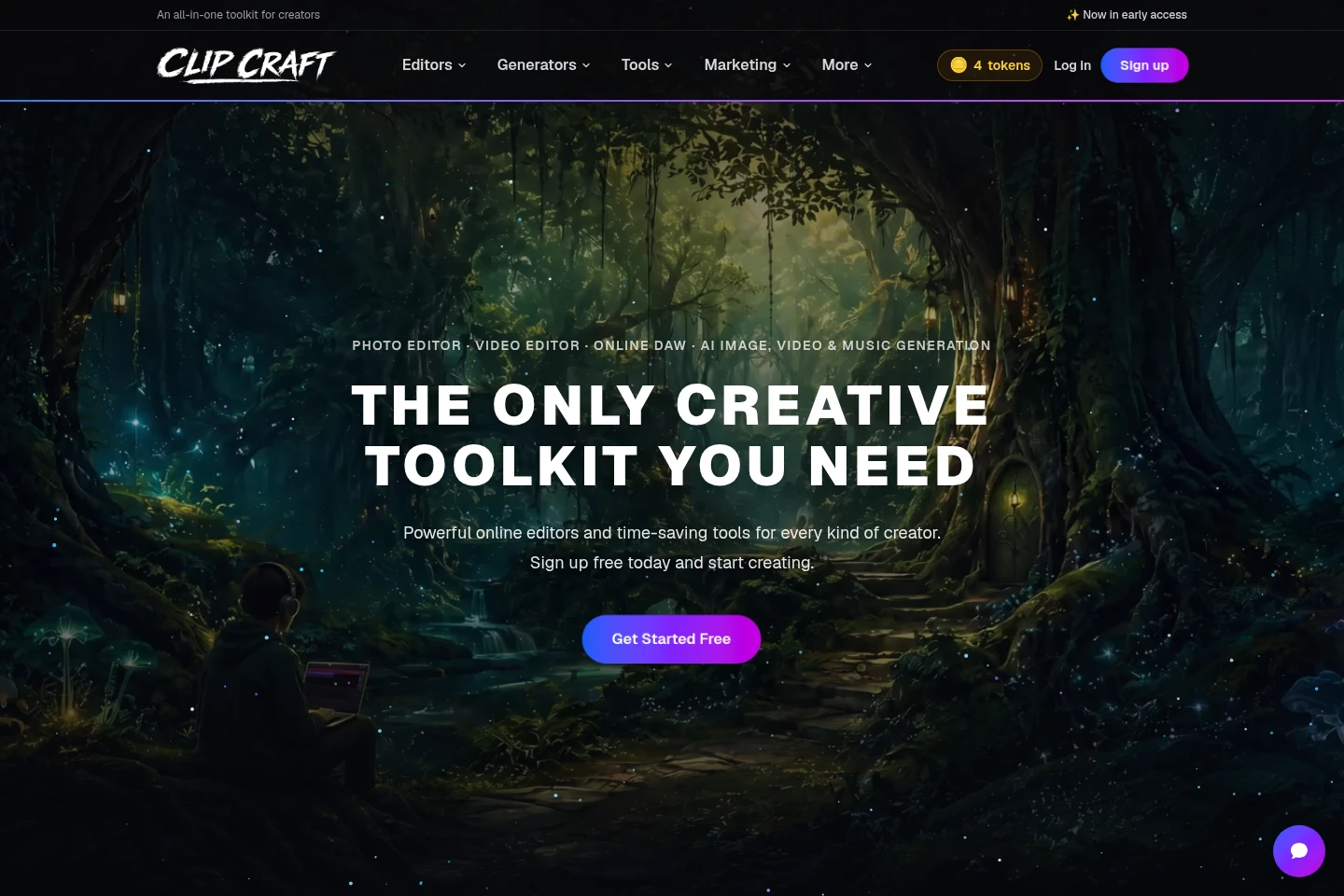
ClipCraft AI is a browser-based creative studio with photo, video, and audio editors, AI image, video, audio, and voice generators, and a collection of production tools. Editors are free to use; paid plans add project storage and monthly AI tokens. Work on projects in the browser without installing software.
- AI Video
- Video Editors
- Image Generators
- Music Generators
- online video editor
- AI image video music generator
- browser audio editor
Capabilities
Photo, video, and audio editing
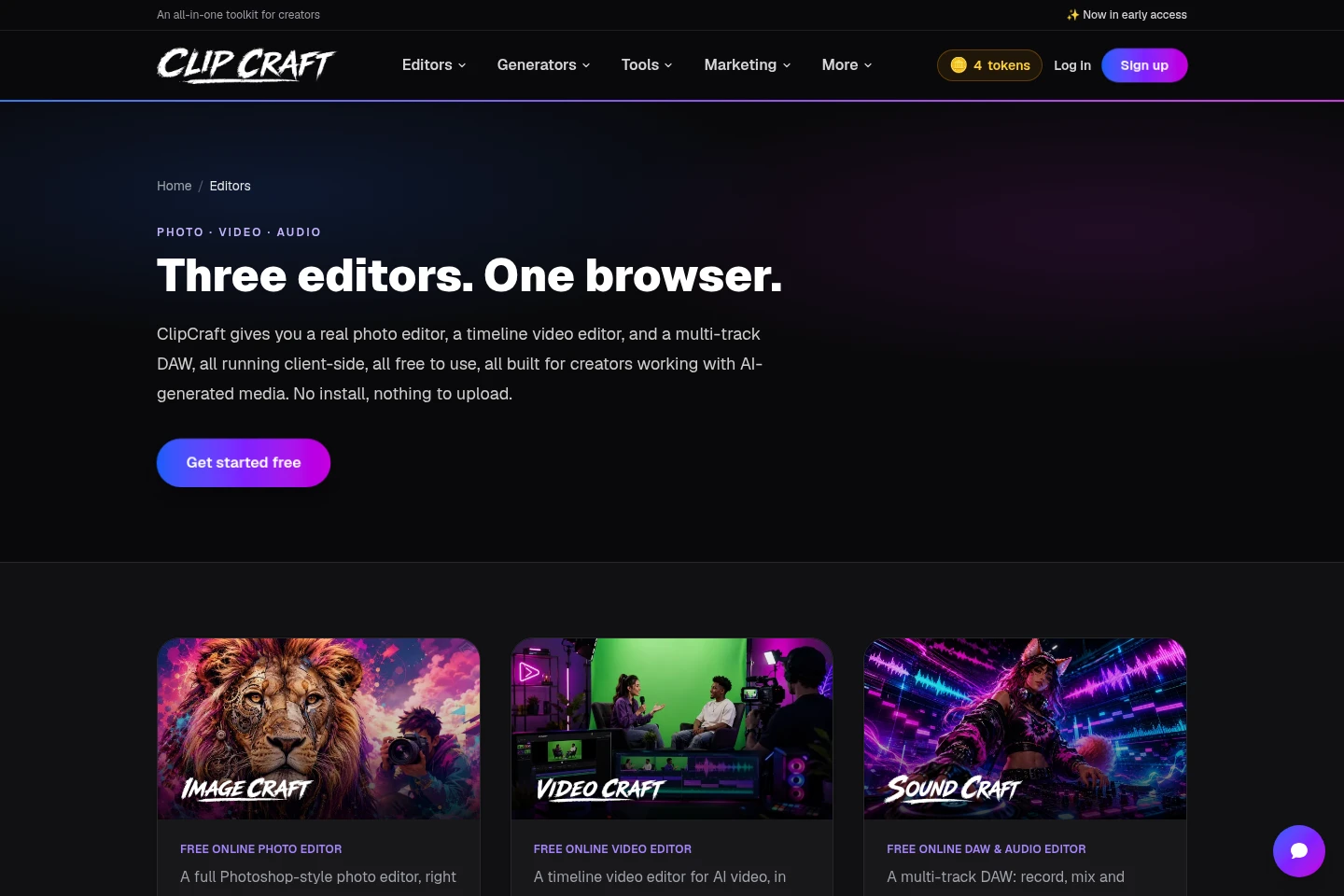
Edit photos, video timelines, and multitrack audio in browser-based editors. ImageCraft includes layers, masks, paint, and shapes; VideoCraft includes a timeline, keyframes, and effects; SoundCraft supports waveform editing, cuts, fades, and export.
AI media generation
Generate images from text, videos from text or photos, and AI songs, drum loops, sound effects, and voiceovers. Generator use consumes tokens; voice generation is listed from one token per minute.
Media production tools
Use tools for tasks such as recording screens, adding video captions, removing backgrounds, resizing or converting images, and creating fillable PDFs. Individual tools have their own functions and may consume tokens on plans that charge per use.
Creator collaborations
Browse collaboration requests or post what you are making and the help you need, including vocals, mixing, visuals, or video edits. The site says collaborations are free and participants do not charge each other to help.
Pricing
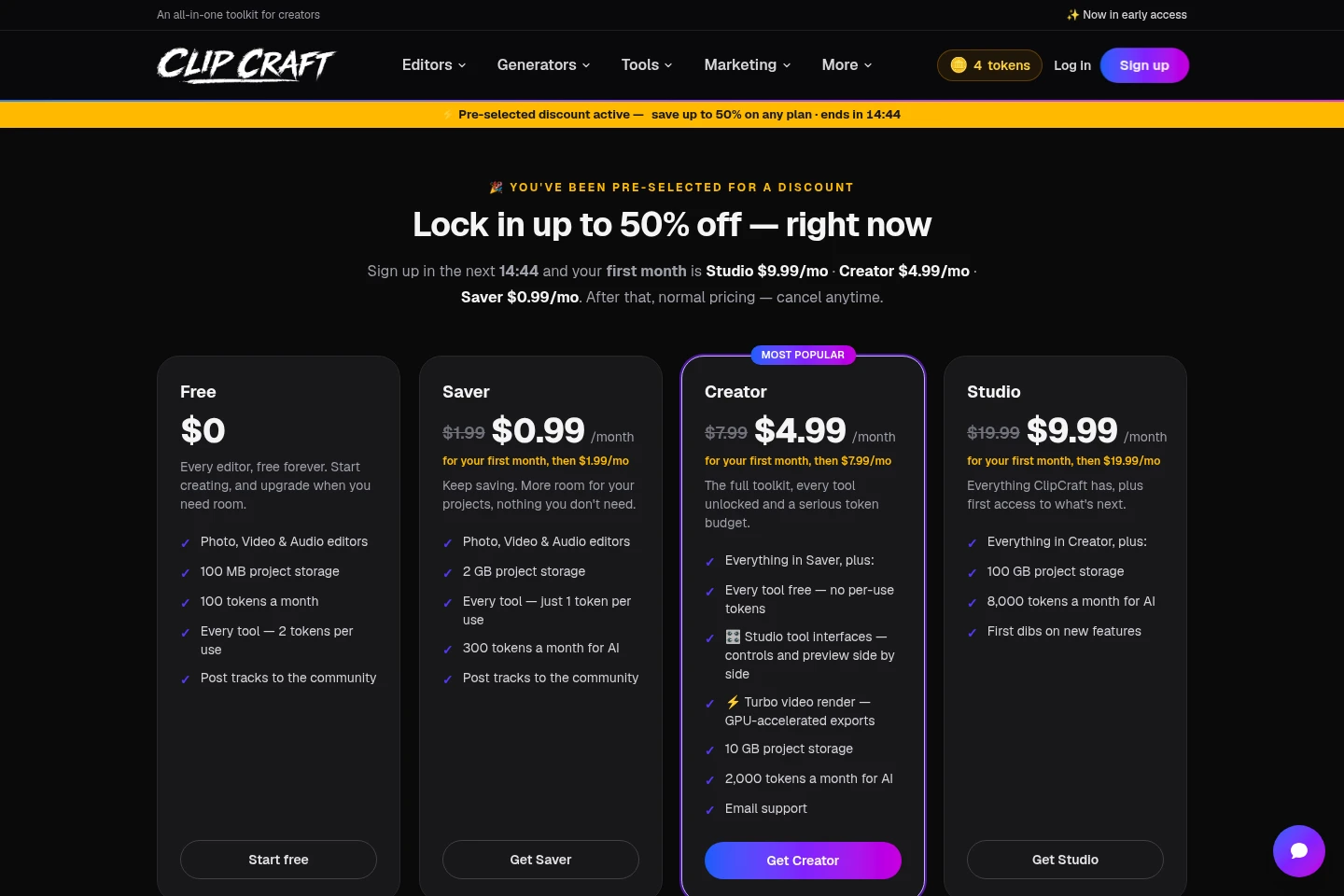
ClipCraft AI offers a free plan and paid monthly subscriptions. Compare project storage, monthly AI tokens, and whether tools cost tokens per use when choosing a plan.
| Plan | Price | Included features and limits |
|---|---|---|
| Free | $0 |
|
| Saver | $1.99/month |
|
| Creator | $7.99/month |
|
| Studio | $19.99/month |
|
Paid plans are billed monthly. Payments are handled by Stripe, prices are in USD, and plans can be canceled anytime. The pricing page describes an automatically applied launch discount for the first month: Saver $0.99, Creator $4.99, and Studio $9.99, then normal pricing.
Use cases
Edit photos, video, and audio projects
When preparing media in a browser, use ImageCraft for photo layers and masks, VideoCraft for timeline edits and effects, or SoundCraft for multitrack audio. The editors run client-side and are available without installing software.
Generate images, video, music, and voiceovers
When creating new media from prompts or source material, select the relevant image, video, audio, or voice generator. Video generation accepts text or a photo; AI jobs use tokens, with the stated voice rate starting at one token per minute.
Record and prepare media assets
When preparing assets for a creative project, use tools such as the screen recorder, video captions, background remover, photo resizer, and image converter. The available tools cover recording, captioning, image preparation, and format conversion.
Find creators for a collaboration
When seeking help with vocals, mixing, visuals, or video edits, browse collaboration posts or publish what you are making and whom you need. The site describes collaboration as free, with no participant charging another to help.
Limitations
The Free plan includes 100 MB of project storage and 100 tokens a month; each tool use costs 2 tokens on that plan.
The Saver plan charges 1 token per tool use; its 300 monthly tokens are designated for AI.
Only the Creator plan explicitly lists tools as free with no per-use tokens; the Studio page describes its additions as everything in Creator plus more.
Voice generation is listed from 1 token per minute; the page does not state one fixed token cost for every voiceover.
Who it is for
Creators who edit or generate photo, video, and audio media in a browser
Creators who use AI-generated images, video, music, or voiceovers
Creators looking for collaborators for vocals, mixing, visuals, or video edits
FAQ
Can I use the editors without installing software?
Yes. The editors run in the browser, and the editors page says they run client-side and require no installation.
What does the Free plan include?
The Free plan is $0 and includes photo, video, and audio editors, 100 MB of project storage, 100 tokens a month, and community track posting. Tool use costs 2 tokens each.
How do the paid plan prices work?
Saver is $1.99 per month, Creator is $7.99 per month, and Studio is $19.99 per month, in USD. The pricing page also offers a first-month launch discount when applied automatically; it lists discounted first-month prices of $0.99, $4.99, and $9.99 respectively, followed by normal pricing.
Can I cancel a paid plan?
Yes. The pricing page says you can cancel anytime. Payments are handled by Stripe and prices are in USD.
Are creator collaborations paid?
The site says collaborations are always free and that participants do not charge each other to help. Users can browse collaboration requests or post their own.
Comments