

- Monthly visits
- 1,645
- 2026-10
- Monthly growth +3,257.1%
CleanMark - Remove Gemini and Nano Banana watermarks in your browser
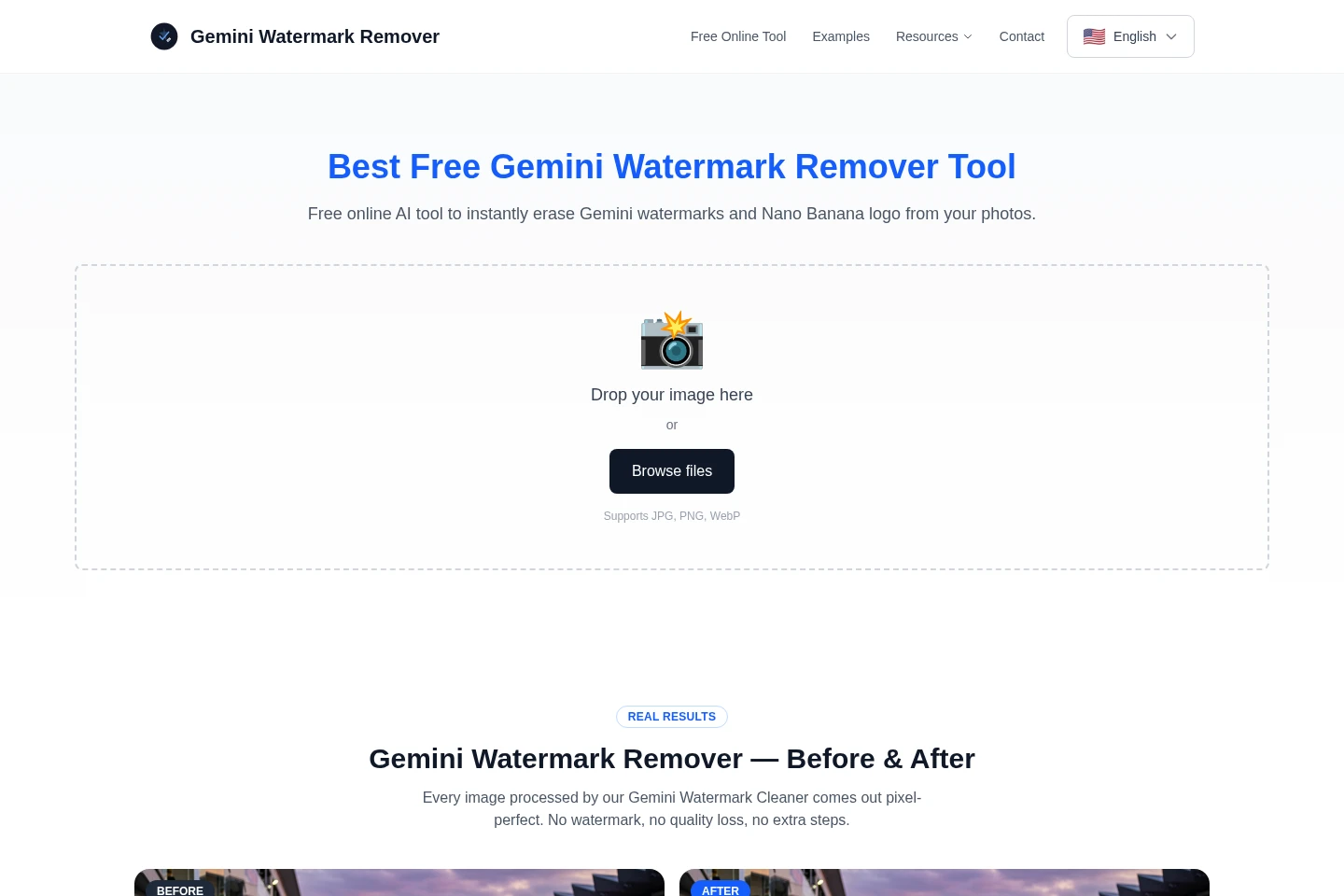
CleanMark is a free browser-based tool for removing watermark patterns from Gemini and Google AI Studio images. It detects standard Gemini and Nano Banana patterns and reverses their alpha blending locally in the browser. Users can upload JPG, PNG, or WebP images, optionally resize the output, and download the processed image without creating an account.
- AI Image
- Watermark Removers
- Gemini watermark remover
- Nano Banana watermark cleaner
- browser image watermark removal

Capabilities
Watermark detection and removal
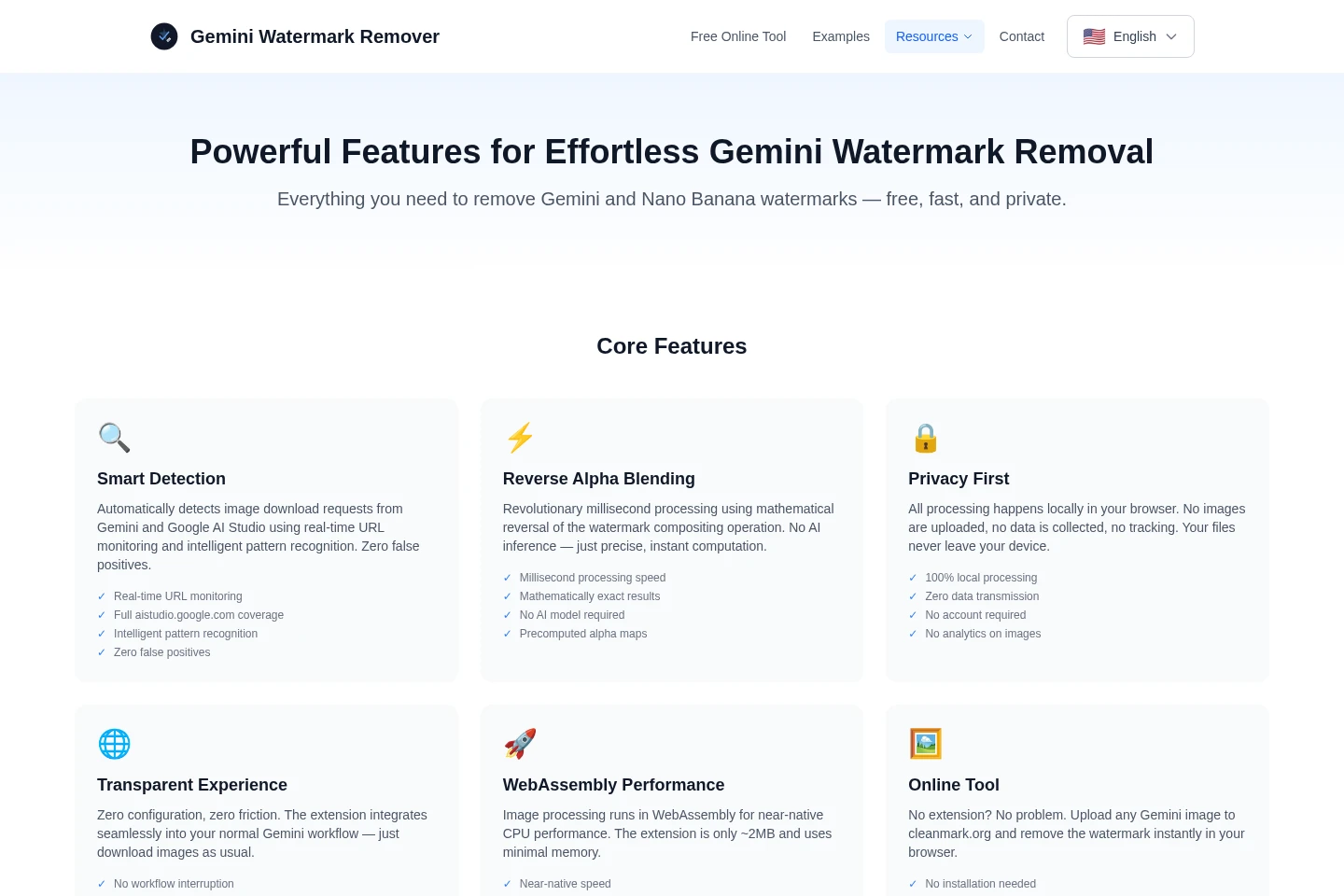
Detects and removes standard Gemini and Nano Banana watermark patterns from images. It reverses alpha blending using local browser processing rather than AI inference; results depend on the image containing a supported watermark pattern.
Local browser processing
Processes images in the browser using JavaScript and WebAssembly, without uploading them to a server. This applies to image processing in the online tool; a modern browser is required.
Custom output sizing
Resizes an image while removing its watermark and outputs the selected dimensions. Set one dimension to scale the other automatically, or set both dimensions for an exact output size.
Image upload and download
Accepts image files for processing and provides a cleaned image to download. The homepage lists JPG, PNG, and WebP support, and the online tool works in modern browsers without installation.
Pricing
CleanMark is free to use, with no account, subscription, or usage limits stated. There is one listed plan, so there are no paid tiers or quotas to compare.
| Plan | Price | Included features and limits |
|---|---|---|
| Free | Free |
|
Use cases
Clean a Gemini-generated image
When a Gemini image has a supported watermark pattern, upload the image to the online tool. CleanMark detects and reverses the watermark blending in the browser, then lets you download the processed image.
Clean a Google AI Studio image
When a downloaded Google AI Studio image contains a Nano Banana watermark, upload the original image to the online tool. CleanMark detects the pattern and provides the processed image for download.
Resize an image while removing its watermark
When a cleaned image also needs different dimensions, use the output-size controls during processing. Set one dimension for automatic scaling or specify both dimensions for an exact output size.
Limitations
Images with multiple watermark layers may still show a watermark after processing; the FAQ recommends uploading the original image and processing it with the online tool.
The online tool is described as supporting Gemini and Nano Banana watermark patterns; support for other watermark types is not established on these pages.
Who it is for
Content creators preparing Gemini images for social posts, blogs, or newsletters
Designers preparing watermark-free Gemini images for client work or portfolios
Researchers preparing AI-generated diagrams and visuals for papers or reports
Educators preparing AI-generated visuals for teaching materials and presentations
FAQ
Which watermark patterns does CleanMark remove?
It detects standard Gemini and Nano Banana watermark patterns. The Nano Banana variant is associated with Google AI Studio; support for other watermark types is not specified.
How does watermark removal work?
CleanMark reverses the alpha-blending operation used for the watermark. It uses a mathematical algorithm rather than AI inference, and runs the processing in the browser.
Does CleanMark cost anything?
No. The online tool is offered free, with no account, subscription, or usage limits stated on the supplied pages.
Are images uploaded to a server?
No. Image processing happens locally in the browser using JavaScript and WebAssembly, and the pages state that images are not uploaded to a server.
Which image formats can I use?
The homepage lists JPG, PNG, and WebP. Upload an image through the online tool to process it.
What if the watermark remains after processing?
Some images may contain multiple watermark layers. The FAQ recommends using the original image and processing it with the online tool.

Comments