

- Monthly visits
- 2,339
- 2026-09
ClariText - Restore blurry images and compare results before downloading
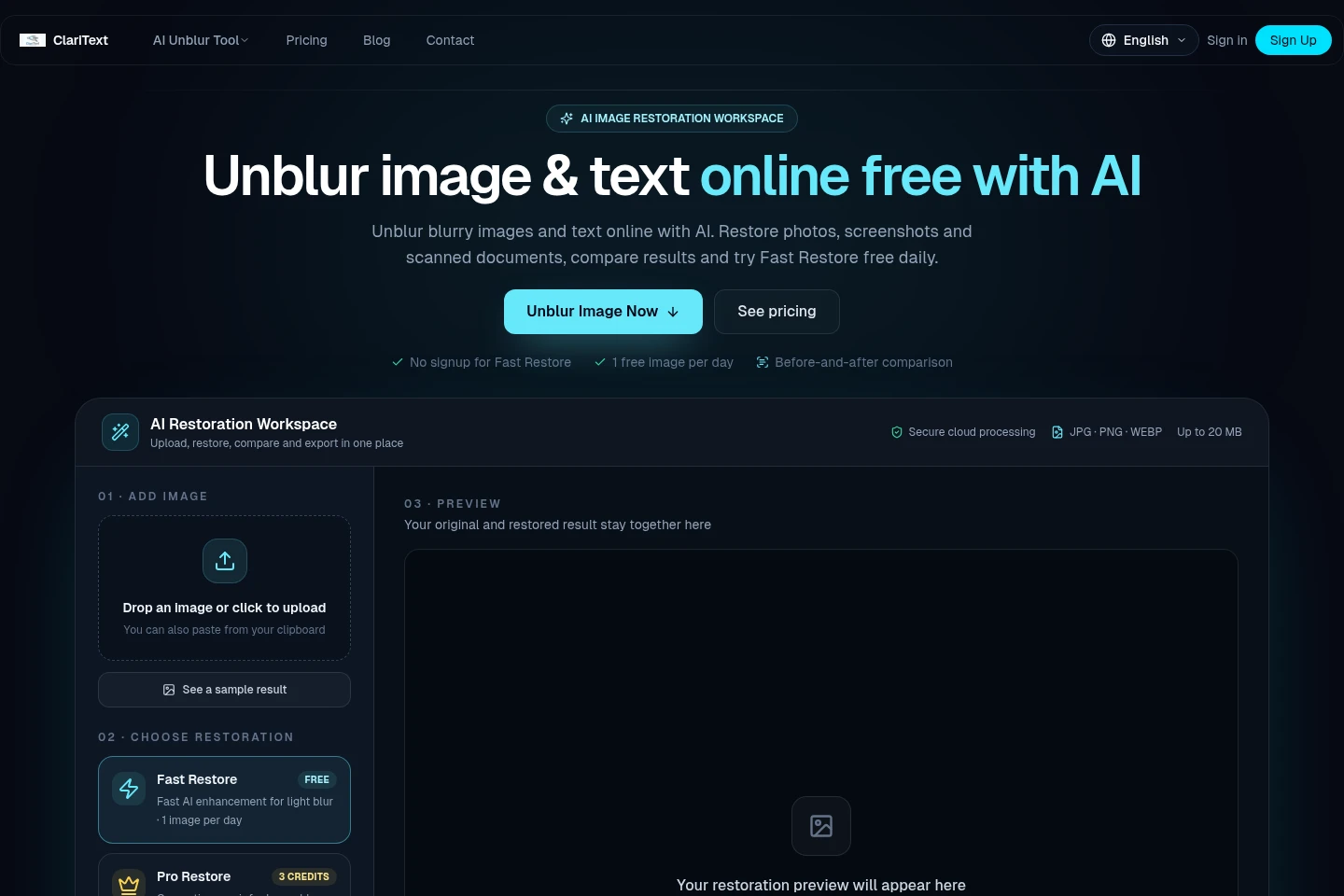
ClariText is an online AI image restoration workspace for photos, screenshots and scanned documents. Upload JPG, PNG or WEBP images up to 20 MB, choose Fast or credit-based Pro tools, compare the original with the result, and download. Fast Restore includes one free image per day; completed Pro results use three credits.
- AI Image
- Photo Restoration
- Image Upscalers
- Watermark Removers
- AI image unblur tool
- photo enhancement online
- blurry text restoration
Capabilities
AI image restoration
Restores blurry photos, screenshots and scanned documents, then displays an original-versus-result comparison for download. Upload JPG, PNG or WEBP files up to 20 MB; Fast handles light blur, while Pro uses generative repair for heavier blur and detail.
Photo enhancement
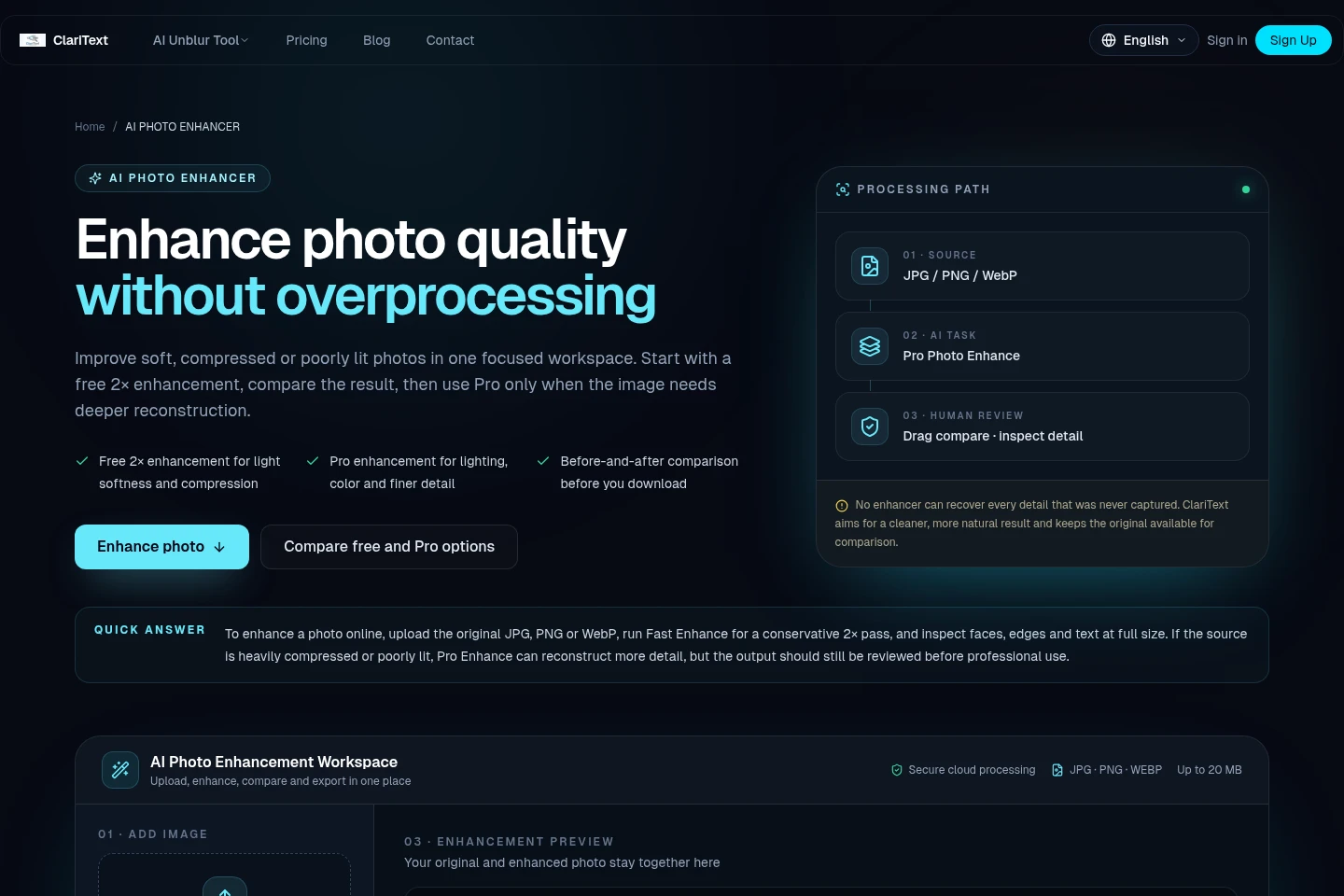
Improves soft, compressed or low-resolution photos and provides an enhanced image for comparison and download. Fast offers a free 2× pass once per day; Pro uses three credits for deeper work on lighting, color, noise and fine detail.
Text removal
Removes unwanted text overlays and reconstructs the surrounding image. The Pro tool costs three credits per completed result; review the generated image before downloading.
Shadow removal
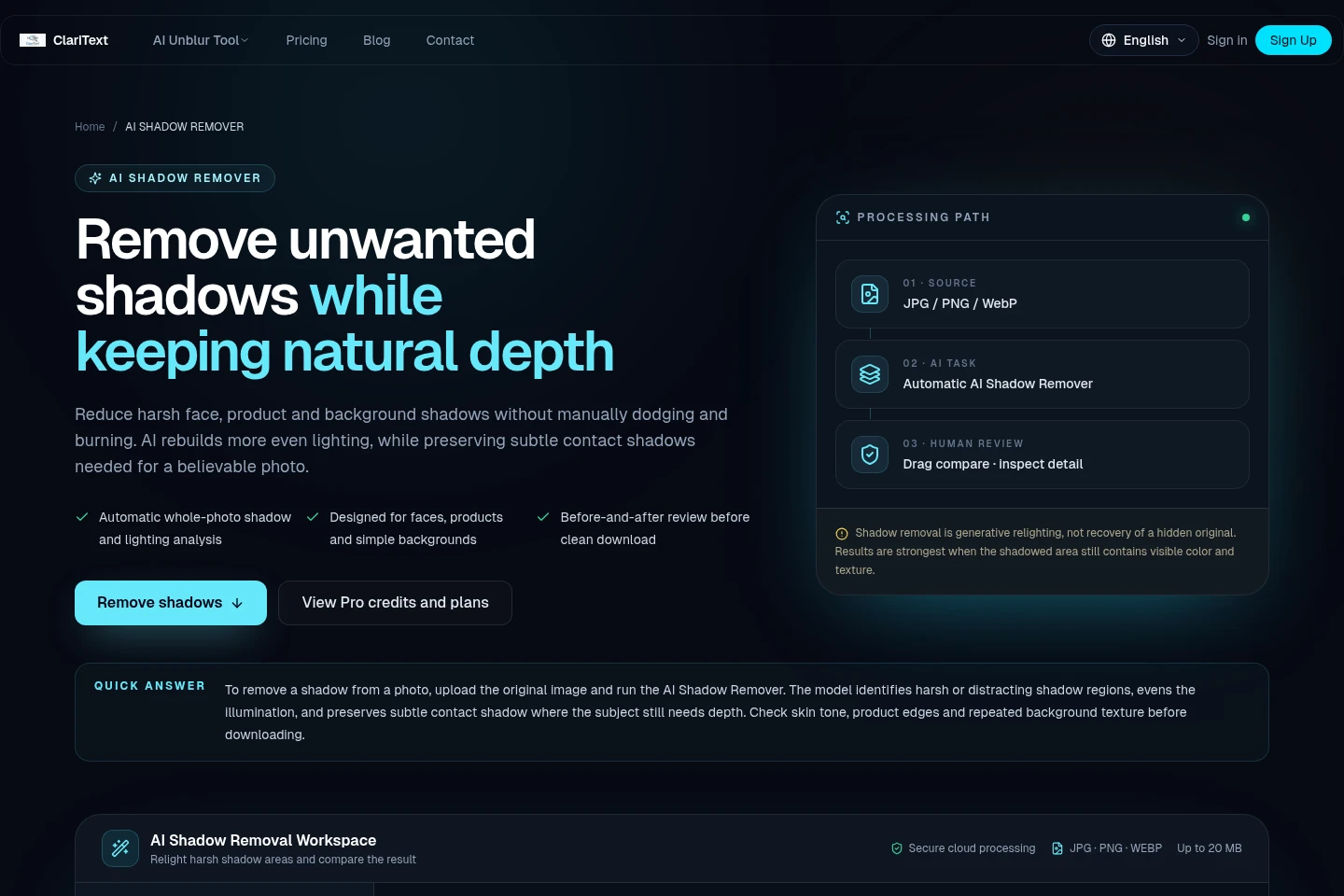
Reduces harsh or distracting shadows and produces a relit photo for comparison and download. The Pro tool costs three credits per completed result and aims to retain subtle contact shadows; results depend on visible color and texture in shadowed areas.
Pricing
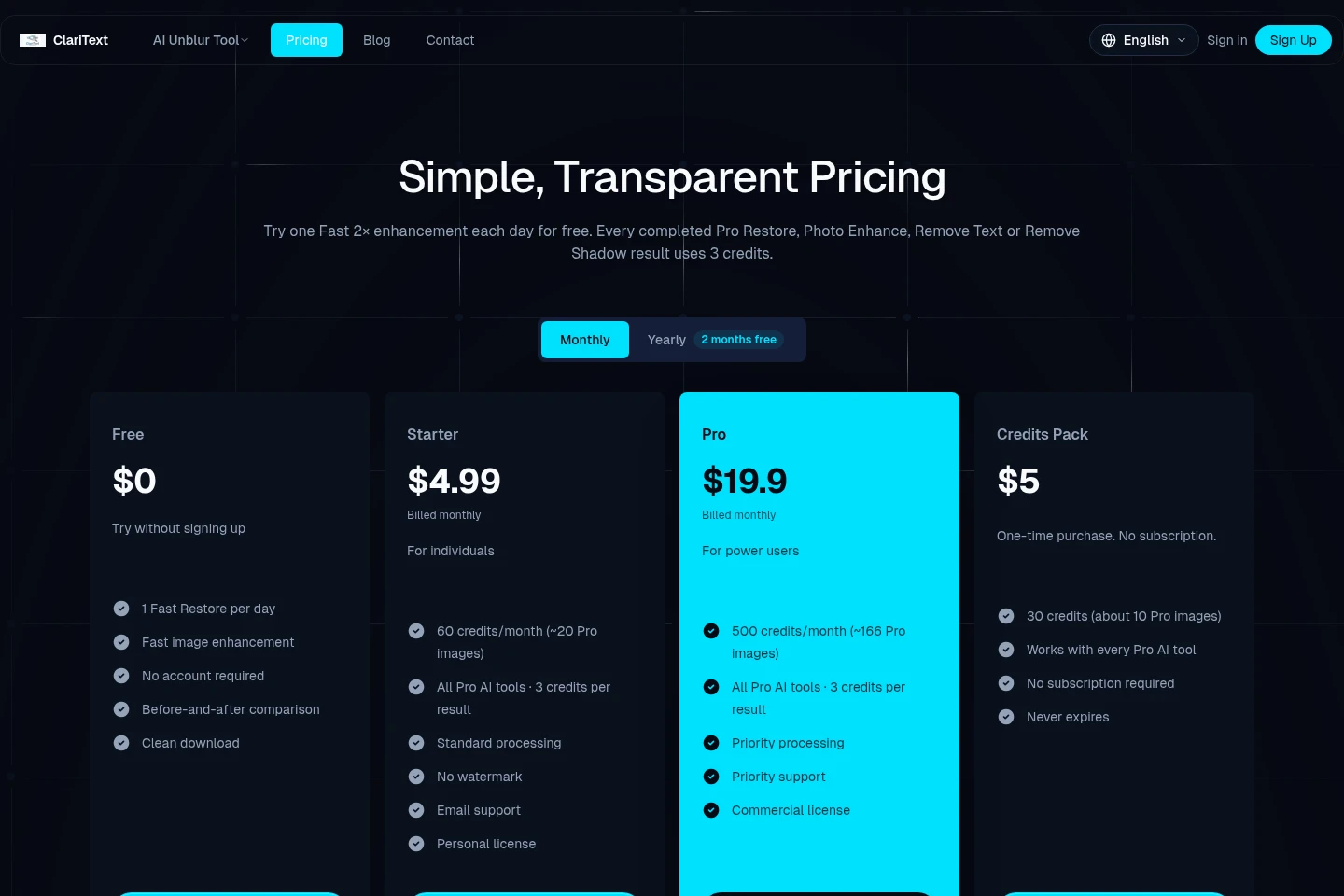
ClariText offers a free tier, recurring monthly and yearly subscriptions, and a one-time credit pack. Compare daily Fast usage, credit allowances, processing priority, licensing and support to choose a plan.
| Plan | Price | Included features and limits |
|---|---|---|
| Free | $0 |
|
| Starter | $4.99 billed monthly |
|
| Pro | $19.90 per month |
|
| Credits Pack | $5 one-time purchase |
|
Yearly plans cost the same as 10 months and provide 12 months of credits. Refund windows are 30 days from purchase for annual plans and unused one-time credit packs, and 14 days after a monthly renewal, subject to the refund policy; change of mind alone is not covered.
Use cases
Restore a blurry photo or scanned page
When a photo, screenshot or scan is too soft to inspect, upload a JPG, PNG or WEBP file up to 20 MB and choose Fast for light blur or Pro for deeper generative repair. Compare the restored version with the original, then download it.
Enhance a soft or compressed photo
When an existing image looks soft, compressed or small, use the free Fast 2× enhancement or a credit-based Pro pass for lighting, color, noise and detail. Inspect the before-and-after comparison and download the result if it meets your needs.
Remove unwanted text from an image
When a text overlay distracts from an image, submit the image to the Pro Remove Text tool. It reconstructs the surrounding image; each completed result uses three credits and can be reviewed before download.
Reduce distracting shadows in a photo
When harsh shadows interfere with a portrait, product photo or scene, run the Pro shadow-removal tool to even the lighting while retaining subtle depth. Compare the relit photo with the original and check the result before downloading.
Limitations
AI cannot guarantee the exact original detail when information in an image is badly damaged or missing.
Shadow removal works best when some color and texture remain visible in the shadowed area.
Fast Restore is limited to one image per day for free users; the daily free use requires no account.
Each completed Pro result uses three credits; the eligible free Pro preview is watermarked until unlocked.
Who it is for
People restoring blurry photos, screenshots or scanned documents
Creators enhancing product photos and other images for publishing
People trying to inspect small or blurred text within an image
FAQ
How do I restore a blurry image online?
Upload a JPG, PNG or WEBP image up to 20 MB, choose Fast or Pro Restore, compare the result with the original, and download it. Fast Restore's daily free use does not require an account.
What is the difference between Fast and Pro?
Fast is a 2× enhancement that uses no credits and is free once per day for users; an active subscription includes unlimited Fast use. Pro performs generative repair for heavier blur and uses three credits per completed result.
Can AI recover every missing detail?
No. AI may reconstruct likely detail but cannot guarantee the exact original when information is badly damaged or missing. Check important names, numbers and text against another source.
How many credits does a Pro result use?
Each completed Pro AI result uses three credits across Restore, Photo Enhance, Remove Text and Remove Shadow. Failed paid Pro tasks are automatically refunded.
How can I remove a watermark from a Pro preview?
Unlock the eligible watermarked preview with three credits, or buy a one-image clean unlock for $1.99 at download. Pro results paid with credits and Fast results are not watermarked.
Do credits expire, and what happens if I cancel?
Credits do not expire. Existing credits remain available after cancellation, which stops future charges; prepaid yearly instalments already paid for continue arriving on schedule.
Comments