

- Monthly visits
- 3,792
- 2026-10
- Monthly growth +195.8%
Chat with Work - AI bots handle recurring work and bring decisions to you
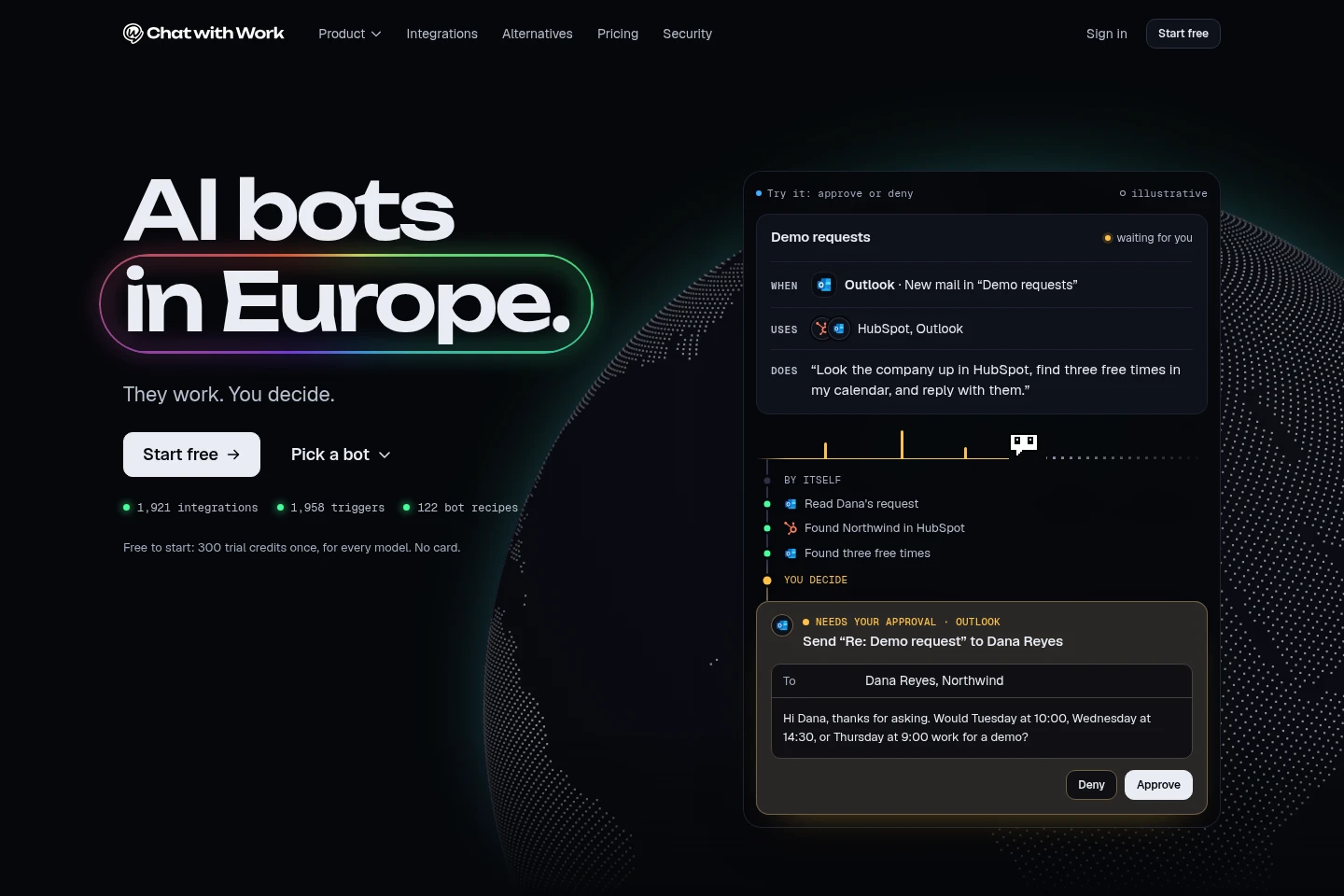
Chat with Work connects AI bots to workplace tools so they can start on a schedule or an event, complete recurring tasks, and pause for approval when needed. Ask connected tools questions in one chat, review linked sources, and share chats in projects. Hosted in Europe or available to self-host; desktop and mobile apps are also offered.
- AI Agents
- Workflow Automation
- AI Assistants
- General AI Agents
- AI workflow bots
- cross-tool AI chat
- work task automation
Capabilities
Scheduled and event bots
Bots run recurring tasks when a schedule or connected-tool event starts them, producing drafts or updates for review. Choose a recipe, connect the required tools, and configure when it runs; bots ask before actions unless you allow them to run.
Cross-tool chat and search
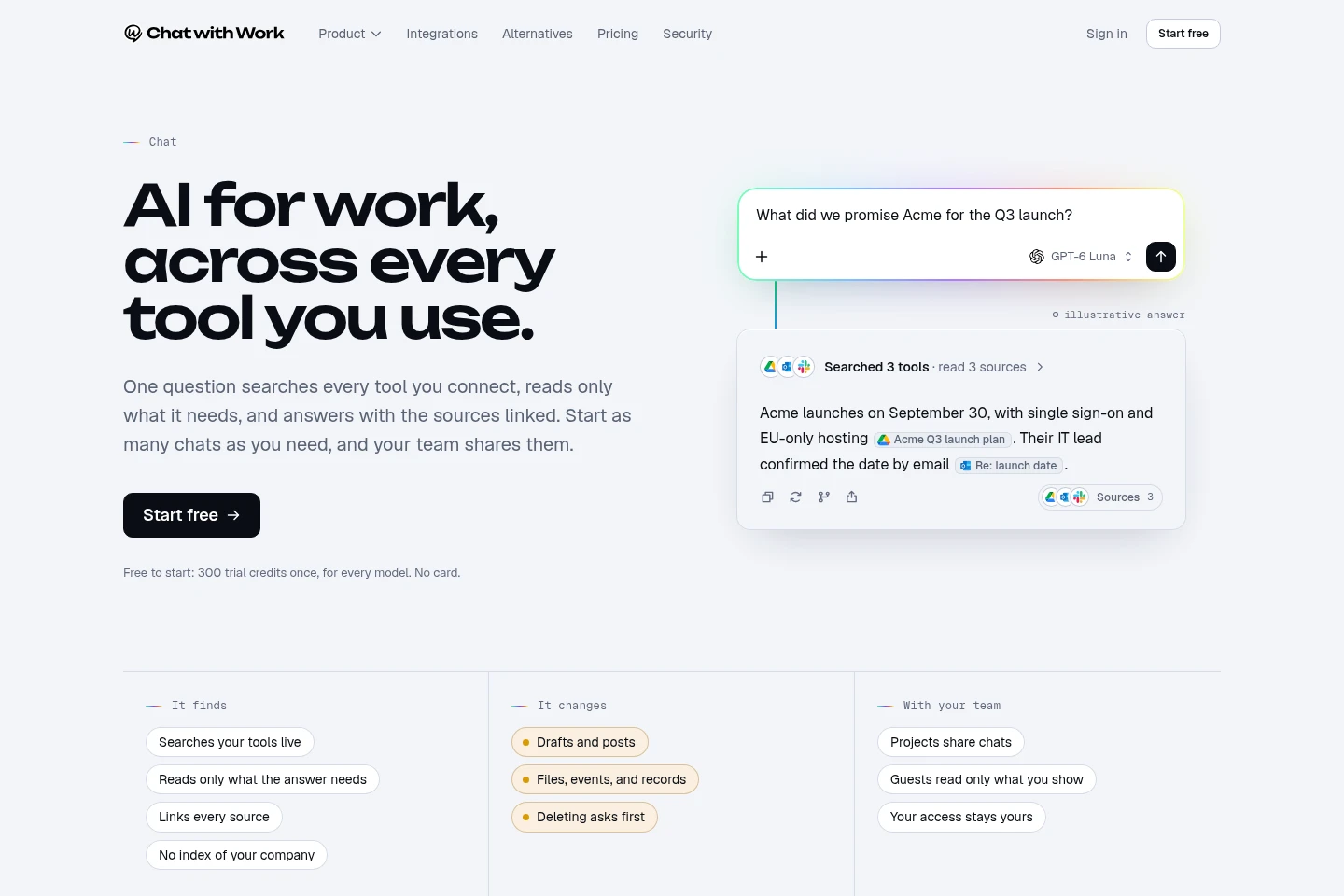
A chat searches connected workplace tools and answers with links to the sources it used. Ask a question across connected services; the system searches live rather than building a company index, and team members can share chats in projects.
Approval-controlled changes
Bots and chats can present proposed changes for approval before they affect connected services. Connect supported tools and review each action; deleting asks first, while configured bots may run without approval.
Desktop computer actions
The desktop app can scan paper, work with code and files, run sandboxed commands, use a browser, and print. Install Chat with Work Desktop for Mac, Windows, or Linux; sandbox commands require Windows 11 24H2 or later on Windows.
Pricing
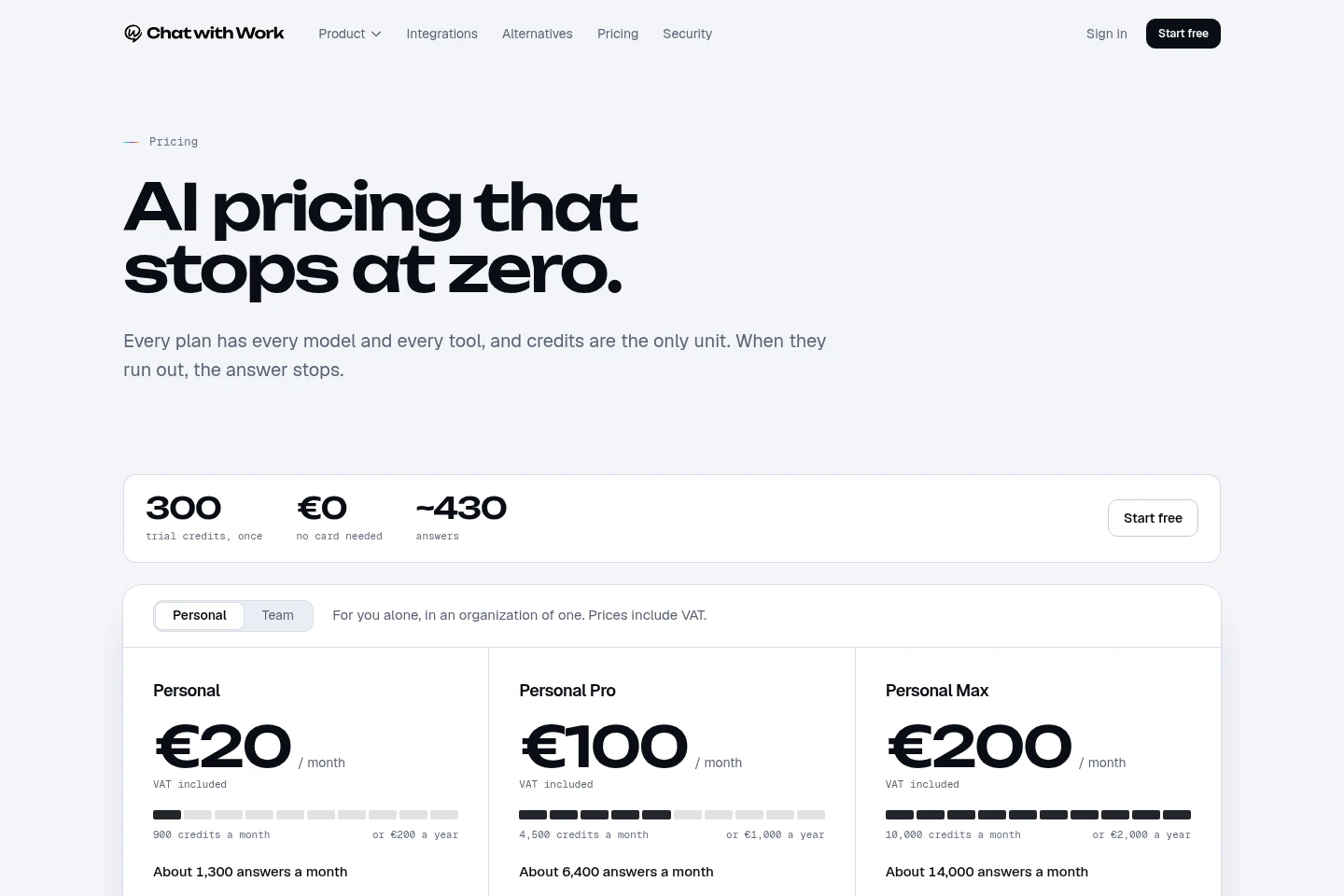
Chat with Work offers a one-time free credit allowance and paid monthly or annual plans. Compare personal or team billing, monthly credits per person, and whether credits are pooled before choosing a plan.
| Plan | Price | Included features and limits |
|---|---|---|
| Personal | €20/month or €200/year |
|
| Personal Pro | €100/month or €1,000/year |
|
| Personal Max | €200/month or €2,000/year |
|
| Team | €25/person/month or €250/year per person |
|
| Team Pro | €125/person/month or €1,250/year per person |
|
| Team Max | €250/person/month or €2,500/year per person |
|
Every plan includes every model and integration. Credits stop at zero without additional billing. A top-up of 400 credits costs €10 including VAT and is valid for 3 years, or 12 months for businesses.
Use cases
Automate recurring workplace tasks
When a task repeats or a connected tool reports an event, set up a bot recipe to handle steps such as drafting replies, preparing summaries, or updating records. Connect the needed tools and choose whether it should ask before acting; the bot leaves proposed decisions for review.
Find answers across connected tools
When information is spread across workplace services, ask one question in Chat with Work and let it search the tools you connected. It returns an answer with linked sources, without first syncing a company-wide index.
Review proposed bot actions
When a bot prepares a response or change in a connected service, inspect its proposal and approve or deny it before it proceeds. Bots ask first unless configured to run without approval.
Limitations
Free access provides 300 trial credits once per login and model; it is not a recurring monthly credit allowance.
When an account's available credits reach zero, the answer stops; the service does not bill for additional credits automatically.
Longer answers and answers using larger models consume more credits than typical answers.
On Windows, sandboxed desktop commands require Windows 11 24H2 or later.
Who it is for
Workplace operations staff who need recurring chores handled across connected tools
Teams that need to ask questions across workplace apps and share sourced chats
Computer users who need an assistant to work with files, code, documents, or browser tasks
FAQ
What can a bot do in Chat with Work?
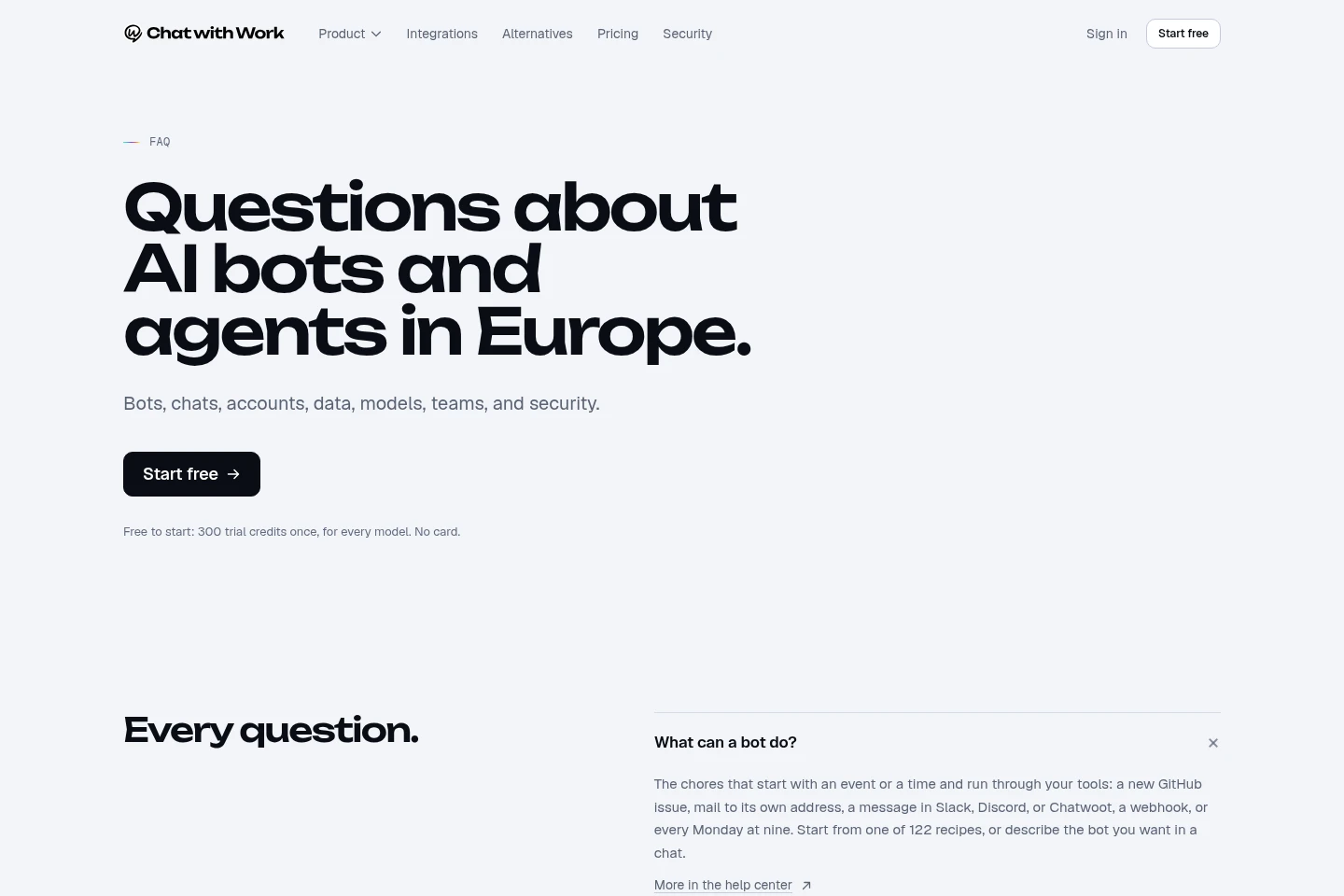
A bot can perform recurring chores across connected tools, starting on a schedule or an event. Available recipes include drafting replies, preparing briefs, and updating records; it asks before acting unless you configure it to run.
What happens when credits run out?
The answer stops when credits reach zero, and you are not billed for more. You can top up or wait for the next month's credits.
Does trying Chat with Work require a plan or card?
No. Each login receives 300 trial credits once for every model, with no plan or payment card required.
Can Chat with Work be self-hosted?
Yes. You can run it on infrastructure you control and choose the models, including local models.
How are team credits and chats handled?
Team plan credits are allocated per person and shared across the team. Projects share chats, guests are free, and administrators can cap each person's monthly spending.


Comments