

- Monthly visits
- 3,235
- 2026-09
- Monthly growth +251.2%
ChangeNotifier - Monitor website and infrastructure changes, with alerts when they happen
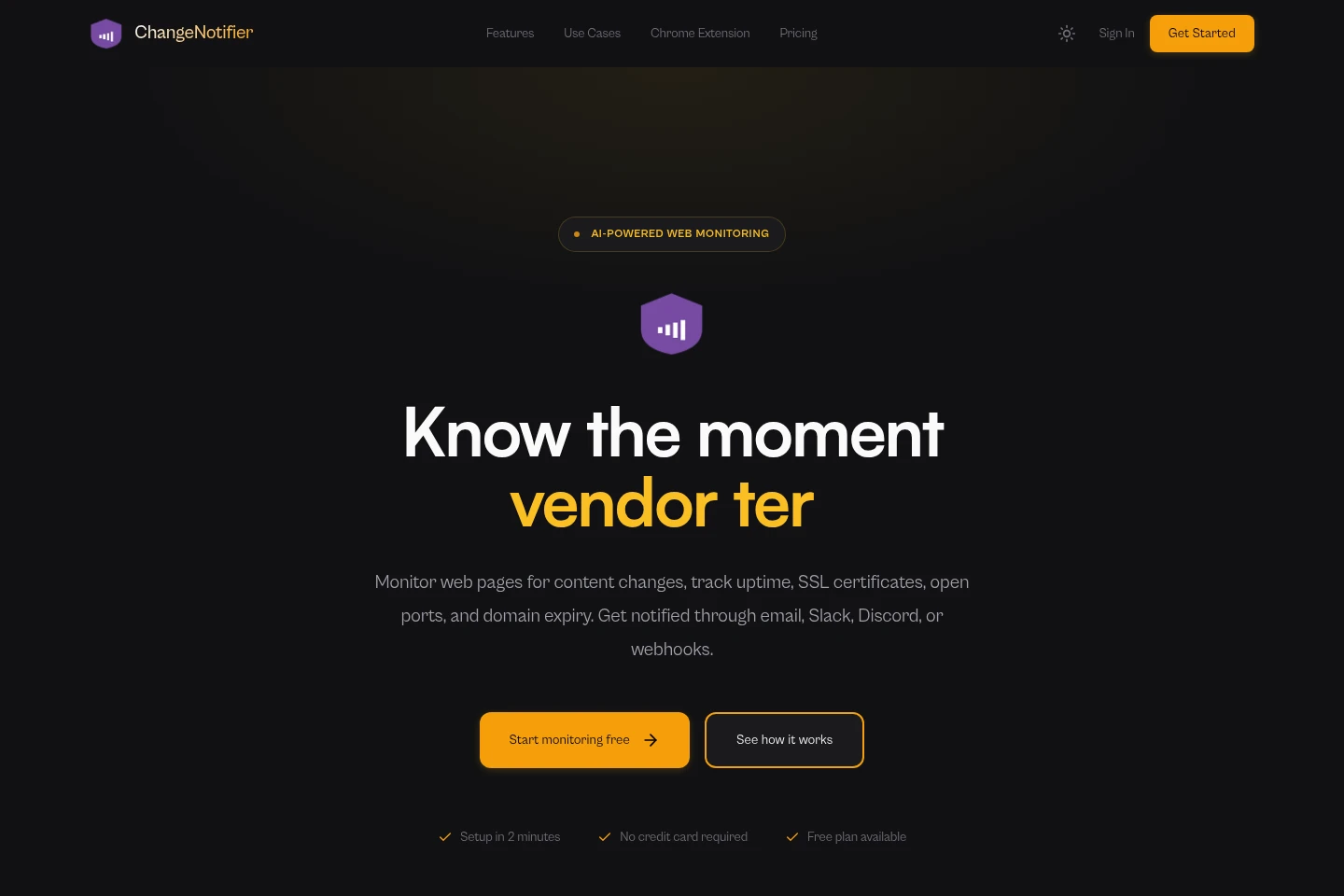
ChangeNotifier monitors web pages for visual, text, and element-level changes, and checks uptime, SSL certificates, TCP ports, and domain expiry. AI filtering, custom conditions, summaries, and notifications help users focus on selected changes. Monitors can use a Chrome extension or recorded browser actions, including on JavaScript-rendered and login-protected pages.
- AI Coding
- Uptime Monitoring
- Browser Automation
- website change monitoring
- website price tracker
- uptime and SSL monitoring
Capabilities
Web page change monitoring
Detects visual, text, and selected-element changes on web pages and provides comparisons and diffs. Monitor a full page or choose an element; JavaScript-rendered pages are supported.
Infrastructure monitoring
Checks HTTP uptime, SSL certificate expiry, TCP port availability, and domain expiry, with alerts for relevant status changes. HTTP checks can run as often as every minute; domain tracking uses WHOIS.
AI alert filtering and conditions
Evaluates detected changes and applies filters or conditions to decide whether to alert. Conditions can use natural language, keywords, text, numbers, or regular expressions.
Browser action recording
Records browser steps such as clicking, typing, scrolling, and waiting, then replays them before a monitor check. This can navigate dynamic pages and login screens; up to 50 steps per monitor.
Multi-channel notifications
Sends change alerts through email, Slack, Discord, webhooks, Zapier, n8n, or RSS. Alerts can include summaries, before-and-after comparisons, screenshots, and structured diff data.
Pricing
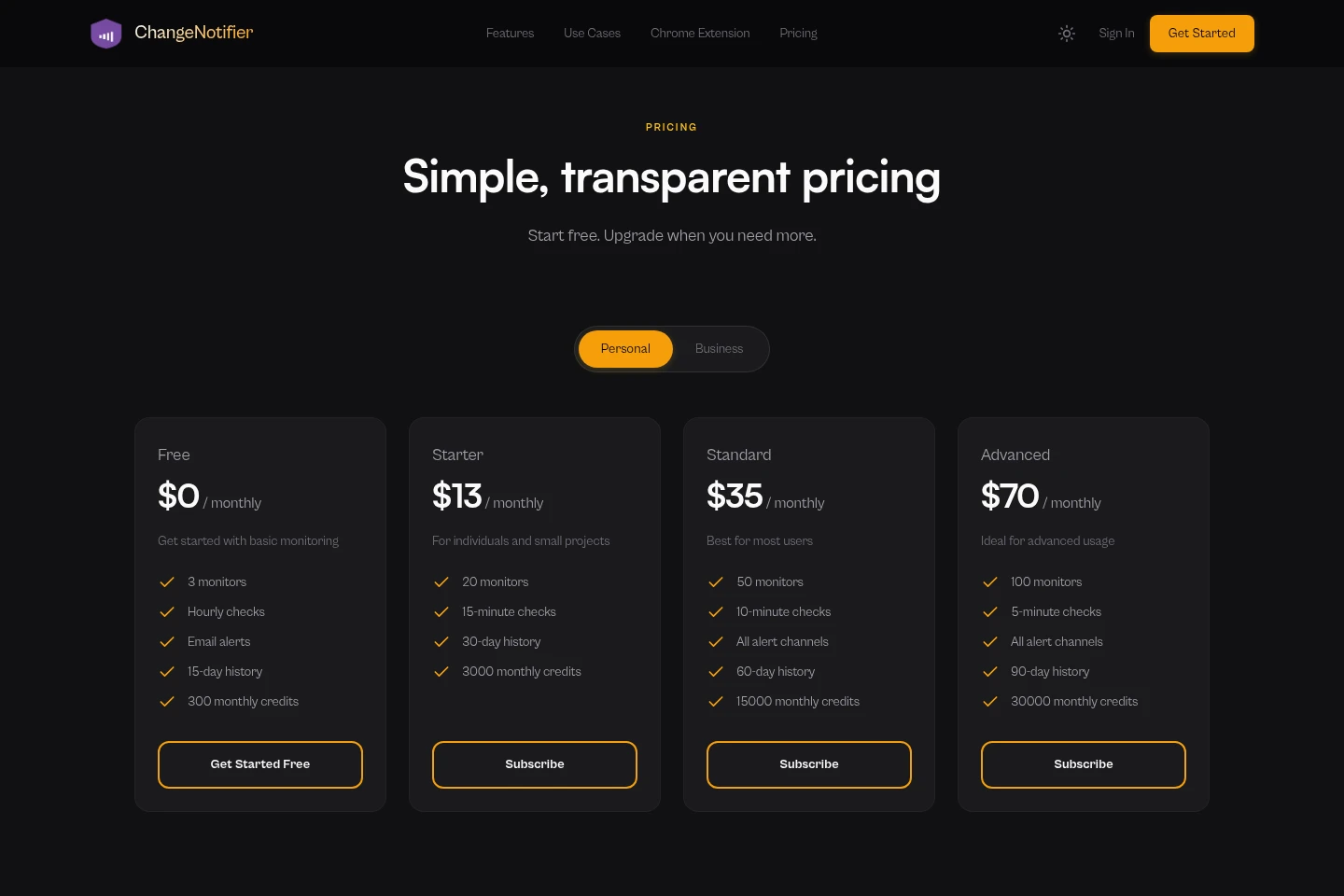
ChangeNotifier offers a free plan and paid monthly subscriptions. Compare monitor limits, check intervals, history duration, alert channels, and monthly credits when choosing a plan.
| Plan | Price | Included features and limits |
|---|---|---|
| Free | $0 monthly |
|
| Starter | $13 monthly |
|
| Standard | $35 monthly |
|
| Advanced | $70 monthly |
|
Use cases
Track page and price updates
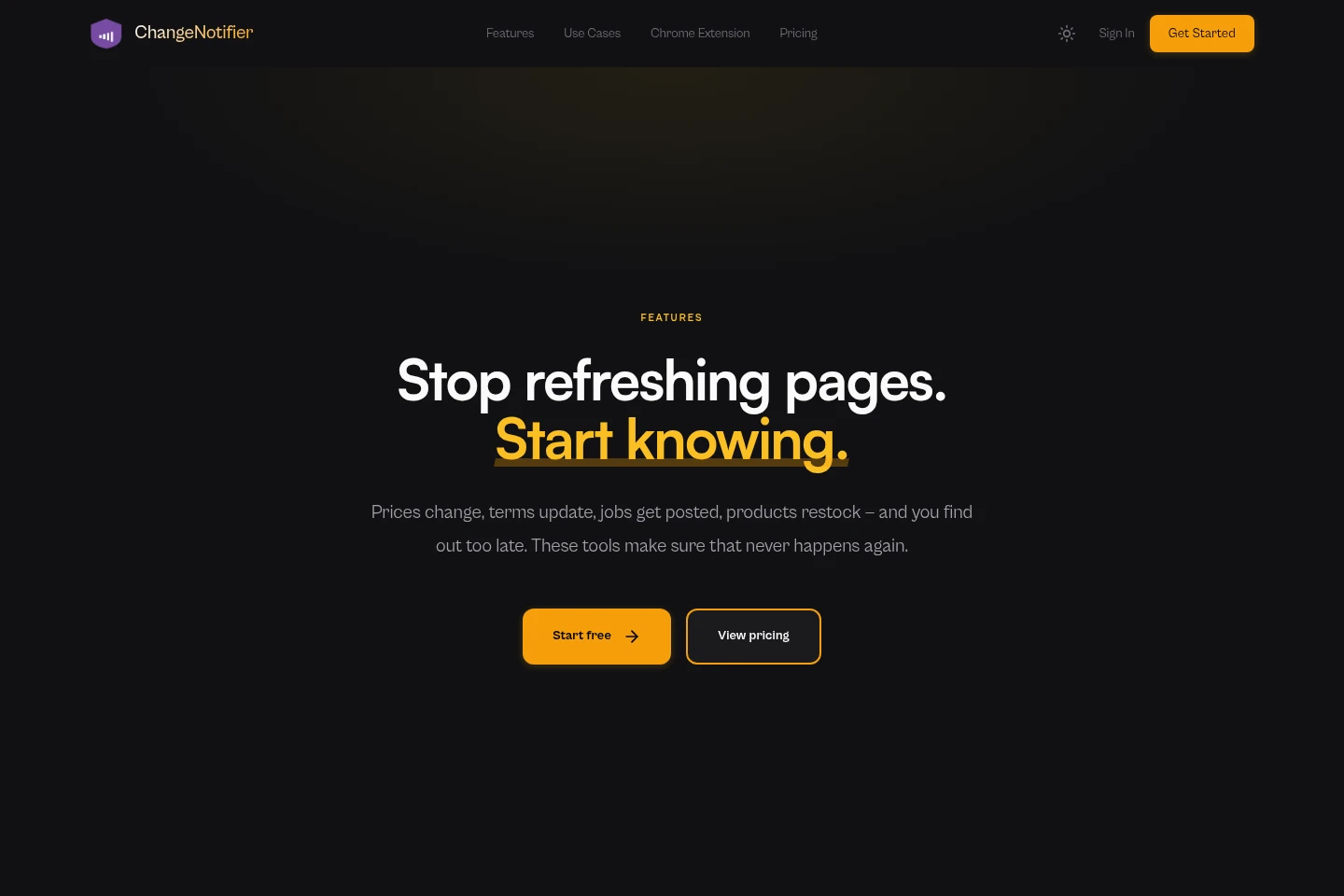
When prices, product availability, or page content may change, monitor a whole page or selected elements. ChangeNotifier detects text, visual, or element-level differences and can send an alert with a summary and comparison.
Watch service and domain status
When a website or service needs availability checks, configure HTTP uptime, SSL expiry, TCP port, or domain-expiry monitoring. Alerts report detected state changes, certificate deadlines, or WHOIS-based expiry information.
Monitor pages behind login screens
When a page requires navigation through a login or cookie banner, record browser actions such as clicks, typing, and scrolling. The monitor replays the sequence before checking the page.
Limitations
Recorded browser automation is limited to 50 steps per monitor.
The Free plan includes 3 monitors, hourly checks, email alerts, 15-day history, and 300 monthly credits.
The Starter plan lists 20 monitors and 15-minute checks; its listed channels and history are not specified on the pricing page.
The Standard plan lists 50 monitors, 10-minute checks, all alert channels, 60-day history, and 15,000 monthly credits.
The Advanced plan lists 100 monitors, 5-minute checks, all alert channels, 90-day history, and 30,000 monthly credits.
Who it is for
Website operators who need page-change and service-availability alerts
Business and compliance teams tracking competitor pages, policies, or regulatory updates
Online shoppers and job seekers watching product prices, stock, or career pages
FAQ
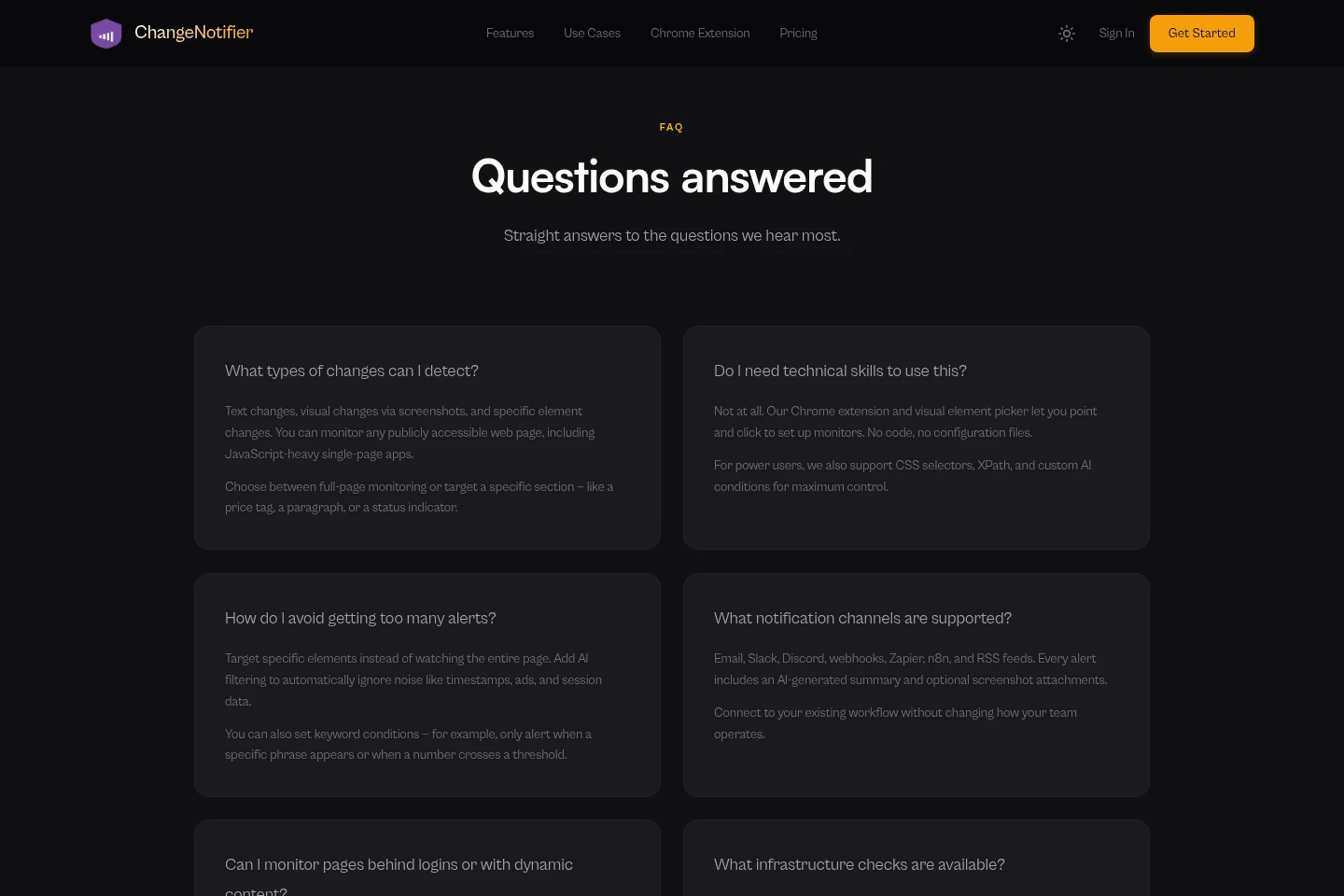
What types of web page changes can ChangeNotifier detect?
It detects text changes, visual changes using screenshots, and changes to selected page elements. You can monitor a full publicly accessible page or target a section, including JavaScript-heavy pages.
Do I need technical skills to set up a monitor?
No. The Chrome extension and visual element picker support point-and-click setup. CSS selectors, XPath, and custom AI conditions are also available for users who want more control.
How can I reduce unnecessary alerts?
You can monitor a specific element instead of a whole page and use AI filtering to ignore changes such as timestamps or session data. Keyword, number, and regular-expression conditions can further narrow alerts.
Which notification channels are supported?
Email, Slack, Discord, webhooks, Zapier, n8n, and RSS are listed. Alerts can include an AI-generated summary and optional screenshot attachments.
Can monitors access pages behind logins or with dynamic content?
Yes. Record browser actions such as clicks, typing, and scrolling to navigate login screens, cookie banners, or multi-step flows. The browser engine renders JavaScript-heavy pages before monitoring.
Is there a free plan?
Yes. Free costs $0 monthly and includes 3 monitors, hourly checks, email alerts, 15-day history, and 300 monthly credits. The homepage says no credit card is required to start.
Comments