

- Monthly visits
- 4,909
- 2026-09
- Monthly growth +107.9%
Build Chatbot - Build no-code chatbots trained on your own content
Build Chatbot is a no-code builder for website chatbots. Upload documents, website URLs, audio, or video to train a bot on your content, customize its appearance, and embed it on a website. Users can review conversations and respond to visitors through web, mobile apps, or Slack.
- AI Chatbots
- Customer Service Chatbots
- Knowledge Base
- Help Desk Software
- no-code chatbot builder
- website AI chatbot
- chatbot knowledge base
Capabilities
Train bots on uploaded content
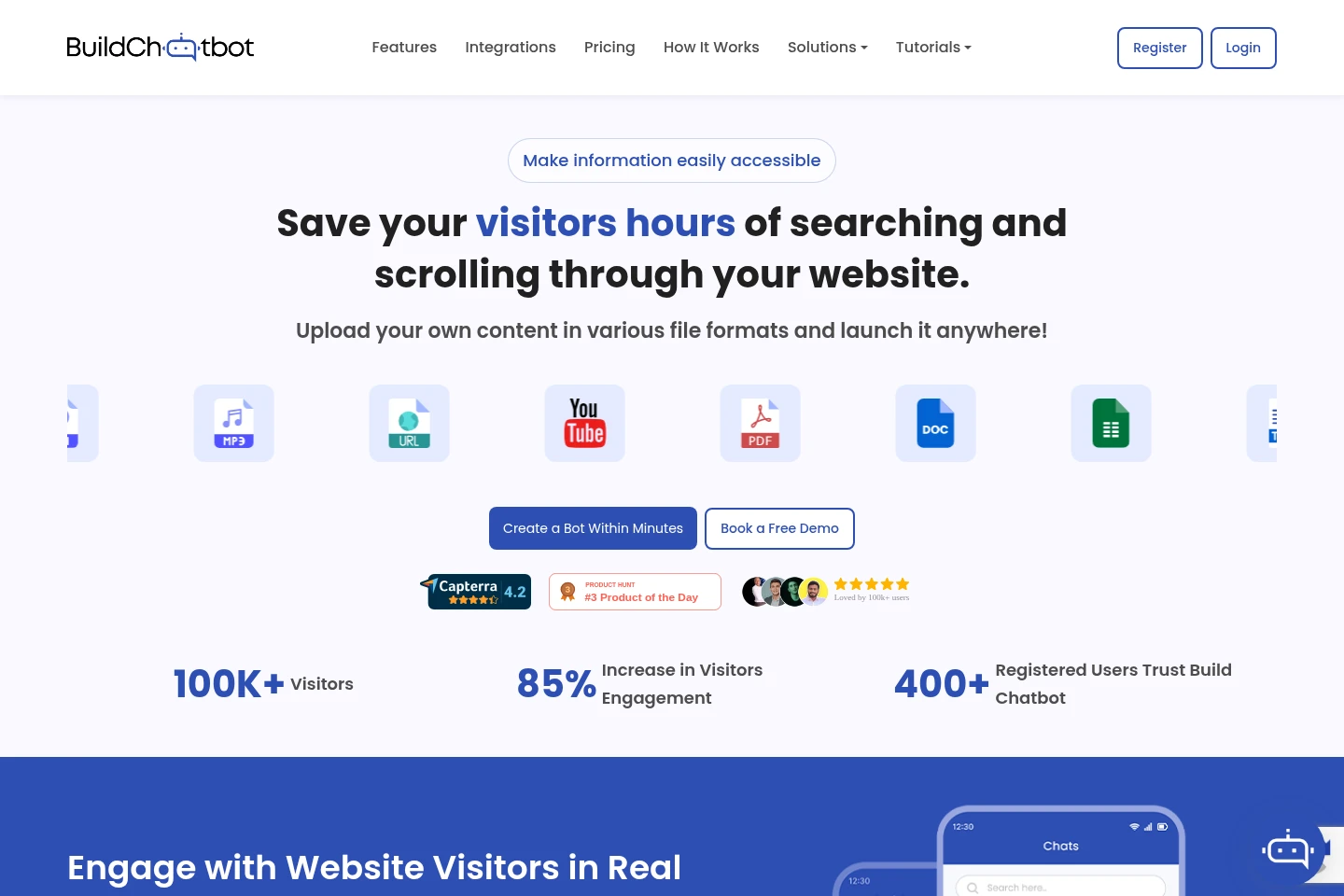
The builder creates a chatbot trained on information supplied by the user. Upload supported documents, website or YouTube URLs, audio, and video; the bot processes the material for later question answering.
Embed a chatbot on a website
The builder provides an embed code to place a configured chatbot on a website. Users first create and train a bot, then add the code through the chatbot launch settings.
Customize chatbot appearance
Users can adjust the chatbot design, branding, and behavior to fit a website or platform. The site describes brand personalization and a customizable chat widget, including a full-page widget.
Manage visitor conversations
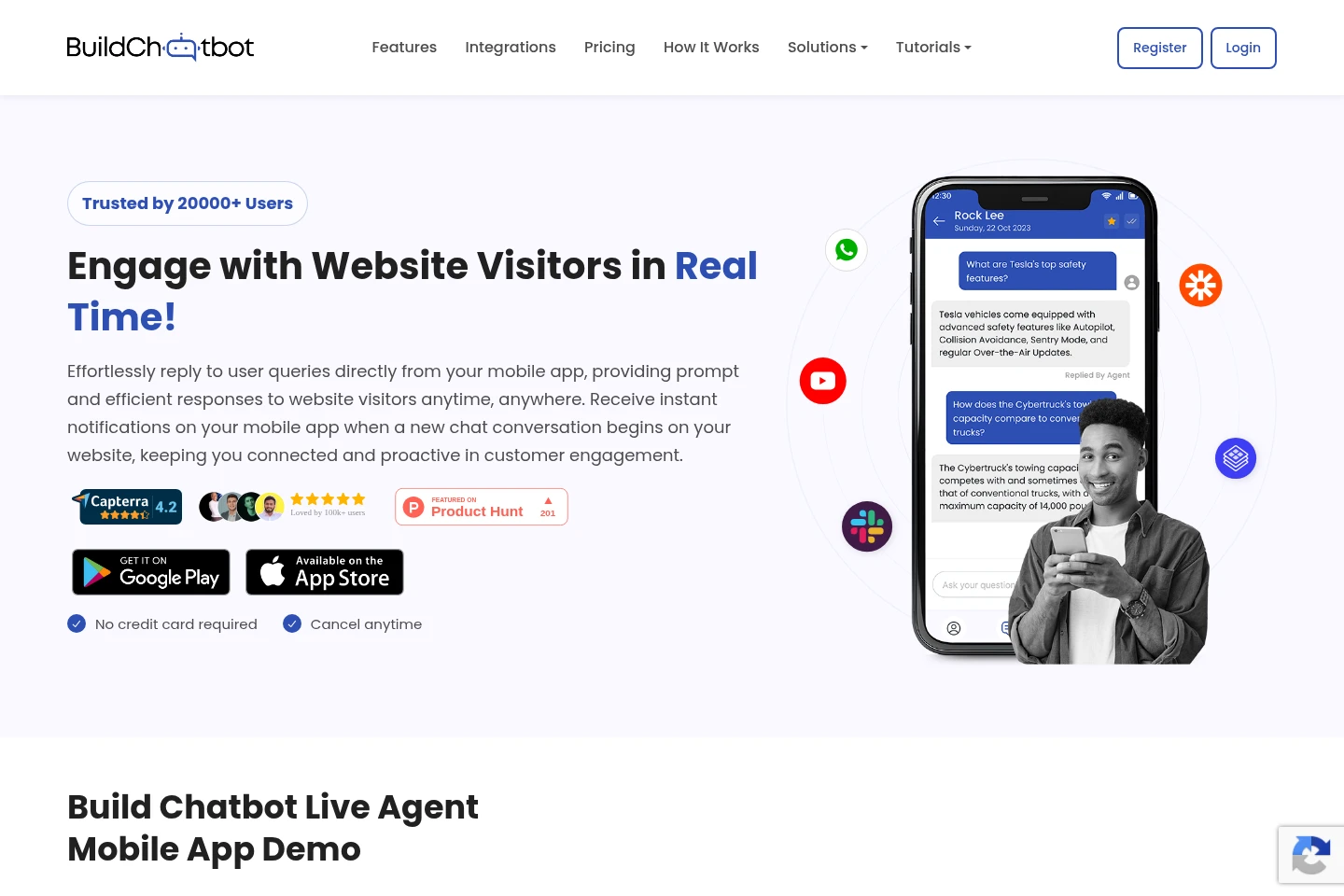
The product presents visitor questions and chat history for review and response. Users can reply through web, mobile apps, or Slack, and the mobile app provides conversation updates and notifications.
Connect chatbot workflows
Integrations connect chatbot conversations with other services. Zapier can trigger actions when a visitor starts a chat or submits data, and Slack supports live-agent communication.
Pricing
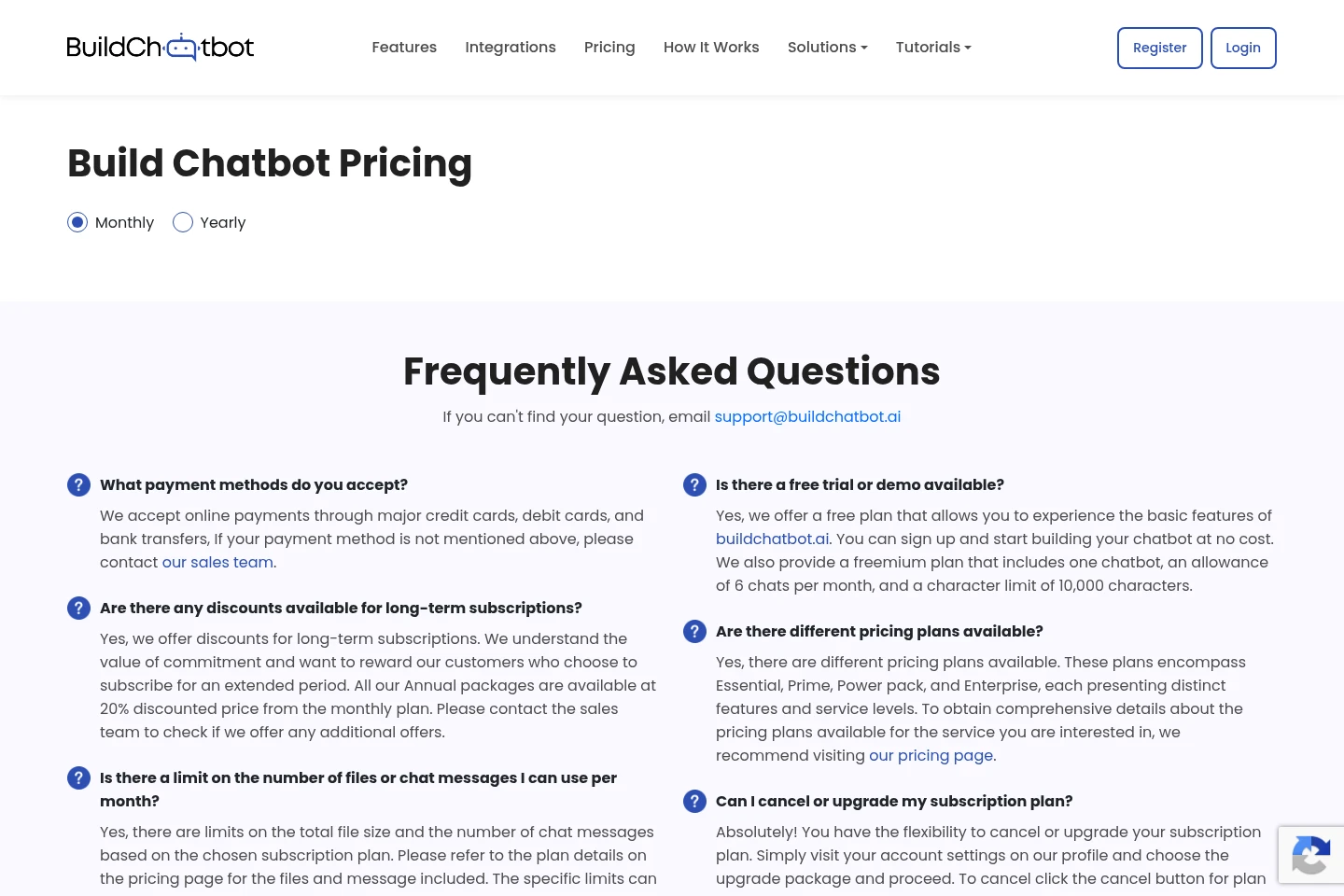
Build Chatbot offers a free plan and subscription plans. Compare chatbot, character, and monthly chat allowances, along with included features, before choosing; the pricing page presents monthly and yearly billing options.
| Plan | Price | Included features and limits |
|---|---|---|
| Free Plan | $0, free forever |
|
| Essential | Price not stated in supplied pricing evidence |
|
| Prime | Price not stated in supplied pricing evidence |
|
| Power pack | Price not stated in supplied pricing evidence |
|
| Enterprise | Custom pricing; amount not stated |
|
The pricing page offers monthly and yearly choices. The pricing FAQ says annual packages are discounted by 20% from the monthly plan and that longer-term subscriptions may receive discounts.
Use cases
Answer questions from website visitors
When a website needs to make its own information easier to find, the user uploads relevant content and embeds the trained chatbot. Visitors can ask questions and receive answers based on that supplied material.
Respond to incoming visitor chats
When visitors start conversations on a website, support staff can review messages and reply using the web workspace, mobile app, or Slack integration. Mobile notifications alert users to new conversations.
Send chatbot-collected data to other apps
When a chatbot collects visitor data during a conversation, the user can connect Zapier triggers and actions to pass that information to other apps. The available page describes this workflow for lead information.
Limitations
The Free Plan includes one chatbot, 10,000 characters, and six chats per month; these quotas are plan-specific.
The pricing page warns that downgrading a subscription plan deletes existing bots and data.
Chat and file-size limits vary by subscription plan, so the available monthly allowance depends on the selected plan.
Who it is for
Website owners who need a chatbot to answer questions using their own site content
Customer support staff who need to review visitor chats and respond across web, mobile, or Slack
Nontechnical users who want to create and train a website chatbot without coding
FAQ
What content can be used to train a chatbot?
The FAQ lists PDF, Docs, Text, website URLs, YouTube URLs, audio, and video. The homepage also describes CSV, DOCX, and Excel support; available formats may depend on the current product configuration.
How do I create and publish a chatbot?
Sign up through the website, upload content to train the bot, and configure its appearance. Then copy the embed code from the chatbot launch settings and add it to your website.
Can I reply to chats from a mobile app?
Yes. Build Chatbot describes mobile apps for iOS and Android that show new-chat notifications and allow users to respond to website visitors.
What is included in the Free Plan?
The Free Plan includes one chatbot, a 10,000-character allowance, and six chats per month. The pricing FAQ describes it as a free plan for trying basic features.
Which payment methods are accepted?
The pricing FAQ lists major credit cards, debit cards, and bank transfers. It advises contacting the sales team if a payment method is not listed.
What happens when I downgrade a subscription?
The pricing page warns that downgrading deletes all existing bots and data. Review and preserve anything needed before proceeding with a downgrade.
Official links
Official pricing · https://buildchatbot.ai/pricing
Documentation · https://documenter.getpostman.com/view/27680478/2s9YR6baAb
X · https://twitter.com/buildchatbotAI
Discord · https://discord.com/users/1133313024946622474
Download · https://play.google.com/store/apps/details?id=com.buildchatbot.app
Download · https://apps.apple.com/in/app/build-chatbot-ai-chatbot/id6474121603
Comments