
Monthly visits
6,489
2026-10
Monthly growth +1,060.8%

Bubblegum - Read personalized lessons and practice languages with AI

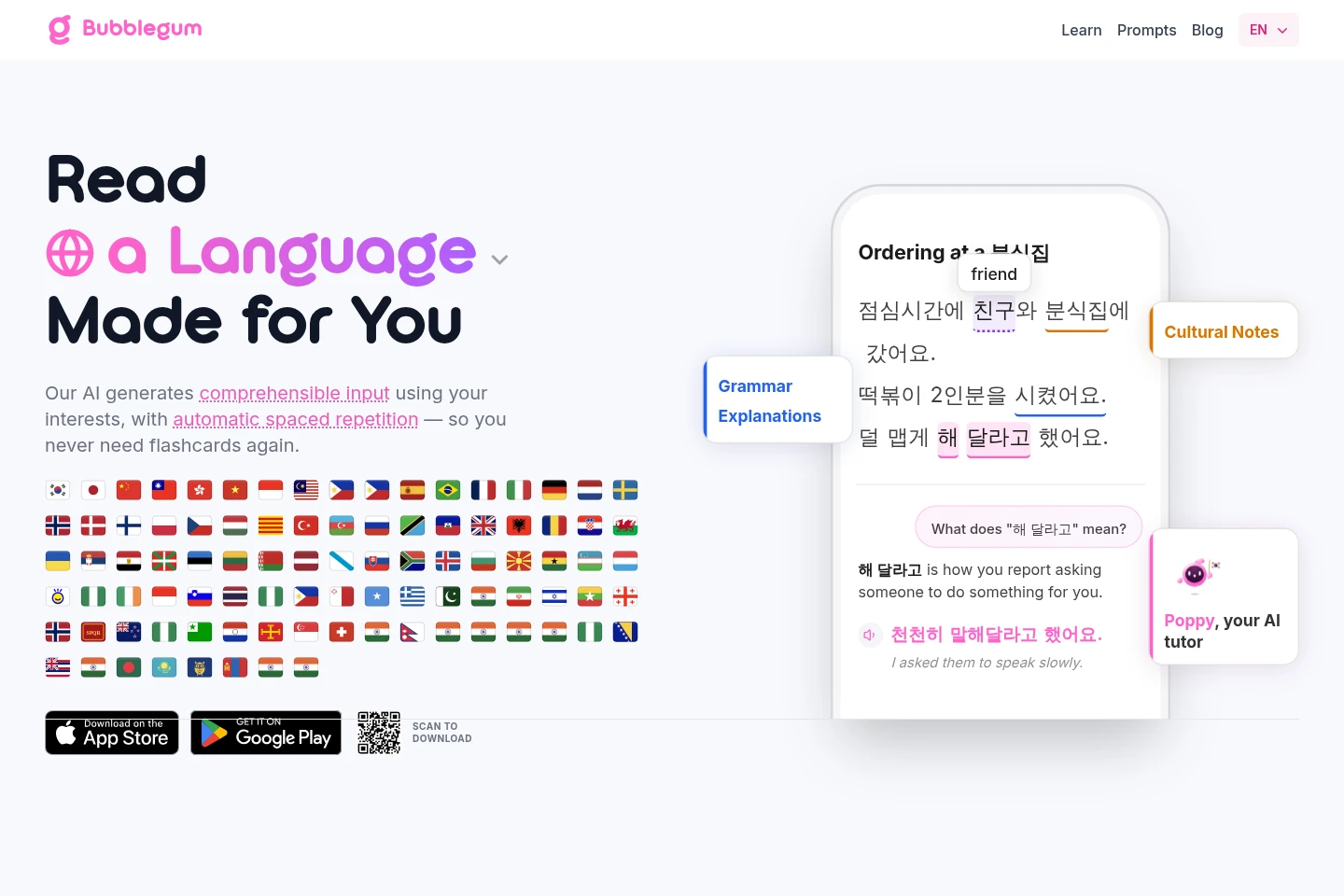
Bubblegum is a language-learning app that uses AI to create readable lessons based on learners’ interests. It combines reading, listening and speaking practice with automatic spaced repetition for vocabulary. The homepage lists a broad range of learnable languages and shows an AI tutor that answers questions about lesson text.

Visit WebsiteUpdate this product

0Views

Capabilities

Personalized reading lessons

Creates comprehensible language-learning text based on a learner’s interests. Learners read generated passages, with the homepage illustrating Korean text and explanations of vocabulary and grammar.

Reading, listening and speaking practice

Provides language practice through reading, listening and speaking. The homepage describes these as learning activities but does not specify how each activity is delivered or what languages support every mode.

Automatic spaced repetition

Schedules vocabulary review using automatic spaced repetition. The homepage presents this as a way to build vocabulary without needing separate flashcards.

AI text-question tutor

Answers questions about language-learning text in the app. The homepage presents Poppy as an AI tutor and illustrates an explanation of a Korean phrase.

Pricing

Pricing and billing details are not stated in the supplied pages, so there are no evidenced plans to compare.

Use cases

Read lessons about personal interests

When learners want reading material connected to topics they care about, Bubblegum generates comprehensible input based on their interests. They can read the resulting passages as language practice.

Ask questions about lesson text

When a learner encounters an unfamiliar phrase or construction while reading, the app’s AI tutor can answer questions about the text. The homepage example explains the meaning and use of a Korean expression.

Review vocabulary over time

When learners want to retain vocabulary from their language practice, Bubblegum automatically schedules spaced repetition. The homepage says this removes the need to use flashcards, without specifying the review schedule.

Bubblegum alternatives

Gliglish

Learn languages by speaking with AI

Gliglish is an AI-powered language learning platform designed to help you improve your speaking and listening skills effectively. With Gliglish, you can practice your pronunciation and grammar while engaging in realistic conversations. Our smart AI technology suggests phrases to help you communicate better, provides instant feedback on your grammar, and even helps you with pronunciation. You can learn at your own pace, choosing the speed of conversation and the language you want to master. This makes Gliglish the perfect solution for anyone looking to become fluent without the constraints of traditional classes.

  • Paid
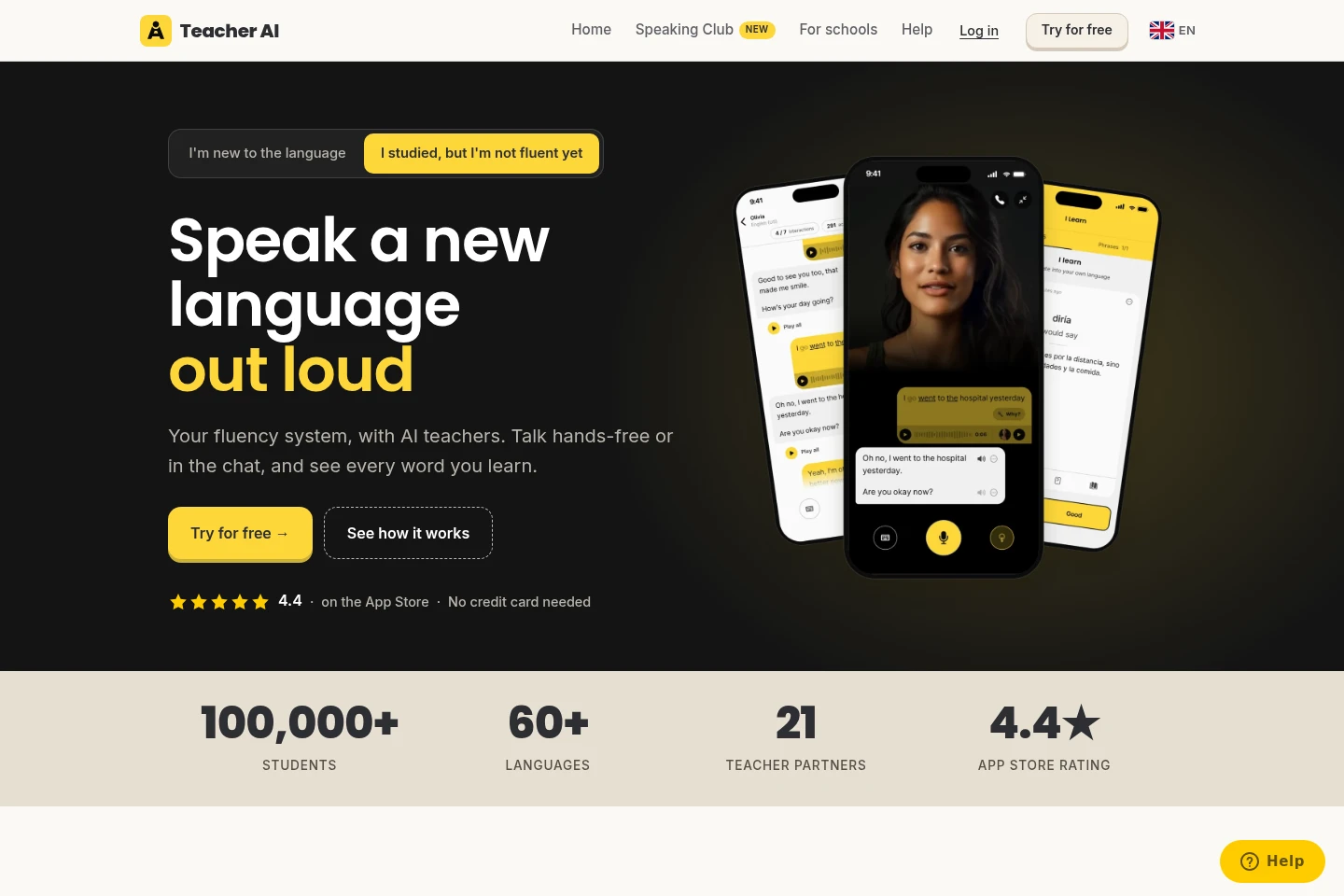
  1. Teacher AI

    AI-powered conversation practice with famous language teachers

    Freemium
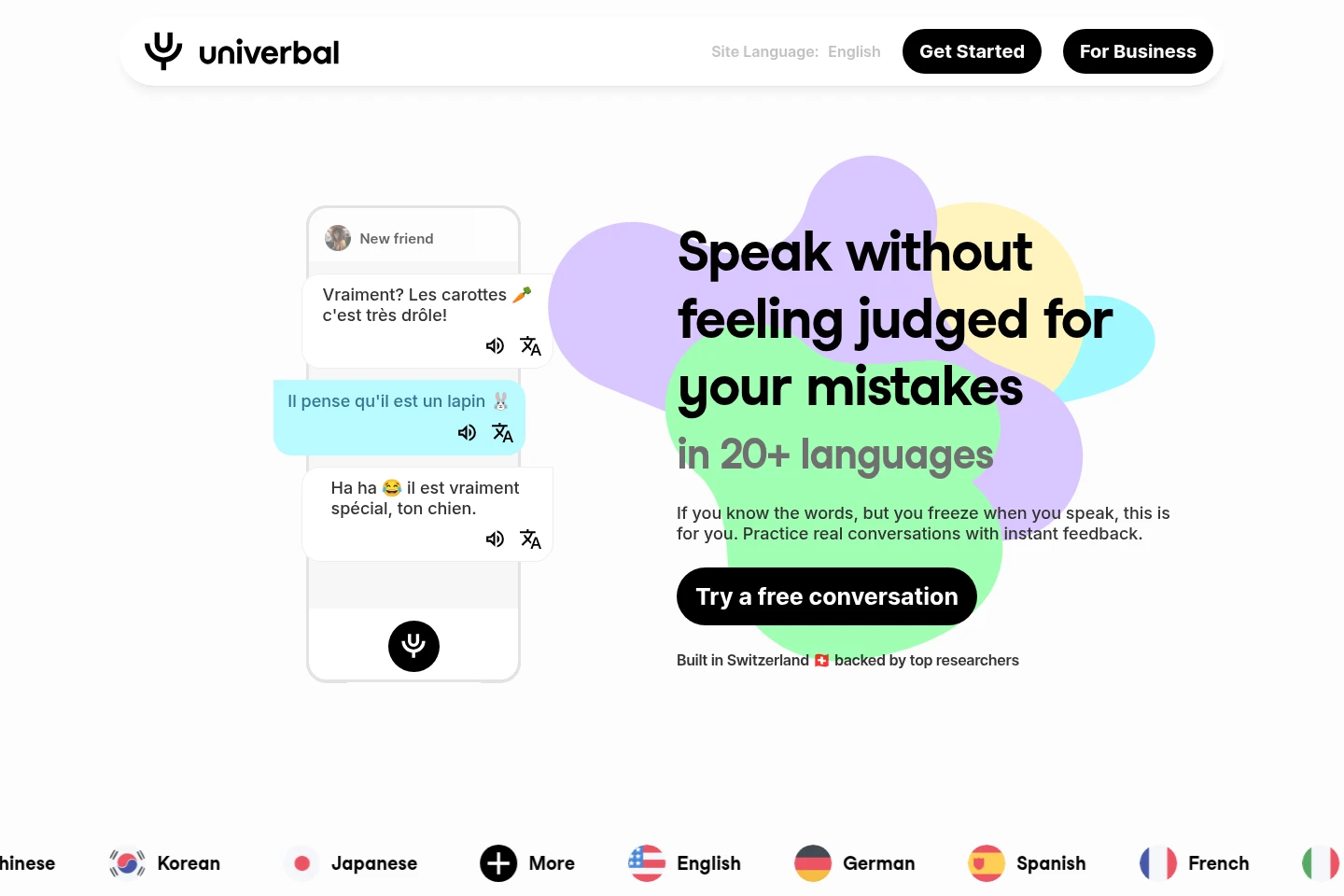
  2. Univerbal

    Learn a language through real conversations

    Freemium
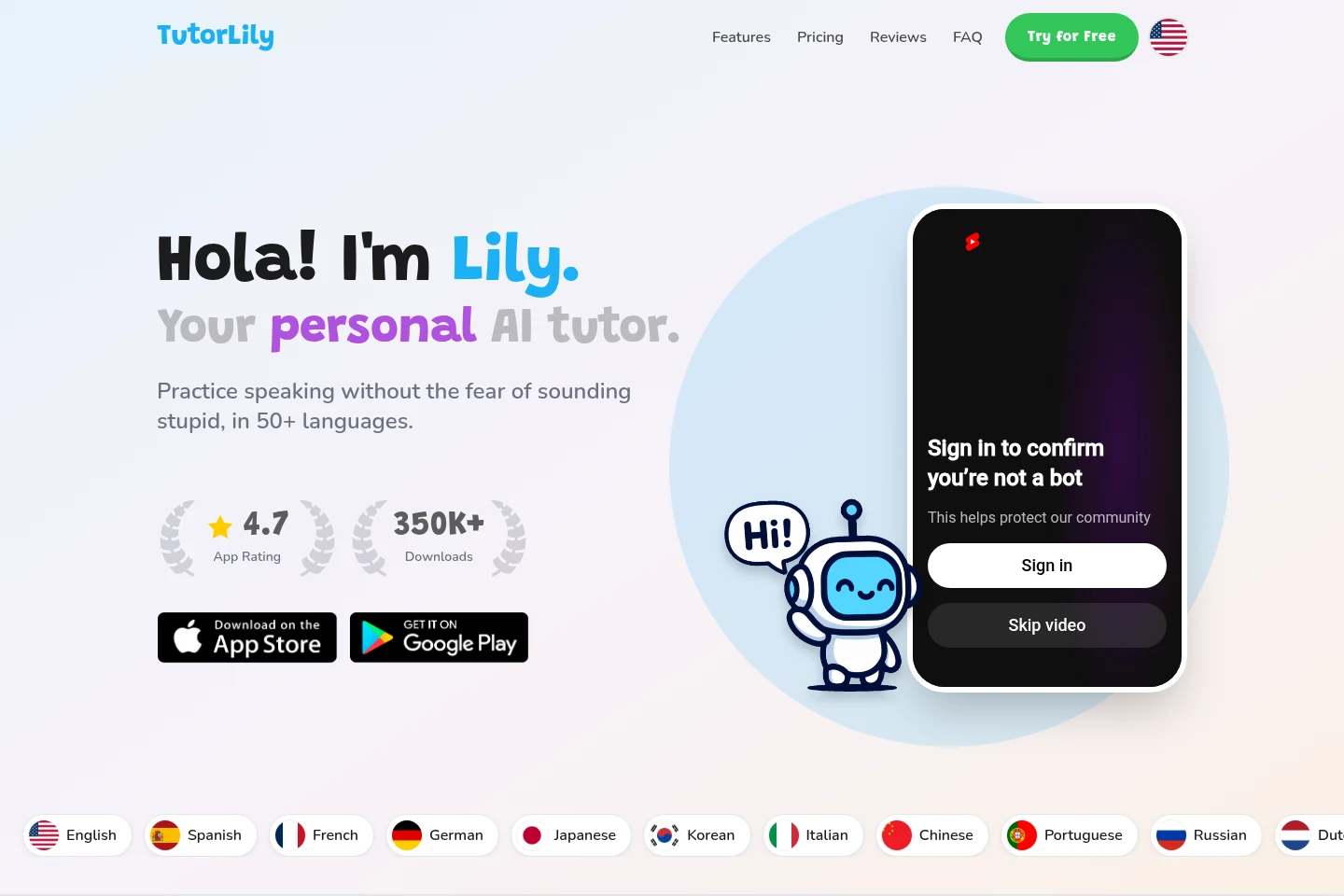
  3. TutorLily

    Practice real conversations with an AI language tutor

    Contact Sales
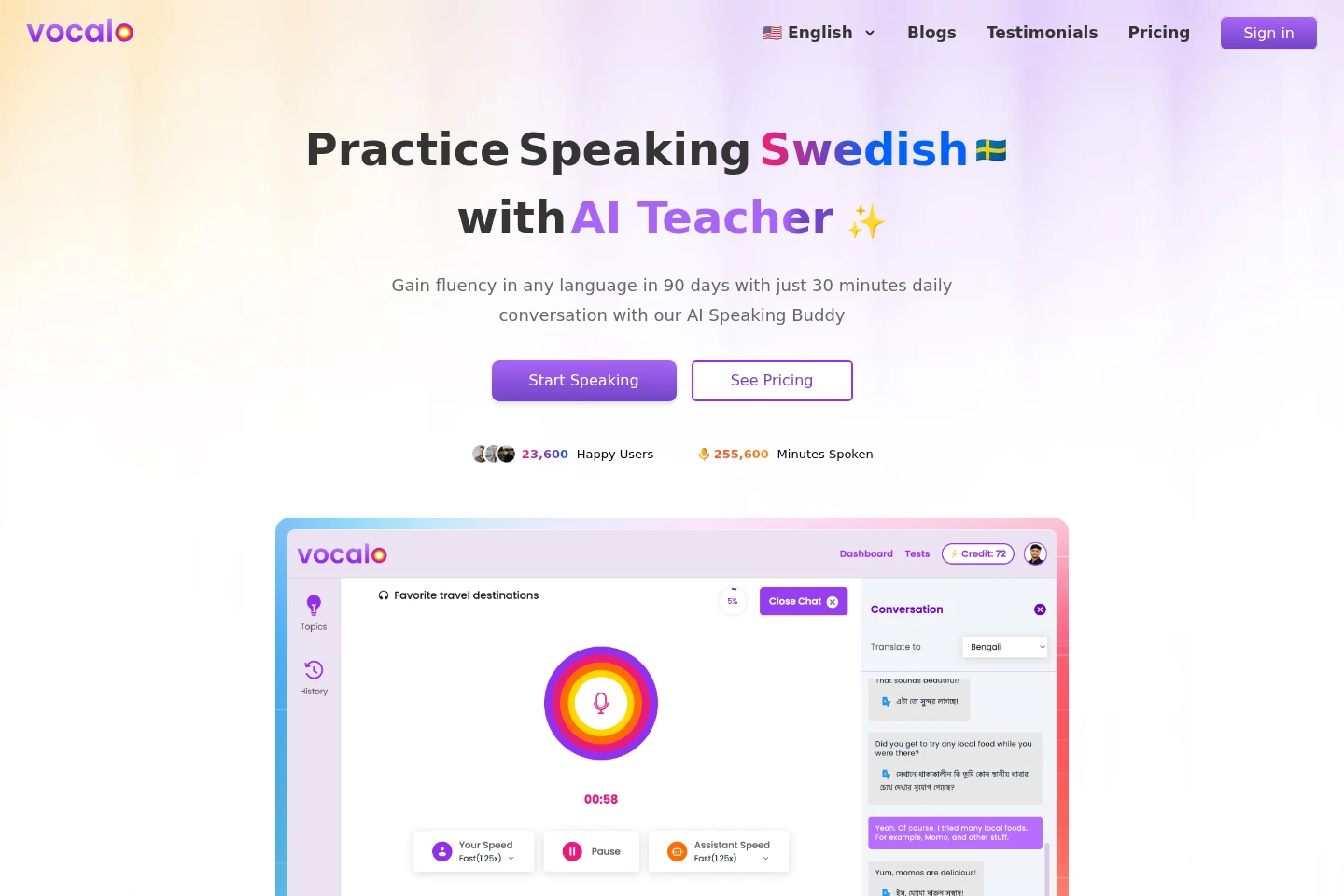
  4. Vocalo

    Transform your English speaking with AI

    Freemium
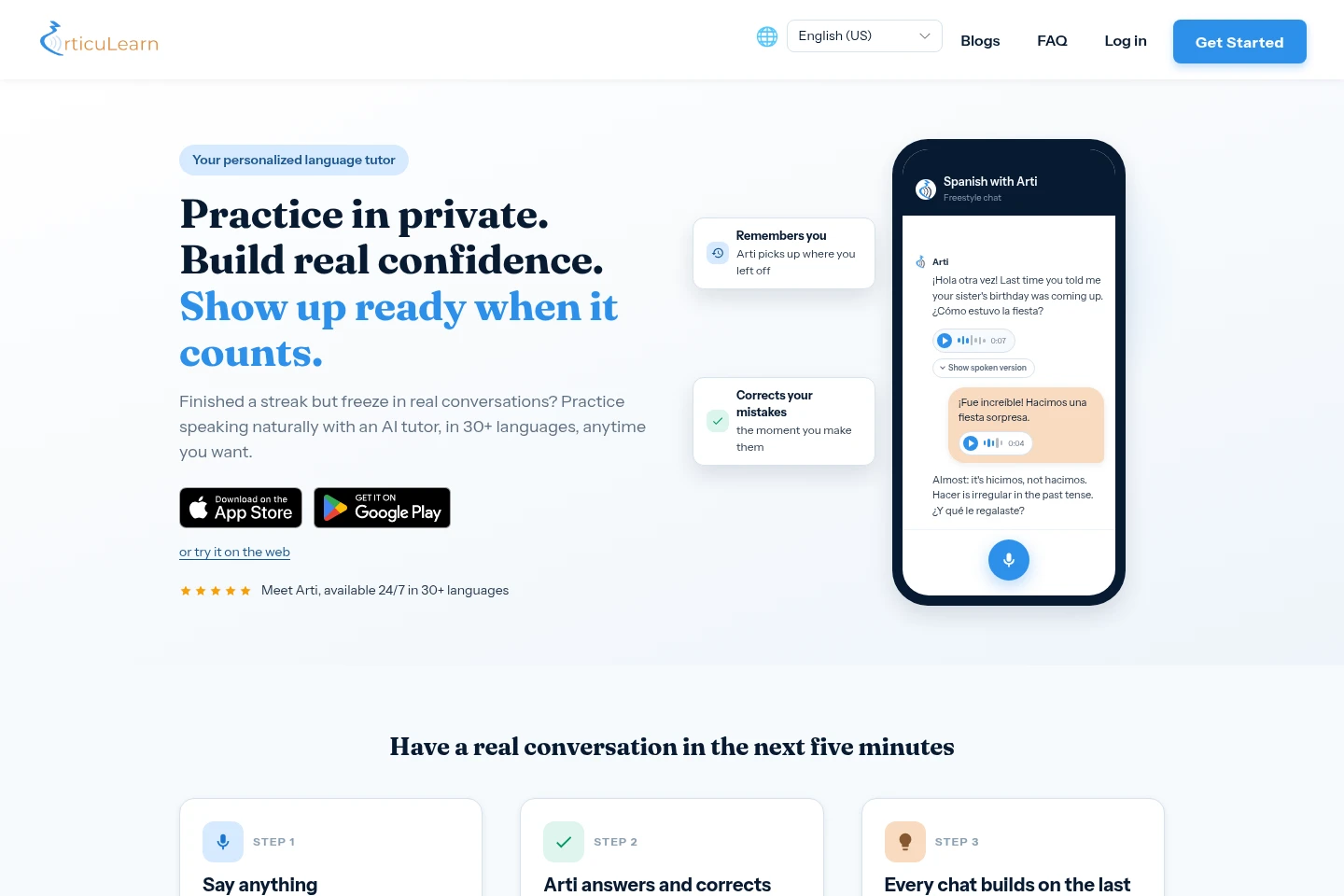
  5. ArticuLearn

    Practice speaking with an AI language tutor

    Free Sample · $0; no card needed

Who it is for

  • Language learners seeking interest-based reading and vocabulary practice

  • People who want an AI tutor to explain phrases encountered in lessons

FAQ

What languages can I learn with Bubblegum?

The homepage lists a broad selection, including Korean, Japanese, Mandarin Chinese, Spanish, French, German and many others. See the Languages you can learn page for the listed options.

Can Bubblegum explain a phrase in a lesson?

Yes. The homepage describes Poppy as an AI tutor that answers questions about lesson text, and illustrates an explanation of a Korean phrase.

How can I contact Bubblegum support?

Email [email protected], join the Discord community, or use Report a bug or Share feedback in the app. In-app feedback can include annotated screenshots.

Comments

Please sign in to leave a comment.
No comments yet. Be the first to share your thoughts!