

- Monthly visits
- 7,061
- 2026-09
- Monthly growth +52.6%
BrickCenter - Generate and animate custom brick designs with AI
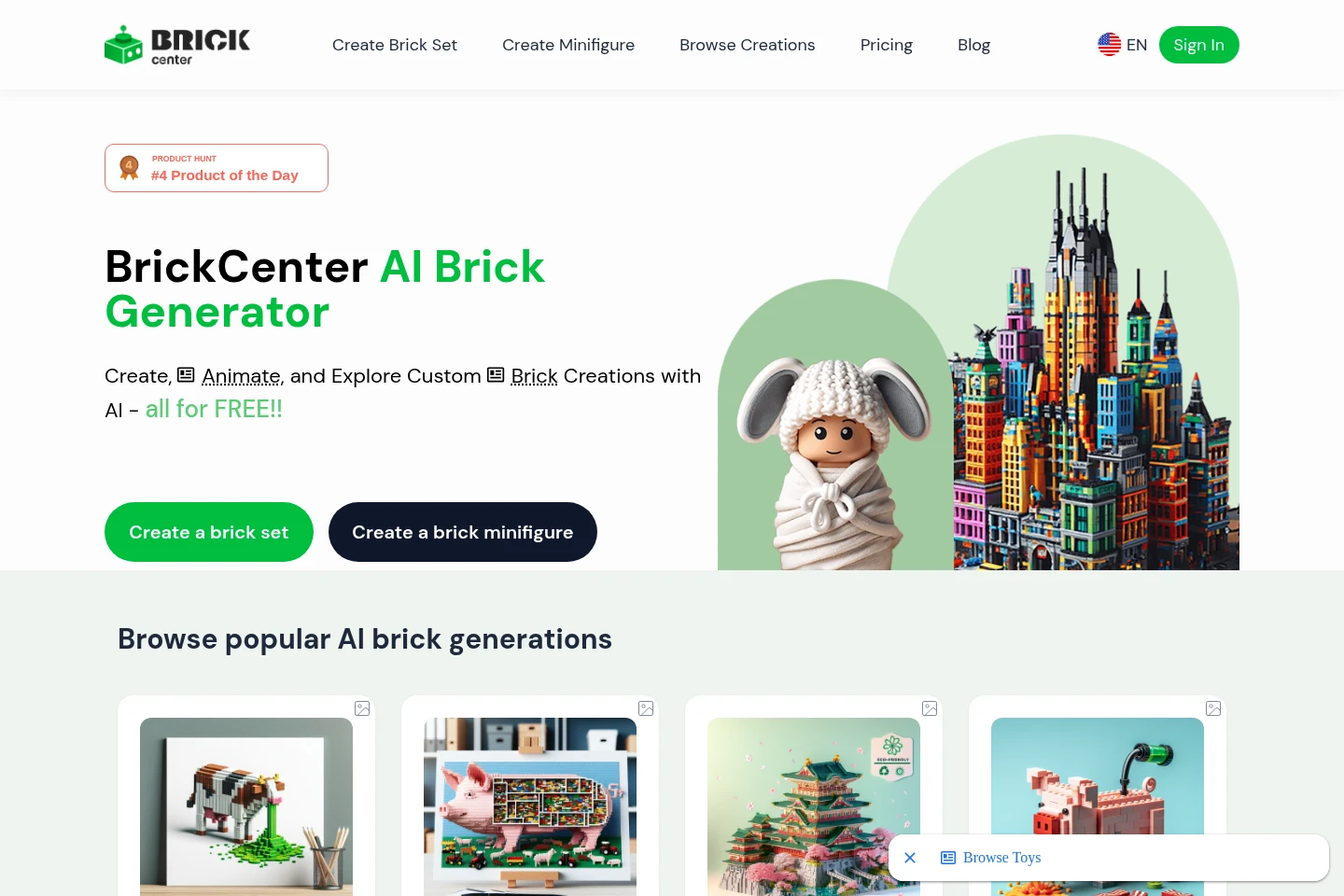
BrickCenter is a web-based AI tool for creating brick-set images from text descriptions and minifigure designs from uploaded images. Users can review and regenerate images, create five-second animations from brick sets, and download or share finished creations. A catalog also lets visitors browse example designs.
- AI Image
- Image Generators
- Animation Generators
- 3D Model Generators
- AI brick set generator
- custom brick minifigure maker
- brick design animation
Capabilities
Text-to-brick-set generation
Creates a brick-set design image from a written description. Users provide details such as colors, shapes, and themes, then review the result and can adjust the description and generate again.
Image-based minifigure design
Creates a brick minifigure design from an uploaded image. The image is the input, and the service converts it into a minifigure design.
Brick-set animation
Turns a brick-set image into a five-second animation based on an animation prompt. Users can download or share the resulting video; the Premium plan says animation creation deducts a quota of three images.
Design downloads and sharing
Lets users download or share generated designs. The pages describe high-resolution image downloads and 3D model files, and animated designs as short MP4 video clips.
Pricing
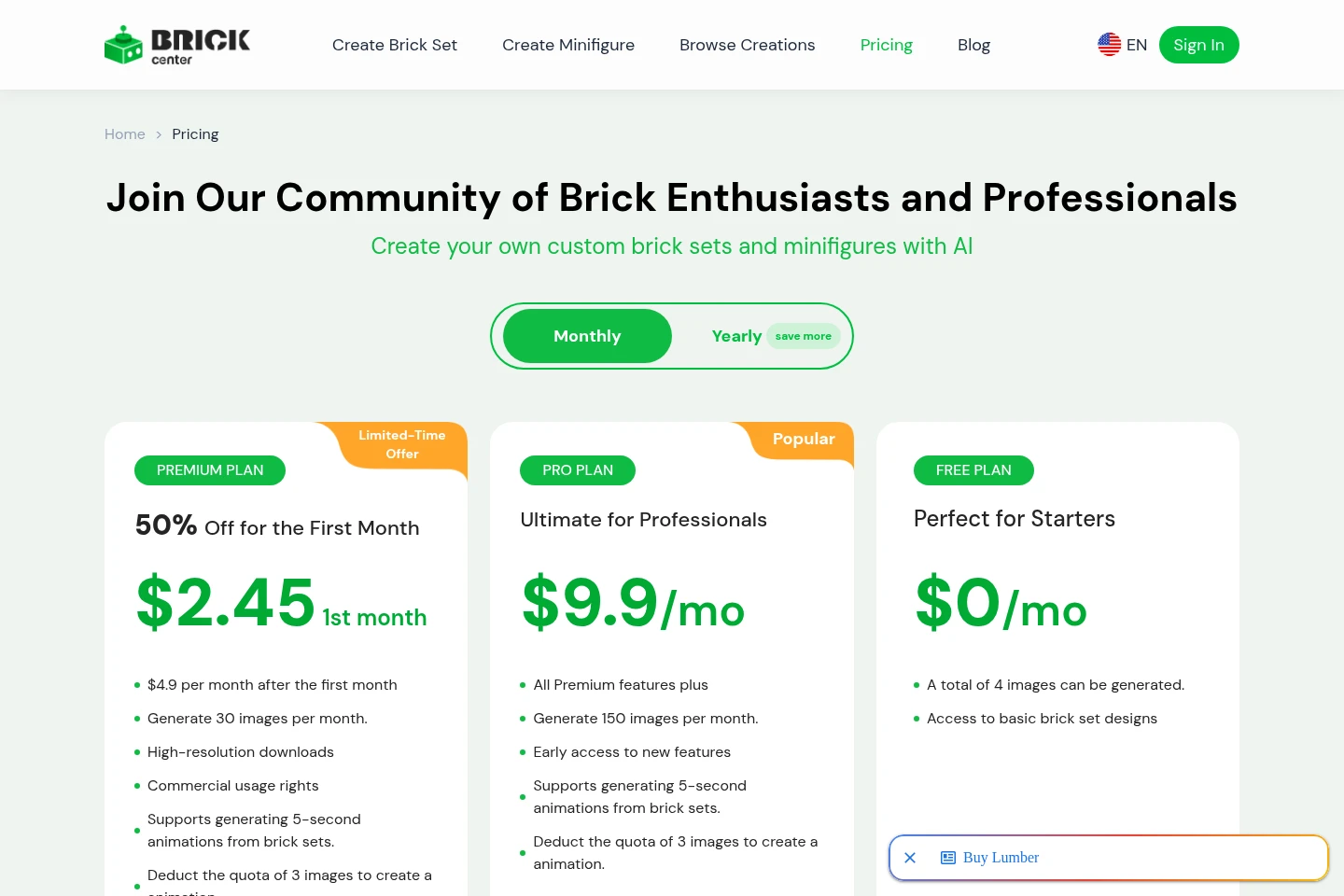
BrickCenter offers a free tier and recurring paid plans. Compare monthly image allowances, download and commercial-use benefits, animation support, and the first-month Premium offer when choosing a plan.
| Plan | Price | Included features and limits |
|---|---|---|
| PREMIUM PLAN | $2.45 first month; then $4.9 per month |
|
| PRO PLAN | $9.9/mo |
|
| FREE PLAN | $0/mo |
|
The Premium page labels its first-month discount a limited-time offer and states 50% off for the first month. The pricing page says activated membership services are not refundable.
Use cases
Create a brick-set design from a text idea
When a user has an idea for a brick model, they describe its colors, shapes, and theme in the description field and generate an image. They can review the result, revise the prompt, and generate again.
Create a brick minifigure from an image
When a user wants a minifigure based on a visual reference, they upload an image through the minifigure creation workflow. BrickCenter uses the image to produce a minifigure design.
Make a short animation from a brick set
When a user has a generated brick-set image, they enter an animation prompt and use the animation action to create a five-second video. The finished animation can be downloaded or shared.
Browse example brick creations
When a visitor wants to look at existing designs, they browse the public catalog and linked examples. The catalog presents brick-set and figure creations for discovery.
Limitations
The Free plan allows a total of four image generations; the homepage FAQ separately describes up to three free designs, so the free allowance is presented inconsistently.
Premium-plan animation creation deducts a quota of three images for each animation.
Activated BrickCenter memberships are virtual products and are not refundable under the stated refund policy.
Commercial use may require a commercial license according to the homepage FAQ; Premium pricing separately lists commercial usage rights.
Who it is for
Brick-design hobbyists who want to turn text ideas into custom set images
Creators who want to make brick minifigure designs from image references
Design professionals needing high-resolution downloads and commercial usage rights on a paid plan
FAQ
What can BrickCenter generate?
BrickCenter generates brick-set designs from text descriptions and brick minifigure designs from uploaded images. The pages also describe creating animations from brick-set images.
How do I create a brick-set image?
Enter a description of the desired set, including details such as colors, shapes, and themes, then generate the image. You can review it, revise the description, and generate again.
How do I make a minifigure design?
Use the minifigure creation workflow and upload an image. The service uses the uploaded image to create a brick minifigure design.
How much can I generate on the Free plan?
The pricing page lists a total of four images for the Free plan, while the homepage FAQ says the basic service allows up to three free designs. The pages therefore state different free allowances.
How do brick-set animations work?
Enter an animation prompt for a generated brick-set image to create a five-second video. Premium lists animation support and says each animation deducts a quota of three images.
Are activated memberships refundable?
No. The pricing page says membership services are virtual products and do not support refunds once activated.
Comments