

- Monthly visits
- 0
- 2026-09
- Monthly growth -100%
Breezemail - AI email sorting for a calmer inbox
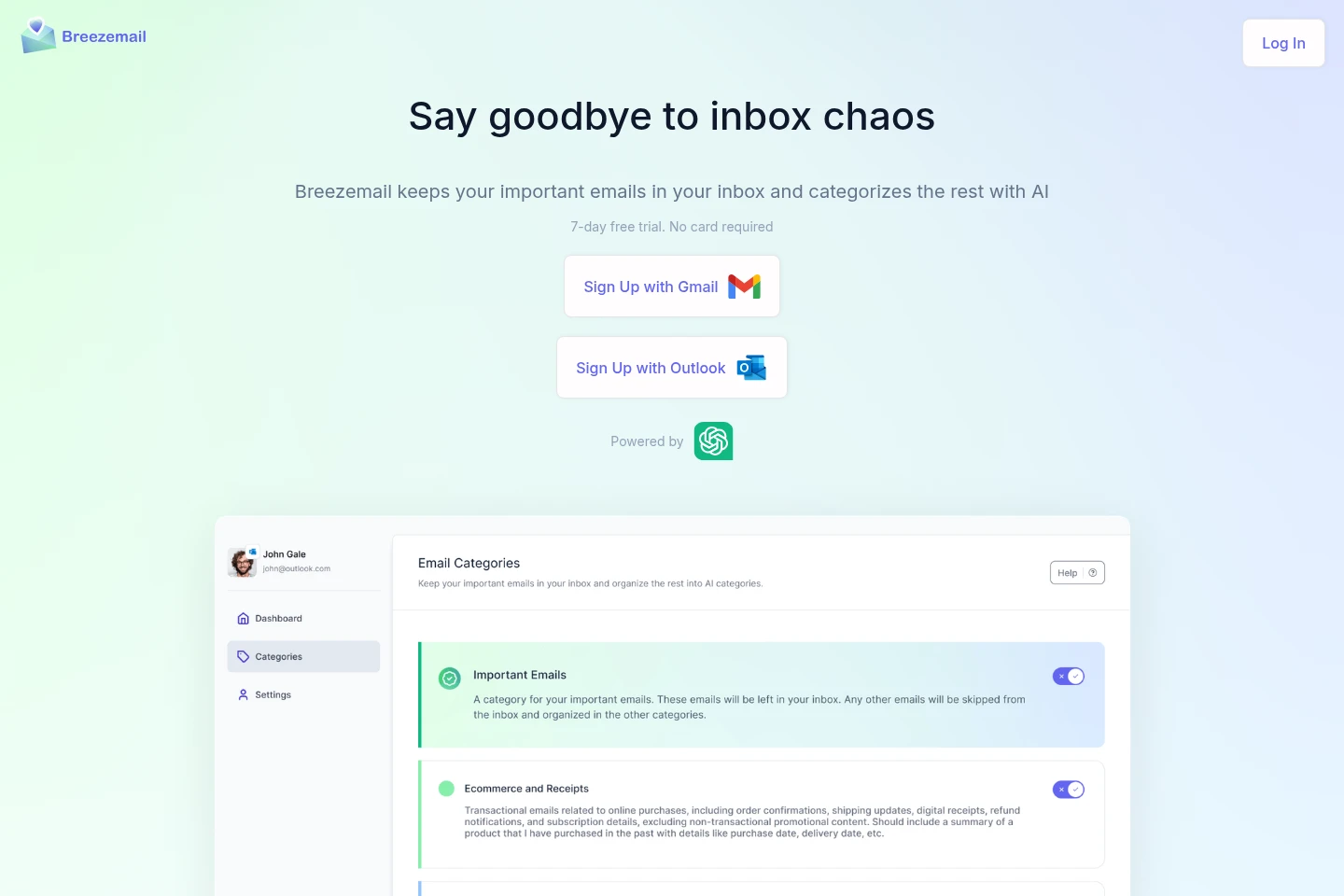
Breezemail works with Gmail and Outlook to keep emails it identifies as important in the inbox and organize other messages into categories. Users can choose predefined categories or create their own with natural-language descriptions. ChatGPT processes email content to determine categories. A 7-day free trial is offered without requiring a card; the homepage lists a price of $12 per month.
- AI Productivity
- Email Assistants
- AI email categorization
- Gmail inbox organizer
- Outlook email sorting
Capabilities
Important email prioritization
Identifies emails considered important and keeps them in the inbox. Breezemail evaluates email content with ChatGPT; the homepage does not specify a user-defined importance rule.
Email category sorting
Organizes other emails into categories, including predefined options such as Newsletters, Purchases, Social, Promotion, and Travel. After users confirm categories, Breezemail prioritizes matching emails automatically.
Custom AI categories
Creates email categories from natural-language descriptions rather than complex filter operators. Users provide a category description, and ChatGPT queries are used to categorize matching email.
Pricing
Breezemail offers a 7-day free trial and lists a paid price of $12 per month. Compare the trial period and monthly price when deciding whether the service fits your inbox needs.
The homepage says no card is required for the 7-day free trial. It does not identify a named plan associated with the listed $12 monthly price.
Use cases
Keep important messages in the inbox
When a Gmail or Outlook mailbox contains a mix of important and other messages, connect the account and let Breezemail identify emails it considers important. Those messages remain in the inbox while other messages are categorized.
Organize email around chosen topics
When users want messages grouped by subjects such as investing, newsletters, or purchases, select predefined categories or describe custom ones in natural language. Breezemail uses ChatGPT to assign categories, including choosing the more specific category when categories overlap.
Limitations
ChatGPT processes email content, including text, images, and attachments, to categorize messages; users concerned about that processing may not find the tool suitable.
Messages that skip the inbox in Gmail will not be labeled by Breezemail.
Breezemail labels in Gmail do not work when added as sub-labels under other labels.
In Outlook, Breezemail cannot automatically reverse categorization and move messages back to the inbox; users must move them manually.
Who it is for
Gmail and Outlook users who want important email kept in their inbox
Email users who want to sort messages by predefined or personally described categories
FAQ
Does Breezemail work with company email accounts?
Yes. Breezemail can work with company and personal email accounts. Compliance requirements vary by company, so users concerned about compliance should consult their company's legal department.
How does Breezemail decide whether an email is important?
It uses OpenAI to assess whether an email is human, a newsletter, cold email, or another automated message. The checks described include unsubscribe links and whether the sender address appears personal or generic.
What should I check if emails are not categorized?
Confirm the Gmail or Outlook connection, check that the category is not paused and has a valid description, and look for interference from other filters or categorization apps. Gmail messages set to skip the inbox are not labeled, and Breezemail labels cannot be nested as sub-labels.
Does ChatGPT process the contents of my emails?
Yes. Email contents, including text, images, and attachments, are sent directly to the ChatGPT API for categorization. Breezemail says it does not directly process or retain that content on its servers.
Can I undo categorization in Outlook automatically?
No. Outlook messages cannot be moved back to the inbox automatically through Breezemail. Users can move them manually; the FAQ describes selecting messages in an Outlook desktop folder and using the Move command.
Comments