

- Monthly visits
- 433
- 2026-10
- Monthly growth +3,836.4%
BoostKPI - Analyze business data with ADA, BoostKPI’s AI data analyst
BoostKPI provides ADA, an AI data analyst for business data. Users can upload CSV files or connect supported data warehouses and databases, then ask questions through an AI chat interface. ADA produces reports, interactive heatmaps and drilldowns, and can monitor metrics for anomalies and send alerts through supported integrations.
- AI Data Tools
- Data Analysis
- AI data analyst
- business data analysis
- data anomaly detection
Capabilities
AI data analysis
ADA analyzes uploaded data or connected data sources and returns answers, reports and insights. Users can ask questions through the AI chat interface; the product supports CSV uploads and connections to listed databases and data warehouses.
Interactive heatmaps
Heatmaps visualize metric changes and their contribution to key performance indicators. Users can explore hotspots interactively, with color indicating positive or negative change and size representing contribution.
Data drilldown
Drilldown reveals combinations of dimension values associated with changes in key performance indicators. Users navigate data hierarchies to inspect results at a more granular level.
Anomaly monitoring and alerts
Automatic anomaly detection searches metrics across timeframes and can notify users about deviations. Alert delivery is available through listed integrations including Slack, Teams and email.
Data source connections
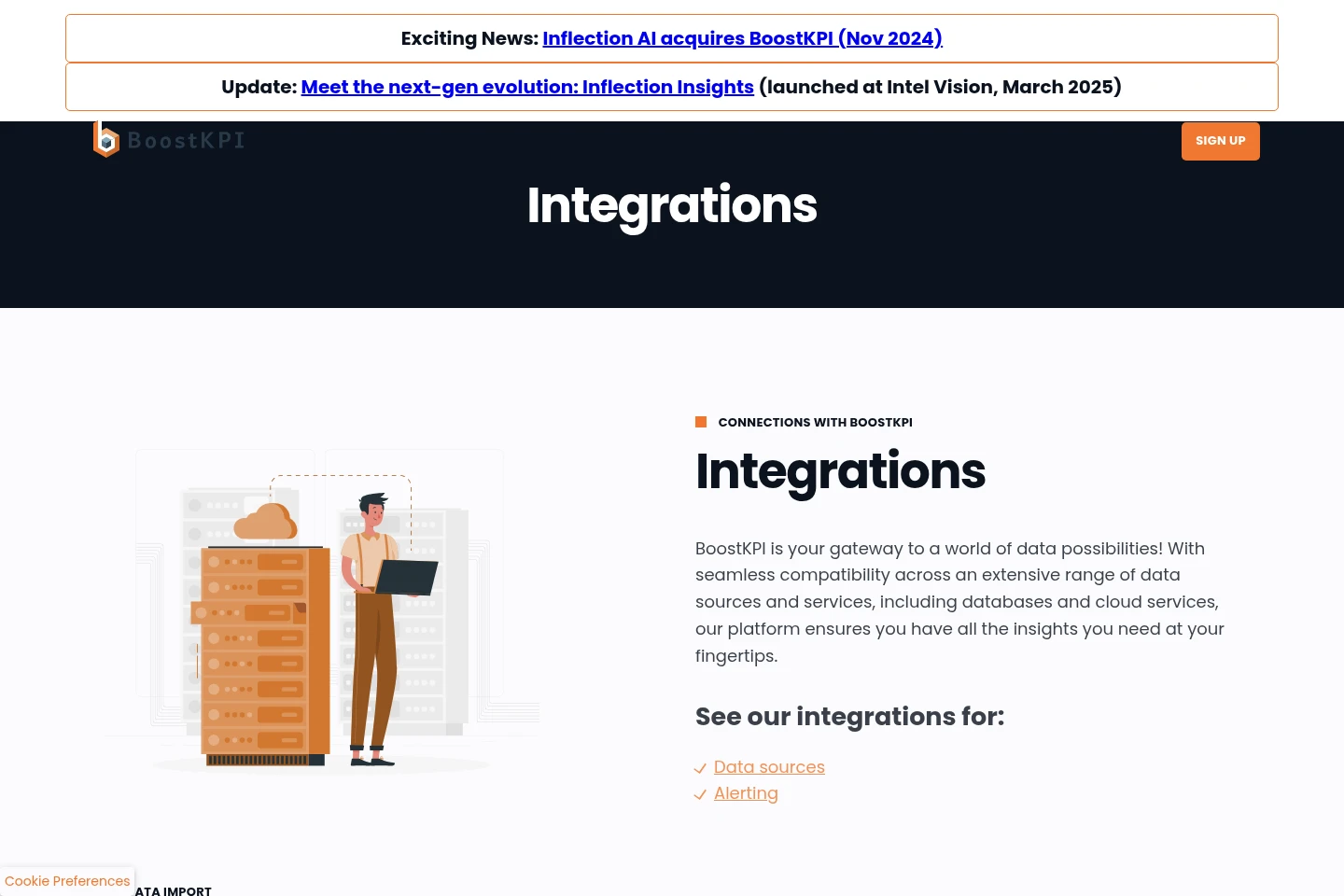
BoostKPI connects to supported databases, data warehouses and cloud services. Listed sources include BigQuery, Snowflake, Databricks, SQL databases and CSV uploads.
Pricing
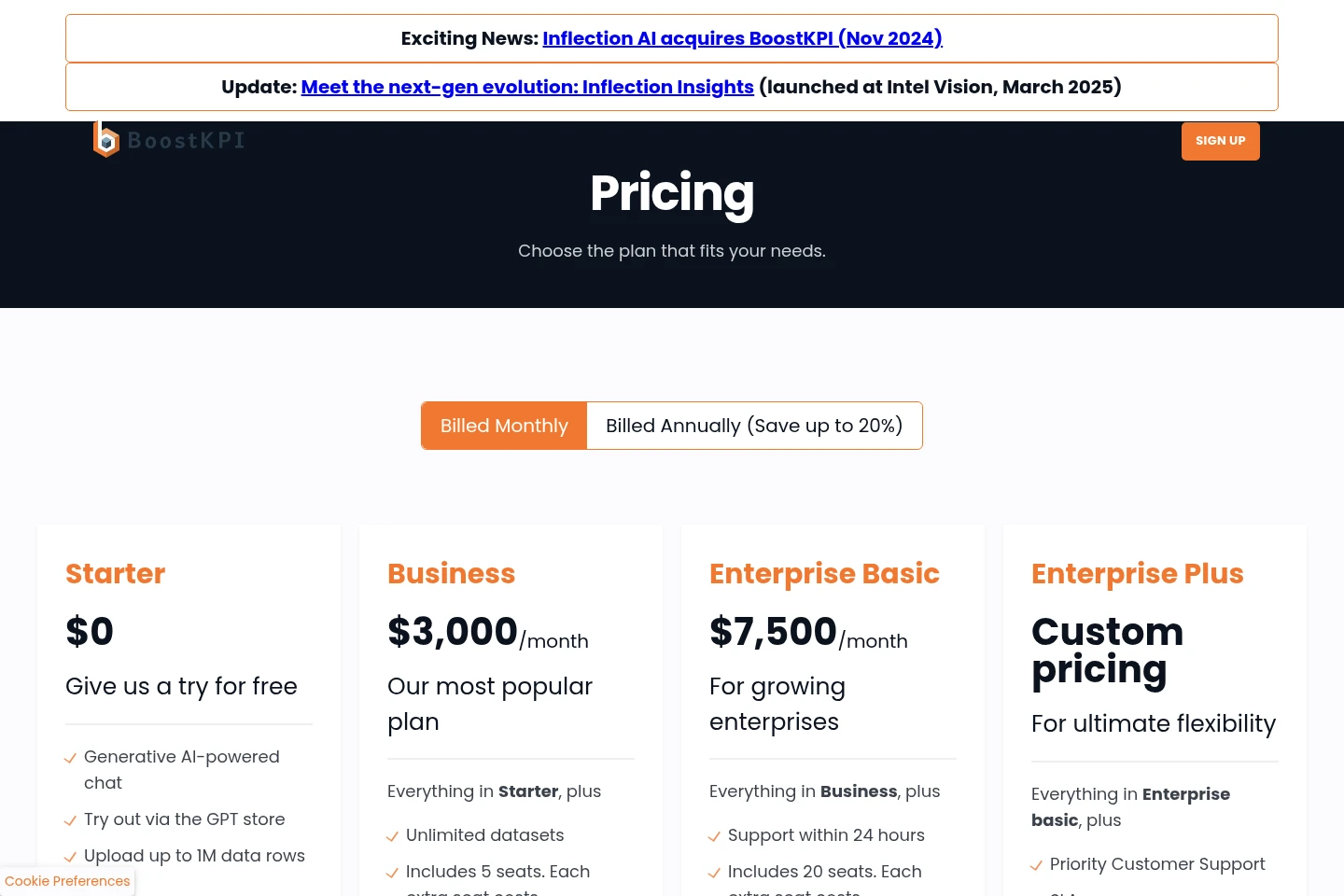
BoostKPI offers a free Starter plan and paid subscriptions priced monthly, with annual billing advertised as saving up to 20%. Compare included seats, datasets, alerts, support and data-preparation allowances when choosing a plan.
| Plan | Price | Included features and limits |
|---|---|---|
| Starter | $0 |
|
| Business | $3,000/month |
|
| Enterprise basic | $7,500/month |
|
| Enterprise plus | Custom pricing |
|
The pricing page offers monthly and annual billing, with annual billing advertised as saving up to 20%. It does not specify the annual totals or the billing interval for custom-priced Enterprise plus.
Use cases
Explore business data with questions
When a business user needs to investigate a dataset, they can upload a CSV or use a supported data source and ask questions in ADA’s chat interface. ADA returns analysis and reports that help examine the data.
Investigate changes in key metrics
When a key performance indicator changes, users can inspect its drivers with interactive heatmaps and drilldowns. Heatmaps show change and contribution, while drilldowns expose relevant combinations of dimension values.
Monitor metrics for anomalies
When teams need to watch business metrics across timeframes, ADA’s anomaly detection searches for deviations and can alert users. Notifications can use supported options such as Slack, Teams or email.
Limitations
The Starter free trial accepts CSV data only, with uploads limited to 1 million rows.
Business includes five seats; each additional seat costs $200/month.
Enterprise basic includes 20 seats; each additional seat costs $200/month.
Enterprise basic includes five hours per month for data preparation and setup; extra work is billed hourly.
Who it is for
Business analysts who need to explore company data and explain changes in key performance indicators.
Business leaders who need reports and metric monitoring to inform operational decisions.
Data teams connecting business users to supported databases and data warehouses for analysis.
FAQ
What can I use during the free trial?
The free trial requires no credit card, and CSV uploads are limited to 1 million rows. The pricing page lists Starter at $0 and includes generative AI-powered chat and uploads up to 1 million data rows.
Which data sources does ADA support?
ADA supports SQL-speaking data warehouses and databases, along with listed integrations. Examples include BigQuery, Snowflake, Databricks, SQL databases and CSV files.
Can I inspect what drives a KPI change?
Yes. Heatmaps visualize changes and contribution to key performance indicators, while drilldown lets users inspect combinations of dimension values at greater detail.
How are anomaly alerts delivered?
ADA can notify users about detected deviations, with alert integrations listed for Slack, Teams and email. The available notification options depend on the supported integrations.
Does ADA offer a self-hosted version?
The site describes ADA as a service and does not state that customers can deploy a self-hosted edition. It describes secure storage options in public and private cloud environments.

Comments