

- Monthly visits
- 2,732
- 2026-09
- Monthly growth +954.8%
Banana AI - Create and refine images, then turn frames into video
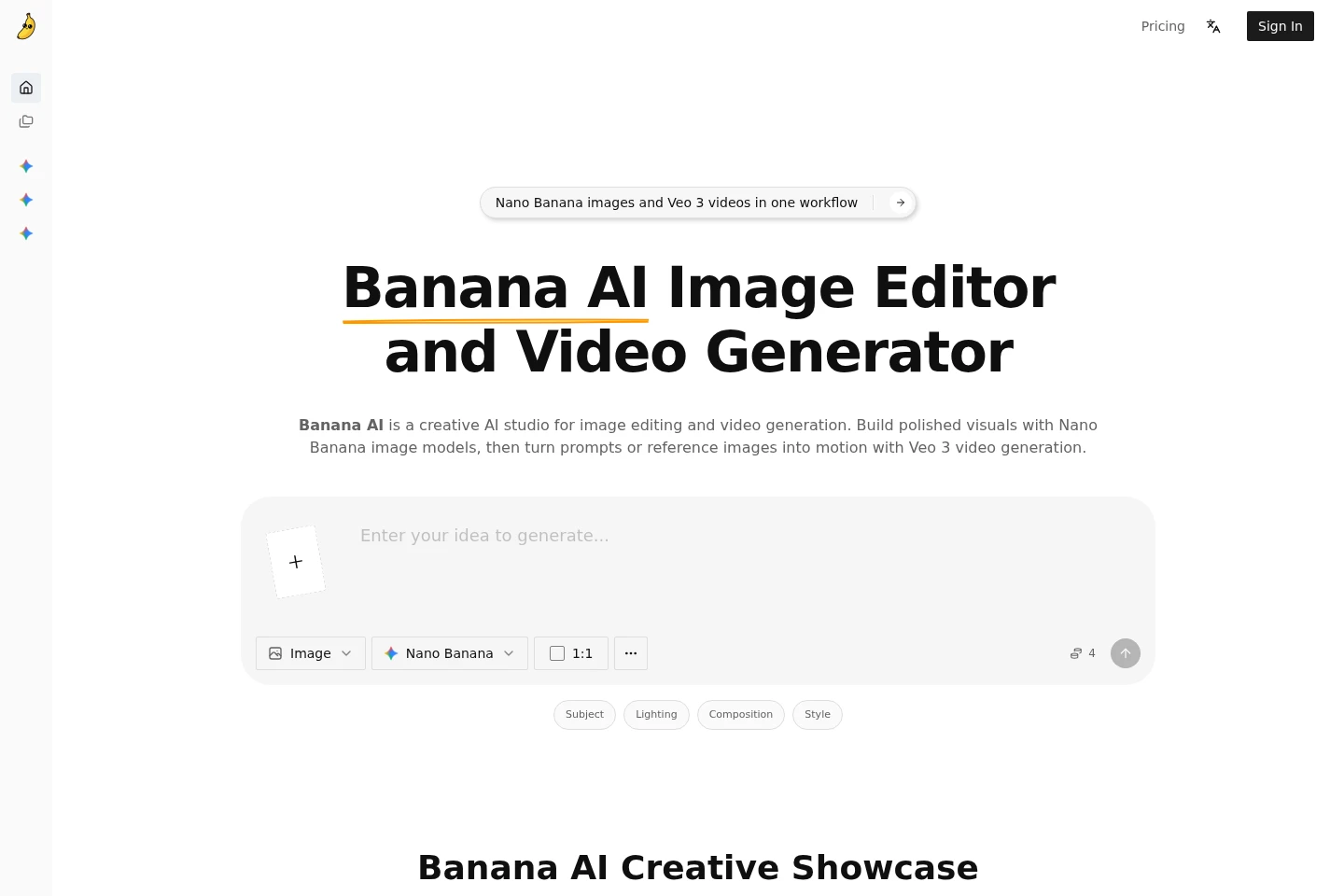
Banana AI is a browser-based AI image editor and video generator. Create images from text prompts, guide edits with reference images, adjust composition and style, and generate variations with Nano Banana models. Move prompts or selected images into Veo 3 workflows to create motion drafts. Download images as PNG or JPEG; paid plans include annual credit allowances and video generation up to 4K.
- AI Image
- Image Generators
- Photo Editors
- Video Generators
- E-commerce
- AI image editor
- Veo 3 video generator
- Nano Banana image generator
Capabilities
Prompt-based image generation
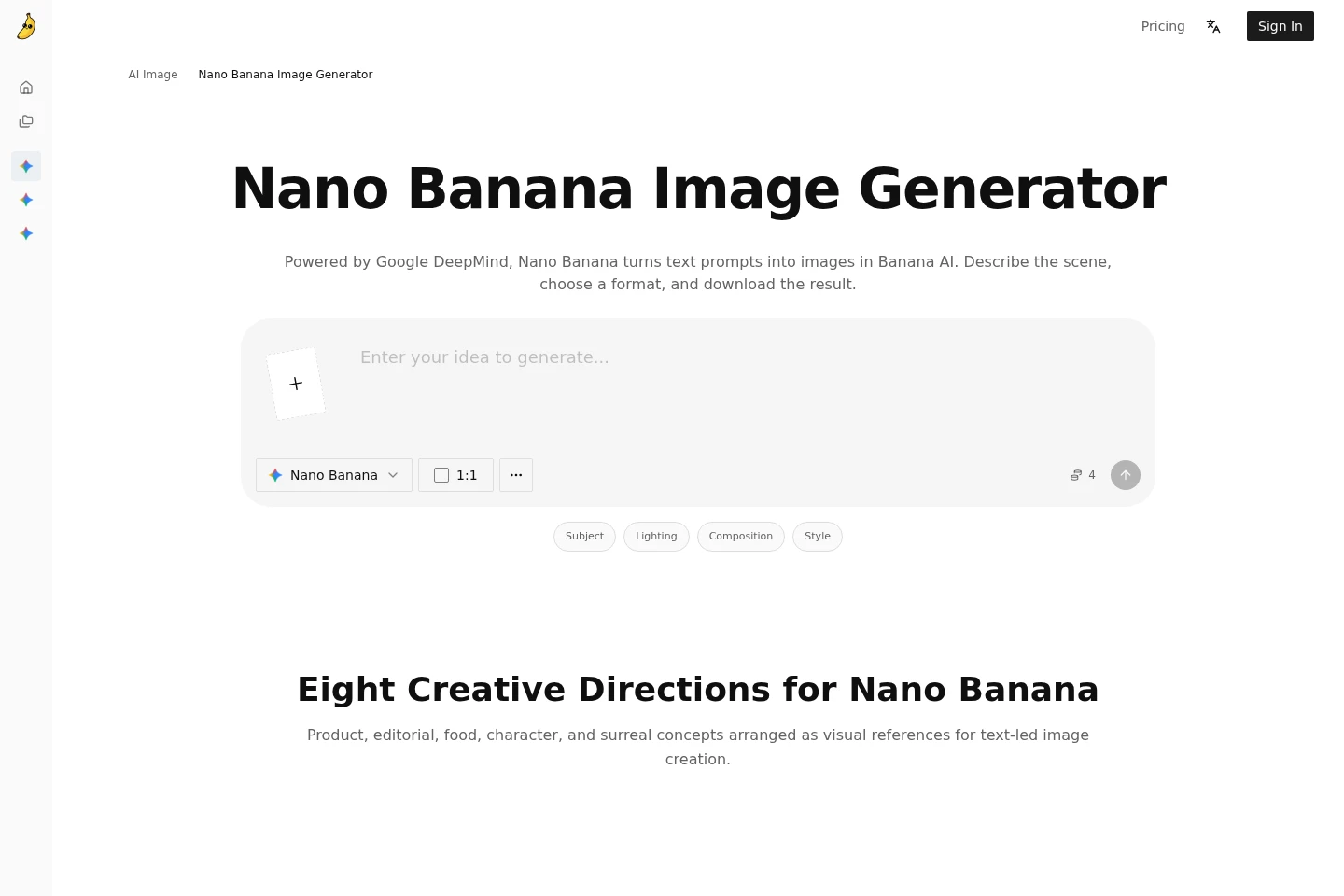
Generate an image from a text prompt and download the result. Describe the subject, scene, composition, lighting, camera angle, style, and format to guide Nano Banana models.
Reference image editing
Edit an uploaded image while retaining useful elements of the original. Replace backgrounds, add or remove objects, adjust lighting or styling, and refine the composition.
Image variations and formats
Generate and compare image variations, then download selected results as PNG or JPEG. Set an aspect ratio and revise prompts to explore different visual directions.
Image-to-video generation
Create motion drafts from prompts or selected key frames using Veo 3 workflows. The homepage describes uses including explainers, product demos, and short social video concepts.
Pricing
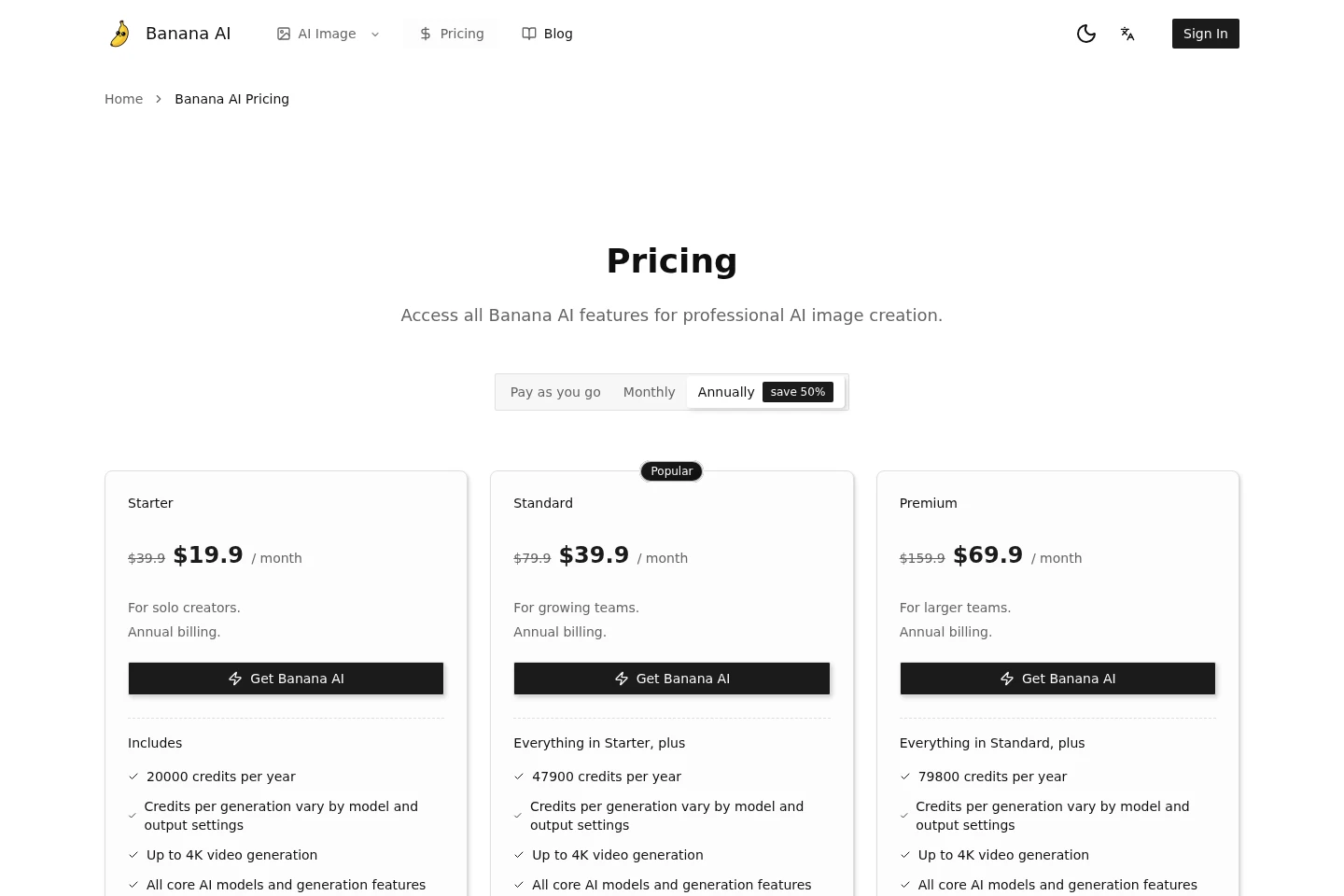
Banana AI offers paid plans with pay-as-you-go, monthly, and annual options. Compare annual credit allowances, processing priority, support, and included generation features when choosing a plan.
| Plan | Price | Included features and limits |
|---|---|---|
| Starter | $39.9; annual billing shown as $19.9/month |
|
| Standard | $79.9; annual billing shown as $39.9/month |
|
| Premium | $159.9; annual billing shown as $69.9/month |
|
The page labels the lower displayed monthly amounts as annual billing and says annual billing saves 50%. Credits consumed per generation vary by model and output settings.
Use cases
Create campaign and landing page images
When preparing campaign concepts, landing pages, covers, or thumbnails, describe the brief in a prompt and adjust composition, lighting, and style. Generate and compare image directions, then download a selected visual.
Edit product and reference visuals
When an existing product photo or mockup needs changes, upload it as a reference and request background, object, lighting, or styling edits. Refine the composition without rebuilding the image from scratch.
Draft short video concepts from images
When a still image or prompt needs a motion test, move it into a Veo 3 workflow. Generate motion drafts for described purposes such as product demos, explainers, and social clips.
Limitations
Image credits used per generation vary according to the selected model and output settings.
The listed credit allowances are annual quotas, and the pricing page does not state a monthly credit allocation.
The Nano Banana page lists PNG and JPEG downloads; the pricing page separately describes video generation up to 4K.
Who it is for
Solo creators preparing visual concepts and image assets
Marketing and content creators making campaign visuals, ads, and thumbnails
Ecommerce teams developing product-page and marketplace imagery
Creative teams testing short-form video concepts from prompts or key frames
FAQ
What can Banana AI create?
Banana AI creates and edits images with Nano Banana models and supports video generation through Veo 3 workflows. The pages describe prompt-based creation, reference image edits, and motion drafts.
Can I edit an existing image?
Yes. Upload an image as a reference to change backgrounds, add or remove objects, adjust lighting or styling, and refine composition.
Can Banana AI turn an image into video?
Yes. The homepage describes moving selected images or key frames into Veo 3 workflows to create motion drafts, including short video concepts.
Which image file formats can I download?
The Nano Banana page lists PNG and JPEG downloads. Choose the format when exporting the generated image.
How many credits are included in each paid plan?
Starter includes 20000 credits per year, Standard includes 47900 credits per year, and Premium includes 79800 credits per year. Credits per generation vary by model and output settings.
What are the prices and billing options?
The pricing page offers pay-as-you-go, monthly, and annual billing options. It lists Starter at $39.9 or $19.9/month, Standard at $79.9 or $39.9/month, and Premium at $159.9 or $69.9/month; the displayed monthly figures are associated with annual billing.
Comments