

- Monthly visits
- 13,722
- 2026-09
- Monthly growth -1.5%
Free Background Remover - Remove image backgrounds locally in your browser
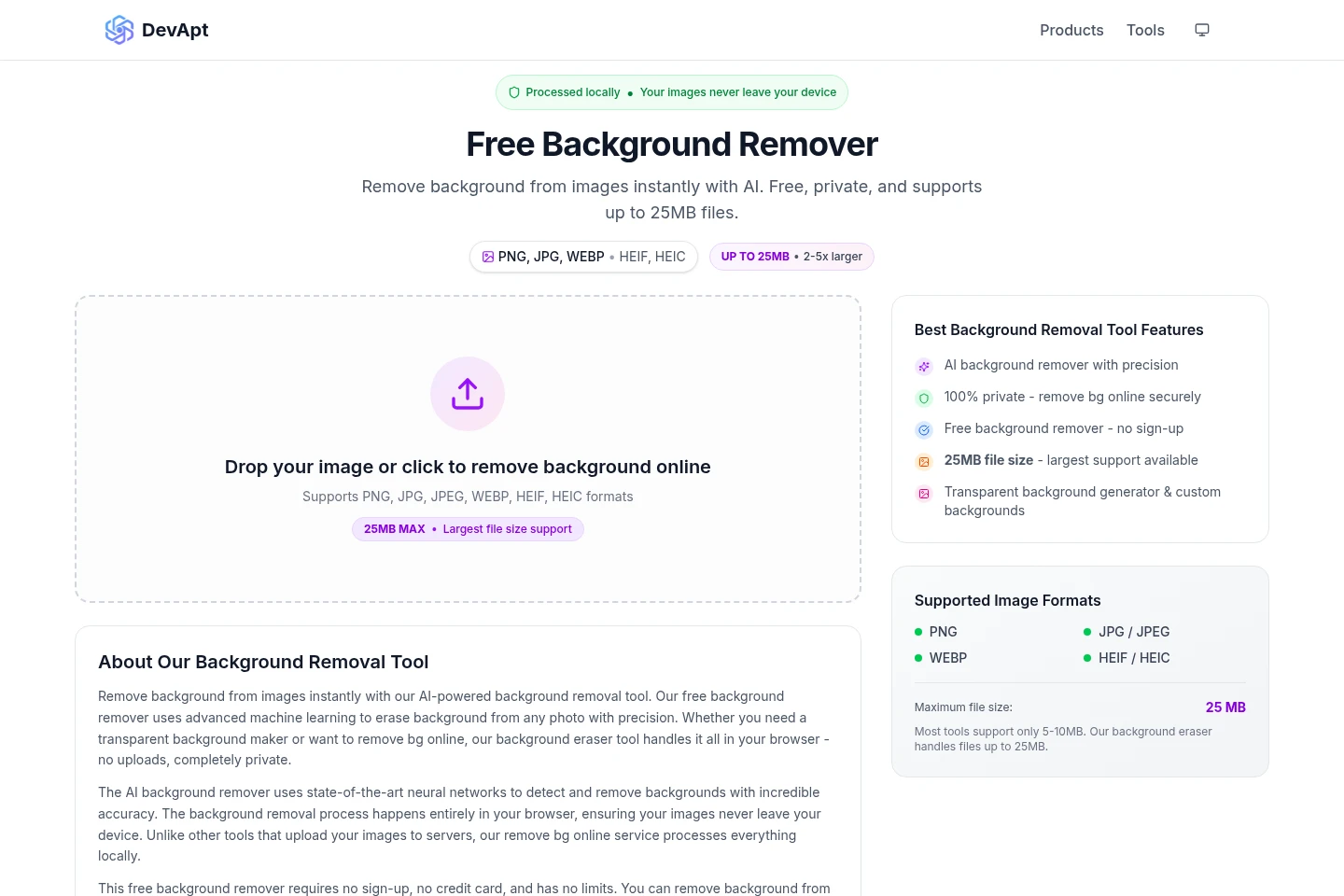
Free Background Remover uses AI to remove backgrounds from images in your browser, with processing performed locally on your device. It accepts PNG, JPG, JPEG, WEBP, HEIF, and HEIC files up to 25 MB. You can create transparent PNGs or add a custom color, gradient, or background image; no sign-up is required.
- AI Image
- Background Removers
- Photo Editors
- AI background remover
- local image background removal
- transparent PNG maker
Capabilities
AI background removal
Removes image backgrounds and produces an image with the background removed. Select or drop a supported image in the browser; processing runs locally on the device.
Transparent PNG output
Creates a PNG with a transparent background. Use the background removal tool on a supported image, then choose a transparent result.
Custom background options
Adds a chosen background behind the processed subject. After removing the original background, use a custom color, gradient, or your own background image.
Image format and size support
Accepts PNG, JPG, JPEG, WEBP, HEIF, and HEIC images up to 25 MB. Drop a supported image into the browser tool or select it from your device.
Pricing
The tool is free to use, with no sign-up or credit card required. Compare supported image formats and the 25 MB maximum file size against your image.
Use cases
Create an image with a transparent background
When an image needs its original background removed, open the tool in a browser and select or drop a supported file. The tool processes it locally and can produce a transparent PNG.
Replace an image background with a custom one
When a subject needs a different backdrop, remove the original background in the browser and choose a custom color, gradient, or background image for the result.
Limitations
The tool accepts PNG, JPG, JPEG, WEBP, HEIF, and HEIC images; other formats are not listed as supported.
Each input image can be up to 25 MB; files larger than that exceed the stated maximum.
Who it is for
People who need to remove image backgrounds without uploading files
Image creators who need transparent PNGs or custom backdrops
FAQ
Which image formats can I use?
The tool supports PNG, JPG, JPEG, WEBP, HEIF, and HEIC images. Select one of these formats in the browser tool.
What is the maximum image size?
The maximum file size is 25 MB per image. A file above that limit exceeds the stated size supported by the tool.
Are my images uploaded to a server?
No. The page says processing happens locally in your browser and images do not leave your device.
Can I add a different background?
Yes. After removing the original background, you can use a custom color, gradient, or your own background image.
Comments