

- Monthly visits
- 3,469
- 2026-09
- Monthly growth +198.8%
Ayven - Coordinate people and AI agents around work that needs to get done
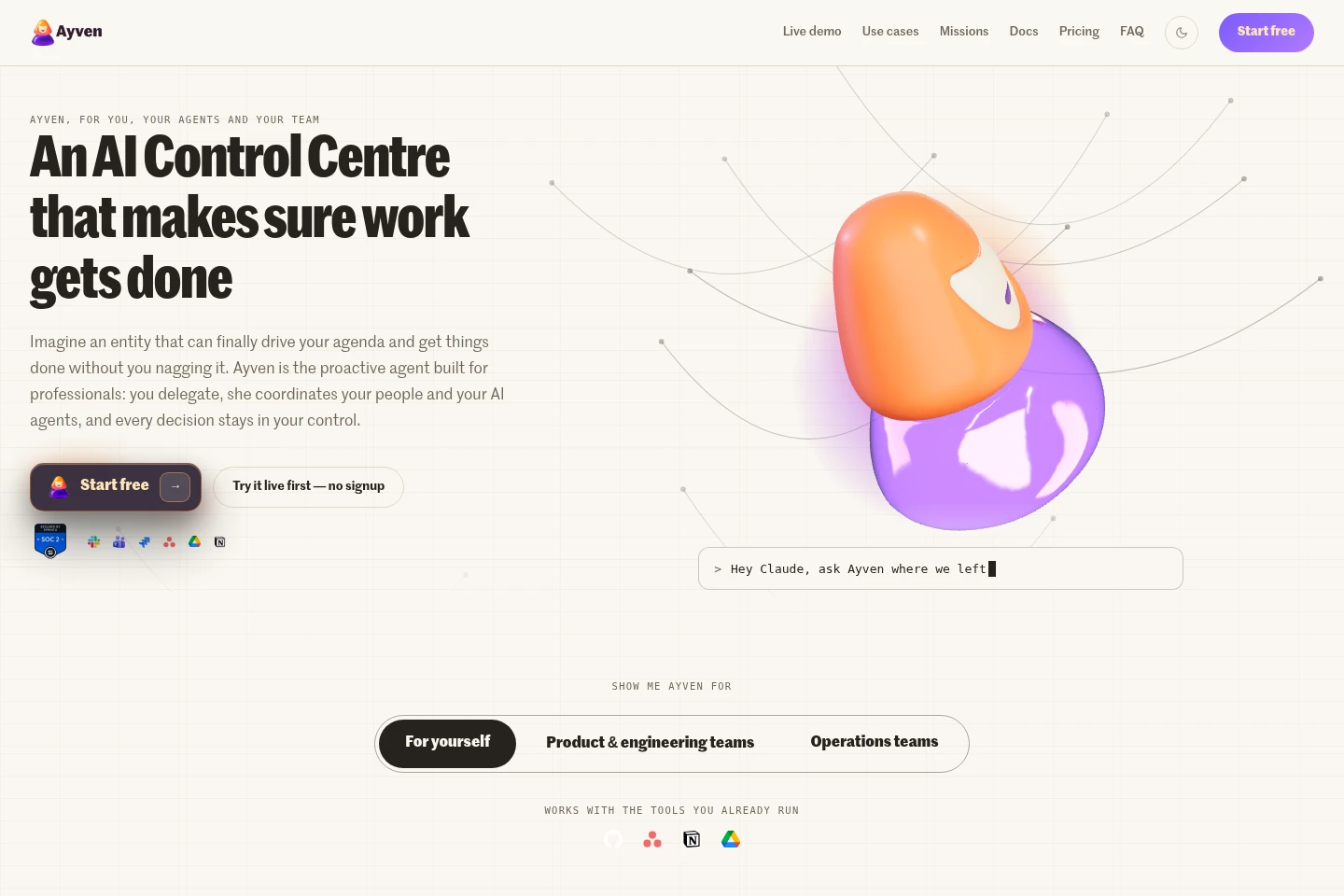
Ayven is an AI control centre that researches work, breaks it into steps, and coordinates people and AI agents across team conversations, documents, and project tools. It tracks owners and deadlines, advances work between steps, and requests approval when configured rules require it. Teams can use it through the web app, Slack, or Microsoft Teams.
- AI Agents
- General AI Agents
- Project Management
- Agent Governance
- AI team coordination
- AI agent task delegation
- project delivery automation
Capabilities
Work coordination
Ayven researches work, divides it into steps, assigns owners, and tracks progress toward deadlines. It coordinates people and AI agents across conversations and connected tools, advancing work and requesting decisions when needed.
Ticket management
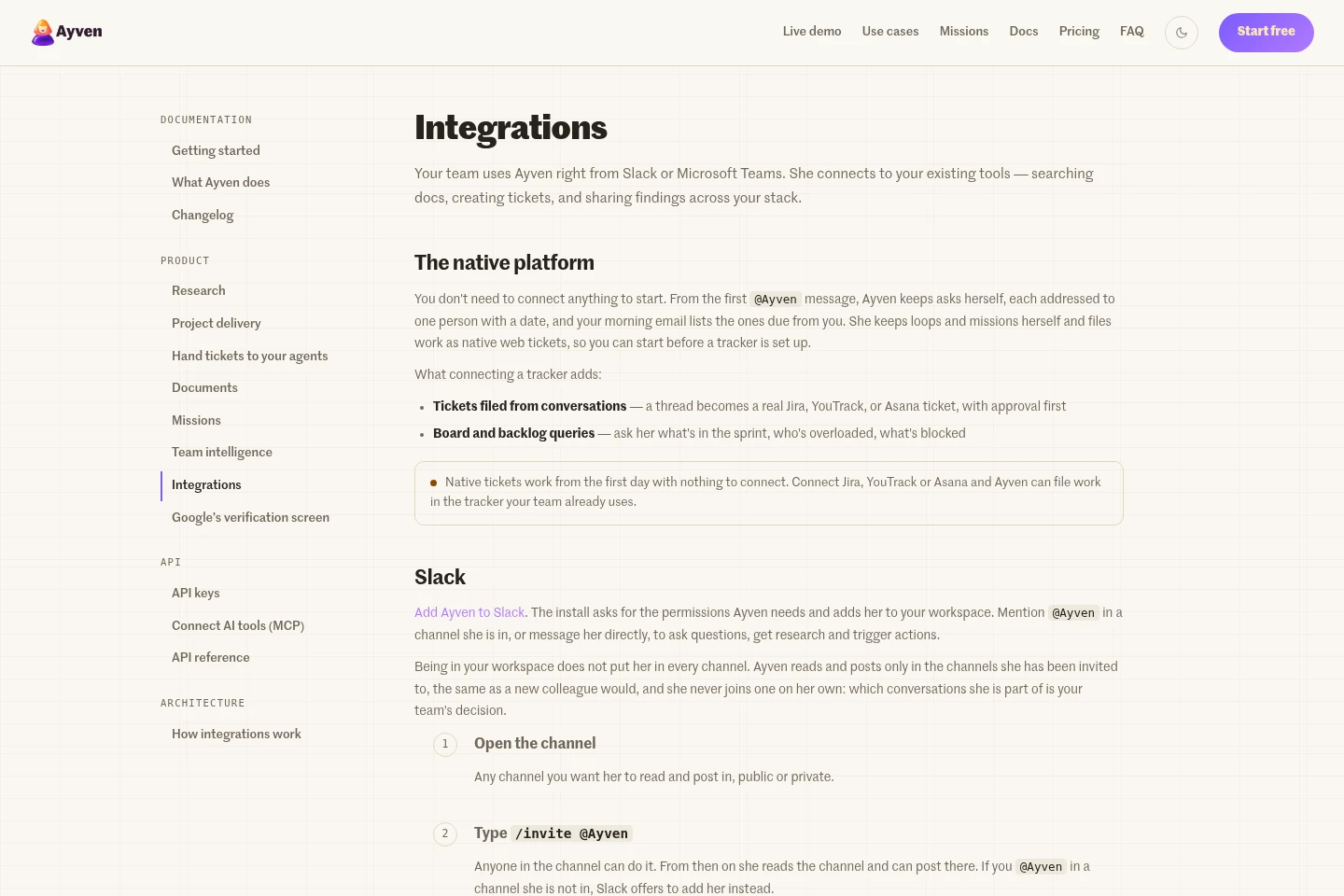
Ayven creates and updates tickets and can query boards and backlogs. Teams can use native web tickets or connect Jira, YouTrack, or Asana; filing external tracker tickets can require approval.
Research and documents
Ayven conducts web research and creates, updates, and organizes documents. Research can include source verification and citations, and documents can be handled in Google Drive and Notion when connected.
Team status reporting
Ayven gathers ticket and request information to produce status views showing blockers, ownership, and timing. Users ask for a report through connected tools, and the report reflects available project information.
Approval controls
Ayven can carry out routine tasks automatically and request approval for actions governed by team rules. Owners configure autonomy and guardrails; changes and some external actions wait for approval when those rules require it.
Pricing
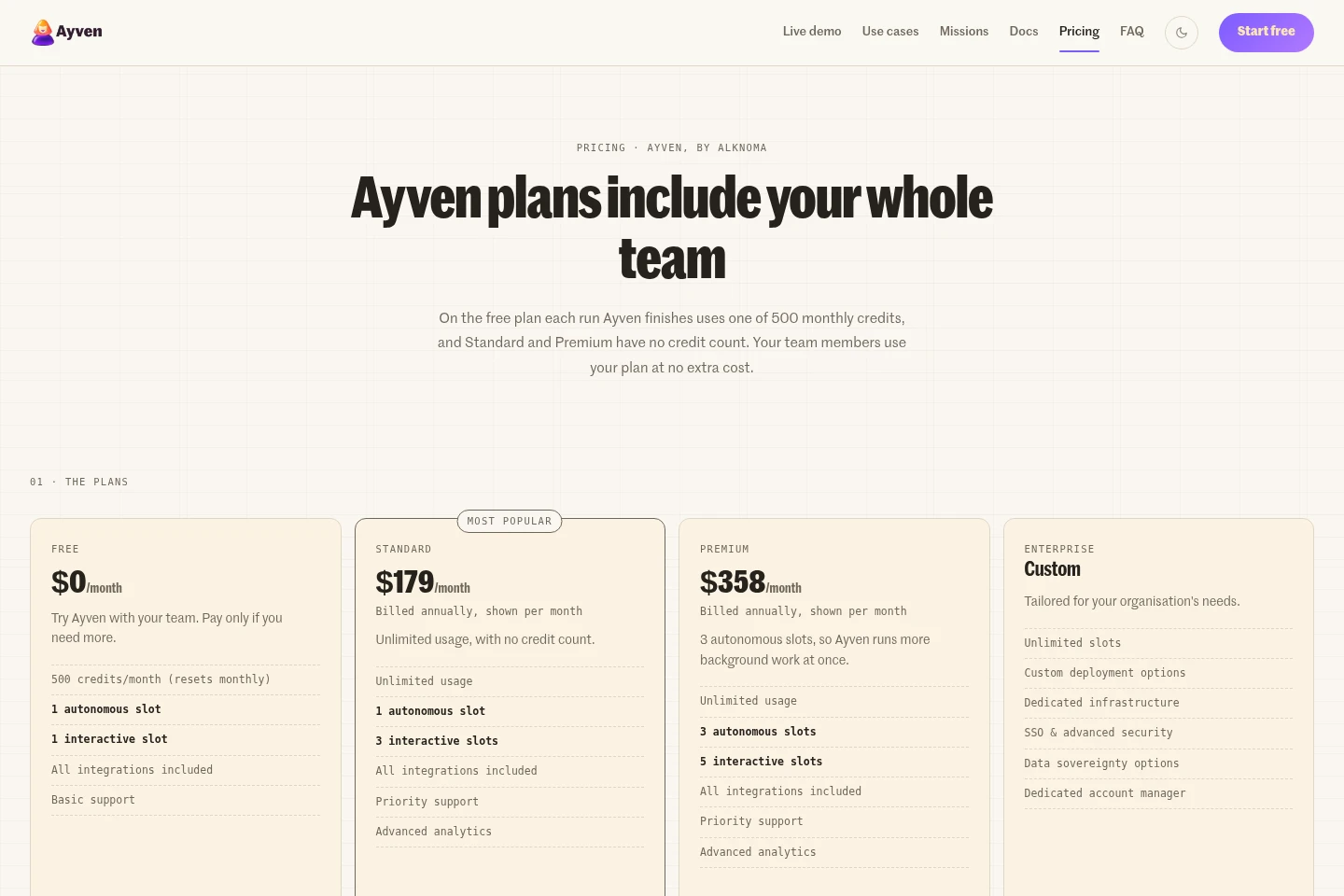
Ayven offers a free plan, recurring paid subscriptions, a custom Enterprise plan, and one-time credit packs. Compare monthly credits, execution slots, support, analytics, and deployment or security requirements when choosing.
| Plan | Price | Included features and limits |
|---|---|---|
| Free | $0/month |
|
| Standard | $179/month, billed annually; or $199/month with no commitment |
|
| Premium | $358/month, billed annually; or $398/month with no commitment |
|
| Enterprise | Custom pricing |
|
| 500 Credits | $40 one-time |
|
| 2,000 Credits | $100 one-time |
|
Team members use the owner's plan at no extra cost. Free-plan credits reset monthly; purchased credits carry over indefinitely and can carry over when switching plans. Standard and Premium usage is not counted in credits.
Use cases
Coordinate work across people and agents
When a goal spans several days, owners, and tools, give Ayven the desired outcome in plain language. It researches and divides the work, assigns steps to people or agents, tracks deadlines, and brings decisions to the user when needed.
Move project tickets through delivery
When a team needs to turn requests into tracked project work, Ayven can research context, create or update tickets, and move work to its next stage. It uses native tickets or connected Jira, YouTrack, or Asana, subject to configured approvals.
Review project status and blockers
When a lead needs a view of progress without assembling a status deck, ask Ayven for a report through a connected tool. It organizes available tickets and open questions by ownership, blockers, and timing.
Limitations
In Slack, Ayven reads and posts only in channels where the team has invited it; it does not join channels on its own.
In Microsoft Teams, Ayven works in standard channels of teams where an owner adds the app; private and shared channels cannot hold the app.
Ayven sends direct messages only to people with an Alknoma account, not other workspace members or guests.
On Free, each completed run uses one of 500 monthly credits; Ayven pauses when credits run out until the monthly reset or a credit purchase.
Who it is for
Product and engineering teams coordinating tickets, agents, and releases
Operations teams coordinating owners, deadlines, and outside parties
Professionals who delegate tasks to AI agents and want to track their progress
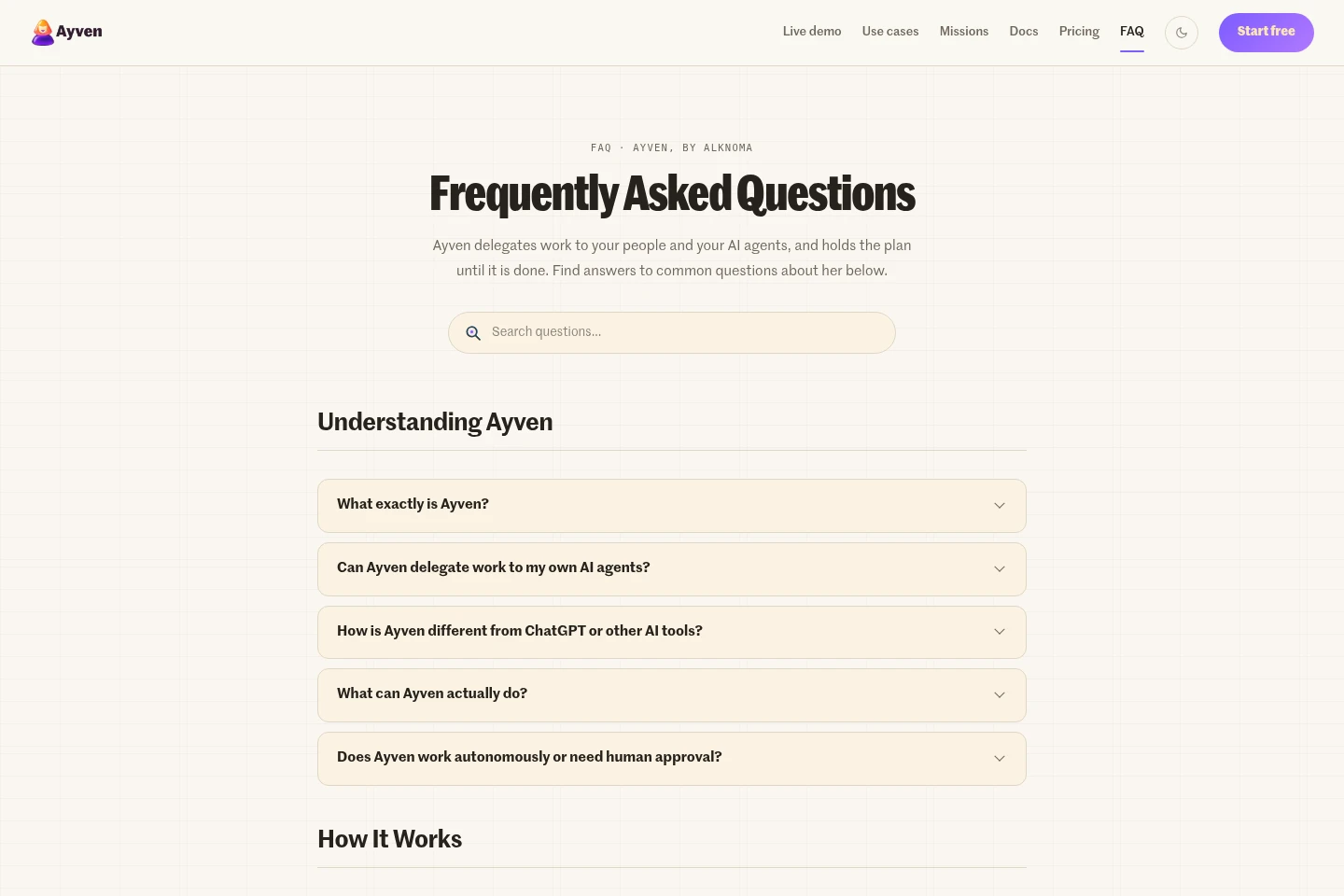
FAQ
What does Ayven do?
Ayven researches work, delegates steps to people or AI agents, and tracks owners and deadlines until the work is done. It can work across project boards, documents, and team conversations.
Can Ayven delegate work to my own AI agents?
Yes. Register an agent under Integrations → Agents; Ayven can assign it tickets and call its signed webhook when an approved ticket assigned to it moves to In Progress. The agent reports back over MCP or the HTTP API.
Does Ayven require approval before taking action?
Not for every action. You set the autonomy level and guardrails; routine tasks can run automatically, while actions covered by approval rules wait for your decision.
What happens when Free credits run out?
Ayven pauses until credits reset the next month or you buy a credit pack. The Free plan includes 500 credits per month, and each completed run uses one credit.
Do purchased credit packs expire?
No. Purchased credits never expire and roll over indefinitely. Each completed run uses one credit when using credit packs.
Which tools can Ayven connect to?
Ayven supports Slack, Microsoft Teams, Jira, YouTrack, Asana, Notion, Google Drive, and more. All plans include integrations; Teams app installation currently requires uploading the provided package.
Comments