

- Monthly visits
- 202,469
- 2026-09
- Monthly growth +26.4%
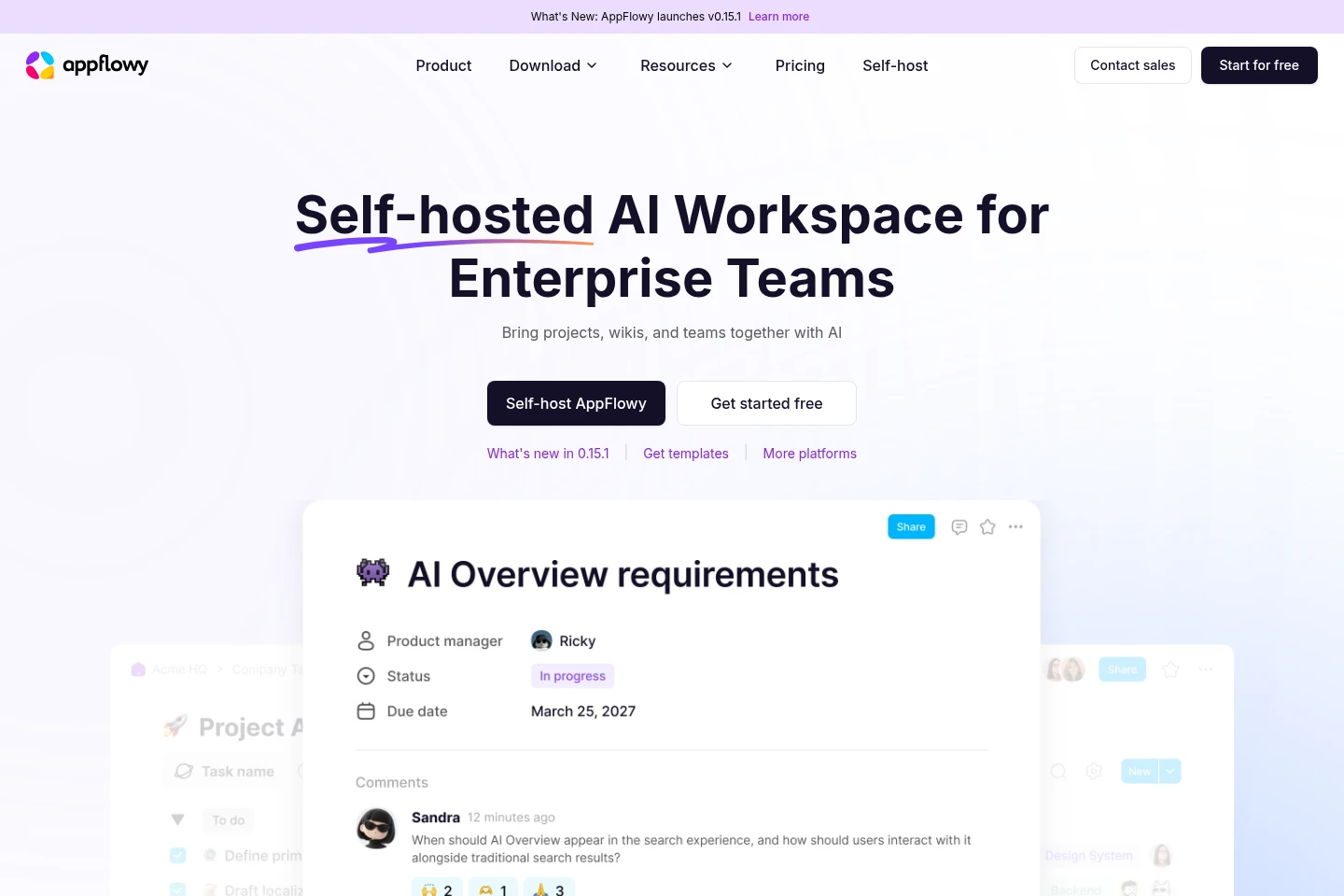
AppFlowy - A self-hosted AI workspace for projects, wikis, and teams
AppFlowy brings project management, wikis, documents, databases, forms, and AI tools into one workspace. Teams can collaborate in real time, search information with source-grounded AI, and manage meetings and projects. Deploy it on your own infrastructure, in your cloud, or in an air-gapped environment, with apps for desktop, mobile, and web.
- AI Productivity
- Project Management
- Knowledge Base
- Note-Taking Apps
- self-hosted AI workspace
- project management wiki
- private AI collaboration
Capabilities
Workspace content management
Create and organize documents, wikis, databases, forms, and project information in a shared workspace. Teams can co-edit in real time or leave asynchronous comments; available features vary by plan.
AI knowledge tools
Search workspace sources and receive answers with traceable sources, and use AI for writing, meeting notes, transcripts, and responses. AI features and access depend on the plan and can be powered by self-hosted models.
Project management tools
Manage projects with timelines, dependencies, dashboards, team spaces, and permission groups. Availability and limits for these collaboration features depend on the selected plan.
Self-hosting and administration
Run AppFlowy on your infrastructure, cloud, or in an air-gapped environment, and manage users, workspaces, settings, SSO, and permissions. Deployment and administration options depend on the deployment and plan.
Pricing
AppFlowy offers a free Personal plan and a paid Pro subscription, billed monthly or annually. Compare member pricing, collaboration and AI access, storage, file limits, version history, and export features when choosing a plan.
| Plan | Price | Included features and limits |
|---|---|---|
| Personal | $0 per month |
|
| Pro | $12 per member per month billed annually; $16 billed monthly |
|
Each workspace is billed separately. Guest editors on Pro are free. Added members are charged prorated for the remaining billing cycle; removing members gives no credit, though the seat can be reassigned for the rest of the period.
Use cases
Organize team documents and shared knowledge
When a team needs a common place for working documents and reference material, members can create wikis, documents, and databases in AppFlowy. They can co-edit in real time or comment asynchronously, subject to plan limits.
Coordinate projects and track work
When teams need to coordinate project work, they can use project-management tools such as timelines, dependencies, dashboards, and custom team spaces. Feature availability depends on the selected plan.
Find answers across workspace information
When users need information held in workspace sources, they can use AI search to get answers with traceable sources. AI availability depends on the plan and can use self-hosted models.
Limitations
On the Personal plan, a workspace has one owner, one form, one chart, up to 100 MB of storage, and file uploads up to 7 MB.
On the Personal plan, version history is limited to 7 days, and PDF export covers a single page.
On the Pro plan, the listed $12 per member per month price requires annual billing; monthly billing costs $16 per member.
After cancellation, a workspace moves immediately to Personal, and usage exceeding its free limits may be restricted.
When members are added to a paid workspace, the charge is prorated for the remaining billing-cycle time; removing members does not generate credit for that period.
Who it is for
Enterprise teams needing control over workspace data and deployment
Project teams coordinating work, shared documents, and team knowledge
Organizations that need to run collaboration software on their own infrastructure
Developers building applications with AppFlowy Editor or Kanban Board
FAQ
How is pricing calculated for paid plans?
Each workspace has its own plan and payment. Pro is charged per member in each Pro workspace; guest editors are free. The price is $12 per member per month billed annually ($144 per member per year), or $16 per member per month billed monthly.
How can I cancel a paid plan?
Cancel in the desktop app through Settings, Billing, Change plan, then Downgrade under Personal. The workspace moves immediately to Personal, where usage above the free limits may be restricted.
How are added or removed members billed?
Added members are charged a prorated amount based on the remaining billing-cycle time. Removing a member does not provide a credit, but the seat can be used by another person for the rest of that billing period.
Can I change my payment method?
Yes. You can change the payment method at any time in billing settings.
Can I switch between monthly and annual billing?
Yes. Change the billing period in Settings, then Billing, then Edit period. Pro costs $16 per member per month billed monthly, or $12 per member per month billed annually ($144 per member per year); annual billing saves 25%.
Comments