

- Monthly visits
- 0
- 2026-09
Aivector - Turn text prompts into logos, icons, or stickers, or convert images to editable SVG for free no signup required
Aivector is an AI vector generator that lets users create original vector graphics from text prompts, or convert existing images into editable SVG files directly in the browser. It is built for small business founders, marketers, and content creators who need scalable, customizable artwork for branding, campaigns, and community projects without advanced design skills. The platform offers fully free no-signup image-to-vector conversion, and paid text-to-vector generation for users who want to design logo concepts, mascots, and custom icons from scratch.
- AI Design
- Vector Graphics
- Logo Design
- Image Generation
- UI Design
- Testing
161Views
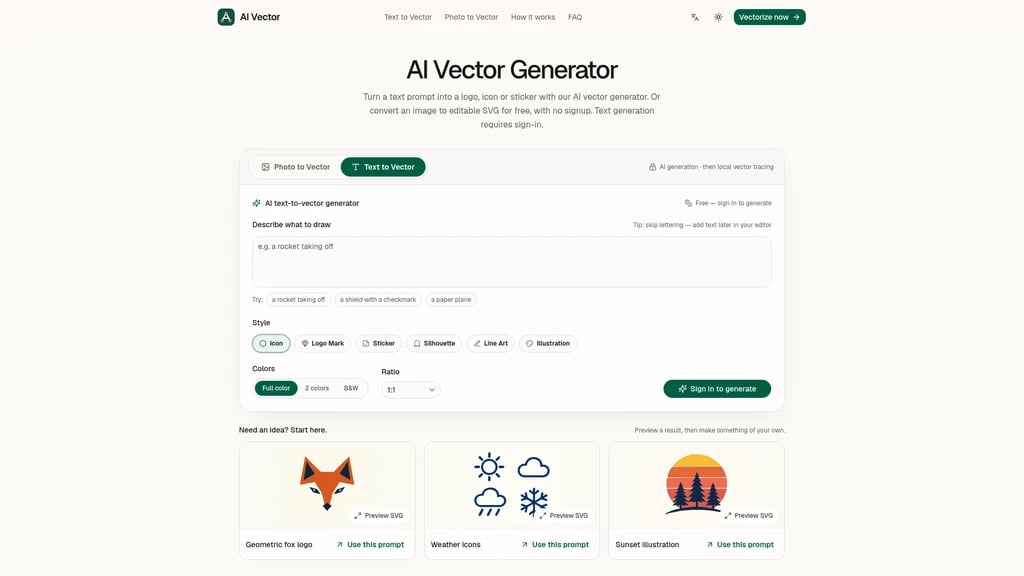
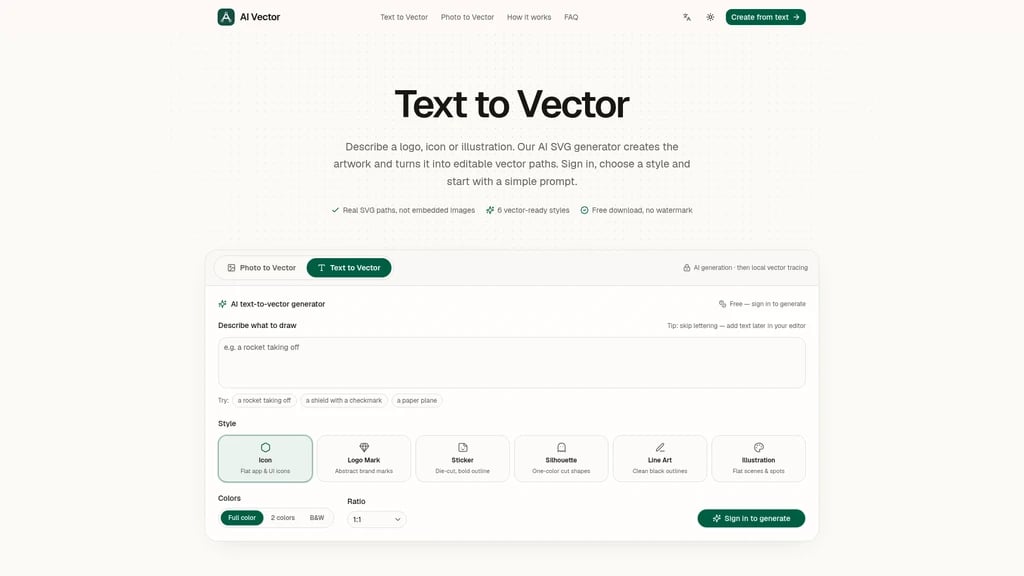
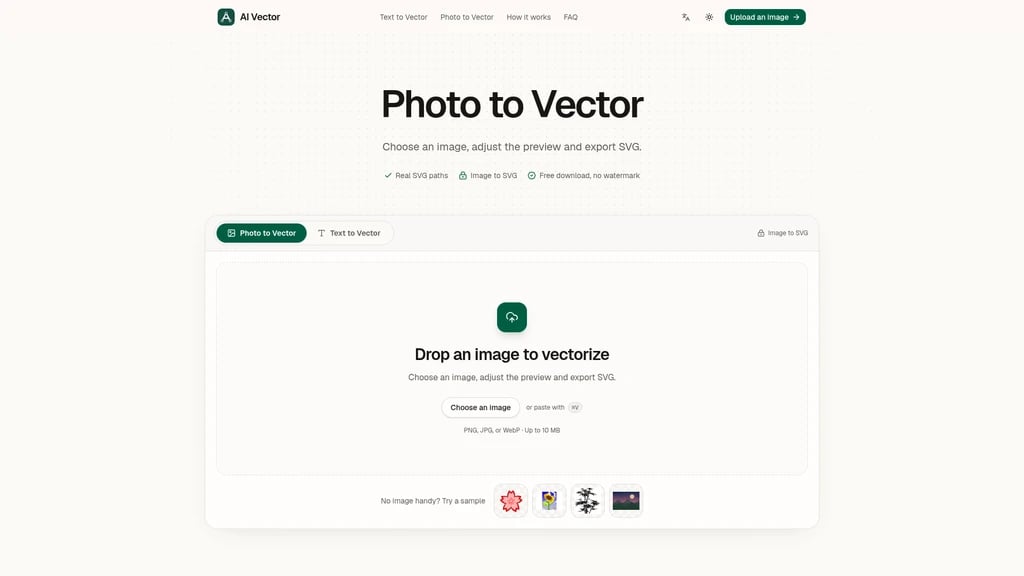
Two core workflows
Aivector supports two distinct ways to create or edit vector artwork. Both workflows output fully editable SVG files that you can recolor, resize, and refine in any vector editing tool.
Image to vector conversion
This workflow is completely free, requires no signup, and processes all images locally on your device. No files are uploaded to external servers. You can upload an existing bitmap logo, portrait, or sketch to trace it into clean, layered vector paths. You can adjust detail level, smoothness, and color count during the conversion to simplify complex artwork into graphic, scalable shapes. The platform notes that a clear source image will produce better final edges, and conversion cannot reconstruct missing details that are not present in the original input.
Text to vector generation
This workflow requires user sign-in, and shows generation costs clearly before you start the process. You write a prompt that describes your desired subject, preferred art style, and color palette. The tool recommends using flat styles and small palettes for the cleanest vector results. The AI generates artwork from your prompt, then runs local tracing to convert that output into editable vector paths. You can then adjust the generated palette and shape details before export.
Supported use cases
The tool is built for three primary user groups:
Small business founders, who can generate logo concepts, brand mascots, and packaging graphics to use on websites, pitch decks, and physical packaging
Marketers, who can create campaign illustrations, social graphics, and event artwork that are easy to recolor to match brand guidelines and reuse across multiple digital and print formats
Content creators and community managers, who can turn custom ideas into sticker artwork, channel icons, and community mascots that work at tiny profile picture sizes or large poster dimensions
How the tool works
Every generation or conversion follows three simple steps:
Input your content: Enter a text prompt describing your desired vector design, or upload the existing image you want to trace
Generate and refine: The AI creates or traces the artwork, and you can adjust color palette, path smoothness, and detail level while comparing real-time previews
Export your SVG: Download the full vector file with no watermark. You can open it in any external vector editor to make final shape tweaks, then scale it to any size without pixelation for any use case.
Limitations
Text-to-vector functionality requires a user to sign in before generation. Image to vector processing runs entirely locally in your browser, which means performance may vary based on your device hardware. The tool does not generate pixel-based outputs, all final results are SVG vector formats.


Comments