

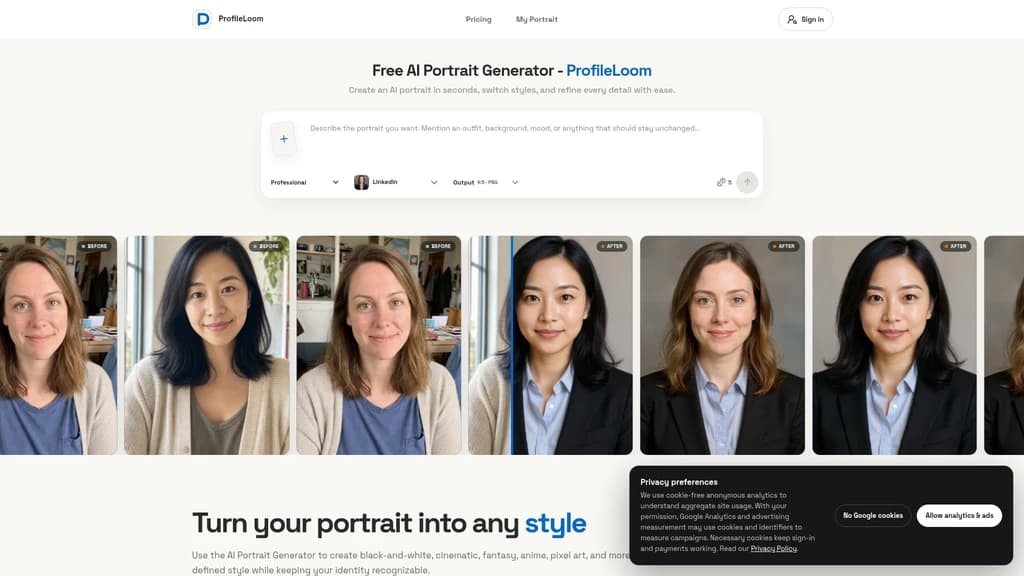
ProfileLoom AI Portrait Generator - Create AI portraits in seconds, switch styles, and refine every detail with ease
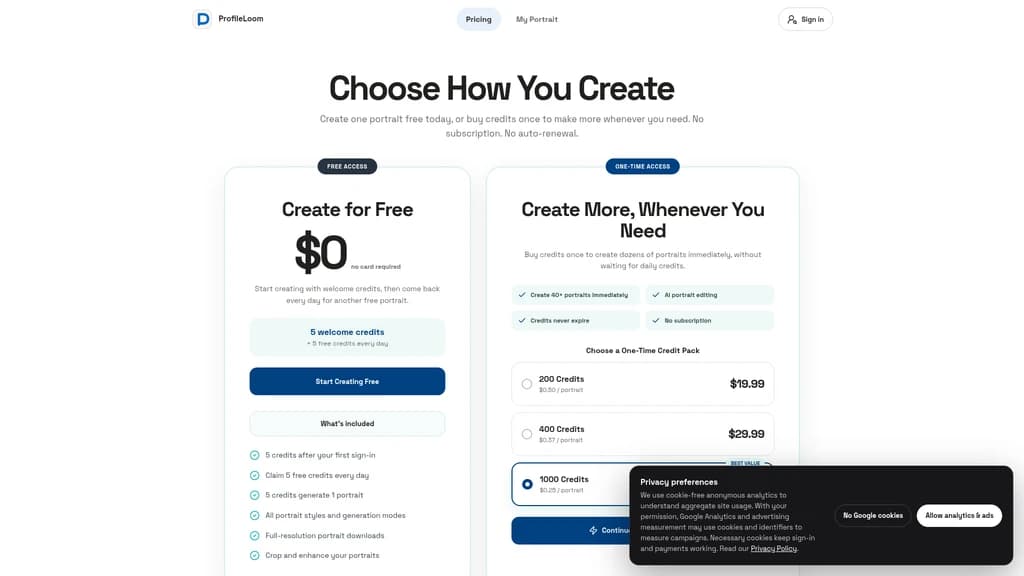
Launched on Sep 11, 2026ProfileLoom is a free AI portrait generator that turns your uploaded photos into professional headshots, artistic style portraits, and coordinated profile image sets for work and social media. It is designed for professionals, creators, and teams who need high-quality profile pictures for LinkedIn, resumes, business bios, and social platforms without mandatory upfront bulk purchases. Users can generate one portrait at a time to test styles before committing to larger batches, with no subscription or auto-renewal requirements.
Related Content

Tea App Green Flags
Tea App Green Flags is an instant Tea app checker for men. Search by first name, city and age, or by photo, and see within seconds whether you appear in posts on the Tea dating-review app. The search is free; unlocking full posts and comments is paid. Nobody on Tea is told you searched. We also check the "Are We Dating The Same Guy" Facebook groups and help get false or harassing posts removed.
Facecam.ai
Facecam.ai is a browser-based AI tool that provides face swap, real-time voice changing, and VTuber creation capabilities. It works natively with web versions of Google Meet, Zoom, Microsoft Teams, and Discord for live calls, and supports photo, video, and GIF face swap workflows. The platform is designed for individual video call users, streamers, and content creators looking to modify their on-camera presence without specialized desktop software. Many core tools are available for free with no account required, while premium plans unlock extended live face swap hours and watermark-free outputs.

SpriteGen
SpriteGen is an online AI sprite sheet generator for game developers and creators. Describe a character or object, select a frame count, preview the animation, and download a transparent PNG sprite sheet. A free trial and credit-based generation are available.

Try AI Editor
Try AI Editor is a browser-based AI image editor that lets users edit photos using plain English text prompts, with no account registration required. It supports common use cases including background removal, object deletion, old photo restoration, style transfer, and image upscaling. The platform gives out free daily editing credits, never adds watermarks to exported images, and does not store uploaded user photos after processing.


Comments