
- Monthly visits
- 2,257
- 2026-09
AI Workflow Brief Builder - Create locally generated, reviewable AI workflow briefs
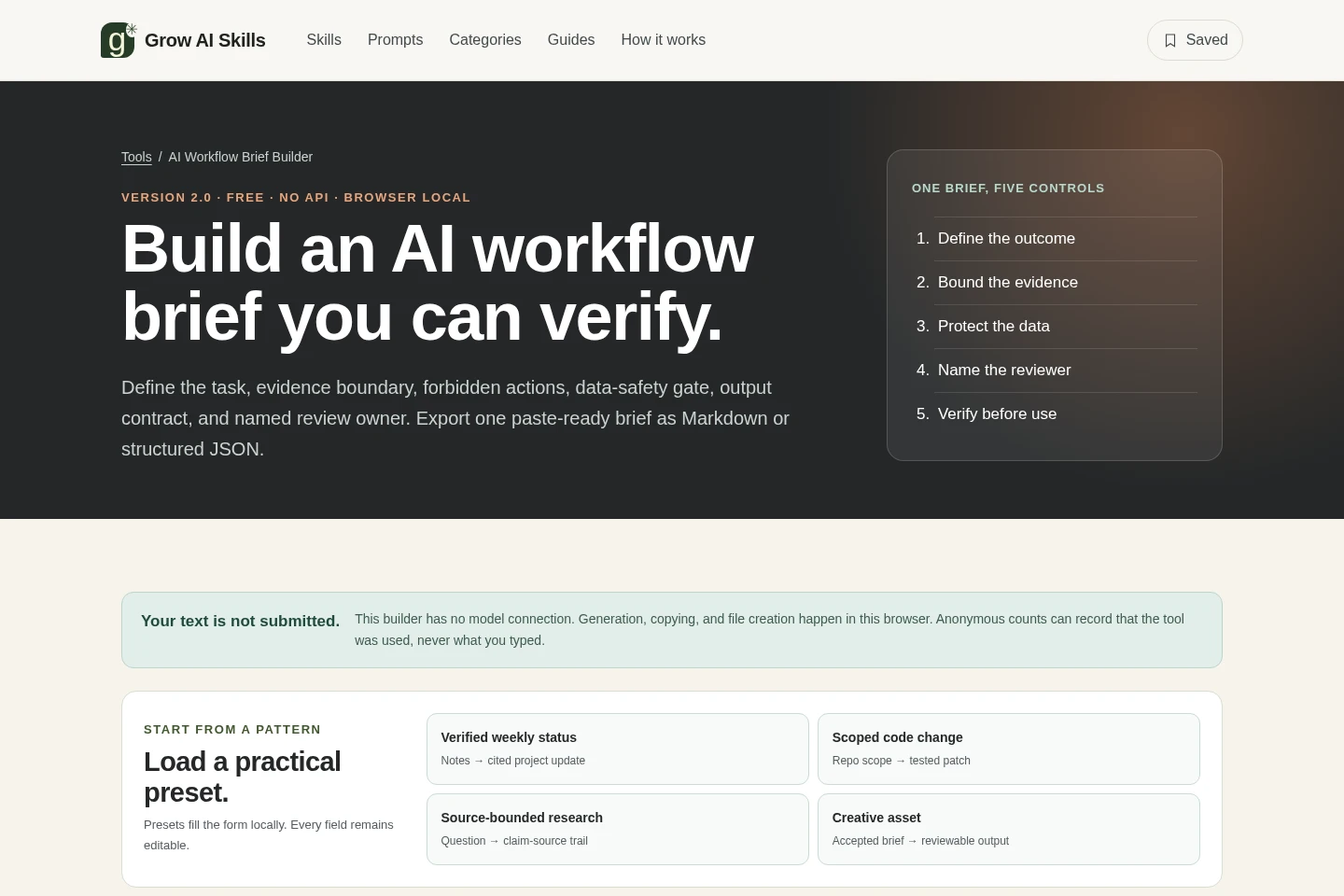
AI Workflow Brief Builder structures a task into a paste-ready brief with an outcome, evidence boundary, data-safety gate, named reviewer, forbidden actions, and observable success checks. Use editable presets, assess input completeness, and export the brief as Markdown or JSON. Text stays in the browser and is not submitted to a model; the tool does not verify the truth or safety of the task.
- AI Productivity
- Prompt Generators
- Form Builders
- AI workflow brief builder
- local AI task brief
- workflow brief JSON export
Capabilities
Workflow brief creation
Structures a task as a paste-ready AI workflow brief and outputs Markdown or JSON. Enter the goal, audience, reviewer, tools, sources, evidence boundary, safety gate, output format, constraints, forbidden actions, and success checks; fields remain editable.
Local browser processing
Generates, copies, and creates files in the browser without submitting entered text. The builder has no model connection, and anonymous usage counts may record tool use but not typed content.
Editable workflow presets
Starts a brief from one of four local patterns: Verified weekly status, Scoped code change, Source-bounded research, or Creative asset. Presets populate editable form fields rather than locking the brief.
Brief readiness checks
Checks input completeness against six listed readiness items and displays a readiness count. The check assesses completeness, not the truth of the brief or approval of the task.
Pricing
The builder is offered free to use, with no paid plan or billing choice shown. The page identifies it as Free and describes browser-local brief generation and Markdown or JSON export.
| Plan | Price | Included features and limits |
|---|---|---|
| Free | Free |
|
Use cases
Define a bounded AI task brief
When preparing a task for an AI tool, specify its goal, sources, evidence boundary, data-safety gate, constraints, forbidden actions, output format, reviewer, and success checks. Generate a structured brief to review before pasting into an AI tool.
Prepare a reviewable task handoff
When another person must review or release AI-assisted work, name the review owner and distinguish that person from the end user. Include observable success checks and an approval boundary, then export the brief for handoff.
Export a workflow contract
When a workflow needs a reusable written contract, create the brief in the browser and copy it or download it as Markdown or structured JSON. Review the output before use; the builder does not validate the underlying task.
Limitations
The builder has no model connection and does not run the AI task; users must paste the generated brief into an AI tool themselves.
Readiness checks measure input completeness only; they do not verify whether claims are true or whether the task is safe or approved.
The tool advises users to keep confidential values out of the form, even though generation, copying, and file creation happen locally in the browser.
Anonymous usage counts may record that the tool was used, but the page says they do not record typed content.
Who it is for
People preparing structured instructions for an AI tool who need to define sources, constraints, and review checks.
Review owners responsible for checking or releasing AI-assisted work against a named set of requirements.
People carrying a workflow contract into automation through the builder’s structured JSON export.
FAQ
Does the builder send my text to an AI model?
No. The builder has no model connection, and generation, copying, and file creation happen in the browser. The page says anonymous counts may record tool use, but not what you typed.
What can I export from a generated brief?
You can copy the brief or download it as a Markdown file or structured JSON file. Review the brief before pasting it into an AI tool.
What does the readiness check verify?
It checks input completeness against six listed items, including a specific outcome, named reviewer, constraints, and observable success checks. It does not verify truth, safety, or approval.
Can I change the preset fields?
Yes. The four presets fill the form locally, and every field remains editable.
Does the builder validate whether a task is safe?
No. It structures instructions but does not validate the truth or safety of the underlying task. Review the generated brief before using it.
Comments