
Monthly visits
42,957
2026-10
Monthly growth +772.9%

AI Image Editor - Edit and enhance images with text prompts

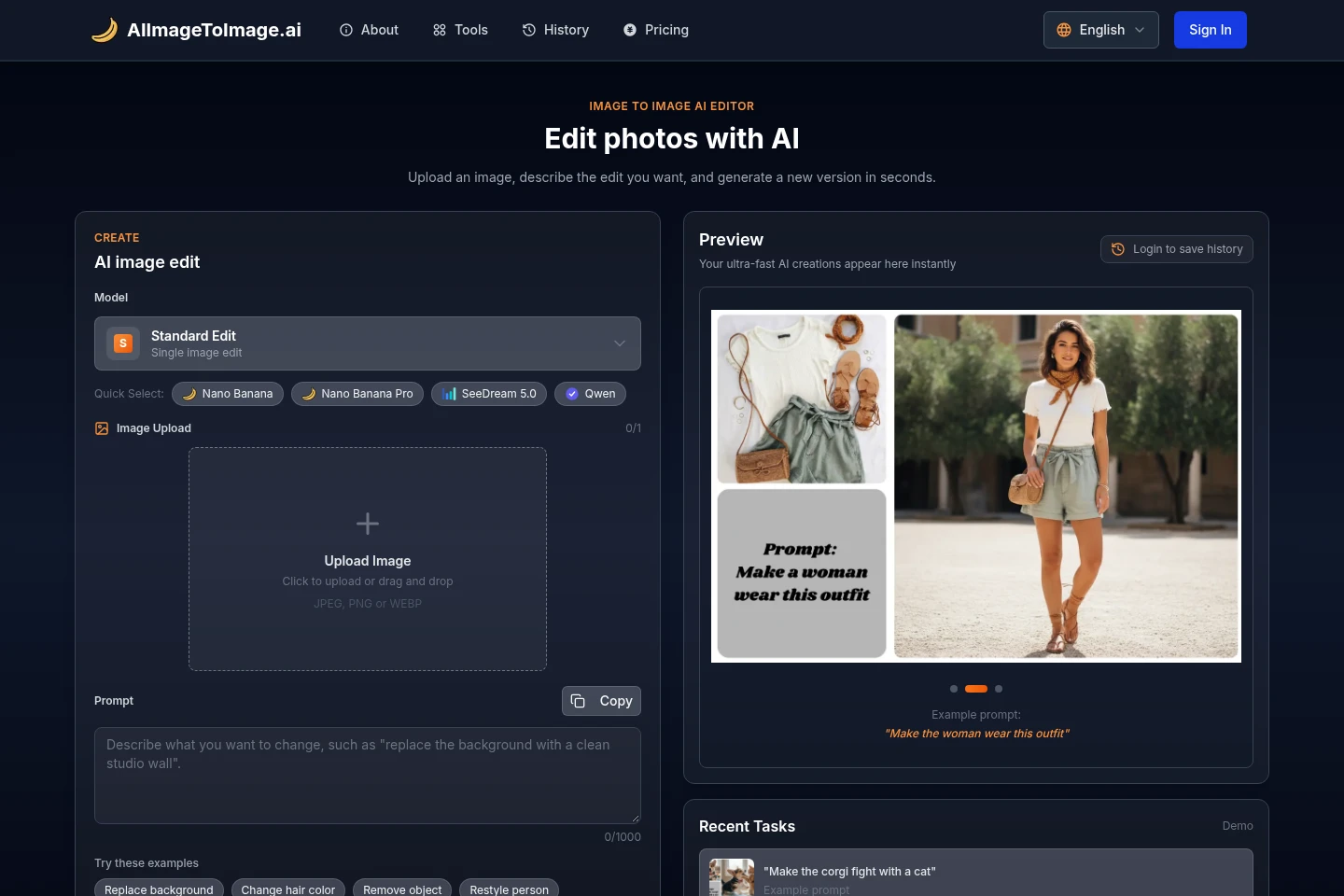
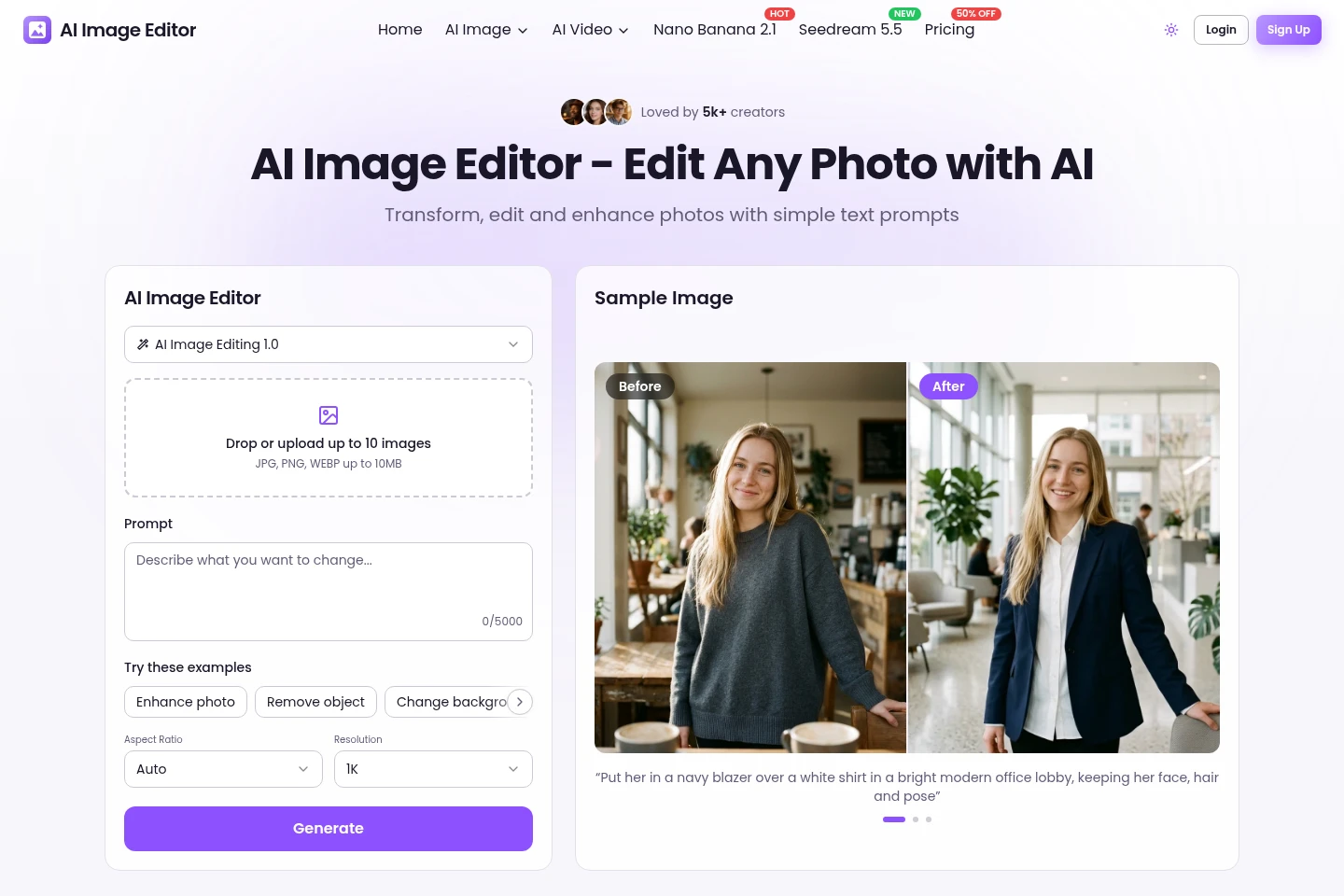
AI Image Editor is a browser-based tool for generating and editing images with AI. Upload photos, describe changes in a prompt, combine multiple references, or enhance image resolution. It also provides text-to-image generation and photo enhancement. Supported uploads and output options vary by tool and model.

Visit WebsiteUpdate this product

0Views

Capabilities

Prompt-based image editing

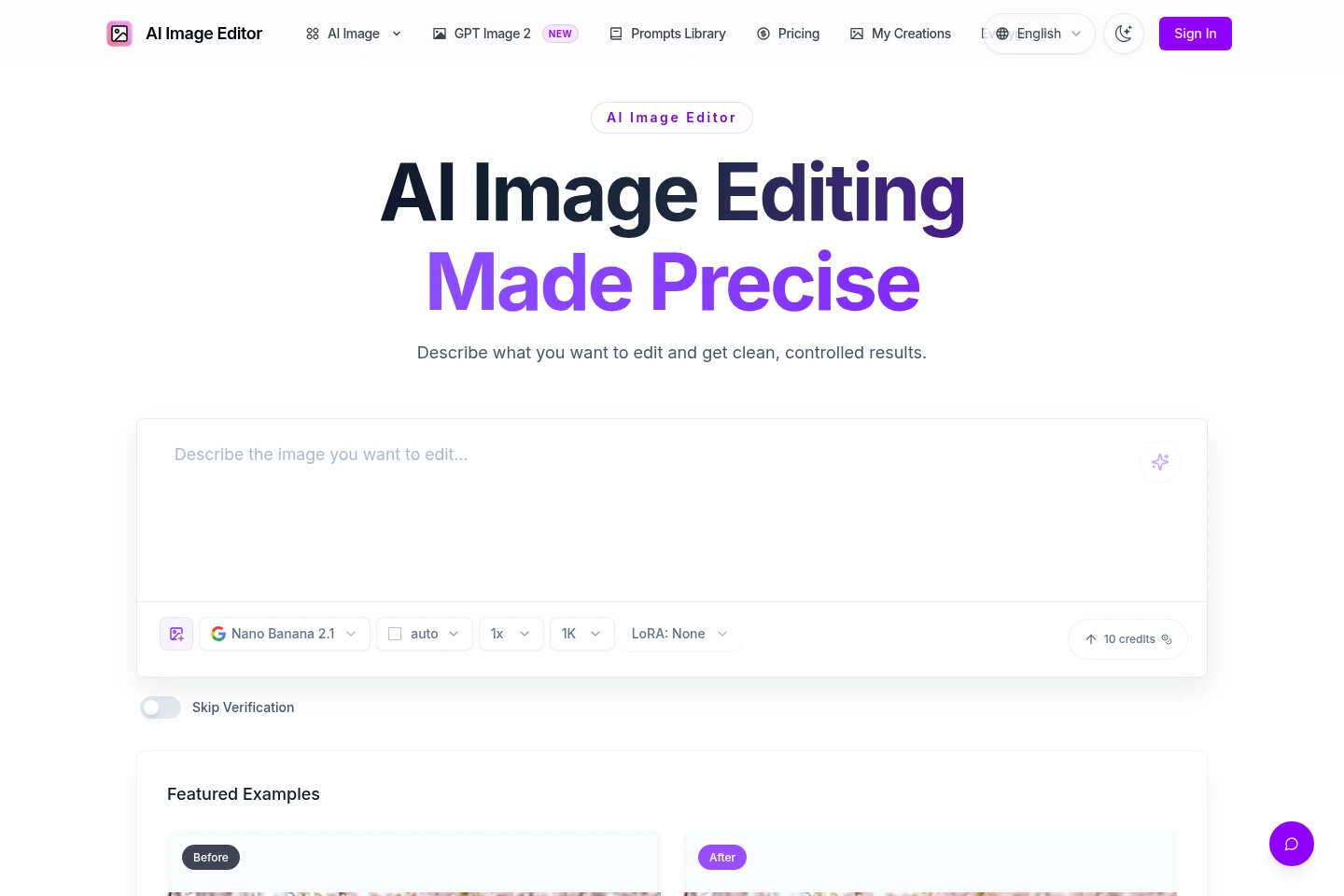
Edit uploaded images using natural-language prompts and generate revised images. Upload JPG, JPEG, PNG, or WebP files up to 10MB, describe the desired change, and select an available model and output options.

Multi-image composition

Combine multiple reference images into one generated image. Upload supported image files and use a compatible model; the maximum number of references depends on the model.

Text-to-image generation

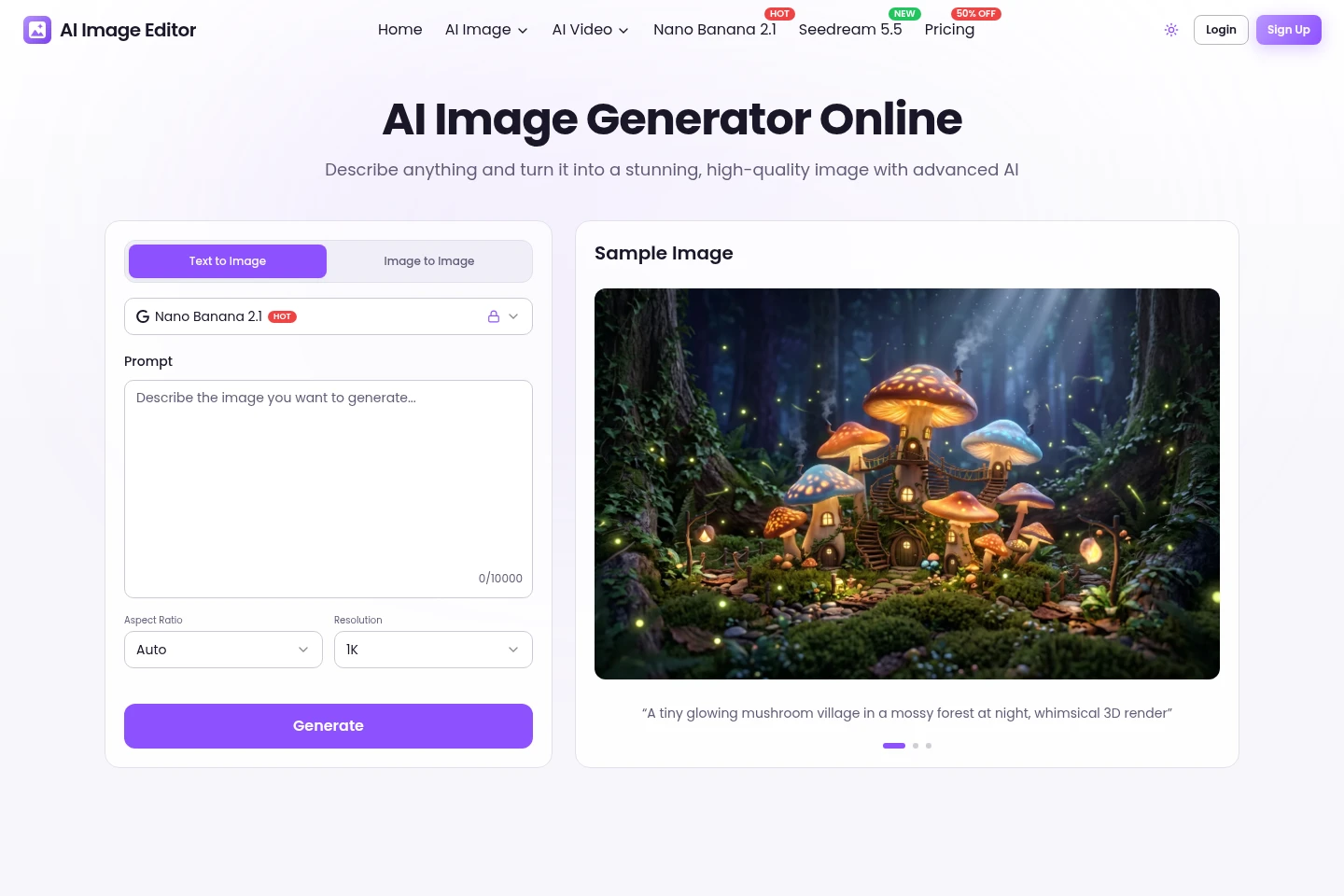
Generate an image from a text description. Enter a prompt, choose an available model and output settings, and generate an image; available resolutions depend on account credits and model.

Photo enhancement and upscaling

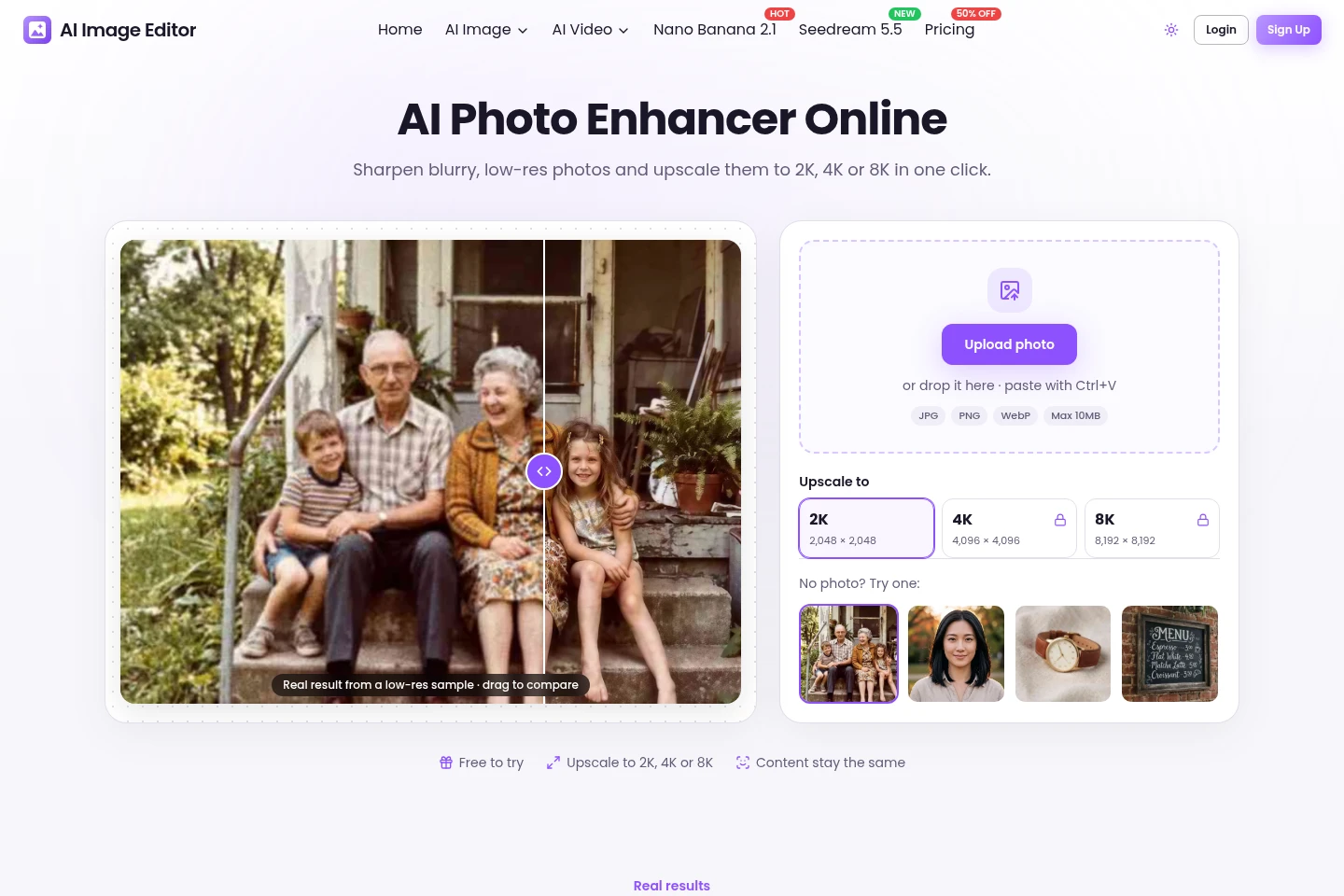
Sharpen and upscale photos to higher resolutions using the separate AI Photo Enhancer. Upload a JPG, PNG, or WebP image up to 10MB and choose 2K, 4K, or 8K output.

PricingFreemium

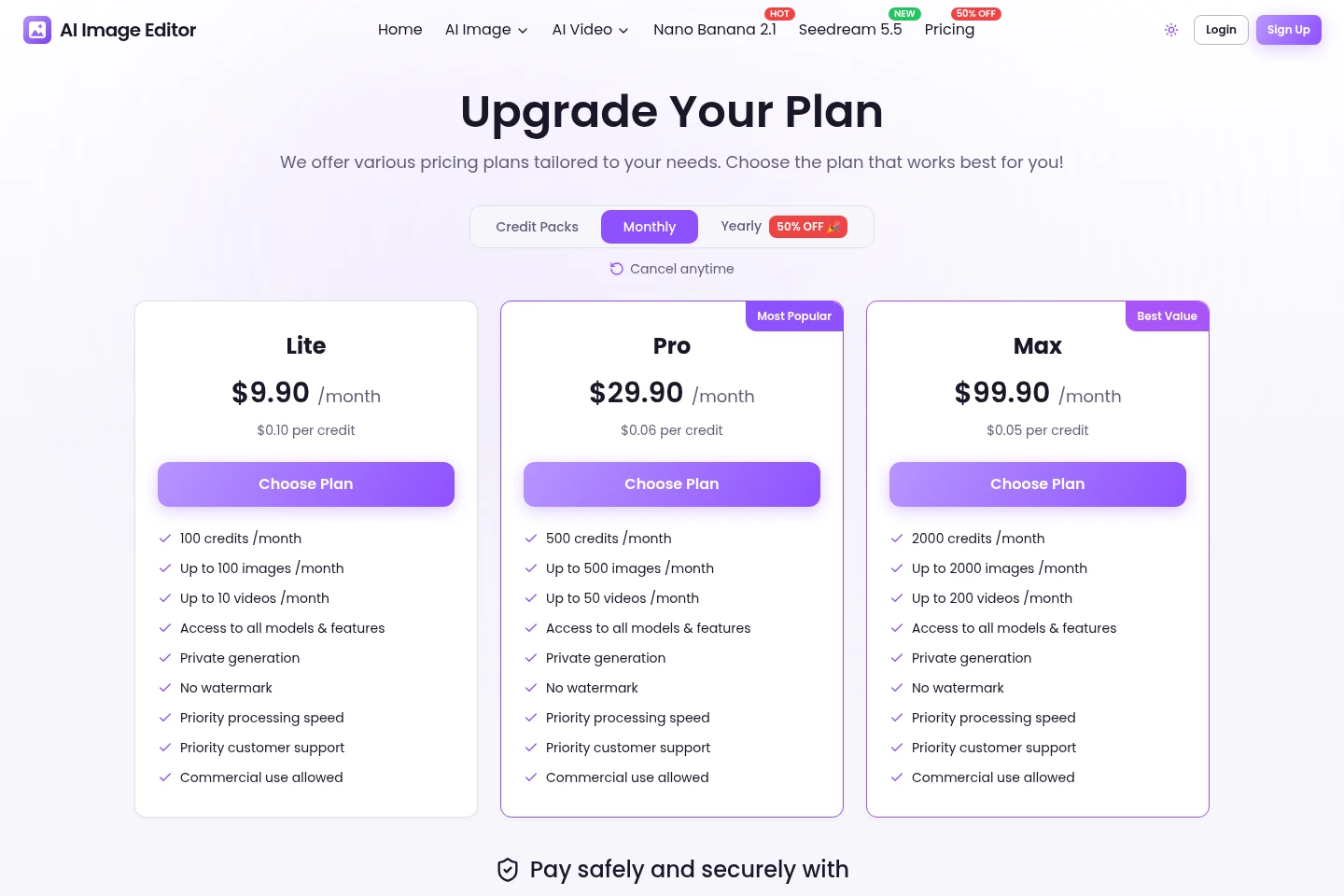
Paid credit packs are one-time purchases; compare the credits, included image and video quantities, and per-credit price. Free credits are also available on sign-up.

PlanPriceIncluded features and limits
Starter

$10 one-time

  • 50 credits included

  • Up to 50 images

  • Up to 5 videos

  • Credits do not expire

  • Commercial use allowed

Basic

$30 one-time; listed price $50

  • 250 credits included

  • Up to 250 images

  • Up to 25 videos

  • $0.12 per credit

Creator

$100 one-time; listed price $200

  • 1,000 credits included

  • Up to 1,000 images

  • Up to 100 videos

  • $0.10 per credit

Use cases

Edit or restyle an existing photo

When a photo needs a changed background, removed object, or different visual style, upload it to the editor and describe the change in a text prompt. The tool generates an edited image using the selected model.

Create images from text prompts

When an image is needed from a written idea rather than an existing photo, enter a descriptive prompt in the generator and choose the available model and settings. The result is a generated image that can be downloaded.

Sharpen and upscale a photo

When a photo is blurry or low resolution, upload it to AI Photo Enhancer and select 2K, 4K, or 8K. The tool produces a larger, sharpened image while retaining the original aspect ratio.

Limitations

  • Free accounts create images at 1K; a subscription or credit pack is required to add credits and unlock 2K and 4K image editing.

  • Free users may use outputs for personal projects; commercial use is allowed after buying a subscription or credit pack.

  • Images from accounts are public by default; paid users can turn off Public Visibility.

  • Subscription credits renew each billing period and do not roll over; purchased credit packs do not expire.

  • AI Photo Enhancer does not colorize black-and-white photos, repair tears or missing areas, remove objects, or replace backgrounds.

  • Upload limits and maximum reference-image counts depend on the tool and selected model.

AI Image Editor alternatives

AI Image Editor

Edit and generate images with precise text prompts

AI Image Editor is a browser-based tool for generating images from prompts and editing uploaded photos. It supports object and background changes, image generation from scratch, and text rendering, including multilingual text. Users can preview and refine results, choose aspect ratios, and download images; the homepage describes output resolutions from 512px to 4K.

  • Cloud
  • Free
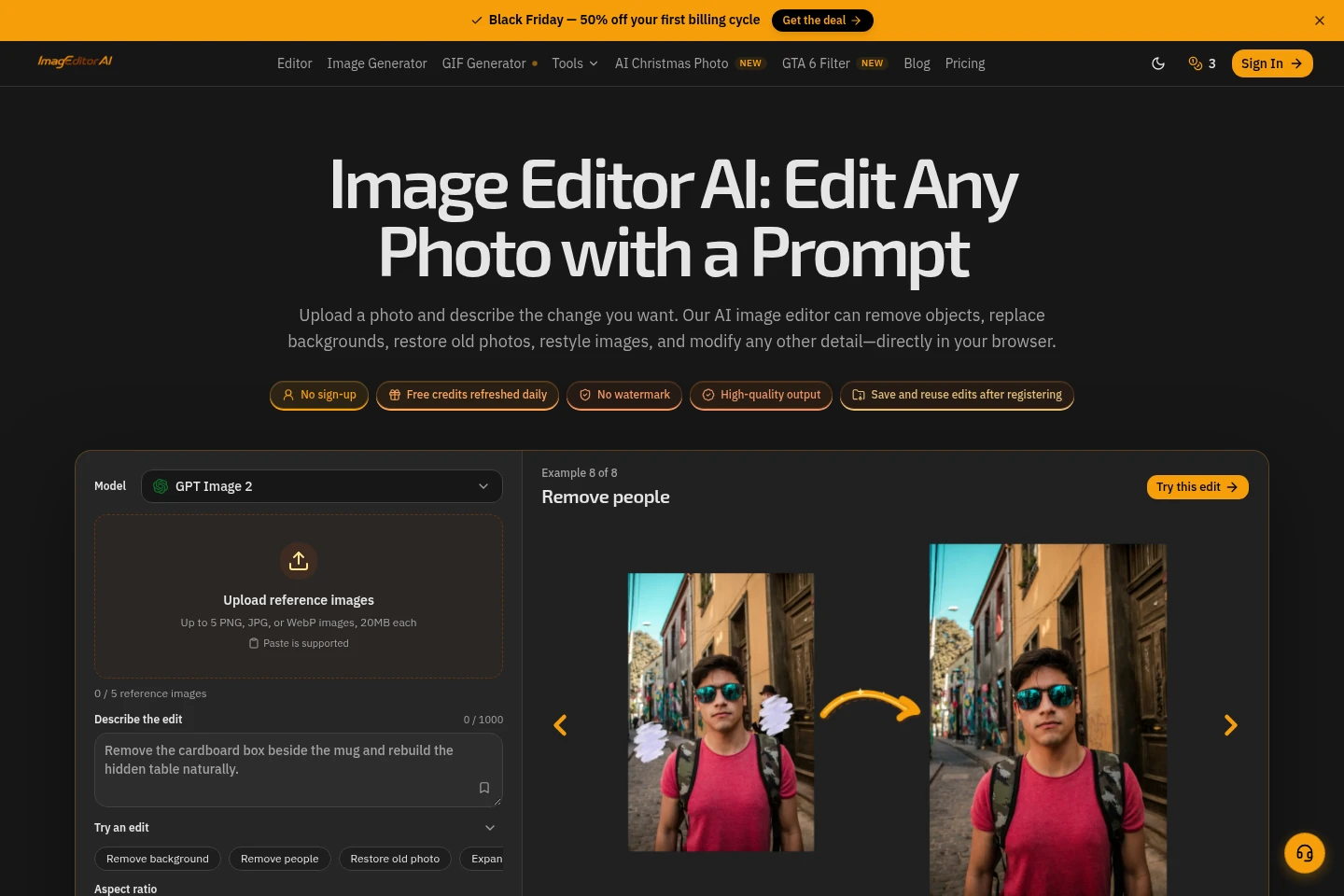
  1. Image Editor AI

    Edit any photo with a simple text prompt, no layers or masks required

    Freemium
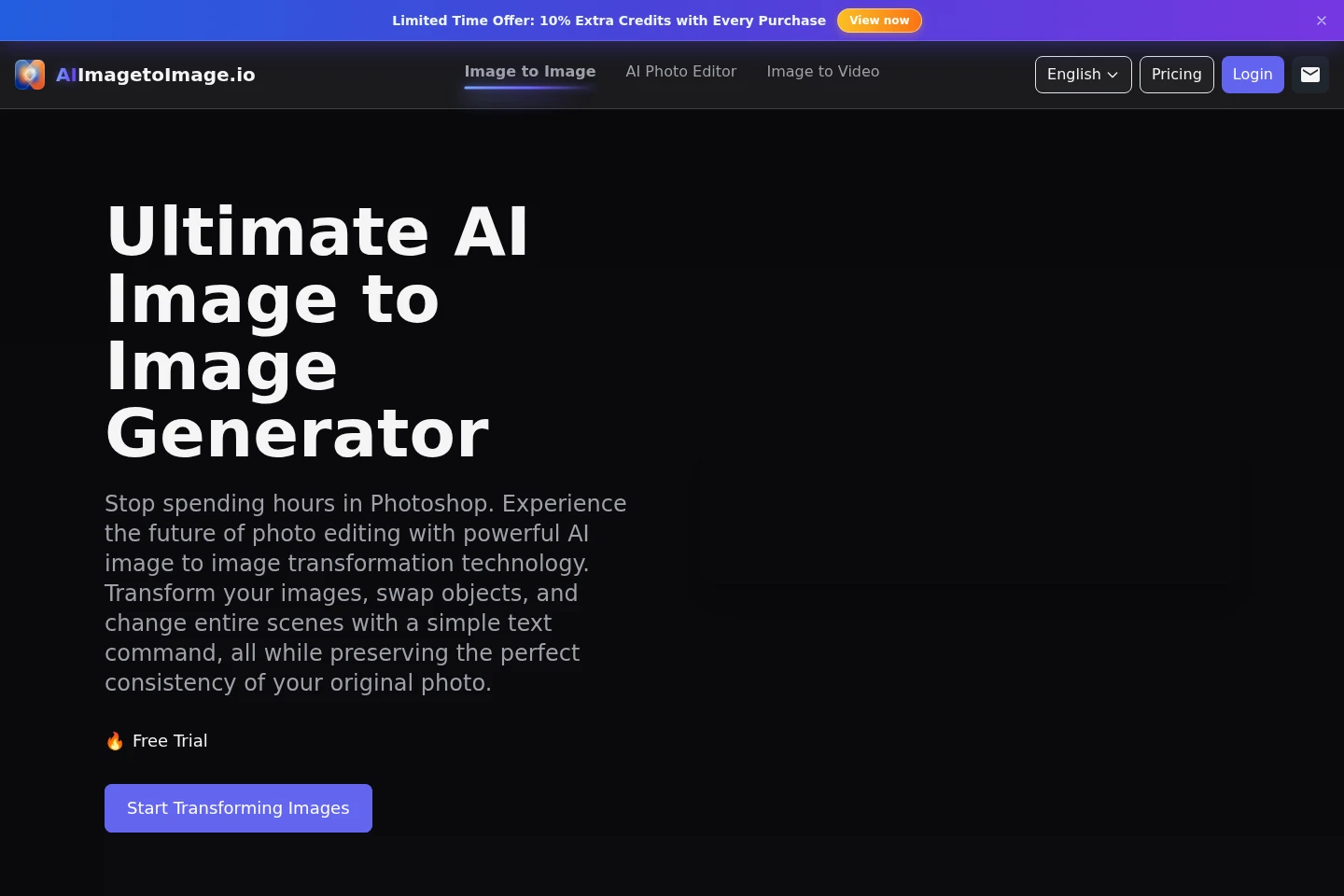
  2. AI ImagetoImage.io

    Edit images with AI-guided text prompts

    Free
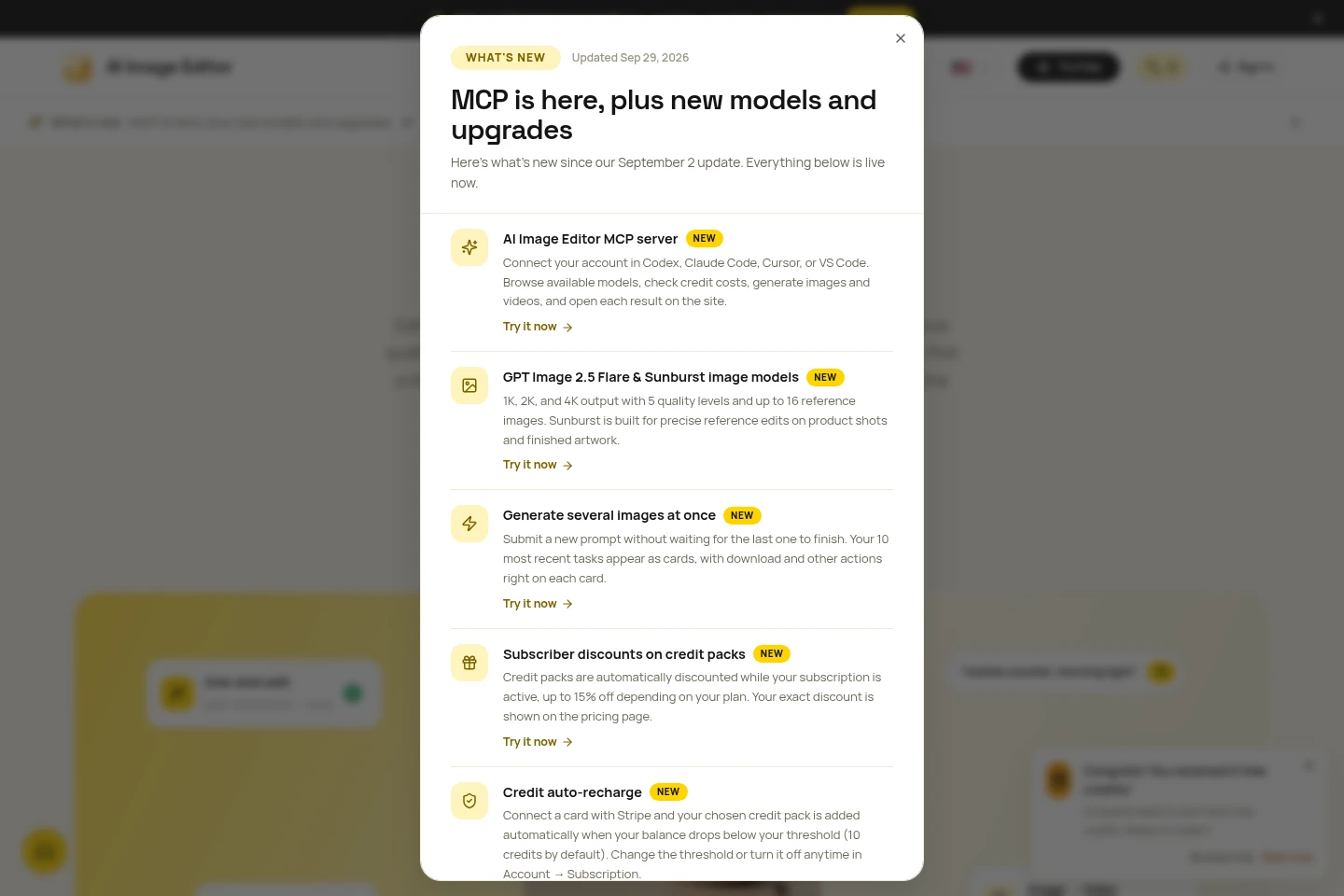
  3. AI Image Editor

    Edit and generate images with text prompts and AI tools

    Free
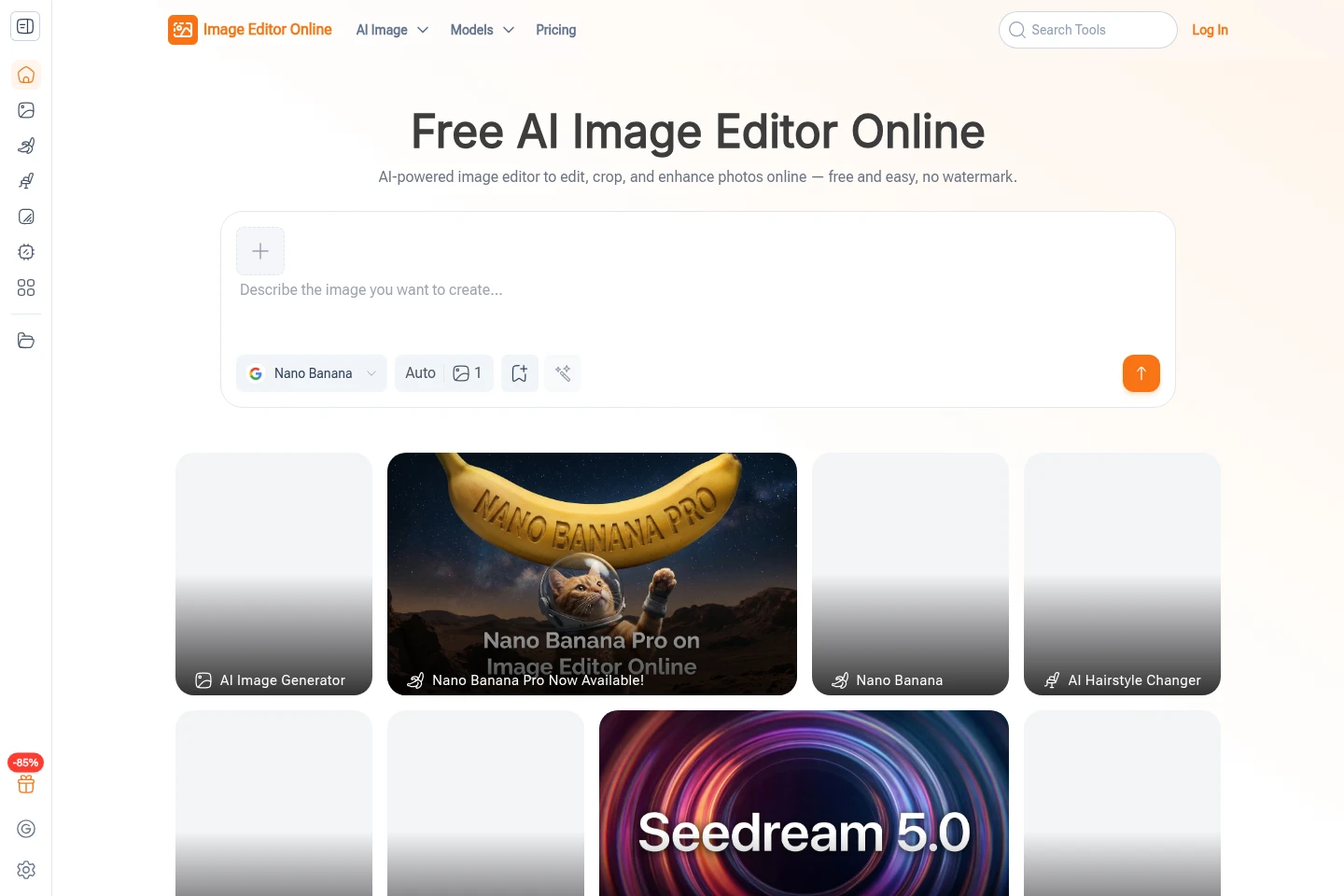
  4. Image Editor Online

    Edit and transform photos with AI prompts online

    Free
  5. AIImageToImage.ai

    Edit uploaded photos with AI prompts in your browser

    Starter · $7.90/month; yearly $94.80

Who it is for

  • Photographers and image creators who need prompt-based edits or photo enhancement

  • Social media and video creators preparing images, thumbnails, and posts

  • Online sellers preparing product images for listings and marketing

FAQ

Can I try AI Image Editor for free?

Yes. You can make one free edit without an account, using up to 10 reference images. Signing up provides 5 free credits; free accounts generate at 1K resolution.

Which image formats and upload sizes are supported?

The editor accepts JPG, JPEG, PNG, and WebP images up to 10MB each. The maximum number of reference images varies by model, reaching 16 for GPT Image 2.6 and GPT Image 2.5.

How do credits work?

Each editing task uses credits based on the model and resolution, and the Generate button shows the cost before starting. Credits are returned if generation fails; subscription credits renew each billing period without rollover, while purchased credit packs do not expire.

Can I use generated images commercially?

Commercial use is allowed after purchasing a subscription or credit pack. Free users may use the editor for personal projects.

Are my creations private?

Images created with an account are public by default and saved in My Creations, where they can be downloaded or deleted. Paid users can turn off Public Visibility.

What does AI Photo Enhancer change?

It sharpens and upscales photos while retaining their content and original aspect ratio. It does not colorize black-and-white images, repair damage, remove objects, or replace backgrounds.

Comments

Please sign in to leave a comment.
No comments yet. Be the first to share your thoughts!