

- Monthly visits
- 42,700
- 2026-09
- Monthly growth +13.4%
AI Formatter - Format and refine documents with AI and professional templates
AI Formatter turns uploaded documents or pasted text into formatted documents using selectable templates. Users can specify formatting requirements, edit results in an online editor, and share or download files. Supported uploads include PDF, DOCX, TXT, and Markdown files up to 10 MB.
- AI Productivity
- Document Generators
- AI document formatter
- resume formatter
- AI cover letter generator
Capabilities
AI document formatting
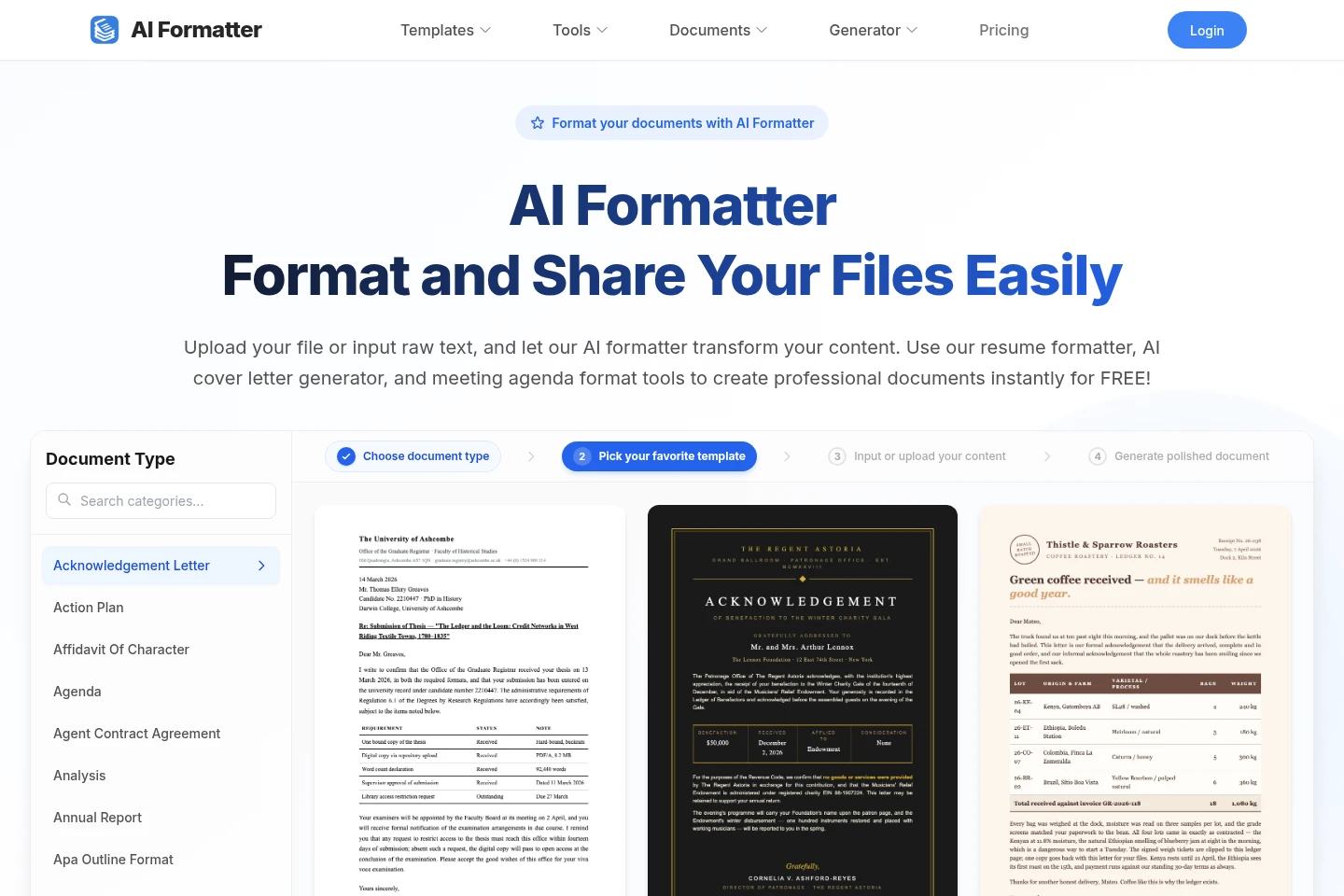
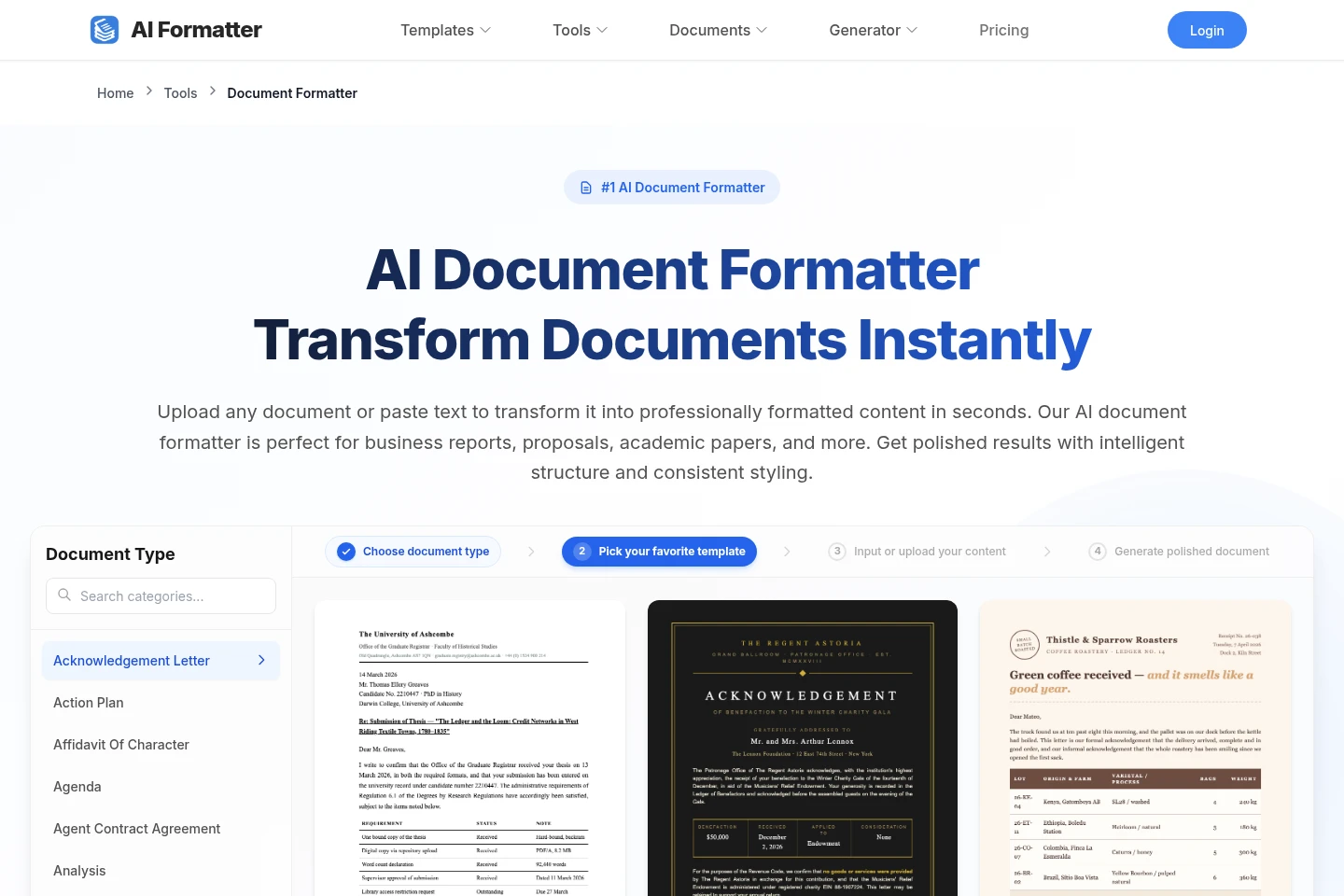
Transforms uploaded documents or pasted text into formatted documents. Users choose a template and can provide optional styling or layout requirements; supported upload formats include PDF, DOCX, TXT, and Markdown, with a 10 MB maximum file size.
Professional template selection
Applies a selected template to document content and provides templates for document types such as resumes, cover letters, and meeting agendas. Access to all templates, including premium designs, is included in the listed paid subscriptions.
Online document editing
Lets users review and adjust the formatted document in an online editor. The Basic plan lists real-time online editing, while Pro lists real-time editing with all features.
Document export and sharing
Exports formatted documents in formats including PDF and Word, and can provide a shareable link. Paid plans list watermark-free downloads; the document formatter page also lists HTML export.
Pricing
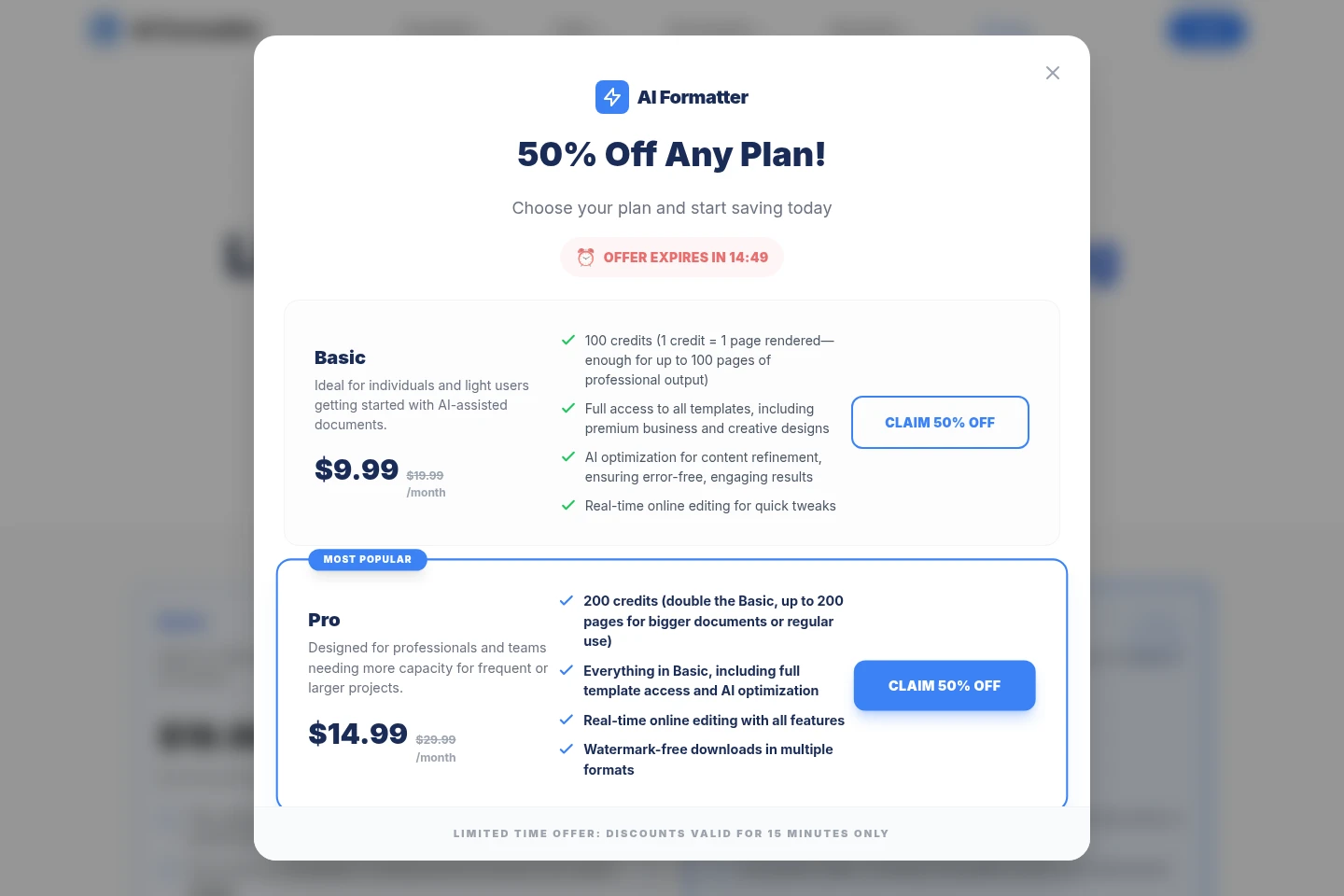
AI Formatter offers monthly subscriptions and a one-time credit pack. Compare the monthly credit allowance, included editing and download features, and whether you need recurring access or a single top-up.
| Plan | Price | Included features and limits |
|---|---|---|
| Basic | $19.99/month |
|
| Pro | $29.99/month |
|
| Credit Pack Quick Top-Up | $5.00 per pack |
|
The Basic plan is explicitly described as a recurring subscription that can be canceled anytime. The credit pack requires no subscription and has no recurring fees.
Use cases
Format an existing document
When an existing file or draft needs consistent styling, upload a supported document or paste its text, choose a template, and optionally specify formatting requirements. Review the result in the online editor, then export or share it.
Prepare a formatted resume
When creating or revising a resume, upload its content or start from scratch and select a resume template. The tool applies formatting described as ATS-optimized, and users can review and edit the result before downloading.
Create a cover letter
When a cover letter draft or source text is available, upload it or enter the text and use the cover letter generator. The resulting document can be reviewed and edited, then downloaded or shared.
Structure a meeting agenda
When meeting notes or a draft agenda need a clearer structure, provide the text and choose a meeting agenda format. The tool formats the content into an agenda that can be reviewed, edited, and exported.
Limitations
Uploaded files must be PDF, DOCX, TXT, or Markdown and cannot exceed 10 MB.
The document-generation workflow requires a template to be selected before generation.
Basic includes 100 credits, with one credit representing one rendered page.
Pro includes 200 credits; the listed plan does not state a separate per-credit price.
Who it is for
Job seekers preparing resumes and cover letters
People who need to format reports, proposals, or other documents
People turning meeting notes into structured agendas
FAQ
Which file formats can I upload?
The document formatter lists PDF, DOCX, TXT, and Markdown uploads, with a maximum file size of 10 MB. The page also accepts pasted text.
Can I edit a formatted document online?
Yes. The product describes an online editor for reviewing and adjusting documents. Basic lists real-time editing, and Pro lists real-time editing with all features.
What file formats can I export?
The document formatter page lists PDF, Word, and HTML exports. The homepage also describes downloads in Word, PDF, and other formats.
How do credits work in the paid plans?
Basic includes 100 credits and Pro includes 200 credits. The pricing page defines one credit as one rendered page; it also offers a 50-credit pack as a one-time purchase.
Comments