

Monthly visits
11,920
2026-10
Monthly growth +1,438.1%

Aggiii AI - Generate and edit AI images and videos with credit-based tools

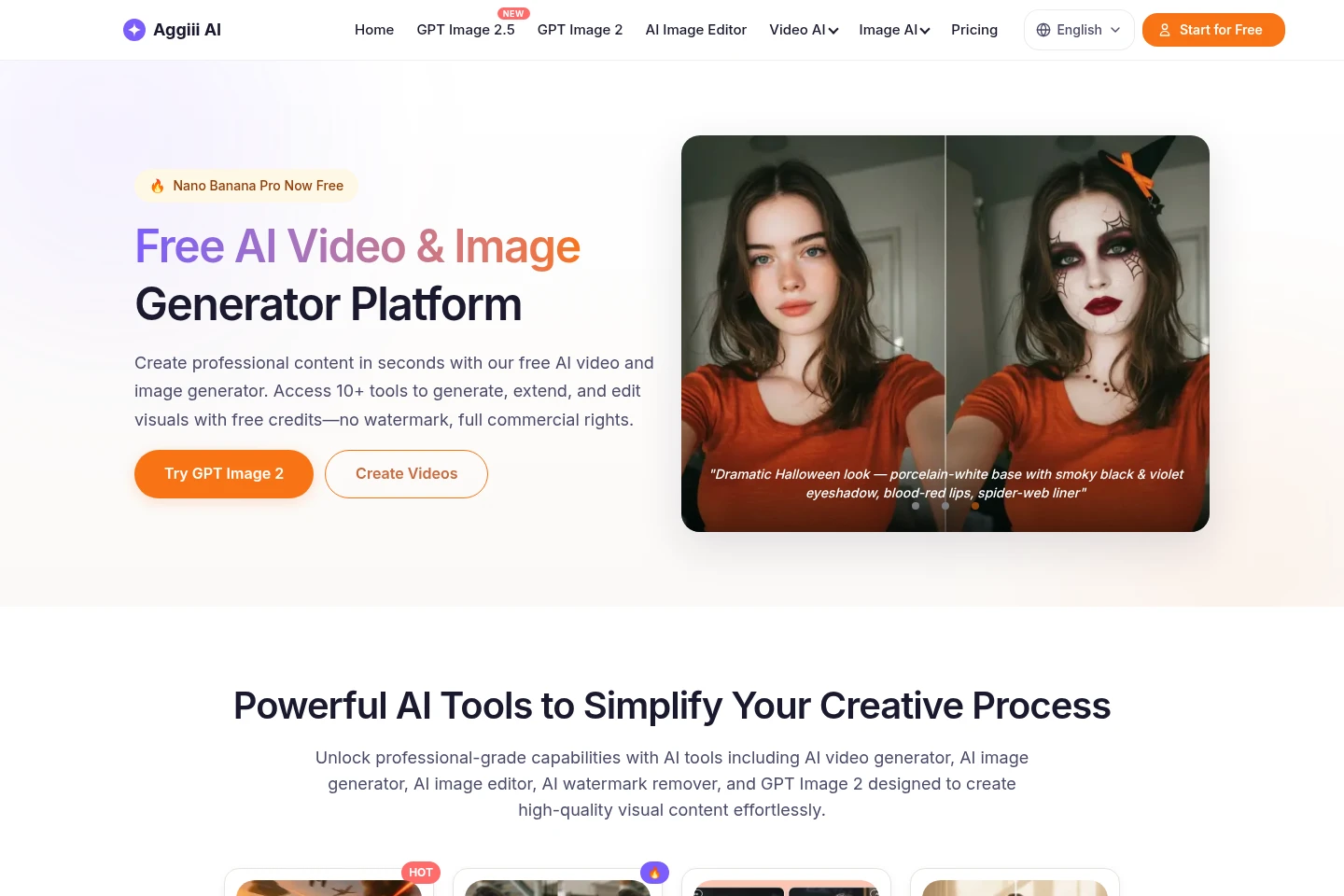
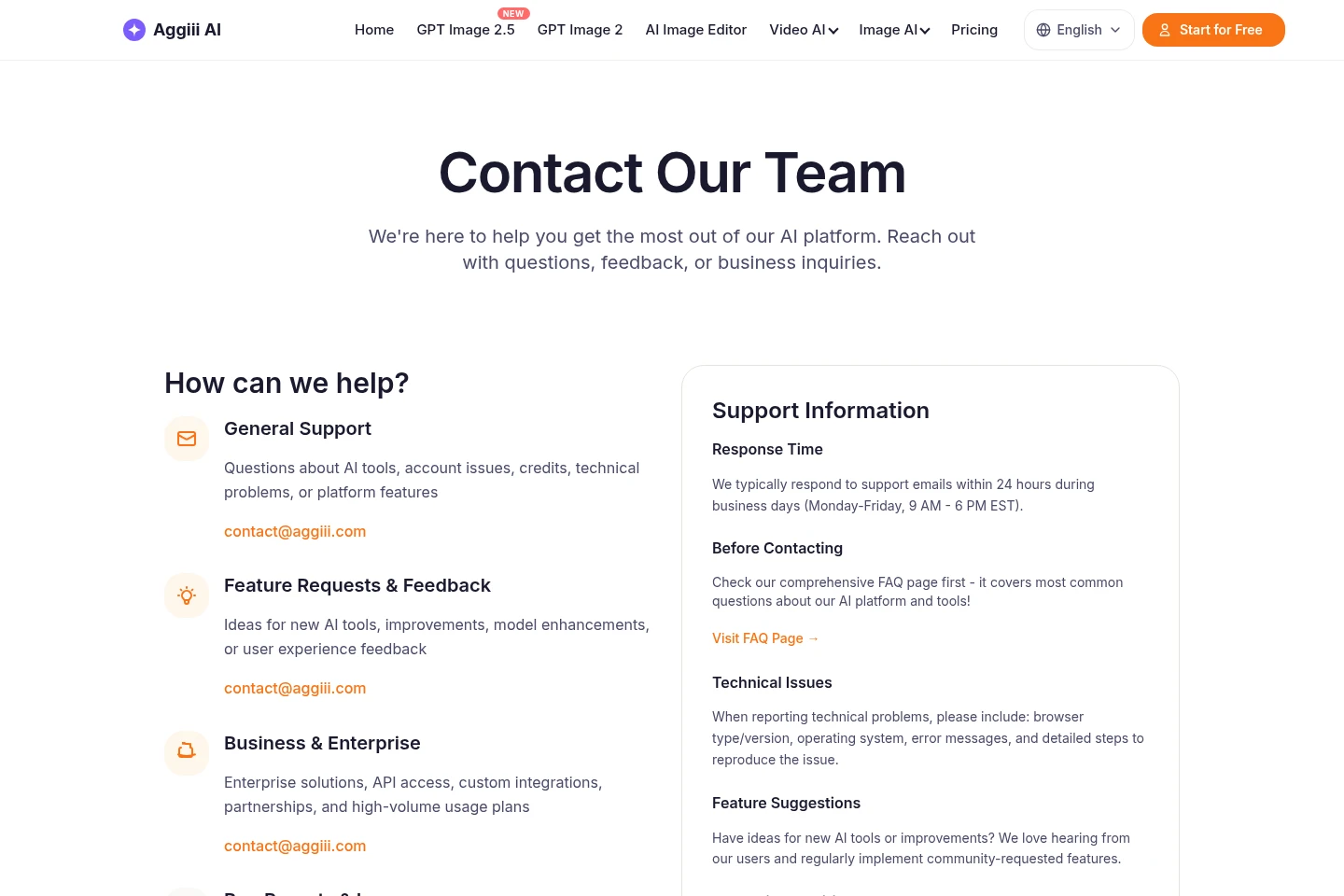
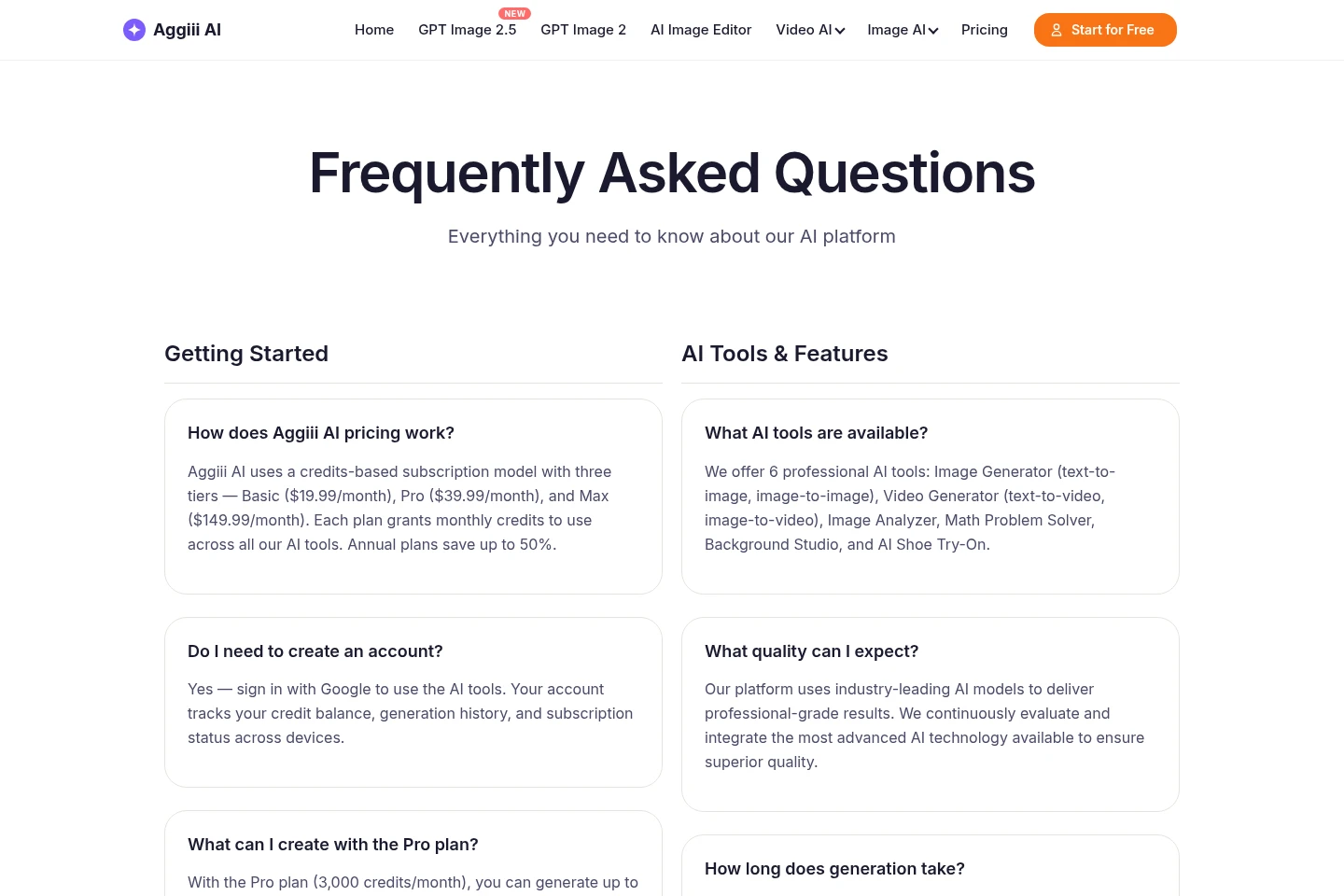
Aggiii AI is a web platform for generating and editing images and videos with AI tools. Create visuals from text or uploaded images, edit images, remove watermarks, and use video-generation tools. New accounts receive 50 credits once. Paid subscriptions provide monthly credits, with plan-specific generation limits, models, resolutions, and queue priorities.

Visit WebsiteUpdate this product

0Views

Capabilities

AI image generation

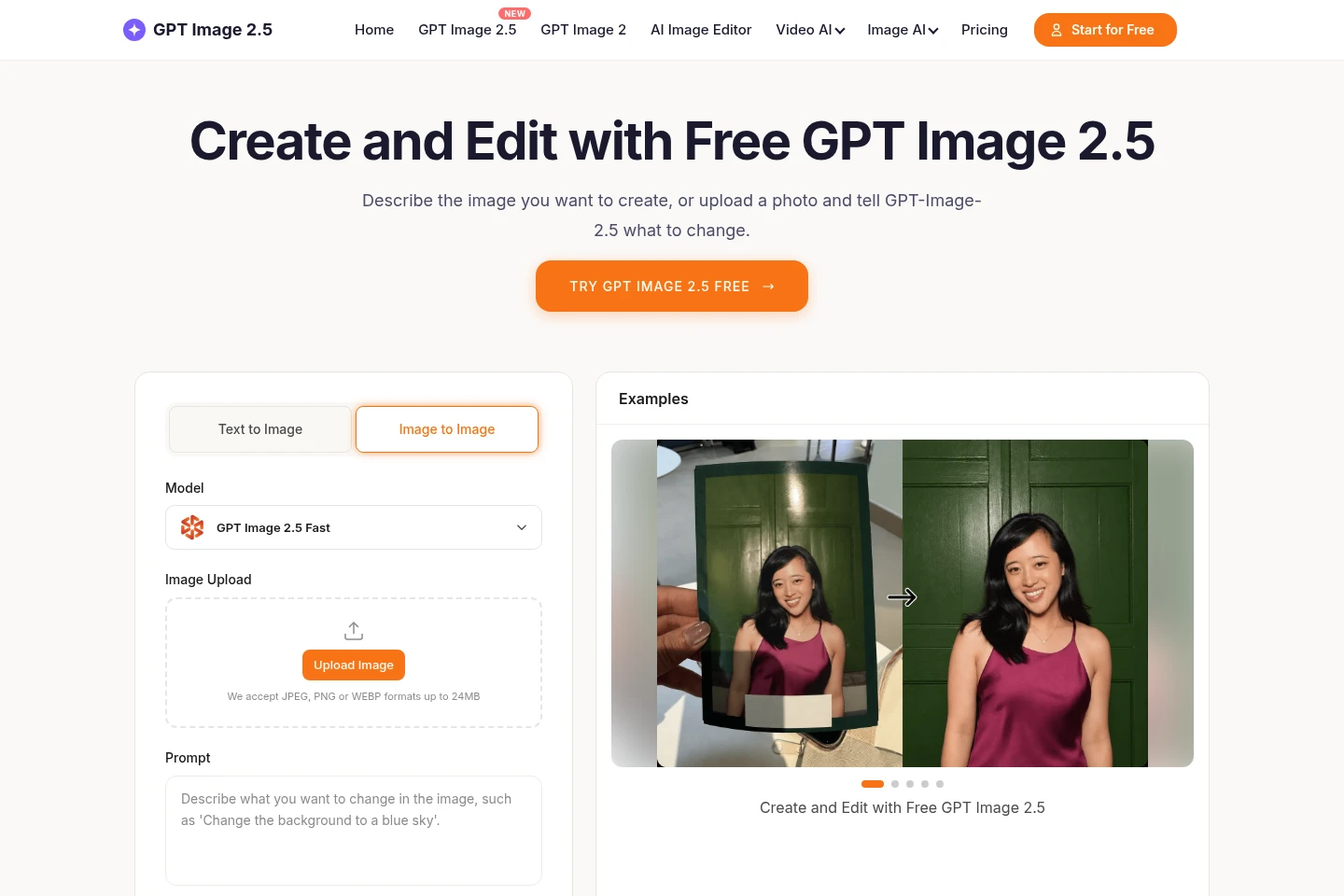
Generates images from written prompts and can use an uploaded image as a reference. On GPT Image 2.5, users can choose 1K, 2K, or 4K quality, an aspect ratio, and one to four output images.

AI image editing

Edits uploaded images from written instructions, such as changing a background or an object’s appearance. GPT Image 2.5 accepts JPEG, PNG, and WEBP uploads up to 24 MB and supports iterative revisions using a generated image as a reference.

AI video generation

Creates videos using the platform’s video-generation tools, including text-to-video and image-to-video workflows listed in the FAQ. Available models and video resolution depend on the selected plan and tool.

AI watermark removal

Provides an AI Watermark Remover tool for removing watermarks and logos from images. The pages list it among the platform’s tools; generation or editing consumes credits where applicable.

PricingFreemium

Aggiii AI offers paid recurring subscriptions, with monthly and annual billing options. Compare monthly credits, image and video limits, included models, output resolutions, queue priority, and workspace features when choosing a plan.

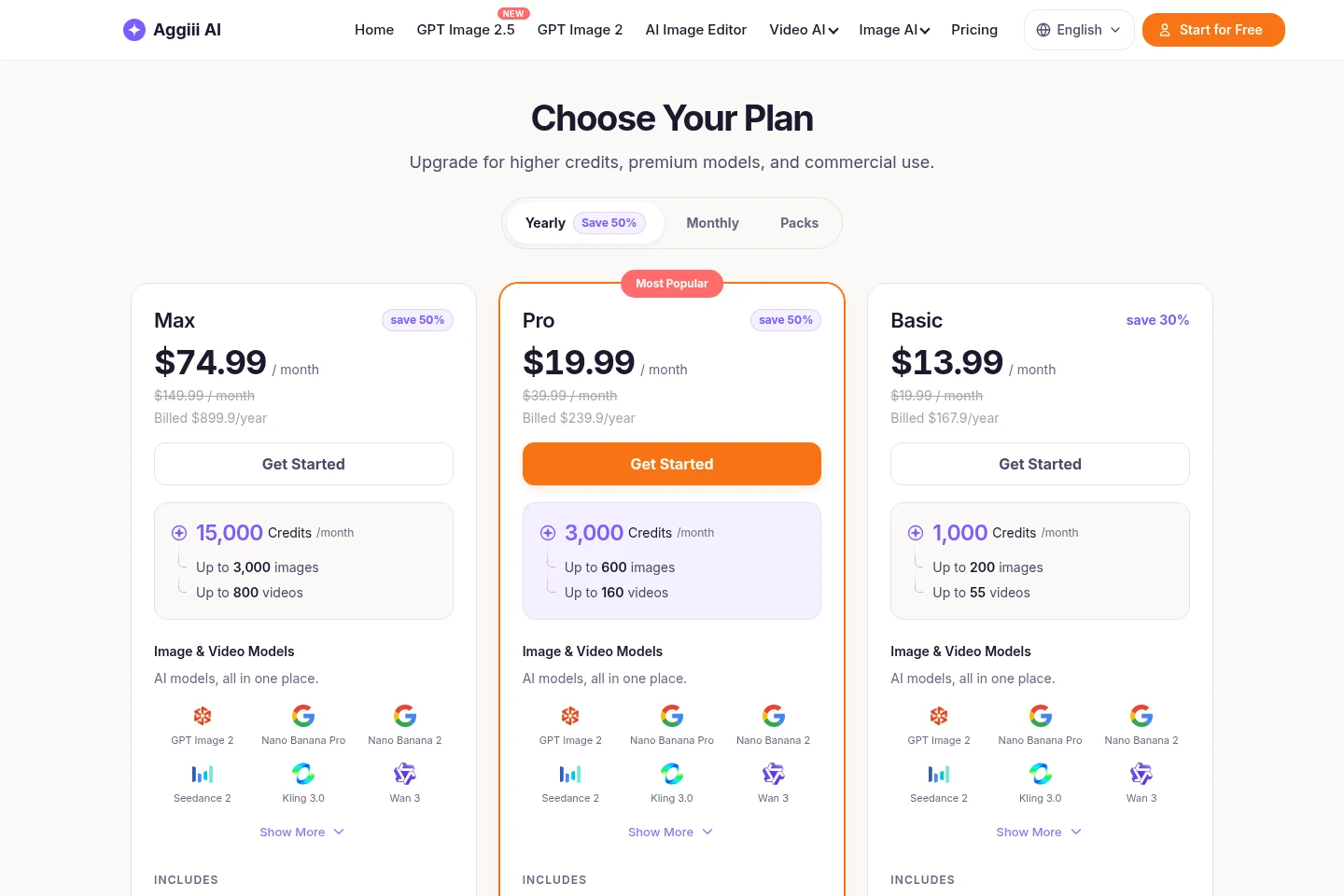
PlanPriceIncluded features and limits
Max

$74.99/month; billed $899.9/year

  • 15,000 credits per month

  • Up to 3,000 images or 800 videos

  • Generate up to four outputs at once

  • 2K and 4K image resolution; 720p and 1080p video resolution

  • Every premium model, top-priority queue, and private workspace

  • Full commercial usage rights and dedicated support

Pro

$19.99/month; billed $239.9/year

  • 3,000 credits per month

  • Up to 600 images or 160 videos

  • Generate up to four outputs at once

  • 2K and 4K image resolution; 720p and 1080p video resolution

  • All premium models and high-priority queue

  • Commercial usage rights

Basic

$13.99/month; billed $167.9/year

  • 1,000 credits per month

  • Up to 200 images or 55 videos

  • Generate up to four outputs at once

  • 2K and 4K image resolution; 720p and 1080p video resolution

  • Quick generation queue

  • Commercial usage rights

The displayed per-month prices apply to yearly billing and are billed as the stated annual total. The pricing page also labels a Monthly Packs option, but does not show its prices in the supplied page content.

Use cases

Create images from written descriptions

When a creator needs a new visual from an idea or brief, they can enter a written prompt in an image-generation tool and select available settings such as quality, aspect ratio, and output count. The tool returns generated image options.

Revise an existing image with instructions

When a photo or design needs a specific change, users can upload an image and describe the requested edit, such as changing its background. They can select a preferred result and use it as a reference for another revision.

Generate videos from text or images

When users need a video based on a written idea or a source image, they can use the listed text-to-video or image-to-video workflows. The generated output and available resolution depend on the tool, model, and credits used.

Limitations

  • GPT Image 2.5 image uploads must be JPEG, PNG, or WEBP files no larger than 24 MB.

  • GPT Image 2.5 prompts are limited to 20,000 characters.

  • Generation uses credits, and higher-resolution image generations cost more credits than 1K generations.

  • The platform requires users to sign in with Google to use its AI tools.

  • The FAQ says harmful, illegal, violent, or inappropriate content is not allowed.

Alternatives

1Girl.ai

Generate and edit AI images, plus create videos online

1Girl.ai is an online tool for creating AI images and videos. Users can generate images from text descriptions, adjust image settings, and edit uploaded photos with text prompts. The site also offers video-generation tools and themed templates, with generation credits used according to the selected model and output settings.

  • Cloud
  • Freemium
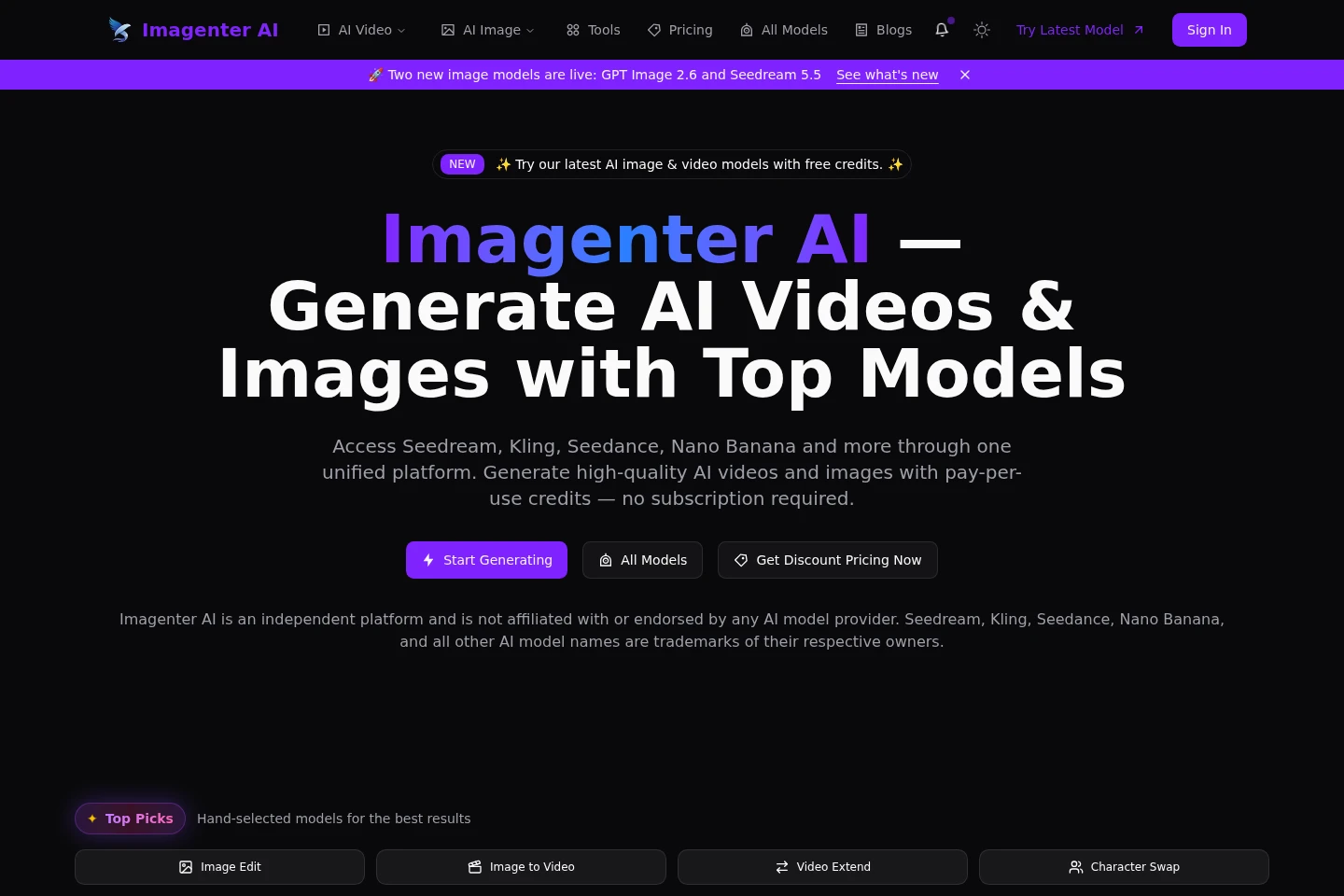
  1. Imagenter AI

    Generate AI images and videos with shared credits

    Basic · $10 one-time
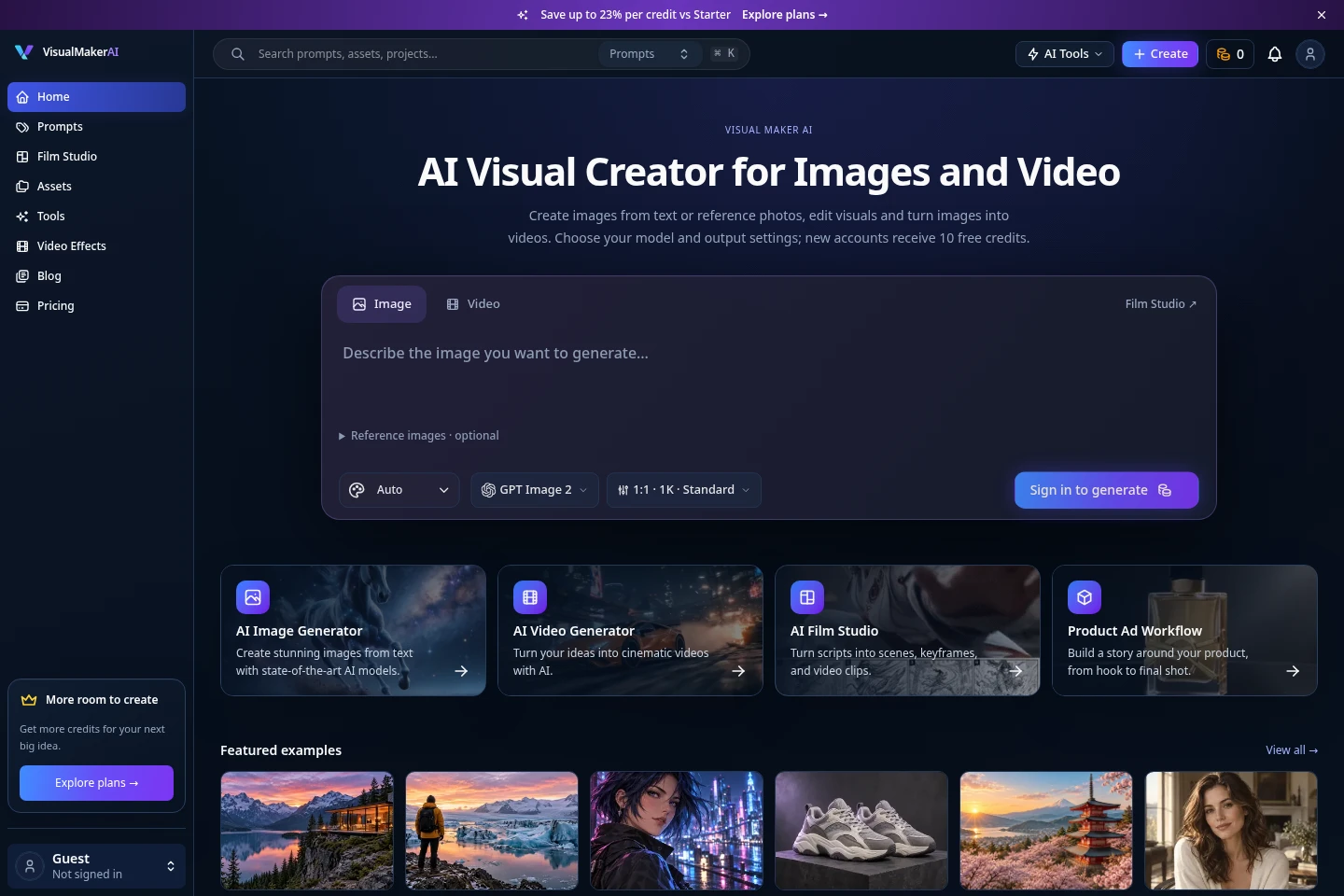
  2. Visual Maker AI

    Generate and edit AI images and videos from prompts, photos, and scripts

    Starter · Starter: $24.92/month; billed $299 once a year
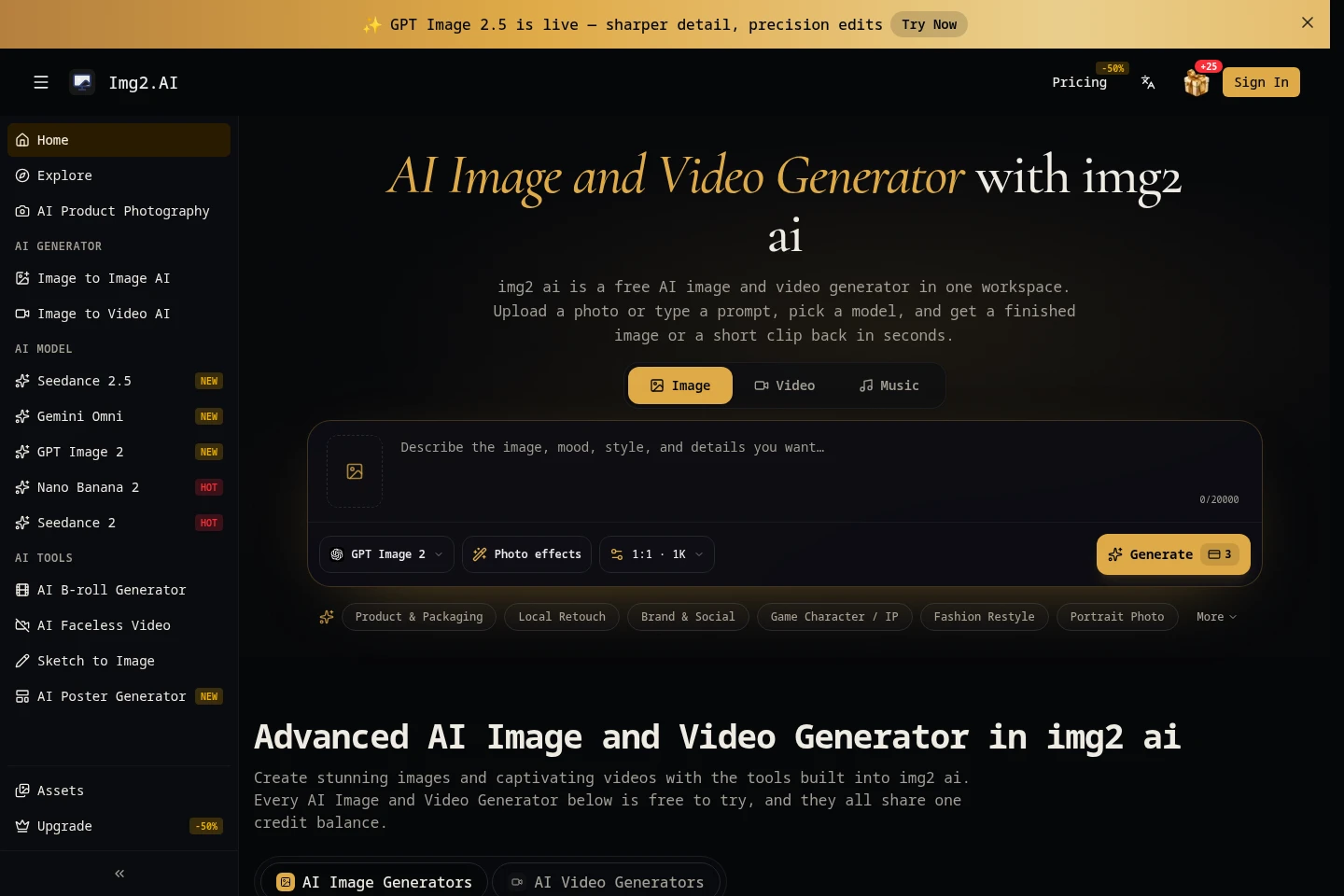
  3. img2.ai

    Generate and edit AI images and short videos in one workspace

    Pro · $9.99/month annually; $19.99 monthly
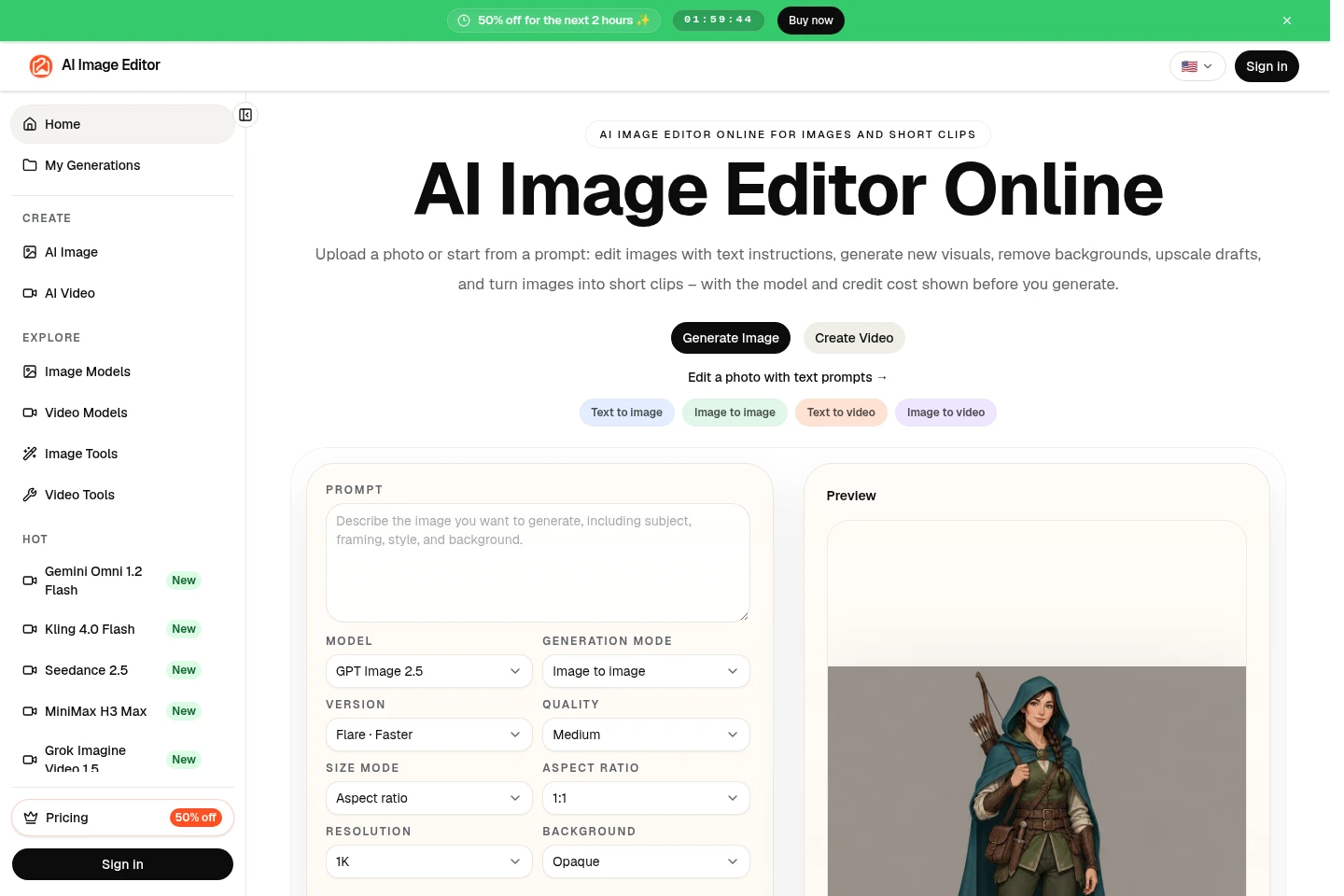
  4. AI Image Editor

    Generate, edit, and animate images with AI

    Basic · $16.66 per month, billed yearly
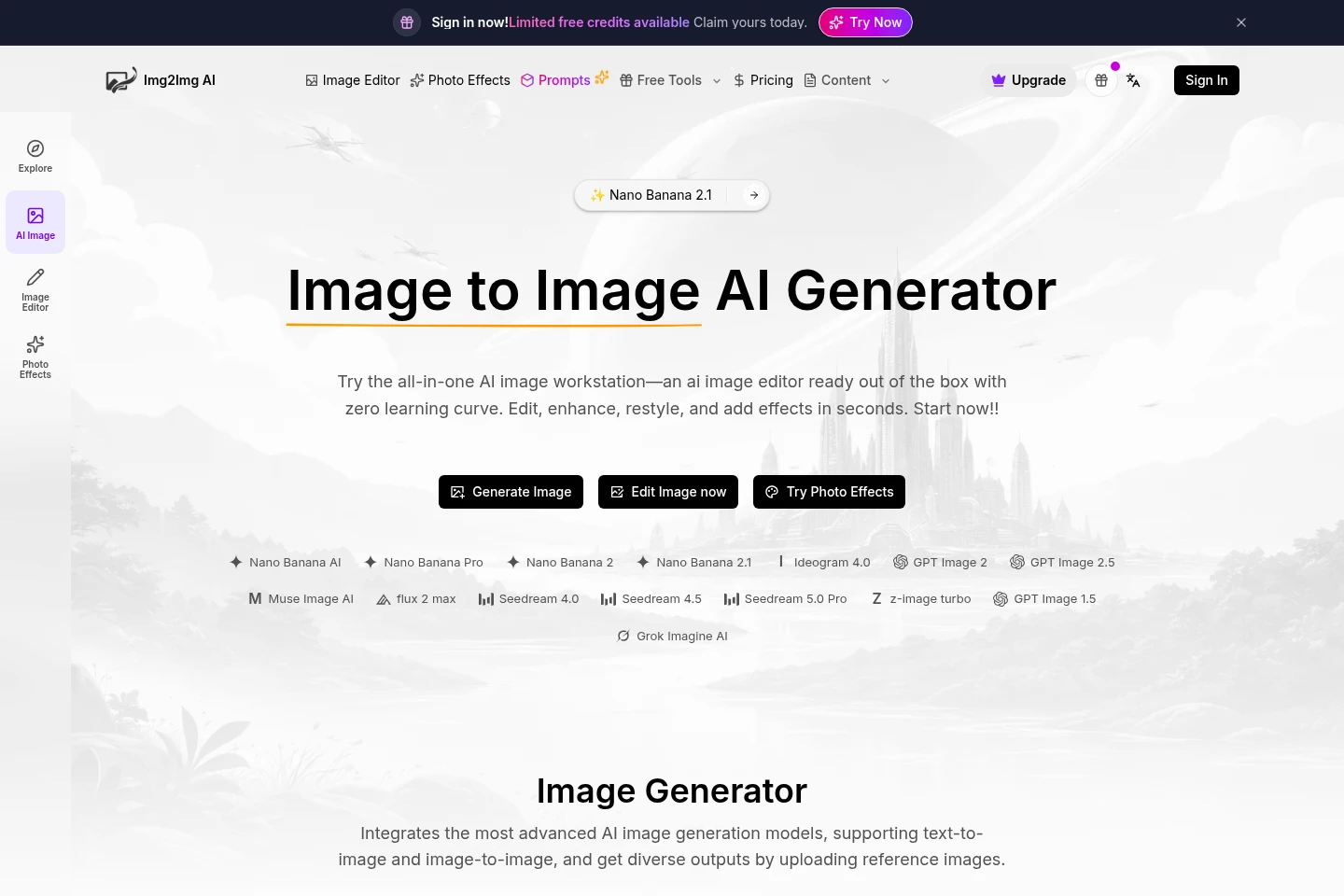
  5. Img2Img AI

    Transform images with AI editing, effects, and generation

    Lite · Lite: $13.99; $6.99 USD/month displayed

Who it is for

  • Visual content creators who need AI tools to generate or revise images and videos

  • Designers and marketing professionals creating visual assets for projects or business use

  • Small-business content makers seeking image and video generation with commercial usage rights

FAQ

How do new users receive credits?

New accounts receive 50 free credits once. Credits are used across the AI tools, and users can choose a model and settings to see the cost before creating.

How do the paid plans bill?

Paid plans are credit-based subscriptions that grant monthly credits. Annual billing is offered at discounted rates; the displayed yearly prices are billed annually, while monthly options are also shown.

Can generated content be used commercially?

The site says generated content includes commercial usage rights. Plan pages list commercial usage rights for Basic, Pro, and Max, with no additional licensing fee stated.

Do users need an account to use the tools?

Yes. The FAQ says users must sign in with Google, and the account tracks credit balance, generation history, and subscription status across devices.

How many credits does a Pro plan include?

Pro includes 3,000 credits per month. The FAQ estimates up to 600 1K images at 5 credits each or about 160 videos at approximately 18 credits each; higher image resolutions use more credits.

Comments

Please sign in to leave a comment.
No comments yet. Be the first to share your thoughts!