

- Monthly visits
- 5,002
- 2026-09
- Monthly growth +85.8%
Aftercare - AI surveys with follow-ups and response analysis
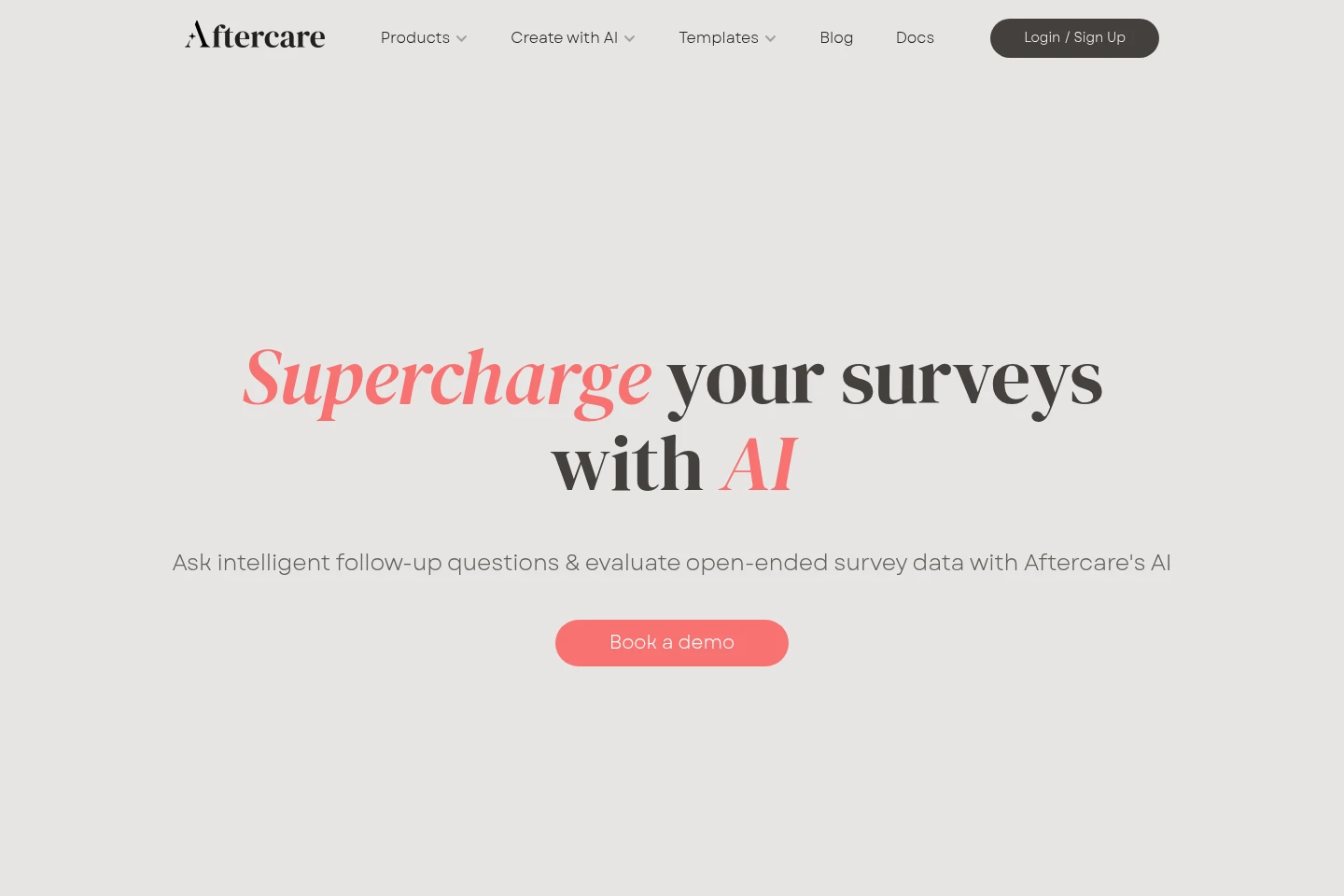
Aftercare adds AI workflows to surveys, including conversational follow-up questions, response-quality checks and automatic categorization of open-ended answers. It connects with survey platforms and also offers an AI survey platform with a flexible workflow builder for branching paths. Teams can review categorized responses and edit categories as needed.
- AI Marketing
- User Research
- Form Builders
- Data Labeling
- AI survey follow-ups
- open-ended response coding
- survey response quality
Capabilities
AI follow-up questions
Creates conversational follow-up questions that probe survey answers and displays related questions and responses together. The follow-ups are used with survey responses and can be added to workflows with branching paths.
Response quality checks
Detects and flags survey responses with quality issues, including off-topic, low-effort, nonsensical, duplicate and LLM-generated responses. The API screens open-ended response data for these listed issues.
AI response categorization
Summarizes key information and categorizes open-ended survey responses. It generates a code frame, sorts answers into categories and lets users edit the resulting categories.
Survey workflow builder
Builds surveys using drag-and-drop blocks and branching logic, including AI follow-up questions. The builder visualizes the workflow so users can configure the respondent journey.
Survey platform integrations
Connects Aftercare with survey platforms so AI features can be used with an existing survey stack. The homepage names several supported providers and invites users to contact the company if their provider is not listed.
Pricing
Pricing and billing terms are not stated in the supplied pages, so plan costs and payment conditions cannot be compared here.
Use cases
Gather more detail from survey responses
When survey answers need more context, use AI follow-up questions to probe respondents further. Related questions and answers can be viewed together, helping researchers find details mentioned in the conversation.
Review survey responses for quality issues
When evaluating open-ended survey data, screen responses for off-topic, low-effort, nonsensical, duplicate or LLM-generated content. Aftercare flags the listed quality issues for review.
Organize open-ended survey answers
When a survey produces many written answers, generate a code frame and sort responses into categories. Reviewers can inspect patterns and edit the categories as needed.
Create surveys with branching paths
When a survey needs different paths for respondents, use the workflow builder to arrange drag-and-drop blocks and branching logic. The visualized flow helps configure questions and the respondent journey.
Who it is for
Market researchers analyzing open-ended survey responses
Research teams adding follow-up questions and quality checks to surveys
Survey platform users seeking AI analysis alongside their existing survey stack
FAQ
Which survey platforms does Aftercare integrate with?
Aftercare integrates with survey platforms, and the homepage displays provider logos including Forsta, Qualtrics, Intellisurvey, Voxco and Alchemer. If your provider is not listed, the site invites you to contact the team.
What response quality issues can Aftercare flag?
The AI Data Quality API screens open-ended responses for off-topic, low-effort, nonsensical, duplicate and LLM-generated content. It detects and flags those listed issues for review.
Can I change the categories created by AI?
Yes. Aftercare generates a code frame and categorizes open-ended survey responses, and the homepage says users can make edits to the categories as needed.
Can surveys include branching logic and AI follow-ups?
Yes. The workflow builder supports AI follow-up questions and dynamic paths with branching logic. Users can customize the flow with drag-and-drop blocks and view the workflow.
Comments