Monthly visits
3,136
2026-10
Monthly growth +1,541.9%

Yapper - Offline Mac dictation with voice-driven AI tools

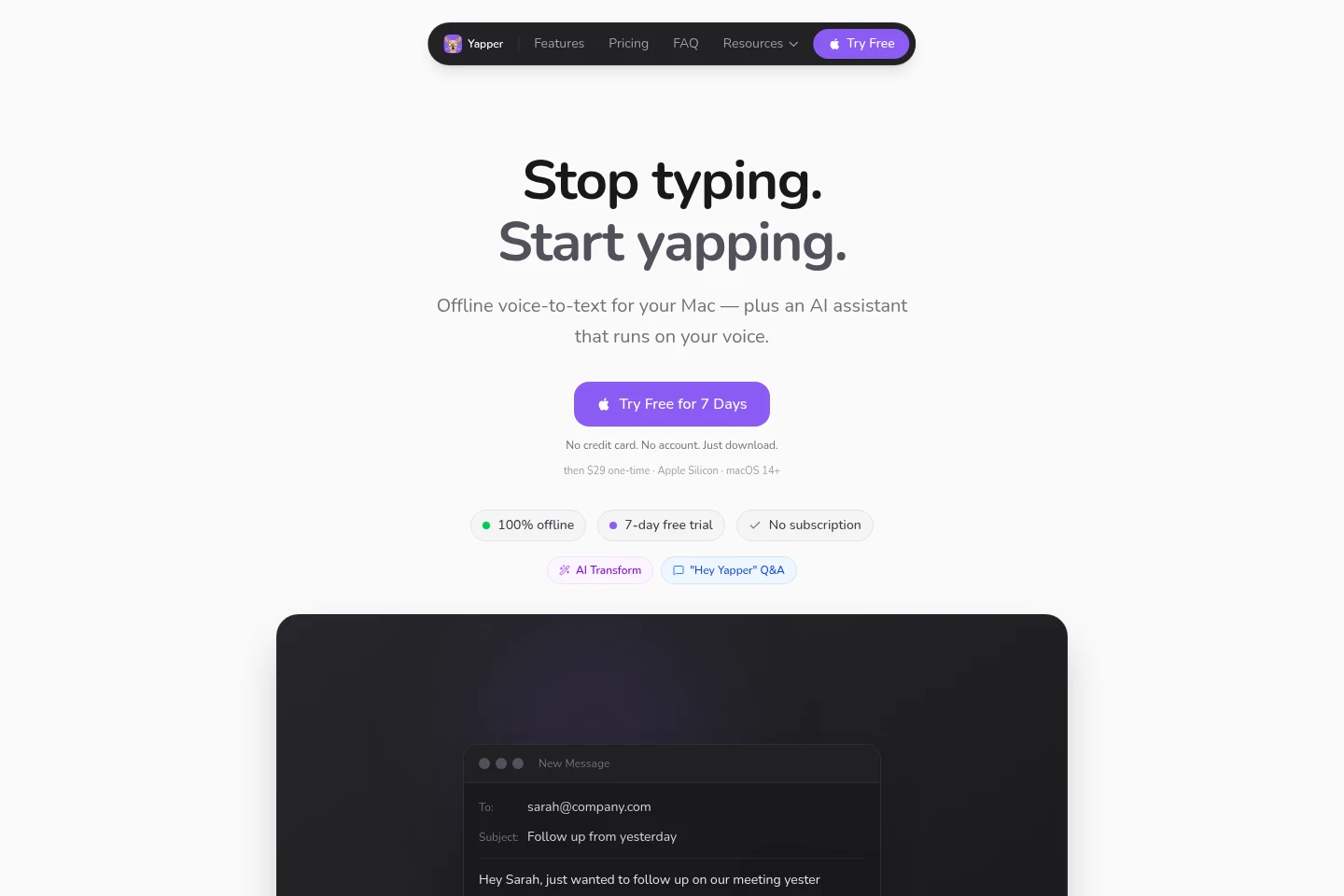
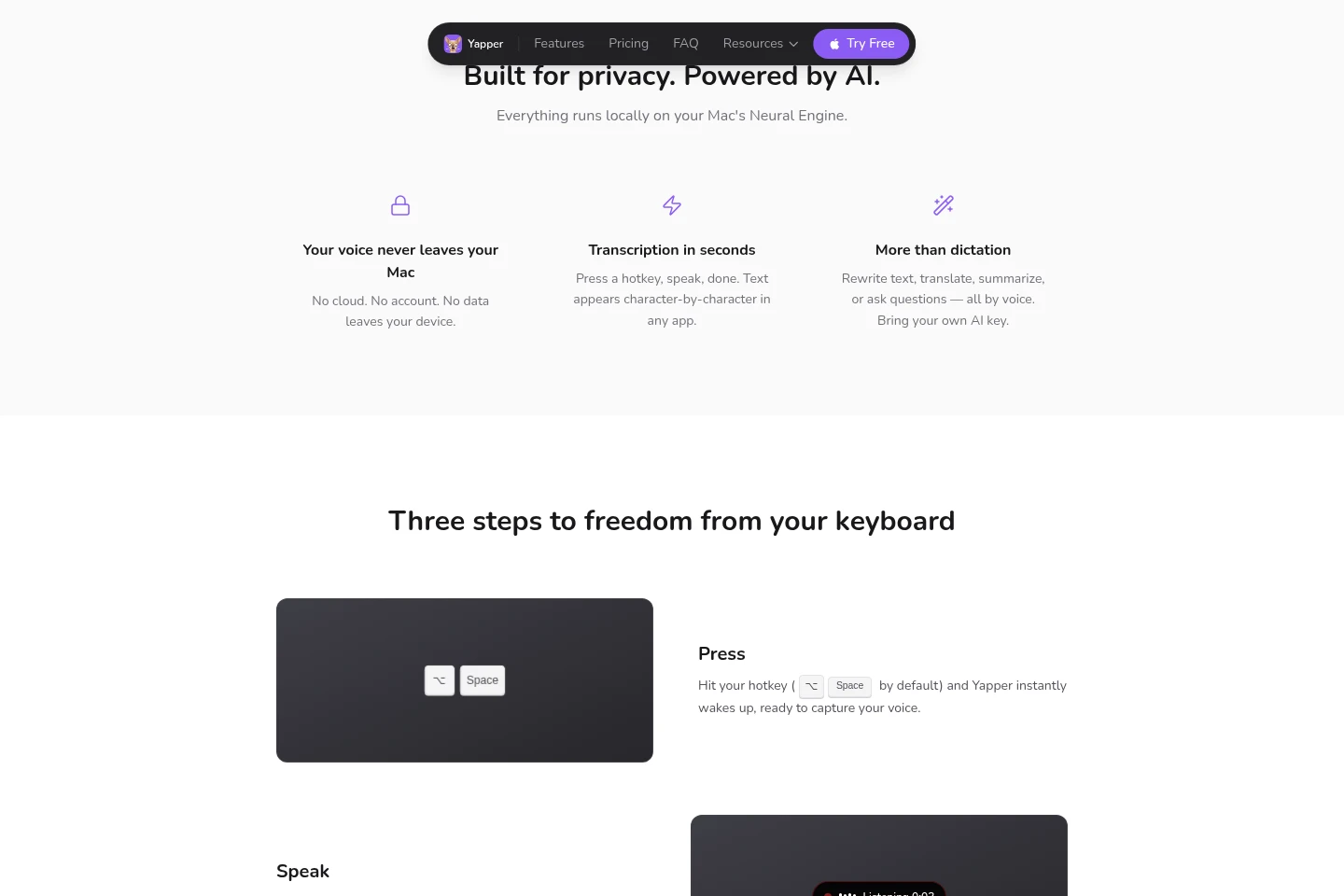
Yapper is a Mac app for offline voice-to-text, placing dictated text at the cursor in other apps. It can also transcribe MP3, WAV, and M4A files, switch between two languages with a hotkey, and use a voice instruction to rewrite selected text or ask questions. AI features require your own API key.

Visit WebsiteUpdate this product

0Views

Capabilities

Offline voice dictation

Converts speech into text and inserts it at the cursor in the current app. Start capture with a hotkey; transcription runs locally on supported Macs and supports over 100 languages.

Audio file transcription

Transcribes existing audio files into text. Drag and drop MP3, WAV, or M4A files into the app to process them.

AI Transform

Rewrites selected text and replaces it with the result. Select text, speak an instruction, and provide your own API key for a supported AI provider.

Hey Yapper voice Q&A

Returns an AI answer in a floating overlay during a recording. Say “Hey Yapper” and a question; the feature requires your own API key.

Custom vocabulary

Stores names, acronyms, and technical terms for transcription. Add vocabulary specific to your work in the app.

PricingFree trial

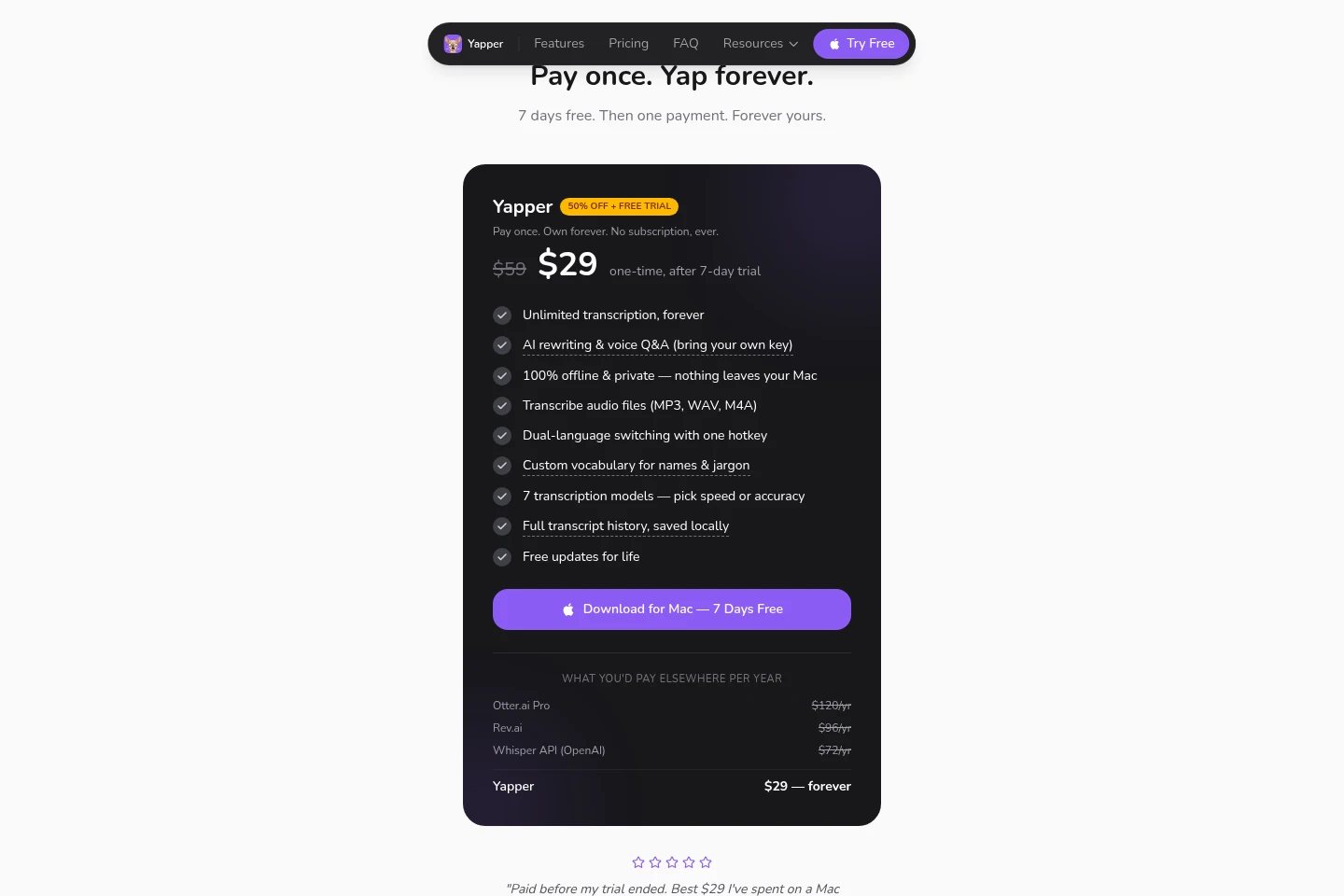
Yapper is paid through a one-time purchase after a 7-day free trial, with no subscription. Compare the included transcription, audio-file support, and AI features, which require your own API key.

PlanPriceIncluded features and limits
Yapper

$29 one-time after 7-day trial

  • Unlimited transcription

  • AI rewriting and voice Q&A; bring your own key

  • Transcribe MP3, WAV, and M4A files

  • Seven transcription models

  • Lifetime free updates

No credit card is required for the 7-day trial. After the trial, transcription stops until purchase; transcript history and settings are retained.

Use cases

Dictate text into Mac apps

When composing text in a Mac app, start Yapper with its hotkey and speak. The transcription appears at the cursor, with undo support.

Transcribe existing audio recordings

When you have a recording saved as MP3, WAV, or M4A, drag it into Yapper. The app processes the file into a transcript.

Revise selected text using voice instructions

When selected text needs rewriting, translating, or summarizing, invoke AI Transform and speak an instruction. Yapper replaces the selection with the generated result; an API key you provide is required.

Limitations

  • The app requires an Apple Silicon Mac running macOS Sonoma 14.0 or later.

  • AI Transform and Hey Yapper require the user to provide an API key; AI-provider usage may incur charges.

  • After the 7-day trial, transcription stops until a one-time purchase is made; saved transcript history and settings are retained.

Alternatives

Scrybapp

Offline voice dictation and translation for Mac

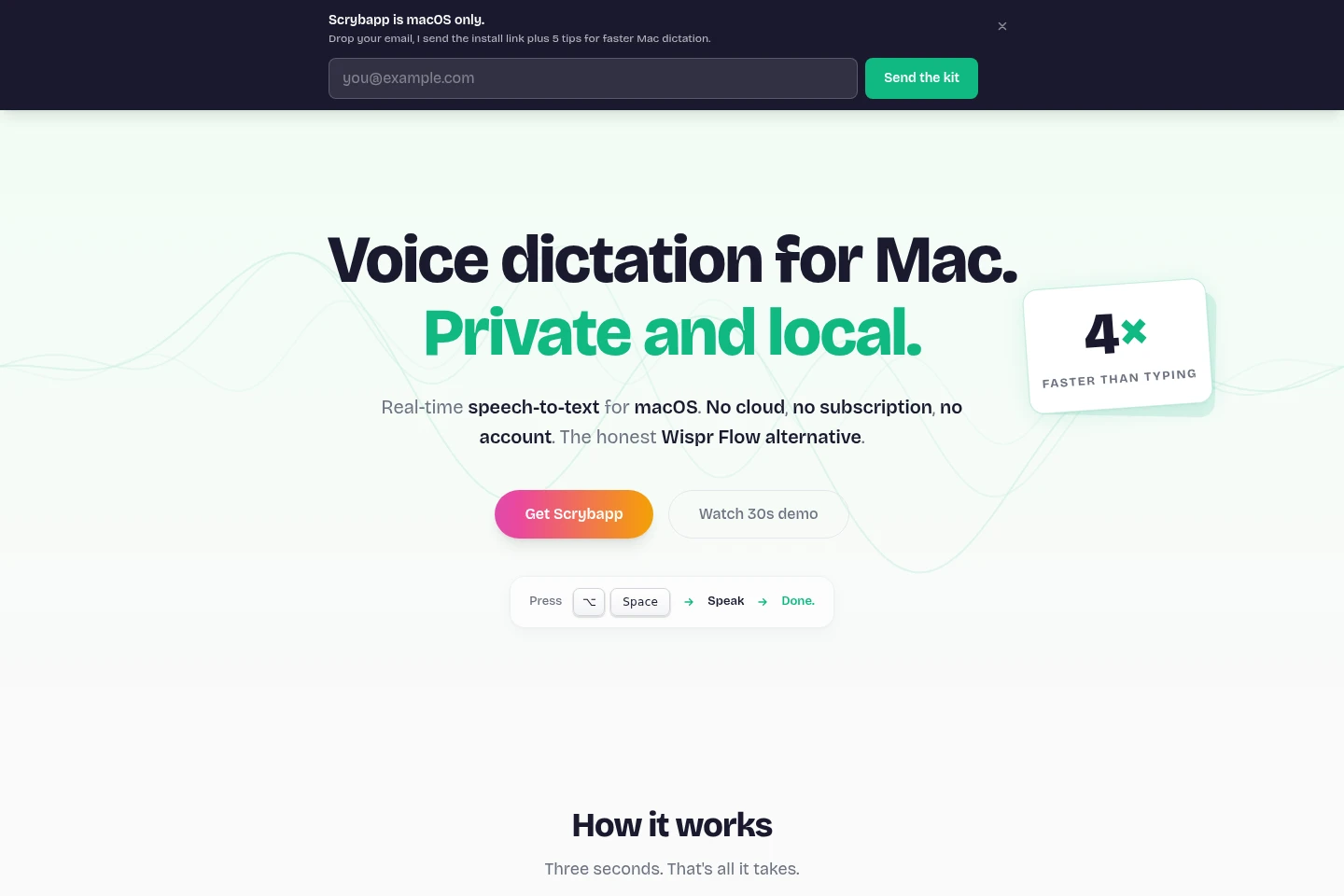
Scrybapp is a macOS app for dictating text in any text field with a keyboard shortcut. It transcribes speech locally using Whisper AI, removes filler words, and can translate spoken language into another language. Optional AI formatting adapts text to the app in use; speech processing works offline.

  • Paid
  • Lifetime license$19 once; then $59
  1. Mumble Dictation

    Private, on-device dictation for Mac

    Free · $0, free forever
  2. TAWK

    Offline voice-to-text dictation for Mac

    TAWK · $59 once
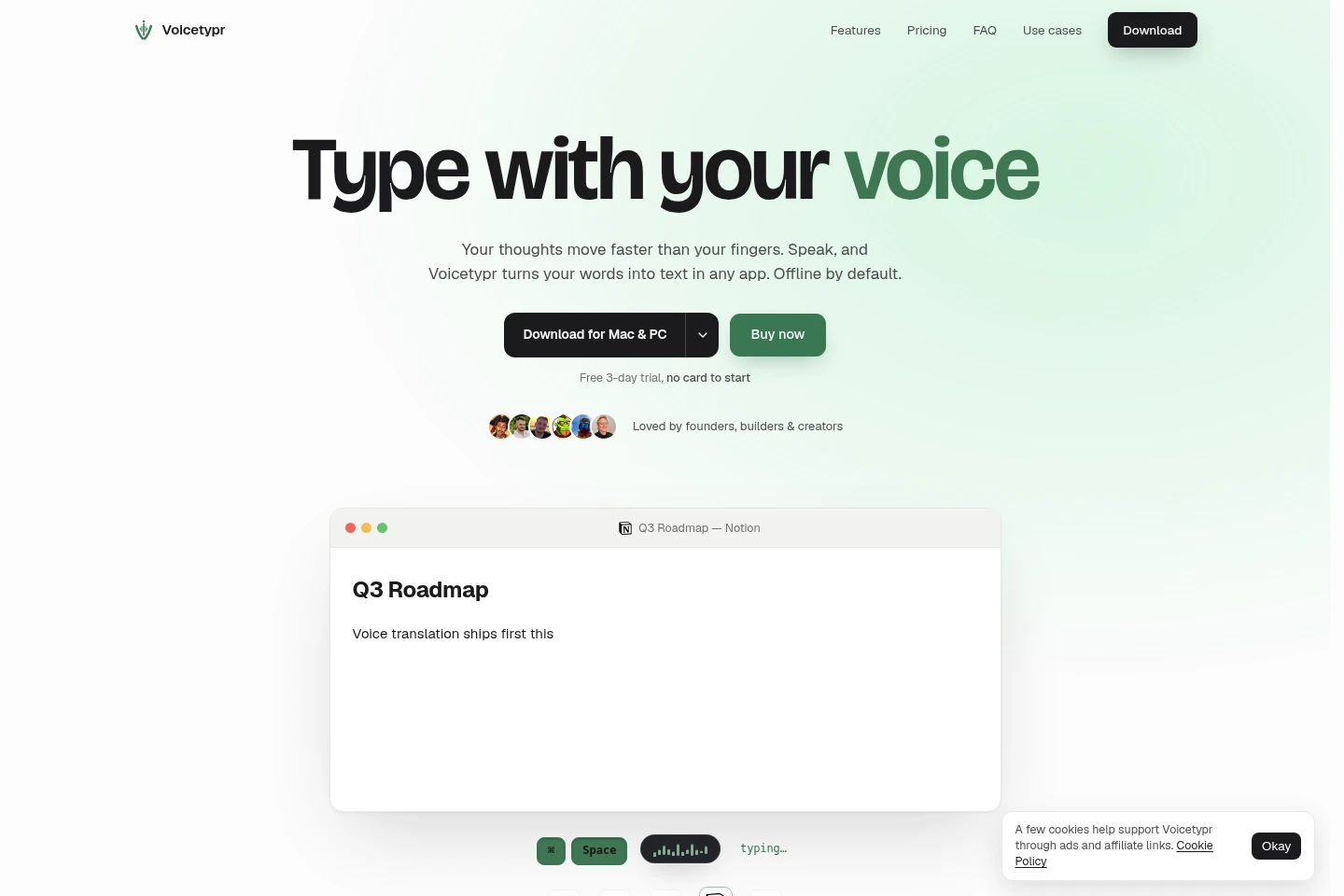
  3. Voicetypr

    Offline voice dictation for Mac and Windows

    Lifetime · $69 once · 2 devices
  4. Dictato

    Offline Mac dictation that turns speech into finished text

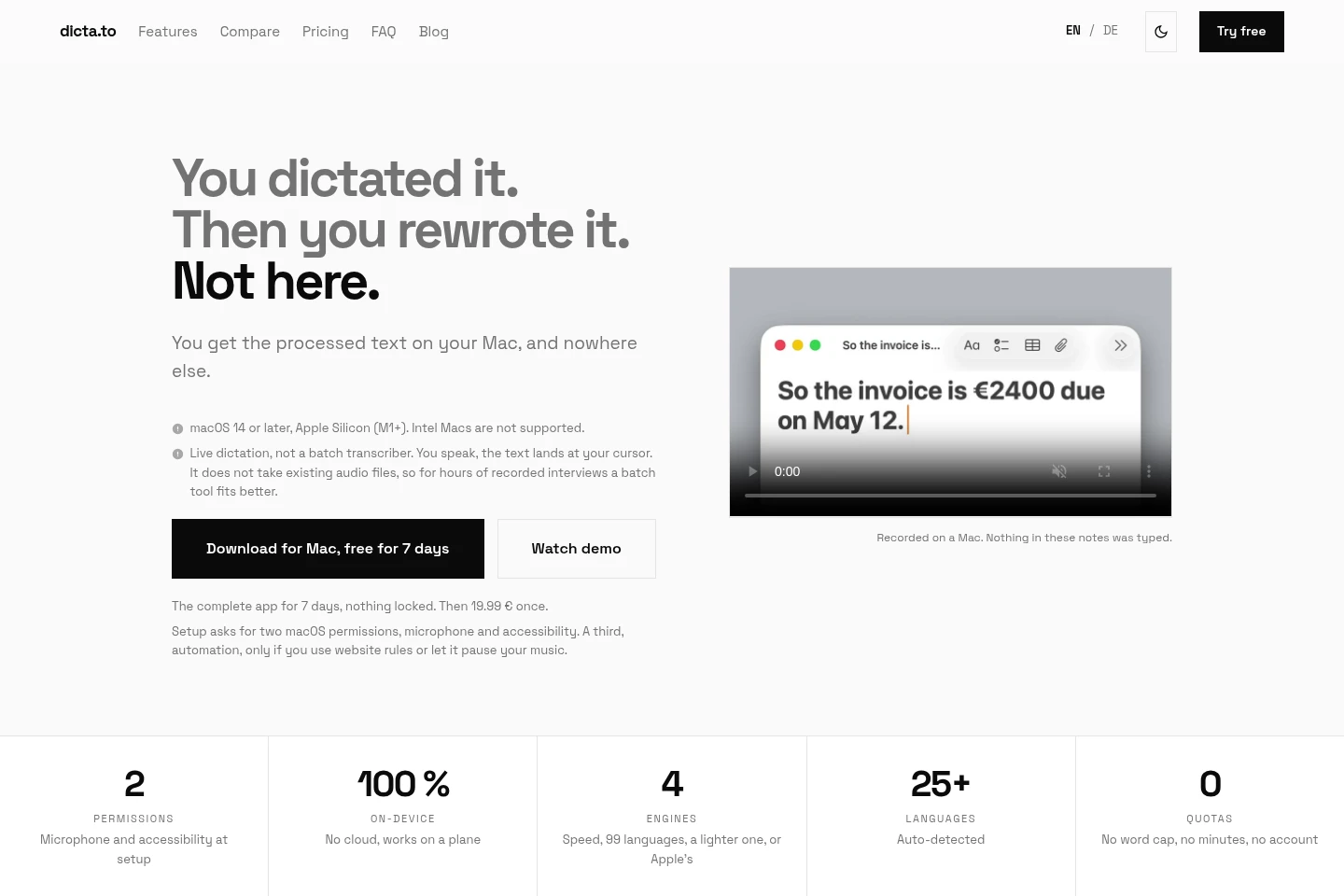
    Dictato · 19.99 € once
  5. SpeakUp

    Offline dictation for Mac, with text at your cursor

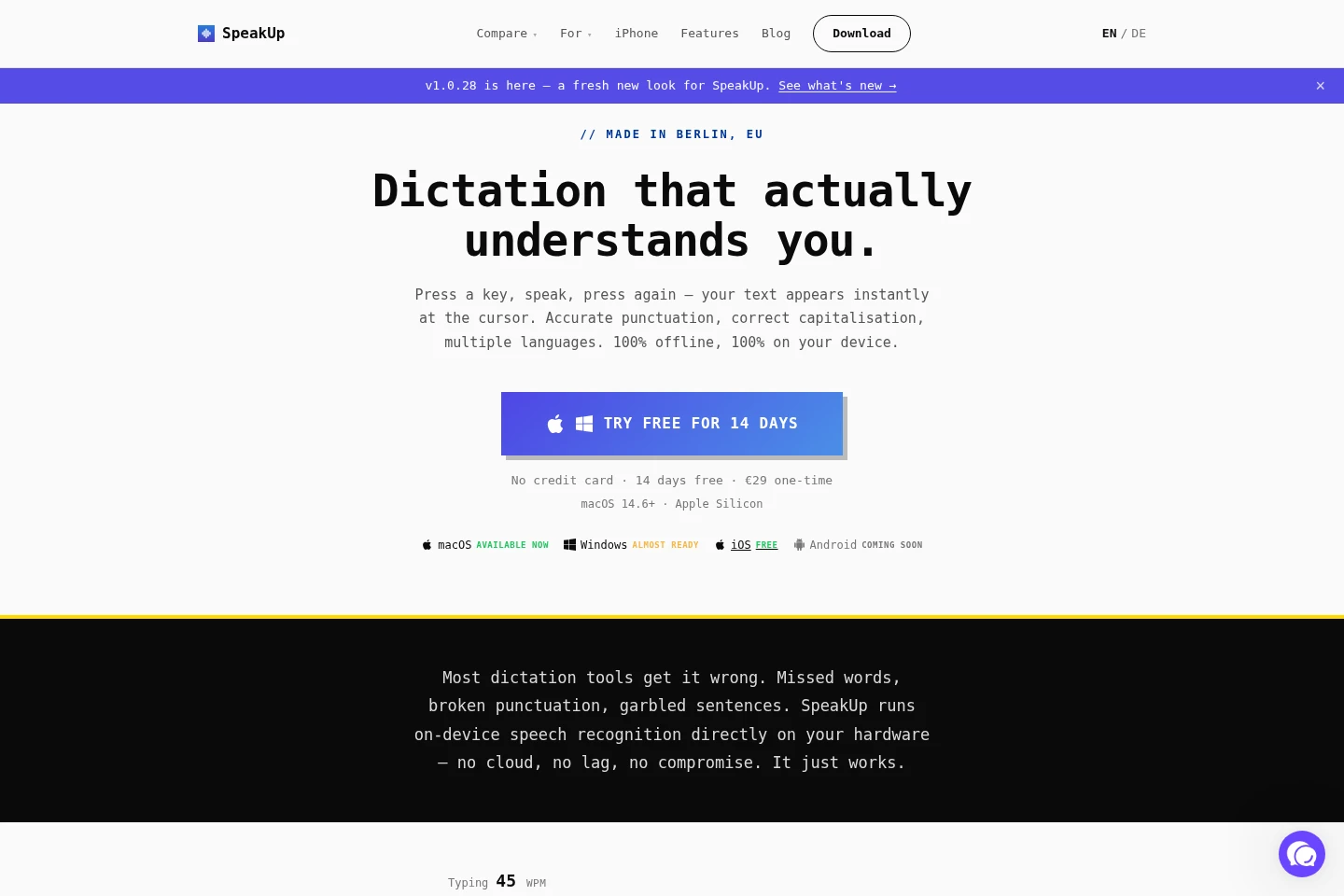
    Mac license · €29 one-time

Who it is for

  • Mac users who need offline speech-to-text across apps

  • Mac users who need transcripts from saved audio files

  • Mac users who want to revise text by voice using their own AI key

FAQ

Does Yapper transcribe audio offline?

Yes. Its on-device transcription engines run on the Mac, and audio does not need to be sent to the internet for core transcription.

Which Macs can run Yapper?

Yapper requires an Apple Silicon Mac, such as an M1 or newer, running macOS Sonoma 14.0 or later.

How many languages can it transcribe?

Yapper advertises support for over 100 languages through Whisper. Parakeet supports 25 European languages, and a primary and secondary language can be switched with a hotkey.

Do the AI features need a key?

Yes. AI Transform and Hey Yapper require your own API key for Claude, GPT, Gemini, or Grok; core transcription remains offline.

Can I transcribe audio files?

Yes. Drag and drop MP3, WAV, or M4A files into Yapper to transcribe them.

What does the trial and purchase include?

The fully functional trial lasts 7 days and does not require a credit card. Afterward, Yapper is available for a one-time $29 purchase; transcription stops after the trial unless you purchase, while saved history and settings remain.

Comments

Please sign in to leave a comment.
No comments yet. Be the first to share your thoughts!