

Monthly visits
51,350,908
2026-10
Monthly growth +36.2%

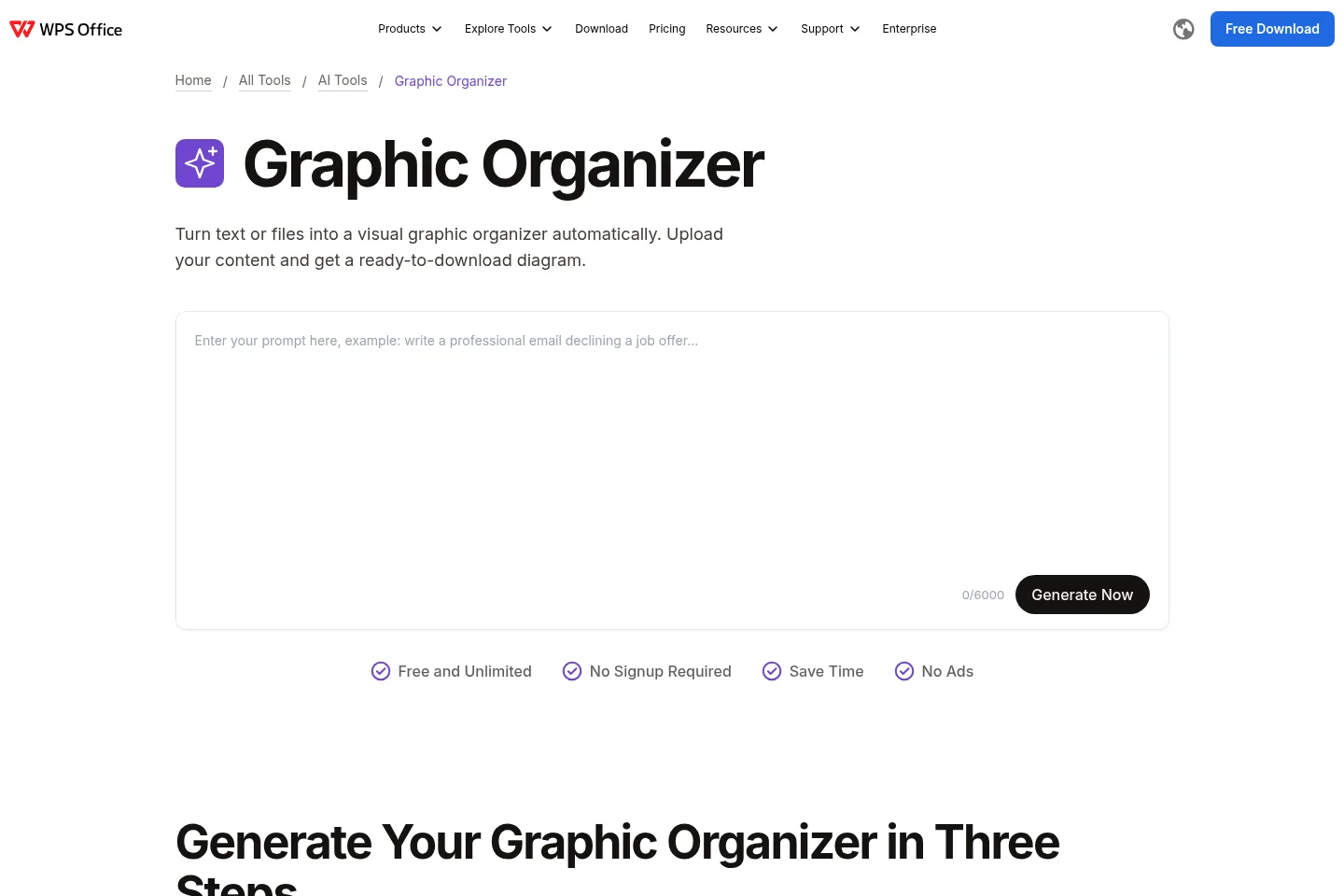
WPS Graphic Organizer - Convert text or uploaded files into a downloadable hierarchical organizer image

The WPS Graphic Organizer turns pasted text or an uploaded PDF, Word or TXT file into a visual organizer with a hierarchical structure. The page analyzes the content, identifies main and secondary concepts, and arranges them without manual layout work. Results download as a PNG or JPG image. The tool runs in a browser without installation or an account, and uploads are deleted automatically after generation.

Visit WebsiteUpdate this product

0Views

Capabilities

Automatic organizer generation

Builds a graphic organizer image from your content; the system identifies main and secondary concepts and arranges them in a hierarchical layout, with no manual arranging required.

Text and file input

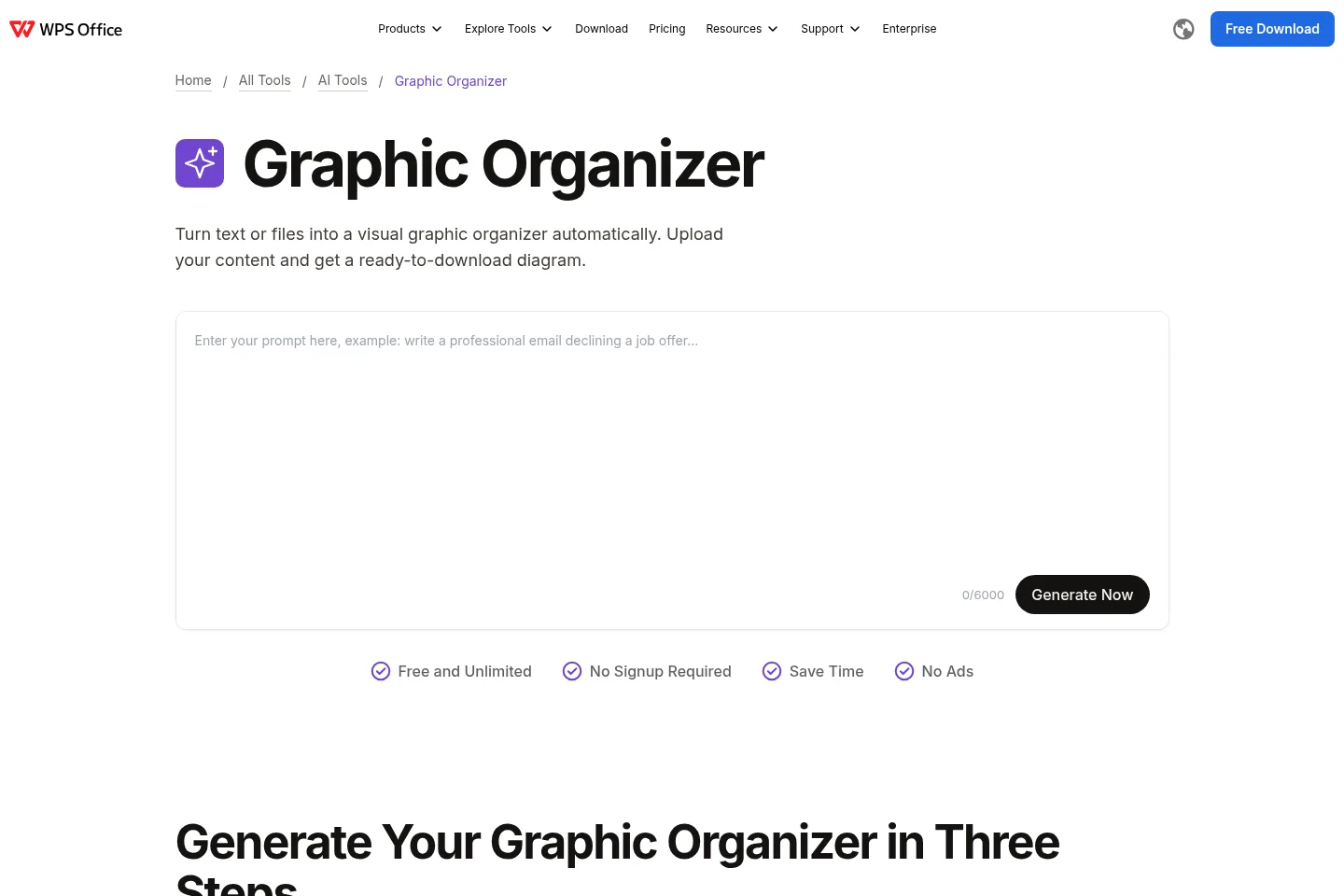
Accepts typed or pasted text, or an uploaded PDF, Word or TXT file, and the text field shows a character counter out of 6000 before generation.

PNG and JPG download

Returns the finished organizer as a downloadable PNG or JPG image file, which the page describes as suitable for printing, sharing or including in presentations.

Browser-based, no install

Runs on the web page in any browser on a computer, tablet or phone, so a diagram can be generated without installing software; an account is not required.

Automatic file deletion

Processes uploaded files securely and deletes them automatically after the organizer is generated; the page states that documents are not stored and that only you have access to them.

Pricing

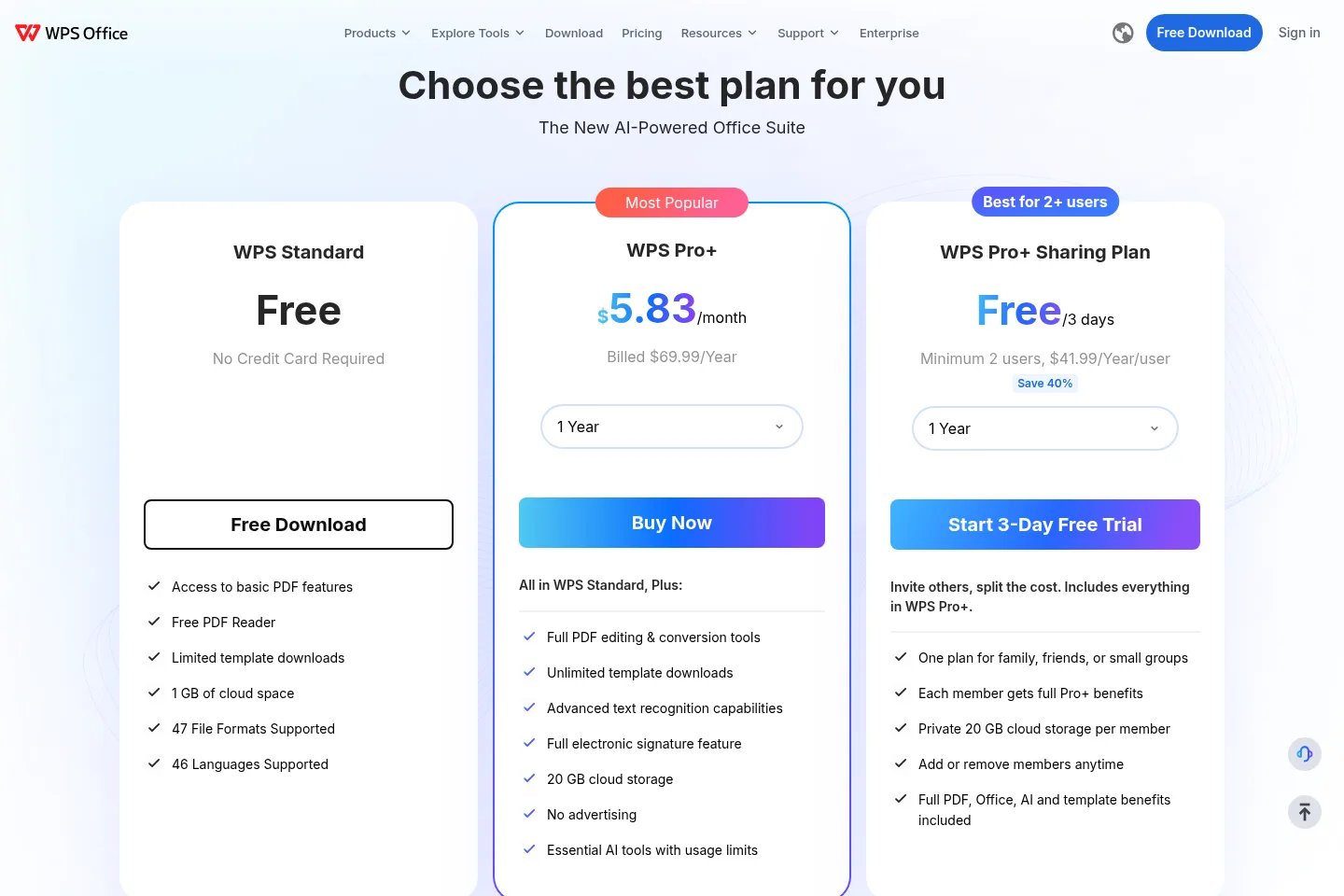
The Graphic Organizer tool itself is free and unlimited with no signup, while the WPS pricing page lists WPS Standard, WPS Pro+ and WPS Pro+ Sharing Plan for the wider office suite; compare PDF tools, template downloads, cloud storage and AI usage limits when choosing.

PlanPriceIncluded features and limits
WPS Standard

Free, no credit card required

  • Access to basic PDF features

  • Includes the free PDF Reader

  • Limited number of template downloads

  • 1 GB of cloud space

  • Support for 47 file formats

WPS Pro+

$5.83/month, billed $69.99/Year

  • Full PDF editing and conversion tools

  • Unlimited downloads from the template library

  • 20 GB of cloud storage

  • No advertising in the apps

  • Essential AI tools with usage limits

WPS Pro+ Sharing Plan

$41.99/Year/user, minimum 2 users

  • Includes everything in WPS Pro+

  • Minimum of two users per plan

  • Invite others and split the cost

  • Save 40% per user on yearly billing

The graphic organizer page states its generation is free and unlimited with no ads and no signup required; office suite plans and their prices sit on the separate WPS pricing page.

Use cases

Summarize reading into a study diagram

When a chapter or set of notes has to be condensed before an exam, paste the text or upload the PDF and generate a hierarchical organizer, then download the image to print or review on screen, so general ideas sit at the top and details below.

Prepare a visual lesson summary

A teacher who wants a one-page visual for a lesson uploads the Word or PDF document, lets the tool identify the main and secondary concepts, and downloads the resulting JPG or PNG image for classroom use, handouts or sharing with students.

Outline a paper's key concepts

Before writing, a researcher uploads a PDF or pastes text and generates an organizer that shows how main and secondary concepts relate, then saves the PNG or JPG image as a reference for the draft outline or a presentation slide.

Limitations

  • The text field accepts up to 6000 characters, as shown by the 0/6000 counter on the page.

  • Uploads are limited to PDF, Word or TXT files alongside pasted text, per the FAQ.

  • The download step produces a PNG or JPG image file, which is the format the FAQ lists for printing, sharing or presentations.

  • Layout is generated automatically in a hierarchical structure, and the page describes no manual arrangement step for placing concepts yourself.

Alternatives

Graph Organizer

Generate printable graphic organizers and worksheets with AI

Graph Organizer turns pasted text or a topic into a graphic organizer using one of 11 templates. Choose a grade level and template, or let AI select one. Each generation includes a filled version and a blank student version; users can download PNG or PDF files or print from the browser. Worksheet generation pairs the organizer with a grade-appropriate reading passage.

  • Cloud
  • Freemium
  • BASIC$8.25/month
  • PRO$16.58/month
  • MAX$24.92/month
  1. PicDoc

    Turn research text into editable visual diagrams

    Paid
  2. Wonderslide

    Creates structured designed presentations from descriptions and uploaded materials

    Freemium
  3. AiCanvasly

    Turn text into editable decks, posters, and storyboards

    Contact Sales
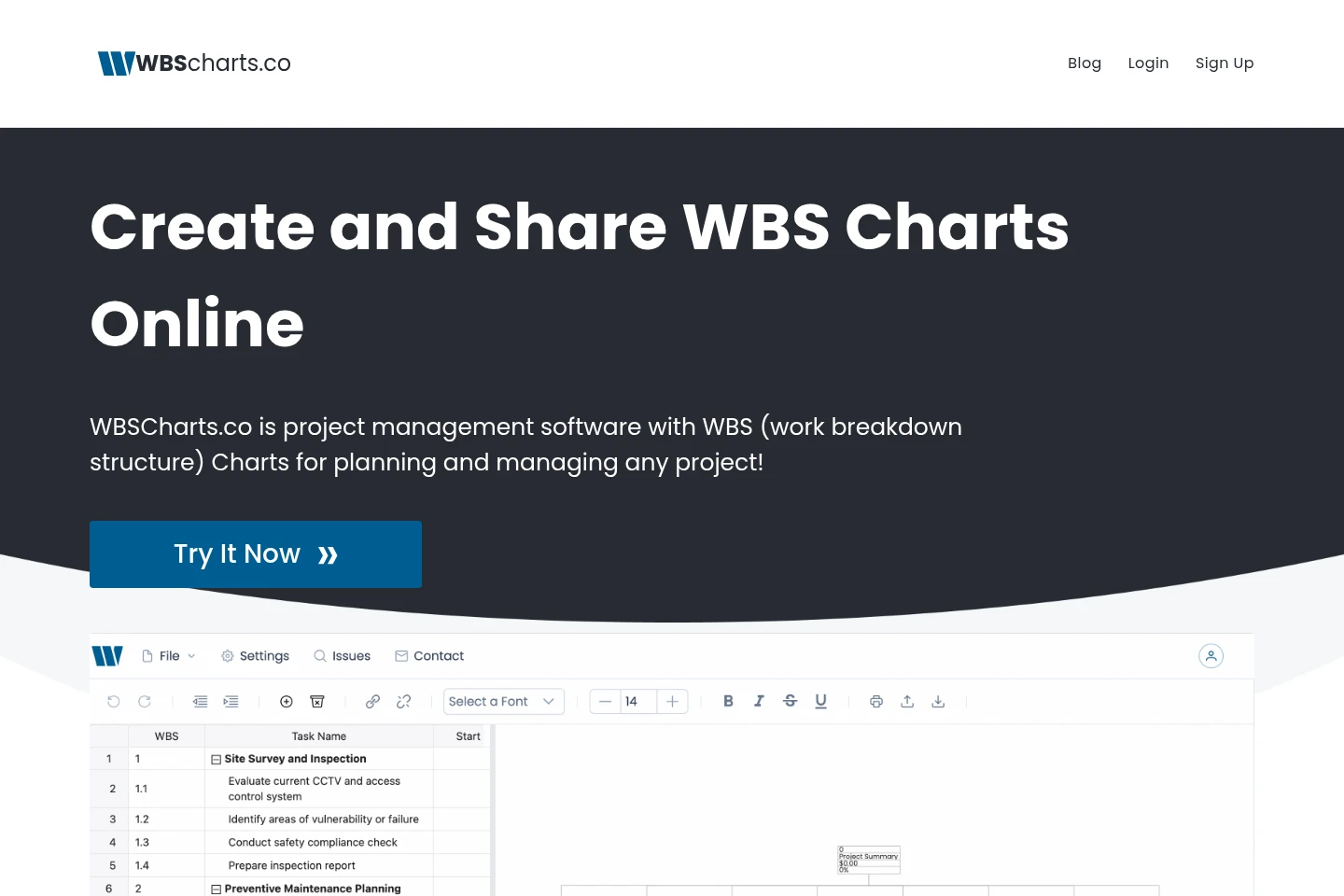
  4. WBSCharts.co

    Create, organize, and share work breakdown structure charts online

    Free
  5. WPS 灵犀

    AI assistant for creating editable office documents

    体验版 · Free; limited-time offer

Who it is for

  • Students who need to condense long reading material into a diagram they can print and review

  • Teachers who want a visual summary of a lesson document to hand out or display in class

  • Researchers mapping main and secondary concepts from a paper before drafting

FAQ

What file types can I upload?

PDF, Word or TXT files, and you can also paste text directly into the input field; the page states the tool processes any written content you supply.

Do I need an account to generate an organizer?

No. Generation works without registration or signup, so you enter the content, generate the organizer and download the image from the same page.

What format is the downloaded organizer in?

PNG or JPG. The FAQ lists both image formats and describes them as suitable for printing, sharing or including in presentations.

Is it safe to upload my documents?

The page says files are processed securely and deleted automatically after the organizer is generated, and that uploaded information is not stored.

How does automatic generation work?

The system analyzes your text, identifies main and secondary concepts, and arranges them visually in a hierarchical graphic organizer design without manual layout.

Comments

Please sign in to leave a comment.
No comments yet. Be the first to share your thoughts!