
Monthly visits
55,640,418
2026-10
Monthly growth +4.5%

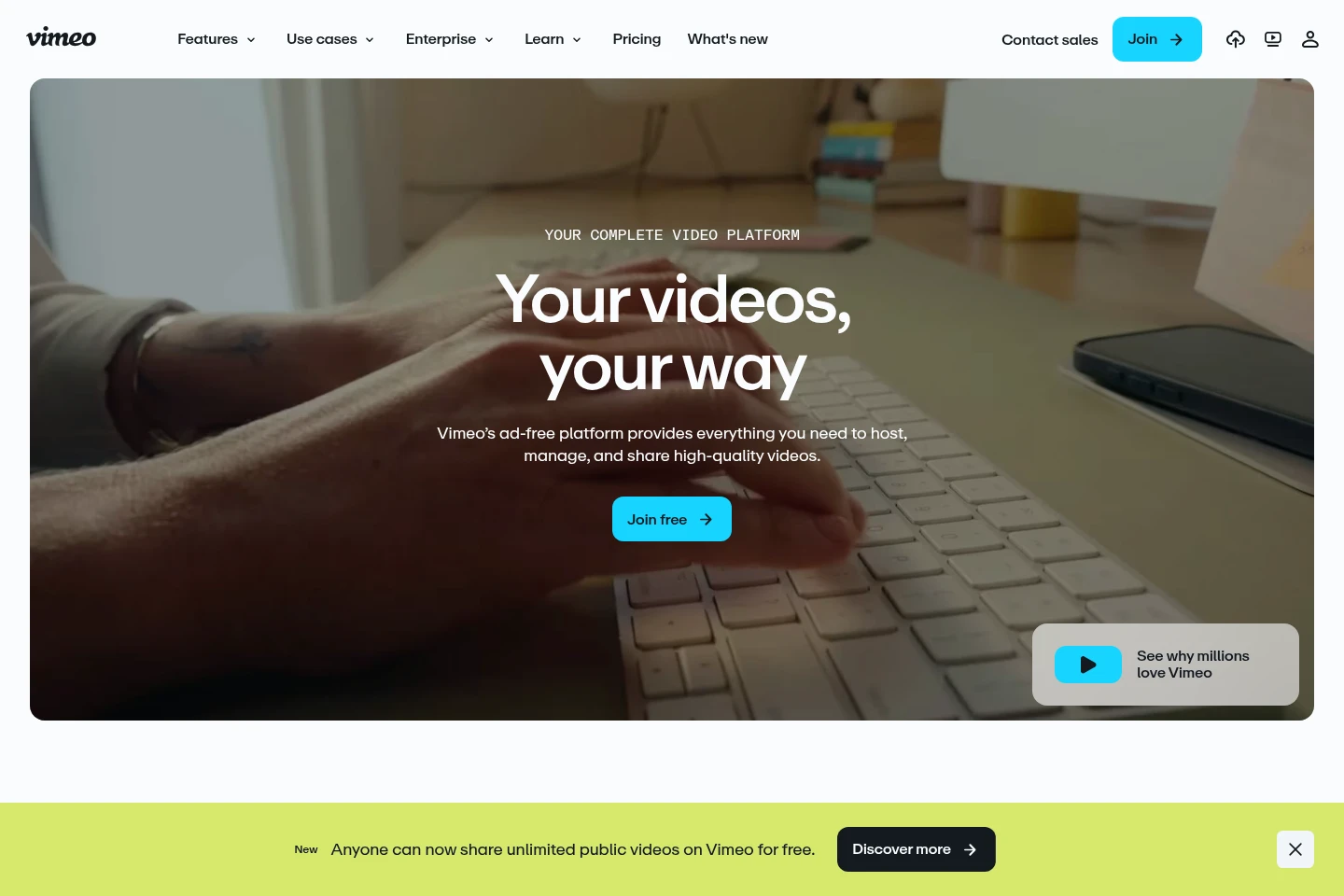
Vimeo - Create, host, manage, and share videos

Vimeo is a cloud-based video platform for creating, editing, hosting, managing, and sharing videos. It includes an ad-free player, in-browser editing, review and collaboration tools, live streaming, webinars, analytics, and AI features such as video translation. Plan options vary by users, managed storage, bandwidth, and included tools, with custom Enterprise pricing available.

  • AI Video
  • Video Editors
  • Education
  • Finance
  • E-commerce
  • Retail
  • video hosting
  • online video editing
  • video collaboration
Visit WebsiteUpdate this product

0Views

Capabilities

Video editing and creation

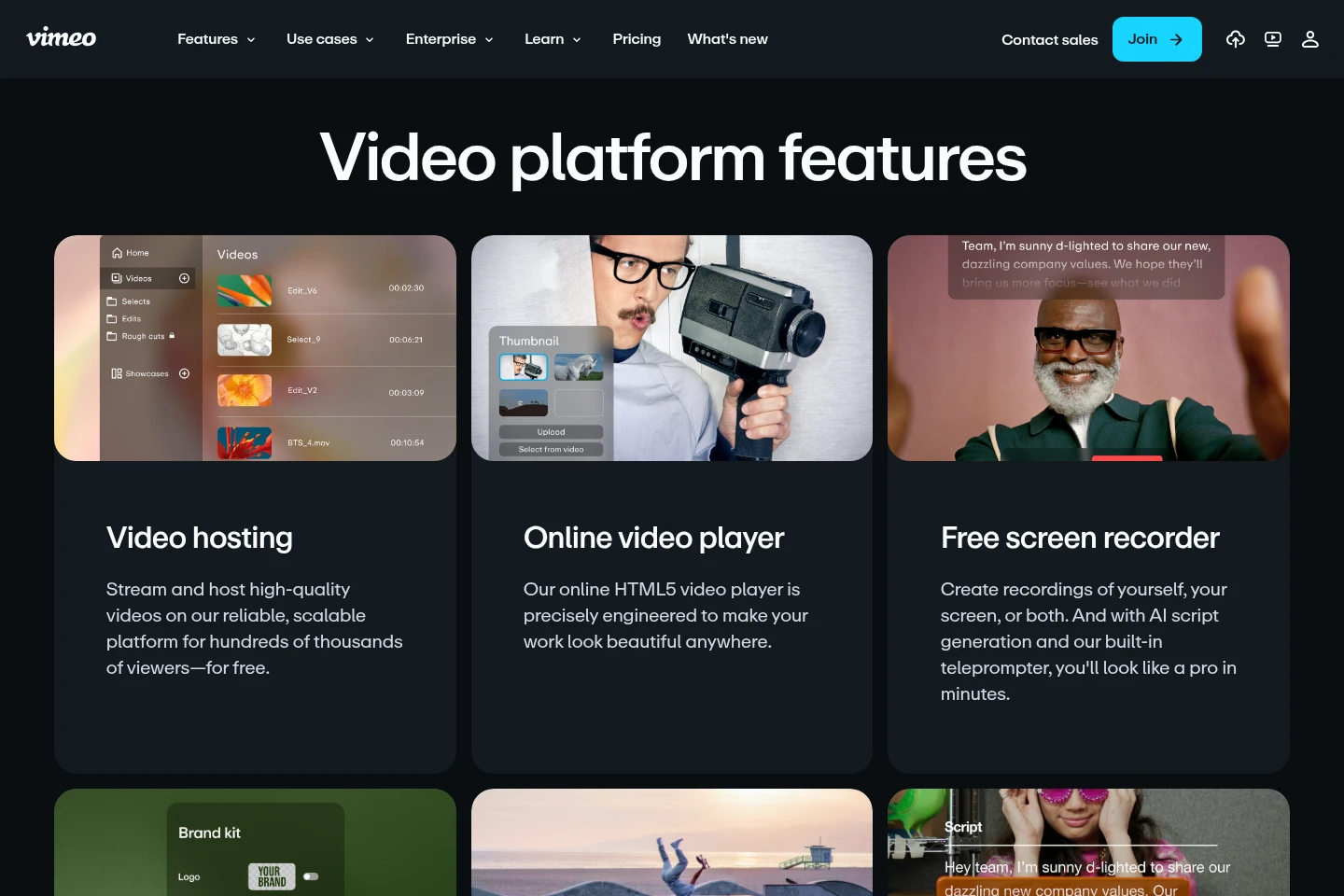
Create and edit videos in the browser, with text-based editing and AI video tools available on paid plans. Use the video editor, video maker, screen recorder, and teleprompter where included by the selected plan.

Video hosting and playback

Host and share videos through an ad-free player that supports HD and up to 4K Ultra HD playback. Player customization and hosting allowances depend on the selected plan.

Video review and management

Organize videos in a library and collect feedback through review and collaboration tools. Paid plans include different storage allowances and team capacities, and account storage is shared among paid users.

Live events and streaming

Broadcast live video and host virtual events or webinars on eligible plans. Professional includes virtual events and webinars, while Studio allows up to 10 guests in live events.

AI translation and video tools

Use AI features for video editing and translation, including translating video audio and captions. All plans can try AI features for free; AI translation credits can be purchased when needed.

PricingFreemium

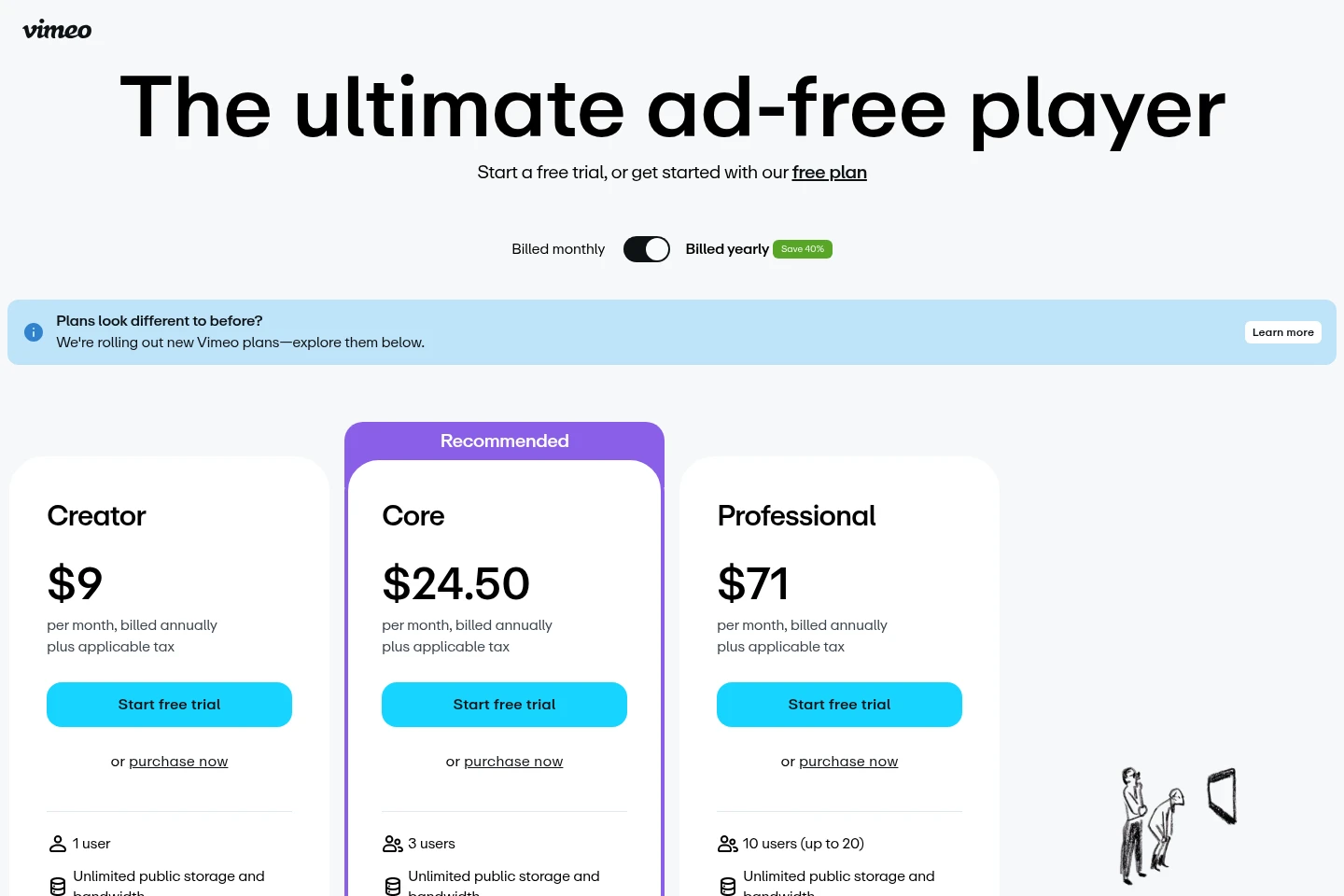
Vimeo offers a Free plan, paid subscriptions, and custom Enterprise pricing. Compare the plans by users, managed storage, bandwidth, privacy controls, and included creation or event tools.

PlanPriceIncluded features and limits
Free

Free

  • Unlimited public videos can be shared.

  • Hosted videos have no third-party ads.

  • Upload allowance is limited by storage measured in gigabytes.

Creator

$9 per month, billed annually

  • 1 user.

  • 50GB managed storage.

  • 1TB per month managed bandwidth.

  • Includes password protection.

  • Includes review and collaboration tools.

  • Includes AI-powered video tools.

Core

$24.50, billed yearly

  • 3 users.

  • 500GB managed storage.

  • 2TB per month managed bandwidth.

  • Includes a brand kit and custom fonts.

  • Supports unlisted sharing links.

  • Includes embed domain-level privacy.

Professional

$71, billed yearly

  • 10 users, with up to 20 available.

  • 7TB managed storage.

  • Includes virtual events and webinars.

  • Includes player branding and third-party player support.

  • Includes lead capture.

Studio

$400, billed yearly

  • 10 users, with up to 200 available.

  • 10TB managed storage.

  • 36TB per year managed bandwidth.

  • Includes 3 admins.

  • Allows up to 10 guests in live events.

Enterprise

Contact sales for pricing

  • More users.

  • Unlimited storage.

  • Includes a customizable video player.

  • Includes password privacy and unlisted links.

  • Includes engagement analytics.

The pricing page states a 40% saving for yearly billing. Annual subscriptions qualify for a full refund within 14 days; monthly subscriptions qualify within 3 days.

Use cases

Host and share video content

When a creator or organization needs to publish videos without third-party ads, they can host them on Vimeo and share them through its player. The plan determines managed storage, bandwidth, privacy options, and player customization.

Collect feedback on video projects

When collaborators need to review a video before release, they can use Vimeo's review and collaboration tools to manage feedback. Paid plans include these tools, with user counts and storage allowances varying by plan.

Run webinars and live video events

When a team needs to present a live or pre-recorded webinar, it can use Vimeo's event and streaming features on eligible plans. Professional includes virtual events and webinars, and Studio supports up to 10 guests in live events.

Limitations

  • Uploads and video creation are limited by the account's storage allowance, which paid users on the account share.

Alternatives

Wave.video

Effortlessly create and share amazing videos

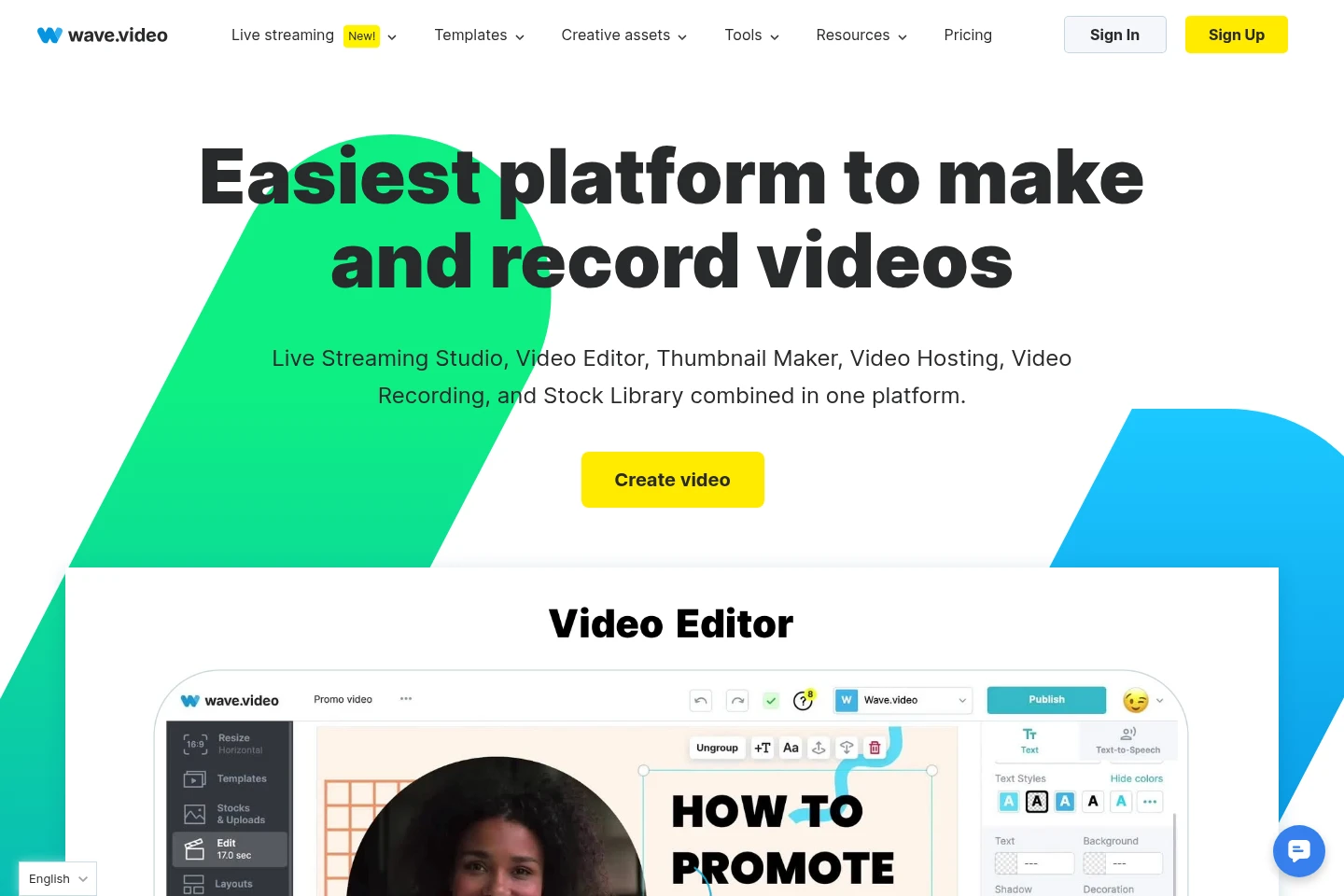
Wave.video is a comprehensive video platform that combines powerful editing, live streaming, and hosting capabilities in one user-friendly interface. With access to a vast library of stock footage, customizable templates, and advanced editing features, users can produce high-quality videos tailored to their needs. The platform supports live streaming to multiple channels simultaneously, making it ideal for marketers and content creators looking to engage their audience effectively. Additionally, Wave.video offers video hosting solutions, allowing users to track analytics, embed videos, and create branded players to showcase their content professionally.

  • Freemium
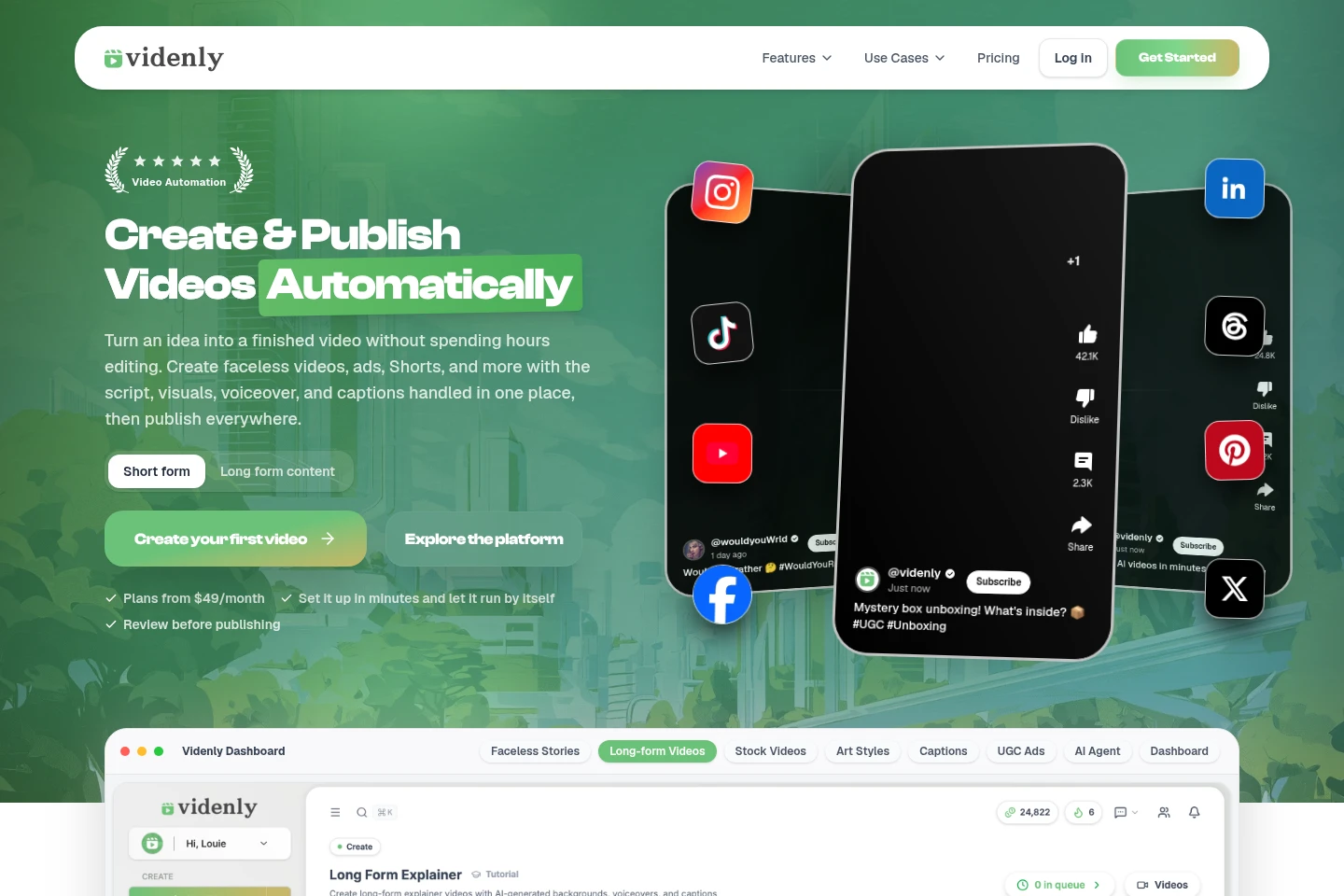
  1. Videnly

    Create, edit, schedule, and publish AI videos

    Growth · $49 USD, billed monthly
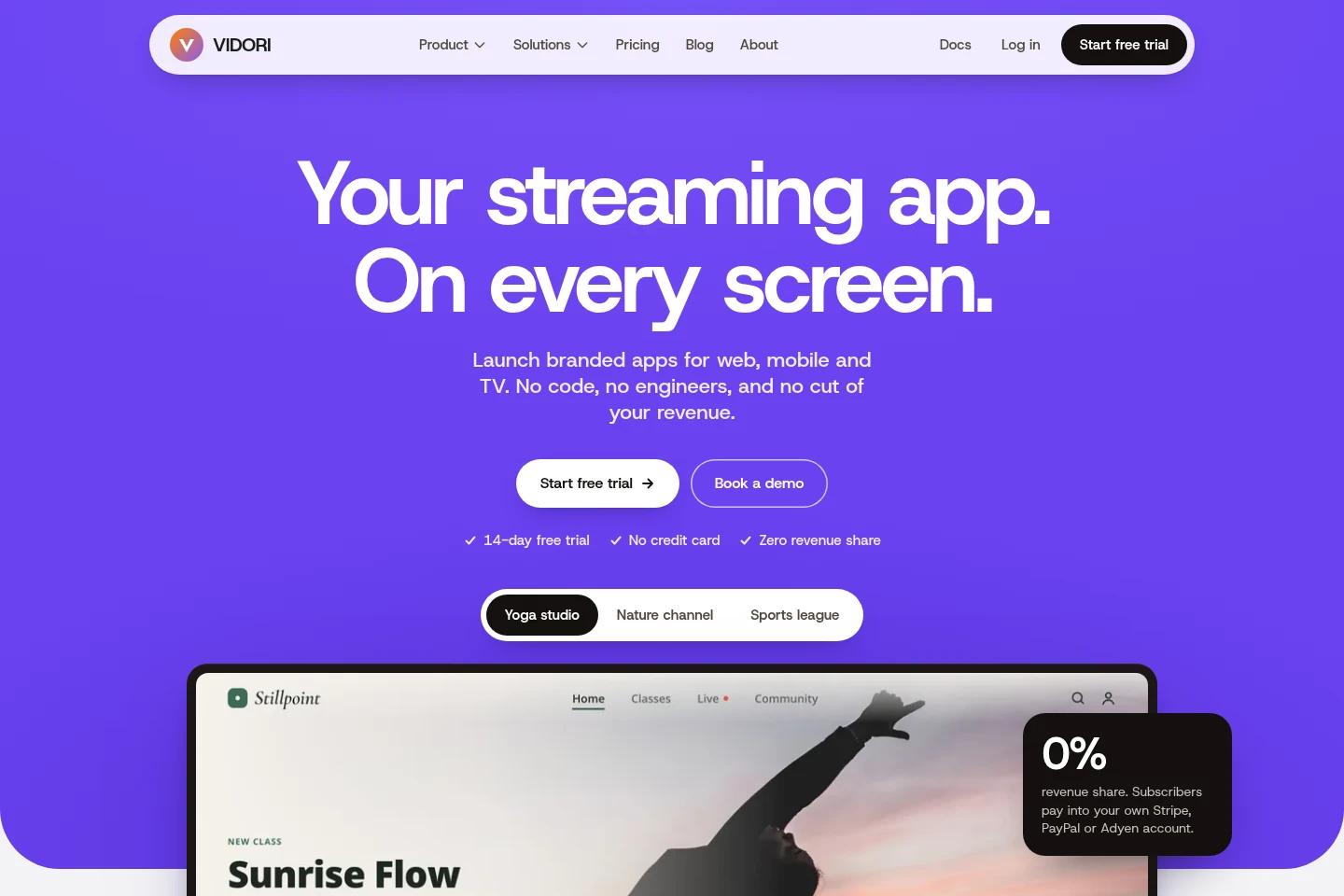
  2. Vidori

    Launch and monetize branded video streaming apps

    Starter · $79/month; annual billing 20% off
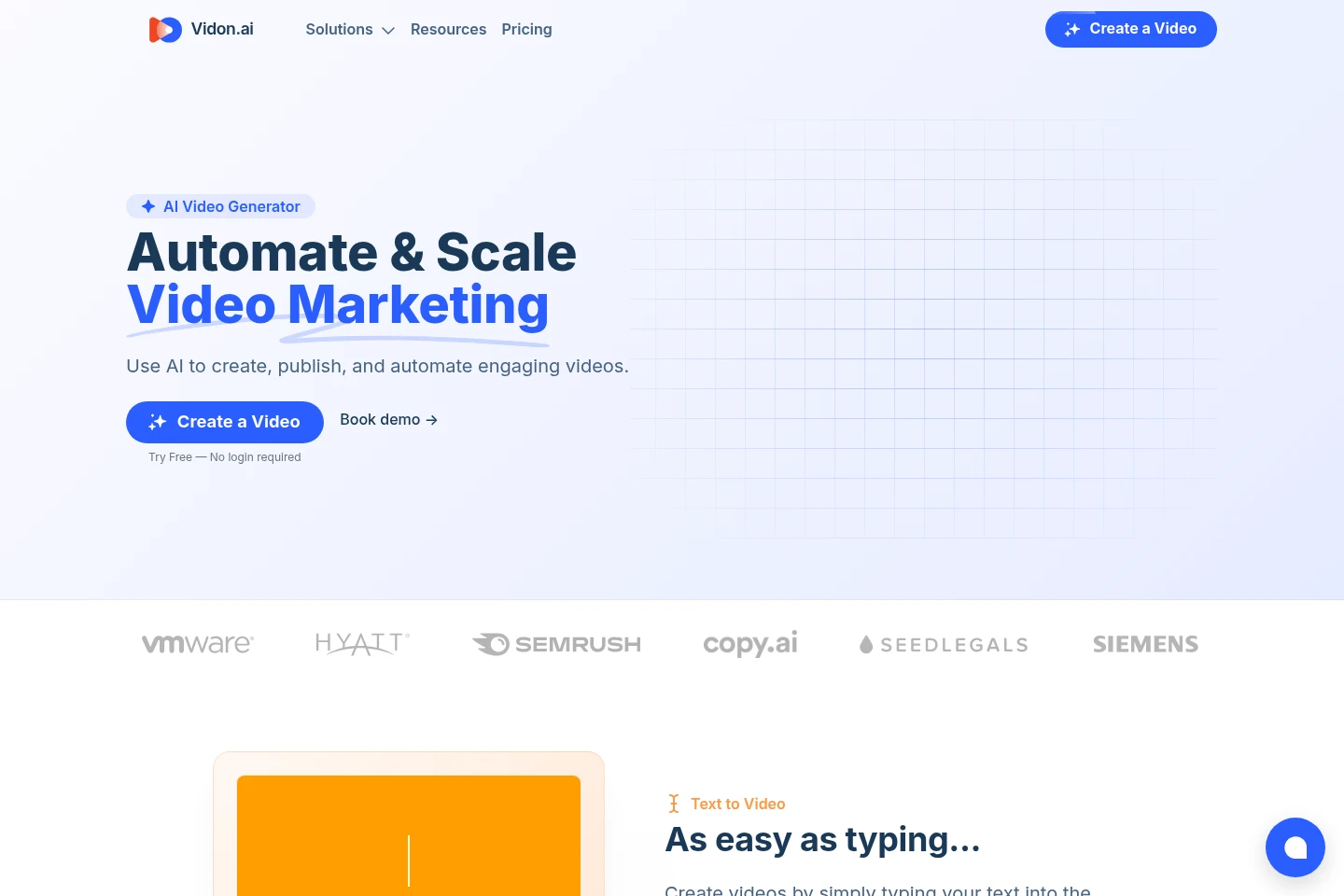
  3. Vidon.ai

    Create, automate, and publish AI-generated videos

    Individual · $29/month shown; $49 struck through
  4. DevX Viral

    Create, edit, and schedule videos across multiple social pages

    Essencial · R$97,00/month; R$80,83/month on annual plan
  5. Viddyoze

    Create AI-assisted marketing videos from a chat

    One Simple Plan. Full Access · 7 days free, then $47/month

Who it is for

  • Video creators who need an ad-free place to host and share their work

  • Marketing and communications teams managing video review, distribution, and engagement data

  • Educators and learning teams hosting webinars or sharing instructional videos

  • Organizations that need team video management, privacy controls, or live streaming

FAQ

Will viewers see third-party ads on Vimeo videos?

No. Vimeo says it does not place pre-roll, post-roll, or overlay ads on hosted videos, including videos on the Free plan.

Can I cancel a Vimeo subscription at any time?

Yes. The pricing page states that annual subscriptions qualify for a full refund within the first 14 days, while monthly subscriptions qualify within the first 3 days.

Is there a limit on how many videos I can upload?

There is no stated limit on the number of videos you can create, upload, or host; uploads are limited by storage measured in gigabytes.

How does Vimeo's storage allowance work for teams?

The storage allowance is assigned at the account level and shared by paid users on that account, who can upload or create videos up to that limit.

How do AI translation credits work?

AI credits let users purchase AI translation features as needed. Vimeo says all plans can try AI features for free, and prompts users to buy the relevant credits during the translation flow.

Comments

Please sign in to leave a comment.
No comments yet. Be the first to share your thoughts!