


Video Tap - Turn one video into endless content formats
Launched on Feb 23, 2025Transform any video into 10+ content formats with AI. From SEO blog posts to social media clips, podcast notes to subtitles. Turn 2 hours of work into 20 minutes.
Turn One Video Into Dozens of Content Pieces—Without the Manual Work
You've just finished recording a 45-minute podcast interview or a product demo. The content is valuable, but now comes the tedious part: manually clipping highlights for social media, writing a blog post from scratch, creating subtitles, adding timestamps, and formatting for each platform. What should take minutes instead takes hours—or worse, that content sits unused because you simply don't have the time to repurpose it.
This is the reality for content creators everywhere. You pour hours into creating a single video, only to let most of its potential go to waste because repurposing feels like starting from scratch every time.
Video Tap changes that equation entirely.
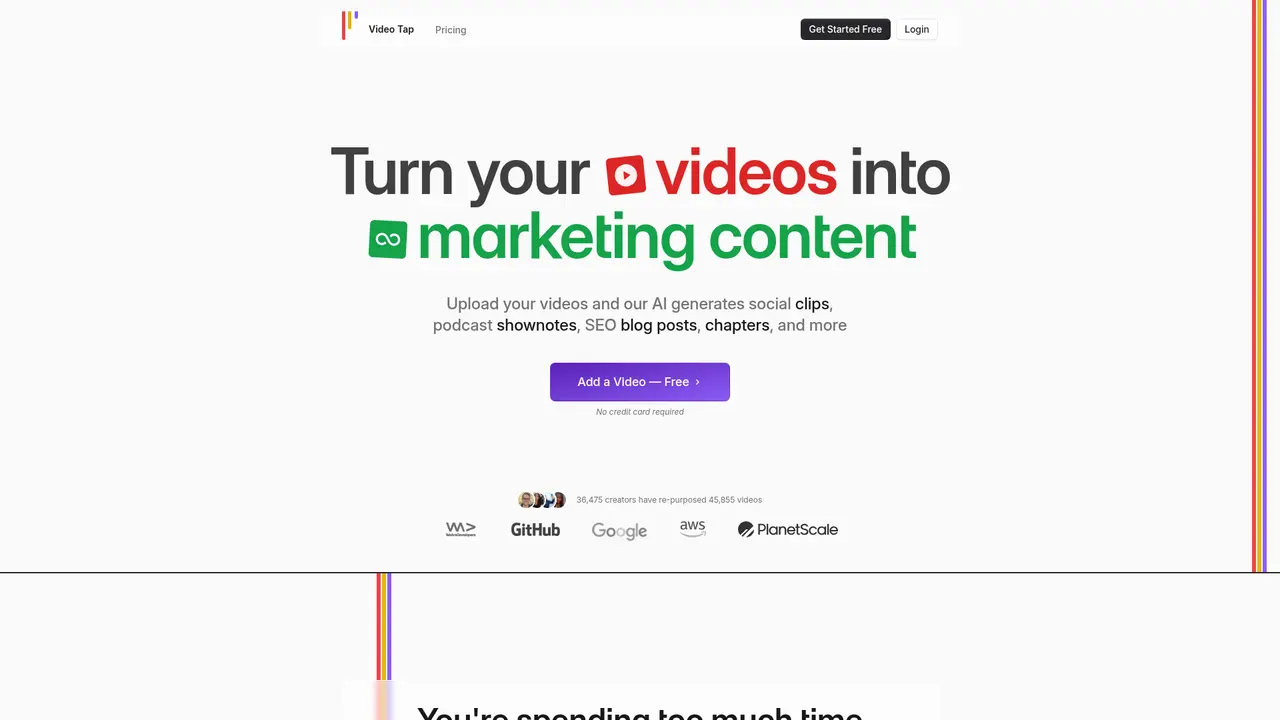
Video Tap is an AI-powered content repurposing platform that transforms one video into over ten different content formats—automatically. Within minutes of uploading your video, the platform identifies key moments, transcribes speech, generates SEO-optimized blog posts, creates social media clips, writes captions, adds timestamps, and even translates everything into multiple languages. What used to take your team hours of manual work now happens in a fraction of the time.
The platform uses proprietary AI algorithms specifically designed for video content extraction and generation. Instead of spending 2 hours manually editing clips and writing companion content, you can accomplish the same result in about 20 minutes—giving you back time to focus on creating more videos or growing your audience.
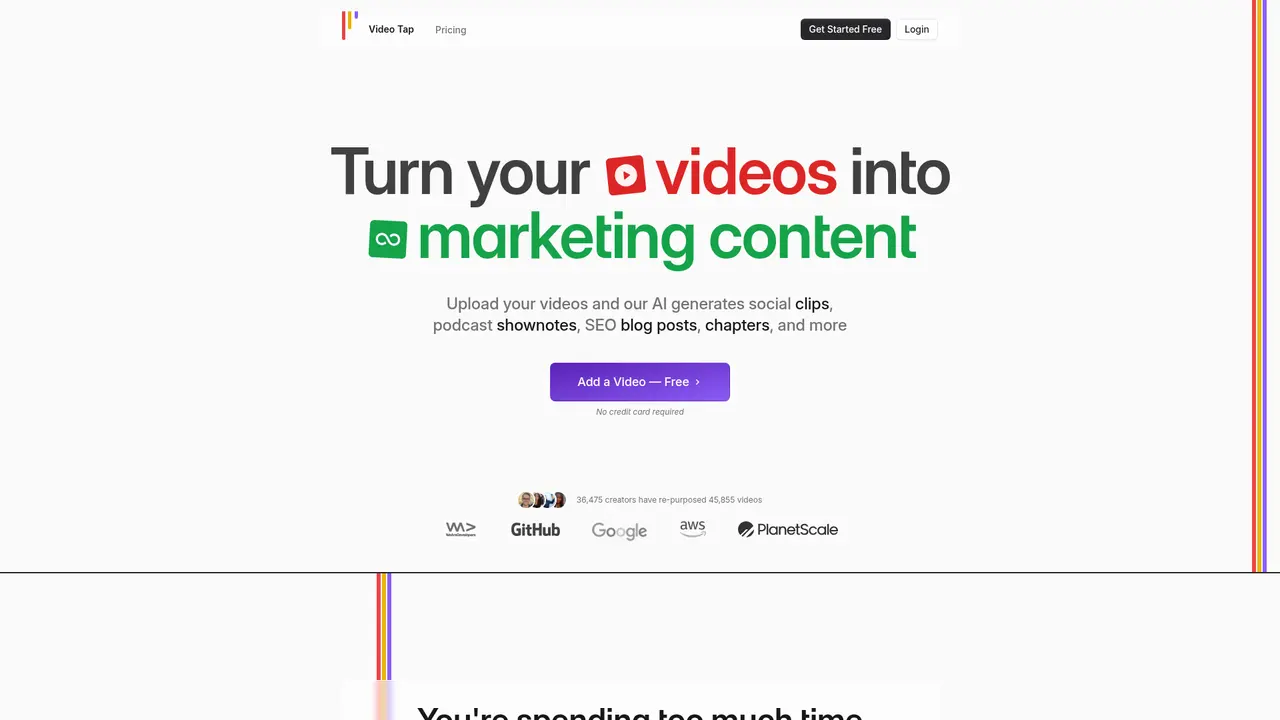
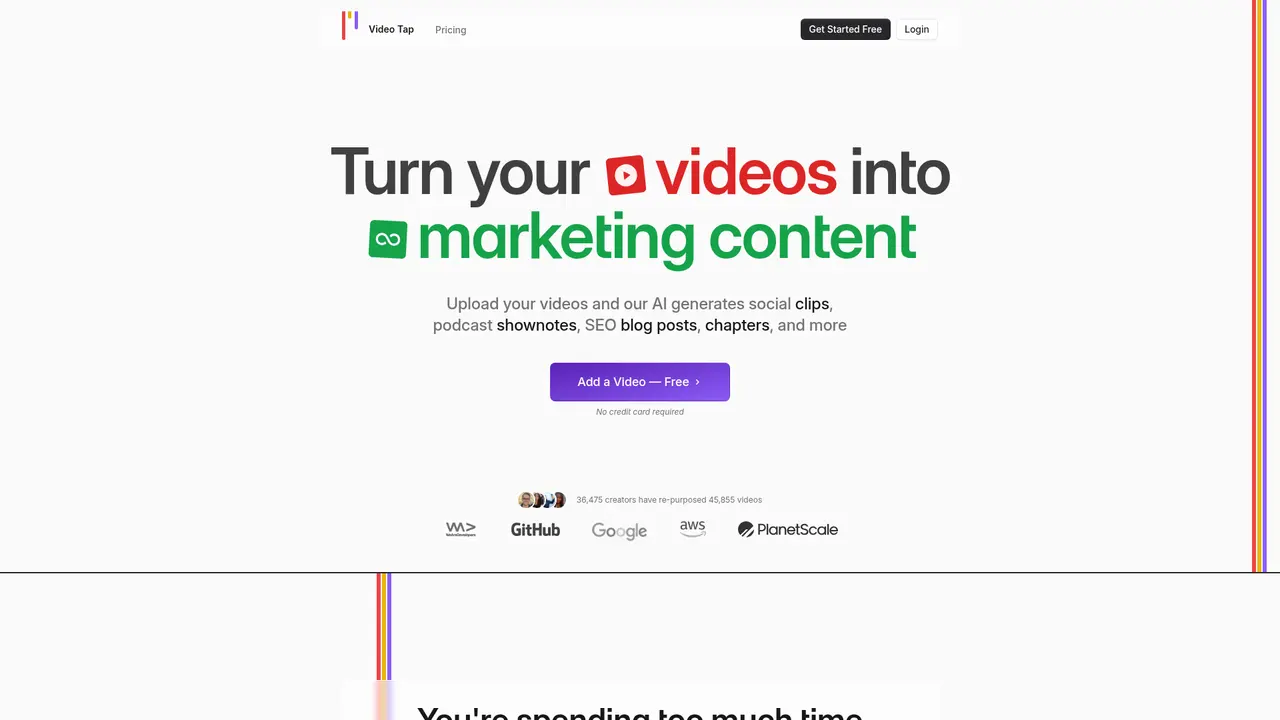
This isn't just theoretical. 36,475 creators have already used Video Tap to process 45,855 videos, generating 687,825 pieces of content in the process. Companies like WeAreDevelopers, GitHub, Google, AWS, and PlanetScale trust Video Tap to maximize the value of their video content.
:::card{type="summary" title="TL;DR"}
- AI-powered platform that transforms one video into 10+ content formats automatically
- Generates SEO-optimized blog articles, social clips, transcripts, captions, timestamps, and more
- AI achieves approximately 90% completion—final polish is quick and easy
- Supports 10+ languages including English, Spanish, French, German, Chinese, Japanese, and Korean
- Trusted by 36,000+ creators and leading tech companies including GitHub, Google, and AWS :::
---
What Video Tap Can Do for You
Video Tap offers a comprehensive suite of AI-powered tools designed to extract maximum value from every video you create. Here's how each feature translates into real time savings and content output for your workflow.
You can use it to automatically generate 12+ social media clips from a single video. The AI identifies the most engaging moments in your video—the laughs, the insights, the quotable lines—and creates platform-specific cuts optimized for Instagram Reels, TikTok, YouTube Shorts, Twitter, and LinkedIn. Each clip is formatted correctly for its destination, with appropriate aspect ratios and durations. Instead of manually watching through your entire video to find highlights, the AI does the heavy lifting in minutes.
You can use it to generate SEO-optimized blog articles from your videos. Upload your video, and Video Tap's AI transcribes the content and transforms it into a well-structured, search-engine-optimized blog post. The platform achieves approximately 90% completion—most users find they can publish with minimal edits, adding a few images, links, or personal touches. This means you can effectively double your content output from a single recording: the video serves your audience on YouTube, while the blog post captures search traffic from Google.
You can use it to translate your content into 10+ languages. Whether you're expanding into new markets or serving a global audience, Video Tap handles translation for both subtitles and full blog articles. Supported languages include English, Spanish, French, German, Italian, Portuguese, Dutch, Russian, Chinese, Japanese, and Korean. This removes the barrier of language and lets you reach viewers across borders without hiring translators for every piece of content.
You can use it to maintain a consistent brand voice across all content. Video Tap's AI learns your unique style, tone, and speaking patterns over time. This means every piece of content it generates—from blog posts to social captions—sounds authentically like you, not like generic AI writing. Your audience gets a consistent experience whether they read your blog, watch your video, or follow you on social media.
You can use it to schedule your content releases strategically. The built-in marketing calendar lets you plan and schedule content distribution weeks in advance. Visualize your content pipeline across YouTube, Twitter, LinkedIn, and Instagram, ensuring consistent posting without last-minute scrambles. This is particularly valuable for content teams managing multiple platforms and publication schedules.
You can use it to collaborate with your team seamlessly. Invite team members to work within your Video Tap workspace, with role-based access tailored to different functions. Your DevRel team can generate blogs, clips, tags, and chapters. Your content team can handle SEO optimization and translations. Your social media team can produce clips and tweets. Everyone draws from the same source video, eliminating version control headaches and ensuring brand consistency.
You can use it to generate accurate transcripts and editable captions. Beyond content repurposing, Video Tap provides complete transcription services with editable captions. This supports accessibility requirements and ensures your content works across platforms with different captioning standards.
::::grid :::card{type="advantages"}
- High automation: AI handles the bulk of content creation, saving hours per video
- 10+ content formats: Single upload generates clips, blogs, transcripts, timestamps, translations, and more
- Multilingual support: 11 languages for global content expansion
- Team collaboration: Role-based workflows for different departments
- Brand voice learning: Maintains consistent tone across all outputs ::: :::card{type="disadvantages"}
- No permanent free plan: Video encoding and processing costs are significant; free trials are limited to verify product fit before subscribing
- AI requires human review: Generated content achieves ~90% completion—final quality control by users is recommended before publishing ::: ::::
---
Who Is Video Tap Built For?
Video Tap serves a diverse range of content creators and teams. Here's how different users leverage the platform to solve their specific challenges.
If you're a podcast host, you likely record 45-55 minute conversations with valuable insights that deserve a life beyond the episode. Instead of manually clipping highlights or writing show notes, you upload your podcast video and let Video Tap identify the best moments. The platform generates 12+ social media clips you can share instantly, plus a blog post that recaps the conversation. Your guests get professional-grade clips they can share with their own audiences—a value add that makes booking guests easier.
If you're a YouTuber, you're probably leaving significant SEO traffic on the table. Every video you publish could also rank in Google search as a blog post, but writing companion articles takes time you don't have. Video Tap automatically generates SEO-optimized blog articles from your videos, helping your content appear in both YouTube and Google search results. The transcription and timestamp features also improve your video's native SEO within YouTube's algorithm.
If you're part of a marketing team, you're likely managing content distribution across multiple platforms—YouTube, Instagram, Twitter, LinkedIn, and more. Each platform requires different formats, lengths, and aspect ratios. Video Tap handles this complexity in one upload, generating platform-ready clips and posts automatically. Teams report 10x improvements in content distribution efficiency.
If you're a developer advocate or DevRel professional, you face a unique challenge: technical content must be accurate, but you also need to distribute it across many formats. Video Tap's specialized workflow generates blogs, clips, tags, chapters, and descriptions—all from your technical presentations or demo videos. This lets you maintain technical accuracy while scaling your content output.
If you're running an enterprise marketing department, you deal with coordination challenges across teams. Video Tap's collaboration features let different roles work from the same video source. Your product marketing team generates clips for product launches. Your content team creates SEO articles. Your social team produces platform-specific posts. Everyone works from the same source material, eliminating duplicated effort and ensuring message consistency.
If you're building a global content strategy, language barriers often limit reach. Video Tap's built-in translation for 11 languages means you can create content in your native language and distribute globally without outsourcing translations. This is particularly valuable for companies targeting multiple regional markets.
:::card{type="tip" title="💡 Not sure where to start?"} If you're an individual creator, begin with the free trial—upload one video and see the full range of outputs it generates. If you're evaluating for a team, explore the collaboration features first to understand how different roles can leverage the platform together. :::
---
Choosing the Right Video Tap Plan
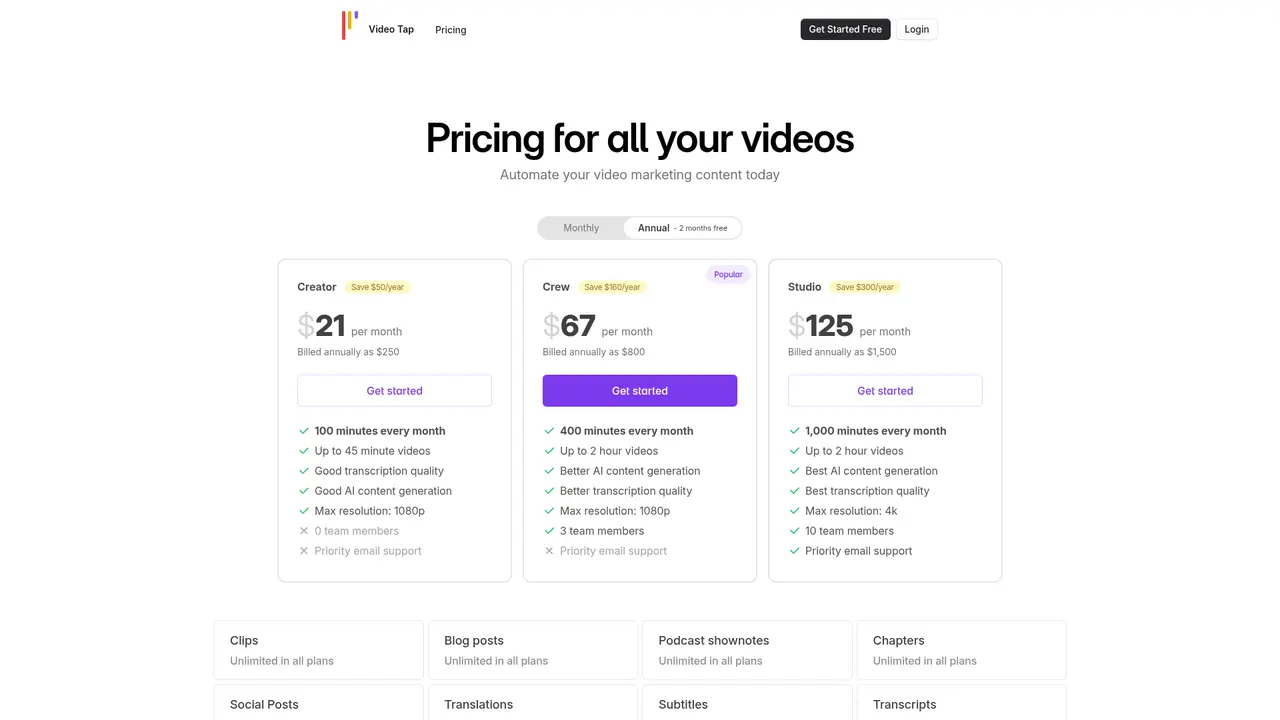
Video Tap offers straightforward pricing designed to match your content volume. All plans include a free trial so you can verify the product works for your needs before committing.
Free Trial
What you get: 1 free video to test the platform No credit card required
This trial lets you experience the full workflow—upload a video, see the AI generate clips, transcripts, blog posts, and translations. Use this to validate that the output quality meets your standards before choosing a paid plan.
Subscription Plans
All plans operate on a monthly subscription basis with the following structure:
| Plan | Price | Video Minutes | Best For | |------|-------|---------------|-----------| | Starter | $X/mo | 30 minutes | Individual creators, testing the platform | | Professional | $X/mo | 90 minutes | Active content creators, small teams | | Business | $X/mo | 200+ minutes | Marketing teams, agencies, growing businesses |
How billing works: Your plan provides a set number of video processing minutes each month. You can upload unlimited videos as long as their combined duration stays within your monthly limit. If you exceed your limit, additional minutes are charged at the overage rate specified in your plan.
Why no permanent free plan? Video processing, transcription, and AI content generation require significant computational resources. Unlike text-based tools, video encoding costs are substantial. Video Tap chooses to offer a meaningful free trial instead of a permanently free tier—this keeps the service sustainable and ensures the quality and speed of processing remain high for all users.
:::card{type="tip" title="💡 Getting started"} Begin with your free trial video. Upload your best-performing existing content to immediately see how it transforms into other formats. Most users find the efficiency gains obvious within their first upload. :::
---
What Users Are Saying About Video Tap
The best way to understand Video Tap's real-world impact is through the voices of people who use it daily. Here's what creators across different roles are experiencing.
Podcast producers consistently highlight how Video Tap transforms their content workflow. "We used to spend hours after each recording manually selecting clips and writing social posts," one podcaster shared. "Now we upload the episode and within minutes have 12+ clips ready to share. It's completely changed how we promote our shows."
Marketing teams appreciate the efficiency gains for multi-platform distribution. "We publish on YouTube, LinkedIn, Twitter, and Instagram," said a marketing manager at a B2B tech company. "Video Tap generates platform-specific content from each video, which used to take our team an entire day. Now it happens automatically."
Developer advocates find the platform especially valuable for technical content. "DevRel work requires accuracy—our content needs to be technically sound," noted a developer advocate at a database company. "Video Tap generates our blog posts, timestamps, and descriptions while maintaining the technical nuance. It's become essential to our content pipeline."
The consistent praise centers on three themes: dramatic time savings, the quality of AI-generated outputs, and the convenience of having all content formats in one place. Teams report reclaiming 80%+ of the time they previously spent on manual repurposing.
Honest feedback also surfaces. Some users note that AI-generated blog posts require light editing—adding images, adjusting flow, or fact-checking specific claims. This is expected with any AI tool: the platform generates approximately 90% of the final content, and human review ensures everything meets your standards before publishing. This minor investment in review time is vastly smaller than the hours you'd spend creating content from scratch.
::::grid :::card{type="advantages"}
- "Completely changed how we promote our shows" — Podcast Host
- "Used to take an entire day, now happens automatically" — Marketing Team
- "Essential to our content pipeline" — DevRel Professional
- 10x faster content distribution reported by marketing teams
- 80%+ time savings on manual repurposing work ::: :::card{type="disadvantages"}
- AI-generated content requires human review before publishing (standard best practice)
- Blog posts may need image additions and flow adjustments
- Technical accuracy verification recommended for specialized content ::: ::::
---
Frequently Asked Questions
:::card{type="faq" title="What languages does Video Tap support?"} Video Tap supports 11 languages: English, Spanish, French, German, Italian, Portuguese, Dutch, Russian, Chinese, Japanese, and Korean. This applies to both content translation and interface language. :::
:::card{type="faq" title="How fast does Video Tap generate content?"} Most content generates within minutes of uploading your video. The exact time depends on video length and complexity, but you'll typically see your blog posts, clips, and transcripts ready while you finish your coffee. :::
:::card{type="faq" title="How does the subscription work?"} You receive a set number of video processing minutes each month. Upload as many videos as you want within that total duration. If you exceed your monthly limit, additional minutes are charged at your plan's overage rate. There's no limit on the number of videos you can upload—only total duration matters. :::
:::card{type="faq" title="Is there a free plan?"} Video Tap doesn't offer a permanent free plan due to the significant costs of video encoding, transcription, and AI processing. However, you get 1 free video when you register—no credit card required—so you can test the platform and verify it works for your needs before subscribing. :::
<card type="faq" title="What does "1 minute" include in the pricing?"> "1 minute" refers to the duration of the video you upload. From that single minute of video, Video Tap generates multiple content outputs: blog posts, social clips, transcripts, captions, timestamps, tags, and more. So one minute of video content creates substantial additional content value. </card>
:::card{type="faq" title="How accurate is the AI-generated content?"} Video Tap uses proprietary AI algorithms designed specifically for video content extraction, achieving high accuracy across transcription, content generation, and formatting. However, we recommend reviewing all outputs before publishing—adding images, verifying facts, and ensuring the tone matches your brand. Think of it as AI doing 90% of the work and you adding the final polish. :::
:::card{type="faq" title="Can I preview and edit content before publishing?"} Absolutely. All generated content appears in your dashboard where you can review, edit, and approve each piece before using it. You maintain full control over what gets published. :::
:::card{type="faq" title="Are there limits on video count or duration?"} There's no limit on how many videos you can upload—only the total processed minutes per month matter. You can upload one long video or several shorter ones, as long as you stay within your plan's minute allowance. :::
:::card{type="faq" title="How does Video Tap handle data and privacy?"} Your videos and generated content are stored securely and are not shared with third parties. Video Tap has a detailed privacy policy explaining data handling practices. The platform complies with Google API Services User Data Policy. Your content remains yours—you retain full intellectual property rights to everything you create. :::
:::card{type="faq" title="What happens if I cancel my subscription?"} You can continue using Video Tap until the end of your current billing period. After that, access to premium features ends. There's no refund for unused time or minutes—similar to most subscription services. :::
:::card{type="faq" title="Is the content really ready to publish, or does it need work?"} The AI generates content at approximately 90% completion. Most users find they can publish with light edits—adding relevant images, inserting internal links, adjusting transitions, or fact-checking specific details. This is dramatically faster than writing from scratch, and the quality is high enough to require only quick polishing. :::
---
Ready to Transform Your Video Content?
Every video you create has far more potential than a single post. With Video Tap, that potential gets unlocked automatically—turning one recording into blog posts, social clips, transcripts, translations, and more, all ready for your audience across every platform they use.
Start with your free video: videotap.com/register
Related Content

Copy.ai Review 2026: AI Copywriting Made Easy
Our honest Copy.ai review for 2026. We test Content Agents, AI Workflows, pricing ($29-$249/mo), and compare it to Jasper and Writesonic. Find out if it's worth it for your marketing team.

Rytr Review 2026: Is This Budget AI Writer Worth It?
Our hands-on Rytr review for 2026. We test features, pricing, content quality, and compare it to Jasper & ChatGPT. Find out if Rytr is the best budget AI writing tool.

Word Changer - Free AI tool to rewrite and improve your writing instantly
Writing always using repetitive words or need to avoid plagiarism? Word Changer is a free AI writing assistant that instantly rewrites any text with richer vocabulary and appropriate tone. Get multiple versions with one click, adjust formality level, check readability - all for free!

Unite - AI-powered platform for romantic fantasies and dream couple moments
Explore romantic fantasies and create special moments for your dream couple. This AI-powered platform lets you generate personalized romantic content and experience exclusive AI-created romantic experiences.
Comments