Monthly visits
40,571
2026-10
Monthly growth -18.6%

upcoach - Build and run coaching programs with AI-connected tools

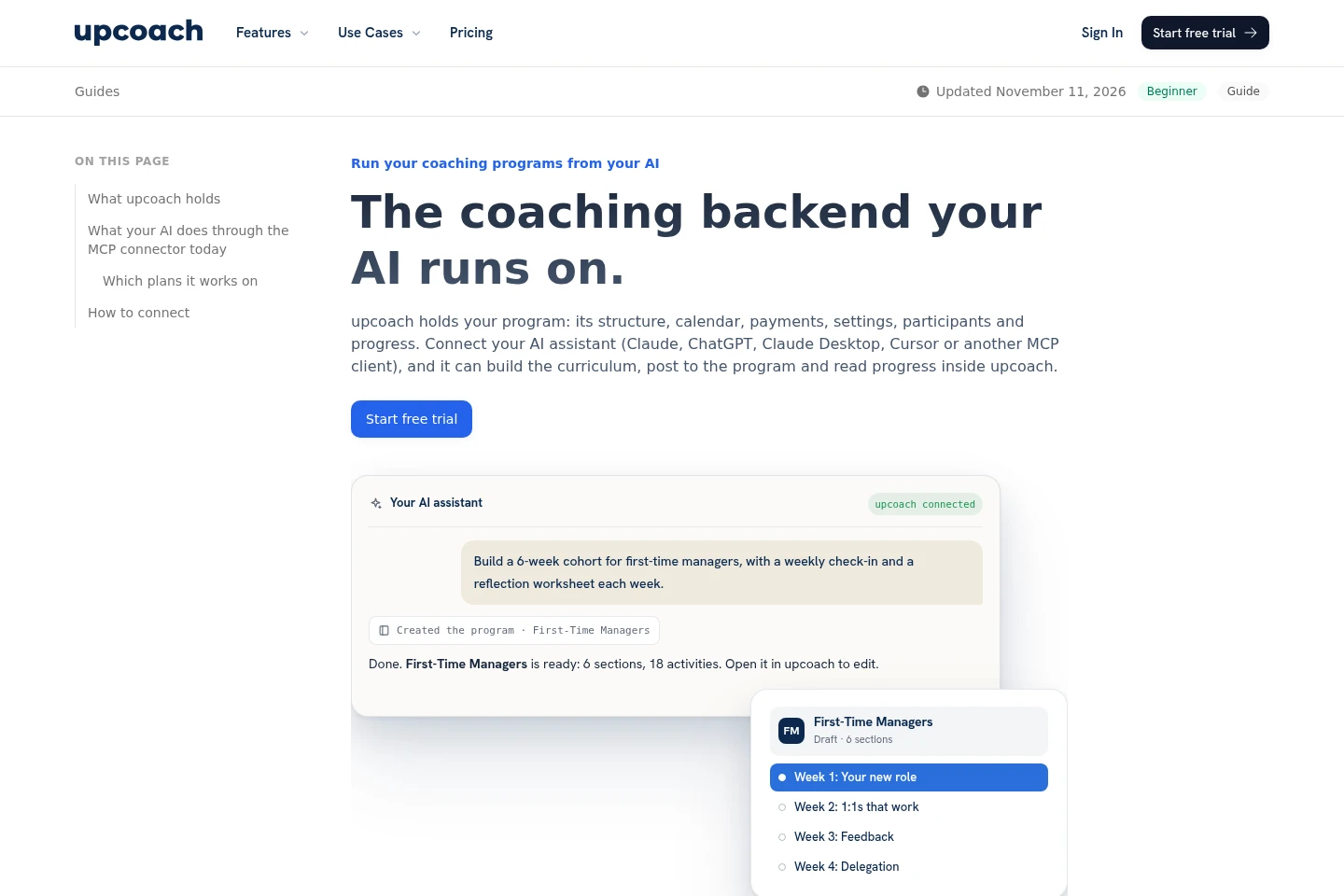
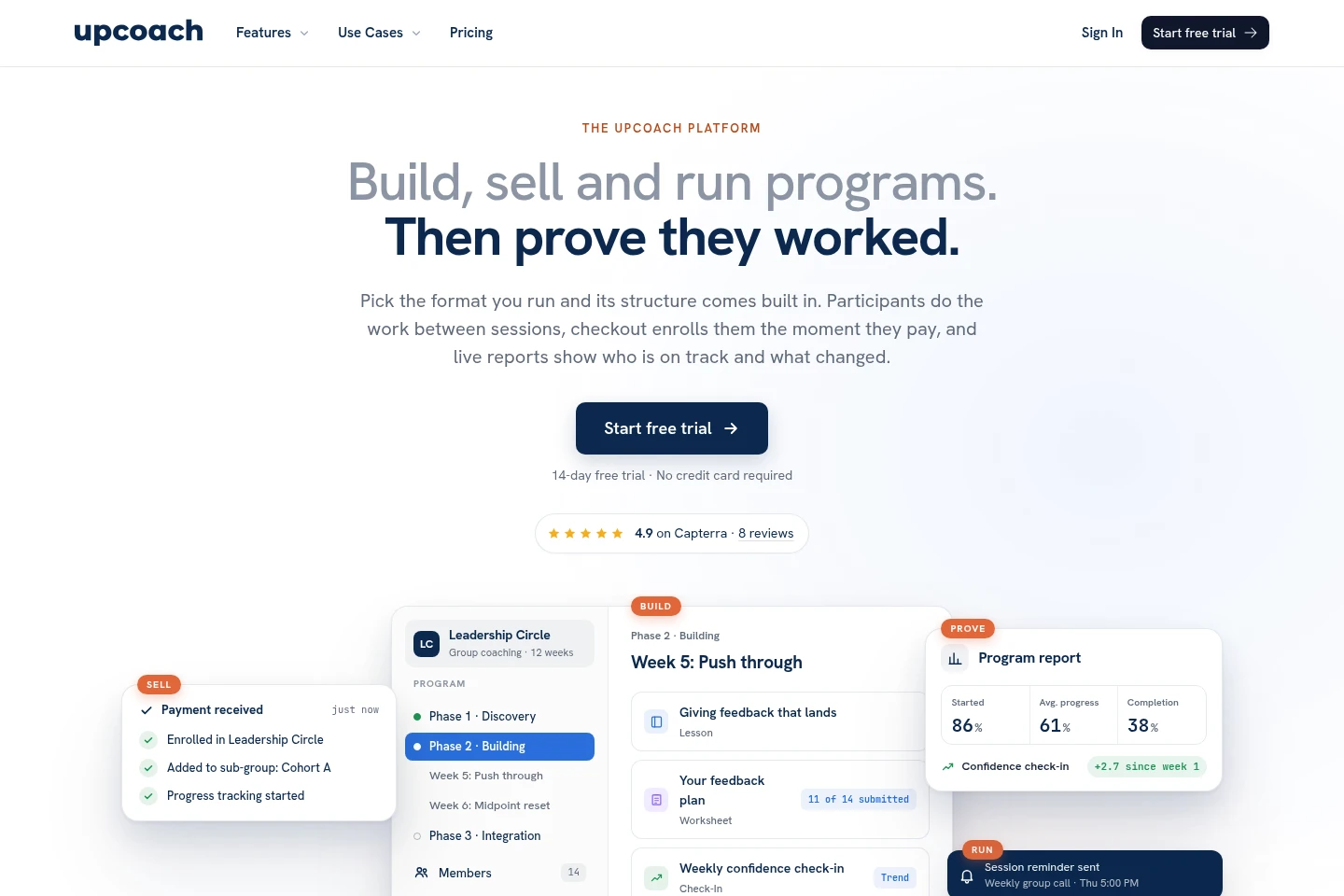
upcoach is a hosted platform for creating, selling, and running coaching and training programs. It organizes program structure, curriculum, events, participants, payments, and progress reports. Coaches can connect Claude, ChatGPT, Claude Desktop, Cursor, or another supported MCP client to create and edit program content and read progress; offers, checkout, calendar connections, and workspace settings remain managed in upcoach.

Visit WebsiteUpdate this product

0Views

Capabilities

Coaching program design

Create structured coaching and training programs from built-in formats. Choose a program type, name, and start date; upcoach supplies a curriculum structure with sections, modules, activities, events, channels, and settings.

MCP assistant connection

Connect supported AI assistants to create and manage program content and retrieve reports. An organization admin authorizes the MCP connection with OAuth; available tools do not include offers, payments, checkout, calendar connections, or workspace settings.

Events and scheduling

Schedule single or recurring events and bookable sessions inside programs. Events can include reminders, attendance tracking, and post-event feedback, with event and session details syncing to Google Calendar or Outlook when connected.

Payments and enrollment

Sell program offers through checkout pages that enroll participants after payment. Offers and payments use Stripe; configuring offers, checkout, and payment settings is done in upcoach rather than through its MCP connector.

Progress reporting

Review live program reports on activity completion, attendance, and appointments. Reports can be broken down by section and module, while participant records include activity status and available responses.


PricingFree trial

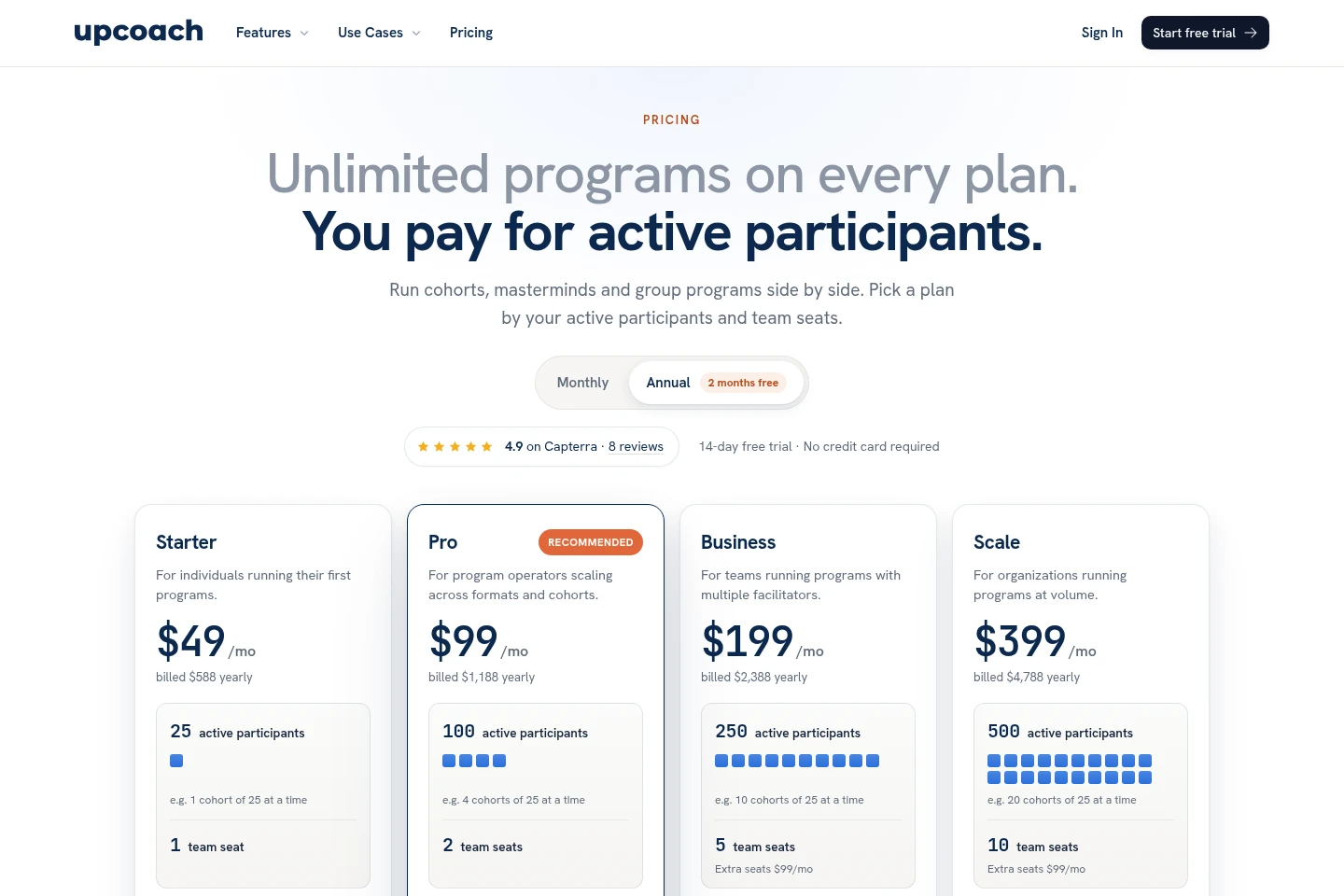
upcoach has paid subscriptions billed monthly or annually, plus a custom Enterprise plan. Compare active-participant capacity, team seats, AI impact reports, transaction fees, and support when choosing a plan; the displayed monthly amounts on annual billing are charged yearly.

PlanPriceIncluded features and limits
Starter

$49/mo; $588 billed yearly

  • 25 active participants and 1 team seat.

  • 3 AI impact reports per month.

  • 100GB media storage.

  • 4% transaction fee; no per-sale cap.

  • Email support within 48 hours.

Pro

$99/mo; $1,188 billed yearly

  • 100 active participants and 2 team seats.

  • 15 AI impact reports per month.

  • 250GB media storage.

  • 2% transaction fee; no per-sale cap.

  • Priority support within 24 hours.

Business

$199/mo; $2,388 billed yearly

  • 250 active participants and 5 team seats.

  • 50 AI impact reports per month.

  • 500GB media storage.

  • 1% transaction fee; no per-sale cap.

  • Extra team seats cost $99/mo.

Scale

$399/mo; $4,788 billed yearly

  • 500 active participants and 10 team seats.

  • 50 AI impact reports per month.

  • 1TB media storage.

  • 0% transaction fee.

  • Priority support within 24 hours.

Enterprise

Custom pricing

  • Designed for organizations running more than 500 active participants.

  • Custom active-participant capacity and team seats.

  • Custom monthly AI impact report allowance.

  • 0% transaction fee.

  • Branded mobile app option; terms are custom.

The listed monthly prices are shown with annual billing charged as one yearly amount. Enterprise pricing is custom; contact upcoach for a plan. Starter, Pro, Business, and Scale show a 14-day trial with no credit card required.

Use cases

Run coaching programs as cohorts

When coaches deliver a curriculum to a group over a shared schedule, they can select a cohort format, organize sections and activities, and coordinate events and participant access in upcoach. Reports show progress across the program.

Sell access to paid programs

When a coach needs to collect payment before admitting participants, they can create an offer and checkout page in upcoach. Stripe processes payments and a completed payment enrolls the buyer in the associated program.

Coordinate programs across facilitators

When an organization runs programs with multiple facilitators, administrators can assign program roles and manage participant access. Team seats and role options depend on the selected plan.

Manage program content with an AI assistant

When an operator wants to work with program content through an AI tool, an authorized MCP client can create or edit curriculum and activities, post to a program, and retrieve progress information. Offers, payments, calendar connections, and workspace settings still require upcoach.

Limitations

  • The MCP connector cannot manage offers, payments, checkout, calendar connections, program deletion, groups, or workspace settings; those tasks must be completed in upcoach.

  • ChatGPT custom MCP connections require Business, Enterprise, or Edu on the web; Pro connections are read-only, so tools that create or change content do not run.

Alternatives

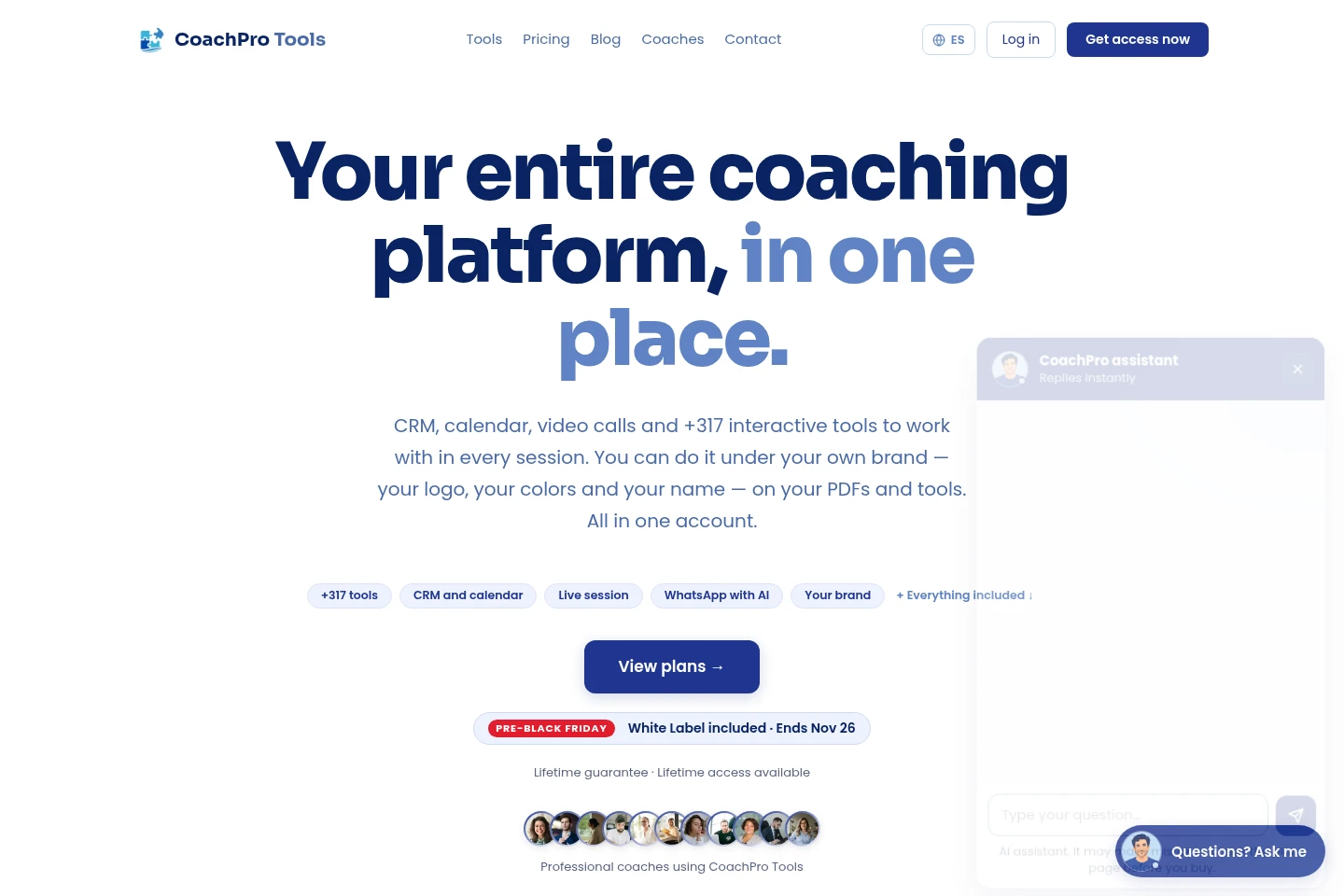
CoachPro Tools

Coaching CRM, session tools, and client workspaces

CoachPro Tools is a web platform for professional coaches, combining client CRM and workspaces with scheduling, video calls, e-signed contracts, invoicing, and more than 317 interactive coaching tools. Coaches can use tools during sessions or send them to clients by link, track progress, and apply their own branding to client-facing materials.

  • Cloud
  • Paid
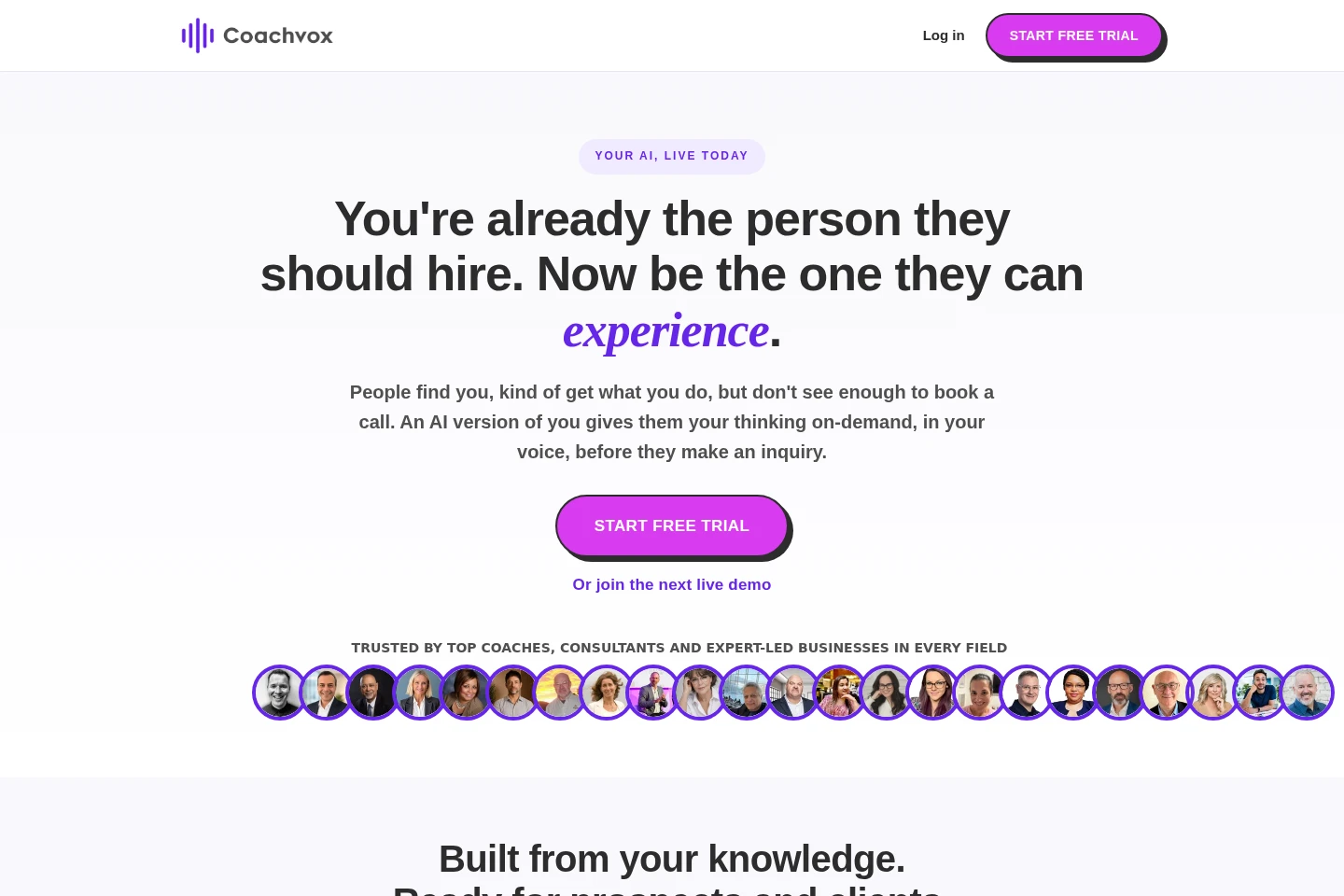
  1. Coachvox AI

    AI coaching platform for professional coaches

    Freemium
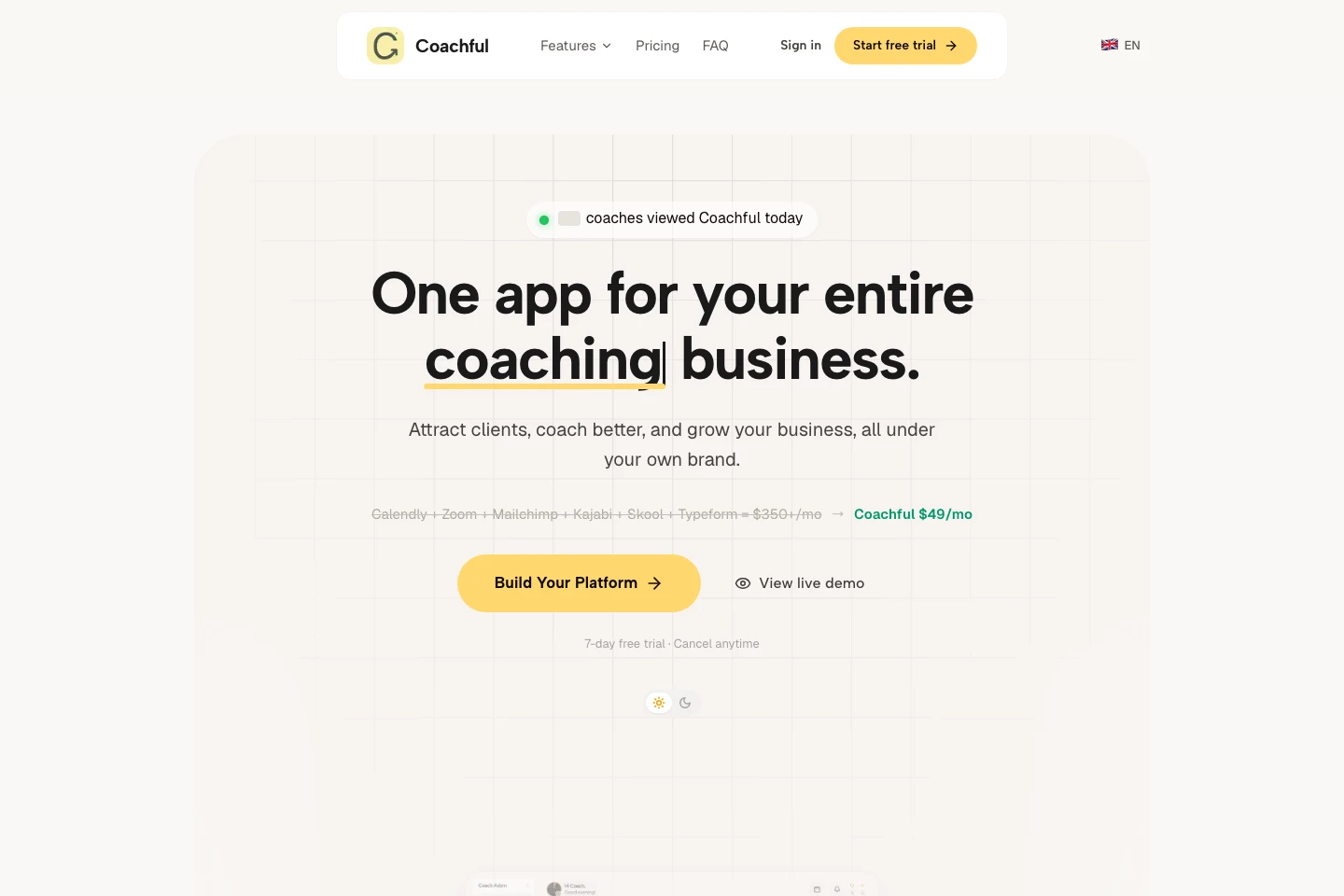
  2. Coachful

    One app. Your entire coaching business

    Paid
  3. AI Studio Builder

    Create and Monetize Your AI Tools

    Freemium
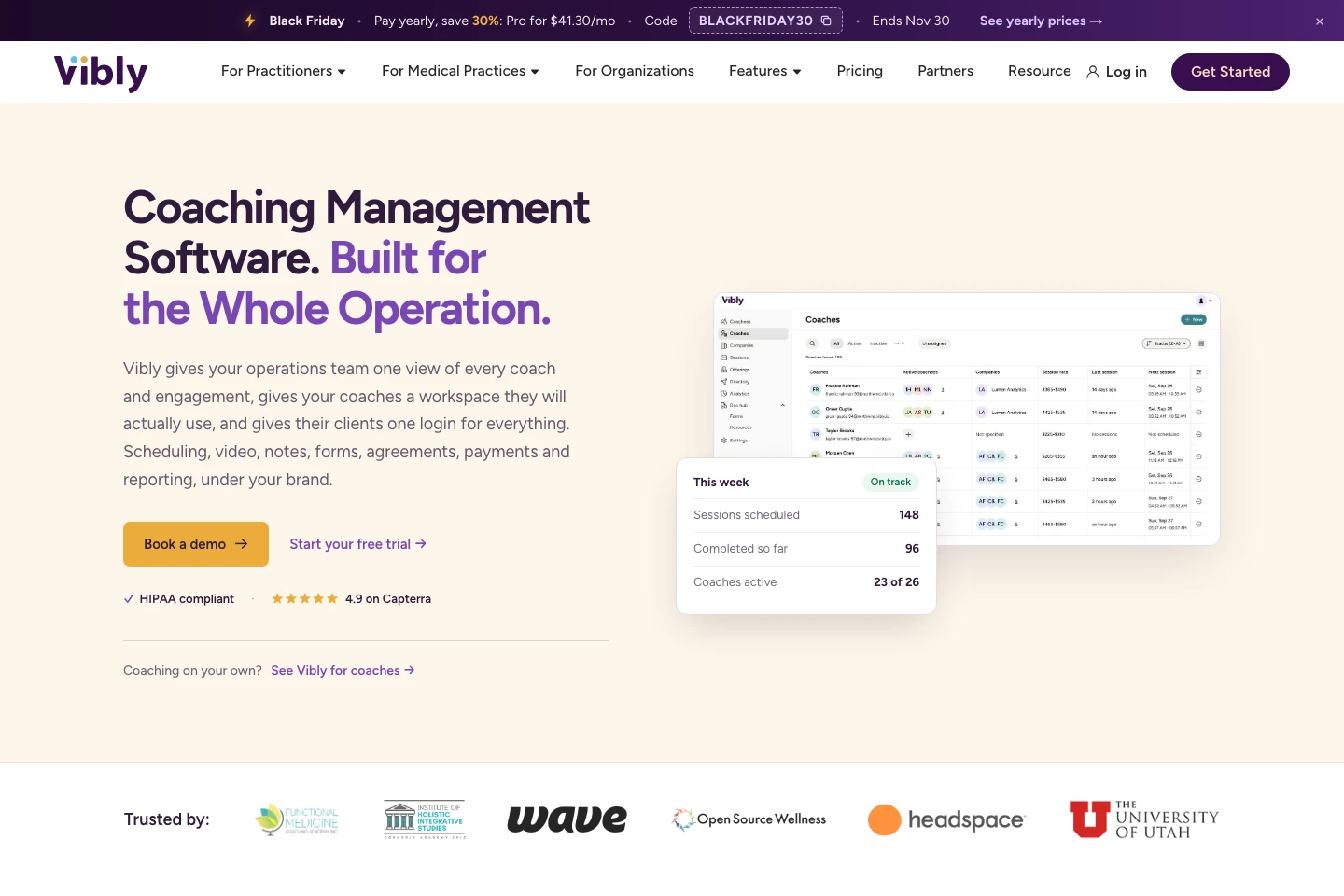
  4. Vibly

    Empowering Coaches to Transform Lives

    Freemium
  5. ChatBotKit

    AI Platform for Building Autonomous Agents

    Freemium

Who it is for

  • Coaches building and delivering paid or group coaching programs

  • Coaching organizations coordinating facilitators, cohorts, and participant access

  • Corporate training teams that need program delivery and sponsor progress reports

FAQ

Does upcoach work with AI assistants?

Yes. Its MCP connector works with Claude, ChatGPT, Claude Desktop, Cursor, and compatible MCP clients that support remote servers with OAuth. The connector is included in every upcoach plan.

What can an AI assistant do through MCP?

An authorized assistant can work with programs, members, events, posts, curriculum, activities, and progress information. Offers, payments, checkout, calendar connections, and workspace settings are outside the connector tools.

Does connecting an AI assistant share my upcoach password?

No. The connection uses OAuth, so the AI tool does not receive your upcoach password. It receives a token limited to the connector's tools, and you authorize each AI tool once.

How long is the free trial?

The pricing page offers a 14-day free trial without a credit card. The trial call to action is available for the listed paid plans.

How are participants counted toward a plan?

Plans count active participants. The same person in multiple programs counts once; deactivated participants do not occupy active participant capacity, and can be reactivated later.

Comments

Please sign in to leave a comment.
No comments yet. Be the first to share your thoughts!