
Monthly visits
3,673
2026-10
Monthly growth +1,874.7%

Transcript Generator - Extract, translate, summarize, and chat about YouTube videos

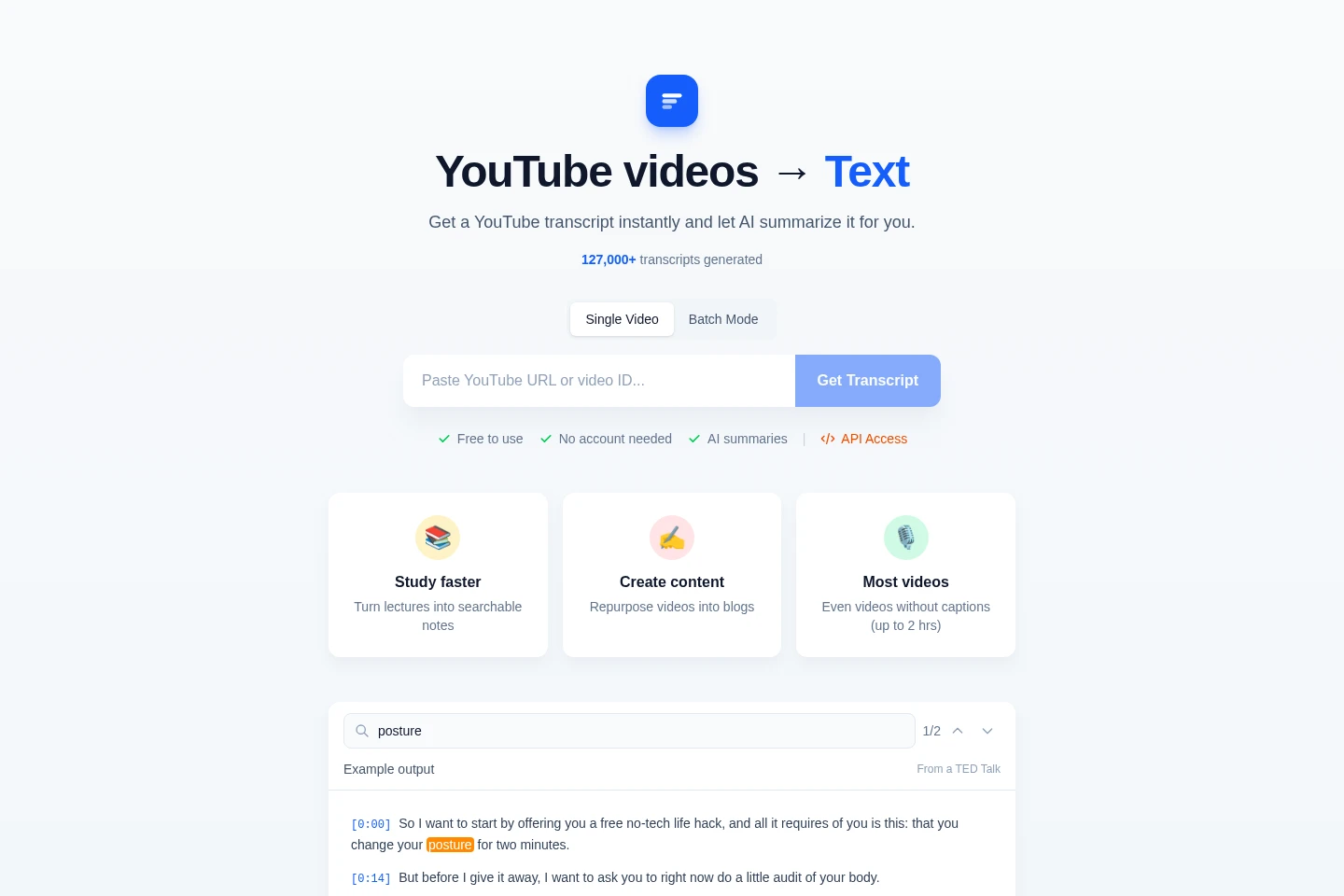
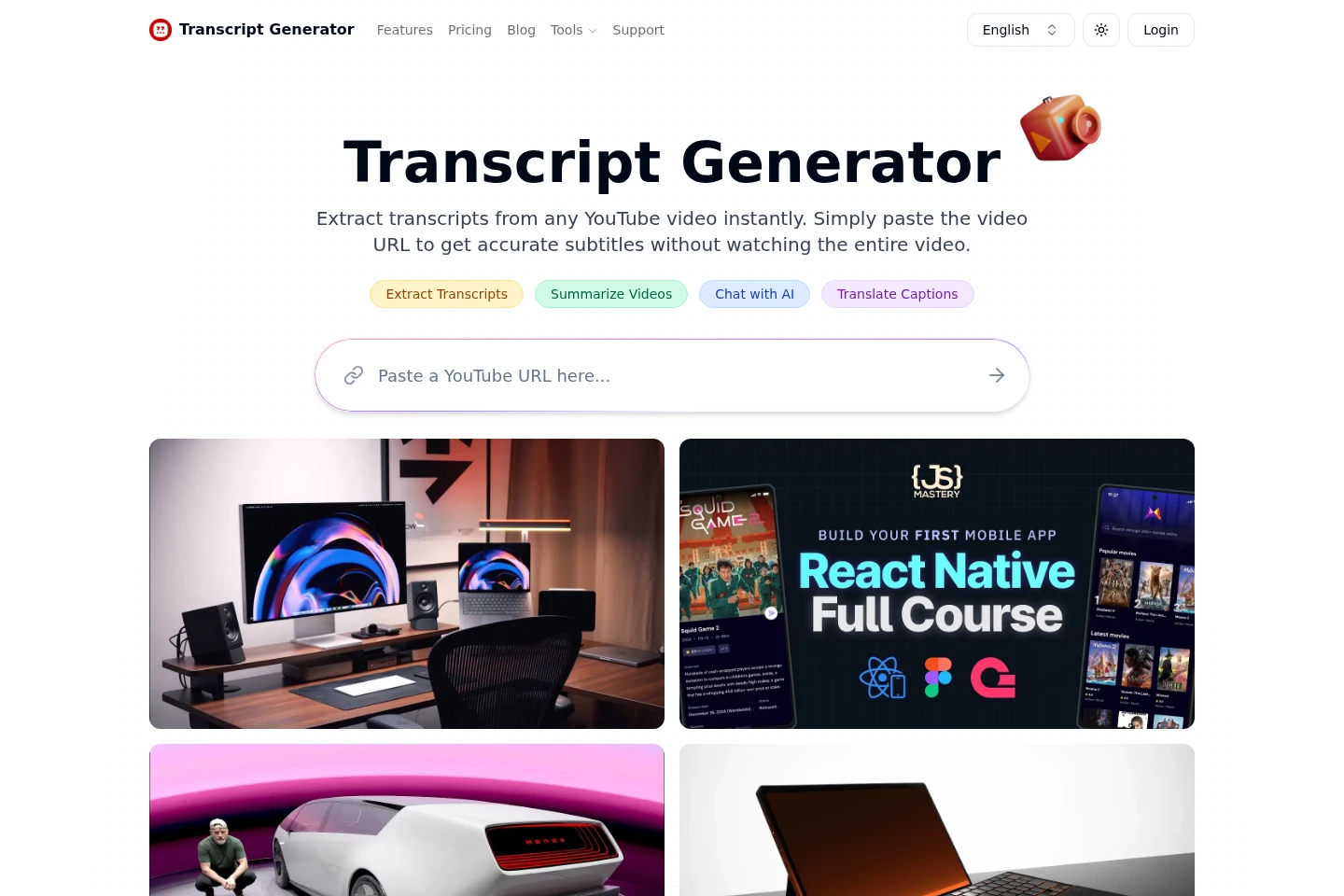
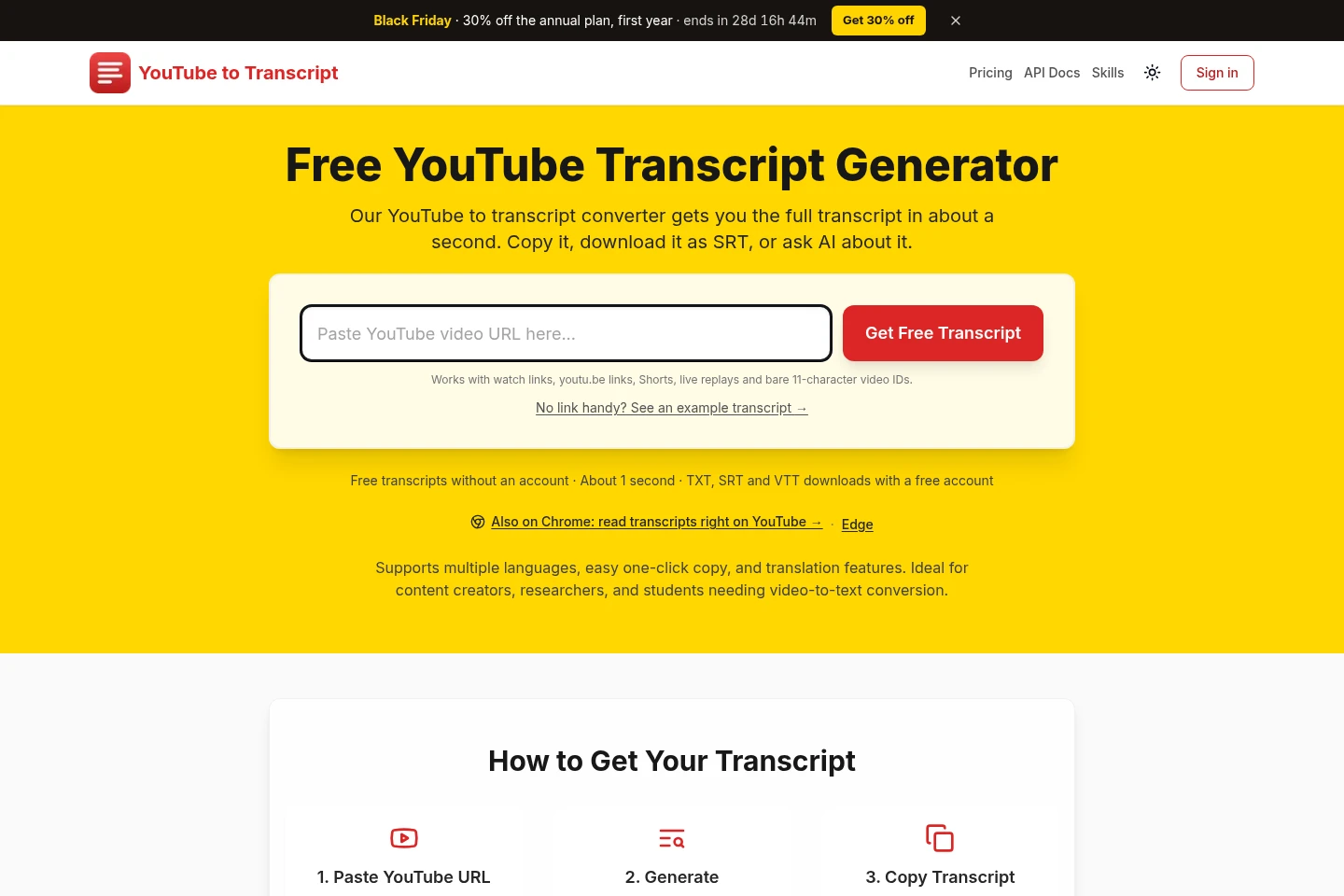
Transcript Generator turns YouTube video URLs into searchable transcripts, including videos without captions. Users can translate captions, download transcript files, create summaries, and ask AI questions about video content. A free plan provides 10 credits each week, with paid plans offering larger monthly allowances and longer transcription limits per video.

Visit WebsiteUpdate this product

0Views

Capabilities

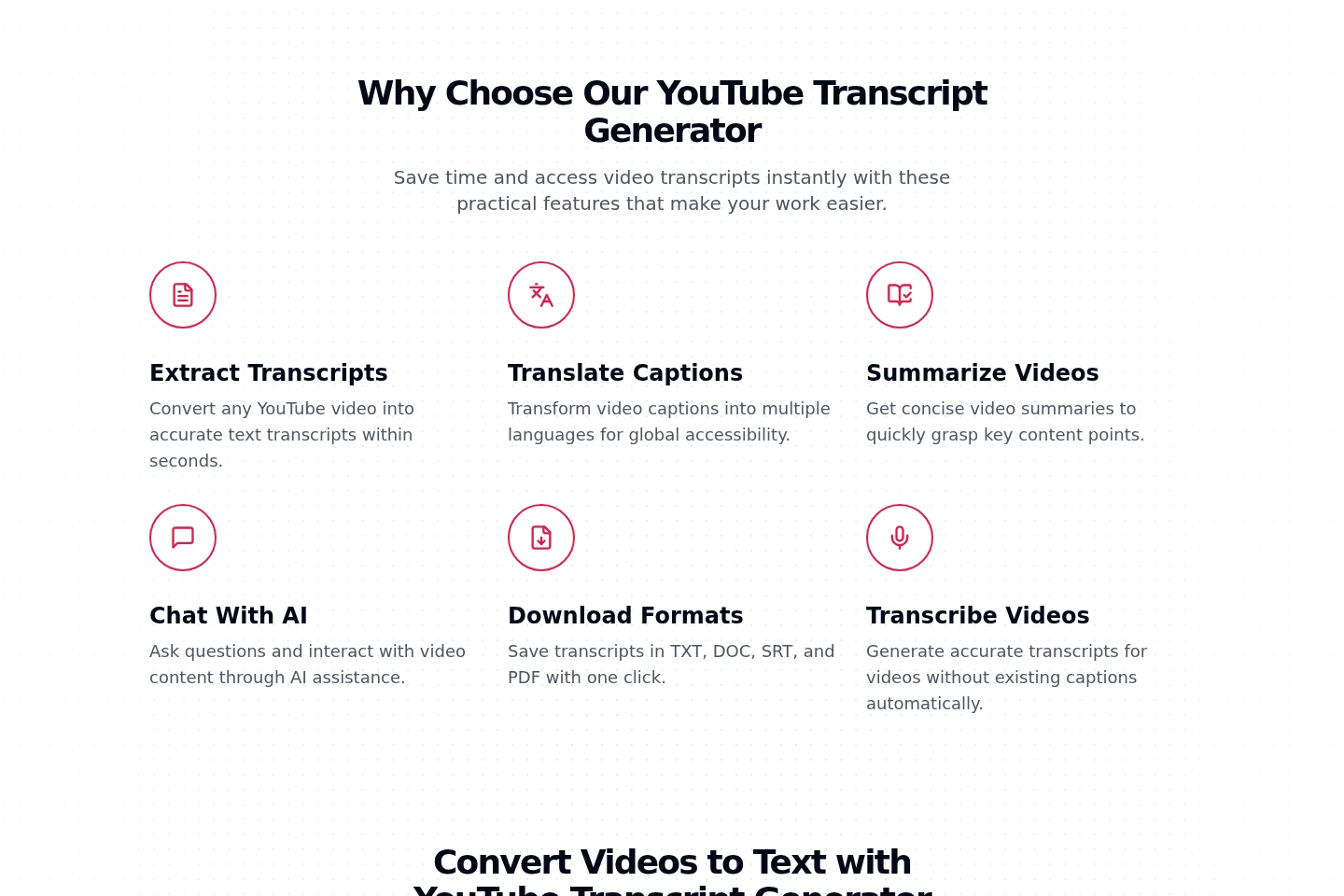
YouTube transcript extraction

Extracts and displays transcript text from a YouTube video URL. Users can search within the generated text and copy or download it; videos without existing captions can also be transcribed, subject to plan limits.

Caption translation

Translates YouTube captions into multiple languages. Users provide a video and select the caption content to translate; availability is listed among paid-plan features.

Video summaries

Creates concise summaries of YouTube video content. Users submit a video and receive key points; the pricing FAQ says each summary use consumes one credit.

AI chat with videos

Answers questions about YouTube video content through AI conversation. Users ask questions after providing a video; the pricing FAQ says each chat use consumes one credit.

Transcript downloads

Saves transcripts as files in supported formats. Listed formats include TXT, DOC, SRT, PDF, DOCX, and VTT across the supplied feature descriptions.

PricingFreemium

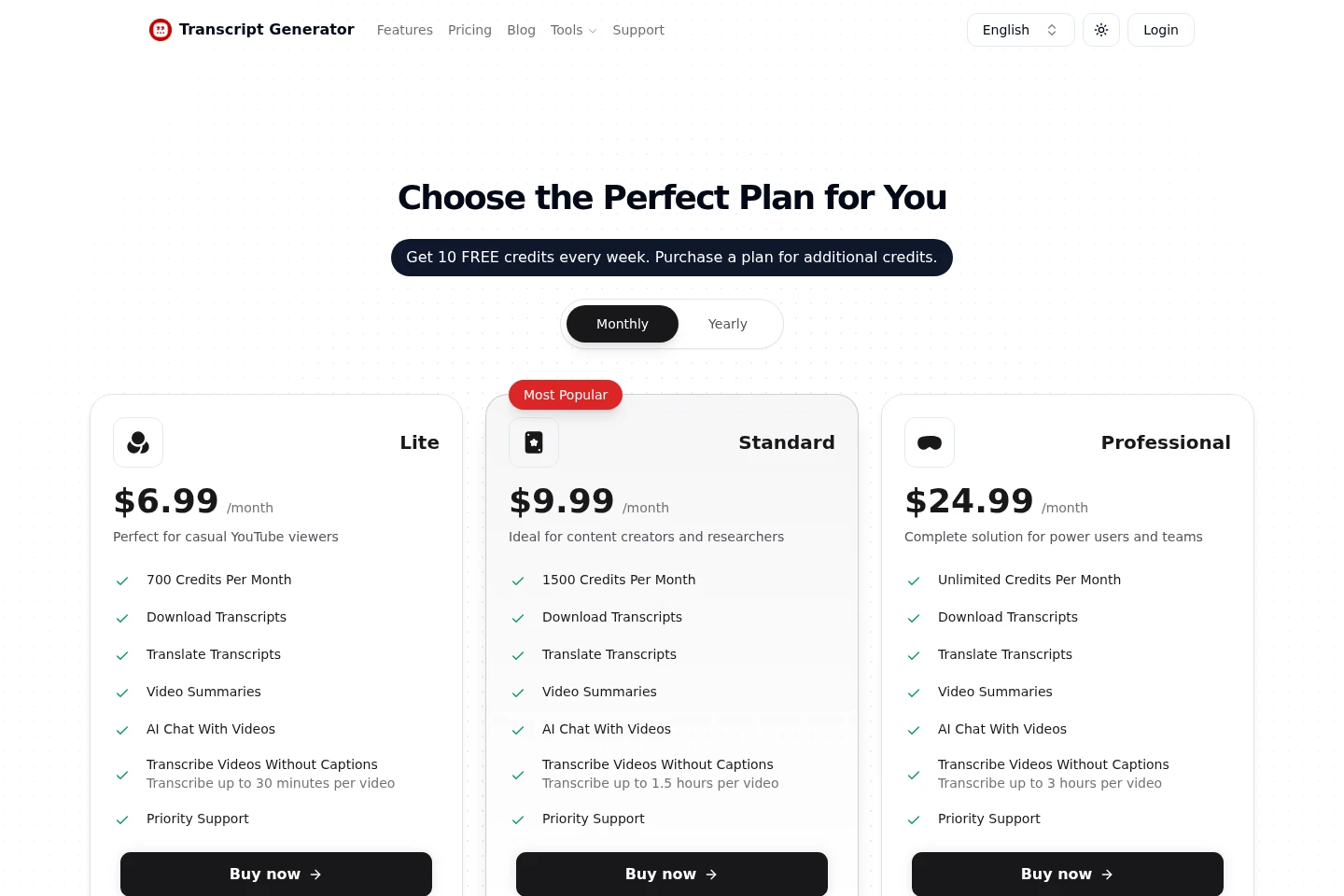
A free plan and paid monthly subscriptions are offered. Compare weekly or monthly credits, per-video transcription duration, and included features when choosing; listed paid prices are monthly.

PlanPriceIncluded features and limits
Lite

$6.99/month

  • 700 credits per month

  • Transcribe up to 30 minutes per video

  • Transcript downloads and translation

  • Video summaries and AI chat

  • Priority support

Standard

$9.99/month

  • 1,500 credits per month

  • Transcribe up to 1.5 hours per video

  • Plan described as suited to content creators and researchers

Professional

$24.99/month

  • Unlimited credits per month

  • Transcribe up to 3 hours per video

  • Plan described for power users and teams

Free

$0/month

  • 10 credits per week

  • Transcribe videos without transcripts

  • Basic features at no cost

The pricing page displays Monthly and Yearly selectors, but the supplied page does not state yearly prices or payment conditions. First-time purchases are refundable within 7 days; repeat purchases are non-refundable.

Use cases

Find information in a YouTube video

When a viewer needs a particular statement or section without watching an entire video, they can submit its URL, generate a transcript, and search the text for matching words or phrases.

Prepare content from YouTube videos

When creators are developing blogs, social posts, or scripts from video material, they can extract transcripts, review quotes and ideas, and download the text in a supported format.

Study lessons presented in videos

When students want reviewable text alongside a video lesson, they can generate its transcript, search or highlight relevant sections, and save the text for notes.

Review spoken material from video interviews

When researchers need to inspect information from recorded interviews, they can turn a YouTube video into searchable transcript text and locate specific passages for reference.

Limitations

  • Transcription length is plan-limited for paid tiers: Lite allows up to 30 minutes per video, Standard up to 1.5 hours, and Professional up to 3 hours.

  • The Free plan provides 10 credits per week; the pricing FAQ says a credit gives access to one transcript and some features, including summaries and video chat, use one credit per use.

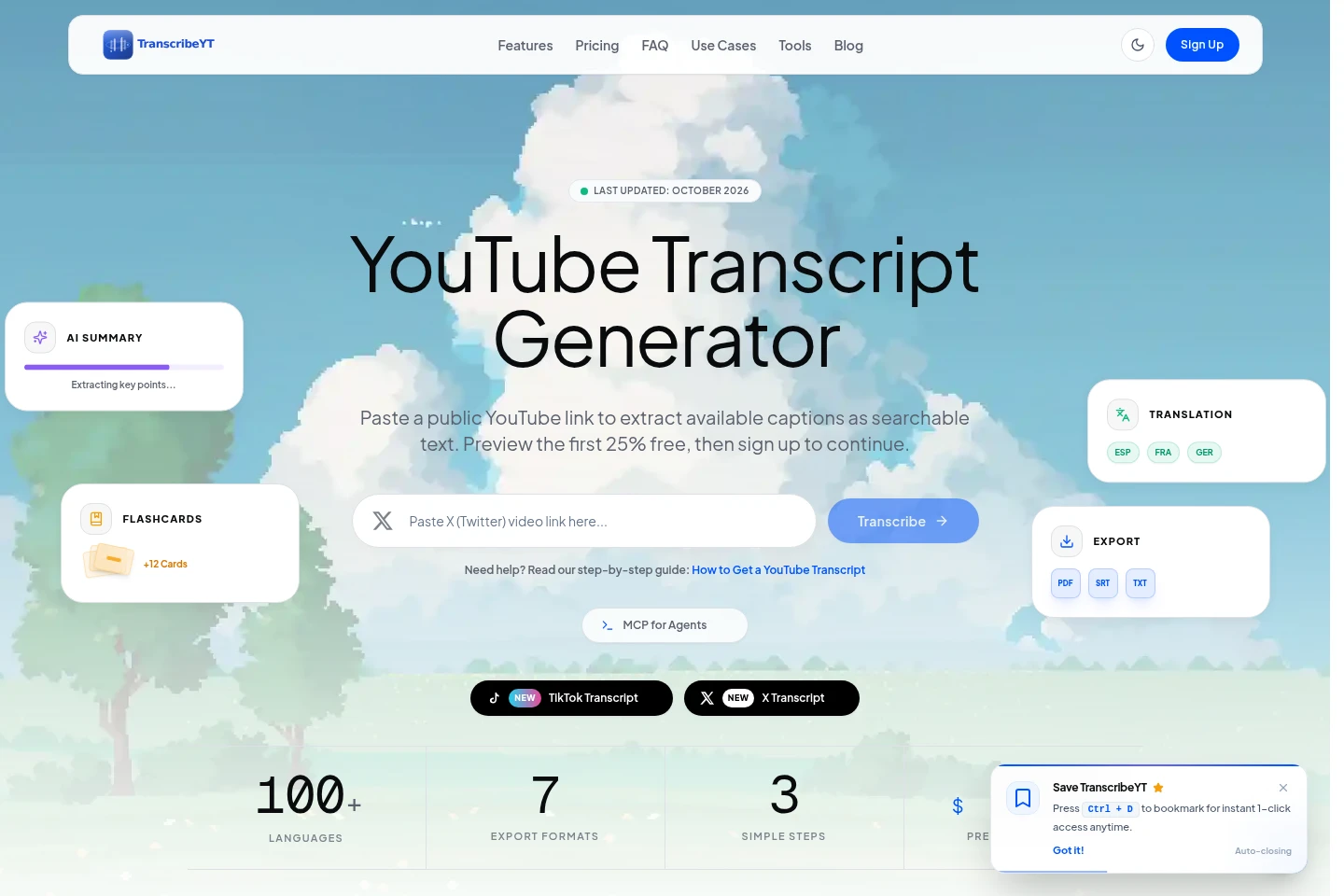
  • The homepage FAQ says the free transcript tool works for videos with creator-enabled captions; transcribing videos without captions is listed as a plan feature.

  • After credits run out, the pricing FAQ says users cannot access new transcripts that month, although previous transcripts remain viewable.

Alternatives

GetYouTubeTranscript

Extract, read, and use YouTube captions as text

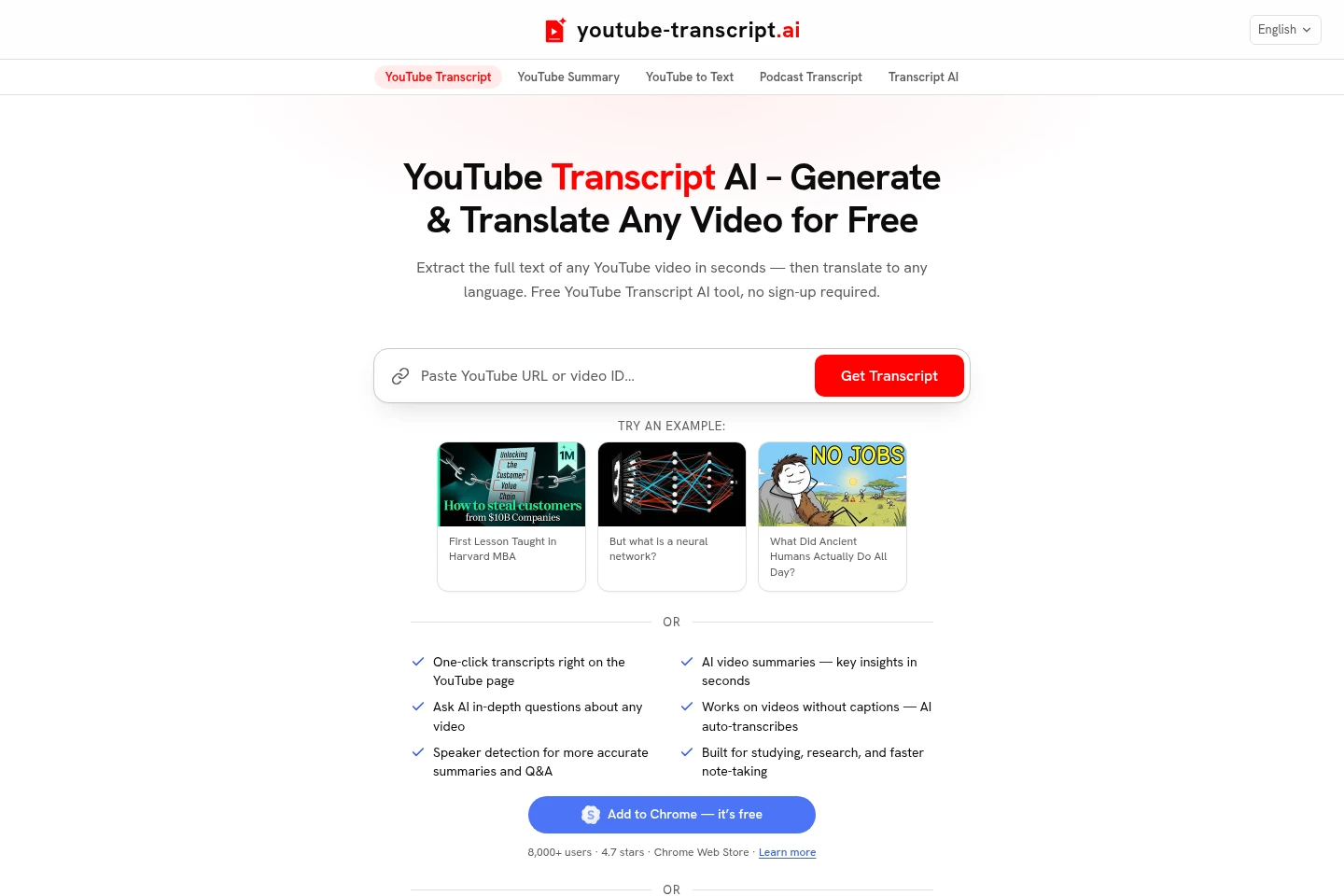
GetYouTubeTranscript retrieves a YouTube video's existing captions and displays them as text. Copy the transcript or download it as TXT, SRT, or VTT with a free account. Translate caption text, use AI tools to ask questions or create summaries, and access transcripts through a REST API or browser extensions.

  • Cloud
  • API
  • Freemium
  • FreeFree; 100 credits
  • Monthly$5.00/month
  • Annual$54.00/year; $4.50/mo equivalent
  • Starter$19/month
  • Pro$49/month
  • Scale$99/month
  1. YouTube Transcript

    Extract YouTube transcripts and get AI summaries

    Freemium
  2. YouTube Transcript AI

    Extract, summarize, and explore YouTube video transcripts

    Free · Free: $0
  3. TubeTranscript

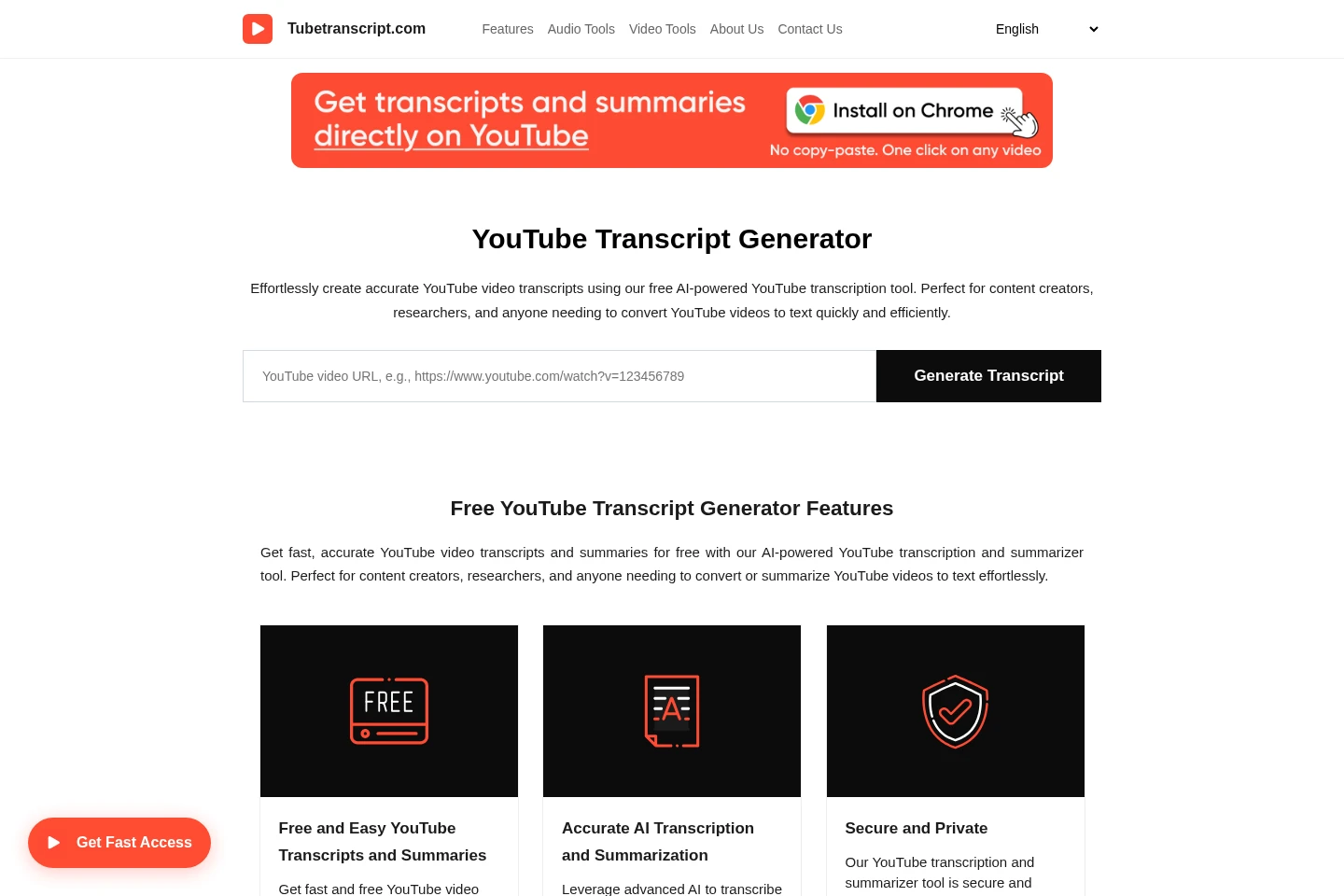
    Turn YouTube videos into editable transcripts and summaries

    Contact Sales
  4. Youtube to Transcript

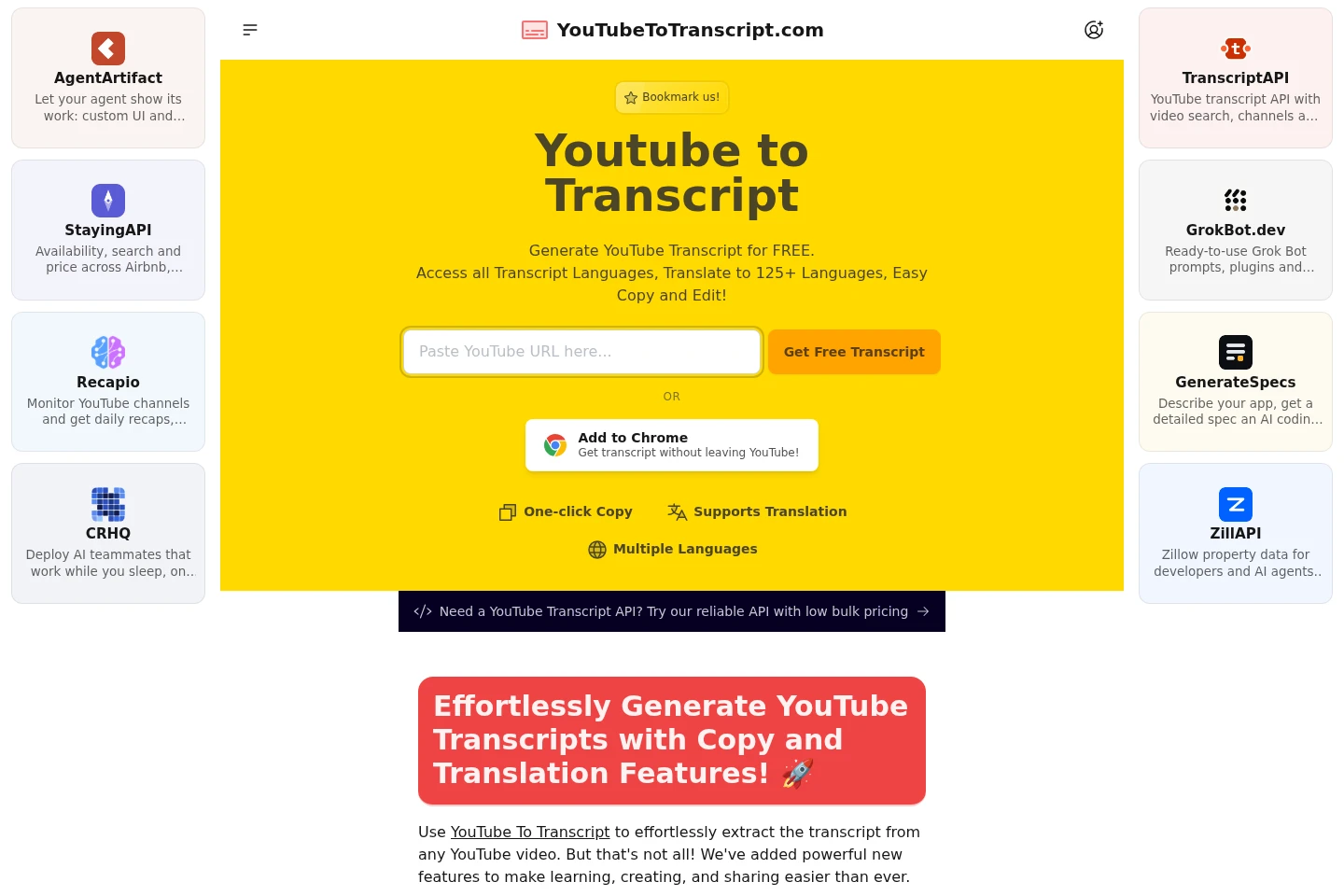
    Get YouTube transcripts, translate them, and copy or edit the text

    Free
  5. TranscribeYT

    Turn public video captions into searchable transcripts

    Free · $0

Who it is for

  • Video content creators who need quotes and ideas for blogs, social posts, or scripts

  • Students and teachers who need searchable text from YouTube lessons

  • Academic researchers reviewing speech in YouTube interviews or lectures

  • YouTube viewers who want to find specific spoken information without watching a whole video

FAQ

Can I use Transcript Generator for free?

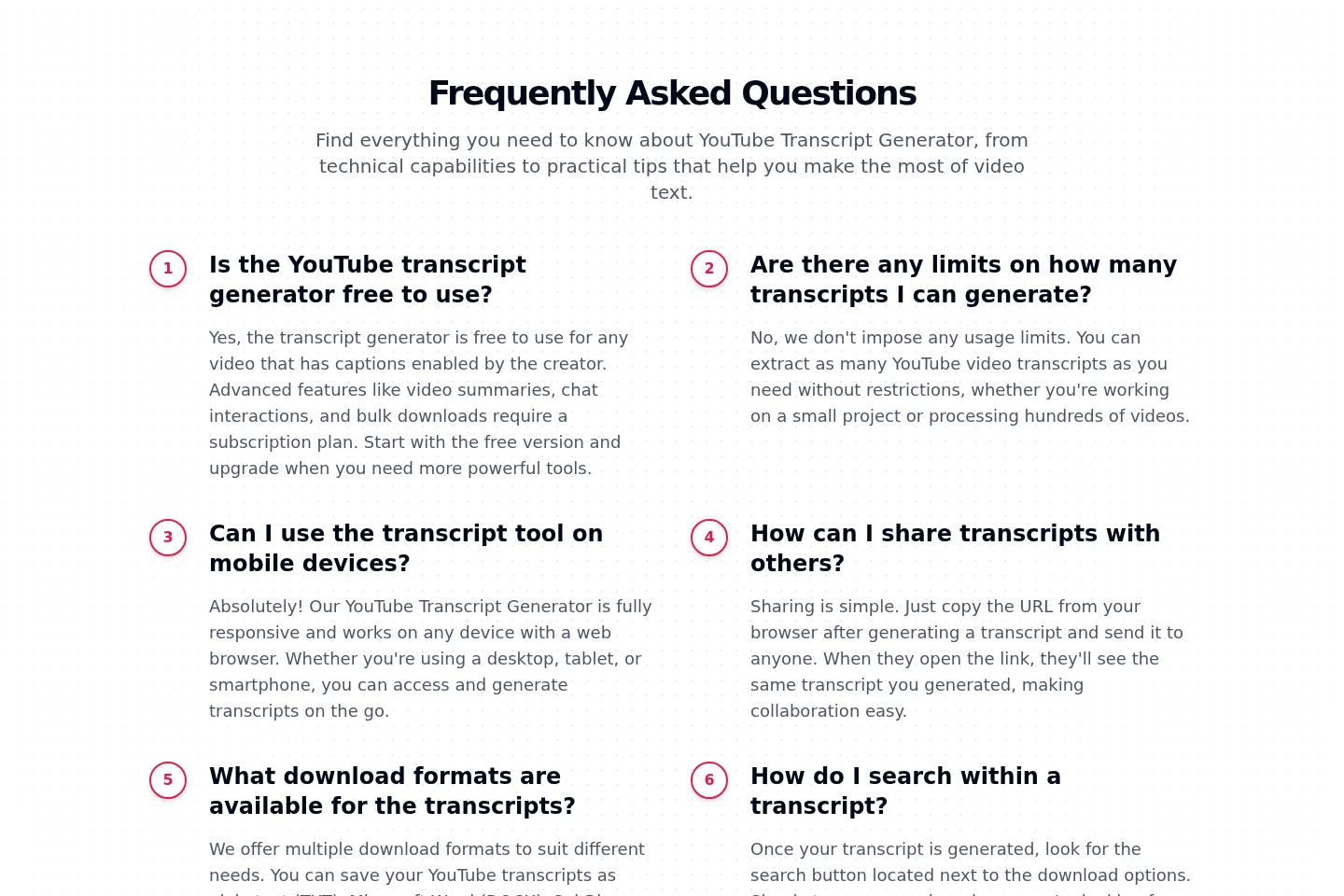
Yes. The Free plan provides 10 credits each week. The homepage FAQ says videos with captions enabled by their creator can be transcribed for free; advanced features such as summaries, chat, and bulk downloads require a subscription plan.

How are credits used?

Each credit gives access to one transcript. The pricing FAQ also says that summarizing a video or chatting with a video consumes one credit per use.

What happens when I run out of credits?

You cannot access new transcripts that month, but you can still view previous ones. The pricing FAQ says upgrading to Professional provides unlimited credits.

Can I cancel or change my subscription?

Yes. You can cancel through your profile page or change your plan through account settings at any time, according to the pricing FAQ.

Are subscription purchases refundable?

First-time purchases are refundable within 7 days. Repeat purchases are non-refundable, according to the pricing FAQ.

What file formats can I download?

The feature description lists TXT, DOC, SRT, and PDF, while the homepage FAQ lists TXT, DOCX, SRT, and VTT. The supplied pages therefore identify these formats across their descriptions.

Comments

Please sign in to leave a comment.
No comments yet. Be the first to share your thoughts!