Prompt-to-song generation
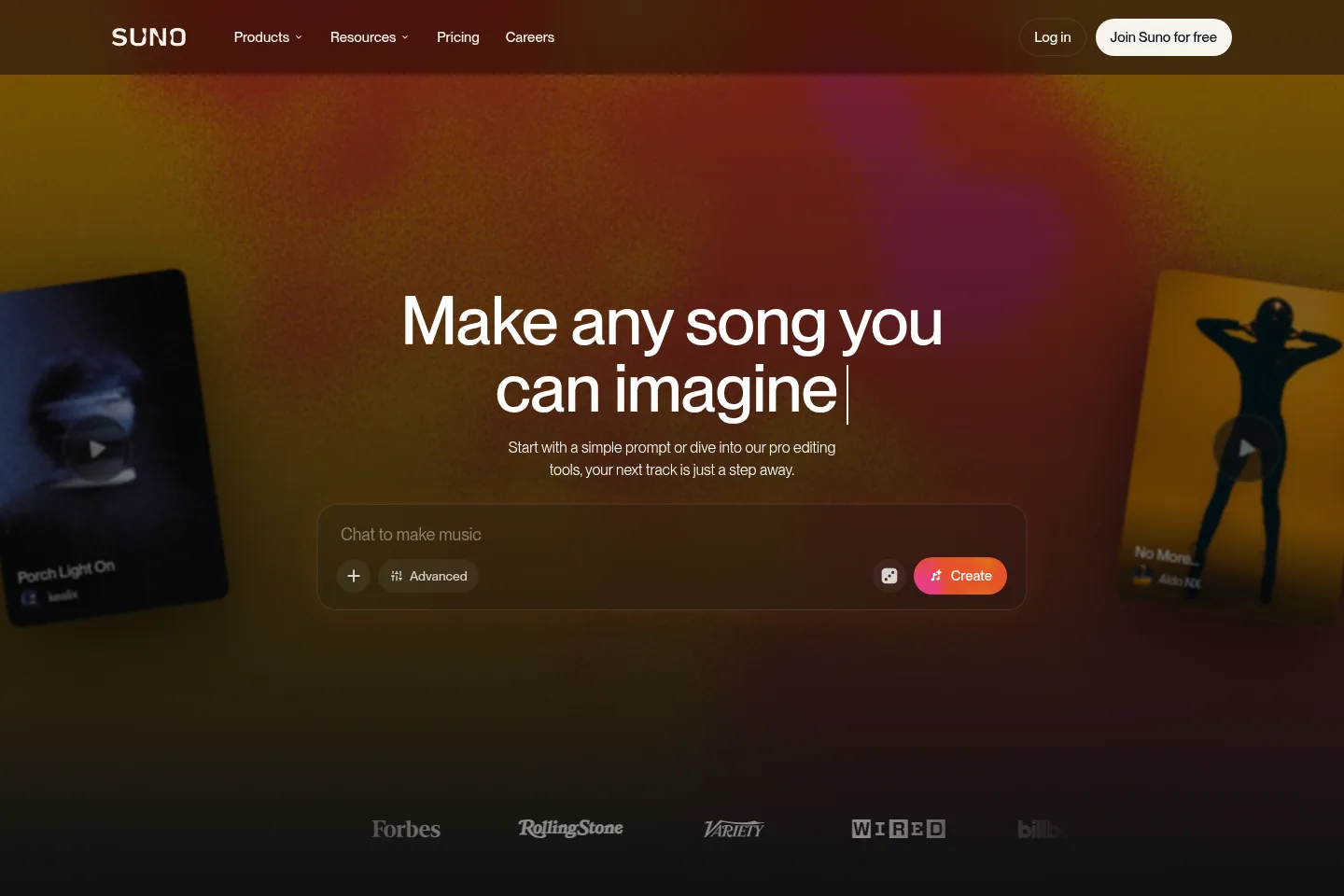
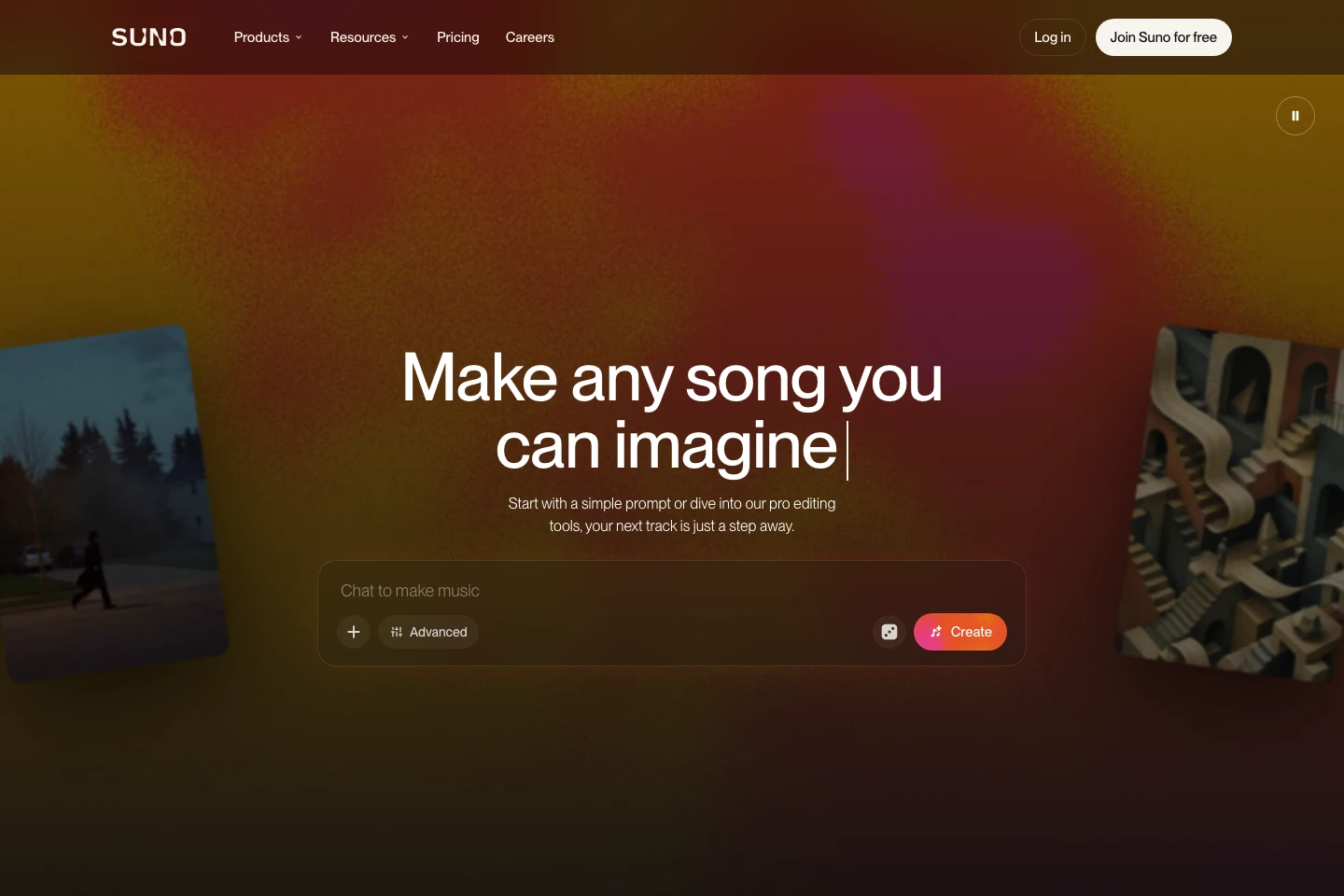
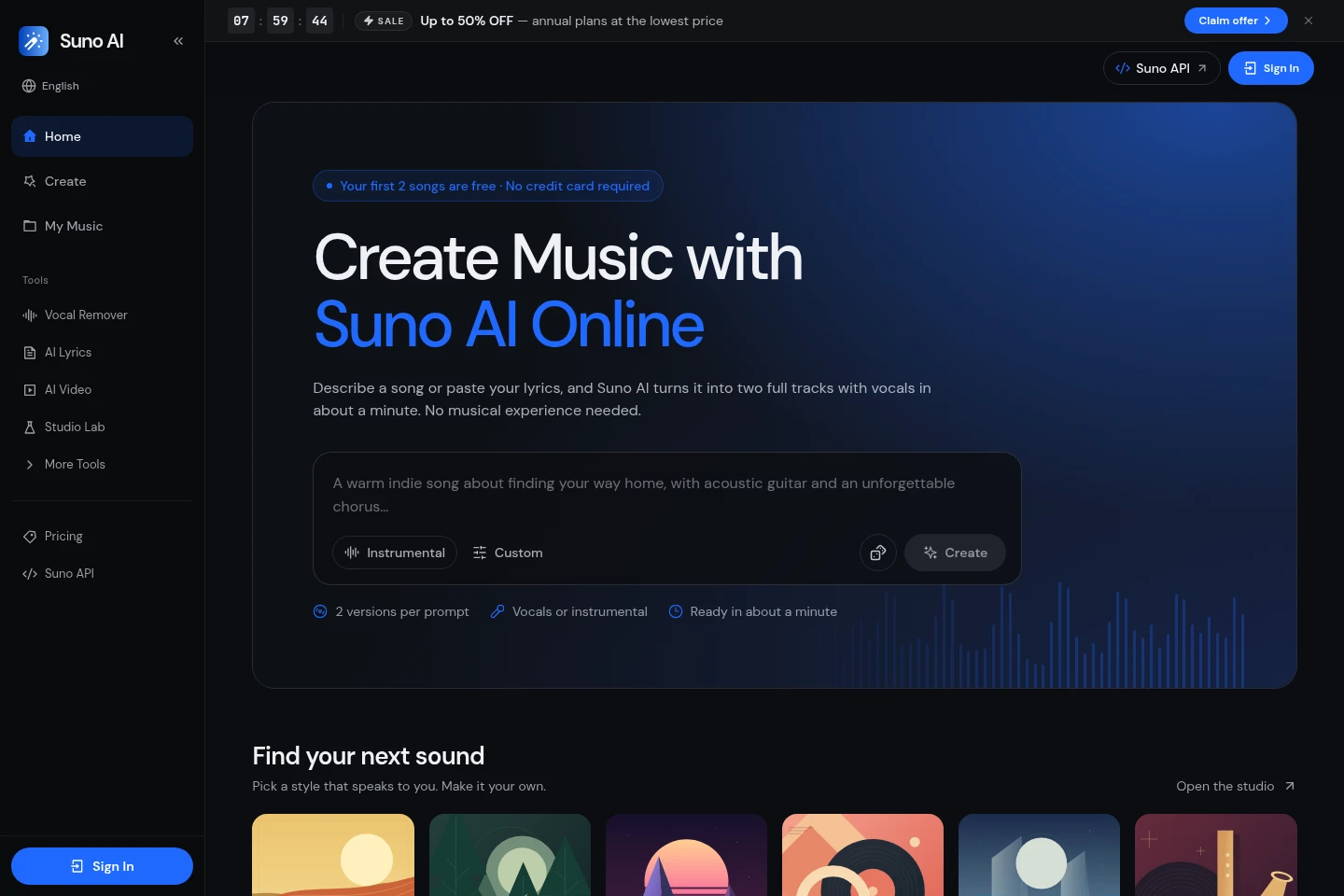
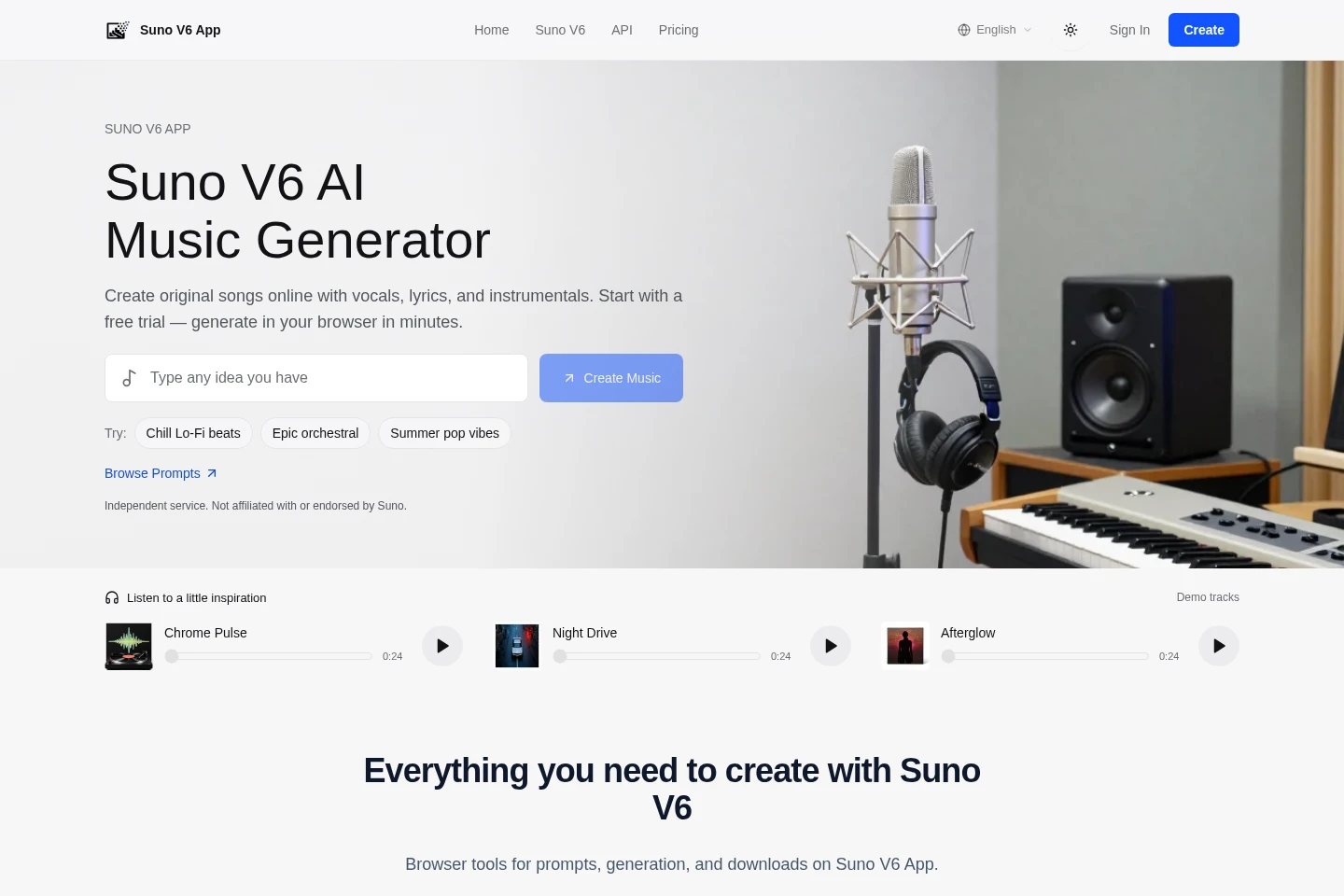
Turns a written description of genre, mood, theme or lyrics into a song with vocals, instrumentation and production. You enter the prompt in the Create form on the web, iOS or Android, then regenerate, extend or edit the result; Free uses a shared queue with four concurrent generations, paid plans a priority queue with up to 10.
Custom Models
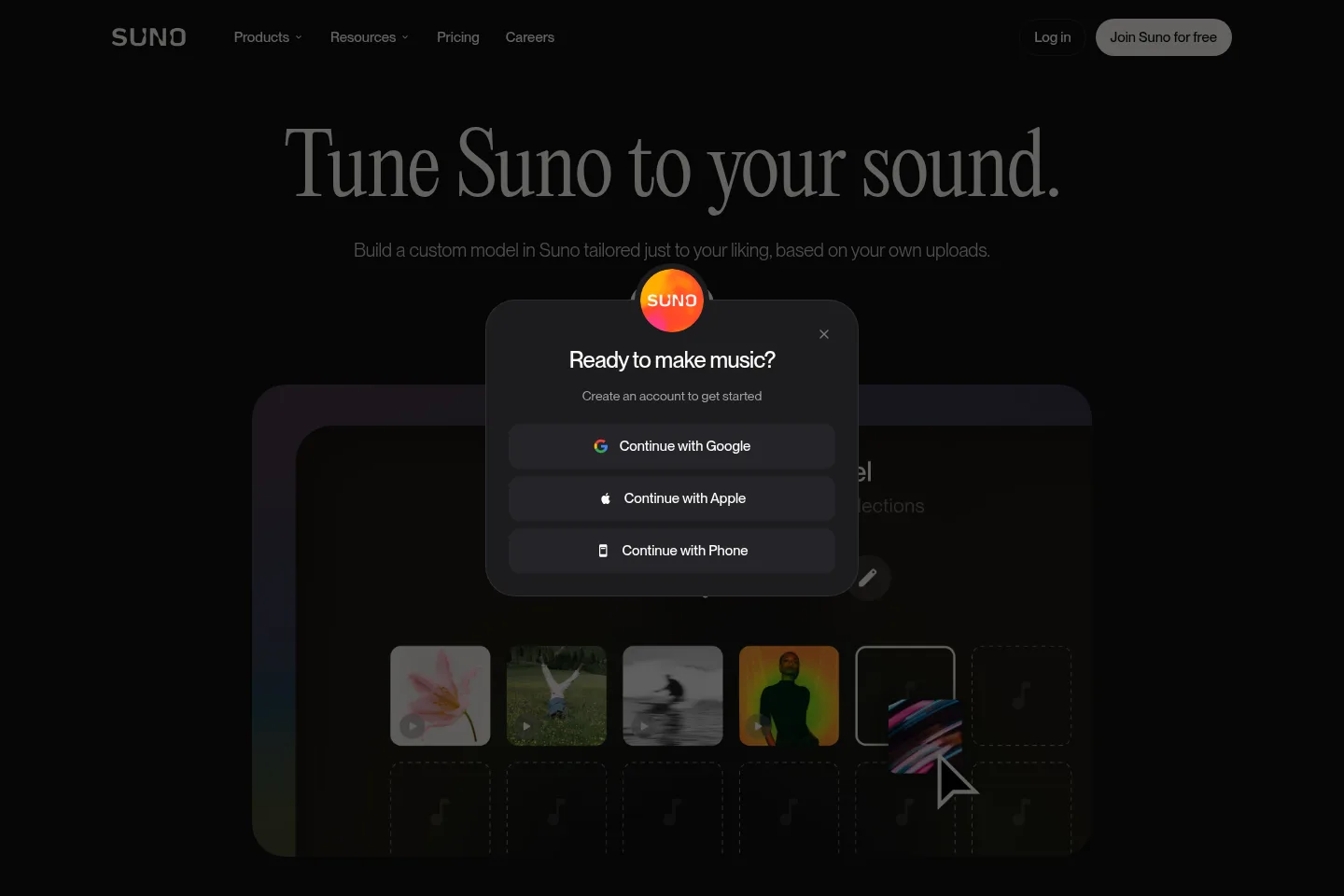
Trains a private model on your own recordings so new songs start from your signature sound. Build one from at least six songs you hold rights to, uploaded from your device or picked from your Suno library; training takes about 2 to 5 minutes and Pro and Premier keep up to three models.
Voice cloning with Voices
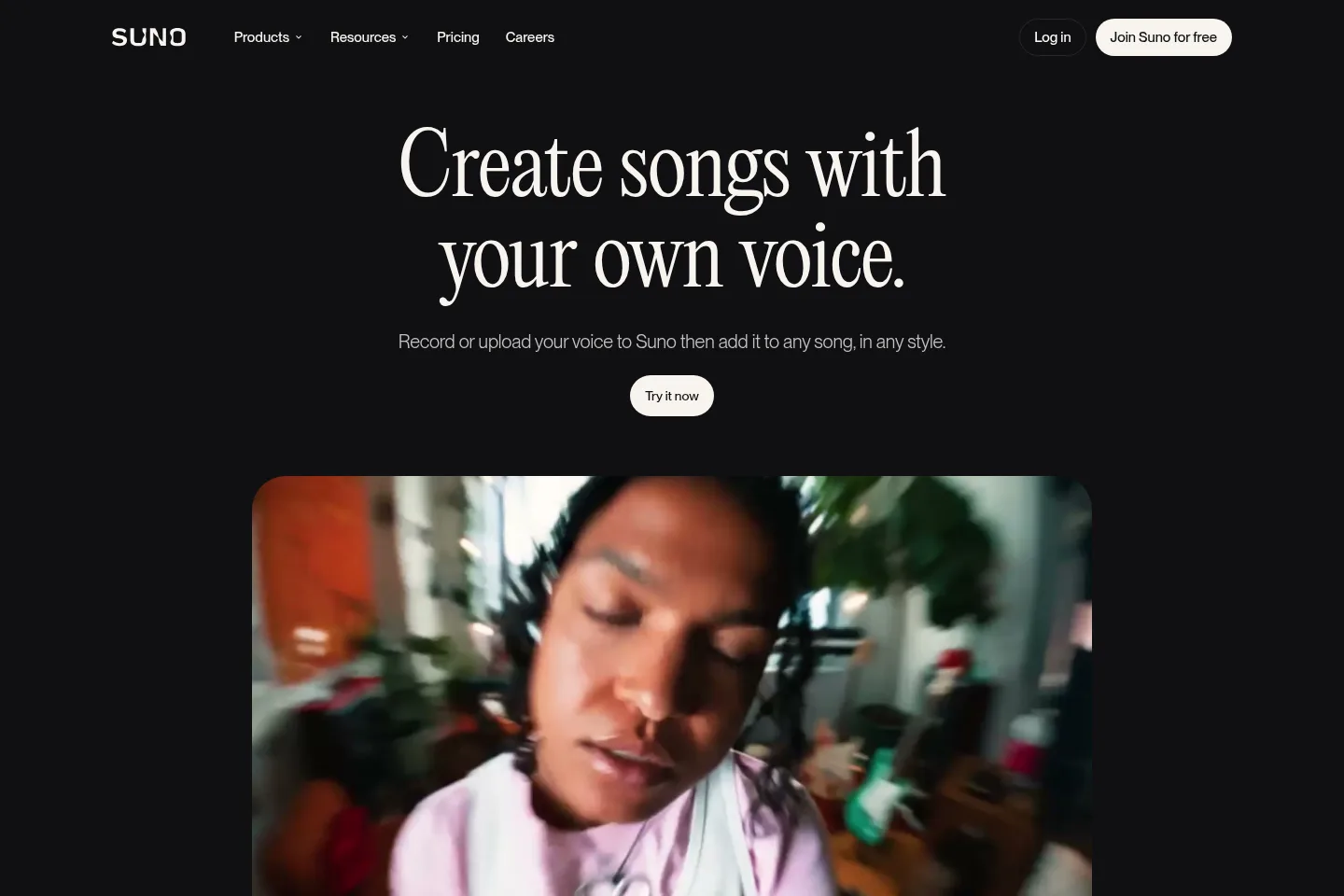
Records or uploads your own singing and applies it to songs you create. Provide a clip from 15 seconds to 4 minutes, or a Suno song featuring your voice, and pick a 2-minute section; verification compares a spoken phrase with the recording, and the Voice stays private to your account. Requires age 18+ and a supported region.
Stem separation
Splits a song into separate, time-aligned stems that can be carried into another DAW. The Free plan has no stem separation, Pro includes two types (Auto and Split from mix) and Premier adds a third, Advanced split.
Suno Studio
A browser-based DAW for arranging, editing and mixing every part of a song, now with MIDI, effects, automation and design-your-own plugins. It appears in the Premier plan list and in the plan comparison table.
Remix and song editing
Takes an existing song somewhere new: change its style, rewrite the lyrics or rebuild it around your own recording, with extend and cover options. Advanced editing that replaces or adds a section belongs to the Pro feature set, which Free does not include.










Comments