

- Monthly visits
- 2,876
- 2026-10
Statement Converter AI - Turn bank statements into accounting-ready files
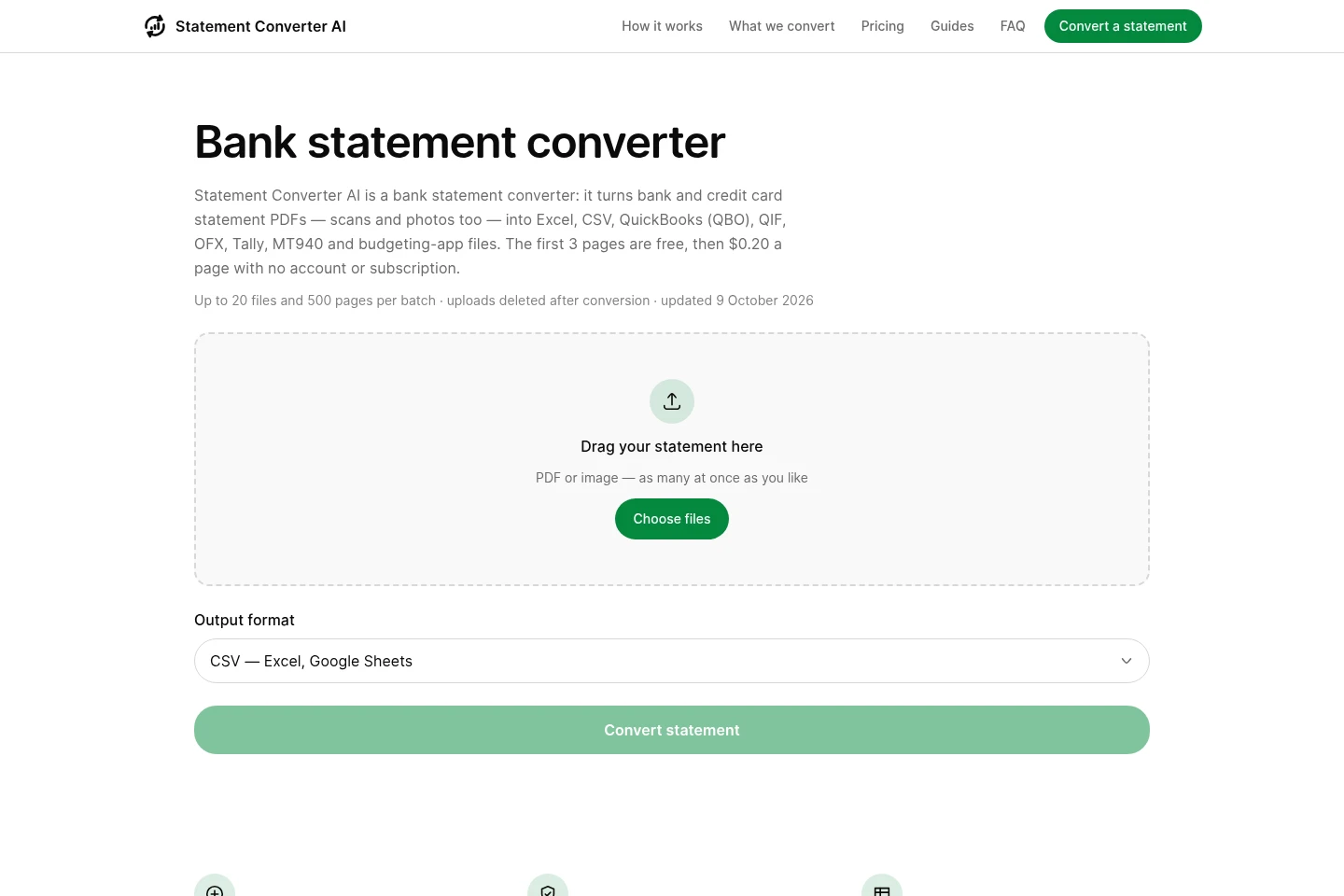
Statement Converter AI converts bank and credit card statement PDFs, scans, photos, and CSV exports into structured files for spreadsheets, accounting software, and budgeting apps. It extracts transaction rows and offers 13 output formats. The first three pages of a first statement are free; later pages are charged per batch, with no subscription or account required.
- AI Data Tools
- Document Parsing
- OCR
- Excel Assistants
- Accounting
- bank statement PDF converter
- statement to QuickBooks QBO
- bank statement to Excel
Capabilities
Statement transaction extraction
Extracts transaction data from bank and credit card statements and returns structured rows. Upload PDF files, scans, photos, or CSV exports; dates, descriptions, and amounts are placed in separate columns.
Multiple accounting formats
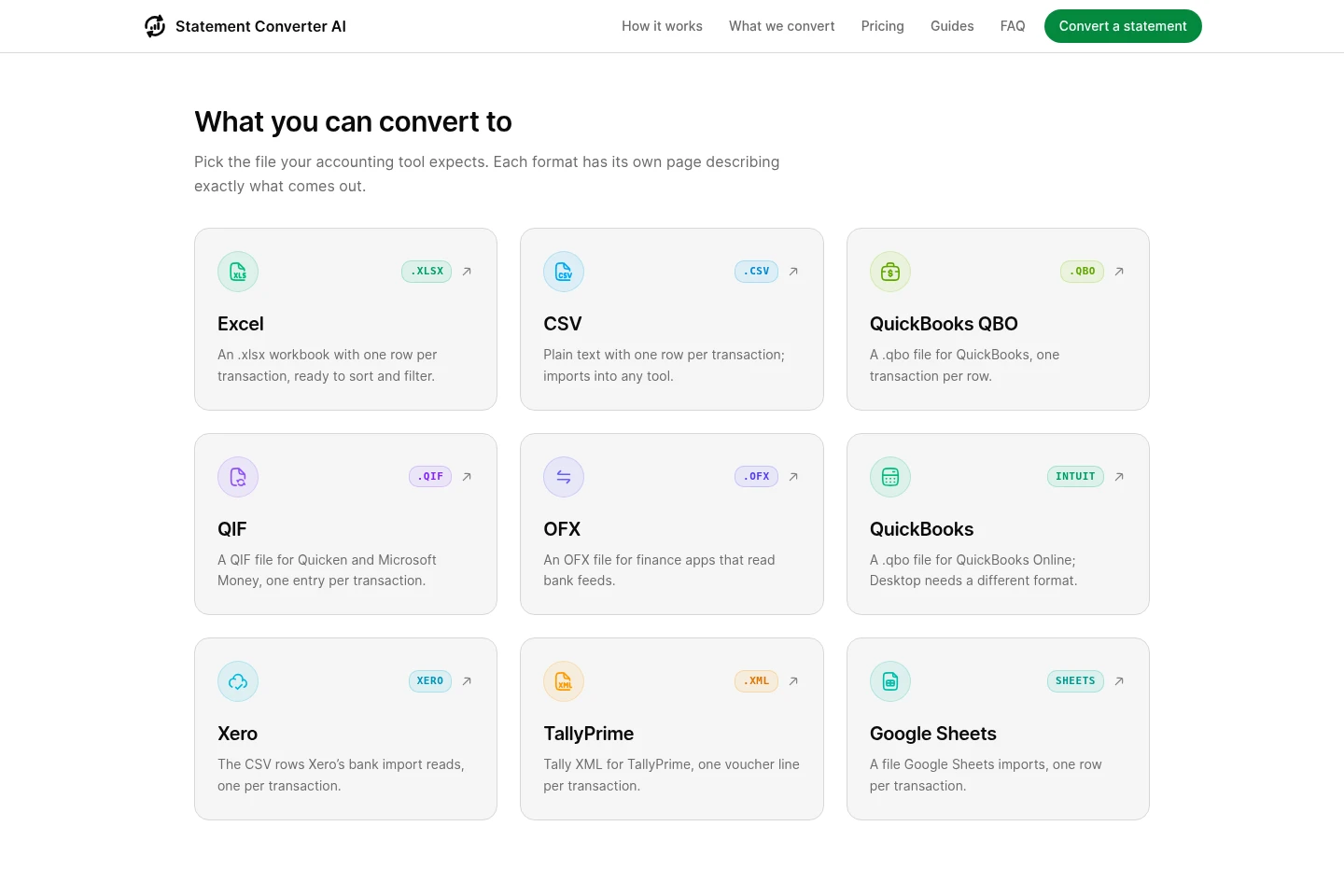
Exports converted transactions in 13 formats for accounting and budgeting tools. Choose a format on the result page, including Excel, CSV, QBO, QIF, OFX, Tally XML, MT940, JSON, and supported app import files.
Multi-file batch conversion
Converts several statements together and returns a merged file or a file per statement. A batch can contain up to 20 files and 500 pages, and is priced as one upload.
Scanned statement OCR
Reads scanned, image-only statement PDFs with OCR and produces transaction rows. OCR results may need review; password-protected PDFs are refused until unlocked.
Pricing
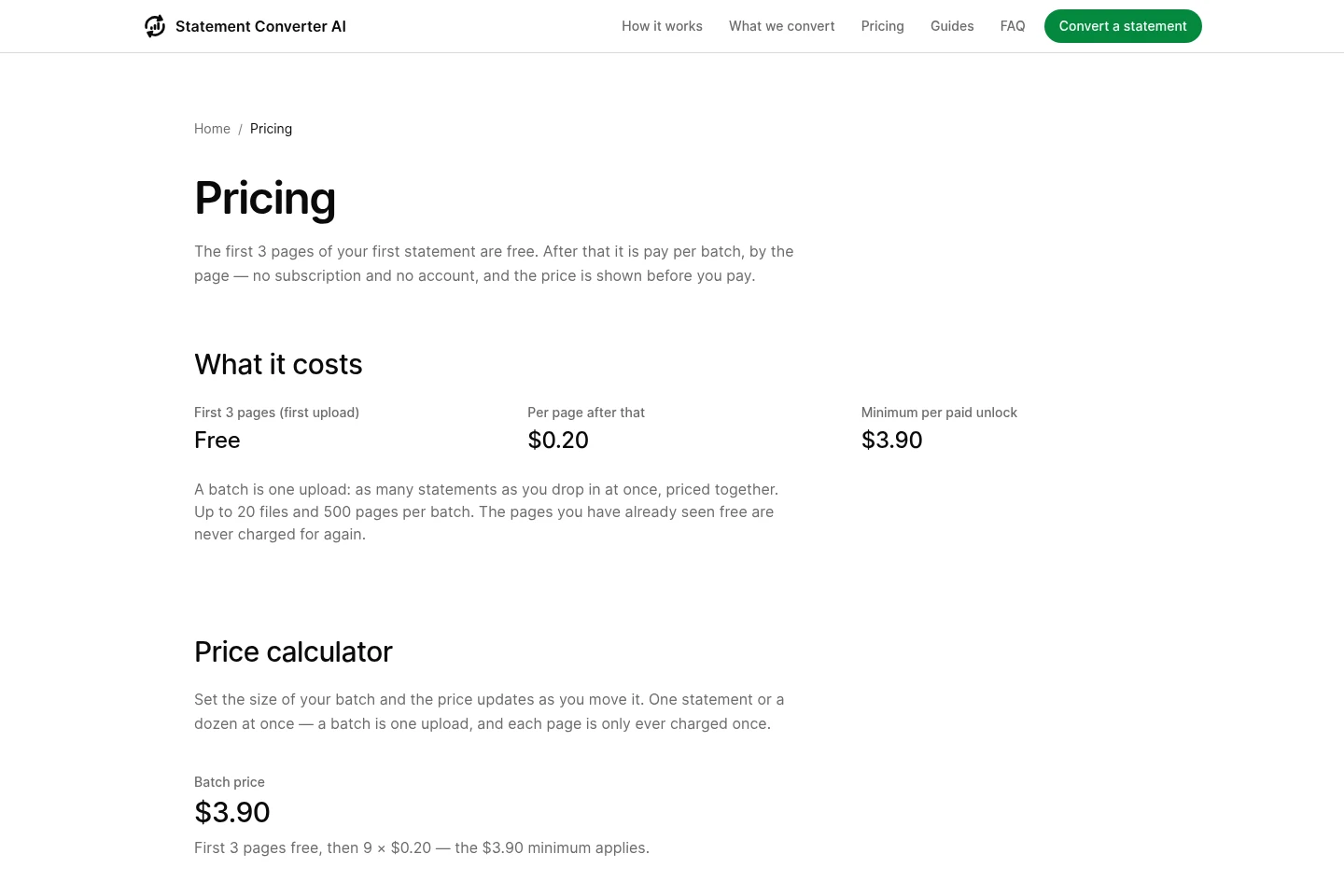
The service is free for the first three pages of a first statement, then charges per batch by page with one payment and no subscription. Compare batch page count, whether the upload is the first statement, and the $3.90 minimum per paid unlock.
Prices are stated in US dollars; at checkout, payment uses the customer’s currency where a local price is available. Local prices are derived from US-dollar pricing and may differ by a few percent from a live exchange rate; otherwise, payment is in US dollars.
Use cases
Import statement transactions into accounting software
When transactions need to move from a bank statement into bookkeeping software, upload a PDF, scan, photo, or CSV export. Convert it to a supported format such as QBO, Excel, or an import CSV and download the resulting transaction rows.
Convert several statements in one batch
When multiple statements need processing together, upload them as one batch, up to 20 files and 500 pages. The converted results can be downloaded as one merged file or separately for each statement.
Extract transactions from scanned statements
When a statement is available only as a scan, photo, or image-only PDF, upload it for OCR-based reading. Review the extracted rows, since OCR results may need a quick check, then choose an output format.
Limitations
Each batch is limited to 20 files and 500 pages; a larger set must be split across uploads.
Password-protected PDFs are refused at upload and must be unlocked before conversion.
Scanned, image-only PDFs use OCR and may need a quick review because a row can be incorrect.
The first three free pages apply to the first statement; later batches are charged by page, subject to the $3.90 minimum per paid unlock.
Who it is for
Bookkeepers and accountants who receive bank statements from multiple clients and need transaction rows in importable formats.
People handling bookkeeping who need to convert bank or credit card statements into spreadsheet or accounting-software files.
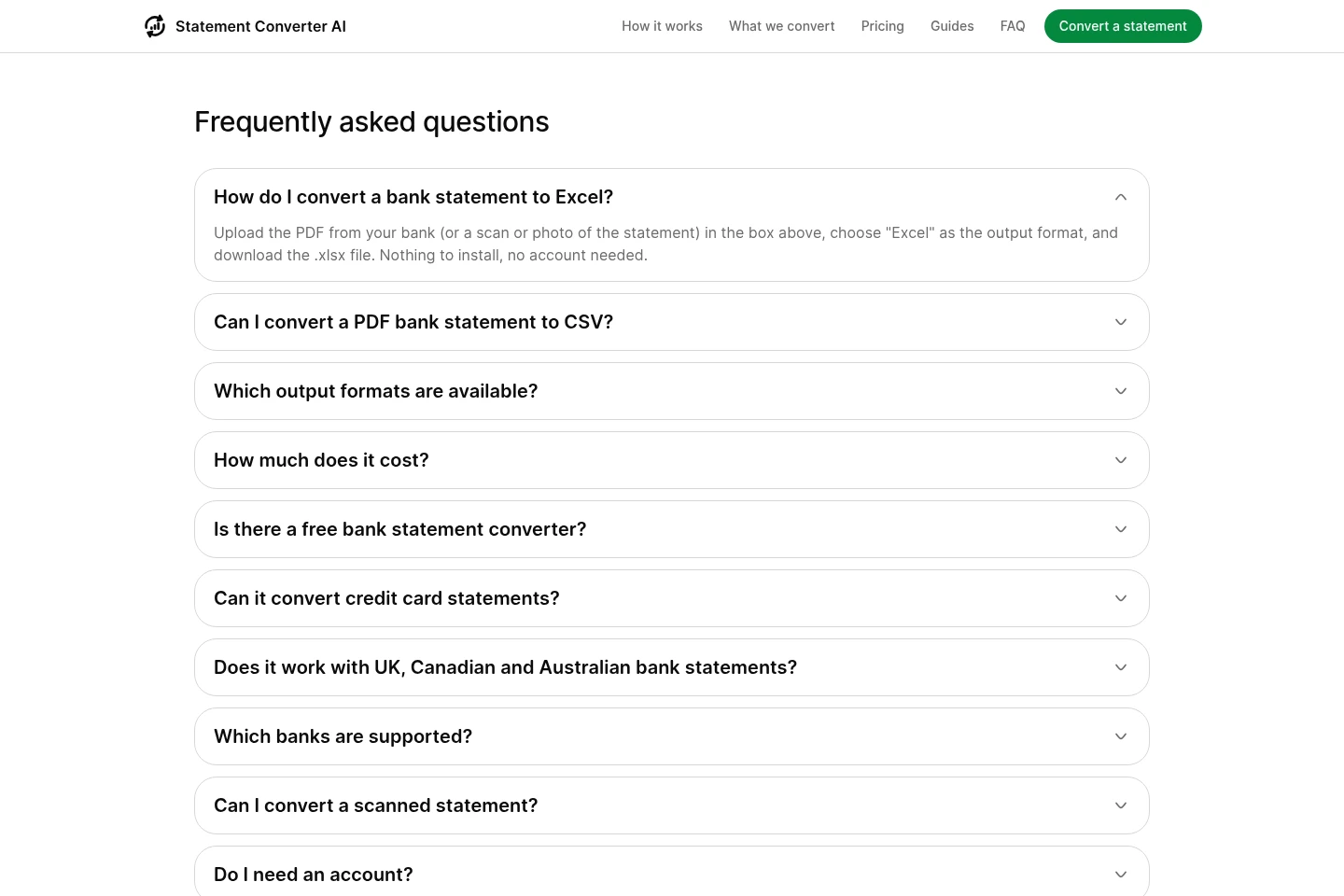
FAQ
How do the free pages and paid conversion work?
The first three pages of your first statement are converted and shown free, once per visitor. Later pages are charged per batch at $0.20 per page, with a $3.90 minimum per paid unlock.
Is there a subscription or account requirement?
No. Payment is per batch, with no recurring subscription and no account required. The batch price and page count are shown before payment.
How many files and pages can one batch contain?
One batch can include up to 20 files and 500 pages. Several statements uploaded together are priced as one batch, and pages already shown free are not charged again.
Which output formats are available?
There are 13 output formats, including Excel, CSV, QBO, QIF, OFX, Tally XML, MT940, JSON, and import CSVs for supported budgeting and finance apps. One payment covers the batch in every format.
Can the same batch be downloaded in different formats?
Yes. After paying, choose another format on the result page and download the same converted batch again without paying a second time.
What happens to uploaded files?
Files are deleted after conversion. Unpaid uploads are deleted within 24 hours; the product says files are stored encrypted in Cloudflare while being read.


Comments