
Monthly visits
38,203
2026-10
Monthly growth +2,194.5%

ScaleReach - Turn long videos into captioned social clips

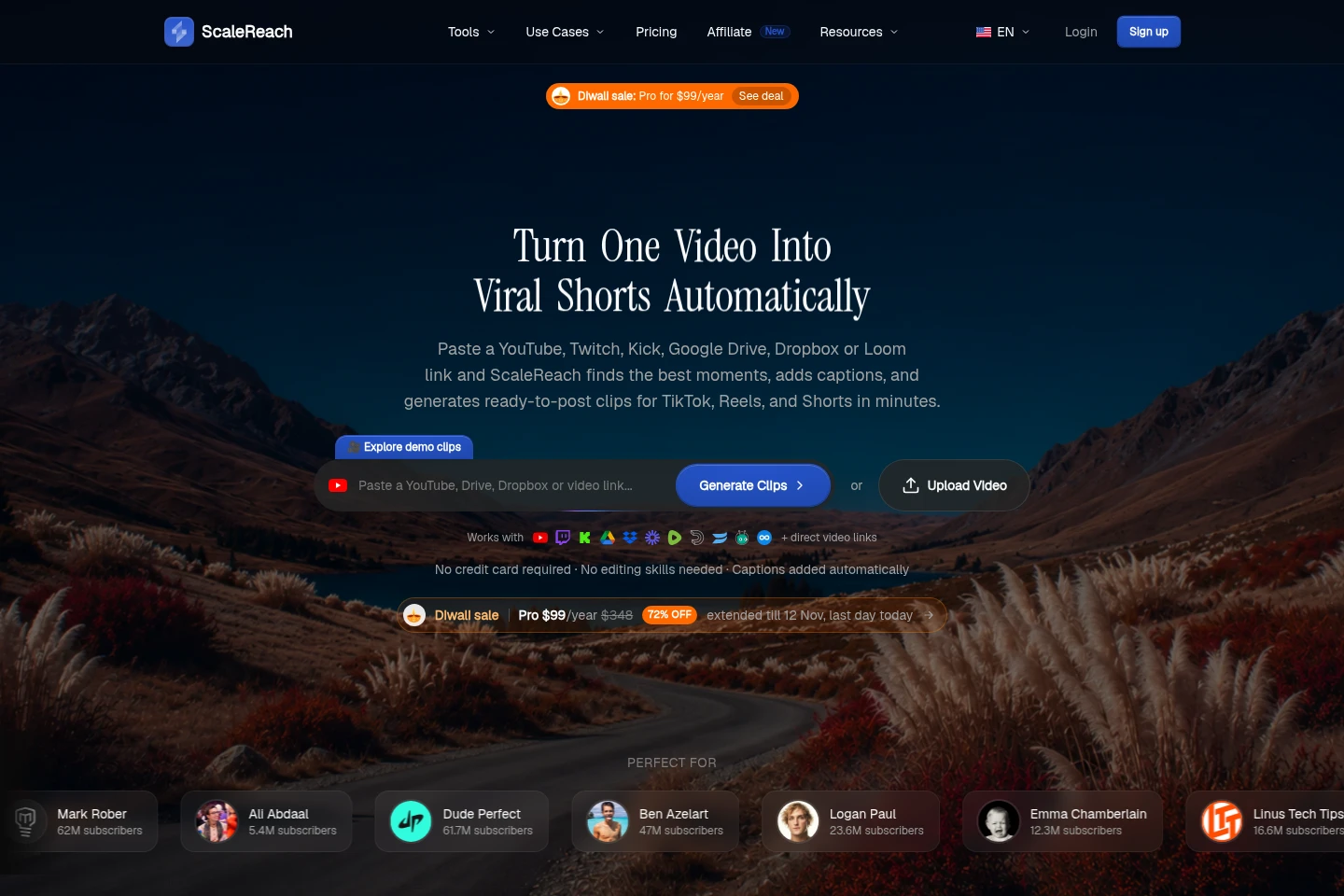
ScaleReach uses AI to find engaging moments in long videos and turn them into short clips for TikTok, Instagram Reels, and YouTube Shorts. Start with a video upload or a supported link, then generate clips with captions, reframe them, export them for social platforms, and schedule posts. The free plan includes 100 minutes.

Visit WebsiteUpdate this product

0Views

Capabilities

AI clip detection

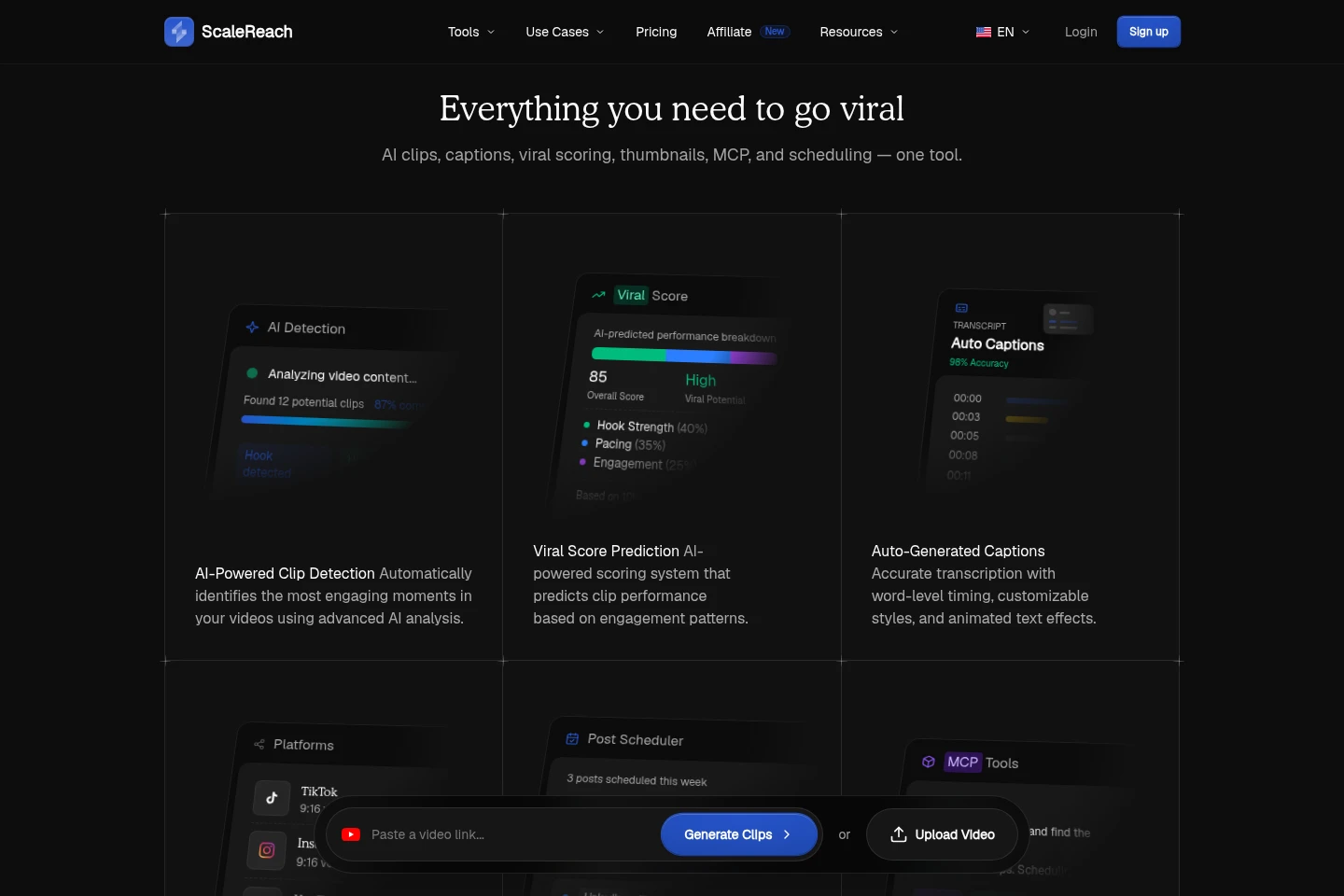
AI identifies engaging moments in long videos and outputs short clips. Provide a video upload or supported video link; the system analyzes the transcript and creates clips with captions and platform-appropriate aspect ratios.

Captions and reframing

The editor adds timed captions and adjusts video framing for short-form platforms. Generated clips can use word-by-word captions, customizable caption styles, and AI Reframe auto-zoom.

Social export and scheduling

ScaleReach prepares clips for social platforms and can schedule or auto-post them. Export clips for TikTok, Instagram Reels, and YouTube Shorts, and schedule posts to supported social accounts when the plan includes scheduling.

PricingFreemium

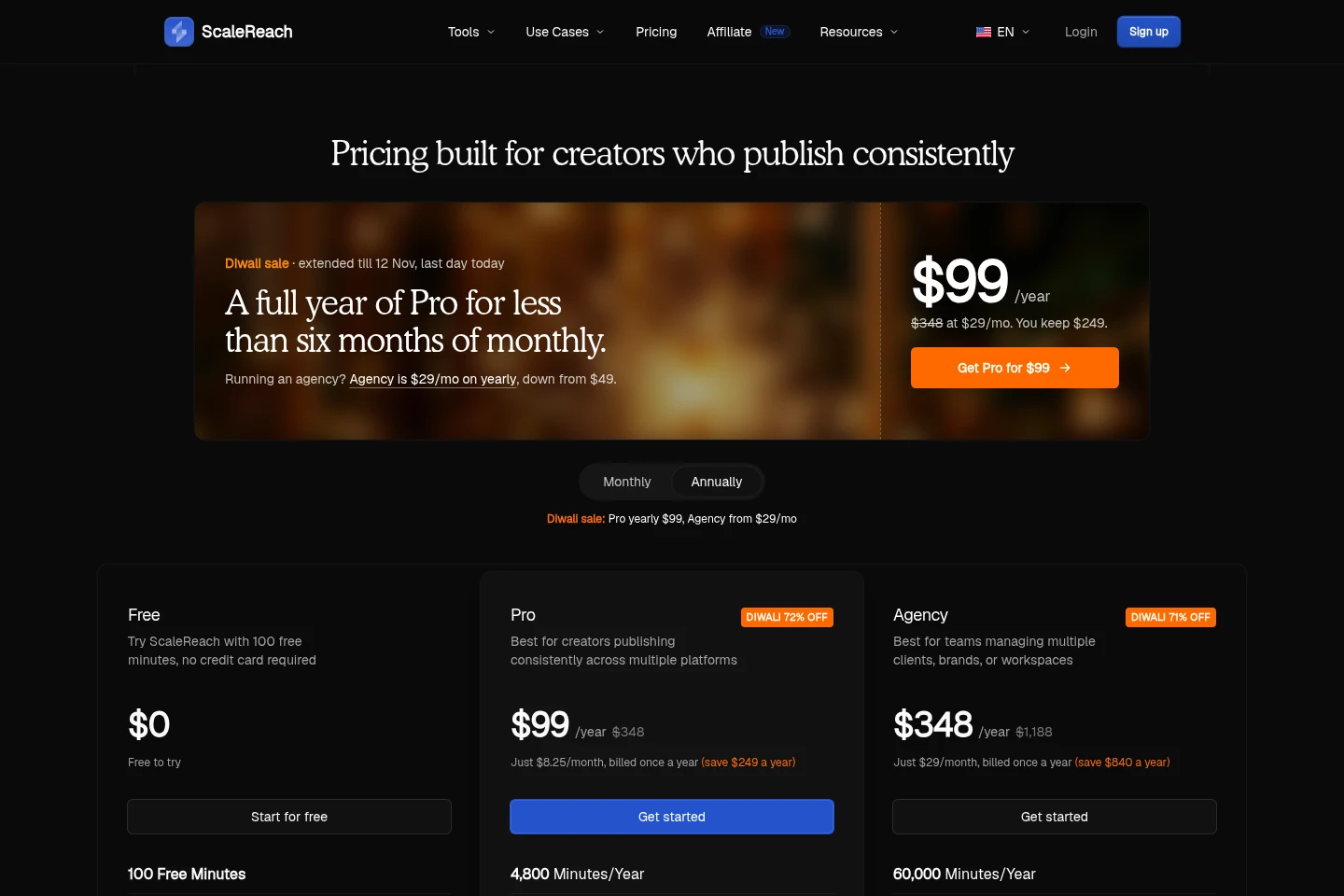
ScaleReach offers a free plan and paid plans with recurring monthly or annual billing. Compare included minutes, file-length limits, workspaces, social accounts, team features, and scheduling to choose a plan.

PlanPriceIncluded features and limits
Free

$0

  • 100 free minutes; no credit card required.

  • Files up to 30 minutes long.

  • One workspace and exports with a watermark.

  • Limited editing; AI clip detection and captions included.

Pro

$18/month or $99/year, billed annually for the sale price

  • 4,800 minutes per year and files up to three hours.

  • Five social accounts and three workspaces.

  • Exports without a watermark; batch export and social scheduling.

  • AI clip detection, AI Reframe, and word-by-word captions.

Agency

$49/month or $348/year, billed annually for the sale price

  • 60,000 minutes per year and files up to three hours.

  • Unlimited social accounts, 10 workspaces, and 10 team members.

  • Exports without a watermark; team collaboration and priority support.

  • AI clip detection and batch export.

Enterprise

Custom pricing; contact sales

  • Unlimited video uploads and clip generation.

  • Custom video length limits and custom integrations.

  • White-label solution and custom AI training.

  • Dedicated account manager and SLA guarantee.

Annual sale prices are shown alongside regular annual prices: Pro is listed at $99/year instead of $348/year, and Agency at $348/year instead of $1,188/year. The pricing page also describes Pro as $8.25/month billed once a year and Agency as $29/month billed once a year; these are annual-payment equivalents, not monthly billing.

Use cases

Repurpose long videos into social clips

When a creator has a long recording and needs short-form posts, they can upload a video or paste a supported link. ScaleReach detects moments, adds captions, and produces clips for TikTok, Reels, and Shorts.

Schedule clips across social accounts

When prepared clips need publishing at planned times, users can connect social accounts and schedule or auto-post from ScaleReach. Scheduling is included in the paid Pro plan and the site lists social scheduling among its features.

Limitations

  • The Free plan includes 100 minutes, limits uploaded files to 30 minutes, and adds a watermark to exported clips.

  • The Pro plan includes 4,800 minutes per year and limits video length to three hours per file.

  • The Agency plan includes 60,000 minutes per year; its social accounts are unlimited, but workspaces and team members are capped at 10 each.

  • Enterprise video length limits are custom, and the plan requires contacting sales for pricing.

Alternatives

BlitzReels

Turn long videos into edited, captioned social clips

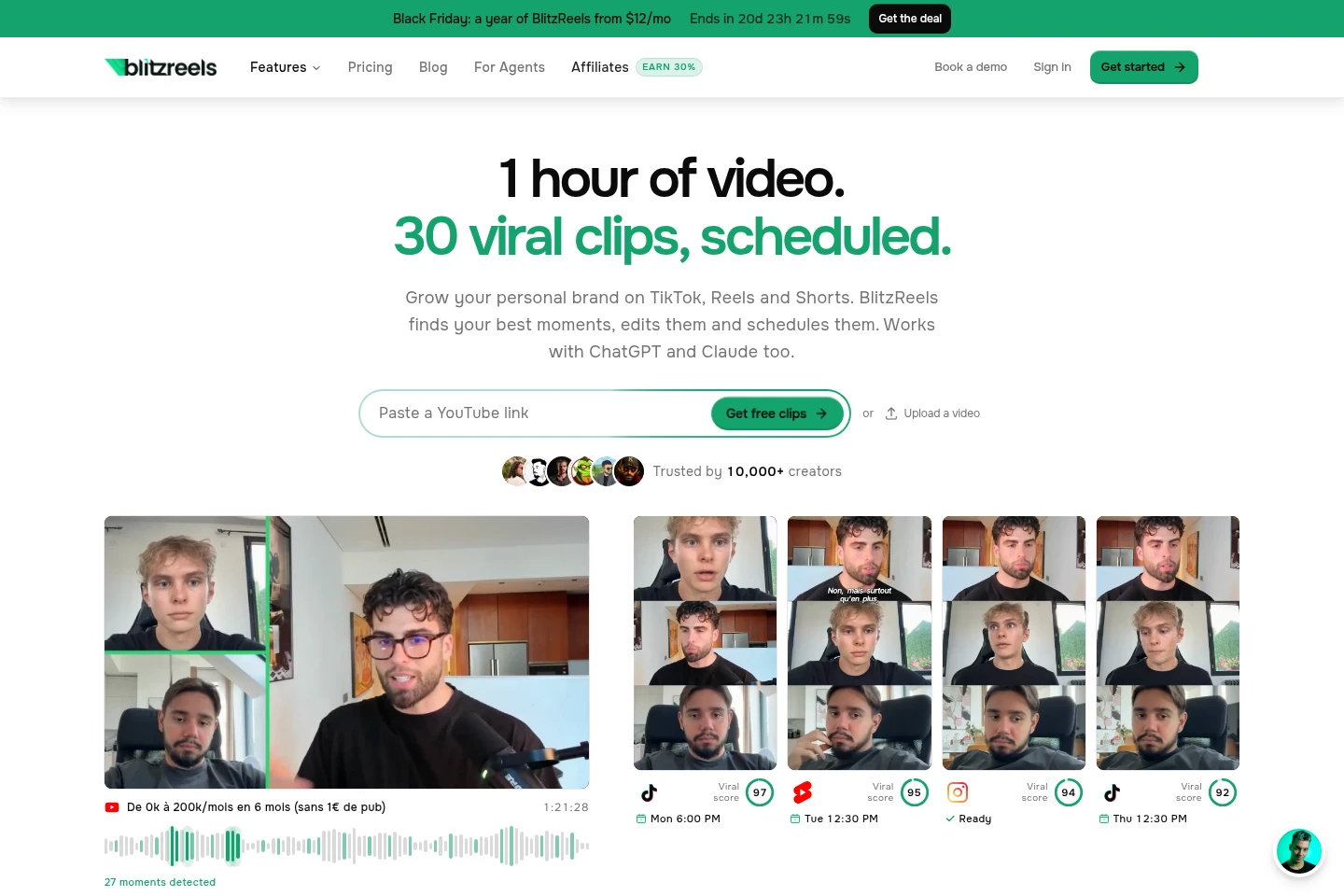
BlitzReels turns long recordings and video links into short clips for TikTok, Instagram Reels and YouTube Shorts. It detects moments, creates editable captions, lets users refine clips in an editor, and supports publishing or scheduling posts depending on the plan. It also offers prompt-based faceless video generation and clipping through ChatGPT or Claude.

  • Cloud
  • API
  • Paid
  • StarterStarter: $12/mo, billed yearly at $139; first-year Black Friday price, then $204/yr
  • GrowthGrowth: $32/mo, billed yearly at $379; first-year Black Friday price, then $564/yr
  • AgencyAgency: $80/mo, billed yearly at $949; first-year Black Friday price, then $1,428/yr
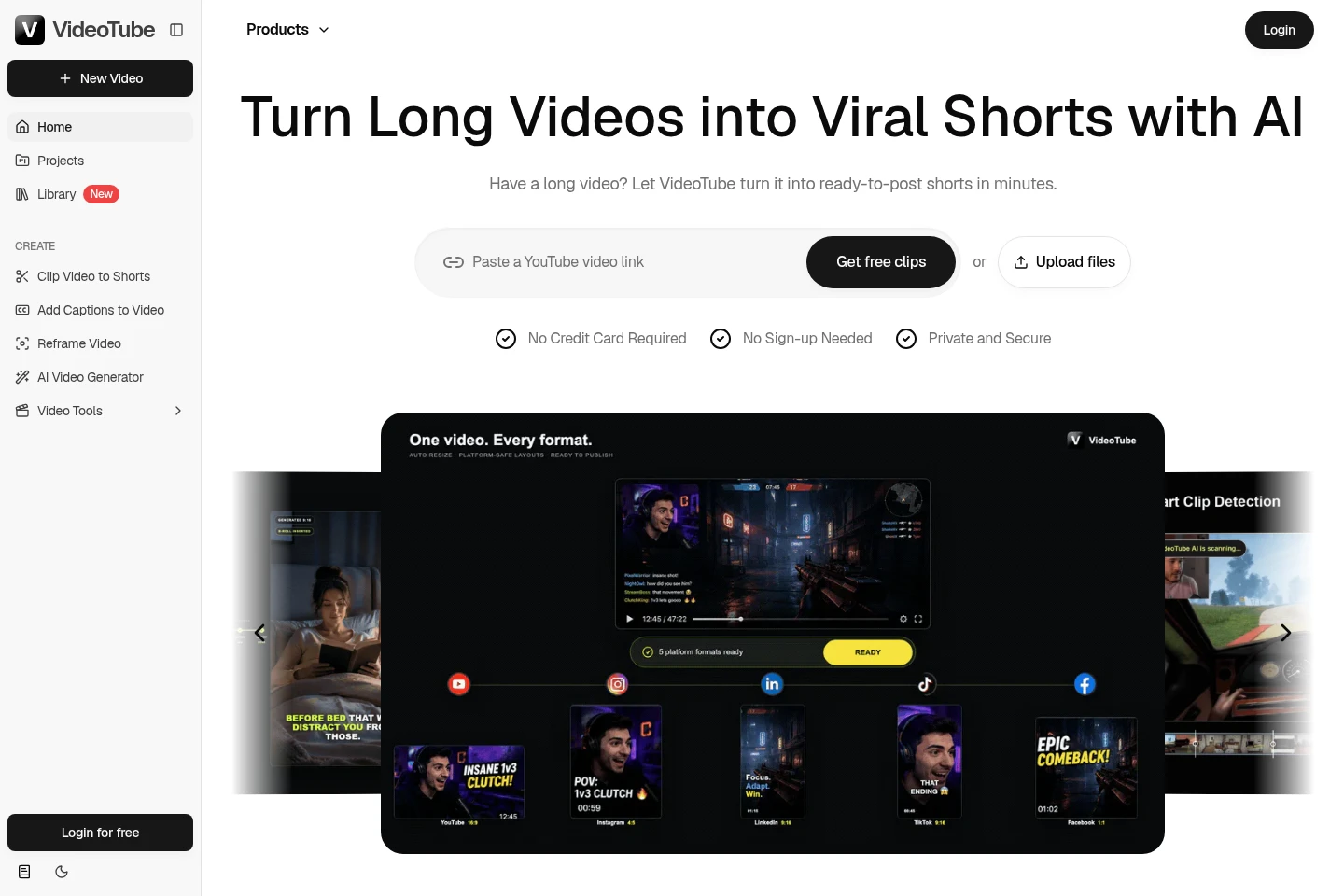
  1. VideoTube

    Turn long videos into captioned vertical clips

    Contact Sales
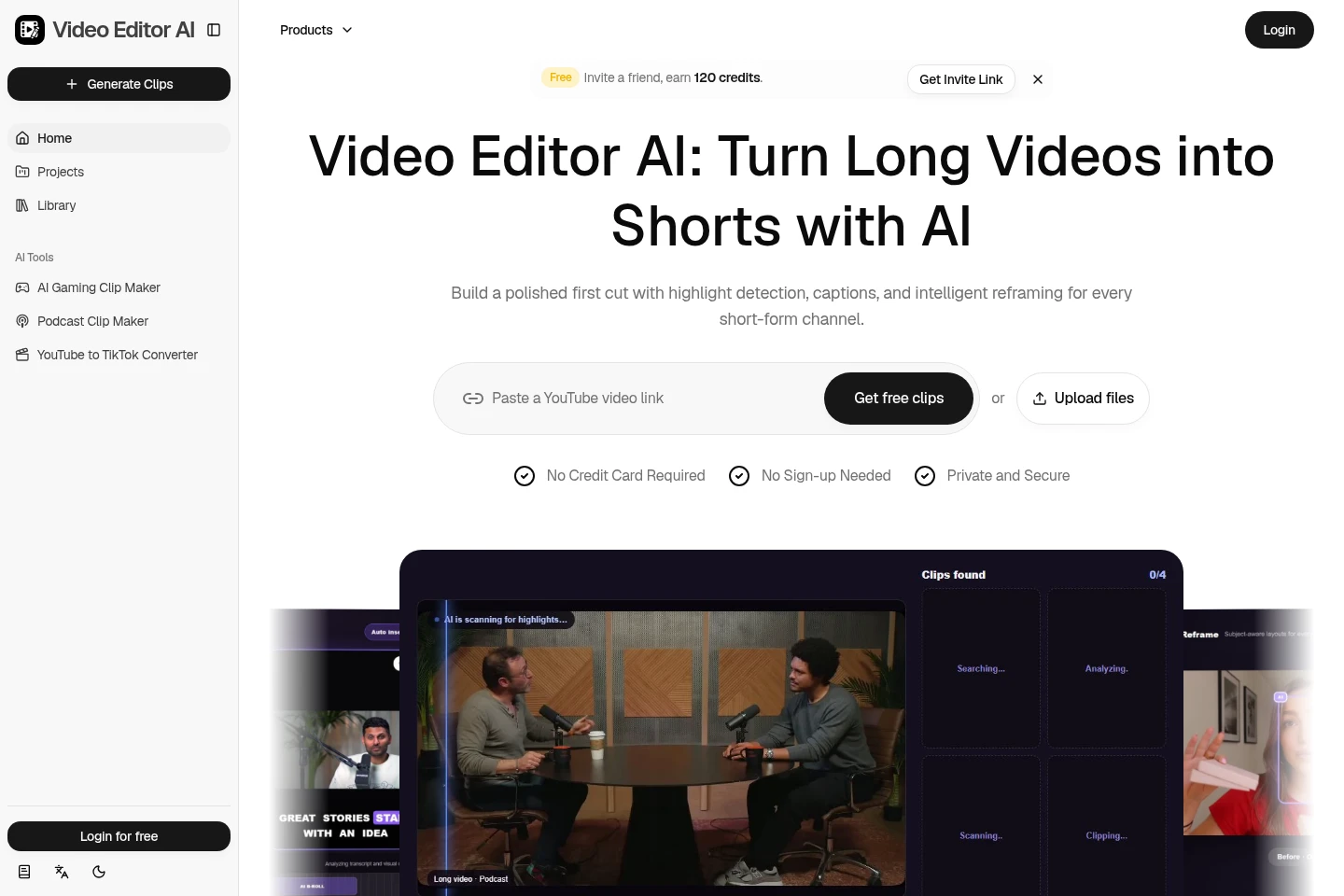
  2. Video Editor AI

    Turn long videos into captioned, reframed short clips

    Free
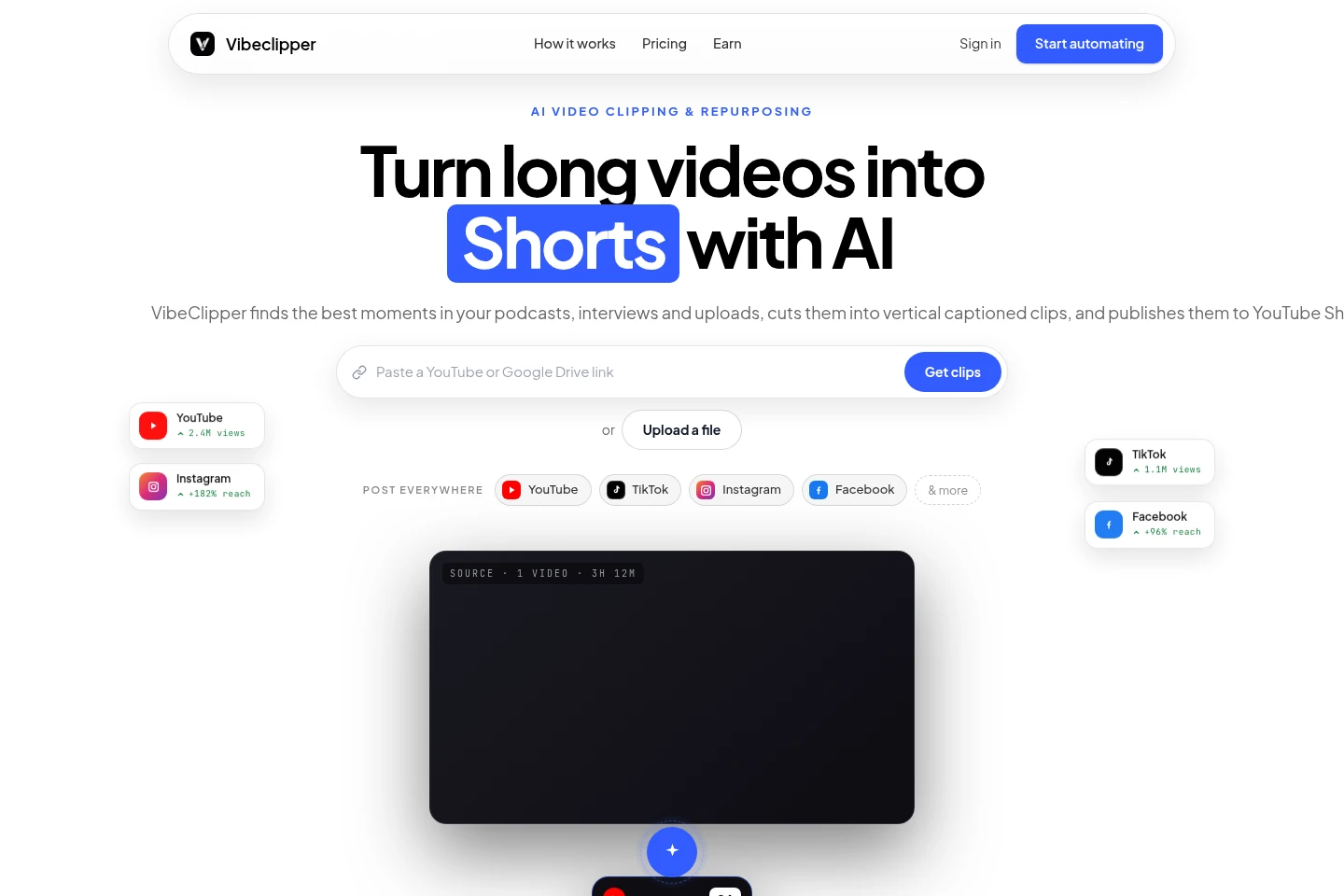
  3. VibeClipper

    Turn long videos into captioned Shorts with AI

    Launch · $10/month; $120 billed yearly
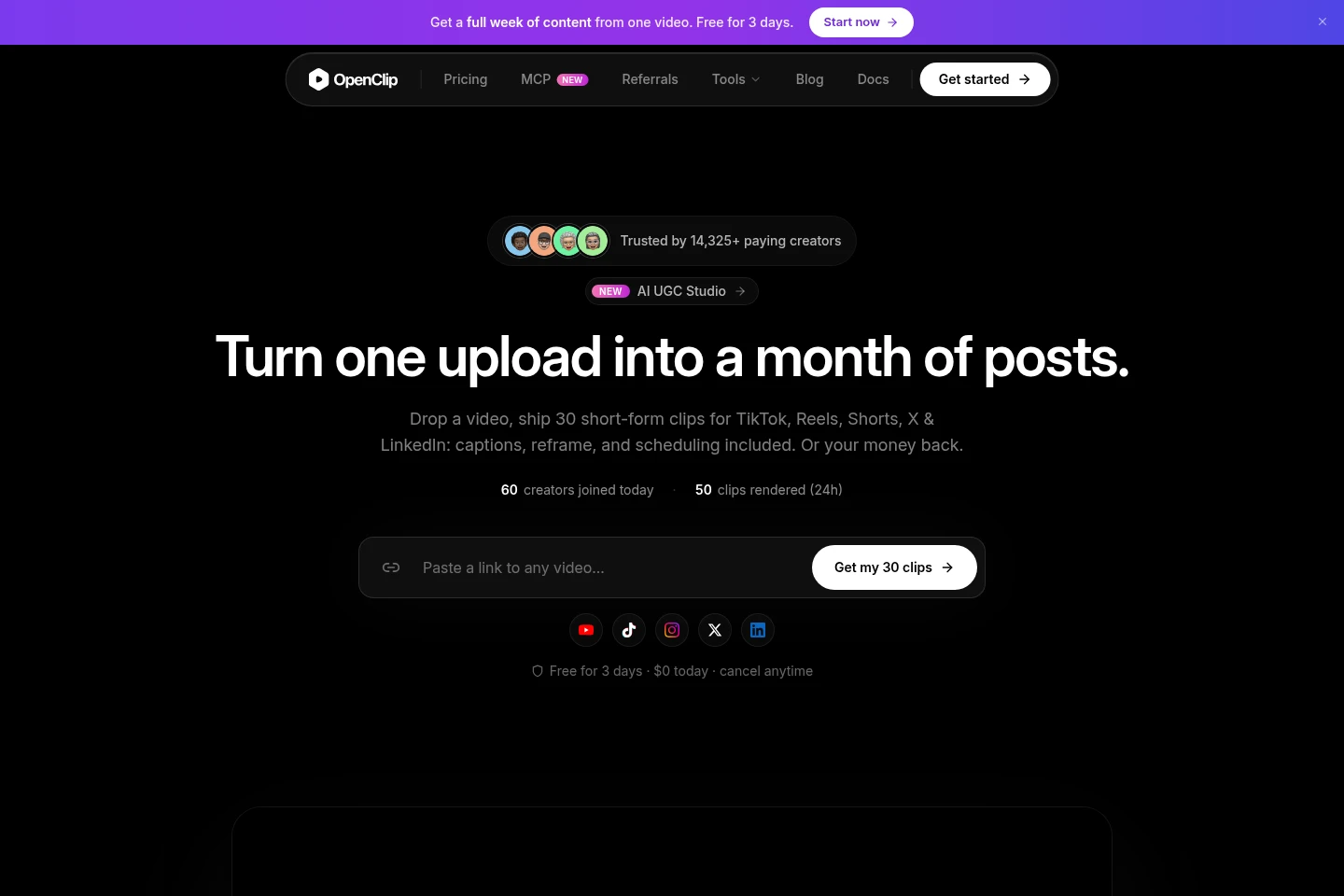
  4. OpenClip

    Turn long videos into captioned, scheduled social clips

    Starter · $14.99/mo
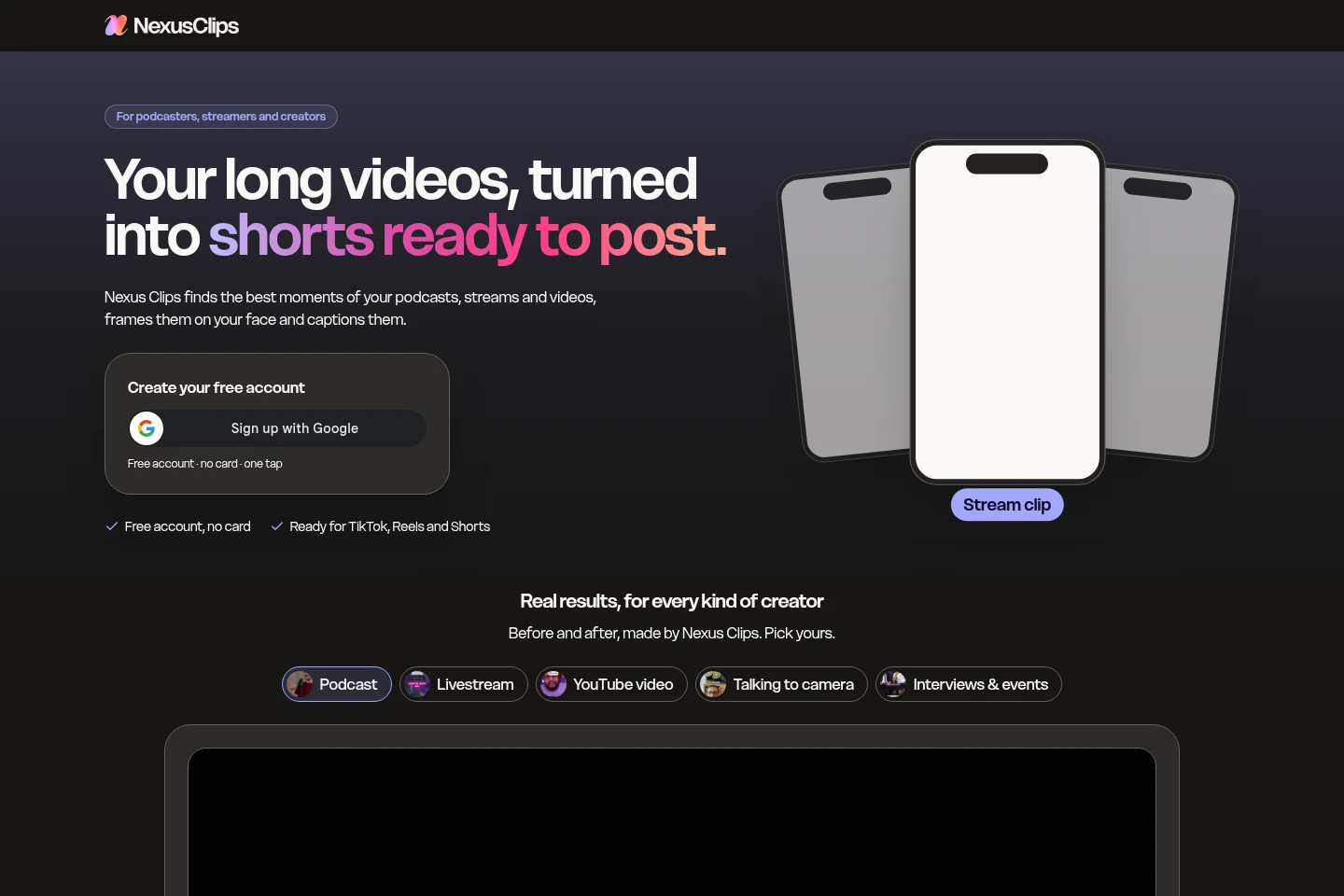
  5. Nexus Clips

    Turn long videos into captioned vertical clips

    Pro · Free account; price unstated

Who it is for

  • Video creators who want short clips from long recordings for social channels

  • Agencies and teams managing video content for multiple clients, brands, or workspaces

FAQ

How does AI clip generation work?

ScaleReach analyzes a video's transcript to find engaging moments such as hooks, emotional peaks, and key insights. It then creates short clips with captions and aspect ratios suited to social platforms.

Which video formats and sources can I use?

The pricing FAQ lists MP4, MOV, AVI, and MKV files, and says YouTube links can be pasted directly. The homepage also lists supported links such as Twitch, Kick, Google Drive, Dropbox, and Loom.

Can I edit generated clips?

Yes. Users can trim clip boundaries, adjust captions, change caption styles, and customize appearance. Editing is limited on Free and described as unlimited on Pro and Agency.

What does Split Screen do, and which plans include it?

Split Screen places a background video below the main video. The pricing FAQ says it is available on Pro and Agency plans.

Comments

Please sign in to leave a comment.
No comments yet. Be the first to share your thoughts!