
100% free AI tool to remove unwanted objects from photos with one click. Remove people, watermarks, text, logos and imperfections instantly. No watermarks, no registration required. Supports JPG, PNG, WebP up to 10MB and 3000x3000 pixels.
- Free


Remove Object by Photomatic is an online AI photo editor for removing unwanted objects, people, text, watermarks, and blemishes. Upload a photo, mark an area with a brush or automatic selection, and download an edited image. It also removes image backgrounds and can output a transparent PNG. The free plan includes five images per month; paid plans offer unlimited images.
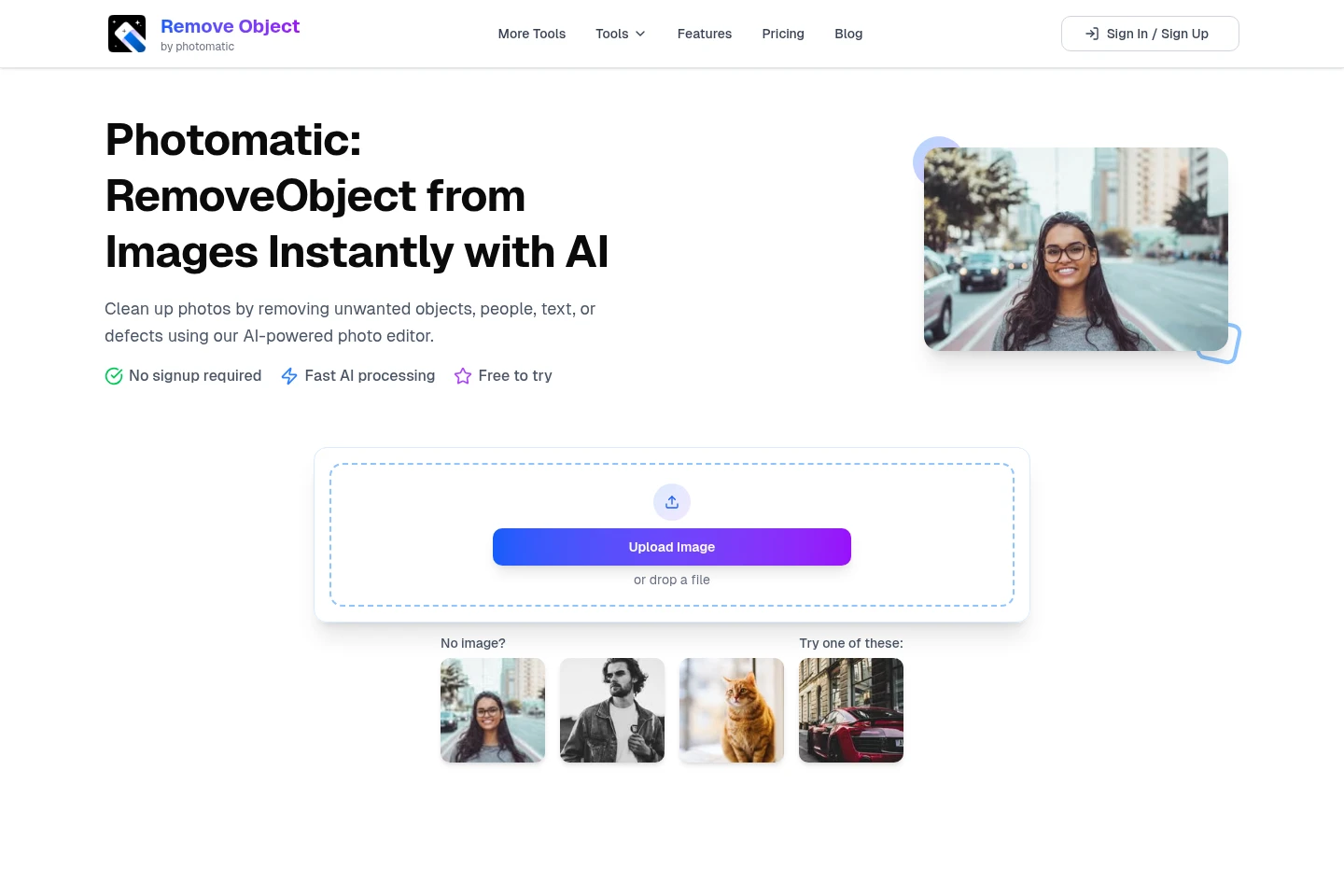
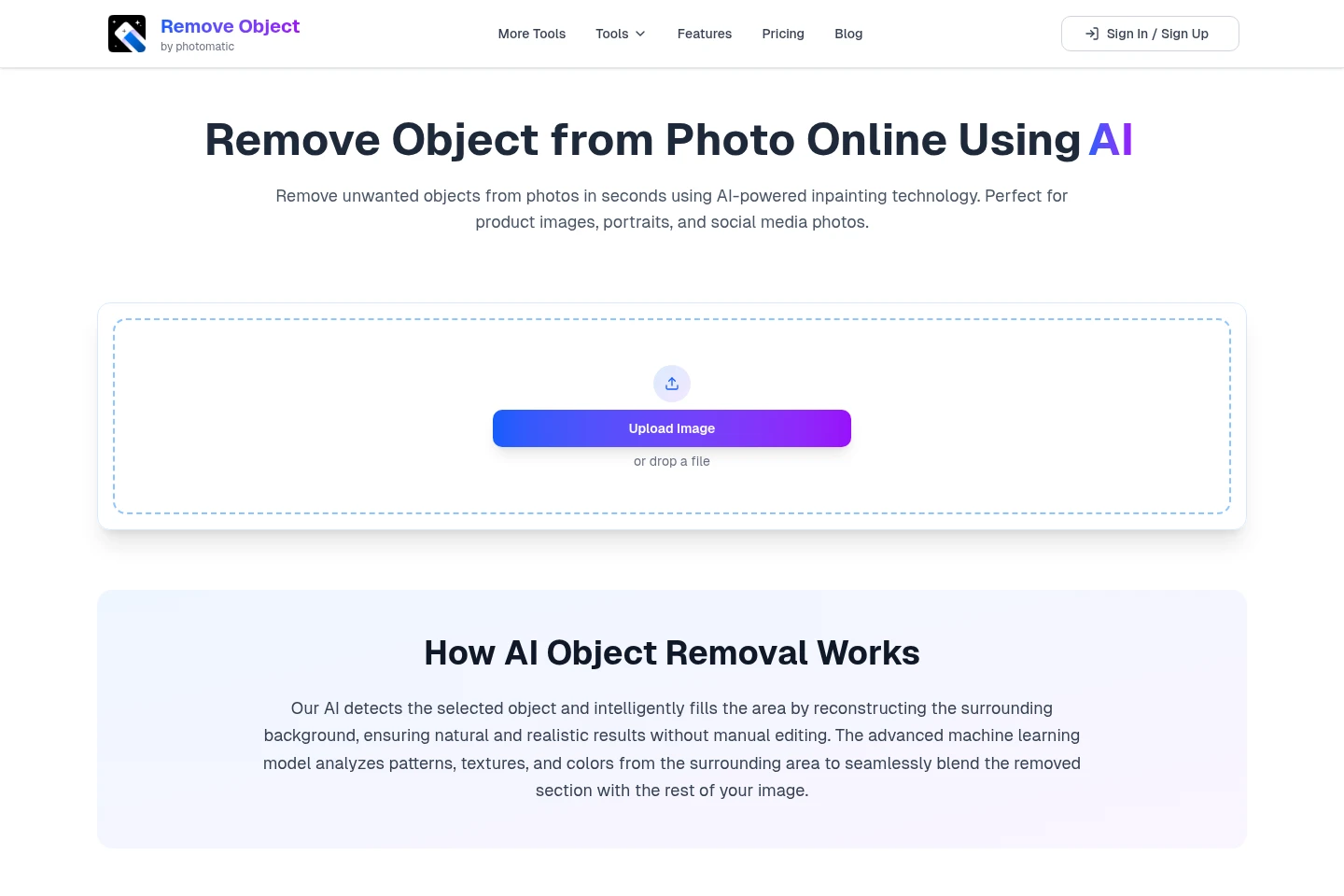

Removes selected objects, people, text, watermarks, and blemishes from a photo, then fills the marked area by reconstructing the surrounding background. Users upload an image and mark the target with brush tools or automatic selection.
Detects a photo subject and removes its background, producing a cutout with transparent PNG output. Users upload an image; the background remover accepts JPG and PNG files up to 8 MB.
Automatically detects and selects people, objects, or backgrounds for editing. Users provide an image and can use the selection to mark what should be removed.
Fills a removed region using patterns, textures, and colors from the surrounding image. This reconstruction is applied after an object or area has been selected for removal.
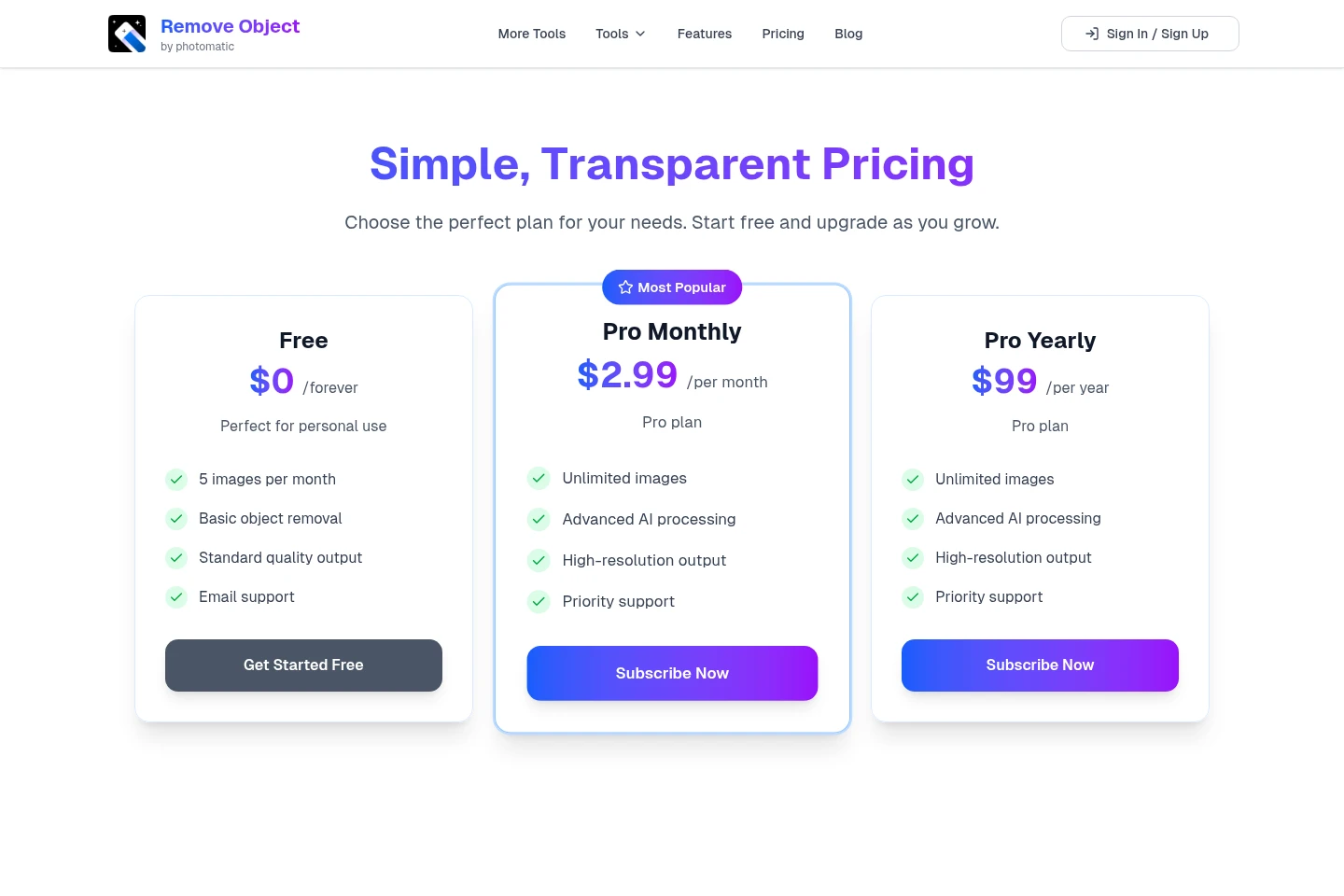
There is a free plan and two paid subscription plans. Compare the monthly image allowance, output quality, processing features, and support level when choosing a plan.
| Plan | Price | Included features and limits |
|---|---|---|
| Free | $0 forever |
|
| Pro Monthly | $2.99 per month |
|
| Pro Yearly | $99 per year |
|
When preparing product images for an online store or marketplace, remove distracting objects, text, or watermarks from the photo. Upload the image, mark the unwanted area, and download the edited result.
When crowds or passersby distract from a travel photo, mark the people to remove and let the AI reconstruct the surrounding scene. Download the resulting image after processing.
When a product image needs a transparent background for a store or design asset, upload a JPG or PNG file up to 8 MB. The tool detects the subject and provides a transparent PNG to download.
The Free plan includes five images per month; unlimited image processing is listed for the Pro plans.
The background-removal page specifies JPG and PNG uploads up to 8 MB for that tool.
100% free AI tool to remove unwanted objects from photos with one click. Remove people, watermarks, text, logos and imperfections instantly. No watermarks, no registration required. Supports JPG, PNG, WebP up to 10MB and 3000x3000 pixels.
Easily eliminate unwanted elements from your images
FreeEdit photos online with AI-powered tools
FreemiumRemove image backgrounds and edit photos online
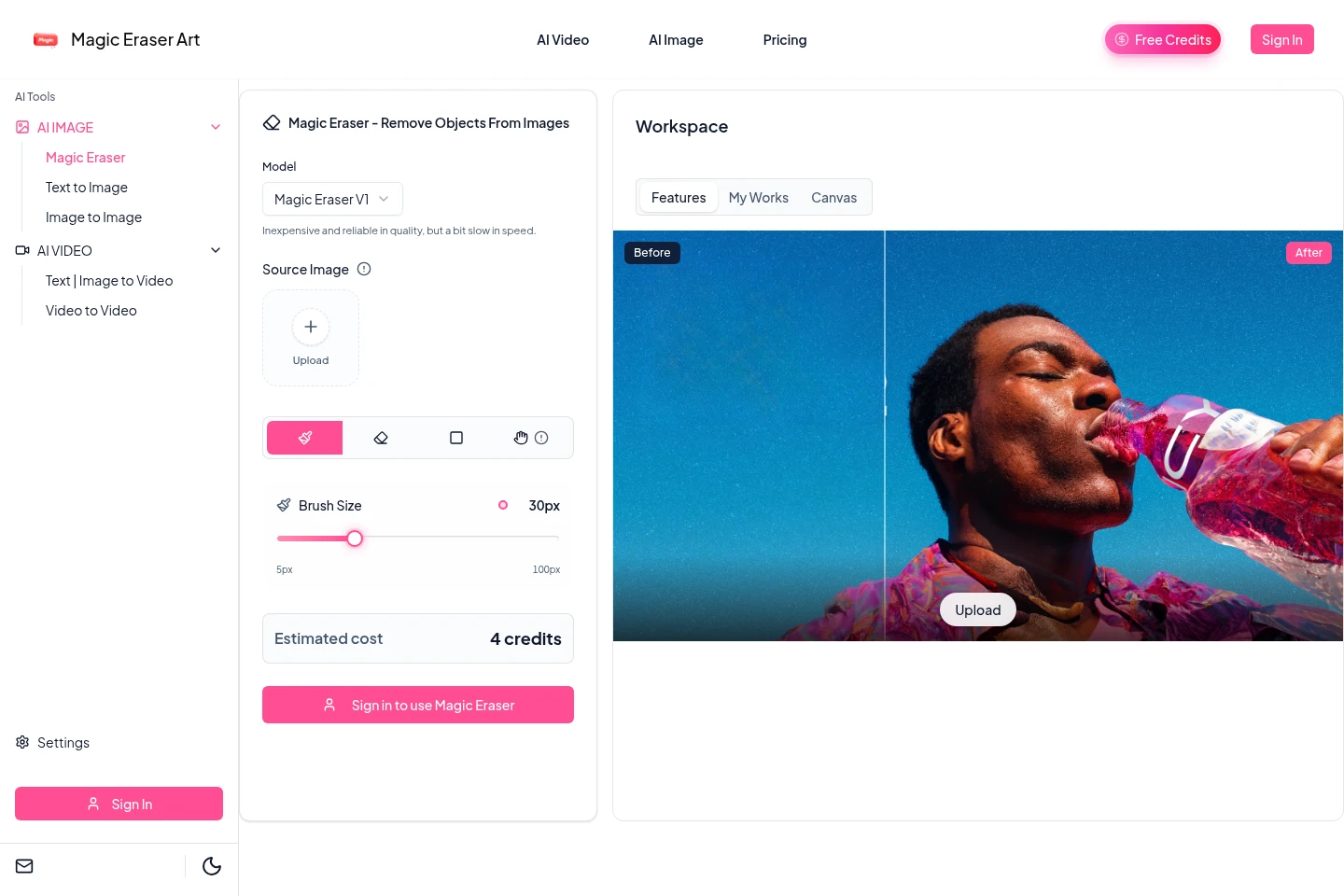
FreeRemove unwanted objects from images with AI
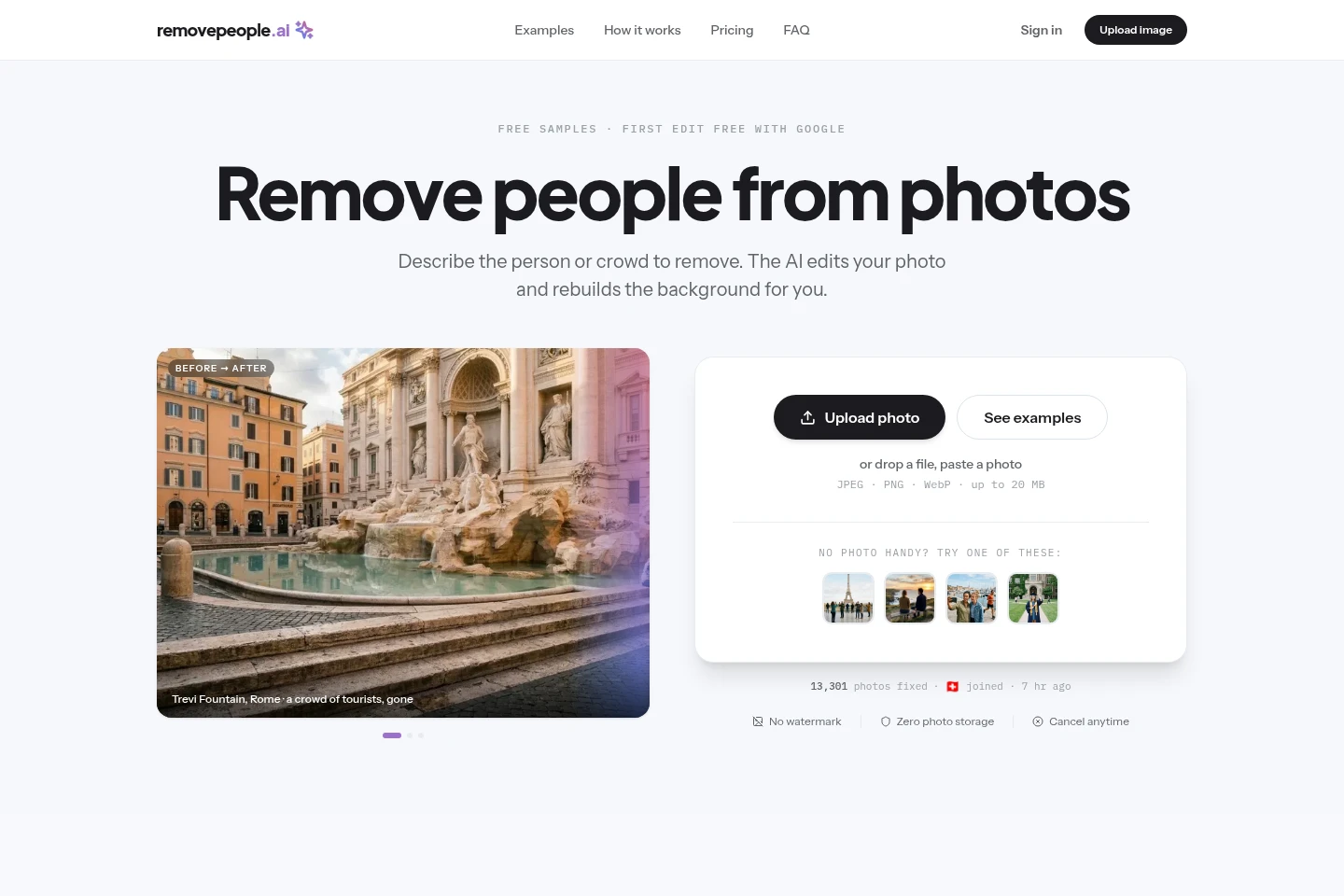
Starter · $30; $15/monthRemove people from photos with AI background reconstruction
3 HD edits · $4.99 onceE-commerce sellers who need product photos without distracting objects or backgrounds
Social media creators who need to clean up posts and remove image distractions
Property photographers and real-estate professionals who need to remove clutter from listing photos
Yes. The Free plan allows basic object removal, and the site says people can be removed without signing up. The plan is limited to five images per month; paid plans provide advanced processing and higher-resolution output.
Upload a photo, mark the object with a brush or automatic selection, and download the processed image. The AI fills the selected area by reconstructing the surrounding background.
It provides an image with a transparent background in PNG format. The background-removal page lists JPG and PNG uploads up to 8 MB.
The listed plans are Free, Pro Monthly, and Pro Yearly. Free includes five images per month; Pro Monthly is priced per month and Pro Yearly per year, with unlimited images listed for Pro.









Comments