Monthly visits
17,726,631
2026-10
Monthly growth +6.7%

Photopea - Edit layered images and graphics directly in your browser

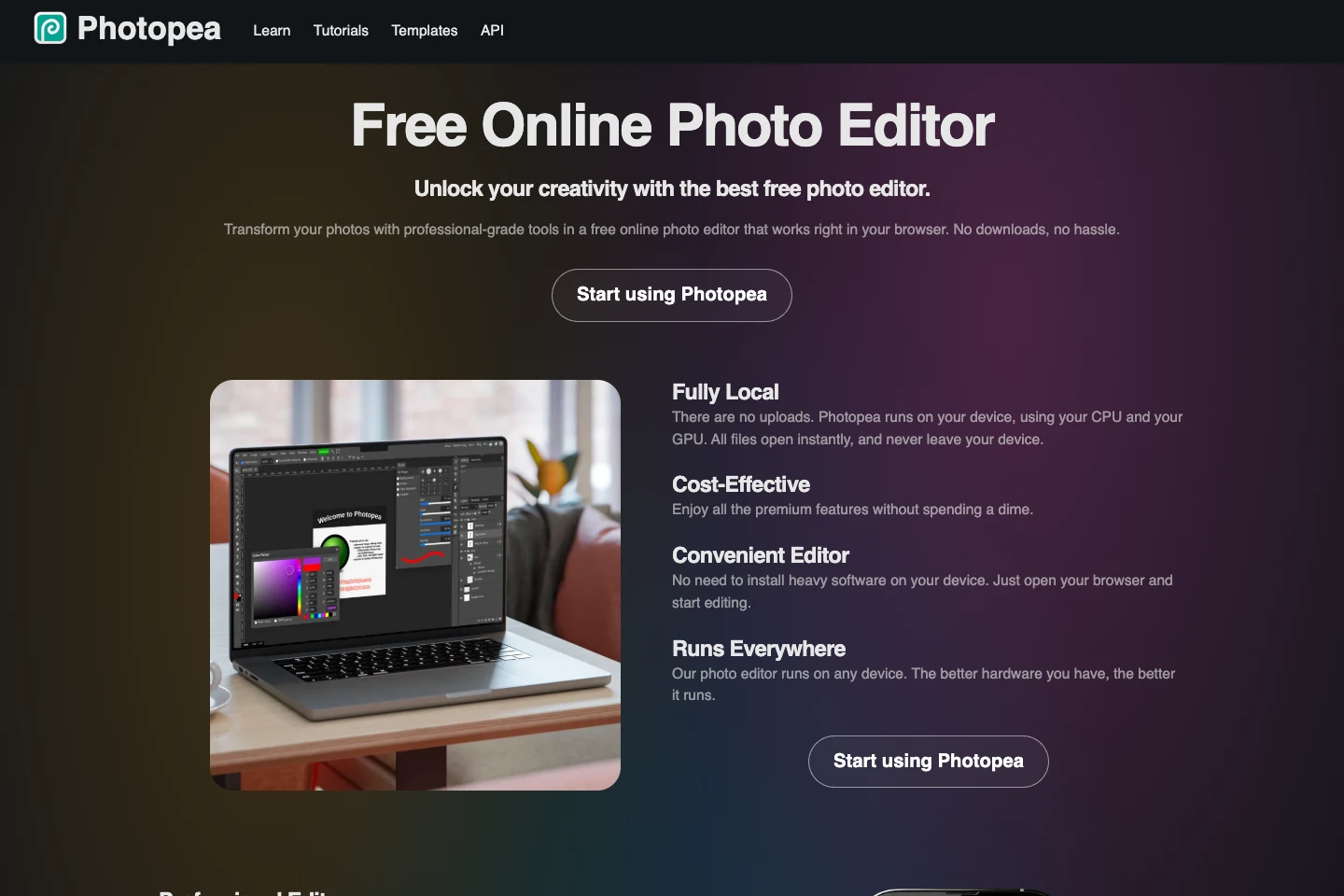
Photopea is a browser-based image and graphics editor for opening and editing files such as PSD, PNG, JPG, SVG, PDF and RAW formats. It includes layers, masks, adjustments, filters, vector tools and AI features for background removal and text-guided replacement. Files run locally on your device, and the editor can be embedded or configured through its API.

Visit WebsiteUpdate this product

2Views

Capabilities

Image and graphics editing

Edit raster images and graphics in the browser and export them in supported formats. Use layers, masks, blending, adjustment layers, channels, paths, text, filters and cropping tools.

Multi-format file handling

Open and save files in formats including PSD, PNG, JPG, SVG, PDF, RAW and many others. Files open locally in the editor, and PSD is supported for both opening and saving.

AI image tools

Remove image backgrounds or replace selected image content using a text description. Premium accounts can use these features hundreds of times per month; additional use can be configured with a user's own Dezgo account and API key.

Editor API and embedding

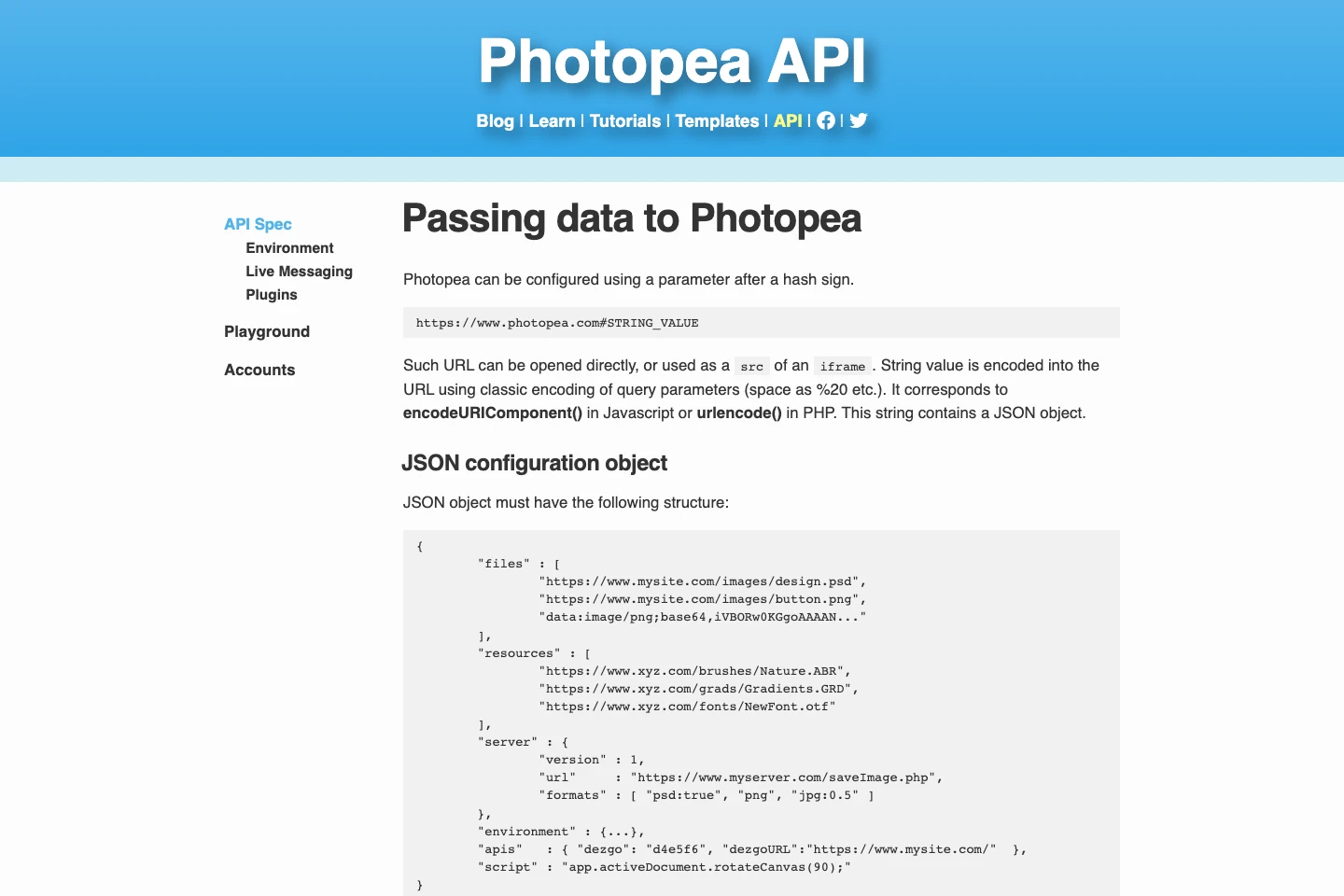
Configure Photopea with files, resources, environment settings and scripts through URL parameters, or embed it in an iframe. A configured server can receive exported documents when users choose File - Save.


PricingFree

Photopea has a free offering and a Premium account; compare the included AI-use allowance and whether Premium access is needed for the desired AI usage.

PlanPriceIncluded features and limits
Free

Free

  • Online photo and graphics editor

  • Runs locally on the user's device

  • AI allowance and other plan quotas are not specified here

Premium

Price not stated

  • AI features can be used hundreds of times per month

  • Further AI use can use funds from the user's separately funded Dezgo account after monthly credits run out

  • AI allowance is described as monthly credits

Use cases

Edit photos and graphics in a browser

When a photo or graphic needs cropping, retouching, text, filters or layered adjustments, open it in Photopea and use its editing tools. The edited document can be saved in supported formats, including PSD.

Open and save layered PSD files

When working with a PSD design, open the file in Photopea to edit its layers and other document features. Photopea supports opening and saving PSD files.

Embed and configure an image editor

When a website needs an image-editing workflow, configure Photopea through its API and embed the editor in an iframe. Parameters can load files and resources, run scripts and send saved documents to a configured server.

Limitations

  • AI features use monthly credits for Premium users; after those credits run out, continued use requires configuring a user's own funded Dezgo account and API key.

Alternatives

Photopiya

Free browser-based photo editing with PSD support

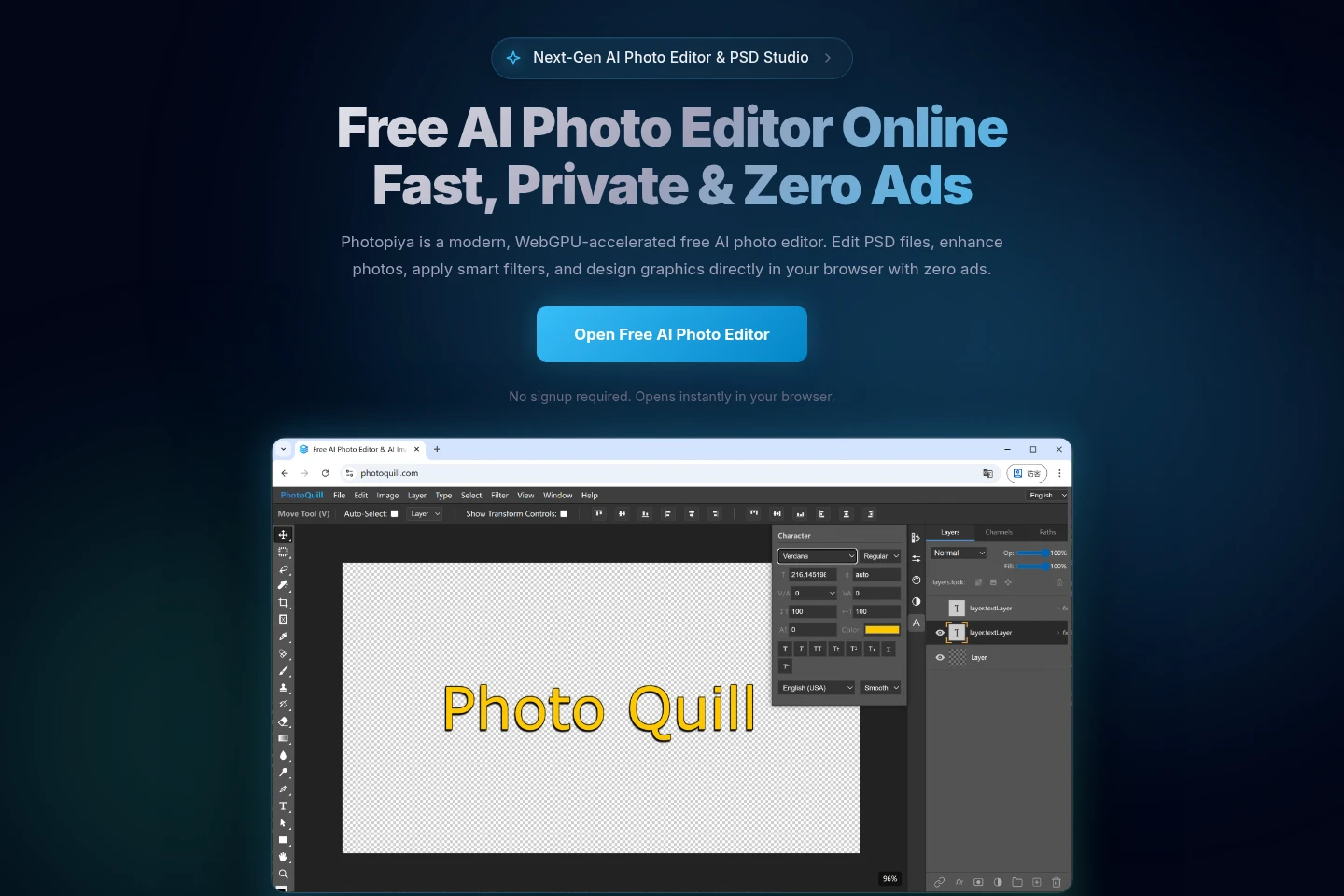
Photopiya is presented as a free, browser-based photo editor for editing images and layered PSD files. Its homepage describes WebGPU-accelerated filters, retouching brushes, crop and typography tools, and exports to several image formats. It says processing happens locally in the browser and that the editor requires no account or installation.

  • Free
  • FreeFree
  1. PictorX

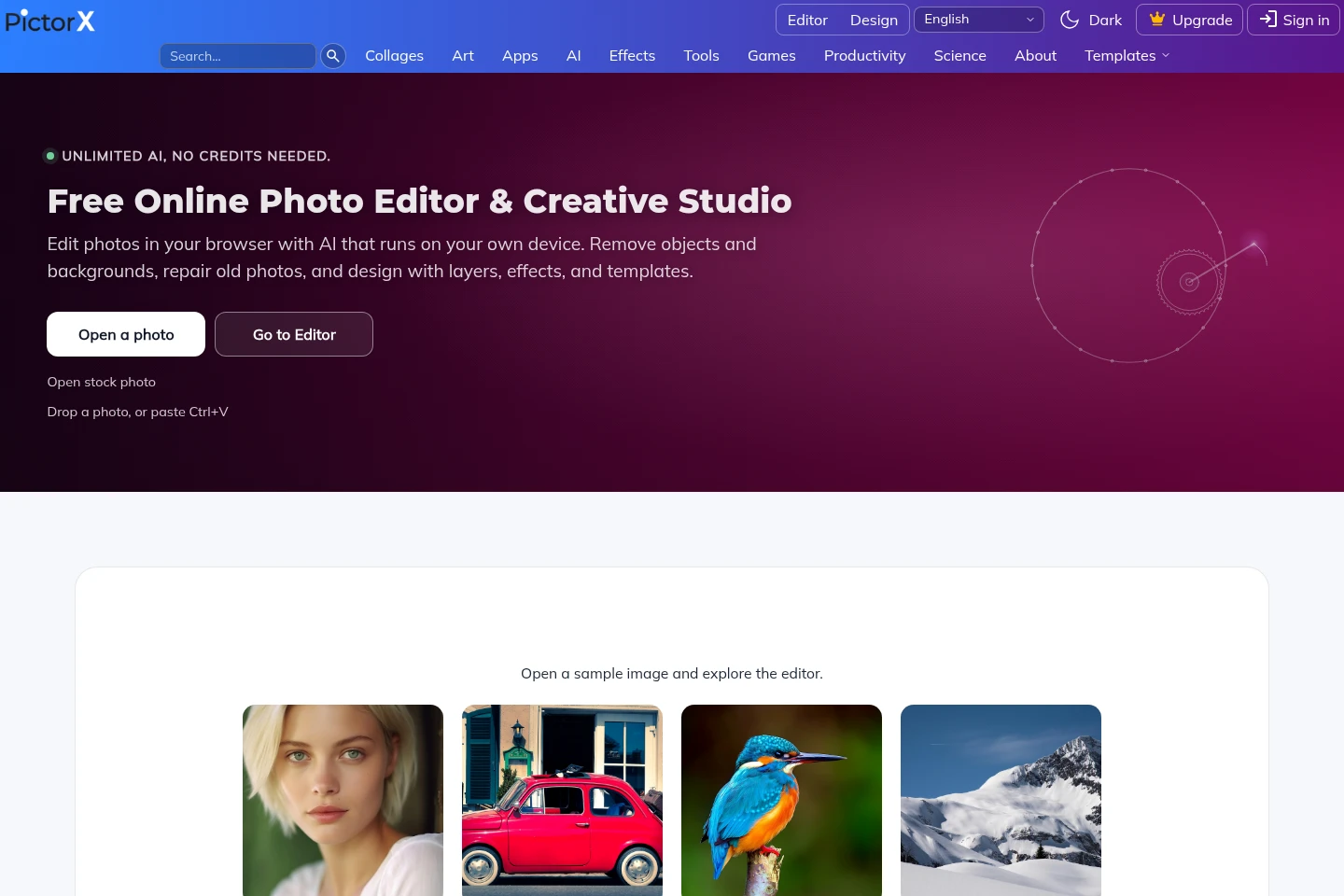
    Edit photos and build designs in your browser

    Free
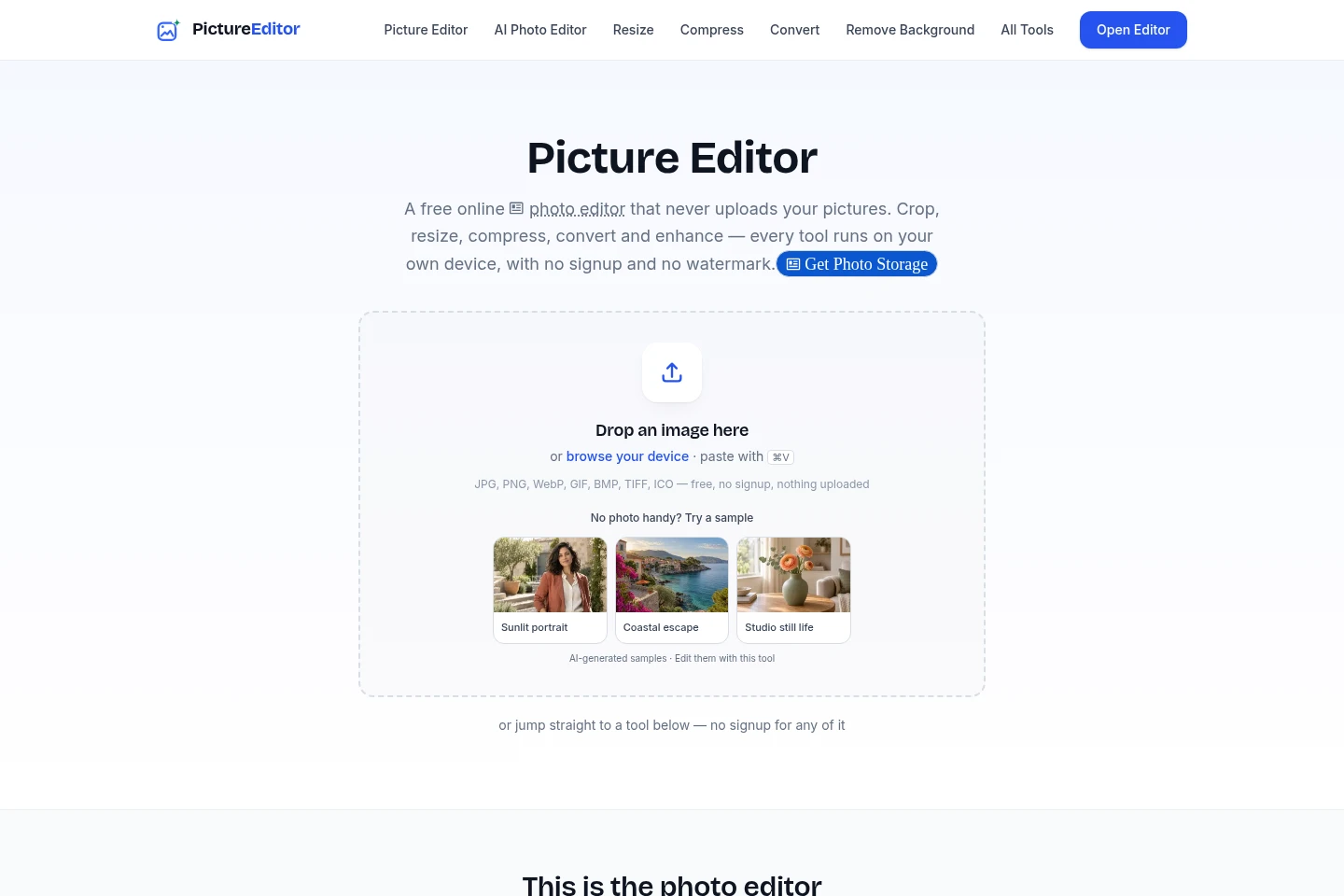
  2. Picture Editor

    Edit, resize, and convert photos in your browser

    Free · Free
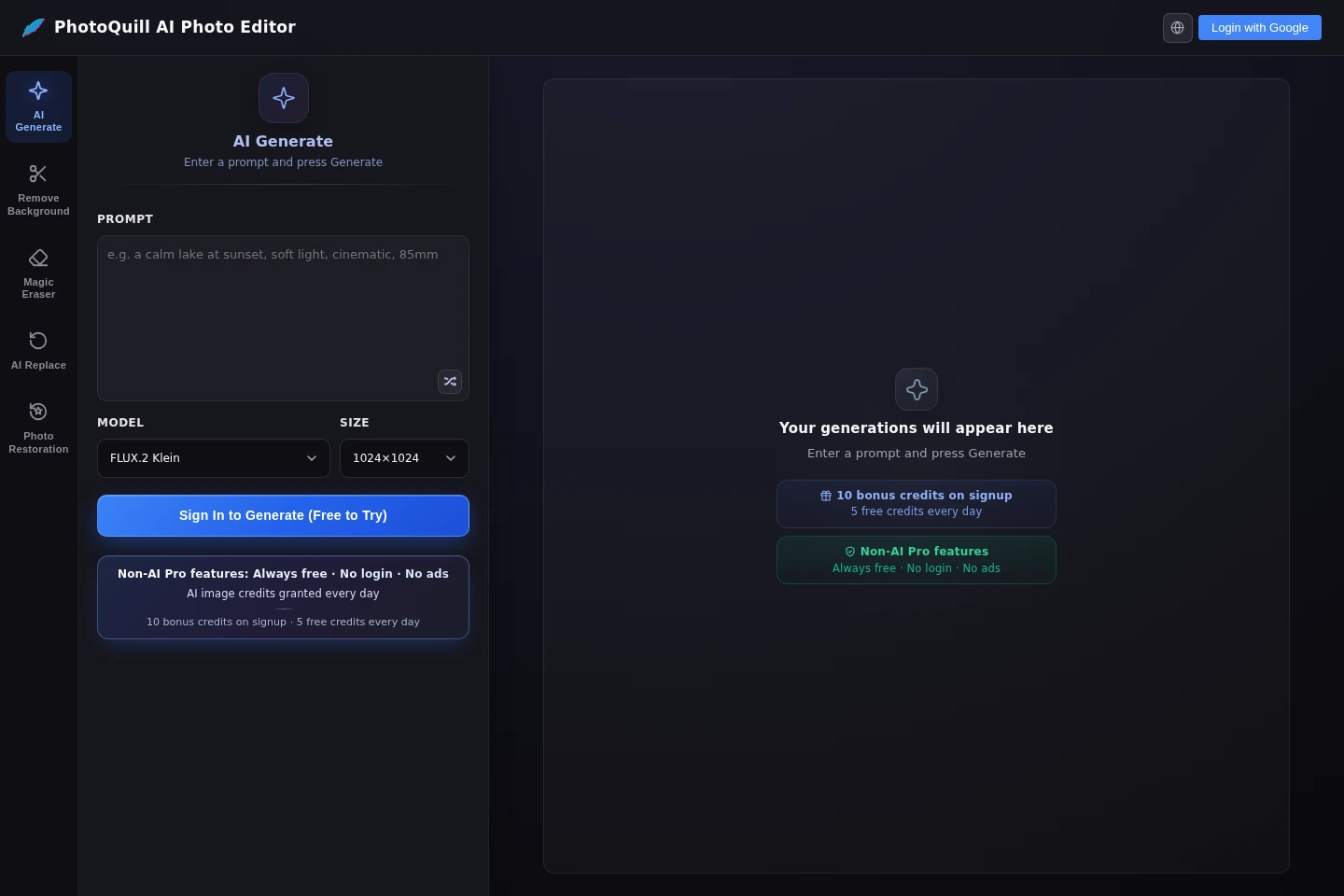
  3. PhotoQuill

    Edit layered images and use AI tools in your browser

    Free · Free: $0/mo
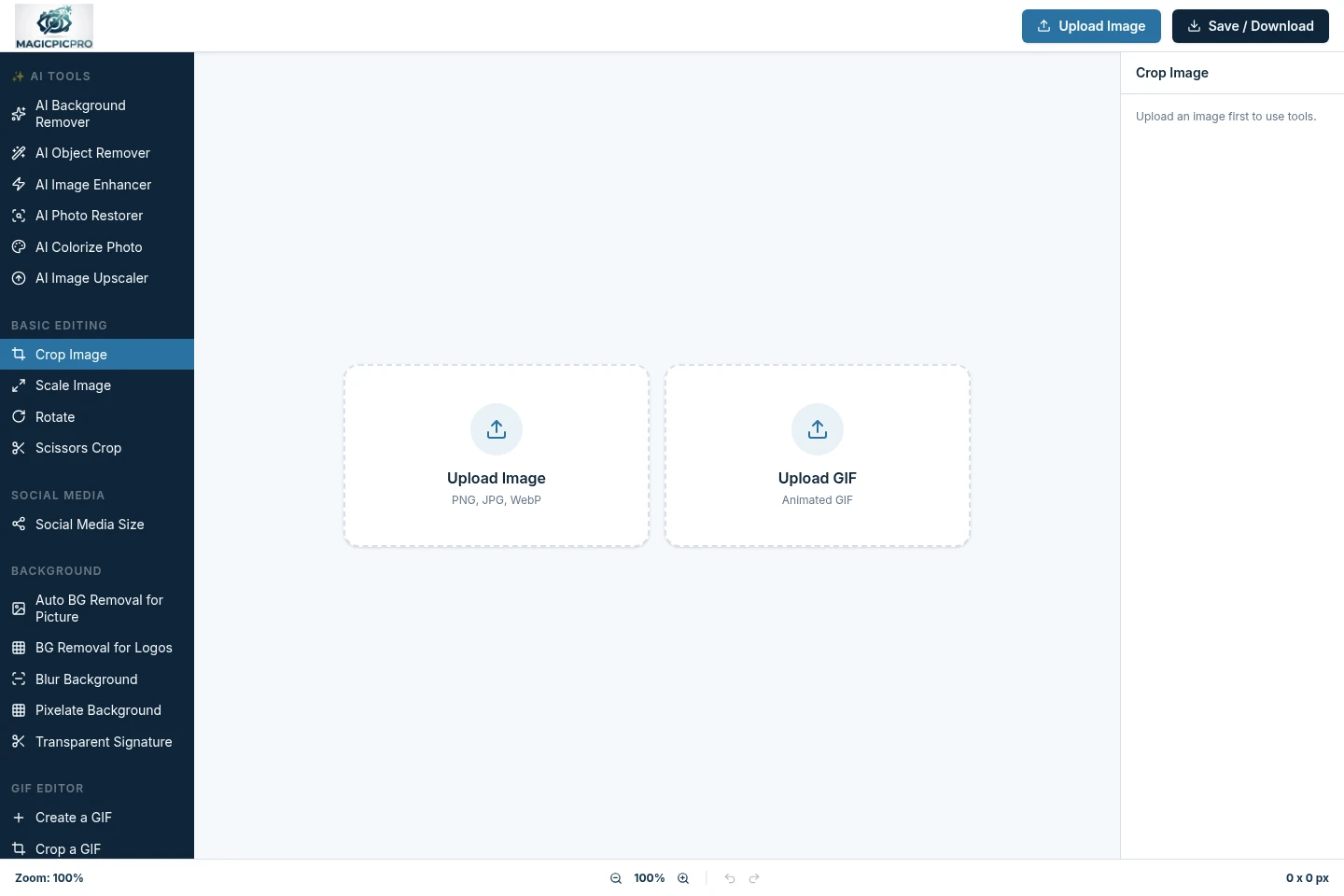
  4. MagicPicPro

    Edit images and GIFs with free browser-based tools

    Free
  5. Image Editor AI

    Edit any photo with a simple text prompt, no layers or masks required

    Freemium

Who it is for

  • Graphic designers who need to edit layered files and vector graphics in a browser

  • People editing photos who need cropping, filters, adjustments or background removal

  • Developers embedding an image editor or connecting it to a document workflow

FAQ

Does Photopea run in a web browser?

Yes. Photopea is an online editor that runs in a browser, and its files run locally on the user's device rather than being uploaded, according to the homepage.

Can Photopea open and save PSD files?

Yes. The product page says Photopea supports opening and saving PSD files, which it identifies as its main format.

What can Photopea's API configure?

The API can pass files, resources, environment settings, API keys and scripts to Photopea through a URL configuration. It can also embed the editor in an iframe and send saved documents to a configured server.

How can Premium users continue using AI after monthly credits run out?

They can configure a Dezgo account and API key in Photopea preferences. Once the included monthly AI credits are exhausted, Photopea can use funds from that user's Dezgo account, which the user must fund separately.

Comments

Please sign in to leave a comment.
No comments yet. Be the first to share your thoughts!