Monthly visits
3,205
2026-10
Monthly growth +65.9%

LuminaClean - Clean photos, make reels, and rescue images on iPhone

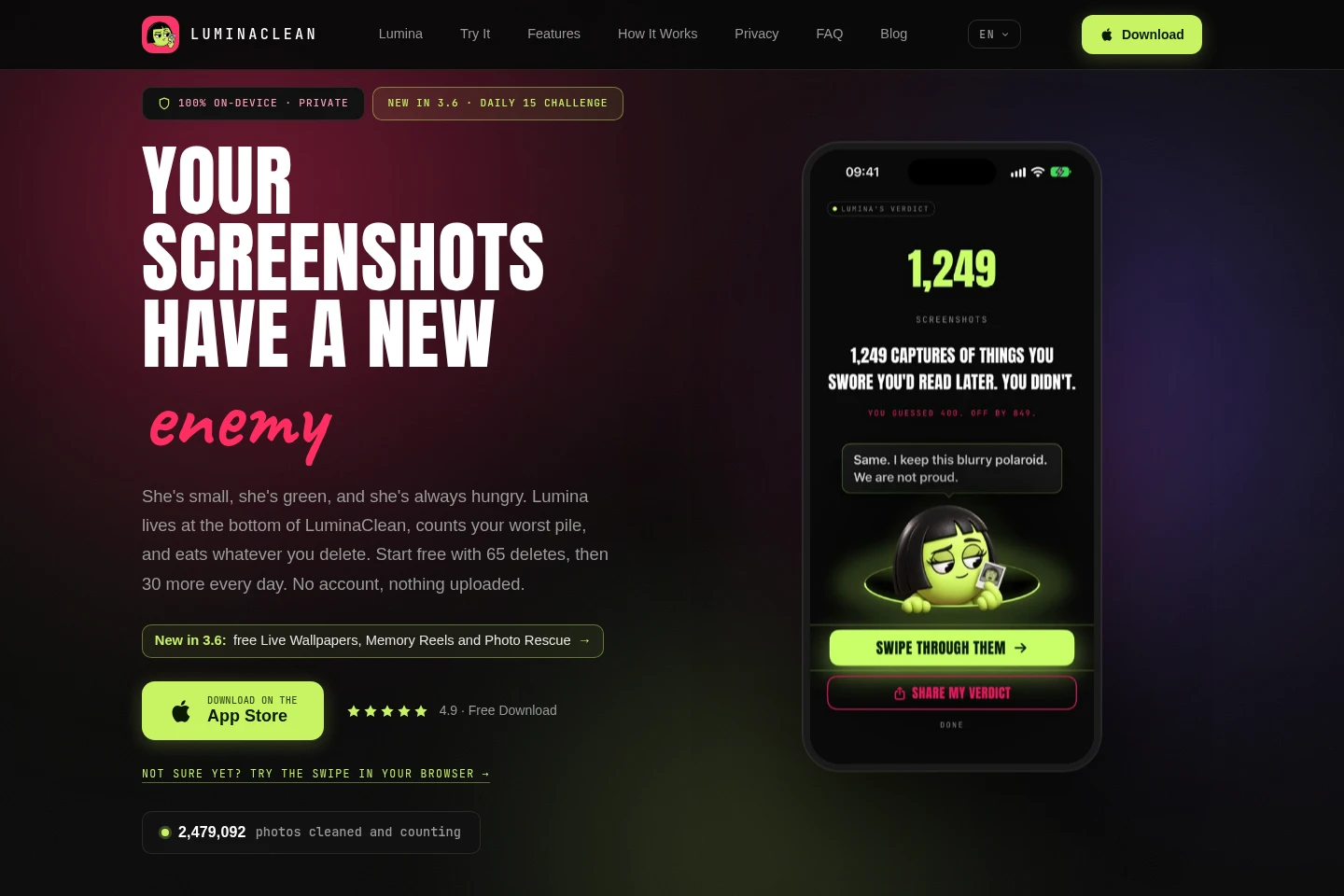
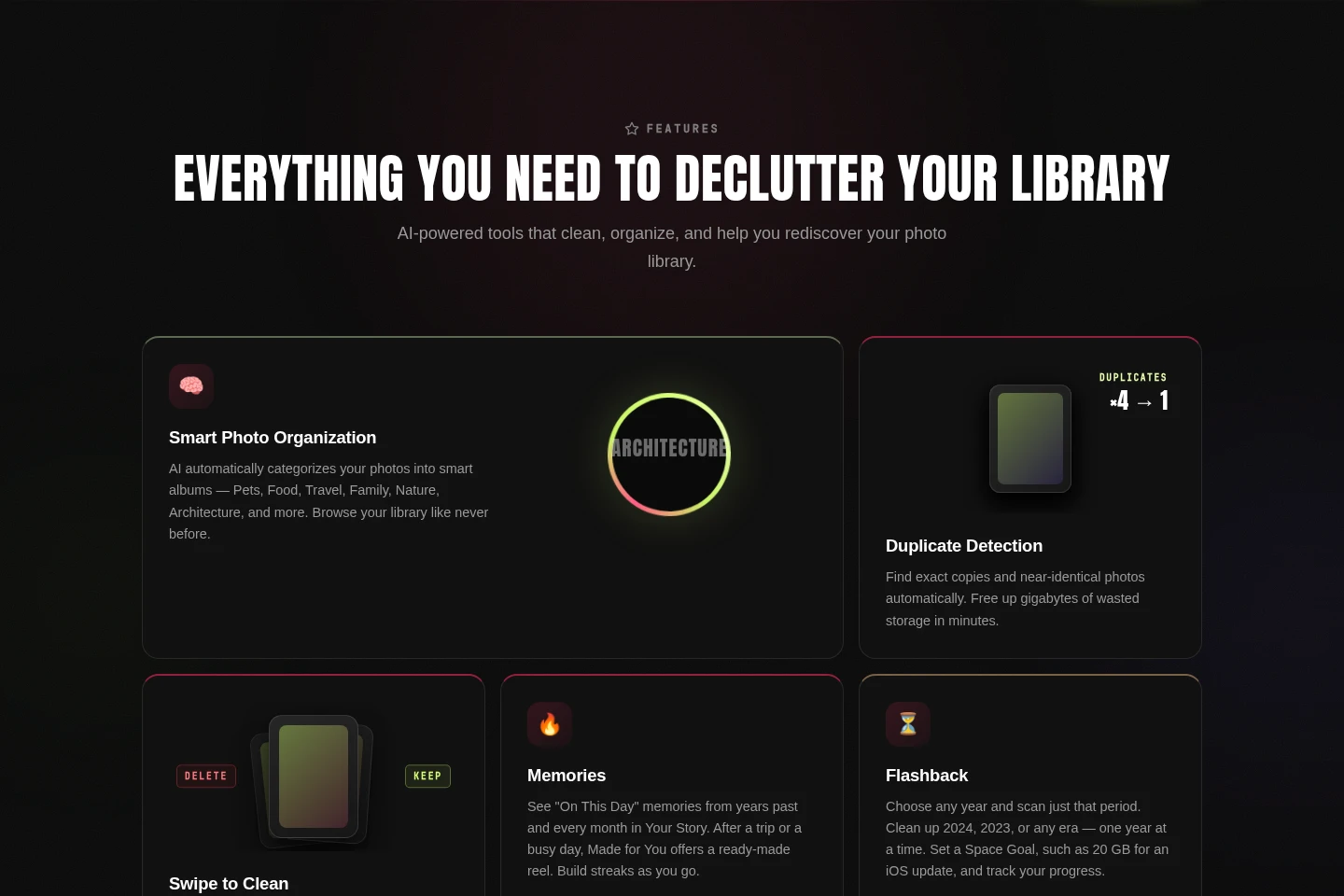
LuminaClean is an iPhone app for reviewing and cleaning photo libraries. It finds duplicate, similar, blurry and screenshot images, and lets you swipe to keep or delete after review. It also creates reels and Live Wallpapers and uses on-device AI to brighten or sharpen photos. Photos stay on the iPhone; the app requires iOS 17.6 or later.

Visit WebsiteUpdate this product

1Views

Capabilities

Photo library cleanup

Finds duplicates, similar images, blurry photos and screenshots, and lets users review photos before deleting or keeping them. Photos are scanned on the iPhone; the app offers 65 free deletions to start, then 30 more each day the user returns after using them.

Photo Rescue

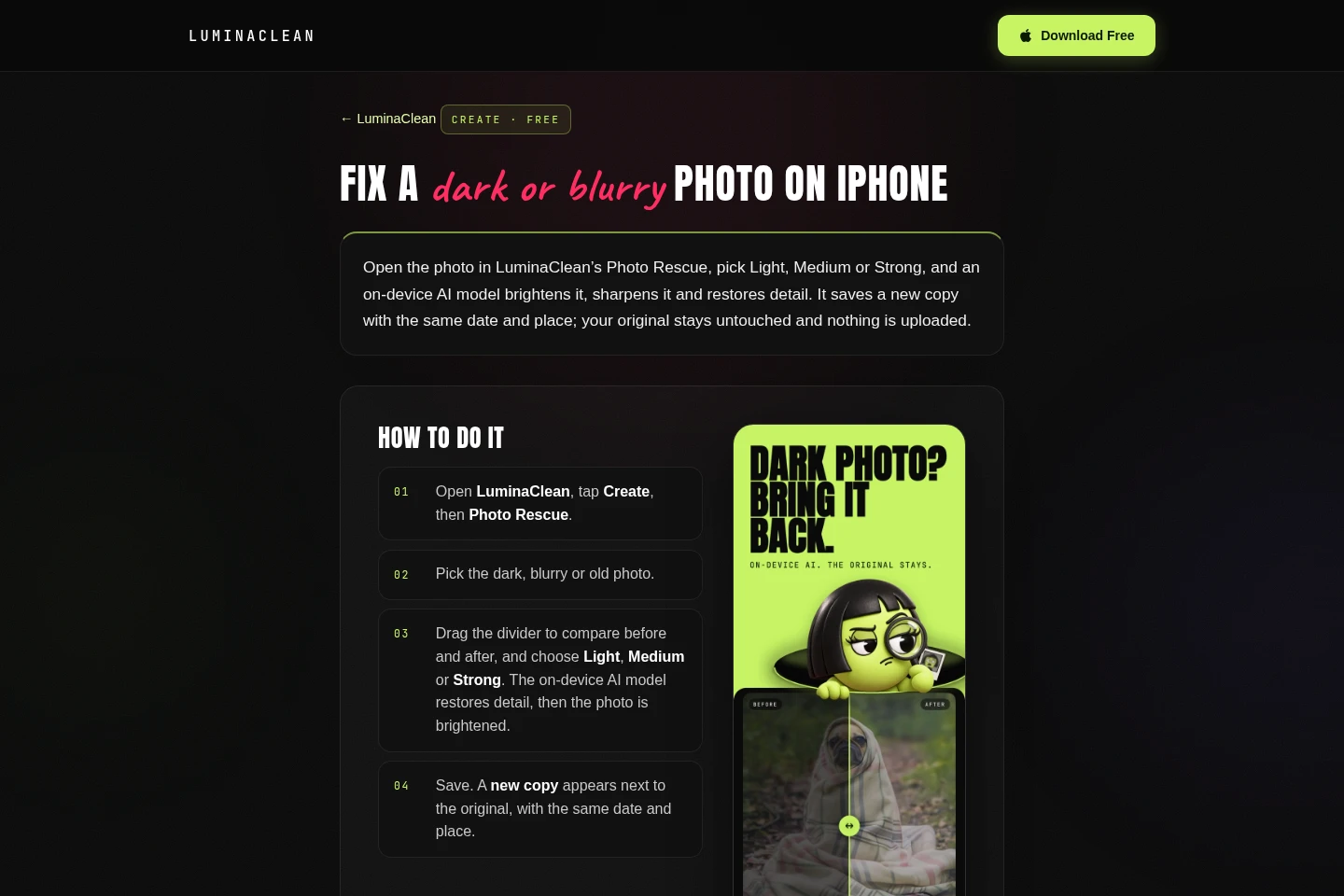
Brightens, sharpens and restores detail in a photo, then saves the result as a new copy. The user selects Light, Medium or Strong and compares before and after; processing runs on-device and leaves the original untouched.

Memory Reels

Creates a vertical 9:16 reel from a selected day, month or 6 to 30 photos. Users choose Flash Dump, Pile-On or Polaroid, optionally add stickers, and export without sound.

Live Wallpaper creation

Turns a video into a moving Lock Screen Live Photo. Users select a two-second segment and cover frame, then save the result; the feature is free.

Video compression

Compresses large videos to reduce their storage footprint. The feature is available without Pro, and the page describes quality loss as minimal.


PricingFree

LuminaClean is free to download and use, with no account required. Compare the included free tools and the daily photo-deletion allowance: 65 deletions to start, followed by 30 more each day you return after using them.

PlanPriceIncluded features and limits
Free

Free

  • 65 photo deletions to start

  • 30 additional deletions each day you return after using the initial allowance

  • Photo Rescue is free at all three strengths

  • Memory Reels and Live Wallpapers are free

  • Video compression is available without Pro

Use cases

Review and delete unwanted photos

When an iPhone photo library contains duplicates, similar shots, blurry images or old screenshots, users scan and review groups in LuminaClean. They can swipe left to mark deletion, right to keep, undo a swipe and confirm marked photos on a review screen before deletion.

Brighten or sharpen a photo

When a photo looks dark or blurry, users open Photo Rescue, choose Light, Medium or Strong and compare the result with the original. LuminaClean saves a separate copy with the same date and place; the original remains unchanged.

Create a reel from camera-roll photos

When users want a short video from a day, month or selected photos, they choose 6 to 30 photos and one of three styles in Memory Reels. They can add stickers and export a 9:16 video without sound.

Limitations

  • Photo Rescue processes images on the iPhone and saves a new copy; it does not replace the original photo.

  • Memory Reels export at 9:16 without sound; users must add music where they post the video.

  • LuminaClean requires iOS 17.6 or later and is described for iPhone.

  • Photos marked for removal in Daily 15 are not deleted during the challenge; users must review them afterward.

  • Deleted photos first go to Recently Deleted, where the page says they can be recovered for 30 days.

Alternatives

Remini

Transform your visuals to stunning clarity

Remini.ai offers a revolutionary photo and video enhancement platform powered by advanced AI technology. With features like Unblur & Sharpener, Old Photos Restorer, Denoiser, Face Enhancer, Color Fixer, and Image Enlarger, users can transform low-quality visuals into stunning HD images and videos. It’s suitable for various industries including social media, e-commerce, education, and more, providing a seamless experience for users looking to enhance their visual content.

  • Freemium
  1. Pictura

    AI photo editing for iPhone, from restoration to headshots

    Pictura Pro · Price not stated on supplied page
  2. Photoleap

    AI-powered mobile photo editor for every vision

    Freemium
  3. Luminar Neo

    Transform your images effortlessly with AI

    Paid
  4. MomentSift

    Sort, improve, and create photos in one browser workspace

    Free · Free
  5. Lensa AI Photo Editor

    AI-powered photo editor for stunning social media images

    Freemium

Who it is for

  • iPhone users who want to review and clear duplicate photos, screenshots and blurry images

  • iPhone users who want to make short reels or Live Wallpapers from their own photos and videos

  • iPhone users who want to brighten or sharpen images while keeping the original copy

FAQ

Does LuminaClean upload my photos?

No. Photo analysis and Photo Rescue run on the iPhone, and the pages say photos are never uploaded. LuminaClean says it collects anonymous usage statistics; the app can work in airplane mode.

How many free photo deletions do I get?

LuminaClean starts with 65 free deletions. After those are used, it provides 30 more each day you return; no account is required.

Can I restore a dark or blurry photo?

Yes. In Photo Rescue, choose Light, Medium or Strong and compare the result before saving. The feature runs on-device and saves a new copy with the same date and place, leaving the original untouched.

How do I make a Memory Reel?

Choose a day, a month or 6 to 30 photos in the Create tab, then select Flash Dump, Pile-On or Polaroid. You can add stickers and export a 9:16 1080x1920 reel; exports have no sound.

How does deletion work in LuminaClean?

Swipe left to mark a photo for deletion and right to keep it. You can undo a swipe and review marked photos on a double-check screen; deleted photos go to Recently Deleted for 30 days.

Comments

Please sign in to leave a comment.
No comments yet. Be the first to share your thoughts!