Monthly visits
346,879
2026-10
Monthly growth -3.5%

LibreChat - One customizable interface for AI conversations

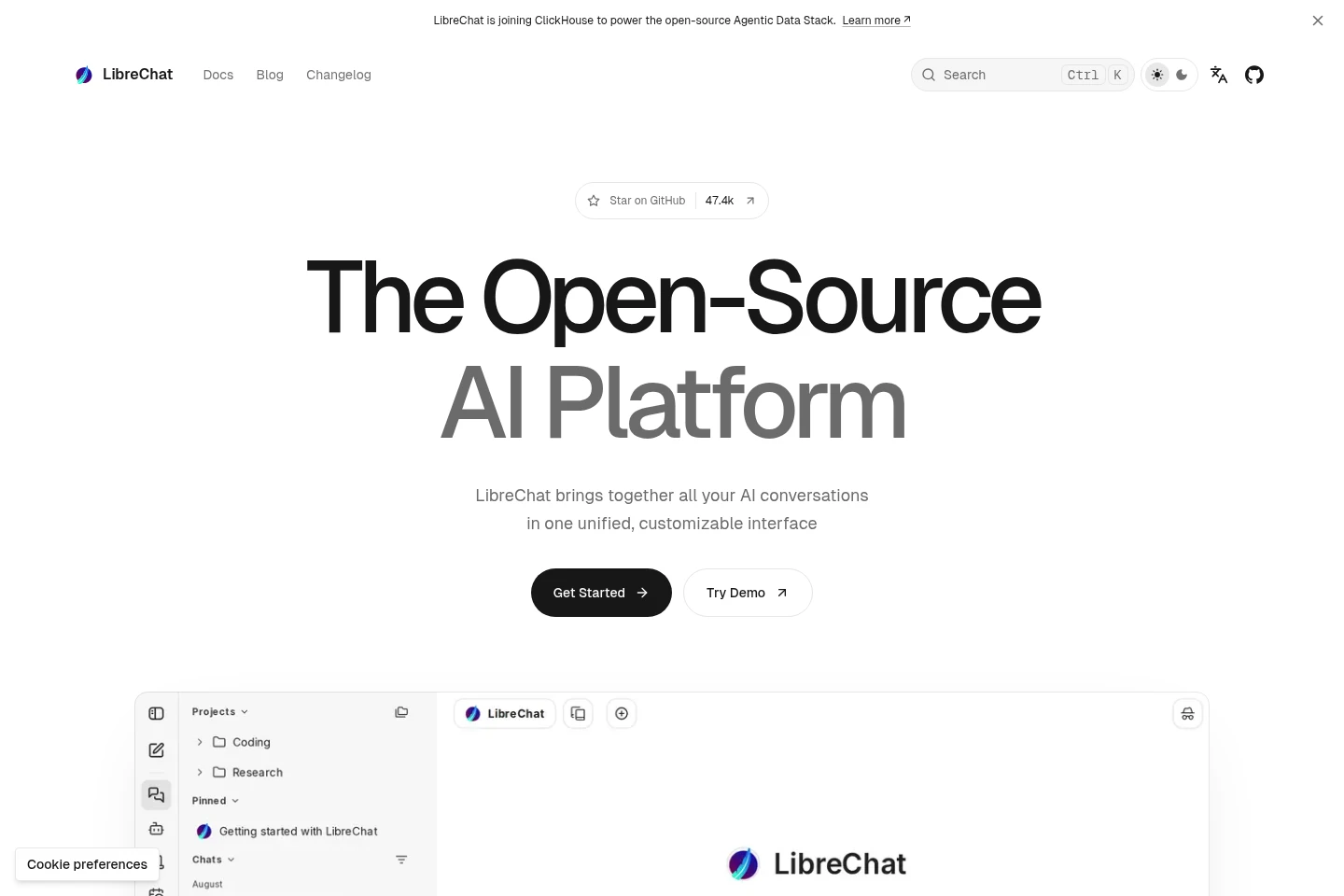
LibreChat is a free, open-source AI platform that brings conversations with multiple AI providers and local models into one customizable interface. Users can build agents with files and tools, connect MCP services, create interactive artifacts, and organize conversations into projects. It can be deployed on your own infrastructure.

Visit WebsiteUpdate this product

1Views

Capabilities

Multi-provider AI chat

Chat with models from multiple AI providers and local-model setups in one customizable interface. Configure providers such as OpenAI, Anthropic, Google, AWS Bedrock, Mistral AI, or Ollama; availability depends on the configured provider.

Custom AI agents

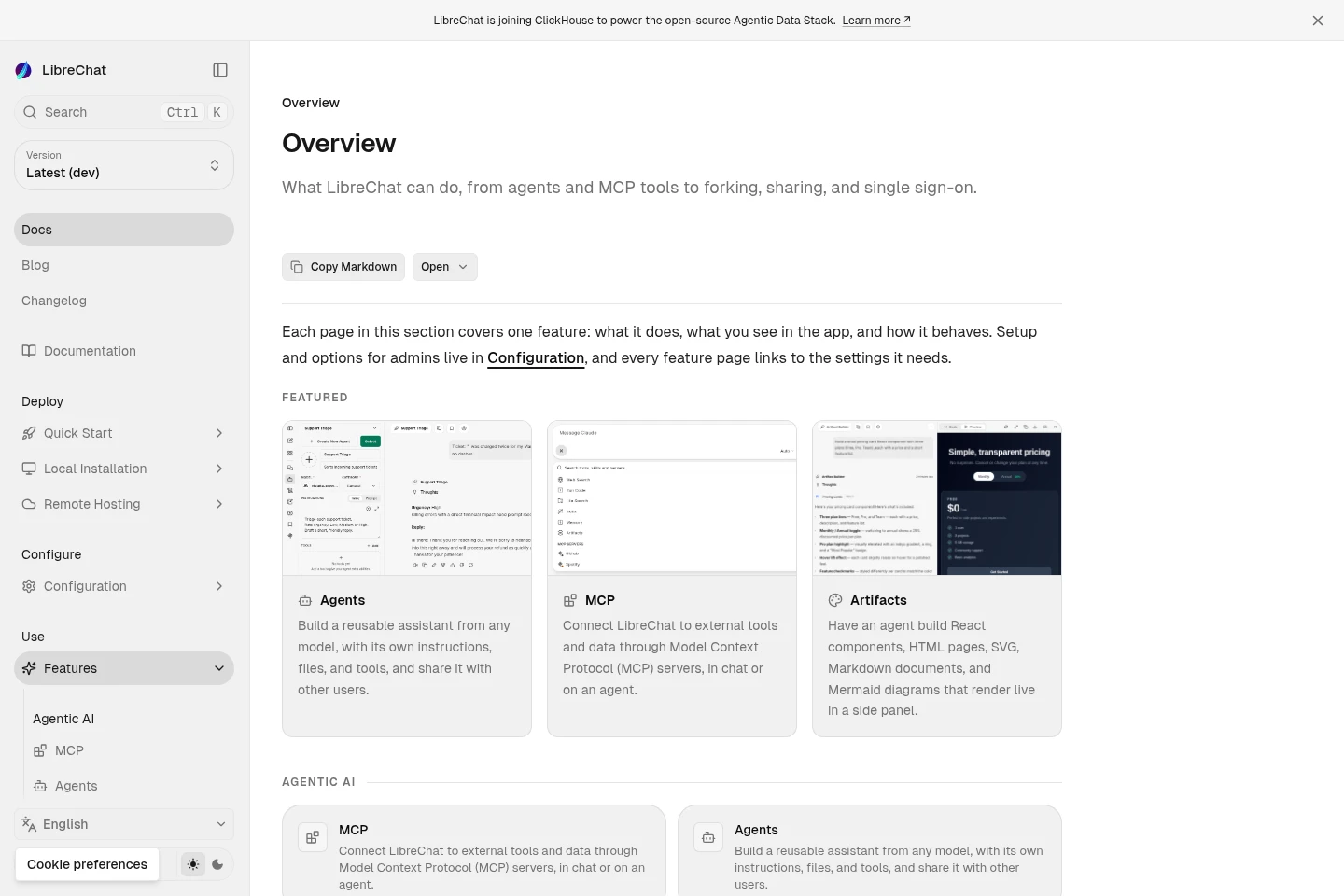
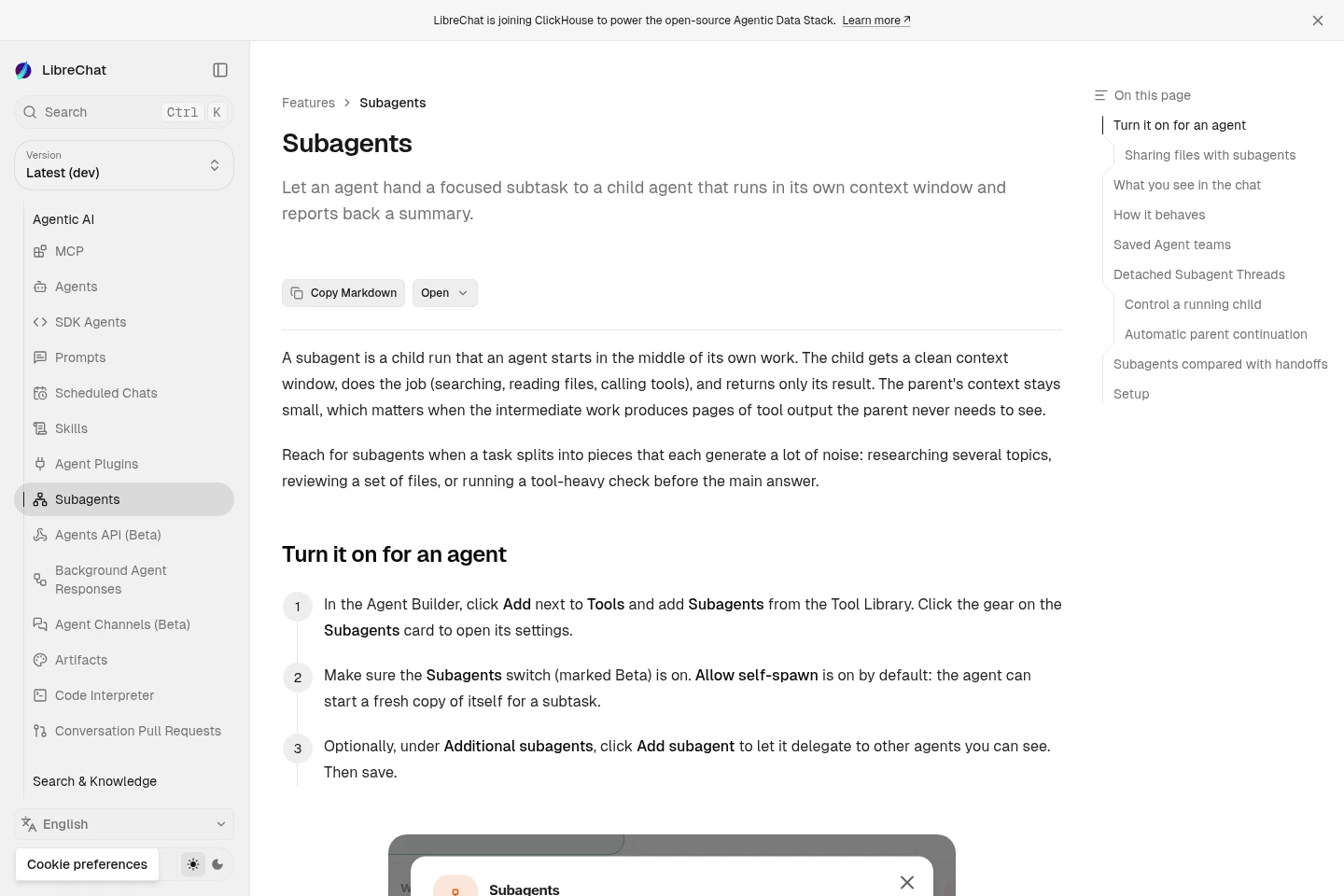
Build reusable agents that can work with files, tools, skills, and delegated subtasks. Configure instructions and resources in the Agent Builder, then use the agent for focused tasks.

MCP tool connections

Connect chats and agents to external tools and data through Model Context Protocol servers. Configure an MCP server to make its supported tools available in the relevant chat or agent.

Interactive artifacts

Turn conversations into interactive apps, diagrams, and documents. Agents can produce items such as React components, HTML pages, SVG, Markdown documents, and Mermaid diagrams for live rendering in a side panel.

Conversation organization

Organize related conversations in personal project workspaces and search message history. Create projects for related chats and use message search to find past messages or topics.


PricingFree

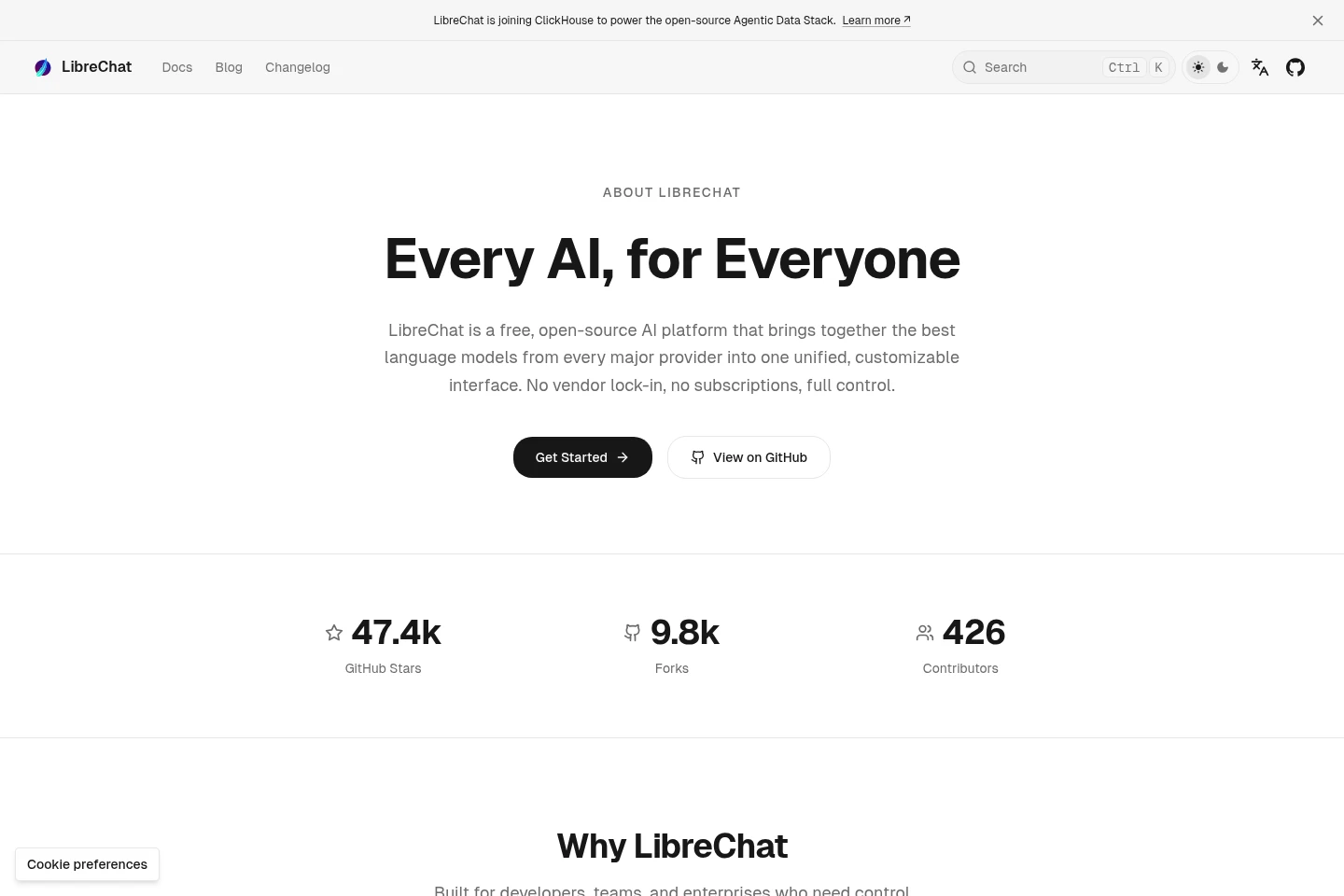
LibreChat is presented as free, open-source software rather than a paid subscription product. There are no official paid plan names or prices listed in the supplied pages.

Use cases

Use different AI provider models

When work calls for models from different providers or local models, use LibreChat as a shared chat interface. Configure the relevant provider and select its available model for a conversation.

Build agents for focused tasks

When a task needs reusable instructions, files, or tools, configure an agent in the Agent Builder. Agents can use those resources and, when set up, delegate focused subtasks to child agents.

Connect external tools to chats

When a conversation needs external tools or data, configure an MCP server and connect it to a chat or agent. Its supported tools can then be used in that context.

Organize and find conversations

When related work spans multiple conversations, keep those chats in a personal project workspace. Search message history to locate messages and topics across conversations.

Limitations

  • MCP tools are available only after an MCP server is configured and connected to a chat or agent.

  • Subagents are marked Beta and must be enabled in an agent's settings before that agent can use them.

Alternatives

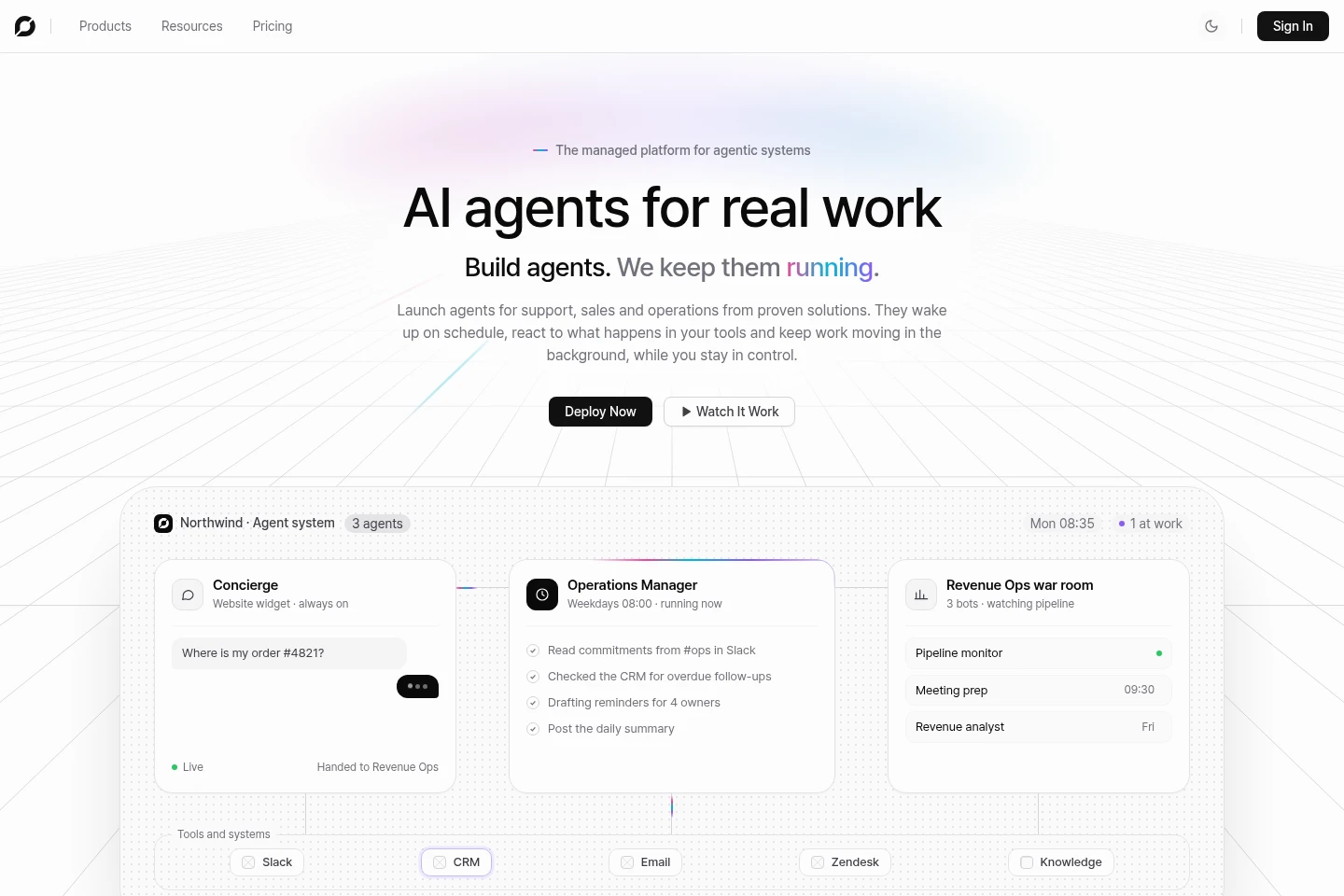
ChatBotKit

AI Platform for Building Autonomous Agents

ChatBotKit is a comprehensive AI platform for developers to build conversational chatbots and autonomous agents. Supporting GPT-4o, Claude, Mistral and custom LLMs, it features multi-agent MCP architecture, RAG pipelines, and seamless integration with Slack, Discord, WhatsApp, and more. Perfect for businesses of all sizes.

  • Freemium
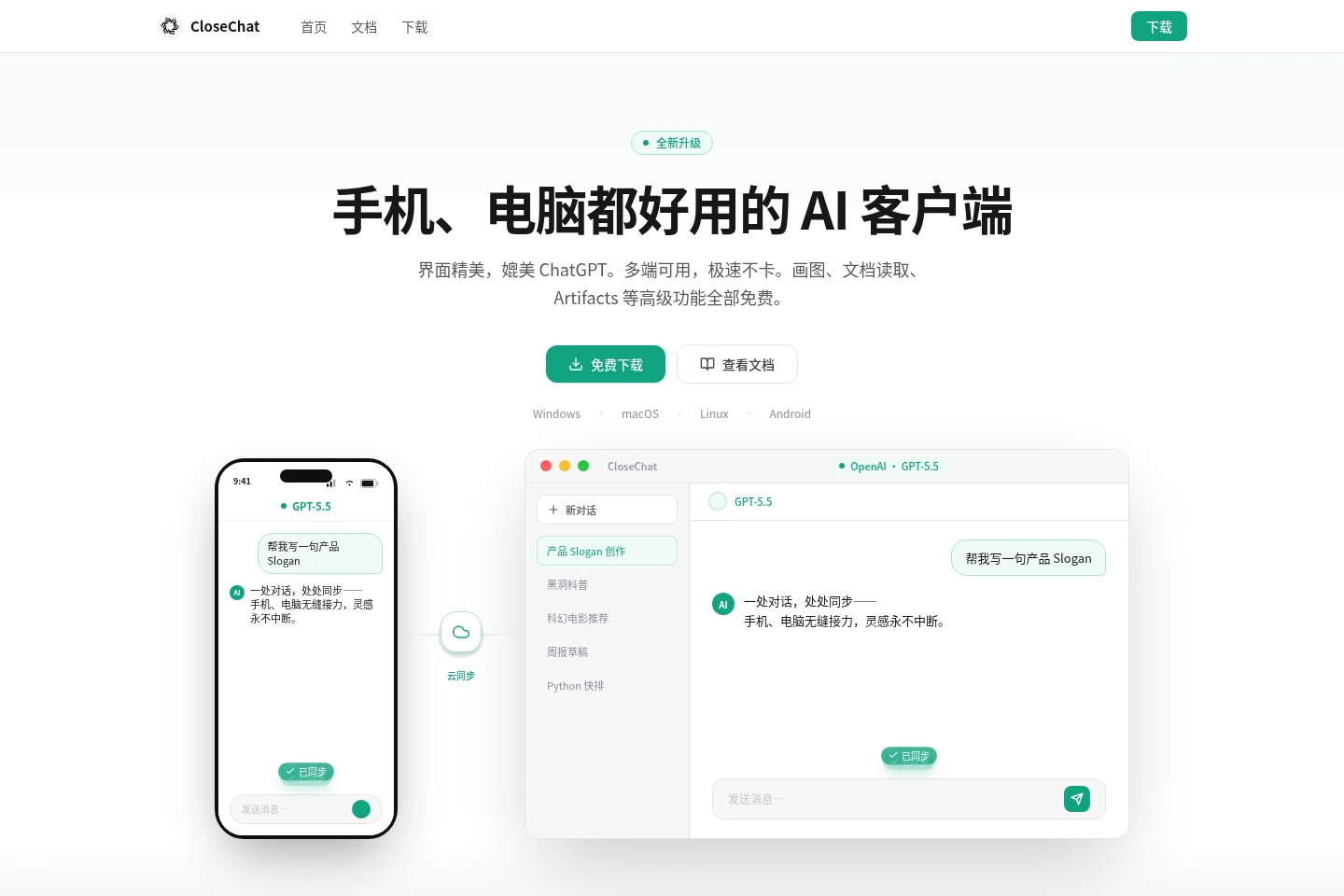
  1. CloseChat

    A cross-device AI chat client with model choice and built-in creative tools

    Free · Free; no price stated
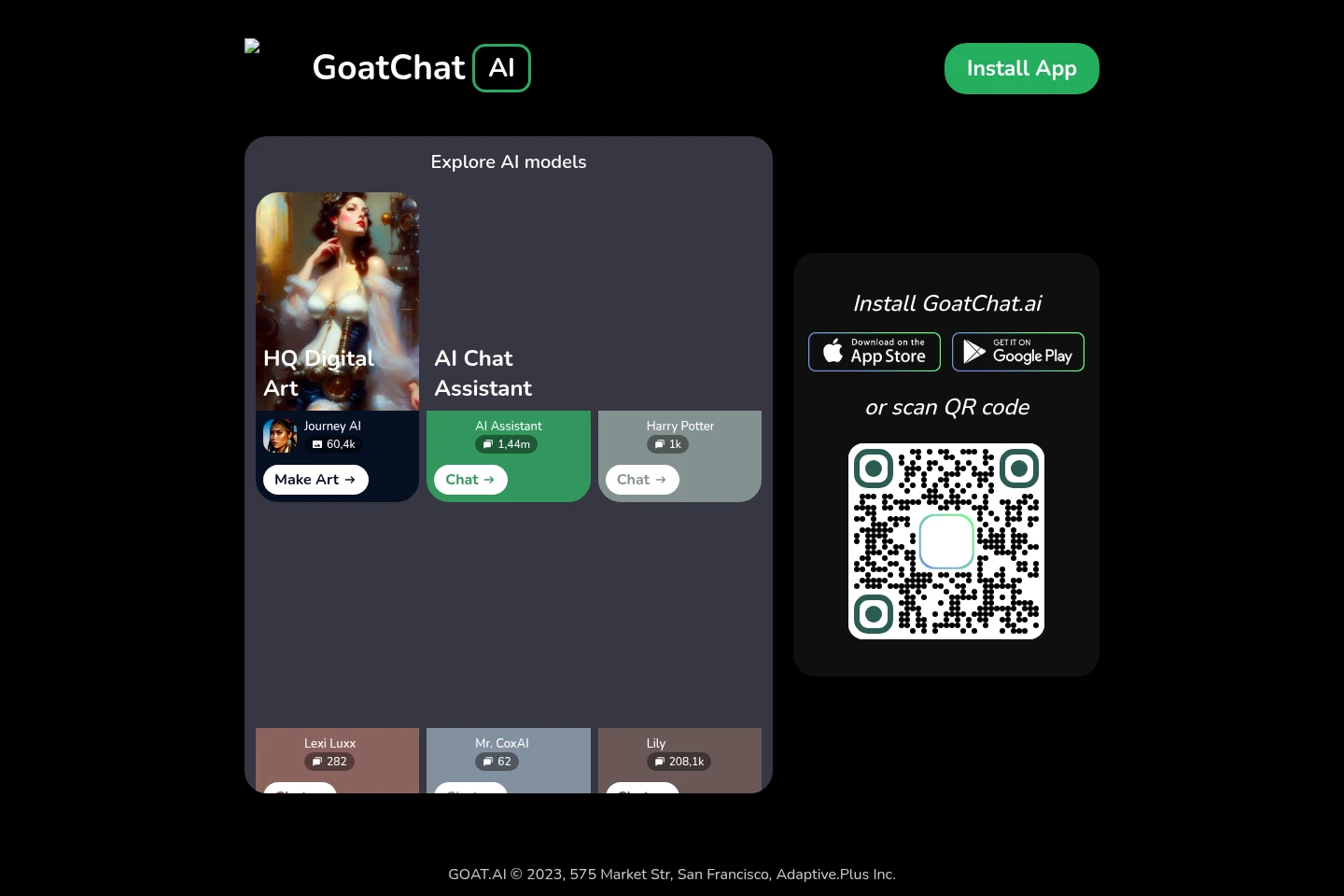
  2. GoatChat

    Communicate effortlessly with AI

    Paid
  3. YesChat AI

    All-in-one AI platform for chat image video and music creation

    Freemium
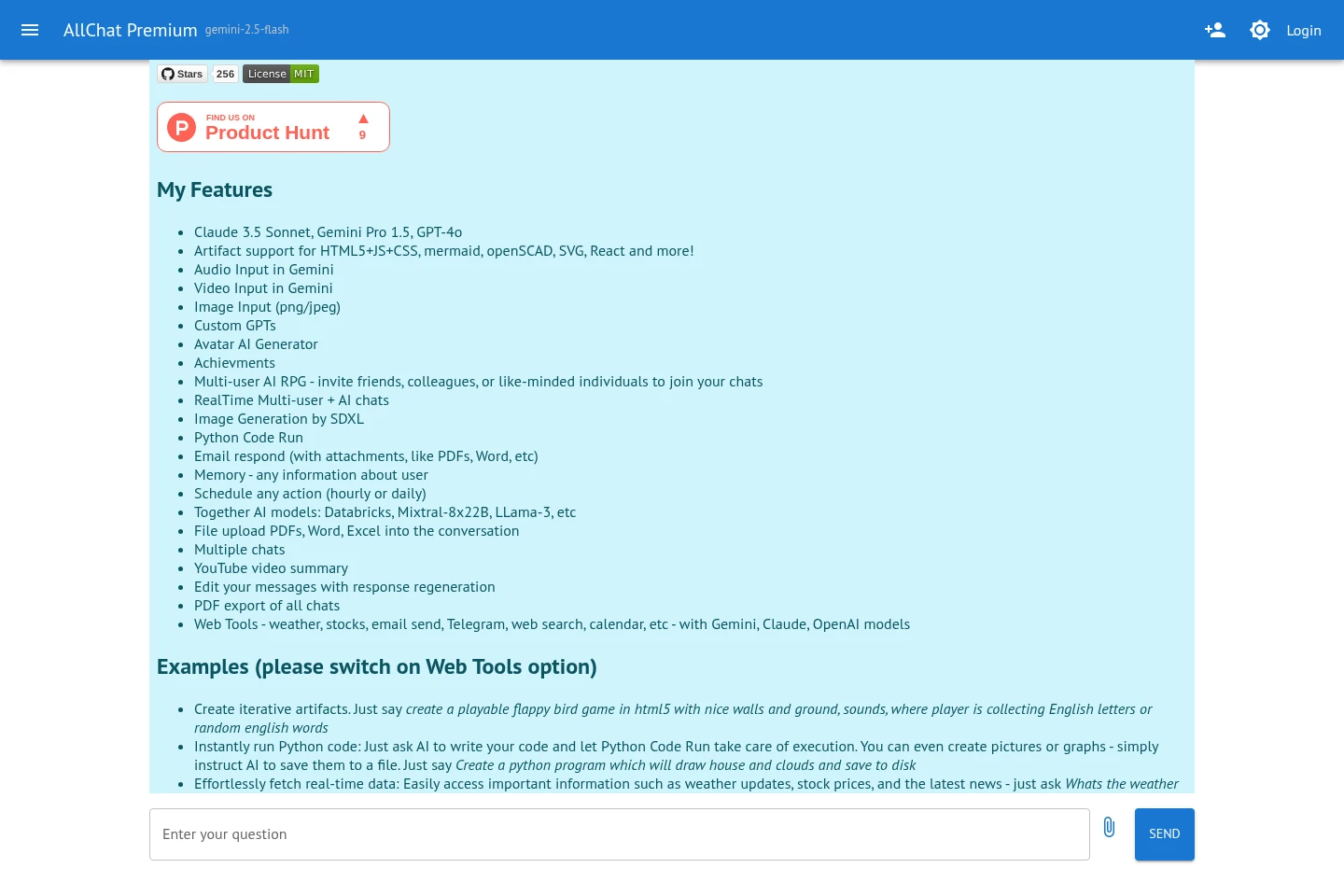
  4. AllChat

    One chat interface for AI models, files, tools, and scheduled tasks

    Contact Sales
  5. Alpaca Chat

    Chat with top AI models

    Free

Who it is for

  • Developers who need to configure AI providers, agents, and tools

  • Organizations that need a self-hosted AI chat interface with administrative controls

  • AI users who want conversations with multiple providers in one interface

FAQ

Does LibreChat require a subscription?

No. The About page describes LibreChat as free, open-source software with an MIT license and no subscriptions. Users may deploy it on their own infrastructure.

Can LibreChat use different AI providers?

Yes. It brings multiple providers and local models into one interface. The provider and models available depend on the configuration.

Can I deploy LibreChat on my own infrastructure?

Yes. The About page describes self-hosting on your own infrastructure, and the site links to local and remote installation documentation.

How do agents use external tools?

Agents can connect to external tools and data through MCP servers. Configure a server and make it available in a chat or agent; the server's supported tools determine what can be used.

Are subagents generally available?

Subagents are marked Beta in the documentation. They must be enabled in an agent's settings, and an agent can list up to 10 subagents by default.

Comments

Please sign in to leave a comment.
No comments yet. Be the first to share your thoughts!