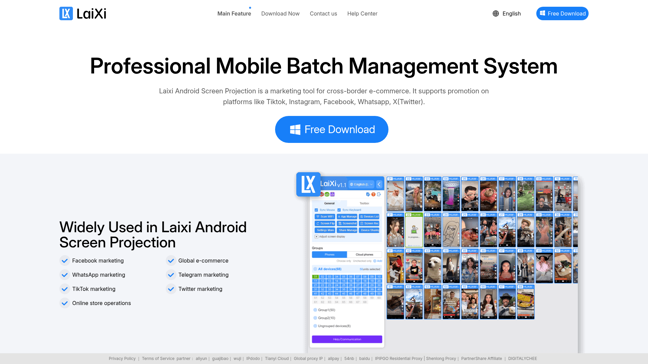
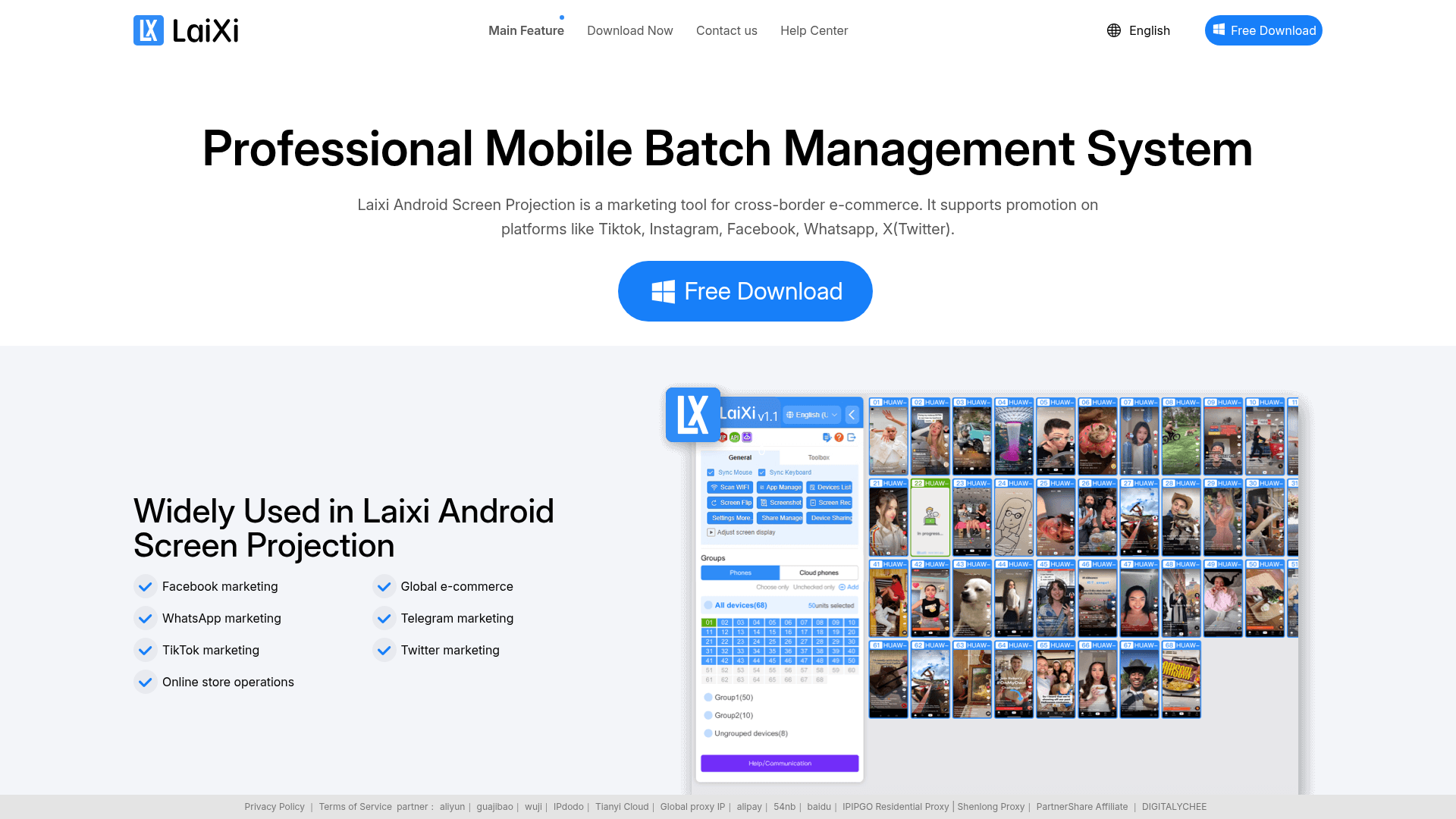
Managing hundreds of Android devices simultaneously has never been easier. With Laixi, streamline your operations and boost productivity through batch processing capabilities.
How It Works
Laixi operates on a robust framework designed to facilitate batch processing for Android device management. The core functionalities include:
- Batch Operations: Manage multiple devices concurrently without delay, aiming to enhance workflow efficiency.
- Custom Display Control: Adjust screen size and frame rate for each device, catering to real-time needs.
- Chat Management: Create response groups and easily manage common replies to streamline communications across various platforms.
- Automated Task Scheduling: Leverage Auto.js scripts for advanced task automation, allowing you to set schedules for various applications like Facebook and WhatsApp without manual input.
- Centralized Remote Control: Integrate devices across computers into one interface, enabling efficient resource sharing and management.
- High-Definition Transmission: Use UDP for high-quality, smooth control, eliminating latency and ensuring clarity during operation.
This combination of features supports complex tasks and maximizes efficiency for users managing large numbers of devices, ultimately providing a seamless operational experience.
Usage
Using Laixi is straightforward and user-friendly. Here’s how to get started:
- Download and Install: Head to the Laixi website and download the application. Follow the installation instructions to get it running on your computer.
- Connect Your Devices: Ensure that all Android devices you wish to manage are connected to the same network. Use the Laixi interface to detect and connect these devices.
- Customize Display Settings: Once connected, adjust the screen size and clarity settings for each device as per your requirements to ensure the best visual quality.
- Set Up Batch Tasks: Utilize Laixi’s batch operation feature to transfer files, install apps, or run system updates by selecting multiple devices and executing tasks in one go.
- Create Response Groups: Easily manage communication by creating groups for quick replies. Import or export common responses for use across platforms.
- Automate Tasks: For repetitive operations, set up scheduled tasks using Auto.js scripts to run batches efficiently without monitoring.
- Remote Management: If needed, integrate multiple computers for centralized device management, taking advantage of Laixi’s high-definition streaming capabilities to oversee operations remotely.
- Review and Optimize Performance: Monitor device performance and adjust configurations as necessary to ensure smooth operations and efficient resource use.
Corporate Training Sessions
Use Laixi to manage several Android devices simultaneously during training sessions, ensuring smooth and efficient training delivery.
App Testing for Developers
Developers can install multiple versions of an app across devices for simultaneous testing, speeding up the quality assurance process.
Educational Institutions
Schools can use Laixi to control and display the same content on multiple Android devices for enhanced learning experiences.
Manage devices displaying promotional content at events or trade shows simultaneously to ensure consistent messaging across all screens.
Customer Support Centers
Streamline response capabilities by managing multiple devices to handle various customer inquiries across platforms.
Remote Team Management
Facilitate centralized control of devices across team members working remotely, ensuring smooth operation and effective communication.
Features
- Batch Operations: Manage hundreds of Android devices without lag and in real-time.
- Custom Display Settings: Adjust screen sizes and clarity for optimal viewing experience.
- Chat Management: Create response groups for streamlined communication across platforms.
- Automated Task Scheduling: Utilize Auto.js for automated batch tasks on social media platforms.
- Centralized Remote Control: Control multiple computer-connected devices from one interface.
- High-Definition Transmission: Utilize UDP for high-quality and lag-free device management.
FAQ
- What can Laixi do for batch operations?
Laixi allows you to manage hundreds of Android devices simultaneously, facilitating file transfers, app installations, and system updates with ease.
- How does Laixi ensure device clarity and frame rates?
Laixi provides customizable display settings, enabling users to adjust screen size and clarity according to their specific needs.
- Can I automate tasks using Laixi?
Yes, Laixi supports Auto.js scripts for scheduling and automating tasks across various platforms.
- What are the advantages of using Laixi for team management?
Laixi allows centralized control of multiple devices, improving resource utilization and team communication.
- Is high-definition transmission possible with Laixi?
Absolutely, Laixi utilizes UDP transmission to provide high-definition quality and smooth control over devices.
- What platforms are compatible with Laixi's task automation?
Laixi can automate tasks across major platforms like Facebook, WhatsApp, Instagram, and many others.
- Can Laixi help in managing device resources efficiently?
Yes, Laixi integrates devices across multiple computers, ensuring efficient sharing and management of resources.
- Are there any free or trial plans available for Laixi?
Currently, Laixi does not offer free or trial plans, but it provides comprehensive features to enhance productivity for users.





Comments