Monthly visits
72,668
2026-10
Monthly growth +1,403.6%

Kooko - An AI work assistant for creative and everyday tasks

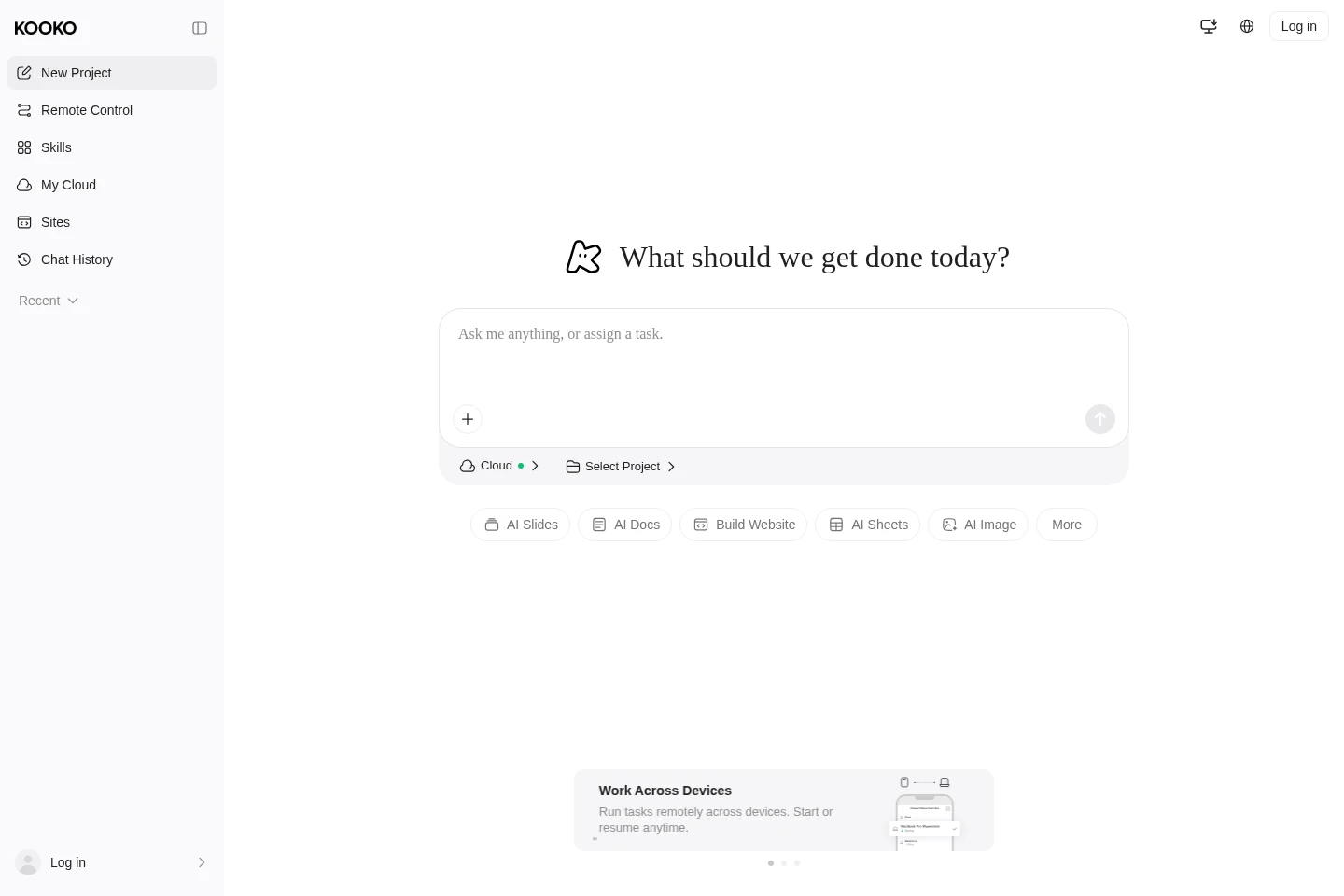
Kooko is an AI work assistant with a web workspace for starting projects, chatting, and assigning tasks. It offers tools for AI slides, documents, spreadsheets, website building, and image creation. Users can upload files, use ready-to-use skills, and access projects remotely across devices. A desktop app is described for working with local files and projects.

Visit WebsiteUpdate this product

0Views

Capabilities

AI work assistant

Start projects, ask questions, and assign tasks through a web workspace. Users can also upload files and select a project for their work.

AI image tools

Create images from a text description or an uploaded photo, with GPT Image 2.0 shown as an available model. The image page lists tools including image upscaling, background removal, and logo creation.

Creative and productivity projects

Open dedicated project types for AI Slides, AI Docs, AI Sheets, and website building. These project choices are available from the workspace.

Skills and local projects

Extend work with ready-to-use skills and use the desktop app for local files and projects. Skills are described for research, creation, and other tasks.

Remote work across devices

Run tasks remotely across devices and start or resume them later. The homepage presents this as a way to continue work across devices.

Pricing

Pricing and billing arrangements are not specified in the supplied pages, so there are no plans to compare here.

Use cases

Generate an image from a prompt or photo

When a user needs a generated visual, they can describe an image or upload a photo in the AI Image workspace. The page shows GPT Image 2.0, a 1:1 aspect ratio, 1K output, and a cost of 3 Credits for the shown configuration.

Start an AI productivity project

When preparing presentation, document, spreadsheet, or website work, users can choose the corresponding project type from the workspace. Kooko provides a dedicated project entry for each listed task.

Continue tasks across devices

When work needs to continue away from the current device, users can run tasks remotely and start or resume them across devices. The homepage describes this cross-device workflow.

Limitations

  • The AI Image page shows a 1:1 aspect ratio, 1K output, and a cost of 3 Credits for its displayed GPT Image 2.0 configuration.

Alternatives

Coot

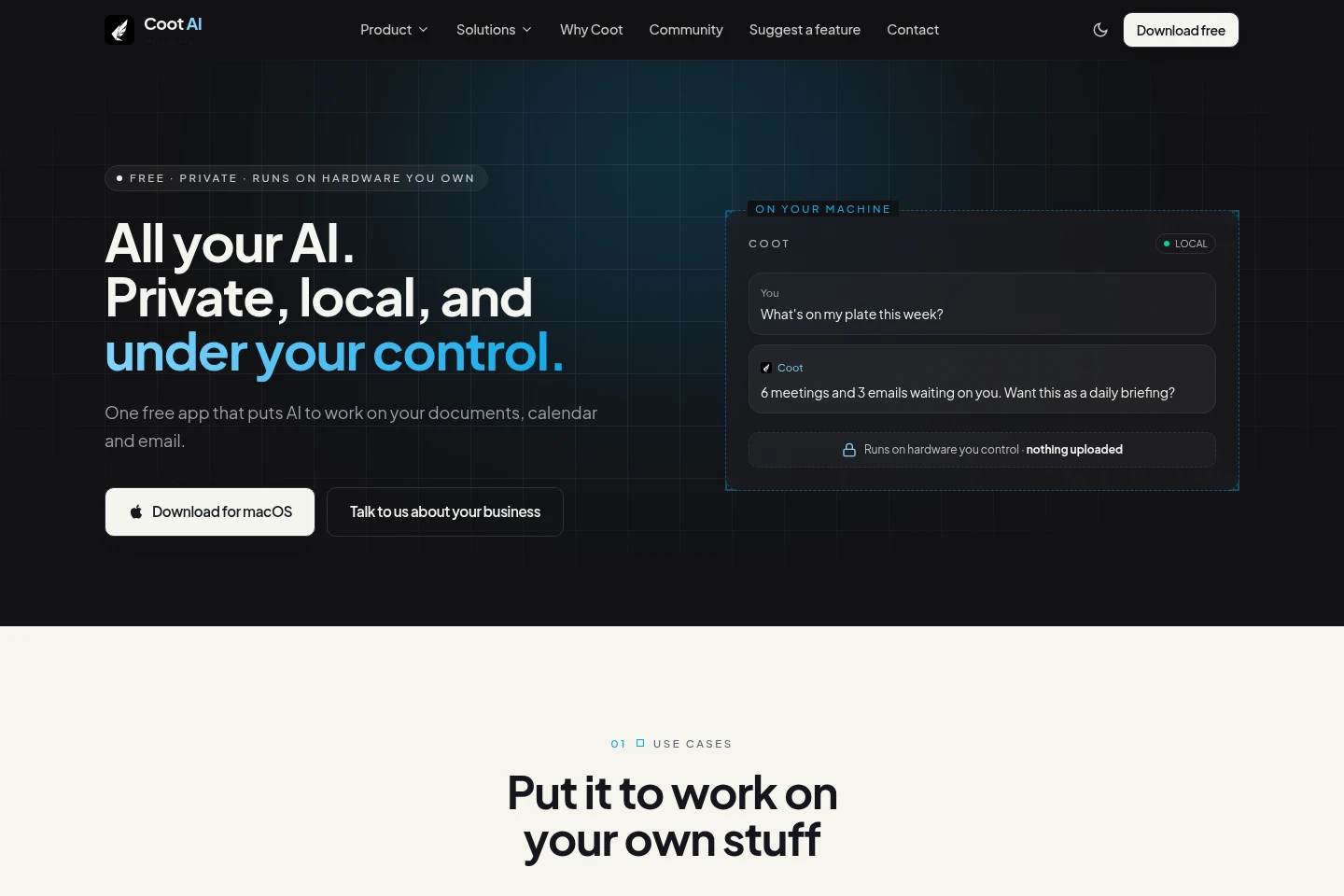
Private AI for your documents, calendar, and email

Coot is a free app for using AI with documents, calendars, email, and connected services on hardware you control. It can run local models, search and answer questions about your data, automate scheduled workflows, and coordinate multi-step tasks. Optional cloud models are available, and only requests sent to them leave your control.

  • Self-hosted
  • Free
  • FreeFree to download and use

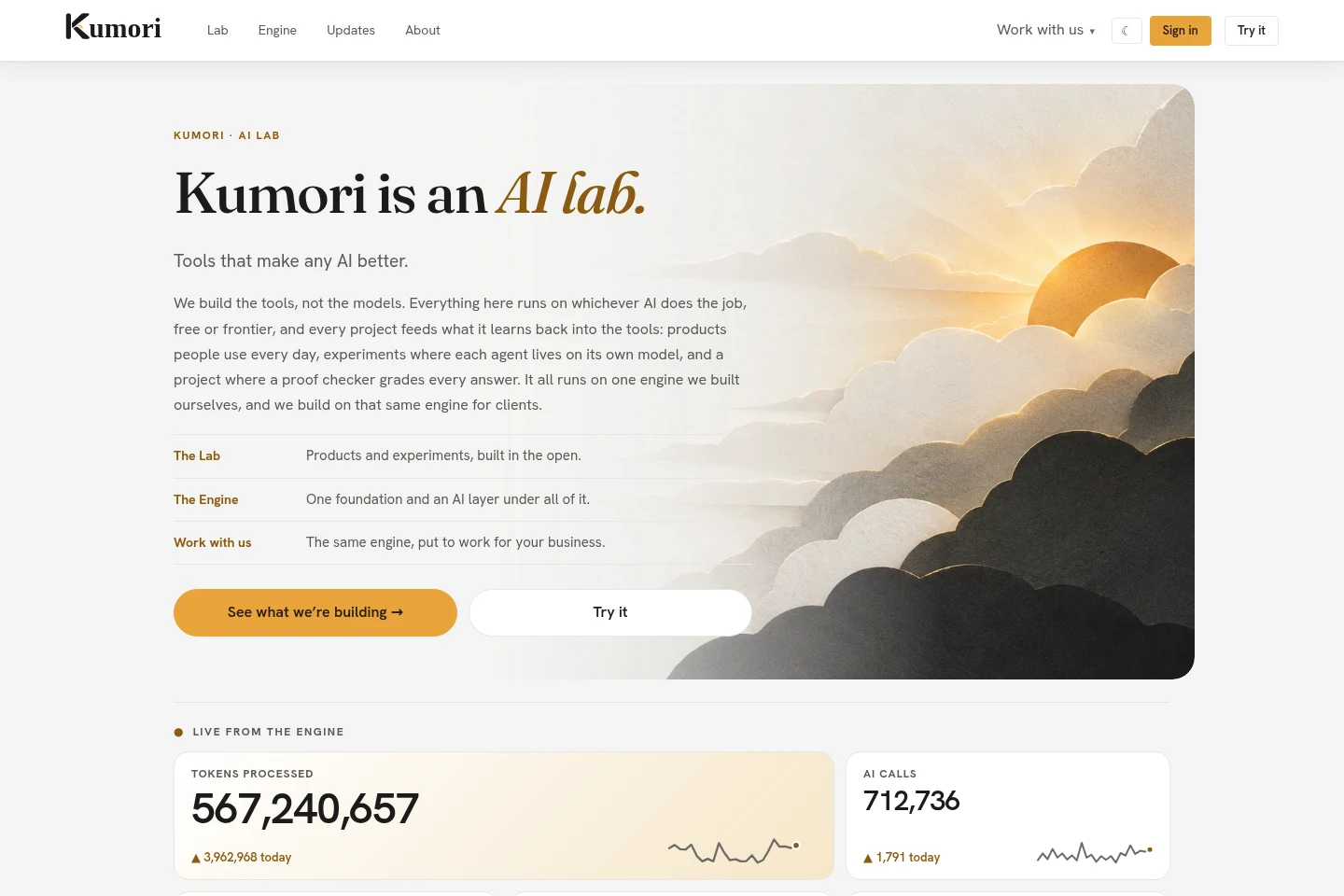
  1. Kumori

    An AI lab building tools on its own shared engine

    Contact Sales
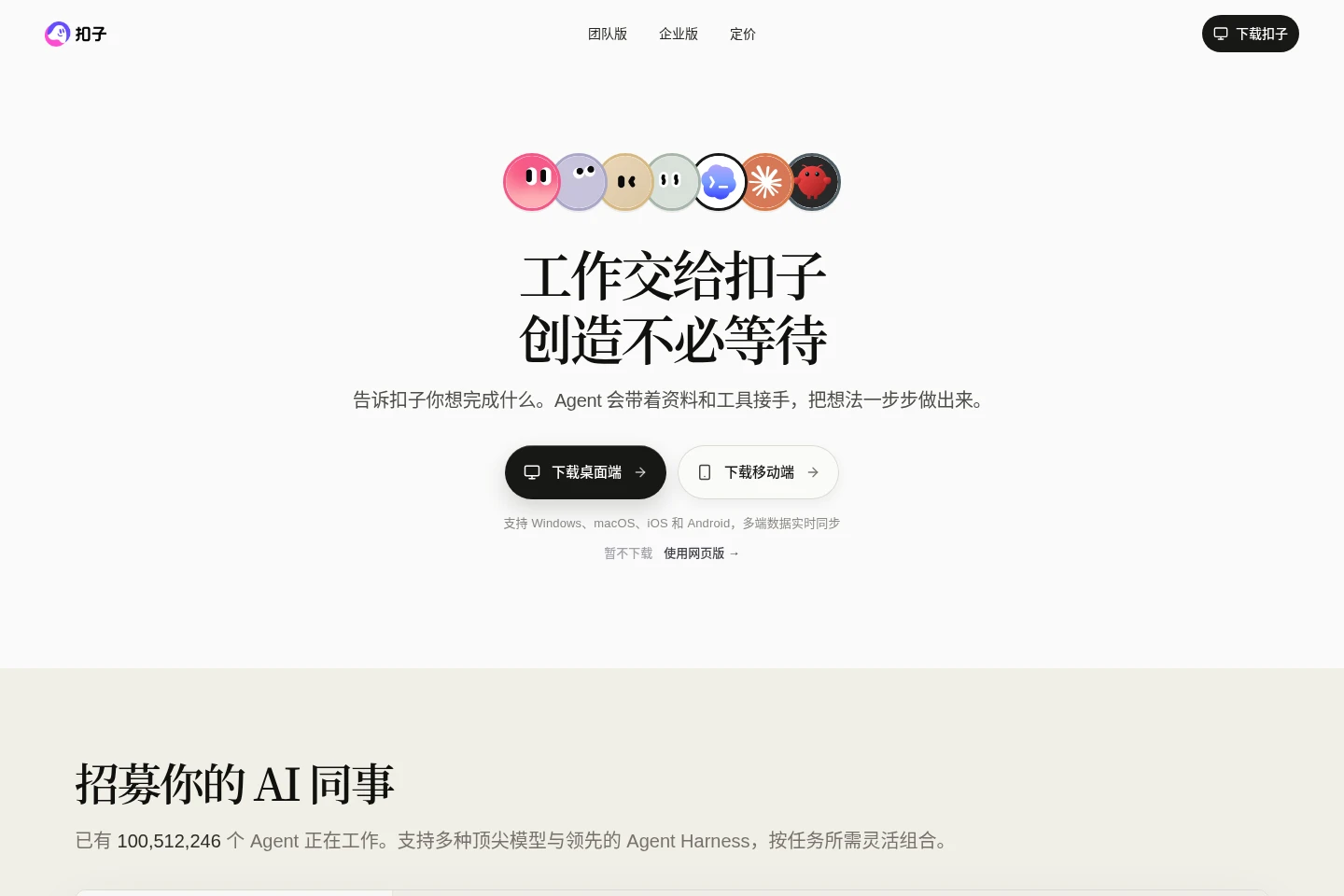
  2. 扣子 Coze

    AI agents that take work from instructions to deliverables

    Free
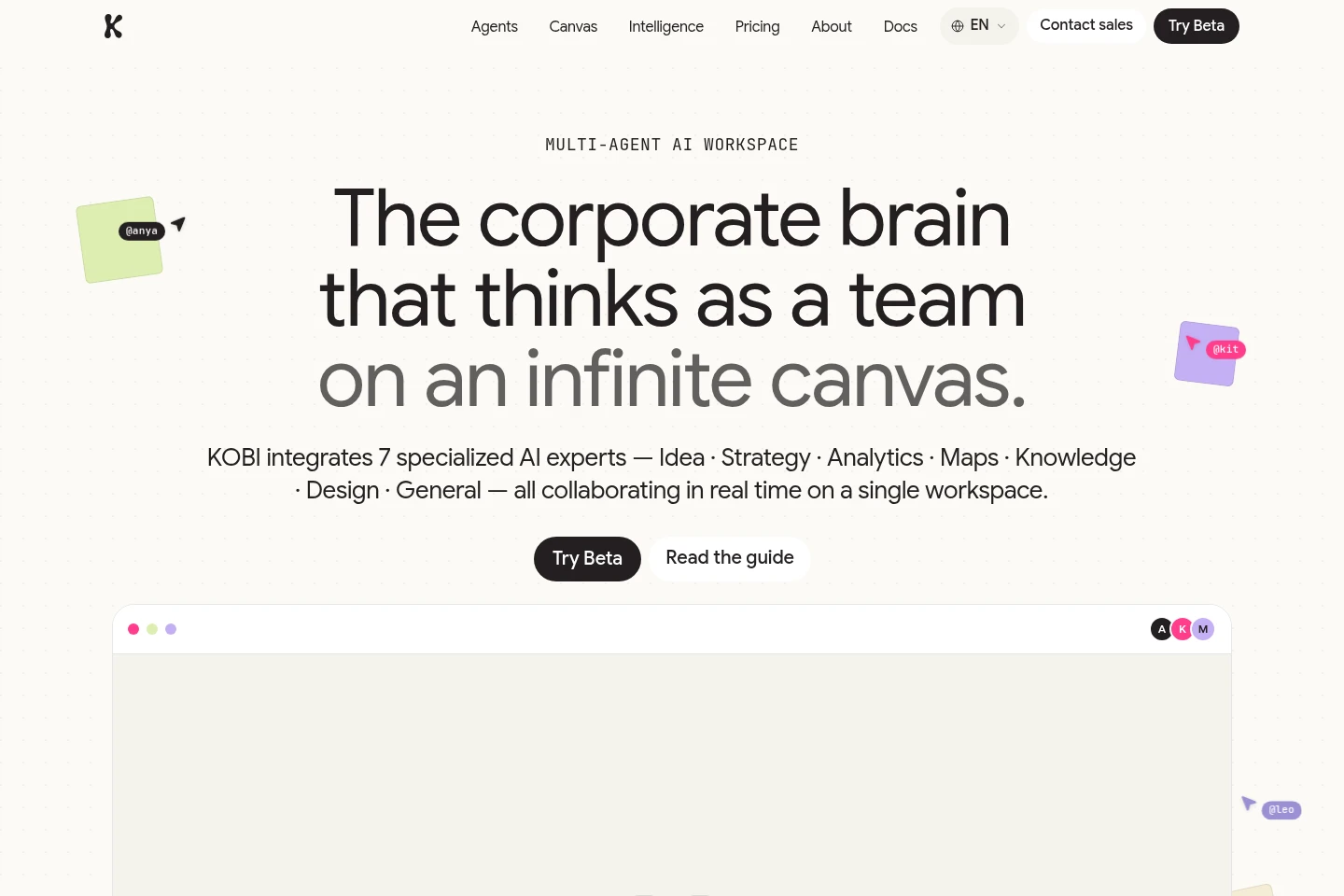
  3. KOBI AI

    Seven AI agents collaborate on a shared, real-time canvas

    Free · $0, free forever
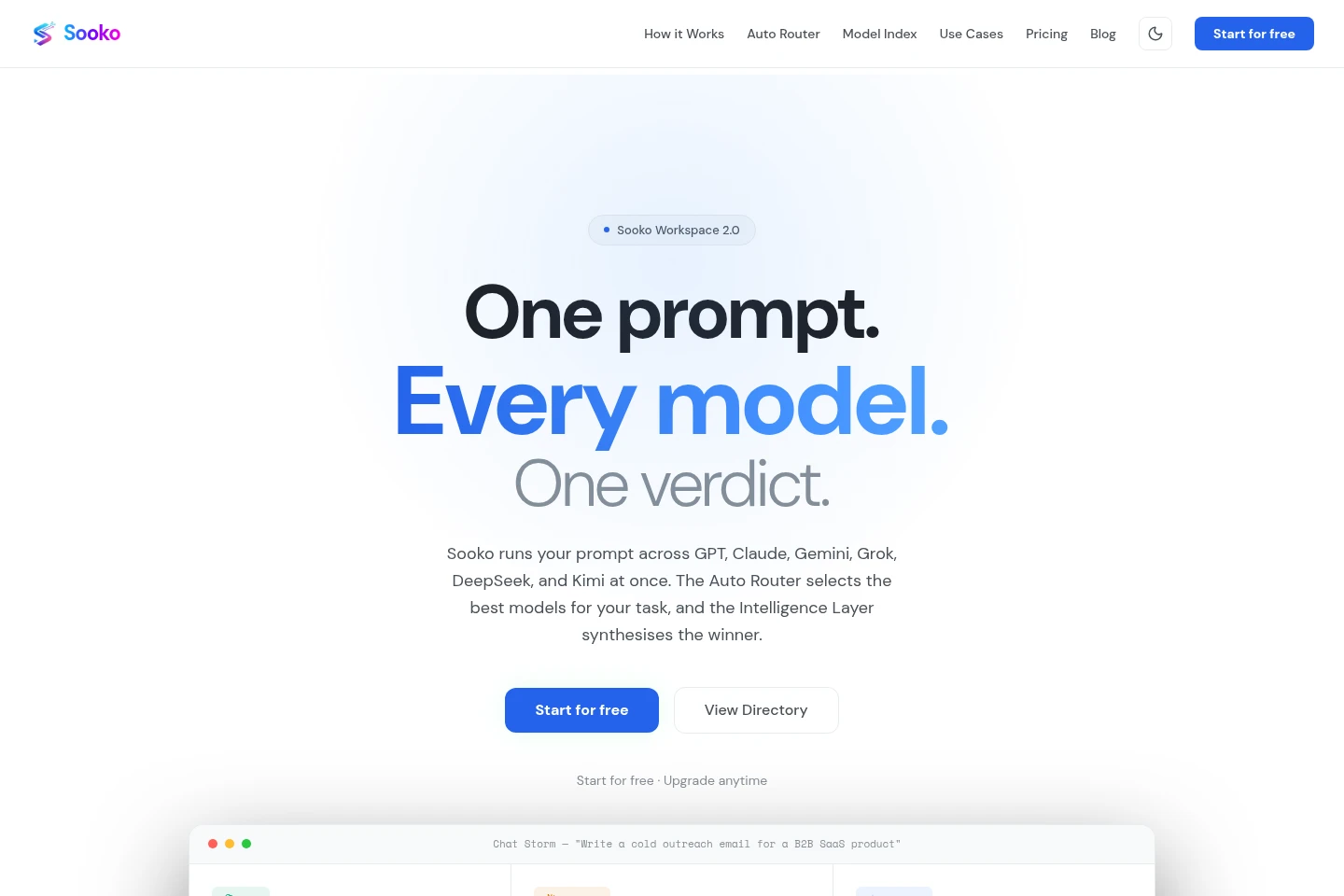
  4. Sooko.ai

    Compare AI models and build a workflow in one workspace

    Free · $0 forever
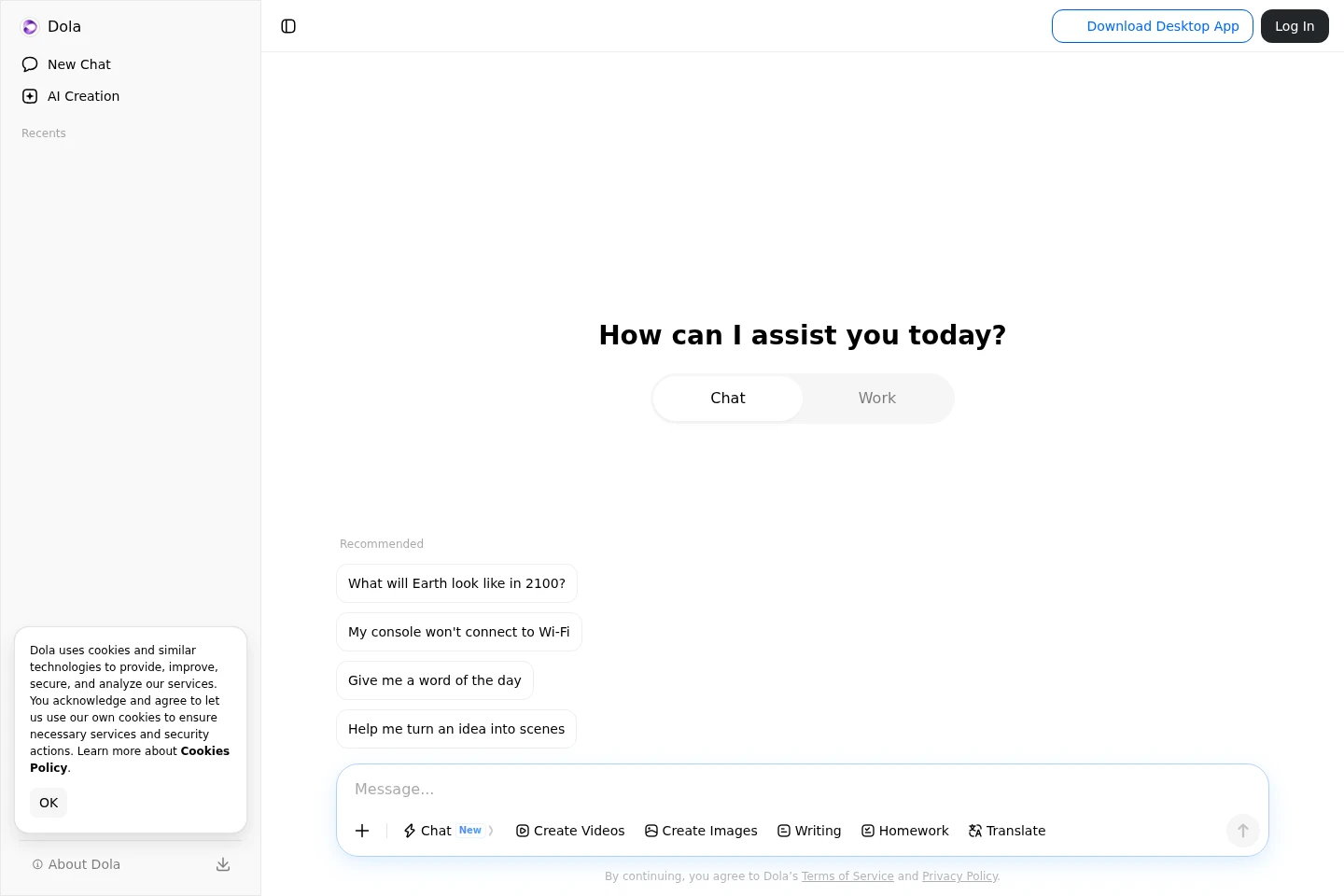
  5. Dola

    AI chat for writing, translation, programming, and creative tasks

    Contact Sales

Who it is for

  • People who want an AI assistant for mixed work and creative tasks

  • Users creating images from text prompts or uploaded photos

  • People who want to work with local files through a desktop app

FAQ

What can I do with Kooko?

Kooko offers an AI work assistant workspace for projects and tasks, with project types for AI Slides, AI Docs, AI Sheets, website building, and AI Image.

Can I create images with a text prompt or photo?

Yes. The AI Image page lets users describe an image or upload a photo. It shows GPT Image 2.0 and a displayed configuration of 1:1, 1K, and 3 Credits.

Does Kooko support local files?

The homepage says the desktop app can be used to work with local files and projects. It does not specify supported desktop operating systems in the supplied pages.

Can I continue a task on another device?

The homepage describes running tasks remotely across devices and starting or resuming work later.

Comments

Please sign in to leave a comment.
No comments yet. Be the first to share your thoughts!