Monthly visits
3,323
2026-10
Monthly growth -64.8%

Invoice Butler - Automate accounts receivable follow-up and invoice conversations

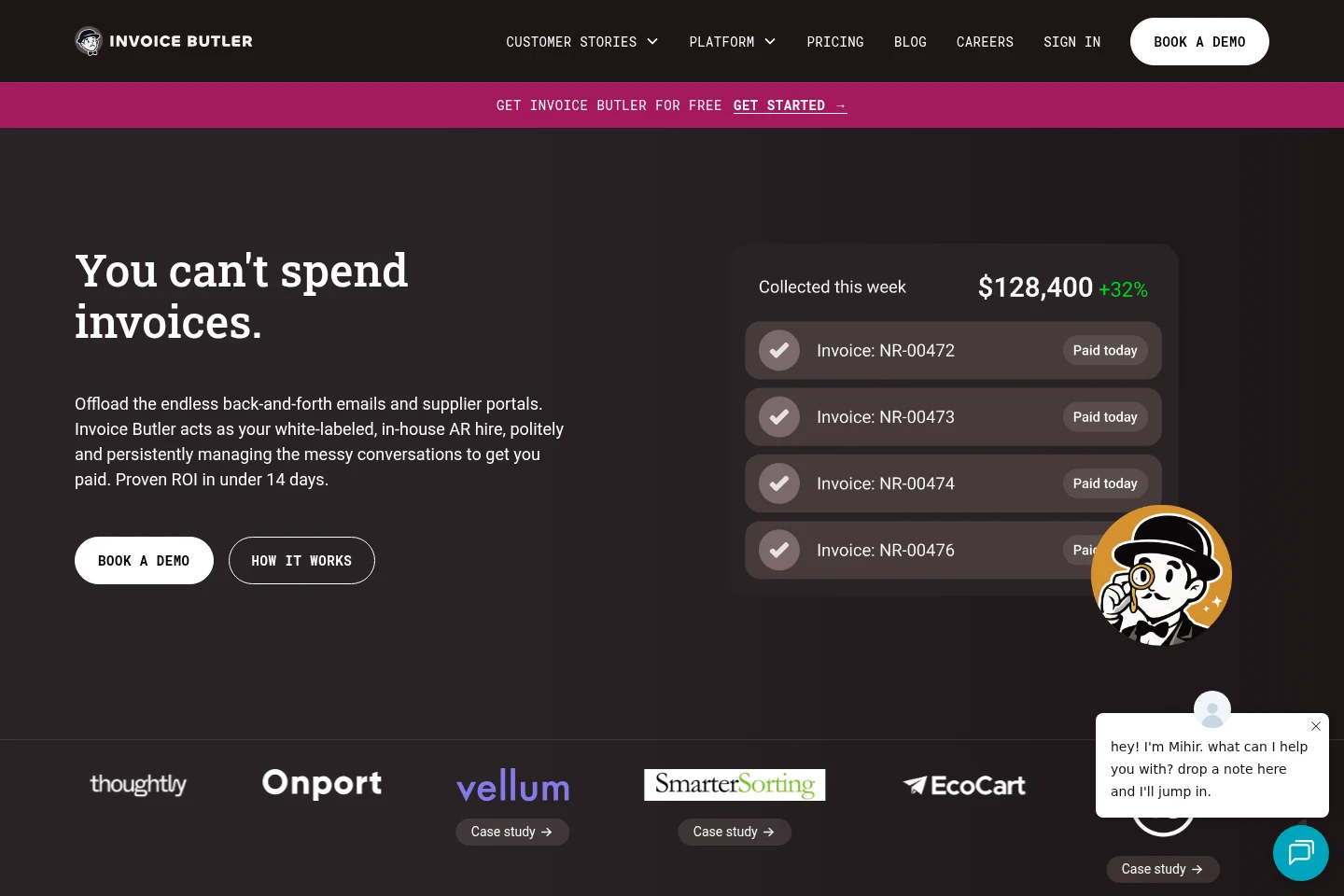
Invoice Butler helps businesses manage accounts receivable through invoice tracking, scheduled follow-up emails, payment-failure retries, and collections workflows. Its Free plan includes an AR control center and reporting; the custom Enterprise plan adds supplier-portal handling, inbox management, calls and texts, and human review of sensitive cases.

Visit WebsiteUpdate this product

0Views

Capabilities

Accounts receivable tracking

View open invoices, balances, and collection activity in an AR control center. Invoice data can be loaded from multiple invoicing systems without changing the underlying source ledgers.

Scheduled invoice follow-ups

Send customizable, professionally worded follow-up emails on a schedule. The Free plan includes timed follow-ups, while broader collection outreach is described as part of Enterprise services.

Payment failure handling

Detect expired cards and bounced payments and retry them automatically. The pricing page lists payment-failure handling in Free.

Supplier portal management

Submit invoices, complete portal forms, monitor approvals, and handle rejections in customer procurement systems. Enterprise includes this service for portals such as Coupa and Ariba.

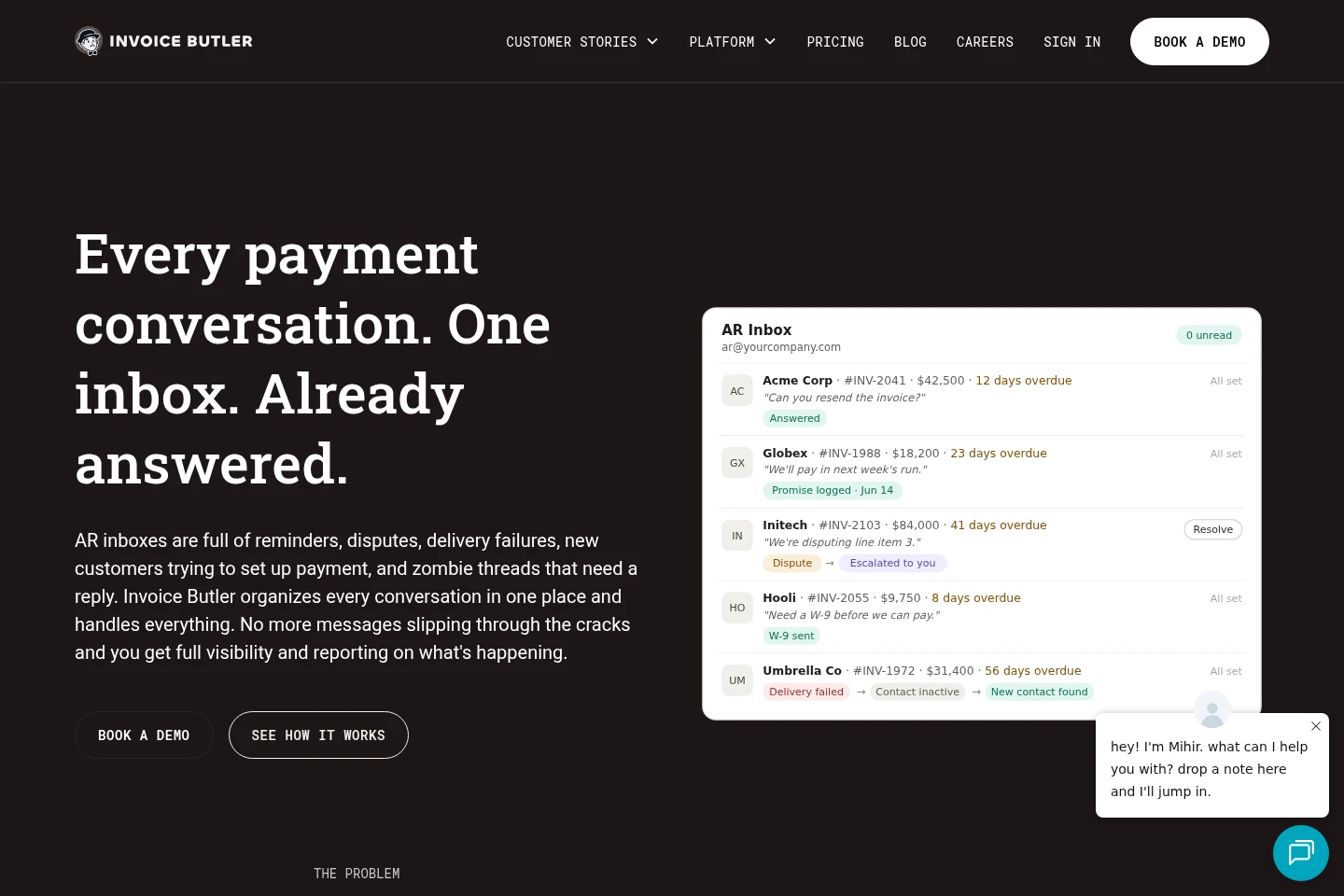
Accounts receivable inbox management

Organize payment conversations and connect messages to invoices and accounts. Enterprise inbox handling can route replies, disputes, and delivery failures, with sensitive or escalated cases reviewed by people.


PricingFreemium

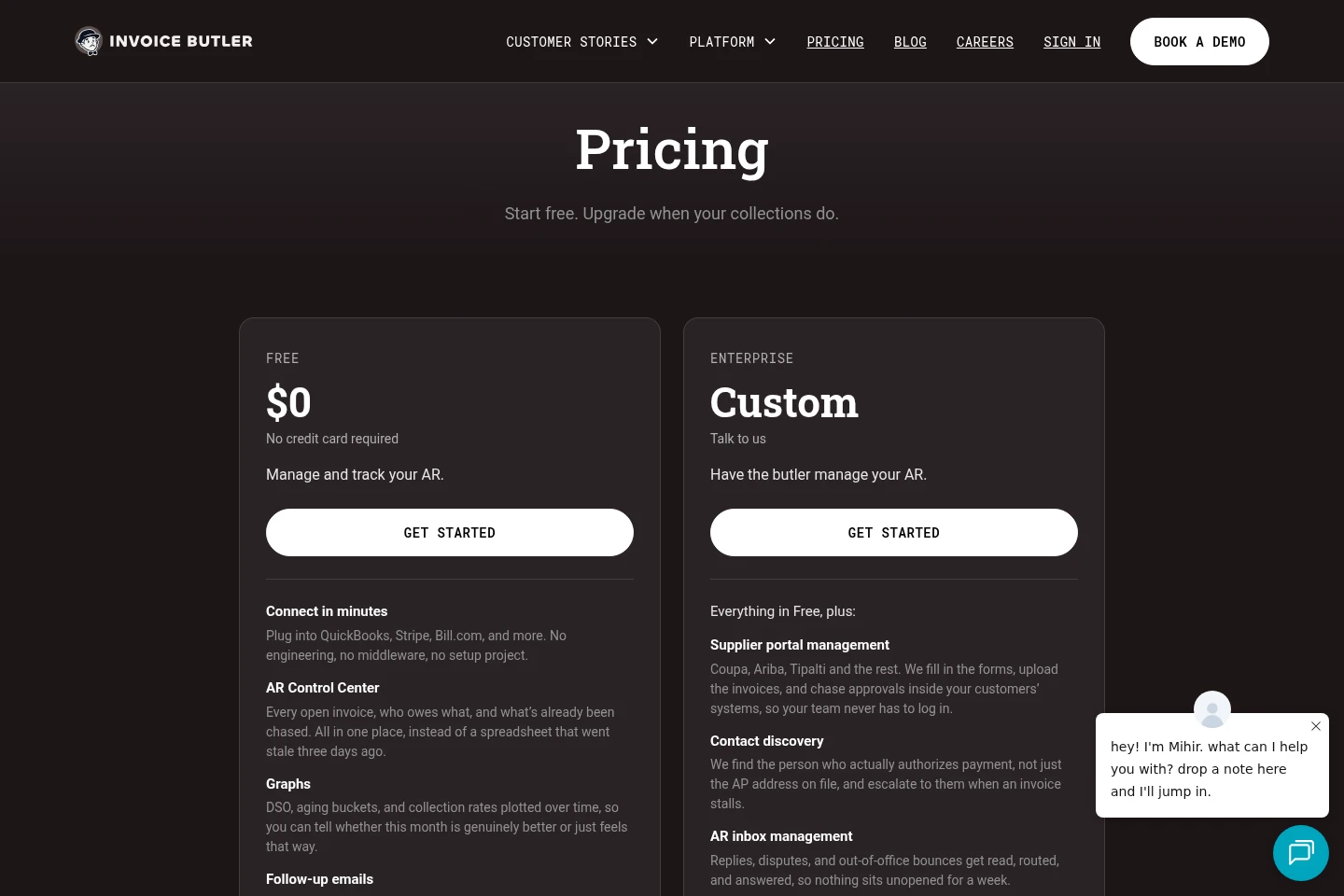
Invoice Butler offers a free plan and a custom-priced Enterprise plan with an annual contract paid in advance. Compare included AR tracking and follow-ups with the additional managed collections and portal services in Enterprise.

PlanPriceIncluded features and limits
Free

$0; no credit card required

  • AR control center for open invoices and collection status

  • Graphs for DSO, aging buckets, and collection rates

  • Timed, customizable follow-up emails

  • Automatic retries for expired cards and bounced payments

  • Email support

Enterprise

Custom pricing; annual contract, paid in advance

  • Pricing is based on AR volume and complexity

  • Includes everything in Free

  • Supplier portal management, including invoice submission and approval follow-up

  • AR inbox management, calls, and texts

  • Human review for disputes and escalations

  • Dedicated support and banking verification

Use cases

Monitor open invoices and collection activity

When finance staff need a current view of receivables, they can use the AR control center to see open invoices, amounts owed, and follow-up status. Graphs also display DSO, aging buckets, and collection rates over time.

Send scheduled invoice reminders

When a business wants to follow up on unpaid invoices, it can configure timed, customizable emails that are sent on a schedule. The Free plan lists follow-up emails among its features.

Handle customer payment conversations

When replies, disputes, or payment commitments arrive across channels, the AR inbox brings conversations together and links them to invoices and accounts. Enterprise includes inbox management and human handling for judgment calls.

Submit invoices through supplier portals

When a customer requires invoices through a procurement portal, Enterprise can manage onboarding, invoice submissions, approval monitoring, and resubmission after rejections. The page names Coupa, Ariba, and Tipalti as examples.

Limitations

  • The Enterprise plan uses custom pricing based on accounts receivable volume and complexity, and requires an annual contract paid in advance.

  • The pricing page says cancellation is available anytime in the first 90 days; it does not state cancellation terms after that period.

  • Deleted data is fully purged from the system within 30 days, subject to the stated backup and retention windows.

Alternatives

Claro Flow

Automated invoice follow-ups across WhatsApp and email

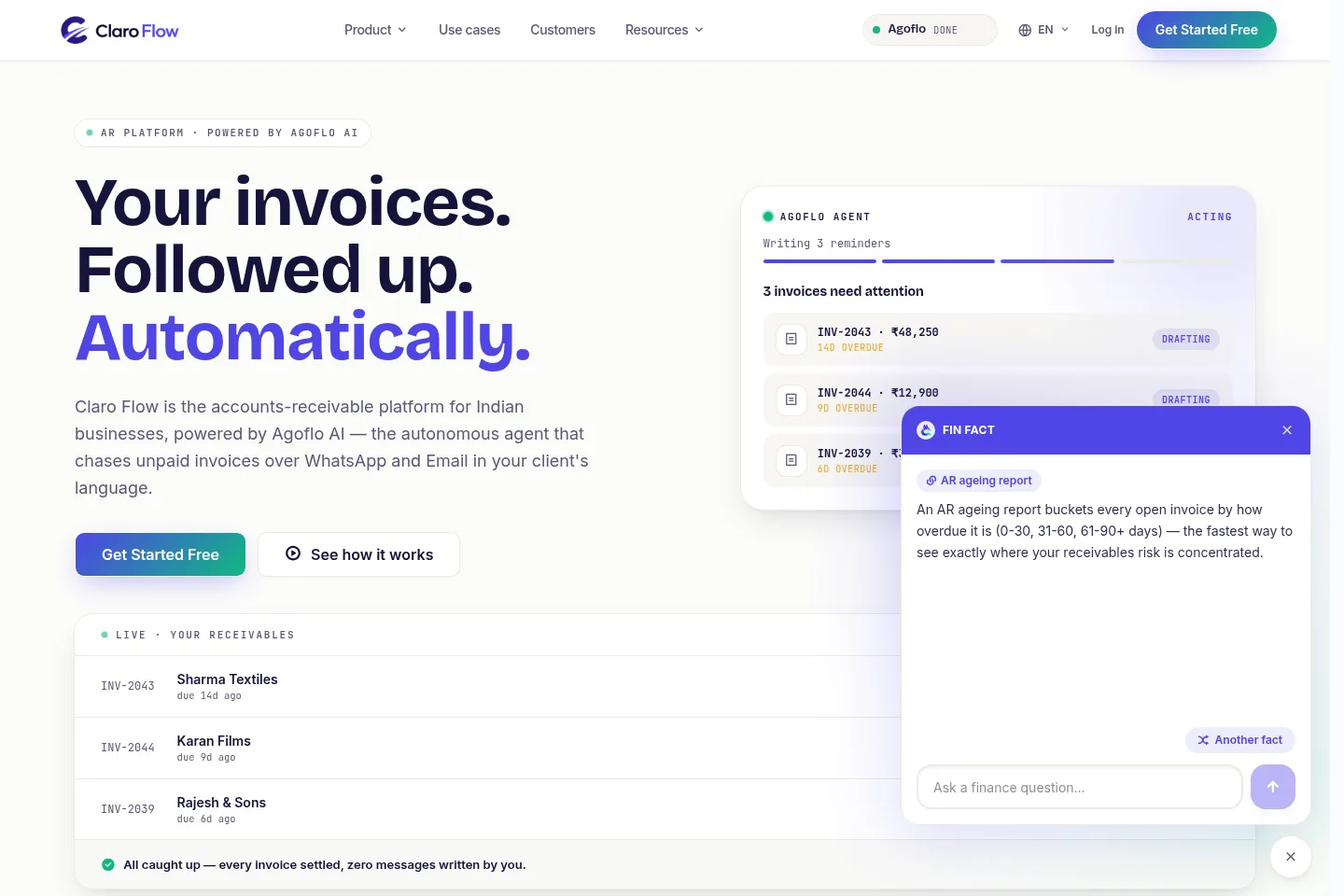
Claro Flow is an accounts-receivable platform for Indian businesses. It syncs invoices from QuickBooks, Zoho Books, or Tally Prime, then schedules AI-written payment reminders over WhatsApp and email. It can match bank credits to open invoices, pause follow-ups when customers respond, and prepare dispute responses and risk-weighted cash forecasts.

  • Cloud
  • Contact Sales
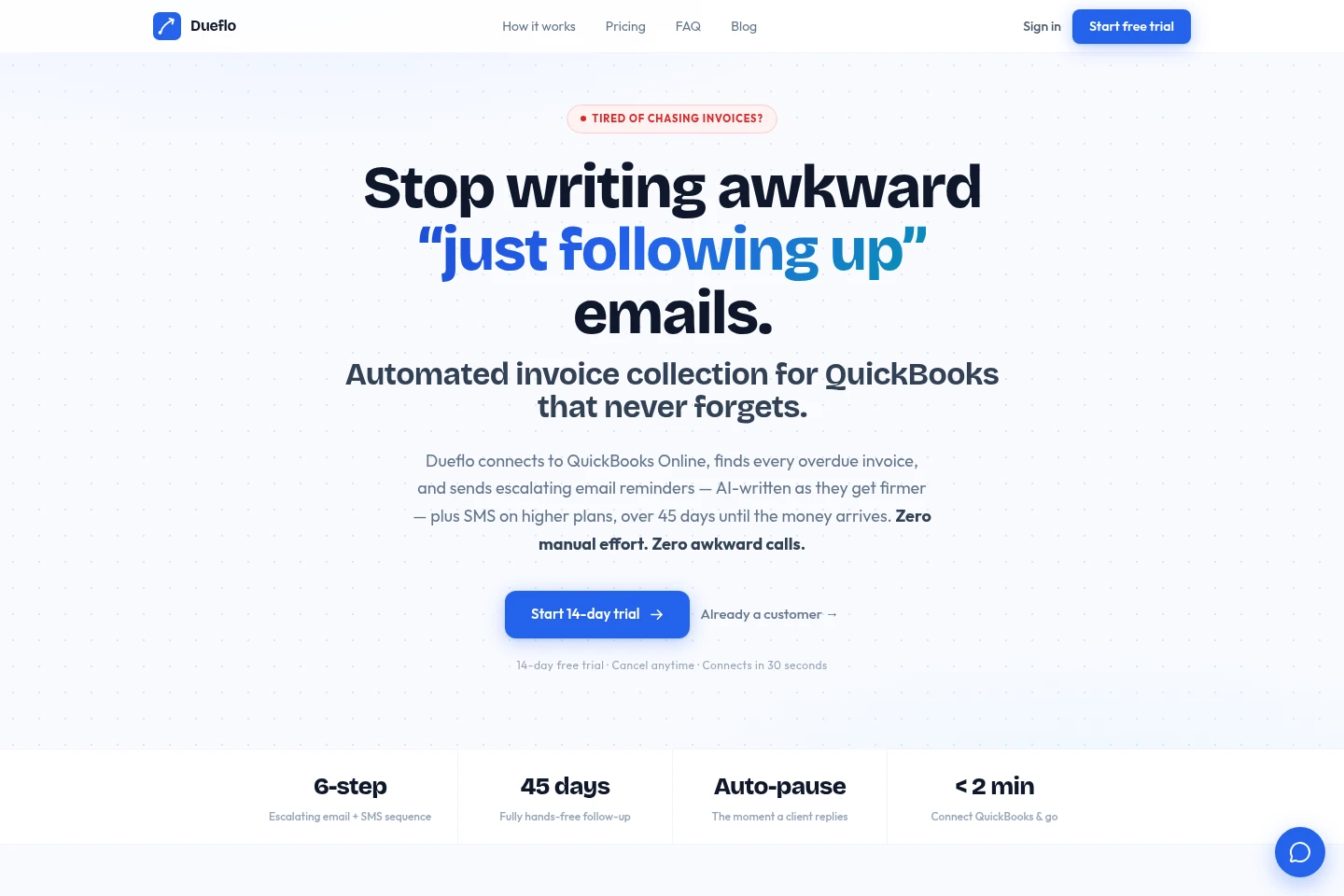
  1. Dueflo

    Automated invoice collection for QuickBooks Online

    Starter · $49/month
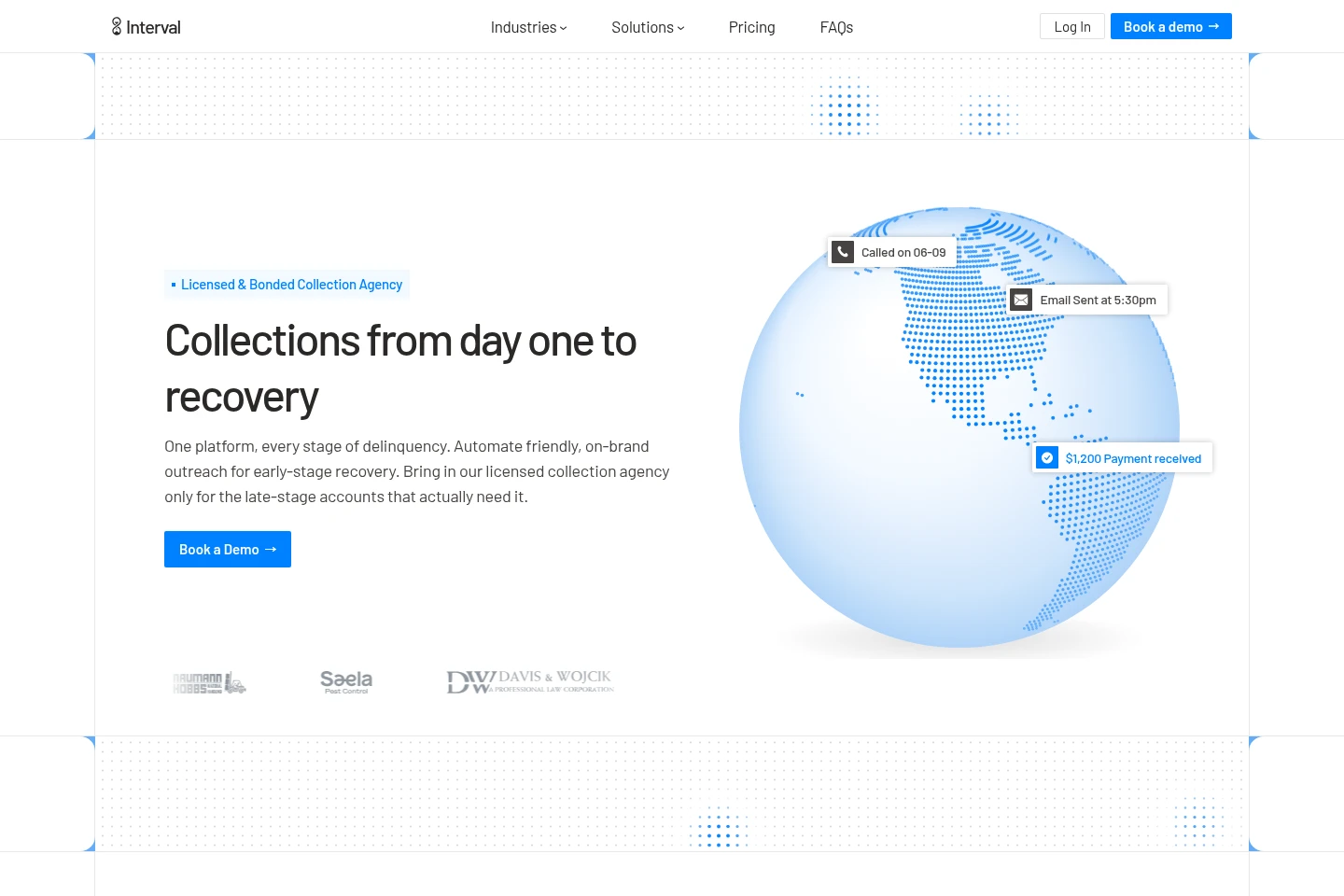
  2. Interval

    Automate overdue payment recovery from first notice to collections

    Contact Sales
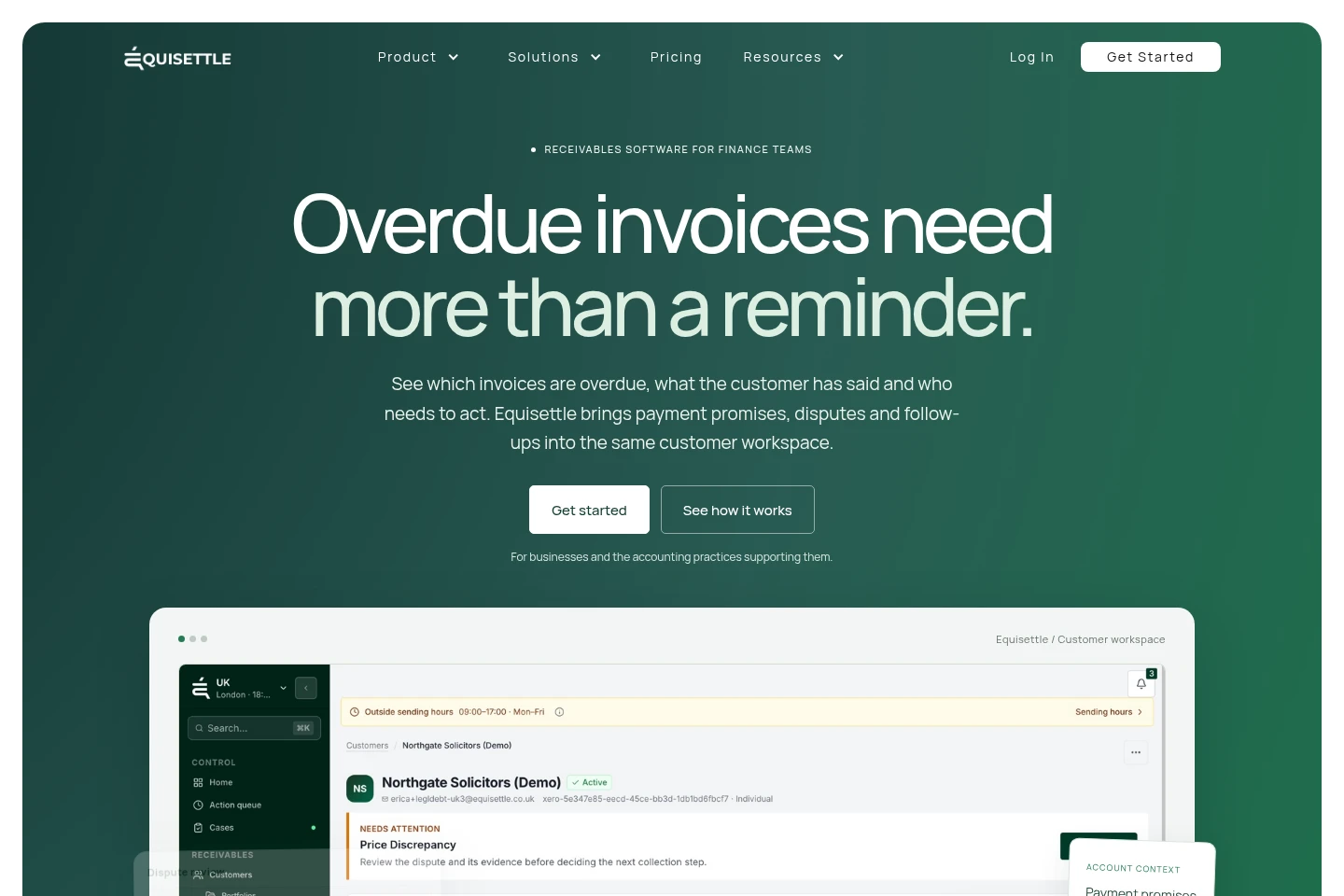
  3. Equisettle

    AI-powered AR automation for faster SME payments

    Freemium
  4. Exante

    AI agents for accounts receivable and collections

    Contact Sales
  5. Daylit

    AI agents for accounts receivable collections and cash planning

    Contact Sales

Who it is for

  • Finance teams managing overdue invoices and receivables

  • Businesses whose customers require invoices through supplier portals

  • Lean finance and operations teams needing help with collections workflows

FAQ

How long does onboarding take?

Free onboarding takes a few minutes. Custom-tier onboarding generally takes about a week while Invoice Butler works with the customer to fit workflows to business requirements and verify the plan before go-live.

Does Invoice Butler change source ledgers?

No. Data from several invoicing systems can be loaded and viewed in one place without altering the underlying ledgers, including during a migration.

Can I cancel anytime?

The pricing page says you can cancel anytime in the first 90 days. It does not specify cancellation terms after that period.

What happens to my data if I stay on Free?

You can keep your data in the system or delete it at any time. After deletion, it is fully purged within 30 days, subject to backup and retention windows.

Comments

Please sign in to leave a comment.
No comments yet. Be the first to share your thoughts!