Monthly visits
3,739
2026-10
Monthly growth +1,639.1%

imagetogif - Edit and convert images privately in your browser

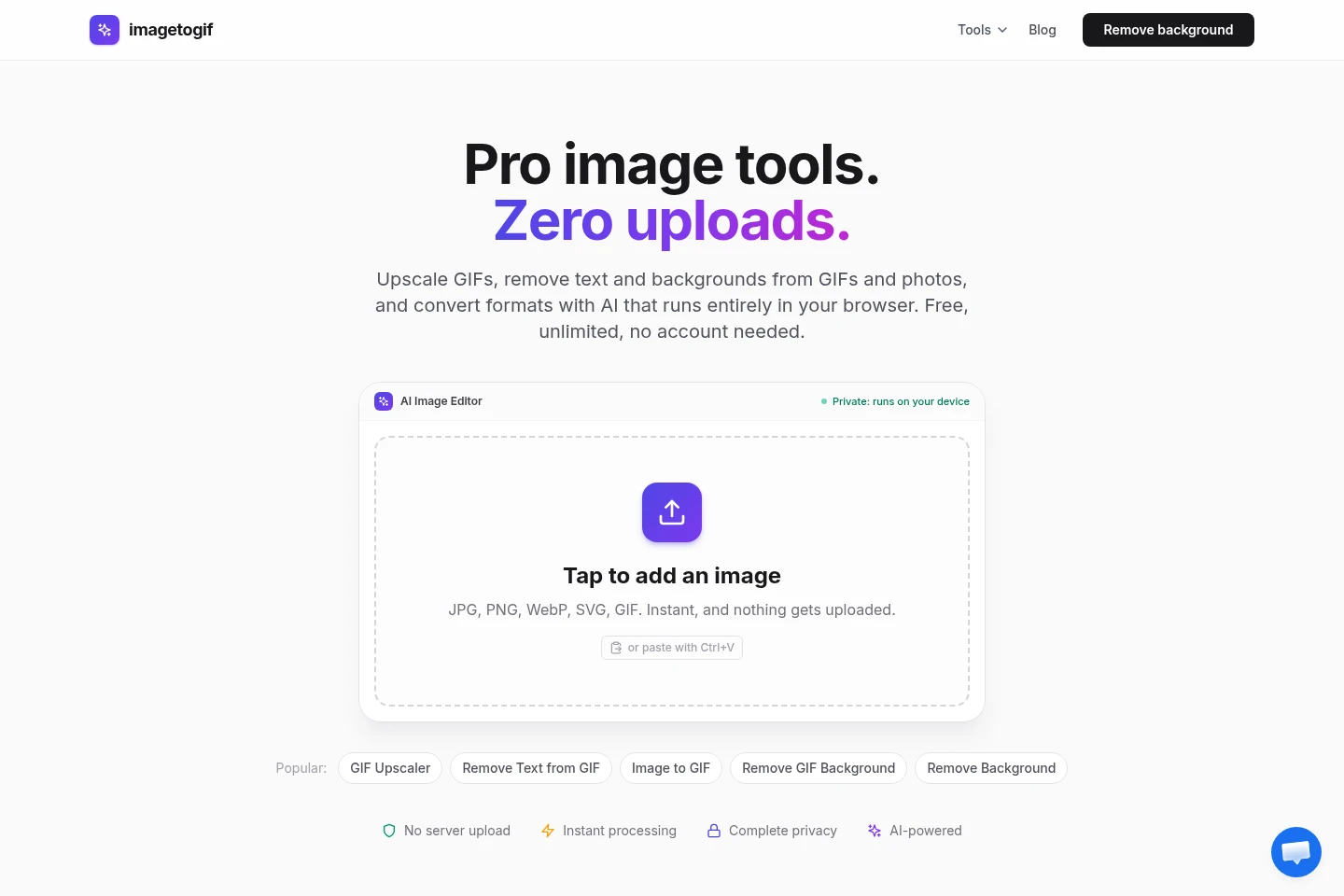
imagetogif is a free browser-based image editor and converter. It uses AI models running locally in your browser to remove backgrounds and objects, erase text, upscale images and GIFs, and convert image formats. You can also resize, compress, and edit GIFs. Files are processed on your device rather than uploaded, and the tools require no account or watermark.

Visit WebsiteUpdate this product

0Views

Capabilities

Local image processing

Processes images in the browser and returns edited files without uploading them to a server. Add an image by selecting or dragging a file, or paste it from the clipboard; processing uses browser-based models and WebAssembly.

Image background removal

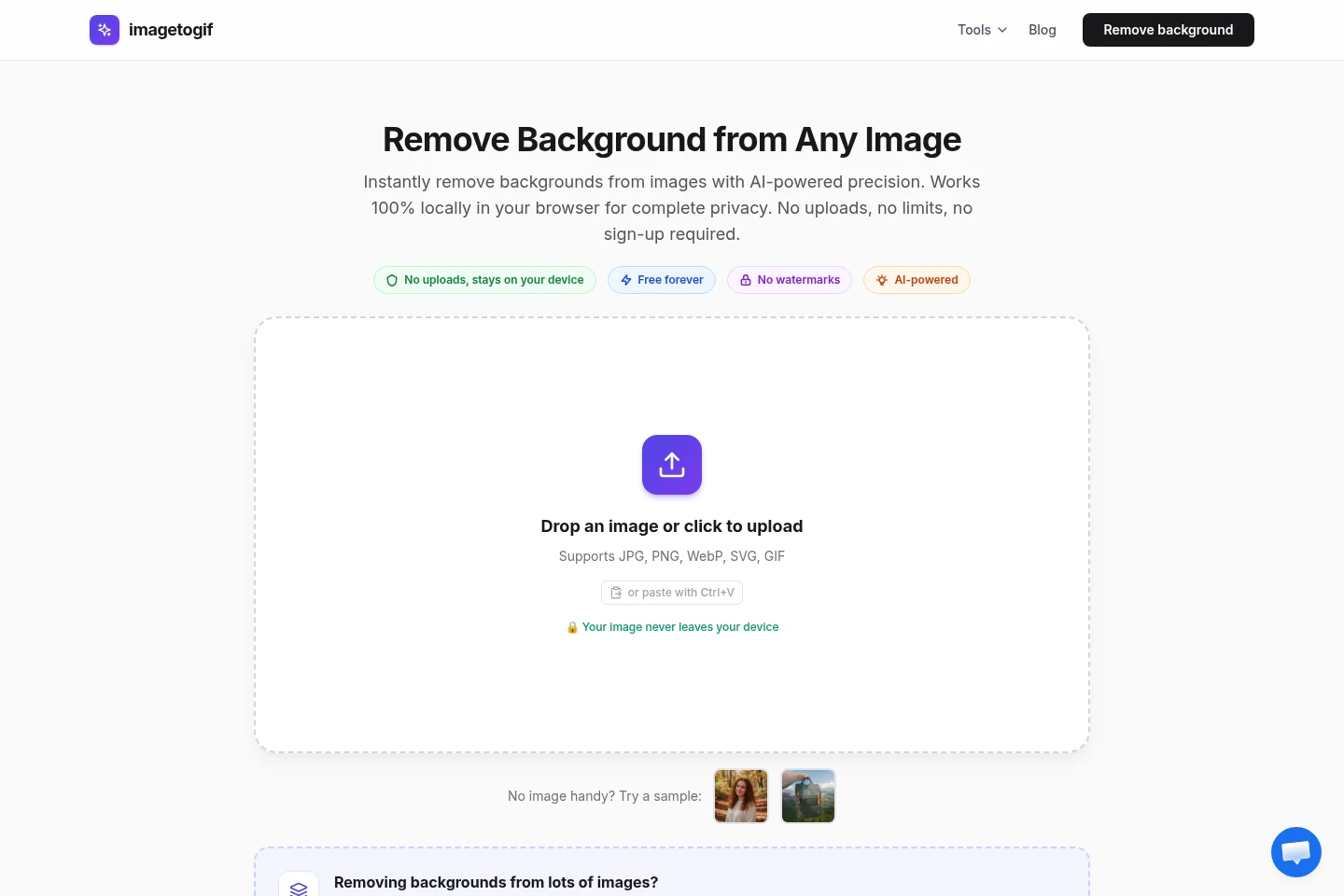
Removes an image background and outputs a PNG with transparency or a selected solid-color background. Add a JPG, PNG, WebP, SVG, or GIF image; choose Standard or Sharper edges quality, then download the result.

GIF editing and cleanup

Edits animated GIFs and outputs updated animations or other formats. Available tools remove text, watermarks, or backgrounds, change backgrounds, combine or trim GIFs, compress them, and convert GIFs to MP4.

Image conversion and sizing

Converts, compresses, and resizes image files, with the edited file available to download. Tools support formats including JPG, PNG, WebP, SVG, and GIF; resizing can use exact pixel dimensions, and compression can target an exact KB size.

AI image and GIF upscaling

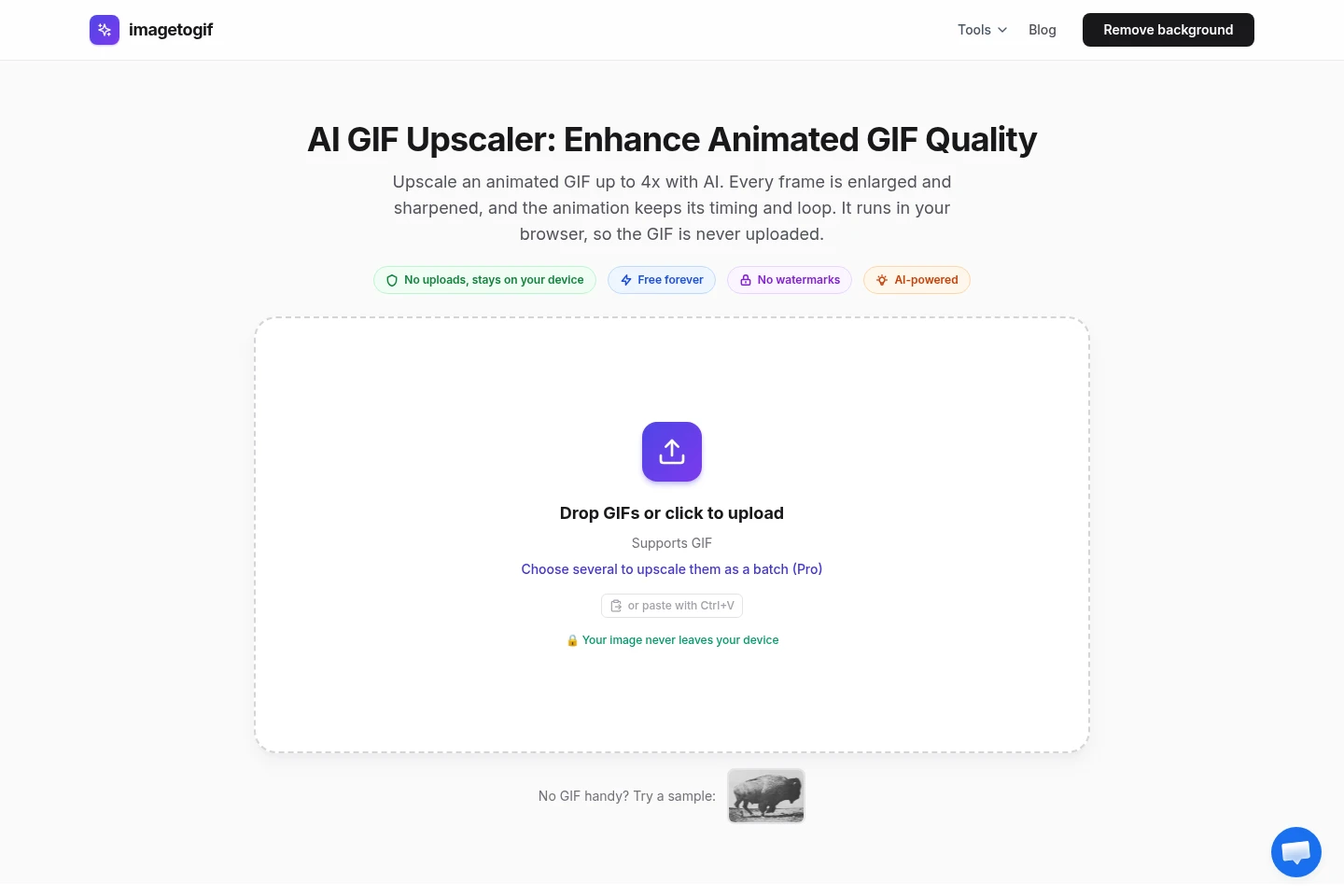
Enlarges images or animated GIFs using AI and outputs an upscaled file. Images can be enlarged up to 4x; GIF frames are processed individually and reassembled with animation timing preserved, subject to the frame limit.


PricingFree

The tools are free to use, and the site says there is no premium tier or subscription. Choose a tool based on the edit you need, such as background removal, GIF editing, conversion, resizing, compression, or upscaling.

Use cases

Prepare transparent image cutouts

When a photo needs a clean subject cutout for a design, presentation, or product image, add it to the background-removal tool. Choose a quality setting and transparent or solid-color output, then download the result as a PNG.

Improve small animated GIFs

When a low-resolution GIF needs sharper, larger frames, add it to the GIF upscaler. The tool processes frames with AI and reassembles them using the original timing; download the resulting animation.

Convert and resize image files

When an image must use a different format, file size, or pixel dimension, select the relevant conversion, compression, or resize tool. Set the required options, process the image in the browser, and download the resulting file.

Clean up text or backgrounds in GIFs

When an animated GIF contains captions, a watermark, or an unwanted background, use the corresponding GIF editing tool. It applies the change across the animation and provides an edited GIF to download.

Limitations

  • For GIF upscaling, GIFs longer than 30 frames are upscaled only through the first 30 frames.

  • GIFs support 256 colors, so very colorful animations may show slight banding after upscaling.

  • The background-removal quality options use different models: Standard is described for people and pets, while Sharper edges is described for any image.

Alternatives

MagicPicPro

Edit images and GIFs with free browser-based tools

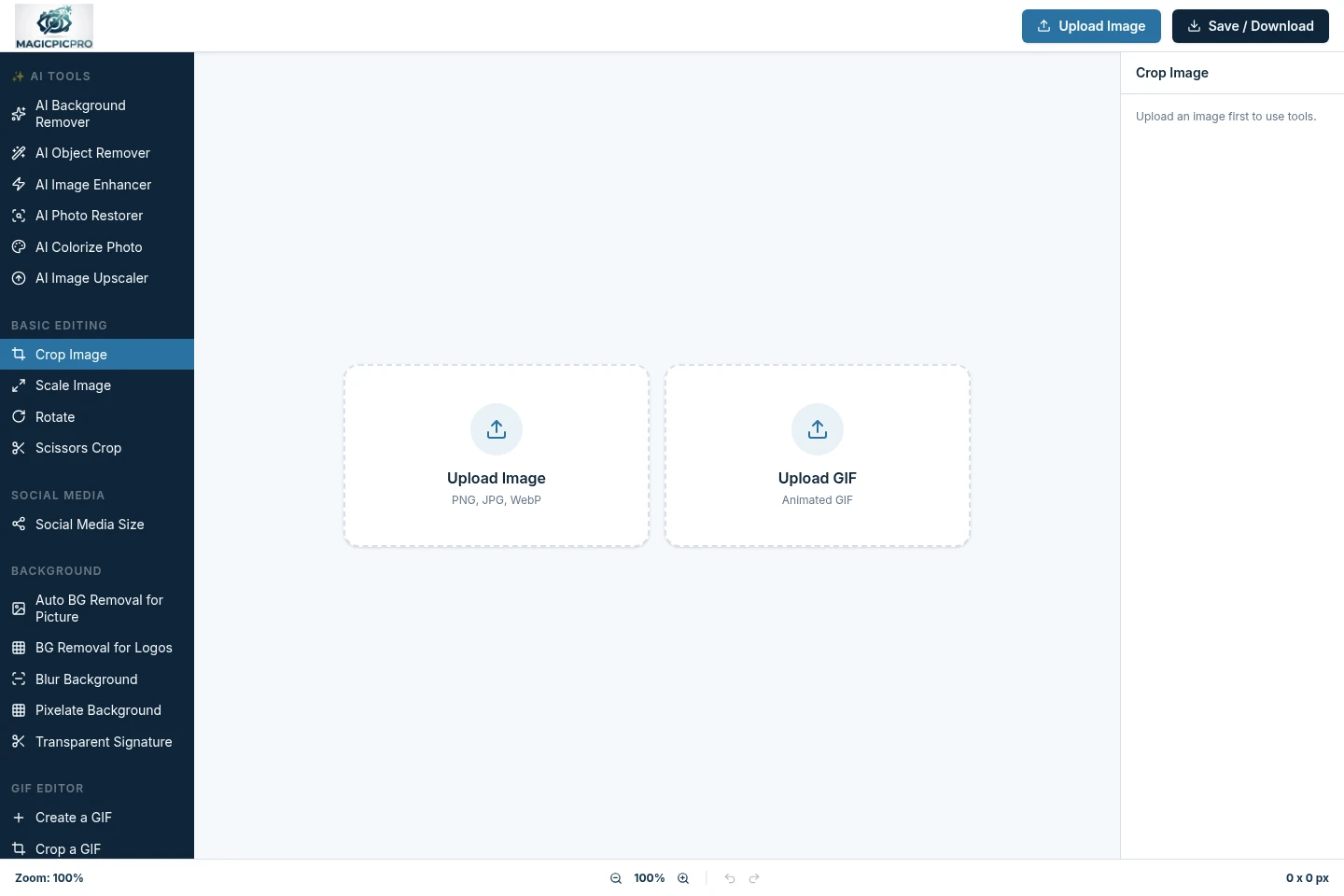
MagicPicPro is a free browser-based image editor with tools for photo adjustments, background and object removal, image conversion, resizing, and GIF editing. It also offers AI image tools and creative effects. Image processing happens locally in the browser, and the editor requires no account or download.

  • Cloud
  • Free
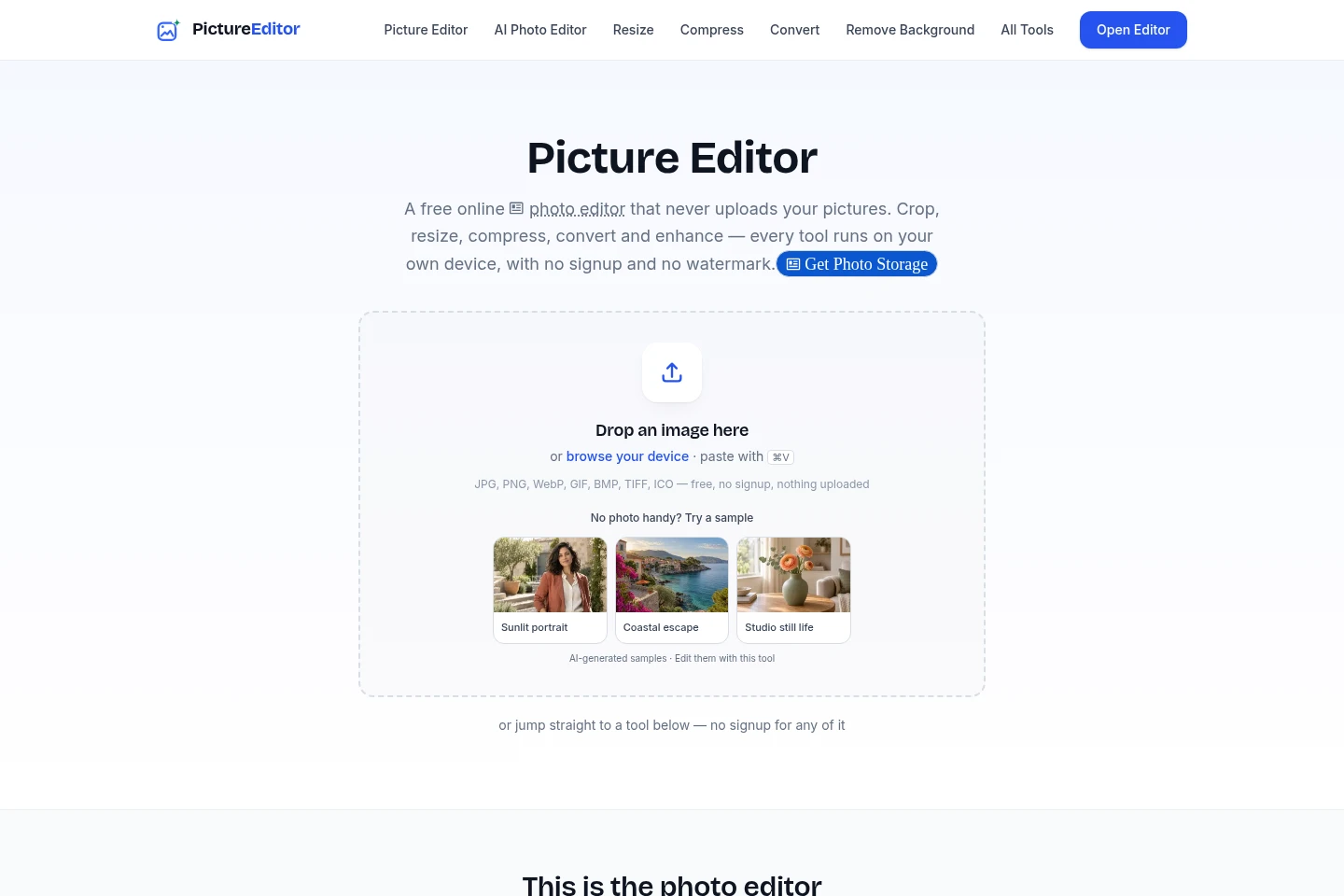
  1. Picture Editor

    Edit, resize, and convert photos in your browser

    Free · Free
  2. ImageEditor

    Free AI Image Editor for Photos and Creative Visuals

    Freemium
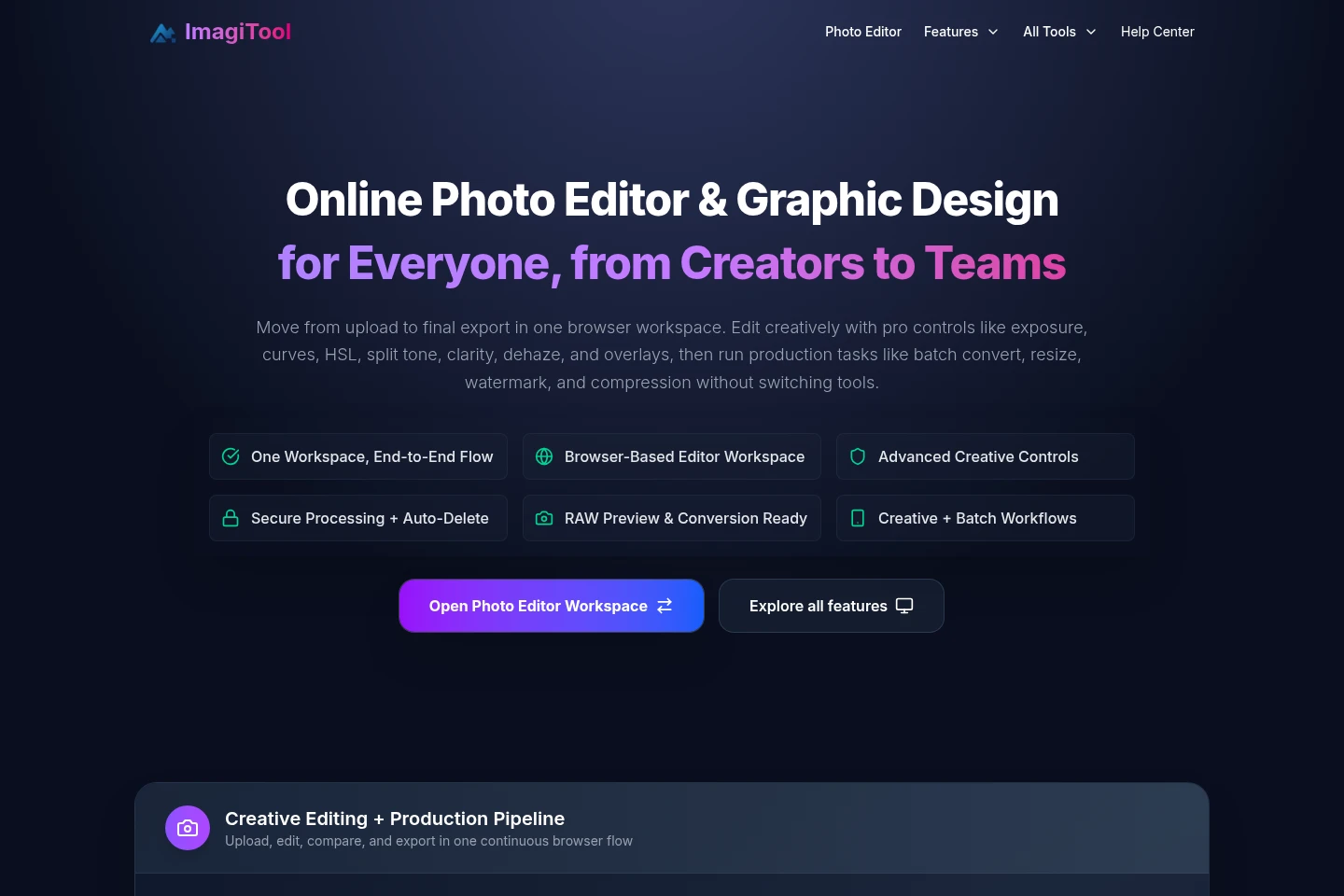
  3. ImagiTool

    Edit photos and process image batches in your browser

    Free
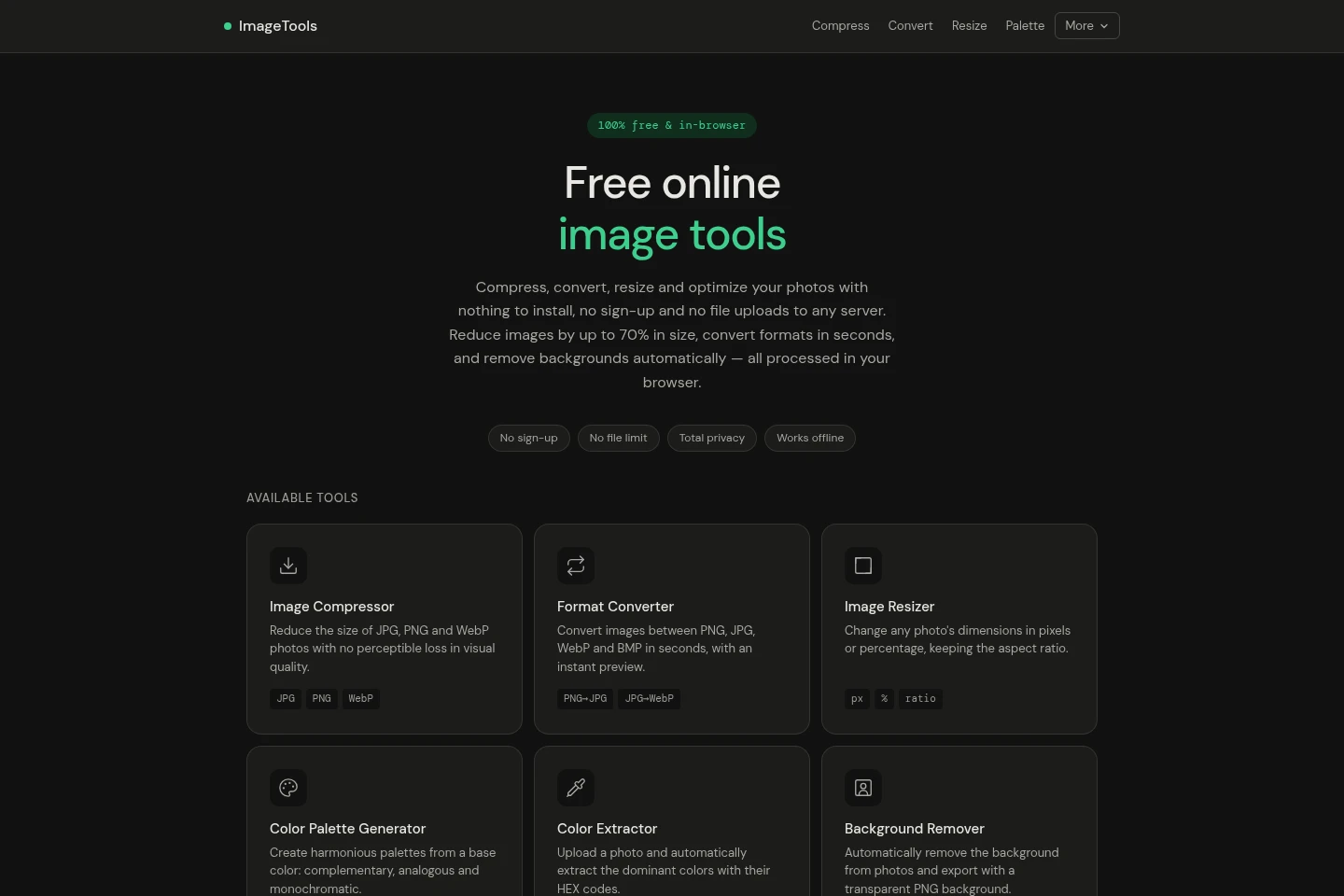
  4. ImageTools

    Free browser-based tools for everyday image editing

    Free
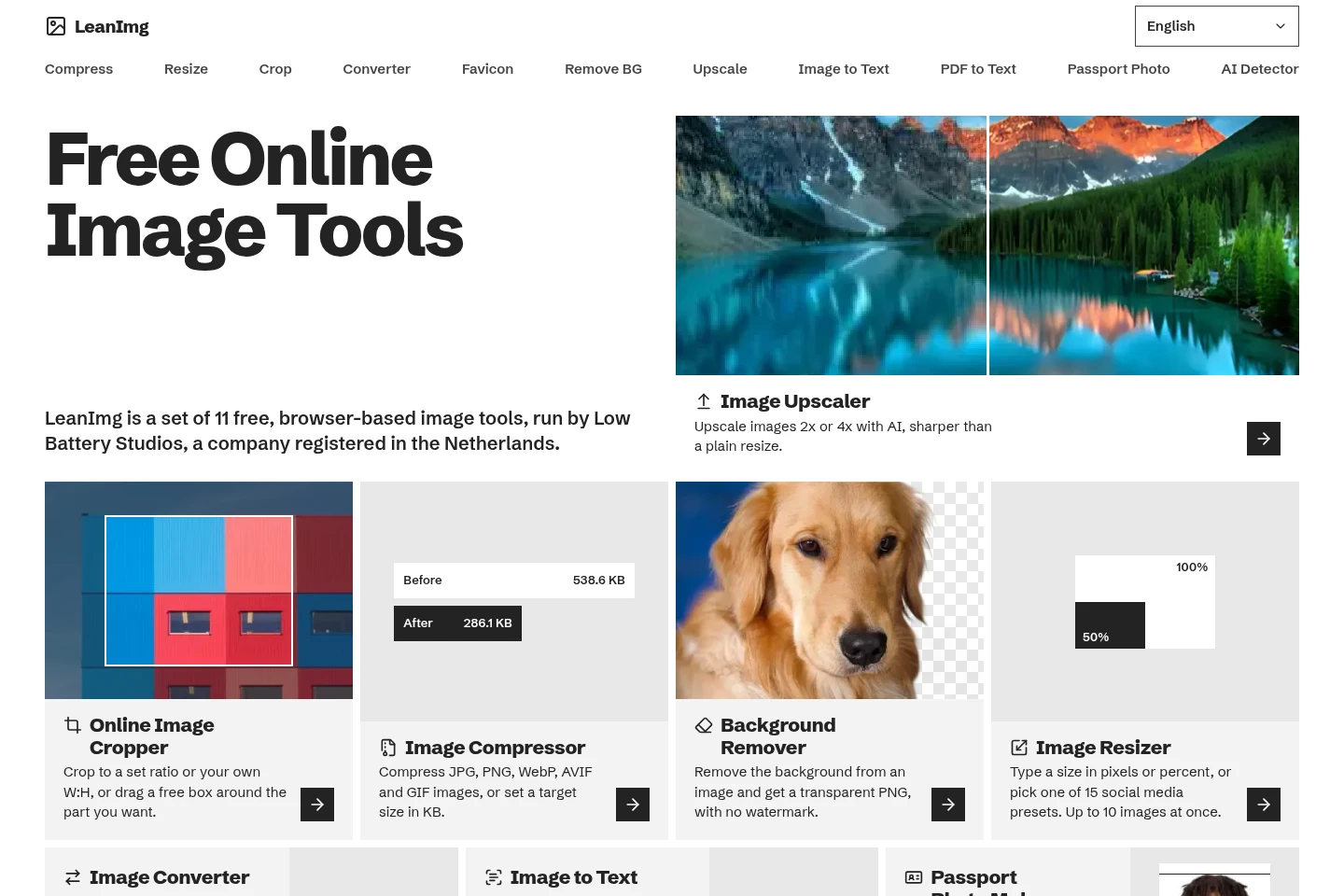
  5. LeanImg

    Free browser-based tools for everyday image tasks

    Free

Who it is for

  • Designers and presenters preparing cutouts for graphics and slides

  • Online sellers preparing product images and catalog cutouts

  • GIF creators who need to edit, convert, or enlarge animations

  • Image editors who want browser-based conversion, resizing, or compression

FAQ

Does imagetogif upload my images?

No. Image processing runs locally in your browser, and the site says files are not uploaded to its servers. The tools can also work offline after the first load.

Is imagetogif free to use?

Yes. The site says there is no premium tier, image limit, or watermark, and that its tools are free to use without an account.

How many GIF frames can the upscaler process?

GIFs under 30 frames are upscaled in full. For longer GIFs, only the first 30 frames are upscaled.

Which formats does background removal accept?

The background-removal tool lists JPG, PNG, WebP, SVG, and GIF as supported input formats. Its downloaded output is a PNG with a transparent or selected solid-color background.

Comments

Please sign in to leave a comment.
No comments yet. Be the first to share your thoughts!