Monthly visits
1,379
2026-10
Monthly growth +1,815.3%

Image to Text - Convert images into editable text in your browser

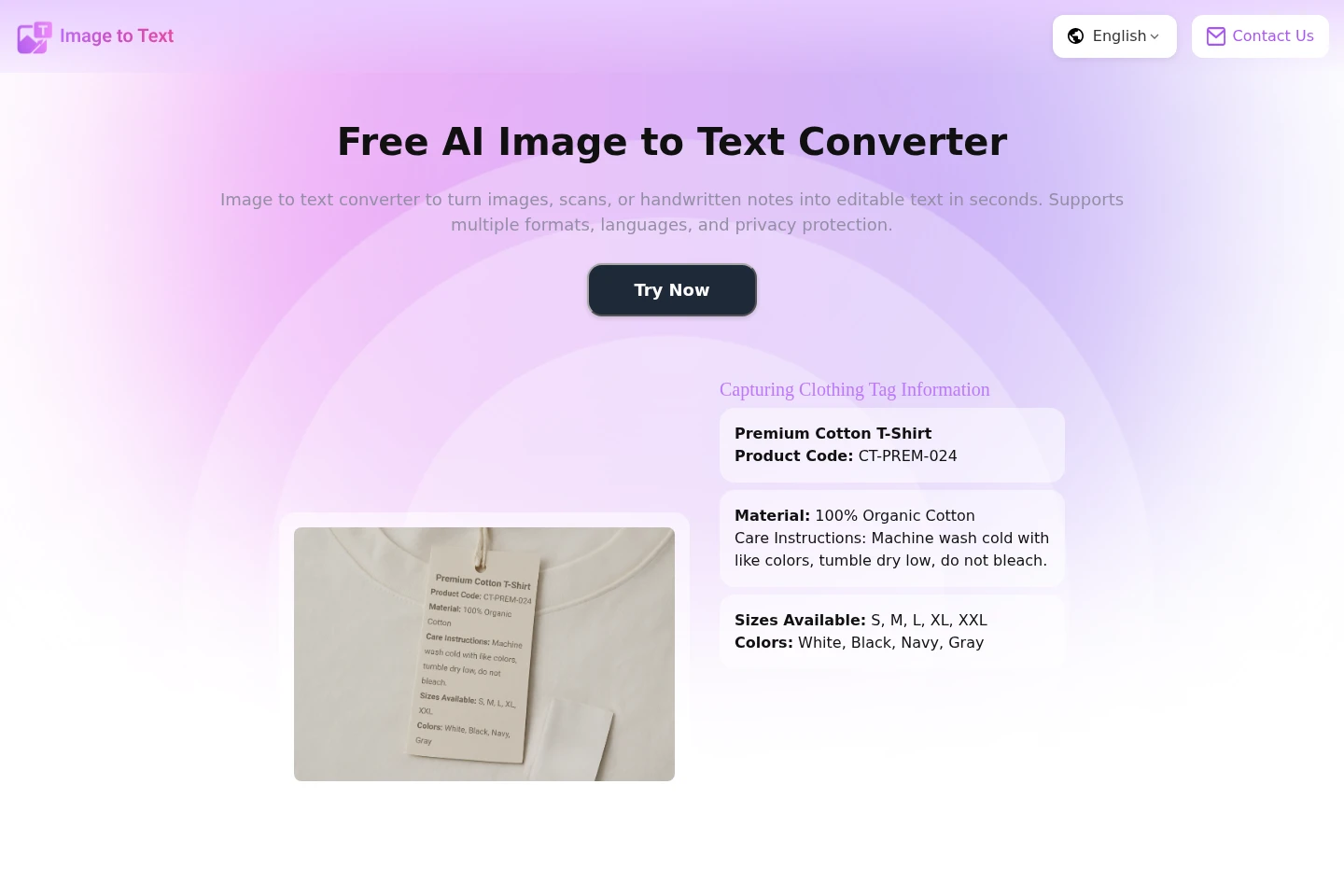
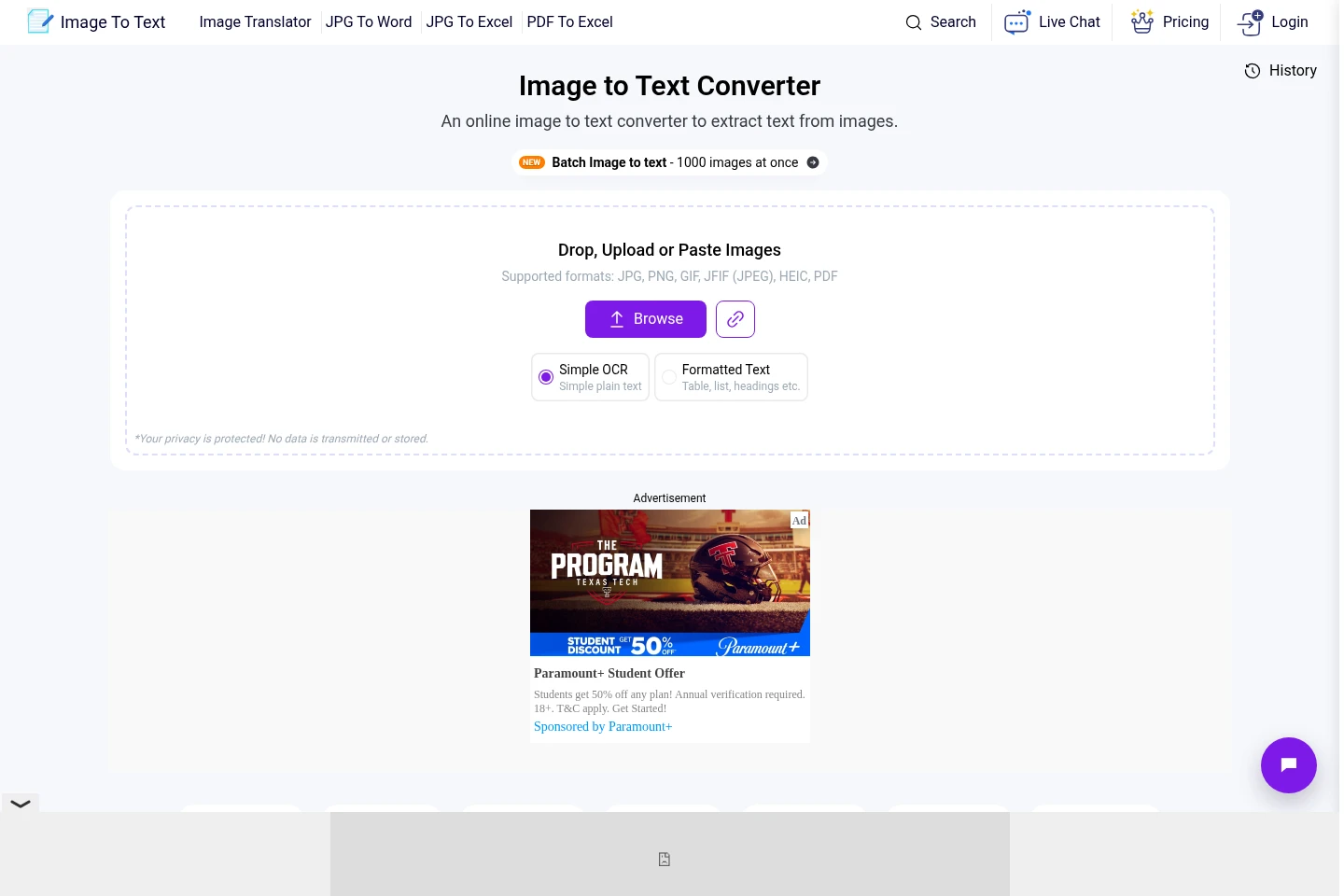
Image to Text extracts printed and handwritten text from uploaded images, including scans, screenshots, and notes. It supports batch processing and multiple recognition languages, detects document layout, and lets users copy results or download them as Word or PDF files. The site says extraction runs locally in the browser and images are not stored.

  • AI Image
  • OCR
  • image to text converter
  • handwriting recognition
  • batch OCR
Visit WebsiteUpdate this product

0Views

Capabilities

Image text extraction

Extracts printed text from uploaded images and returns editable text. Upload supported image files, then convert them in the browser; the page describes use for scans, screenshots, and document images.

Handwriting recognition

Recognizes handwritten notes and returns their text in editable form. Upload an image containing handwriting; the FAQ notes that accuracy depends on handwriting clarity.

Batch image processing

Processes multiple images in one batch and returns extracted text. Upload several image files at once; the page describes this for handling larger groups of images.

Document layout detection

Detects document structure and retains formatting details in extracted text. The page describes the output as preserving layout, though it does not specify exact formatting elements.

Text copying and export

Lets users copy extracted text or download it as a Word or PDF file. These options are available after image conversion.

PricingFree

Image to Text is offered free, with no registration or subscription required. The page says there are no usage limits, so there are no paid plan levels to compare.

PlanPriceIncluded features and limits
Free

Free

  • No registration or subscription required.

  • The site describes use as having no limits.

  • Supports batch conversion of multiple images.

  • Results can be copied or downloaded as Word or PDF files.

Use cases

Digitize handwritten notes

When notes need to be stored or reviewed digitally, upload an image of the handwriting and convert it to editable text. The result can be copied or downloaded as a Word or PDF file.

Extract text from scanned documents

When a scan or document image contains text that needs to be reused, upload it for recognition and conversion. The extracted text can be copied or downloaded rather than typed manually.

Capture text from screenshots

When text appears in a social-media or other screenshot, upload the image and convert its contents into editable text. The result can be copied or saved as a Word or PDF file.

Limitations

  • Handwriting recognition accuracy depends on how clearly the handwriting appears in the uploaded image.

  • The page names JPG, JPEG, PNG, and TIFF among supported formats; the upload area also lists JFIF and HEIC.

  • The site describes browser-local extraction and says images are not stored; it does not specify a retention policy for other data.

Alternatives

Image To Text OCR

Extract editable text from images and PDFs

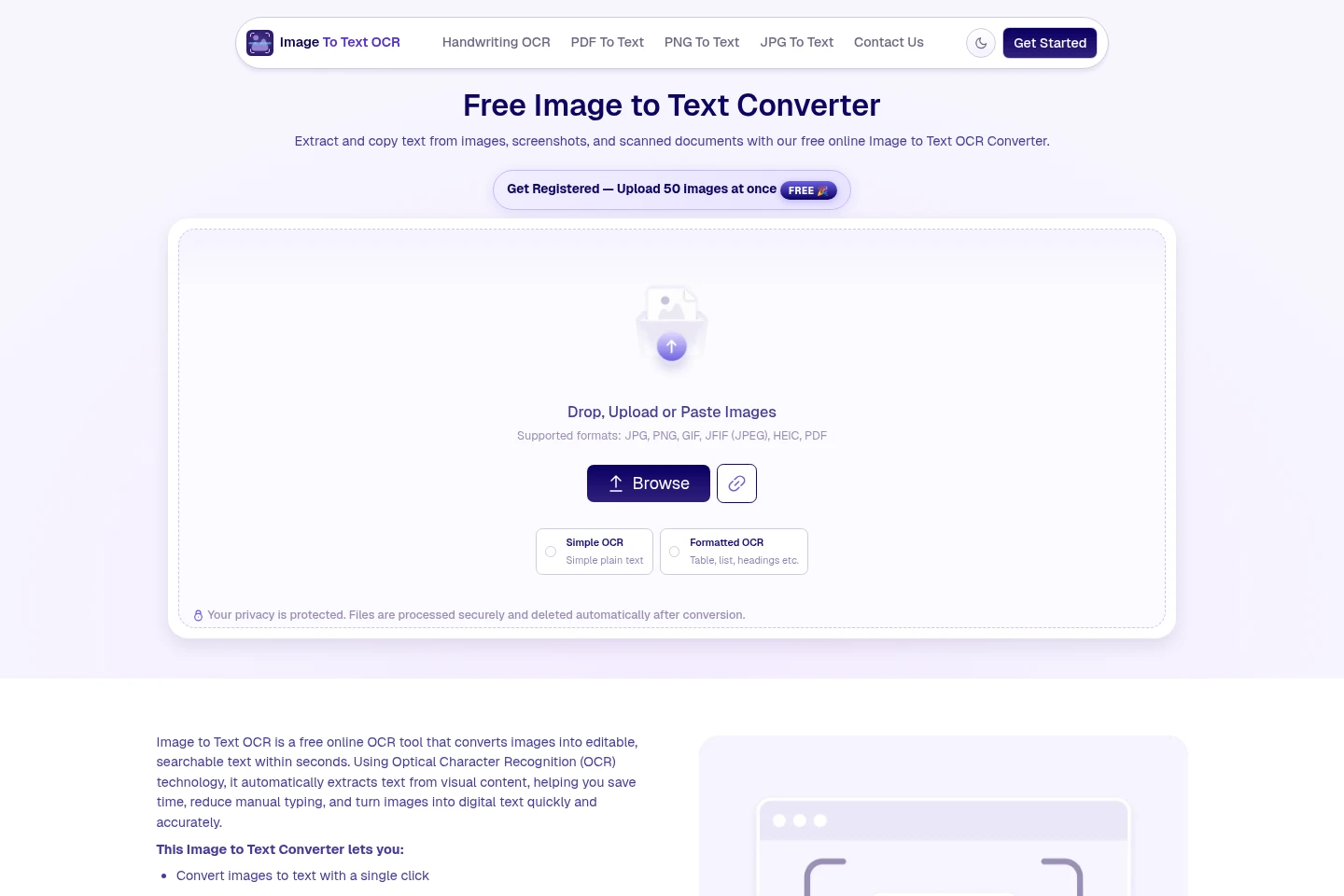
Image To Text OCR is an online OCR tool for extracting text from images, screenshots, scanned documents, and PDFs. Upload files individually or in batches, choose plain or formatted OCR where available, then copy or download the extracted text. Guest users can upload up to 10 files at once; registered users can upload up to 50 for free.

  • Cloud
  • Free
  1. Image to Text

    Extract editable text from images with online OCR

    Free · $0
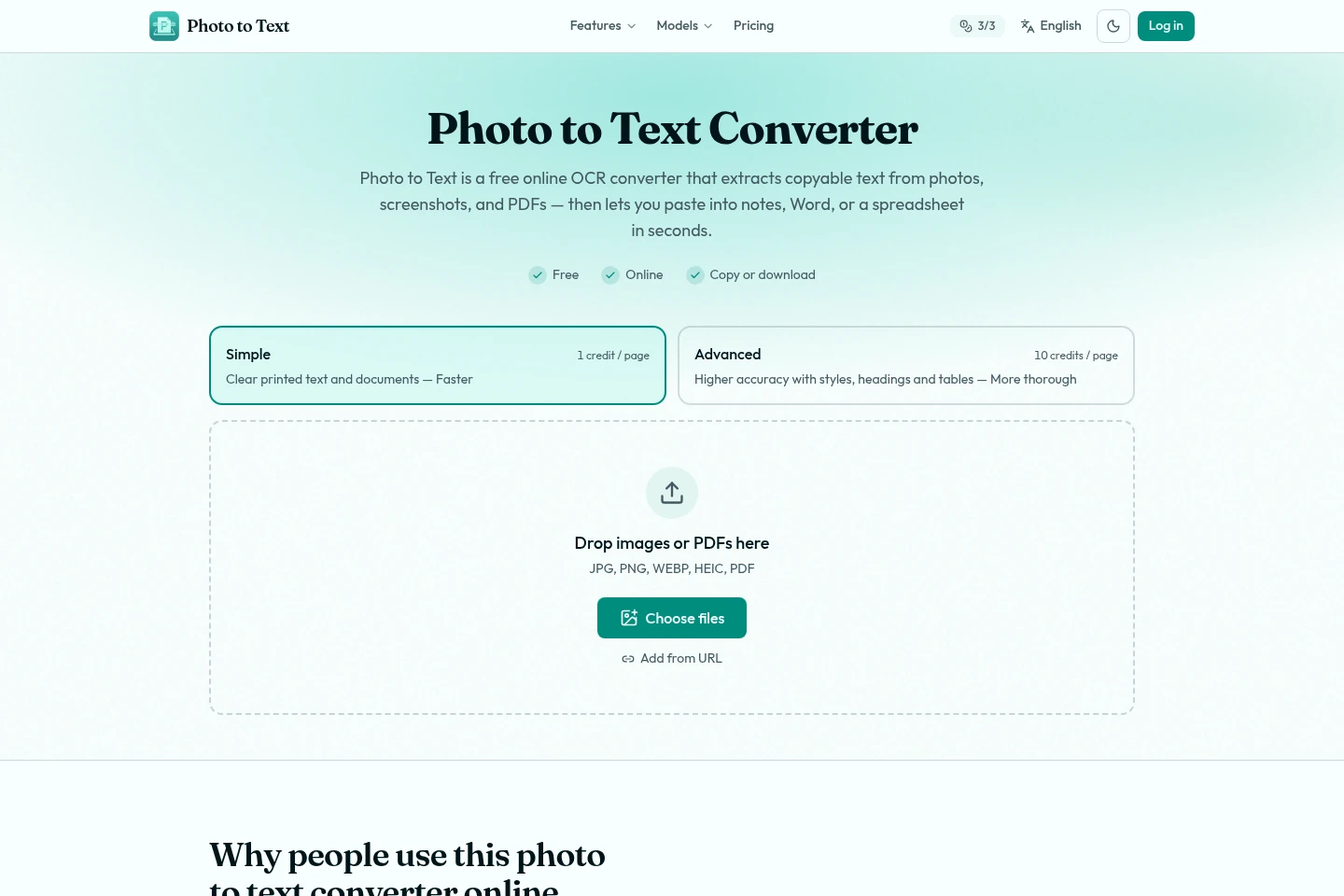
  2. Photo to Text

    Free online photo to text OCR converter with advanced models

    Freemium
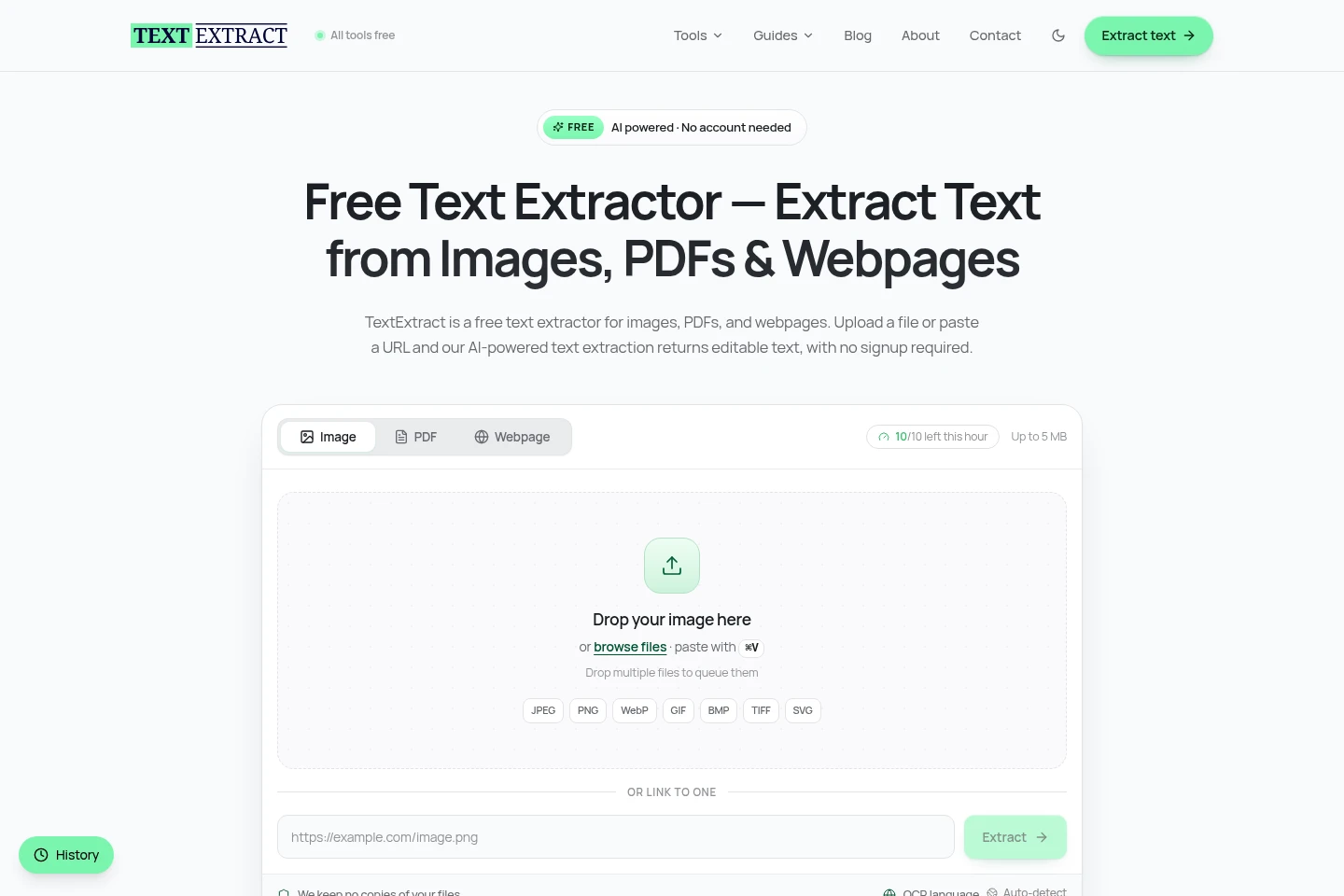
  3. TextExtract

    Extract editable text from images, PDFs, and webpages

    Free · Free; no charge
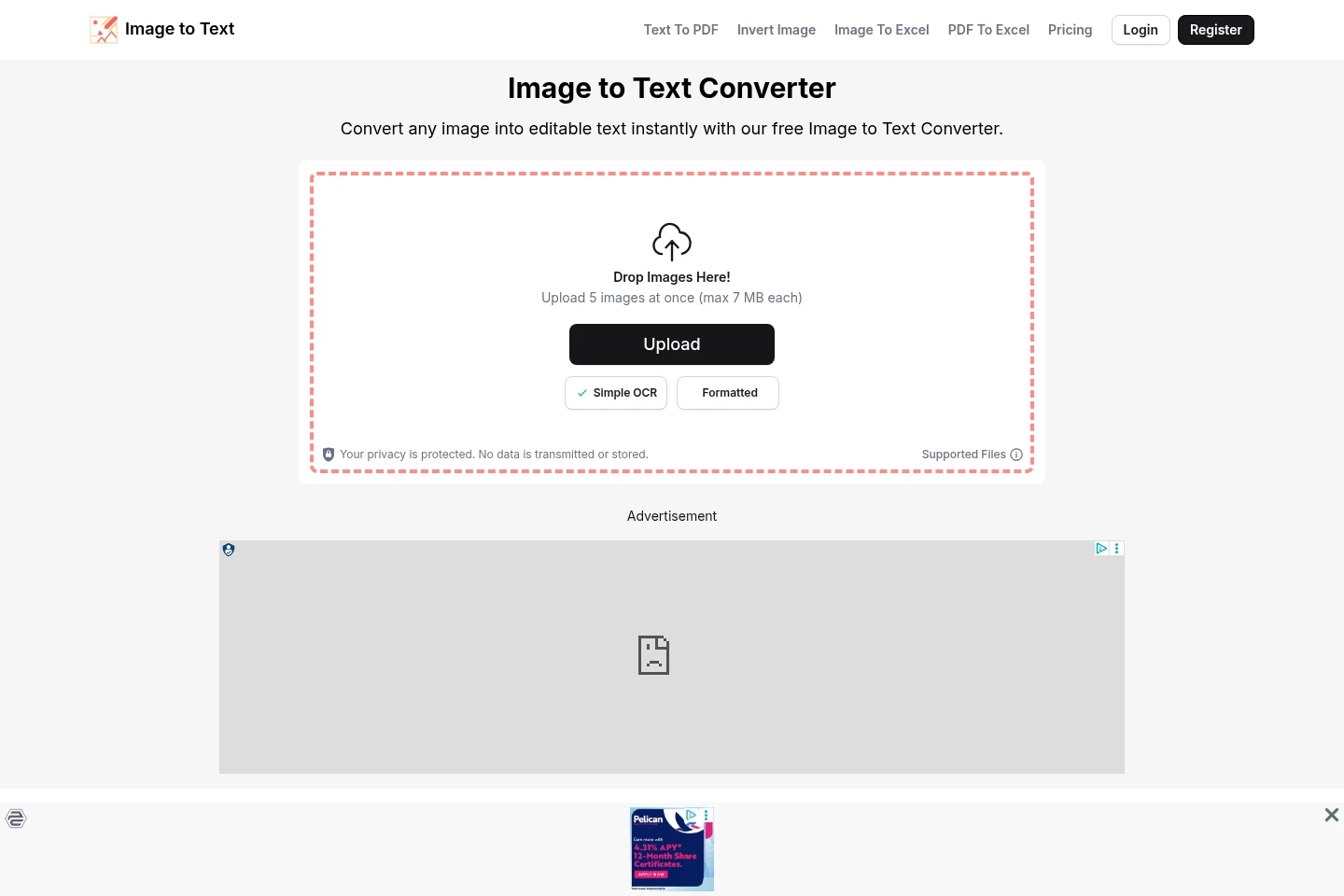
  4. Image to Text Converter

    Extract editable text from images and scanned documents

    Free Plan · $0, free plan
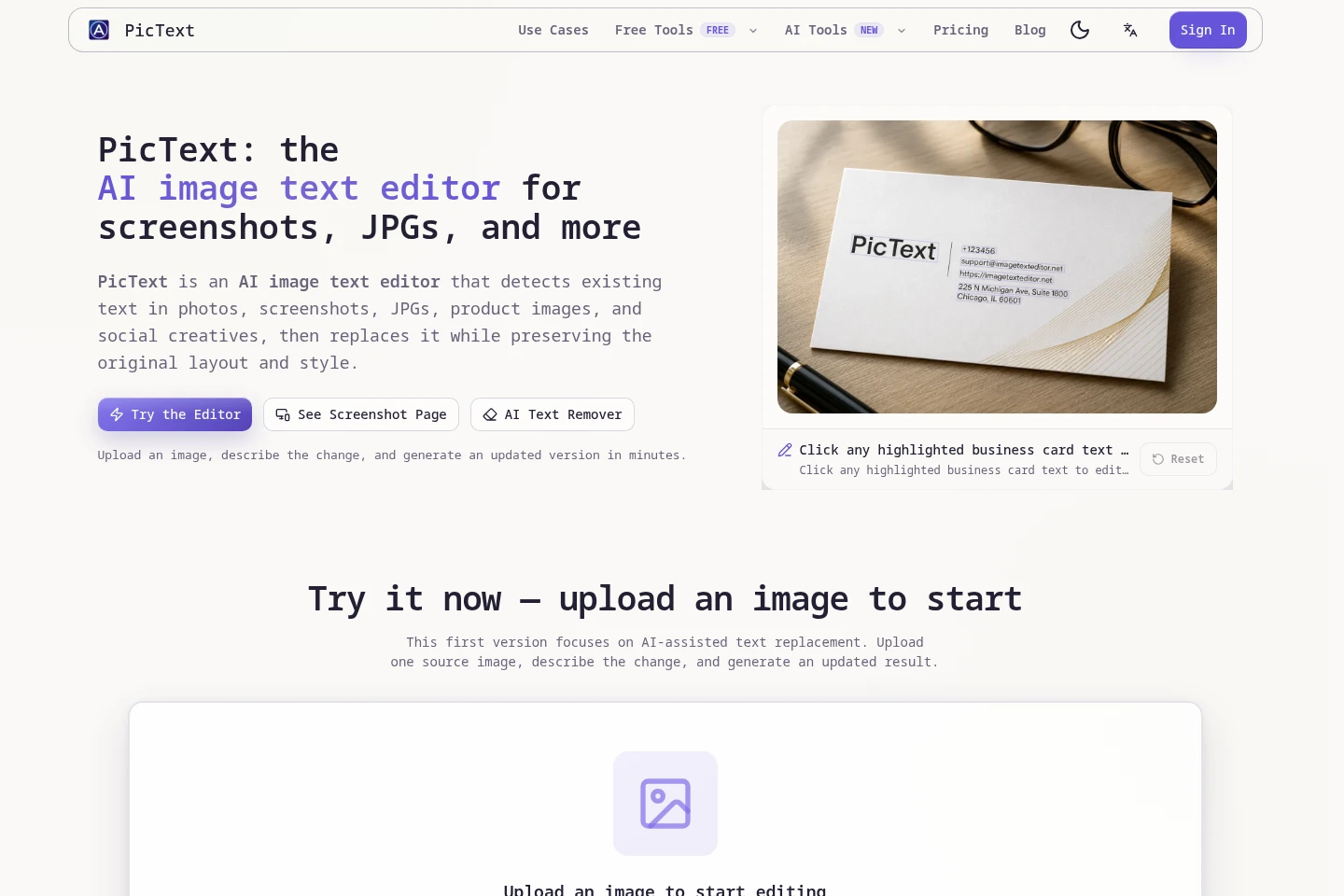
  5. Image Text Editor

    AI-powered image text editor for screenshots JPGs and more

    Freemium

Who it is for

  • Students who need to digitize and review class notes or reference materials

  • Researchers who need to extract text from scanned papers and archives

  • Office staff and legal professionals handling image-based documents

  • Content creators who need text from social-media screenshots

FAQ

Is Image to Text free to use?

Yes. The site says the tool is free, with no registration or subscription required, and describes use as having no limits.

Which image formats can I upload?

The page lists JPG, JPEG, PNG, and TIFF, while the upload area also lists JFIF and HEIC. The supported-format lists therefore vary across the page.

Can Image to Text recognize handwriting?

Yes. It can recognize handwritten notes, but the FAQ says accuracy depends on the clarity of the handwriting.

Which languages can it recognize?

The page names Chinese, English, Japanese, and Spanish, and also says that other languages are supported. It does not provide a complete language list.

How can I save extracted text?

You can copy the result to the clipboard or download it as a Word or PDF file after conversion.

Are uploaded images stored?

The site says extraction happens locally in your browser and images are never stored.

Comments

Please sign in to leave a comment.
No comments yet. Be the first to share your thoughts!