Logo
ProductsBlogs
Submit

Categories

  • AI Coding
  • AI Writing
  • AI Image
  • AI Video
  • AI Audio
  • AI Chatbot
  • AI Design
  • AI Productivity
  • AI Data
  • AI Marketing
  • AI DevTools
  • AI Agents

Featured Tools

  • iMideo
  • DatePhotos.AI
  • No Code Website Builder
  • Coachful
  • Wix
  • TruShot
  • AIToolFame
  • ProductFame
  • Google Gemini
  • Jan

Featured Articles

  • The Complete Guide to AI Content Creation in 2026
  • 5 Best AI Agent Frameworks for Developers in 2026
  • 12 Best AI Coding Tools in 2026: Tested & Ranked
  • Cursor vs Windsurf vs GitHub Copilot: The Ultimate Comparison (2026)
  • 5 Best AI Blog Writing Tools for SEO in 2026
  • 8 Best Free AI Code Assistants in 2026: Tested & Compared
  • View All →

Subscribe to our newsletter

Receive weekly updates with the newest insights, trends, and tools, straight to your email

Browse by Alphabet

ABCDEFGHIJKLMNOPQRSTUVWXYZOther
Logo
English中文PortuguêsEspañolDeutschFrançais|Terms of ServicePrivacy PolicyTicketsSitemapllms.txt

© 2025 All rights reserved

  • Home
  • /
  • Products
  • /
  • AI Writing
  • /
  • Graphy - Create stunning graphs effortlessly
Graphy

Graphy - Create stunning graphs effortlessly

Graphy is a user-friendly tool designed to help you create professional-quality graphs effortlessly. With features like AI-generated insights, collaboration capabilities, and seamless integration with tools like Google Sheets, Graphy empowers teams to visualize data and communicate effectively. Whether you're preparing reports, presentations, or social media content, Graphy makes it easy to impress your audience and drive decisions. Join over 100,000 users who trust Graphy to turn data into impactful stories.

AI WritingFreemiumContent CreationData AnalysisData VisualizationUI Design
Visit Website
Product Details
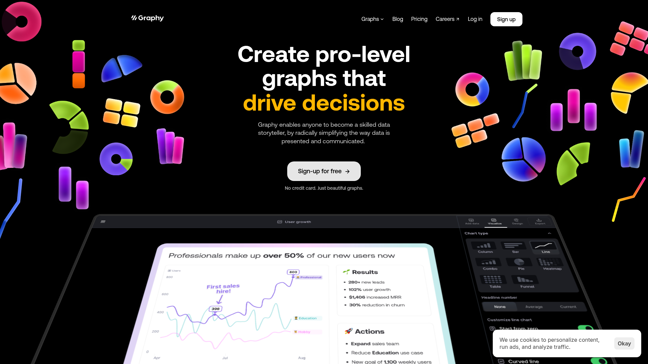
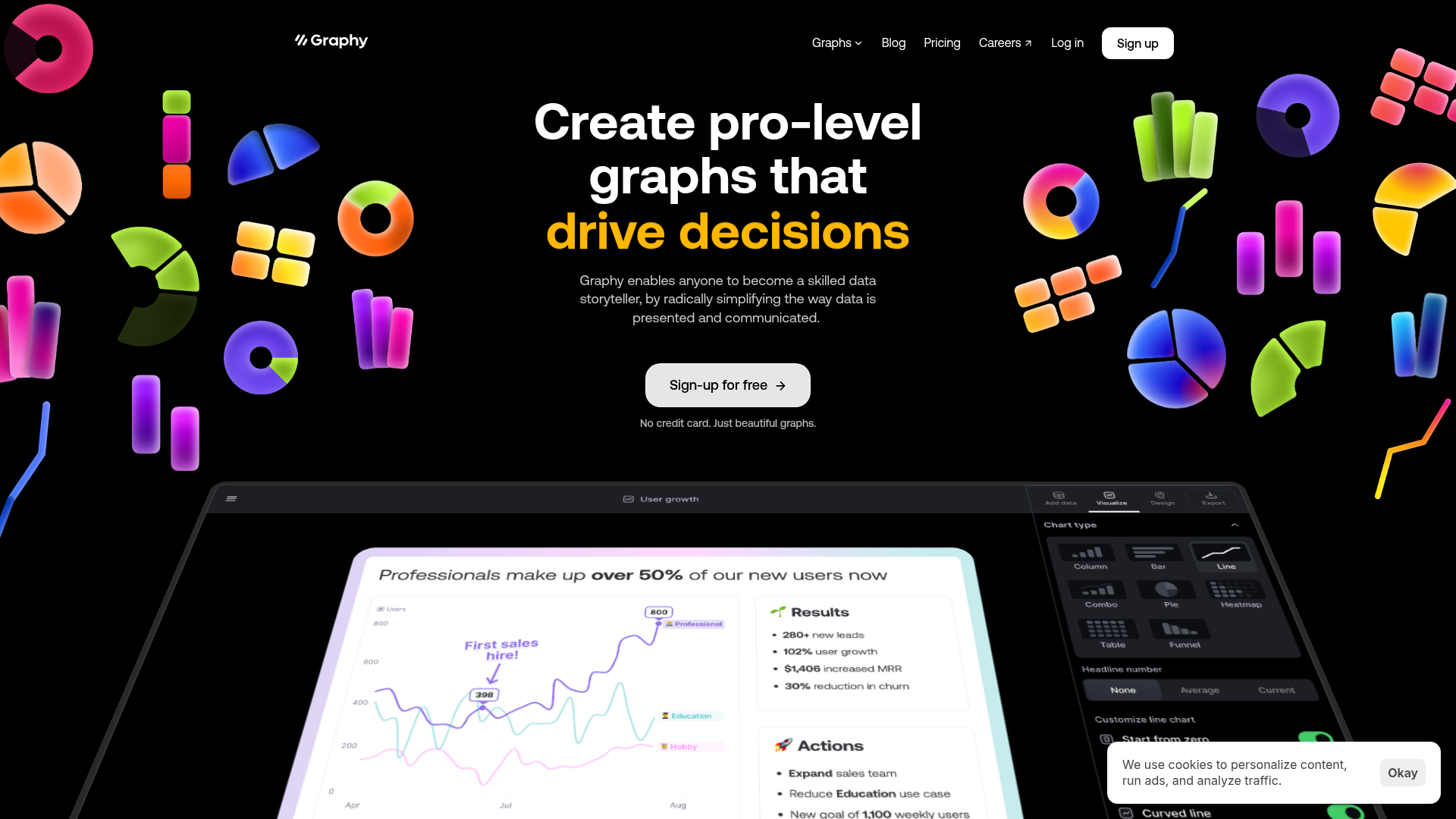
Graphy - Main Image

Unlock the power of data storytelling with Graphy. Transform complex data into beautiful, actionable graphs that capture attention and inspire decisions. No experience needed!

How It Works

Graphy utilizes advanced AI technology to streamline the graph creation process. By simply inputting your data, the AI automatically generates visually appealing graphs while providing key insights. This innovative approach allows users to focus on what matters most: their data. Key features include:

  • AI-generated charts: Quickly create graphs from your data with intelligent analysis.
  • Visual storytelling: Add annotations and enhancements to highlight key points.
  • Seamless sharing: Easily embed your graphs in presentations, emails, and social media.
  • Integration: Connect with Google Sheets and other tools for effortless data management.
  • Customization: Tailor graphs to match your brand colors and style preferences.
  • User-friendly interface: No learning curve, allowing anyone to create stunning visuals with ease.

Usage

Using Graphy is simple and intuitive. Follow these steps to create your first graph:

  1. Sign Up: Create a free account on Graphy's website.
  2. Input Data: Paste your data directly or connect Google Sheets for seamless integration.
  3. Select Graph Type: Choose the type of graph you want to create (e.g., bar, line, pie).
  4. Customize: Use the customization tools to add annotations, change colors, and enhance your graph.
  5. Generate Insights: Let Graphy's AI analyze your data and provide key insights.
  6. Share: Download your graph or share it directly to your favorite platforms or tools.

Data Reporting

Use Graphy to create visually appealing reports that capture key insights and drive business decisions.

Presentations

Enhance your presentations with stunning graphs that clearly communicate your data story.

Social Media Marketing

Create eye-catching visuals for social media posts that engage your audience.

Collaboration

Work together in real-time to create and share graphs, fostering better team collaboration.

Educational Purposes

Leverage Graphy for educational projects, making data visualization more interactive and fun.

Stakeholder Meetings

Present data effectively to stakeholders with clear and actionable insights.

Features

  • AI-Generated Insights: Automatically generates insightful graphs and data interpretations with just a few clicks.
  • User-Friendly Interface: Designed for ease of use, ensuring a smooth experience for users of all skill levels.
  • Seamless Integration: Connects with tools like Google Sheets for effortless data import.
  • Custom Branding: Allows customization of graphs to reflect your brand colors and styles.
  • Rich Annotations: Enhance your graphs with visual notes and insights to guide your audience.
  • Faster than Competitors: Delivers graph creation 80% faster than other visualization tools.

Free (Monthly): $0

  • Unlimited viewers
  • Basic graph types
  • Collaboration features

Plus (Monthly (limited time offer)): $8

  • All Free features
  • Advanced graph types
  • Custom brand colors
  • Enhanced privacy controls

FAQ

  1. Can I use Graphy for free?

Yes! Graphy offers a free plan that allows you to create graphs with unlimited viewers.

  1. What does unlimited viewers mean?

Unlimited viewers means you can share your graphs with an unlimited number of people without any restrictions.

  1. What does sharing Boards mean?

Sharing Boards allows you to collaborate with your team on data visualizations and insights.

  1. Are there any restrictions on where I can share my charts to?

No, you can share your Graphy charts across various platforms, including social media and emails.

  1. Can I share Graphy charts to my social media channels?

Absolutely! You can easily share your Graphy charts directly to your social media profiles.

  1. Can I embed my Graphy charts into other tools?

Yes, Graphy allows you to embed charts into other applications and tools, enhancing your presentations.

  1. How can I remove the Graphy watermark from the charts I share?

To remove the Graphy watermark, upgrade to the Plus plan.

  1. Can I use my brand colors with Graphy?

Yes! The Plus plan allows you to customize your graphs with your brand colors.

Explore AI Potential

Discover the latest AI tools and boost your productivity today.

Browse All Tools
Graphy
Graphy

Graphy is a user-friendly tool designed to help you create professional-quality graphs effortlessly. With features like AI-generated insights, collaboration capabilities, and seamless integration with tools like Google Sheets, Graphy empowers teams to visualize data and communicate effectively. Whether you're preparing reports, presentations, or social media content, Graphy makes it easy to impress your audience and drive decisions. Join over 100,000 users who trust Graphy to turn data into impactful stories.

Visit Website

Featured

DatePhotos.AI

DatePhotos.AI

AI dating photos that actually get you matches

iMideo

iMideo

AllinOne AI video generation platform

No Code Website Builder

No Code Website Builder

1000+ curated no-code templates in one place

Coachful

Coachful

One app. Your entire coaching business

Wix

Wix

AI-powered website builder for everyone

Featured Articles
5 Best AI Agent Frameworks for Developers in 2026

5 Best AI Agent Frameworks for Developers in 2026

Compare the top AI agent frameworks including LangGraph, CrewAI, AutoGen, OpenAI Agents SDK, and LlamaIndex. Find the best framework for building multi-agent AI systems.

12 Best AI Coding Tools in 2026: Tested & Ranked

12 Best AI Coding Tools in 2026: Tested & Ranked

We tested 30+ AI coding tools to find the 12 best in 2026. Compare features, pricing, and real-world performance of Cursor, GitHub Copilot, Windsurf & more.

Information

Views
Updated

Related Content

Jasper Review 2026: Is It Still Worth the Price?
Blog

Jasper Review 2026: Is It Still Worth the Price?

Our in-depth Jasper review covers features, pricing, pros & cons, and real-world testing. Find out if Jasper AI is still the best AI writing tool in 2026.

Writesonic Review 2026: The All-in-One AI Content Platform
Blog

Writesonic Review 2026: The All-in-One AI Content Platform

Is Writesonic worth it in 2026? Our hands-on review covers AI Article Writer 6.0, GEO tracking, SEO tools, pricing plans, and how it compares to Jasper and Copy.ai.

Inlinks - Boost your SEO with intelligent entity optimization
Tool

Inlinks - Boost your SEO with intelligent entity optimization

InLinks is an entity-based SEO tool that provides a comprehensive suite of features designed to enhance your website's search engine performance. The platform offers tools for topic planning, which organizes concepts into logical topics, internal linking, which audits and automates link placement for improved site navigation, and content optimization, which guides content creation with entity and keyword analysis. Additionally, InLinks provides social media management tools to help streamline your online presence. By using InLinks, businesses can improve their website's semantic relevance, making it easier for search engines to understand and rank content effectively.

Contadu - Empower your content strategy with AI-driven insights
Tool

Contadu - Empower your content strategy with AI-driven insights

Contadu is the ultimate content intelligence platform designed to enhance your SEO and content strategy. It features a robust content strategy planner, advanced content editor with semantic models, Google SERP analysis, and competition insights. Users can leverage AI to optimize content effectively, ensuring alignment with user intent and improving search engine rankings. The platform also offers comprehensive reporting tools, allowing teams to assess performance and identify content gaps. With its multilingual capabilities and seamless integrations, Contadu is perfect for businesses looking to boost their visibility and drive organic traffic.