Monthly visits
65,122
2026-10
Monthly growth +23.6%

GitButler - Git workflows for people and AI coding agents

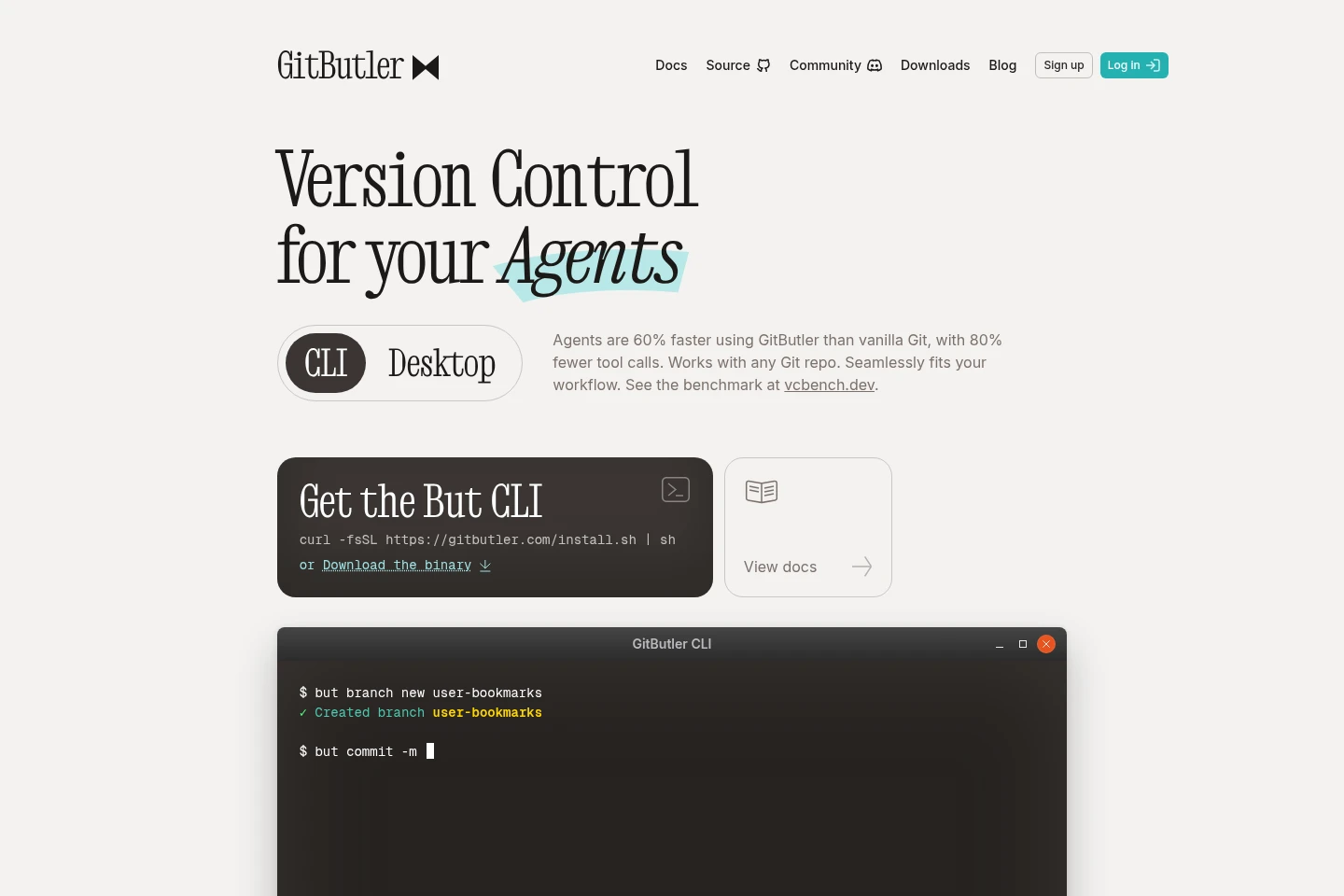
GitButler is a Git CLI and desktop client for working with existing Git repositories. It supports stacked and parallel branches, history editing, undo and redo, and pull request workflows. Its CLI offers structured JSON output and commands designed for scripts and AI coding agents. Available downloads include macOS, Linux and Windows builds.

Visit WebsiteUpdate this product

0Views

Capabilities

Stacked and parallel branches

Work on dependent or simultaneous branches in a Git repository, without switching between parallel tasks. Create changes on top of other branches and review or land them independently.

Commit history editing

Move changes between commits and absorb, reorder or amend work using GitButler commands. The CLI supports operations such as commit, amend and move.

Undo and redo operations

Undo or redo GitButler operations, including after commits. The homepage describes this as unlimited undo; the available operation depends on the work being performed.

Structured CLI output

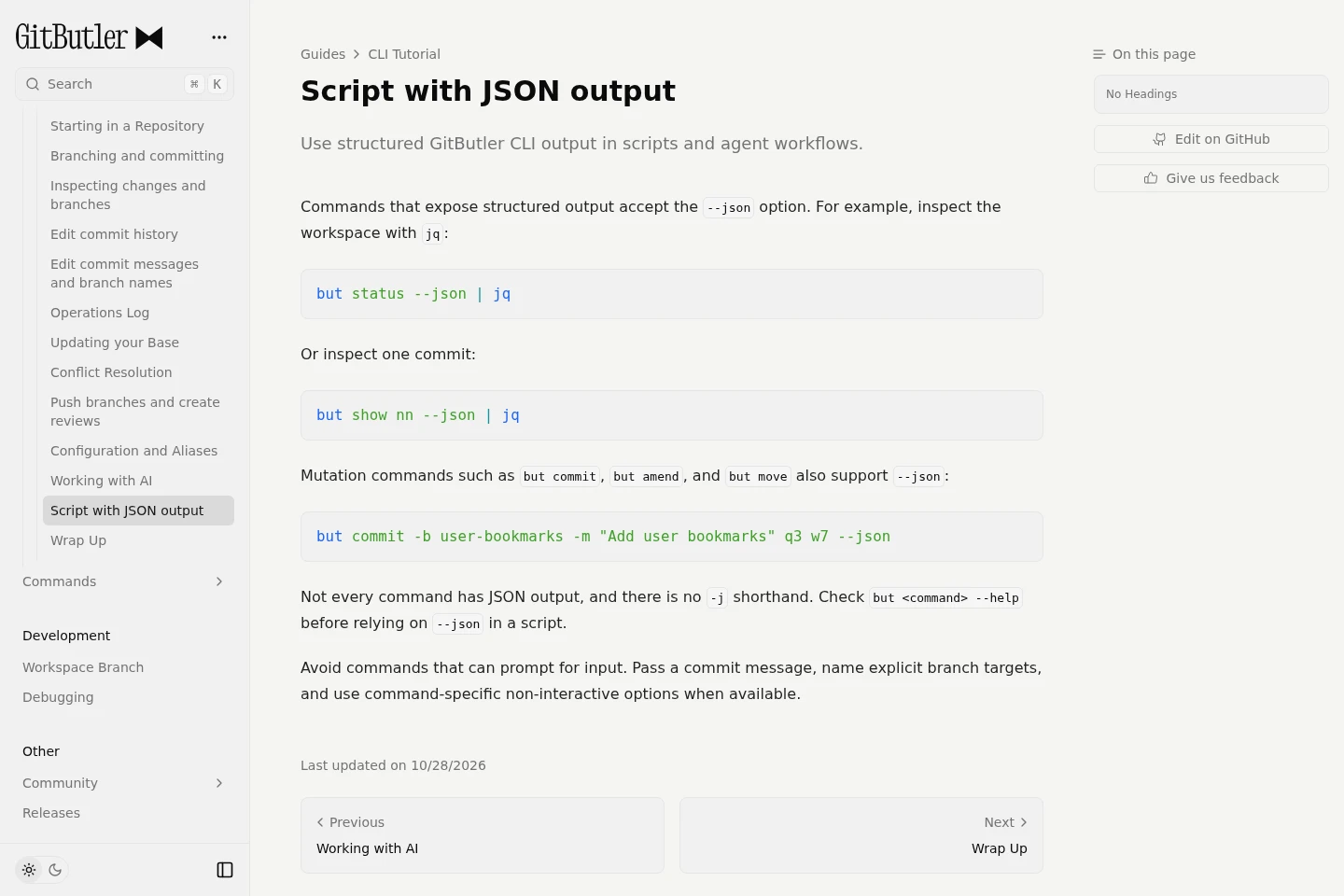
Return JSON output from supported GitButler CLI commands for scripts and agent workflows. Use the --json option where available; not every command supports structured output.

Branch and workspace status

Inspect active branches and workspace changes through GitButler's status view and CLI. The CLI can emit JSON for supported status commands.


PricingFree

The supplied pages describe GitButler as free and open source and do not show paid plans or billing options. There are no listed plan prices or quotas to compare.

Use cases

Work on several features in parallel

When separate features need work at the same time, use parallel branches to keep their changes distinct without switching branches. GitButler lets you work across branches in one repository.

Build and review dependent changes

When one change depends on another, place work on stacked branches and review or land the changes independently. GitButler supports stacked branch workflows in existing Git repositories.

Automate Git tasks with scripts

When a script or AI coding agent needs to inspect or change repository work, call supported GitButler CLI commands and request JSON output with --json. Check command help because JSON output is not available for every command.

Limitations

  • JSON output is available only for supported CLI commands; not every command accepts the --json option.

  • GitButler is designed to work with Git repositories; the homepage states it layers onto existing repositories and remotes.

Alternatives

Git Agent

Define and run AI agents from version-controlled files

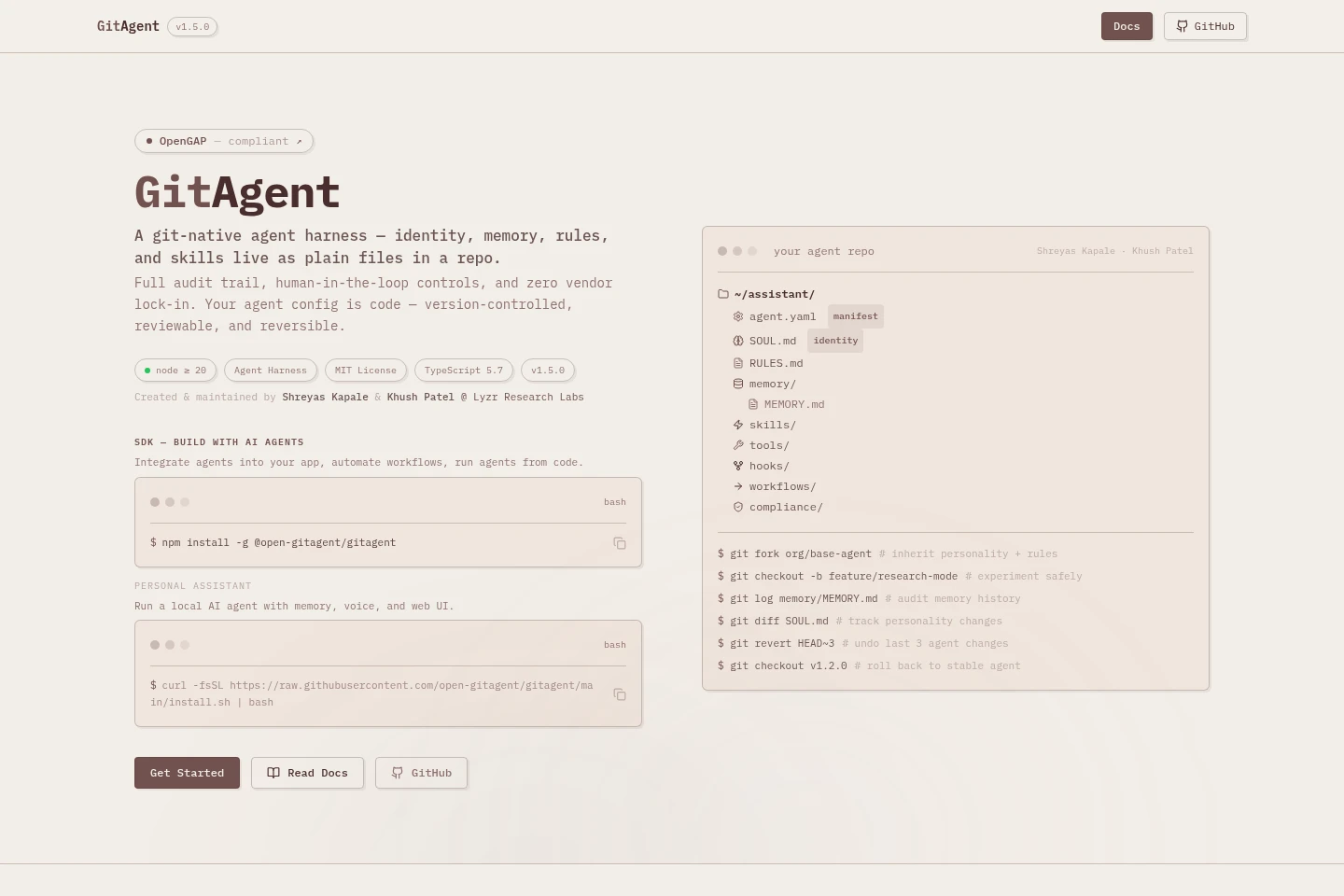
Git Agent is a TypeScript agent harness that stores an agent’s identity, rules, memory, tools, and skills as files in a Git repository. Run it from the CLI, use its browser interface or messaging integrations, or embed it in a Node.js app. Git history supports review, audit, and rollback of agent changes.

  • API
  • Contact Sales
  1. Giselle

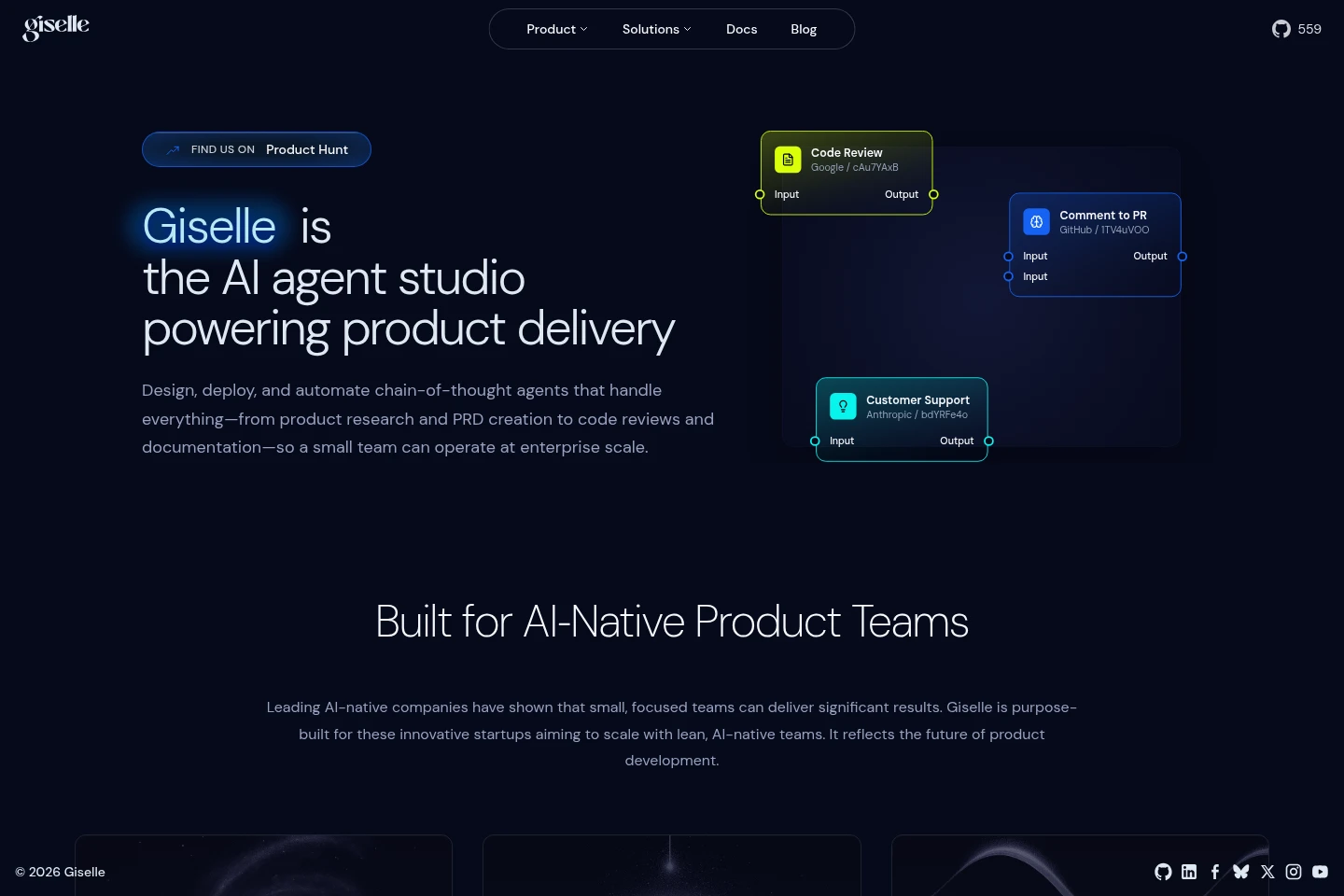
    Visually build and automate AI agent workflows

    Contact Sales
  2. GitGlow

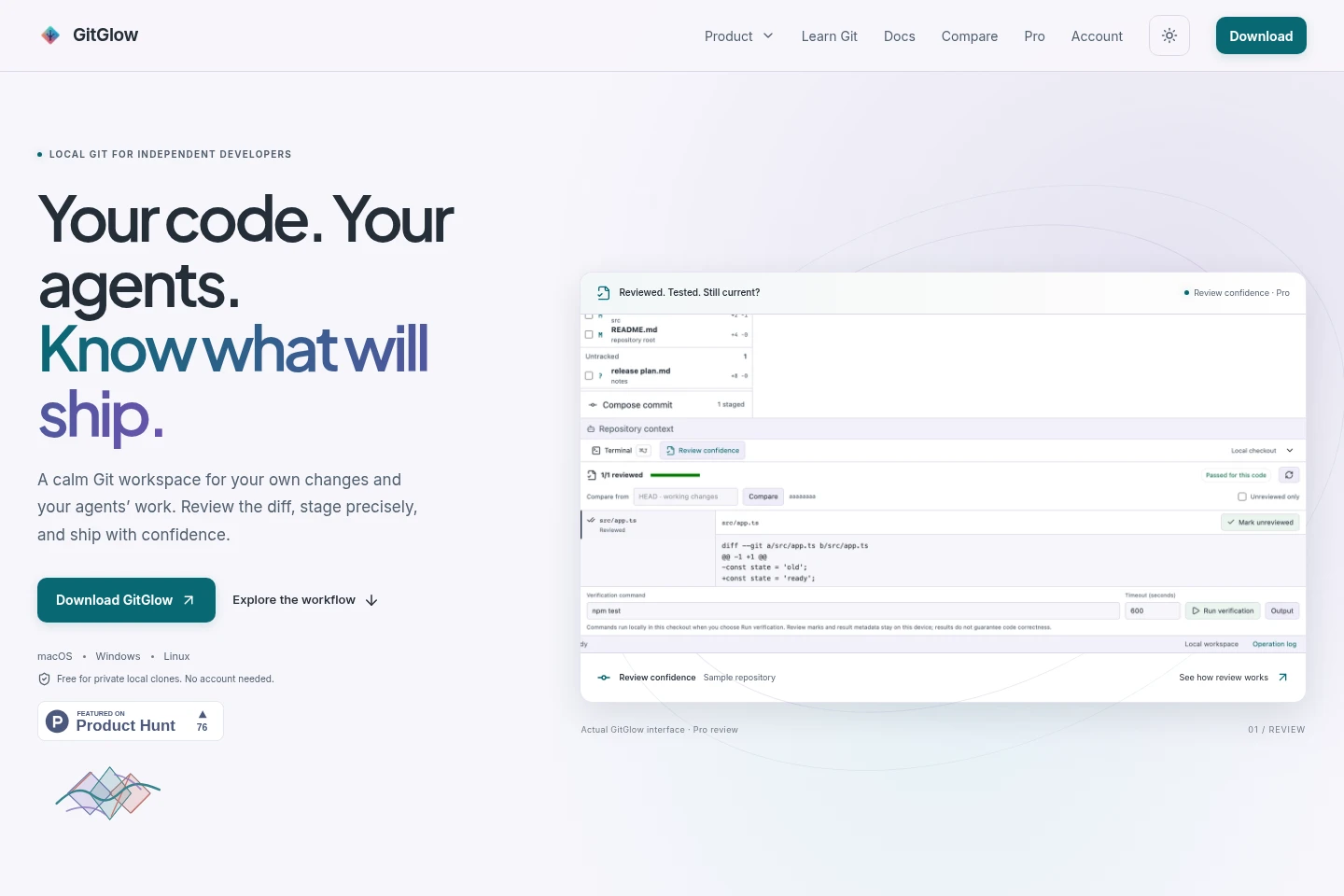
    Review local Git changes, agent work, and releases

    Free · €0
  3. CodeMaker Ai

    Transform your coding experience effortlessly

    Free
  4. GitHub Copilot

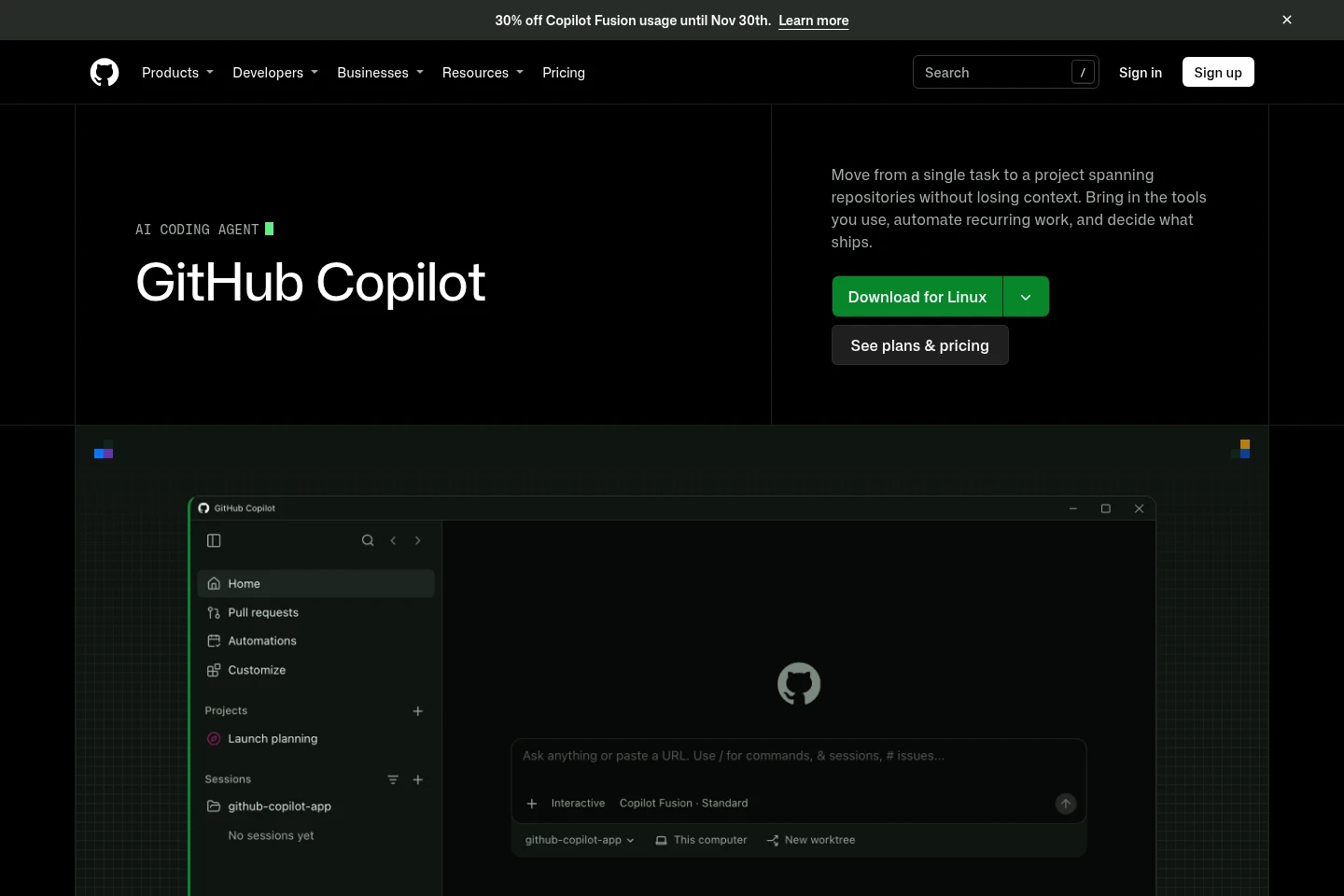
    Your AI pair programmer for coding

    Freemium
  5. Aura

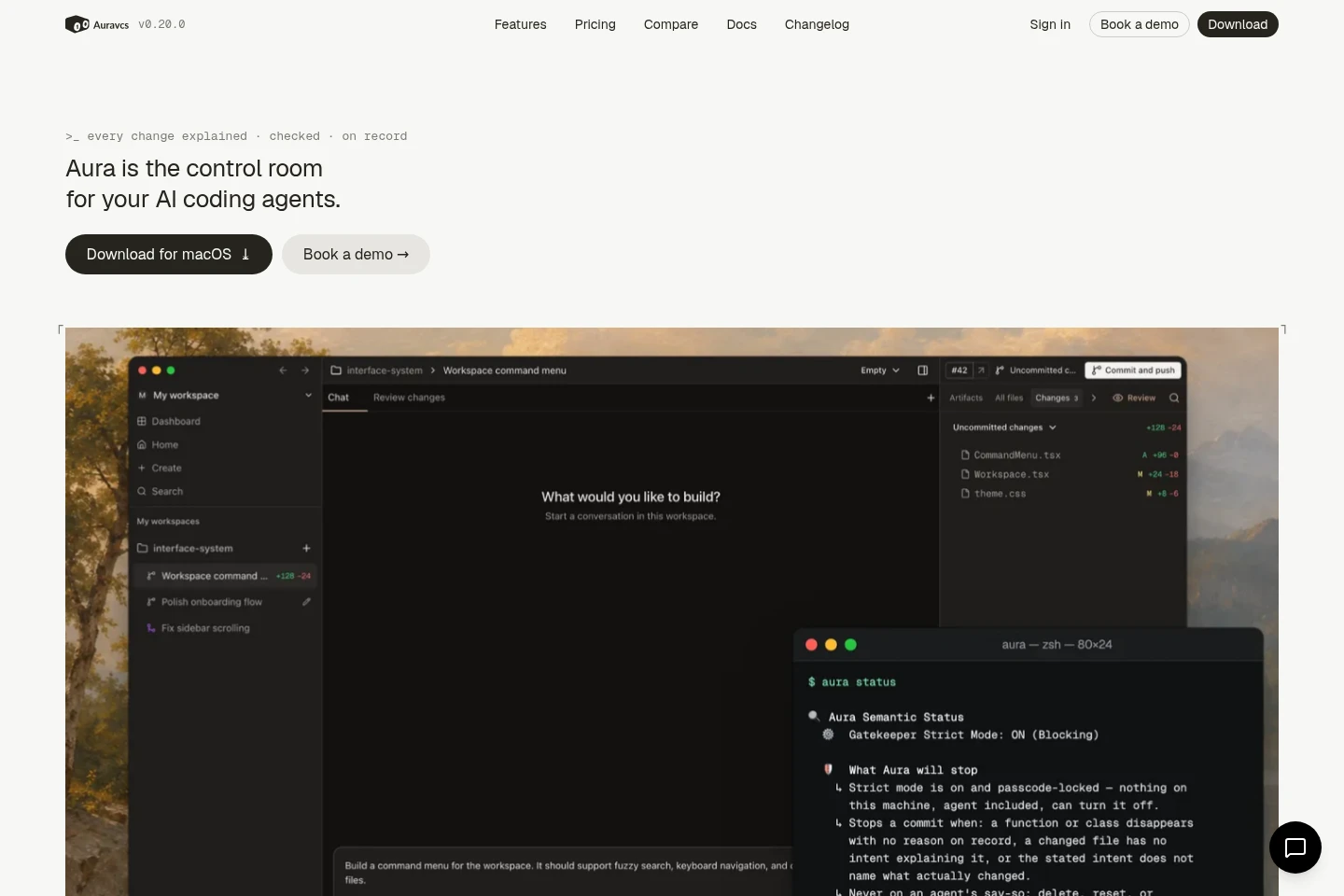
    Review and coordinate AI coding agent work on your Git projects

    Open source · Free

Who it is for

  • Software developers managing multiple branches and pull requests

  • Developers using AI coding agents that need predictable Git commands

  • People scripting Git repository operations with structured command output

FAQ

Does GitButler work with existing Git repositories?

Yes. GitButler is described as working with existing Git repositories and remotes, with no configuration required on the homepage.

Can I use GitButler with AI coding agents?

Yes. The CLI is designed for agent workflows and offers predictable commands and structured output. JSON output is available only for supported commands.

Does every CLI command support JSON output?

No. Only commands that expose structured output accept --json, and the documentation says not every command has JSON output. Check but --help before depending on it in a script.

Which operating systems have downloads listed?

The homepage lists macOS (Apple Silicon), Linux .DEB and .RPM packages, and a Windows MSI. It links to the downloads page for other options.

Is GitButler free and open source?

The homepage labels GitButler “Free and Open Source.” It does not list paid plans or prices on the supplied pages.

Comments

Please sign in to leave a comment.
No comments yet. Be the first to share your thoughts!