Monthly visits
4,530
2026-10
Monthly growth +2,503.4%

Errors.AI - AI code analysis for bugs and security risks

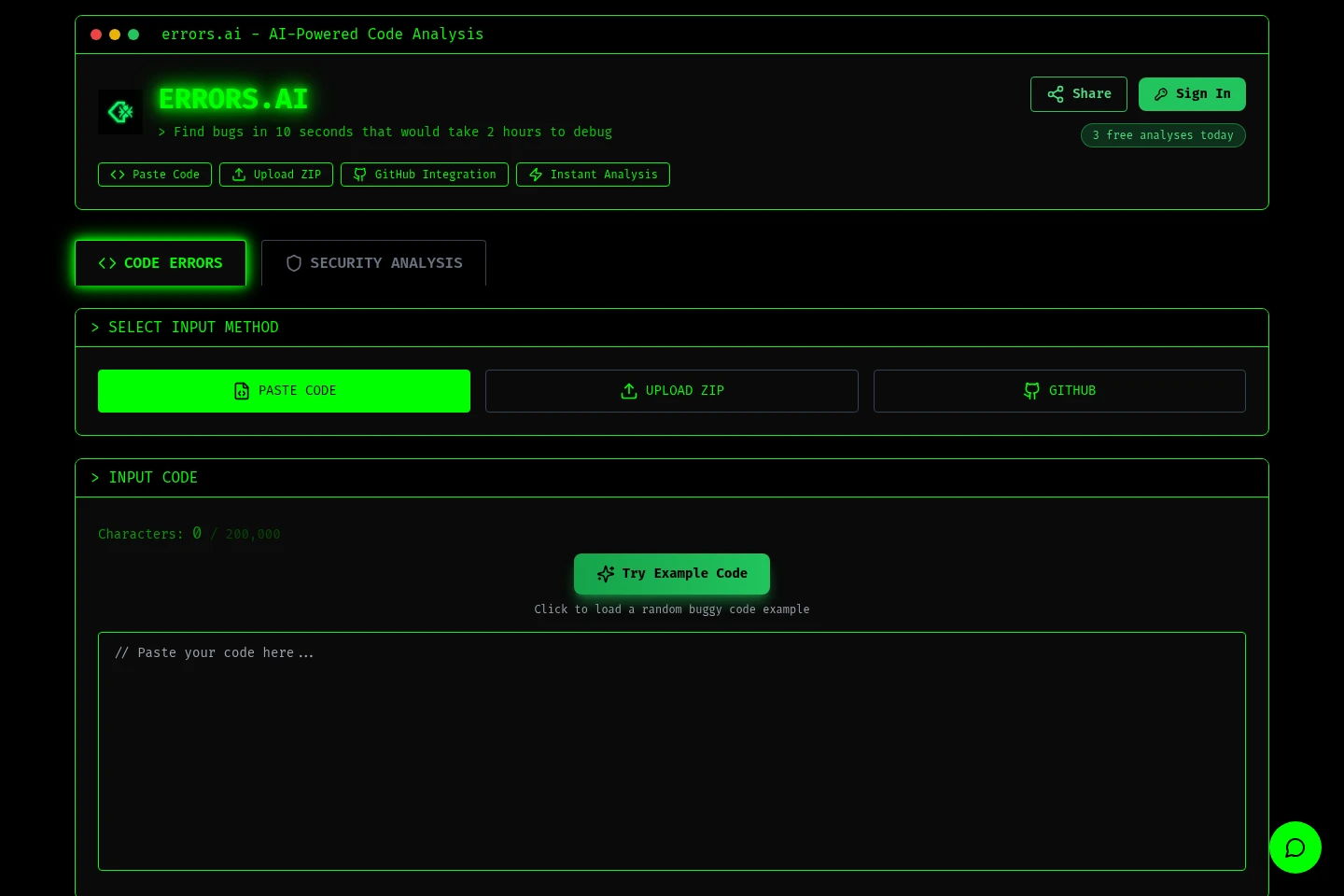
Errors.AI analyzes code for bugs, security vulnerabilities, and code quality issues. Submit code by pasting it, uploading a ZIP file, or connecting a GitHub repository. Results include issue descriptions, severity, affected locations, and suggested fixes. A command-line tool also supports local analysis and CI/CD pipelines.

Visit WebsiteUpdate this product

0Views

Capabilities

AI code analysis

The analyzer identifies code errors, logic bugs, and quality issues, then returns issue descriptions, severity levels, affected locations, and fix suggestions. Submit pasted code, ZIP files, or GitHub repositories; the homepage editor accepts up to 200,000 characters.

Security vulnerability scanning

Security analysis identifies vulnerabilities such as SQL injection, XSS, CSRF, and authentication issues. Choose Security Analysis for submitted code or projects; results include issue details, severity, locations, and suggested fixes.

GitHub repository analysis

The service analyzes code from connected GitHub repositories and can assess entire projects. Connect a repository as an input method; paid and Free plan pages list GitHub integration.

Command-line analysis

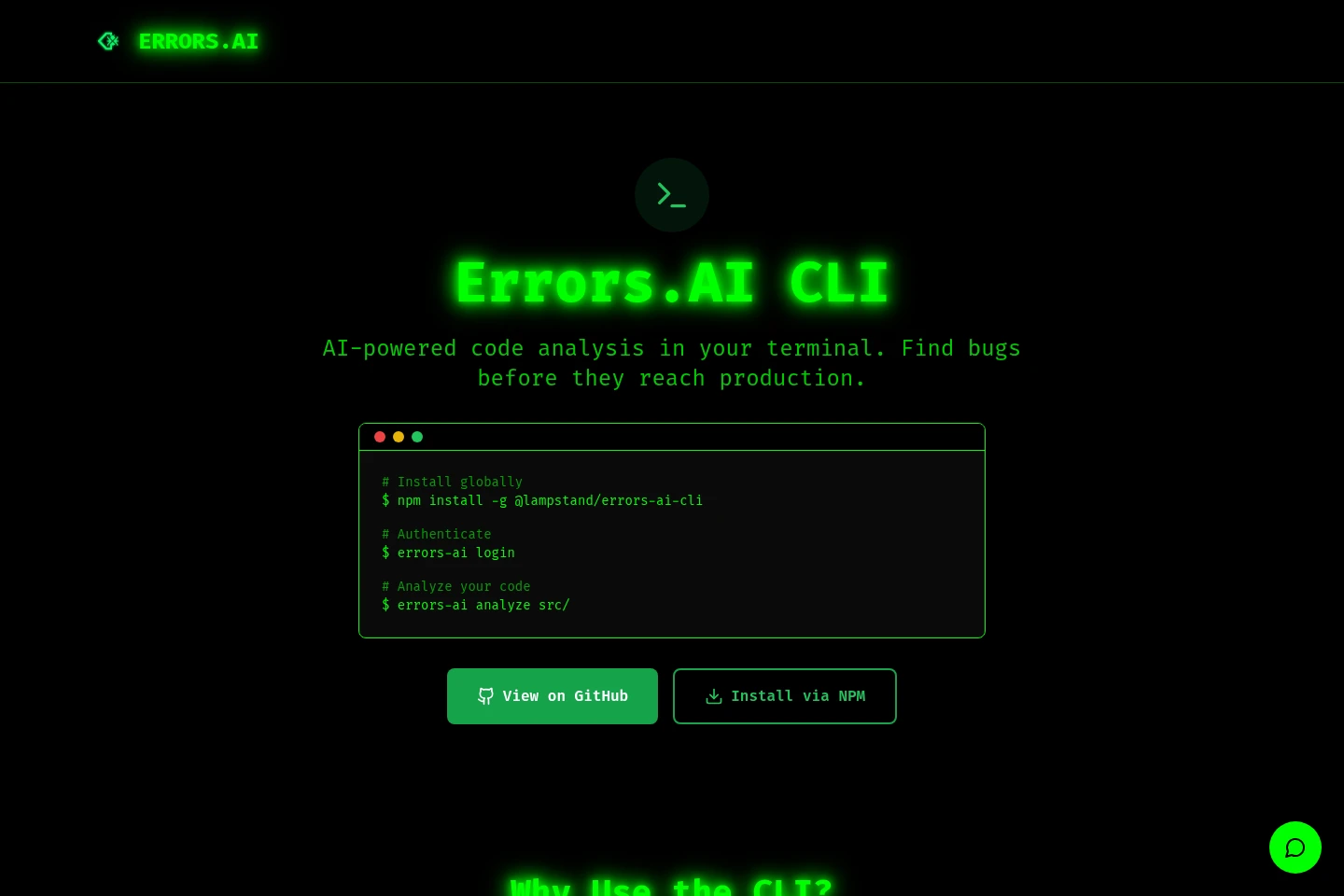
The Errors.AI CLI analyzes local code and can return text, JSON, or GitHub Actions annotations. Install it through npm, authenticate through a browser or API key, and use its check command and exit codes in CI/CD pipelines.


PricingFreemium

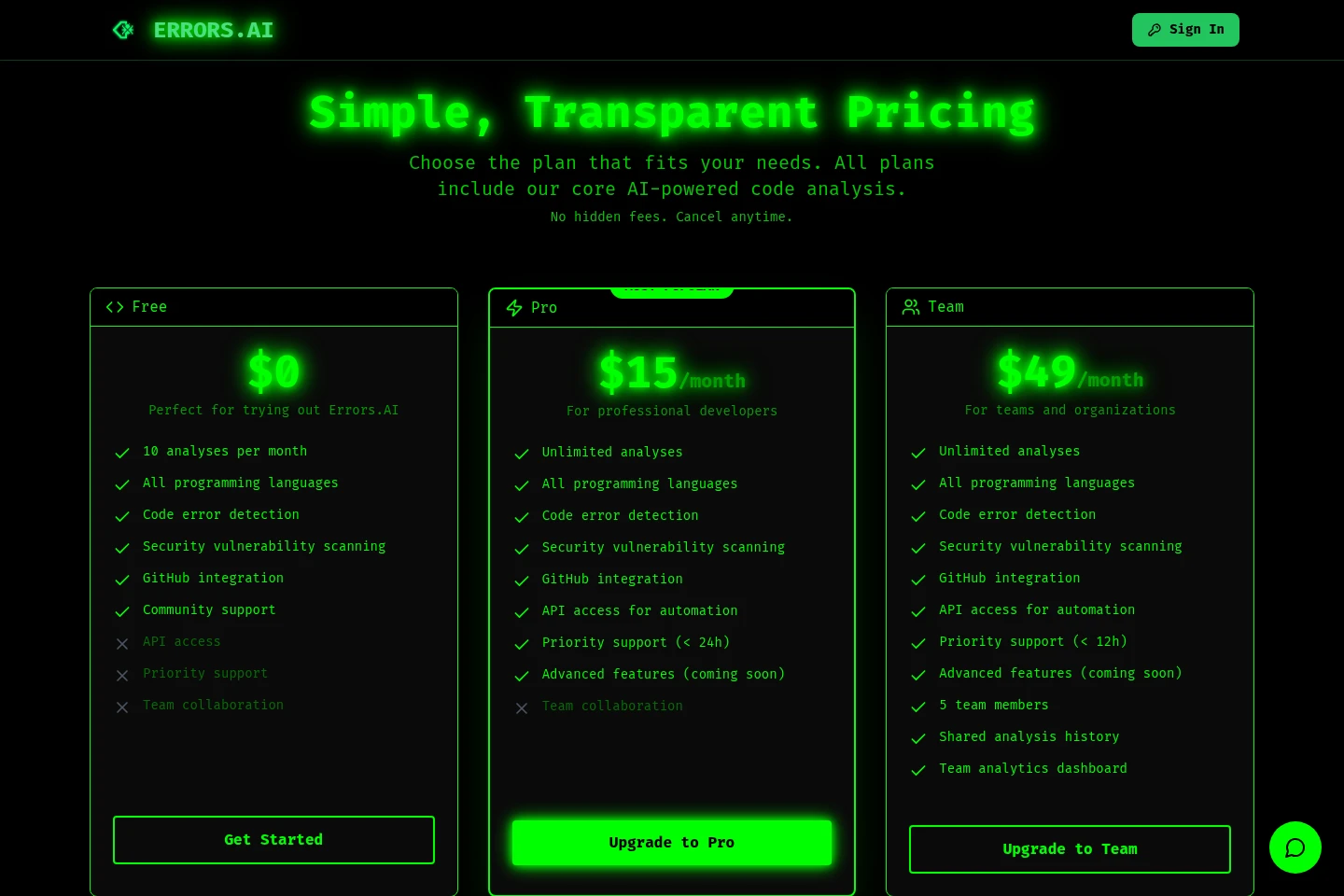
Errors.AI offers a free tier and paid monthly subscriptions. Compare monthly analysis limits, team seats, analysis history, support response targets, and included API access when choosing a plan.

PlanPriceIncluded features and limits
Free

$0

  • 10 analyses per month

  • All programming languages

  • Code error detection and security scanning

  • GitHub integration

  • Community support

  • API access and priority support listed, availability unclear

Pro

$15/month

  • Unlimited analyses

  • All programming languages

  • Code error detection and security scanning

  • GitHub integration and API access for automation

  • Priority support with response target under 24 hours

  • Advanced features marked coming soon

Team

$49/month

  • Unlimited analyses

  • All programming languages

  • Code error detection and security scanning

  • GitHub integration and API access for automation

  • Priority support with response target under 12 hours

  • 5 team members, shared analysis history, and team analytics dashboard

The pricing page says subscriptions can be canceled at any time, with access retained until the end of the billing period. Plan changes take effect immediately and charges are prorated.

Use cases

Find and investigate code defects

When developers need to inspect a code sample or project for errors, paste code, upload a ZIP file, or connect a GitHub repository. Errors.AI reports issue descriptions, severity, affected locations, and fix suggestions for review.

Check code for security vulnerabilities

When reviewing an application or API for common security issues, submit code and select Security Analysis. The results identify issues including SQL injection, XSS, CSRF, and authentication flaws, with details to guide remediation.

Run code checks in CI/CD pipelines

When a team wants code analysis during a build, install the CLI, authenticate with an API key, and run errors-ai check in a pipeline such as GitHub Actions or GitLab CI. Configure severity thresholds and output formats to support build checks.

Limitations

  • The Free plan is limited to 10 analyses per month; usage resets on the first day of each month, and the service prompts users to upgrade after they reach the limit.

  • Advanced features are marked as coming soon on the Pro and Team plans, so they are not described as currently available plan features.

Alternatives

Qwiet AI

Find, prioritize, and fix application code vulnerabilities

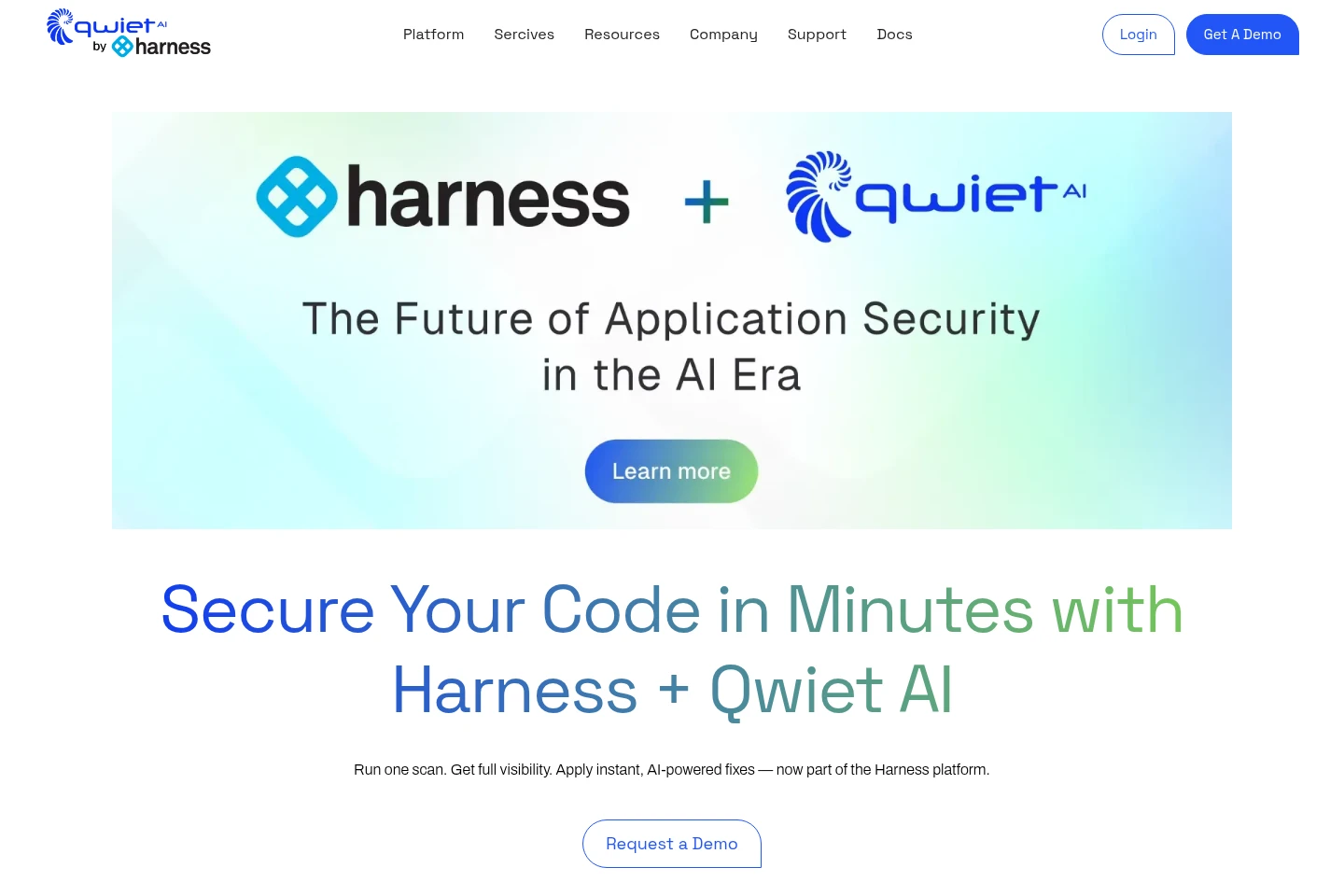
Qwiet AI analyzes application code for security vulnerabilities and presents findings in a unified view. It combines SAST, SCA, infrastructure-as-code, container, and secrets scanning, uses reachability and exploitability context to prioritize findings, and provides AI-generated code fixes. The platform is designed to run in development pipelines.

  • Cloud
  • Contact Sales
  1. Inkog

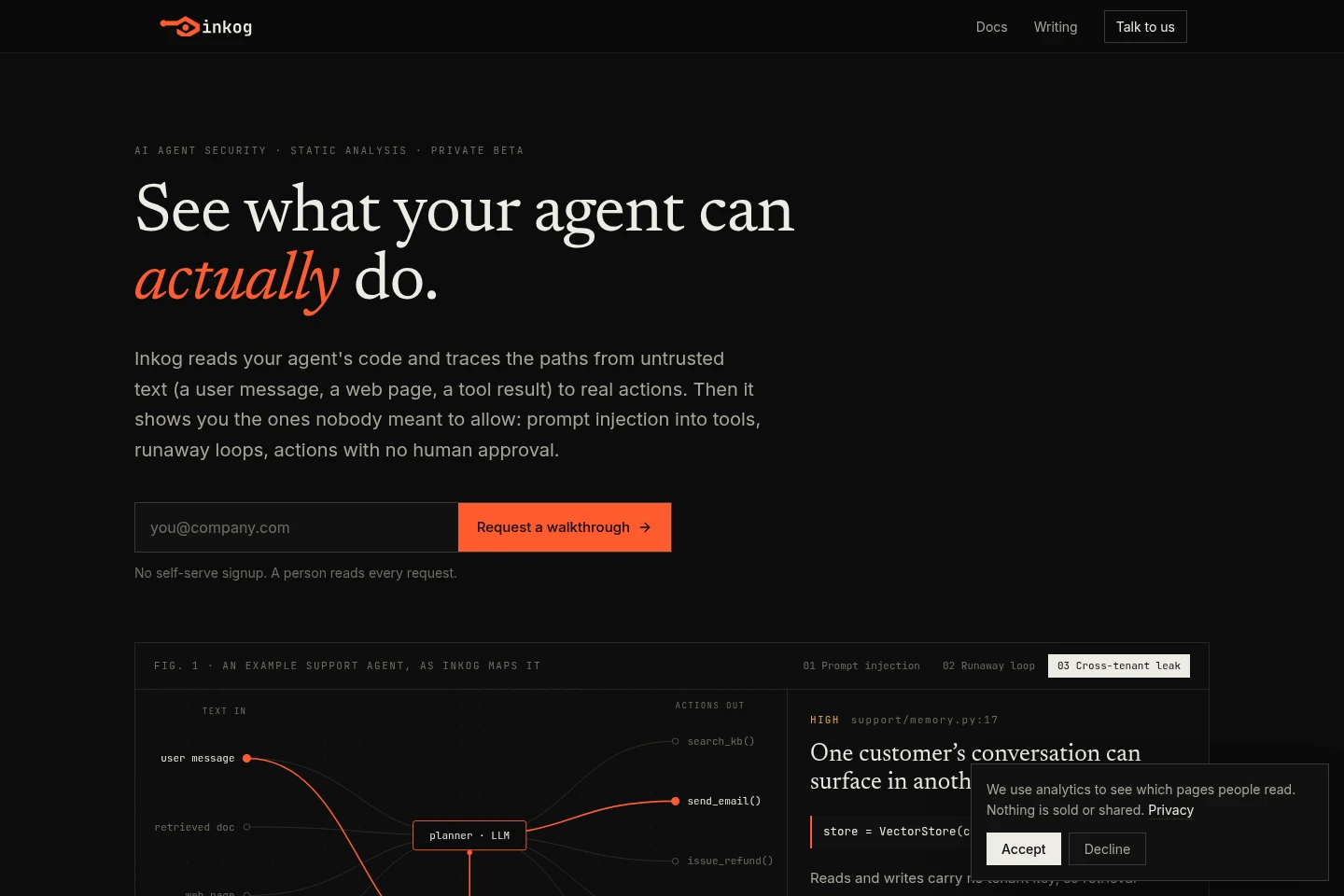
    Trace AI agent code paths to find security risks

    Contact Sales
  2. Vibe Coding

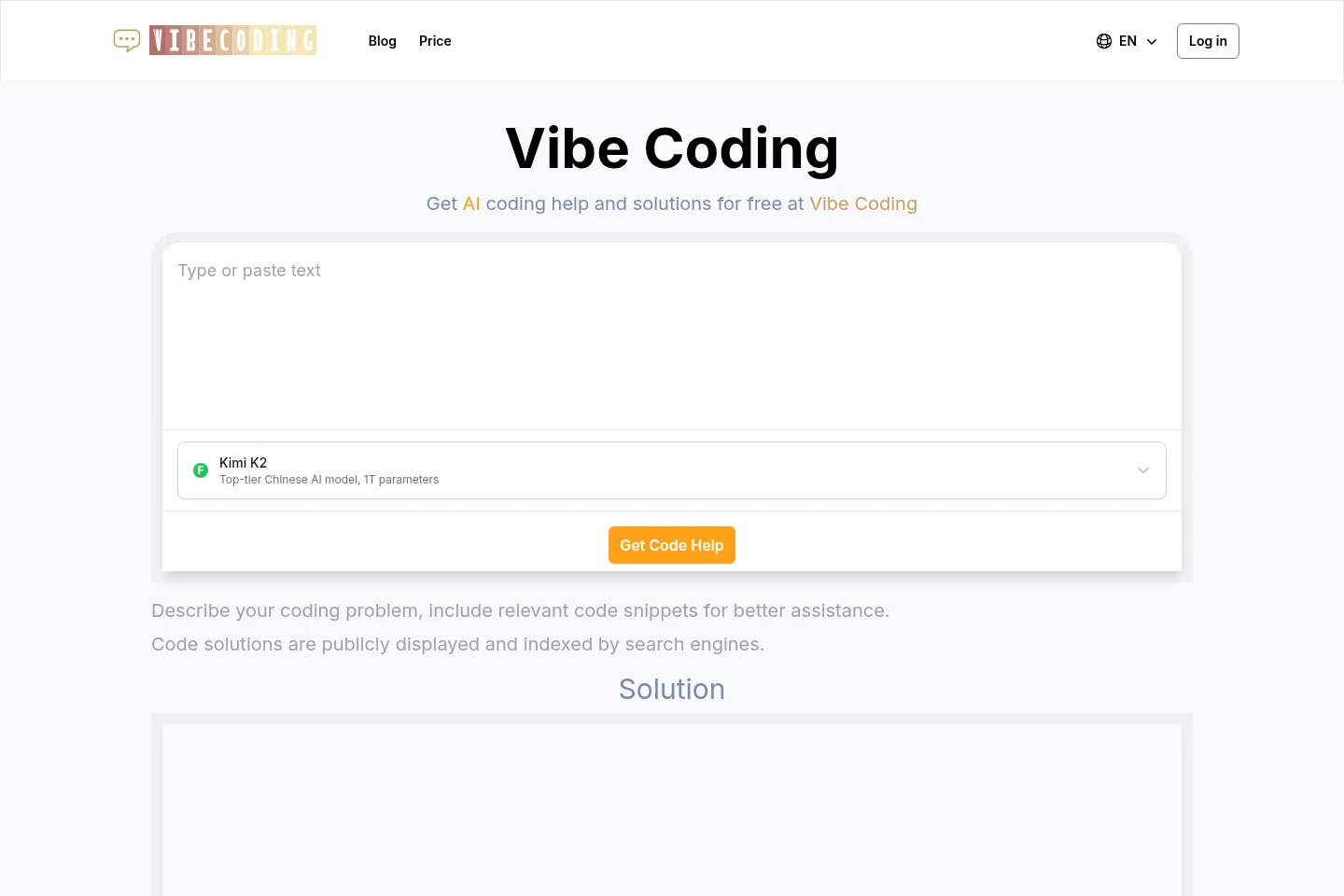
    AI coding help for questions, bugs, and code generation

    Free
  3. KodeziCLI

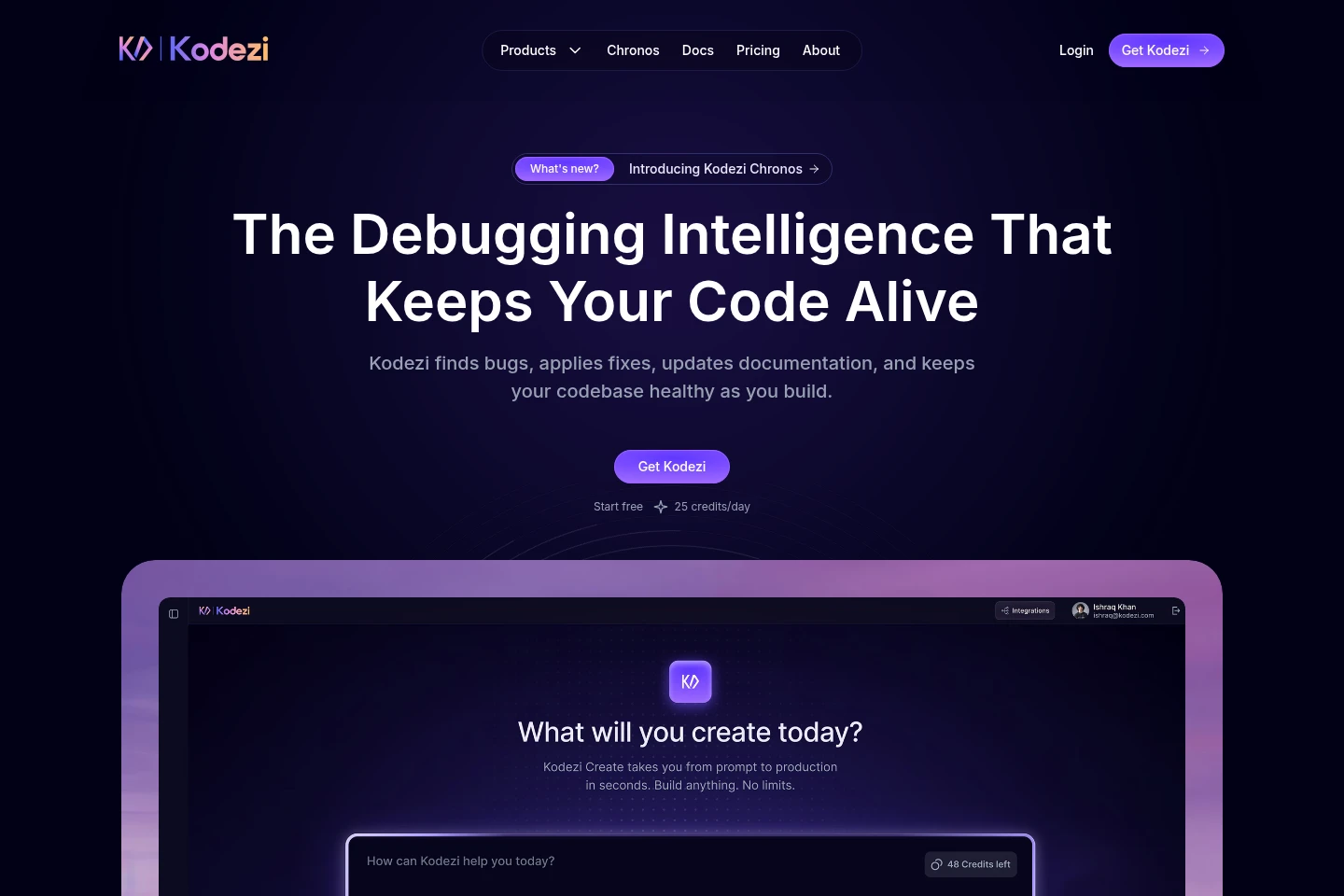
    Enhance code quality with AI-driven tools

    Freemium
  4. AtRisk

    Continuous security platform for AI-built applications

    Freemium
  5. CodeCritic

    AI code reviews for browser code and GitHub pull requests

    Free

Who it is for

  • Software developers who need to find code defects and security issues

  • Engineering teams that want to run code analysis in CI/CD workflows

FAQ

What does Errors.AI analyze?

Errors.AI analyzes code for syntax and logic errors, security vulnerabilities, performance issues, code quality problems, and best-practice violations. Results can include severity, affected locations, and fix suggestions.

How can I submit code for analysis?

You can paste code, upload a ZIP file, or connect a GitHub repository. The homepage editor indicates a limit of 200,000 characters for pasted code.

Which programming languages does it support?

The pages name JavaScript, Python, TypeScript, Java, C++, Go, Rust, PHP, Ruby, C#, Swift, and Kotlin, and state that the analyzer can handle other major languages.

Is Errors.AI free, and is there a free trial?

The Free plan is ongoing and includes 10 analyses per month. The pricing FAQ says there is no separate free trial; users can upgrade to Pro or Team for unlimited analyses.

What happens when the Free plan limit is reached?

After 10 analyses in a month, Free users are prompted to upgrade. The usage allowance resets on the first day of each month.

Can I cancel or change a paid plan?

Yes. The pricing page says users can upgrade or downgrade at any time, with changes effective immediately and charges prorated. A subscription can be canceled in account settings, with access retained until the billing period ends.

Comments

Please sign in to leave a comment.
No comments yet. Be the first to share your thoughts!