

Monthly visits
1,046
2026-10
Monthly growth +1,438.2%

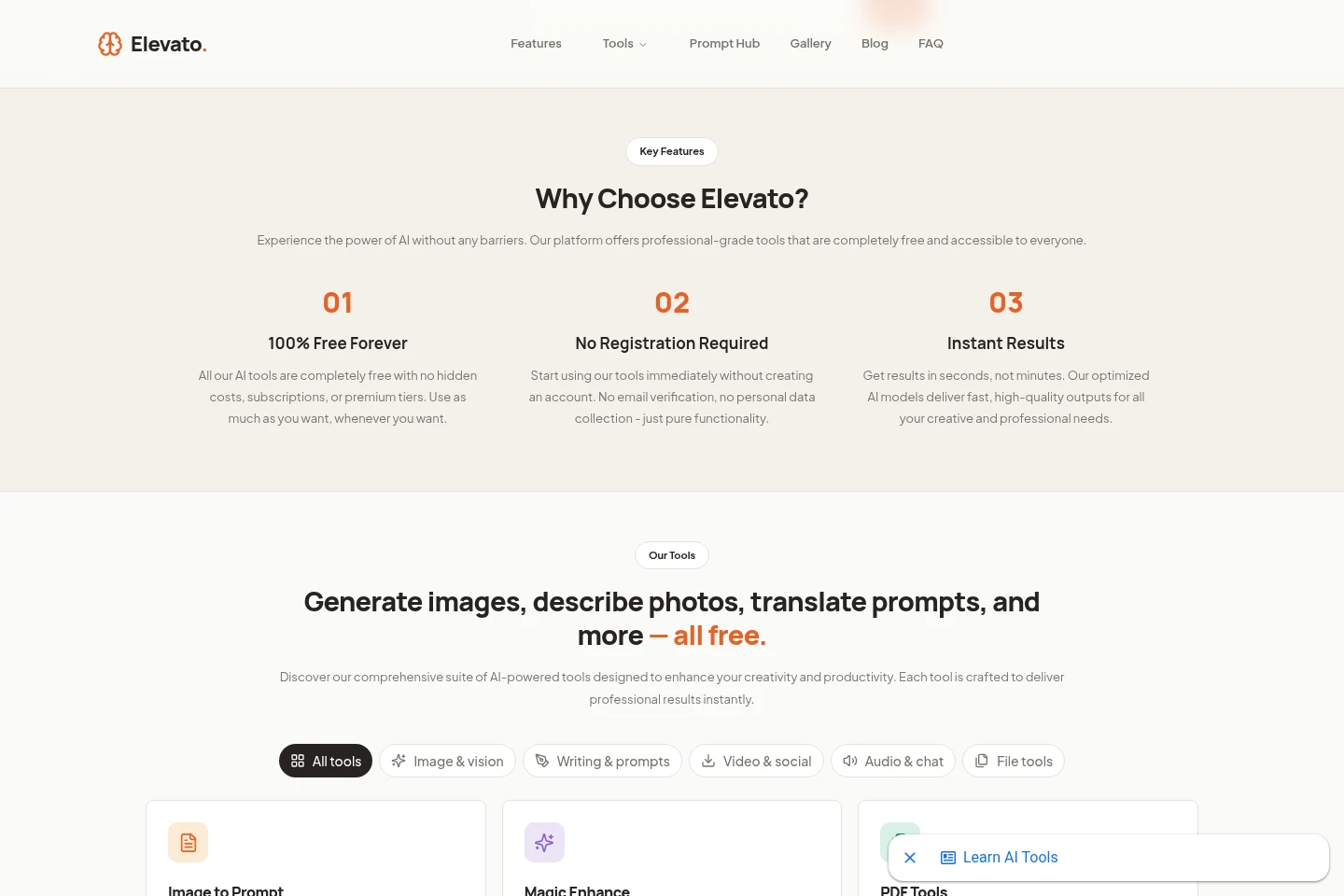
Elevato - Free AI and file tools, available in your browser

Elevato provides free browser-based tools for image, audio, video and PDF tasks, alongside AI features such as image-to-prompt, prompt enhancement and text extraction. The site says no account is required; its image, audio, video and PDF tools are described as running without uploads.

Visit WebsiteUpdate this product

1Views

Capabilities

AI image and prompt tools

AI tools generate images, describe images as prompts, and suggest prompt enhancements. Users can provide an image or an existing prompt; the listed tools return an image description or enhancement suggestions.

Browser-based file tools

Image, audio, video and PDF tools process files in the browser without uploading them, according to the site. Users can convert, edit or manage supported files using the listed operations.

Text extraction

Text extraction tools take image content and return extracted text for digitizing documents. The homepage describes this function but does not specify supported languages or accuracy.

PricingFree

The homepage describes Elevato’s tools as free, with no subscriptions or premium tiers. Compare tool categories and their listed operations; no paid plan prices are provided.

Use cases

Create a prompt from an image

When a user wants to describe an image for AI image generation, Image to Prompt accepts an uploaded image and returns a prompt describing it. The supplied pages do not specify supported image formats.

Convert or edit media and PDF files

When a user needs a common file operation, the browser-based image, audio, video and PDF tools offer listed conversions and edits, including resizing, trimming and merging. The site says these tools require no upload.

Extract text from an image

When a user needs to digitize text shown in an image, the text extraction tool returns extracted content. The pages do not state its accuracy, language coverage or file limits.

Limitations

  • The listed image, audio, video and PDF file tools are described as browser-based and requiring no upload; the pages do not establish this condition for every AI tool.

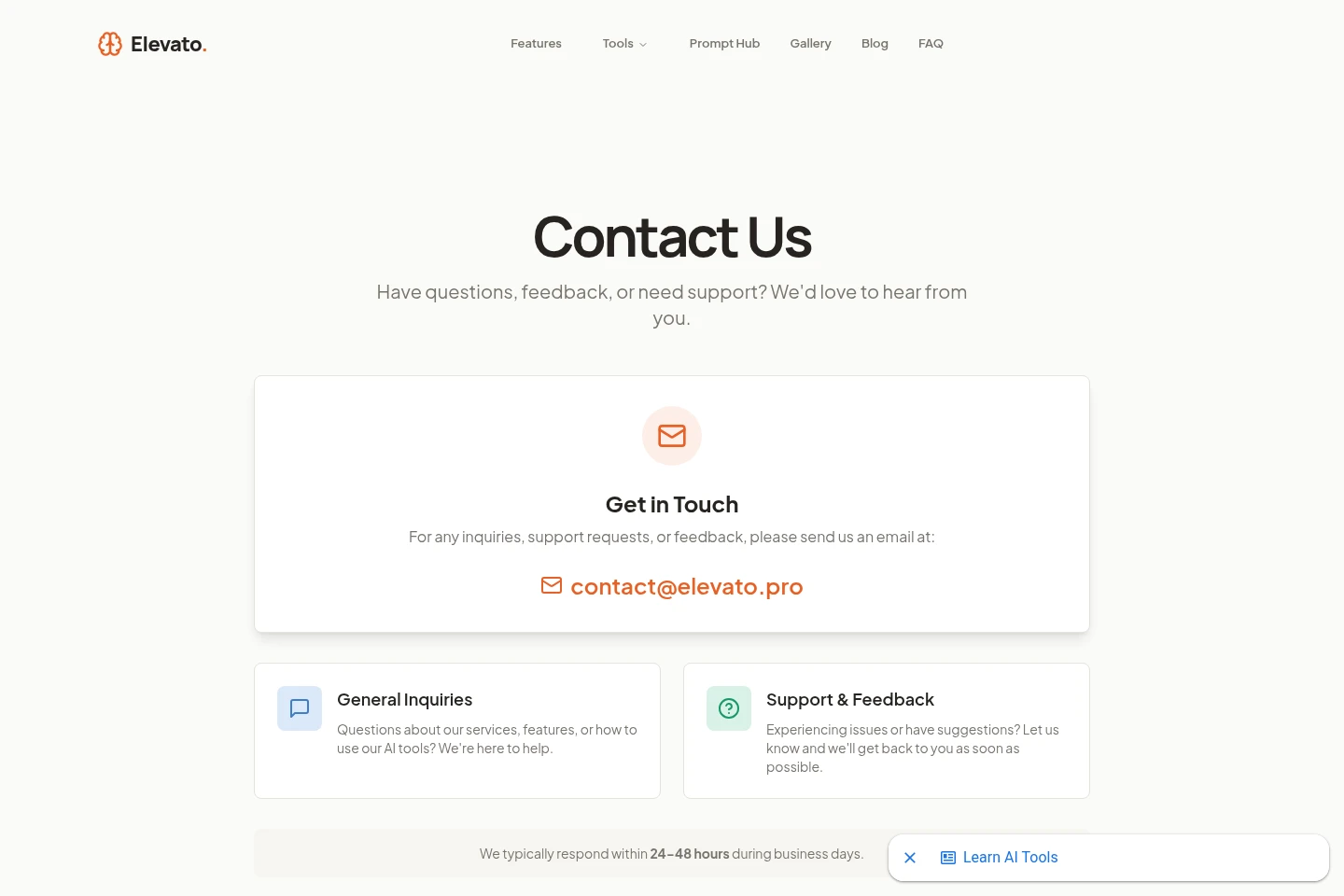
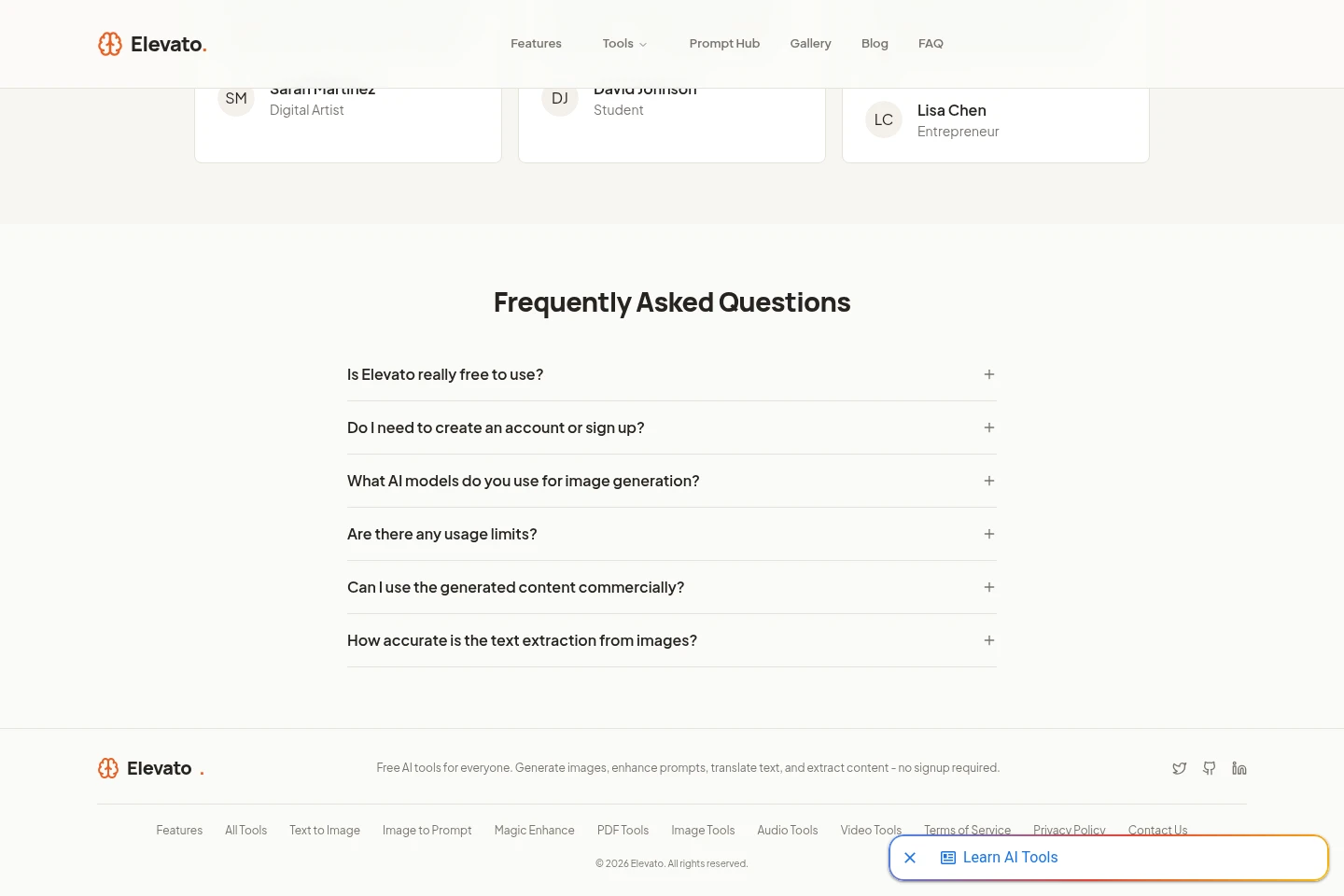
  • The supplied pages do not provide answers to the FAQ questions about image-generation models, commercial use, usage limits or text-extraction accuracy.

Alternatives

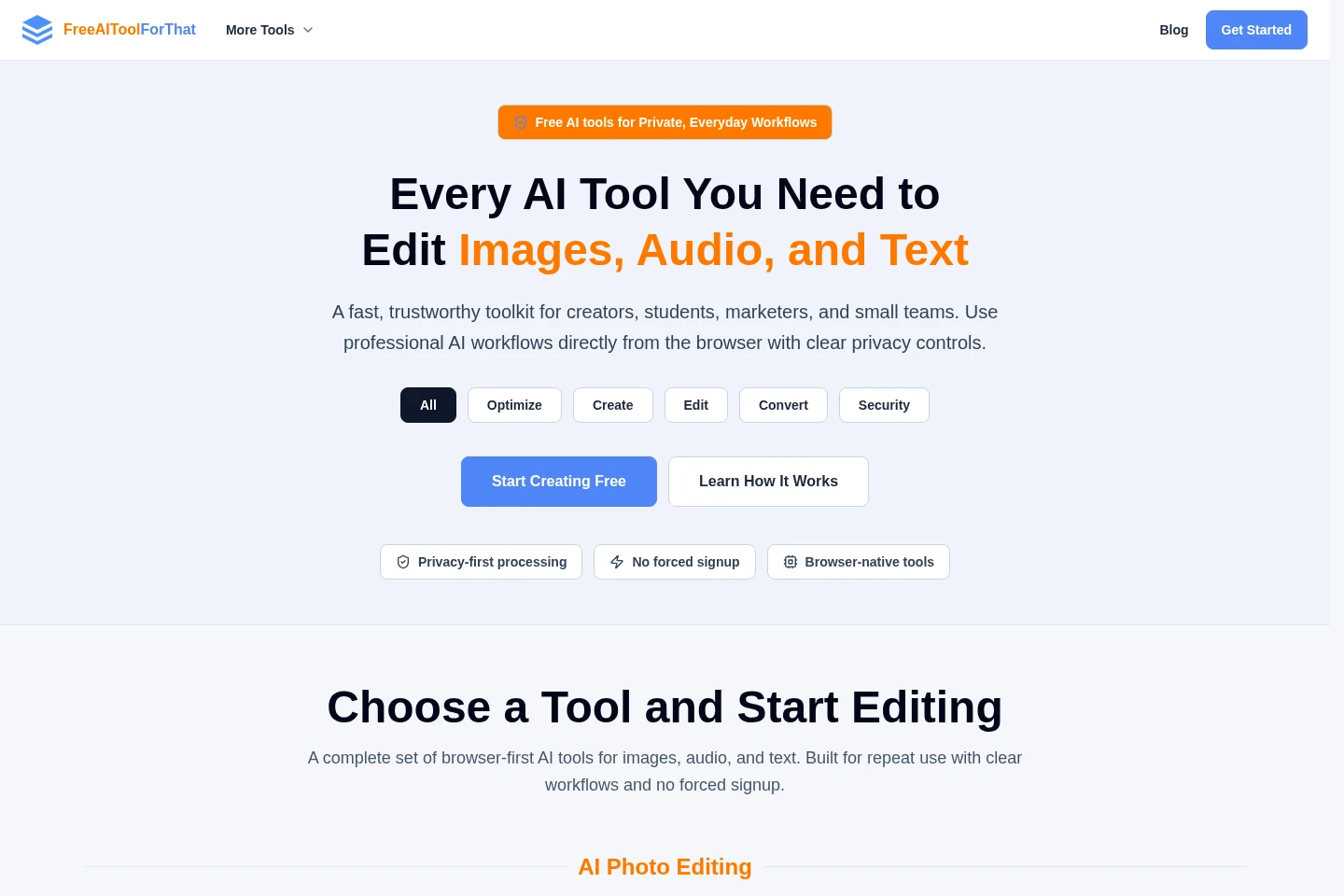
Free AI Tool For That

Browser-based AI tools for images, audio, and text

Free AI utilities for editing images, converting audio and text, and handling documents. Tools include image generation and enhancement, object removal, face blurring, speech transcription, text-to-speech, OCR, PDF-to-Markdown conversion, grammar checking, and text rewriting. Many workflows run locally in the browser; cloud-powered generative tasks use secure APIs.

  • Cloud
  • Free
  1. FullyFreeTools

    Free online tools for files, media, text, and AI

    Free
  2. Free AI Image

    100% free no-login AI image generator with text to image and image to image tools

    Free
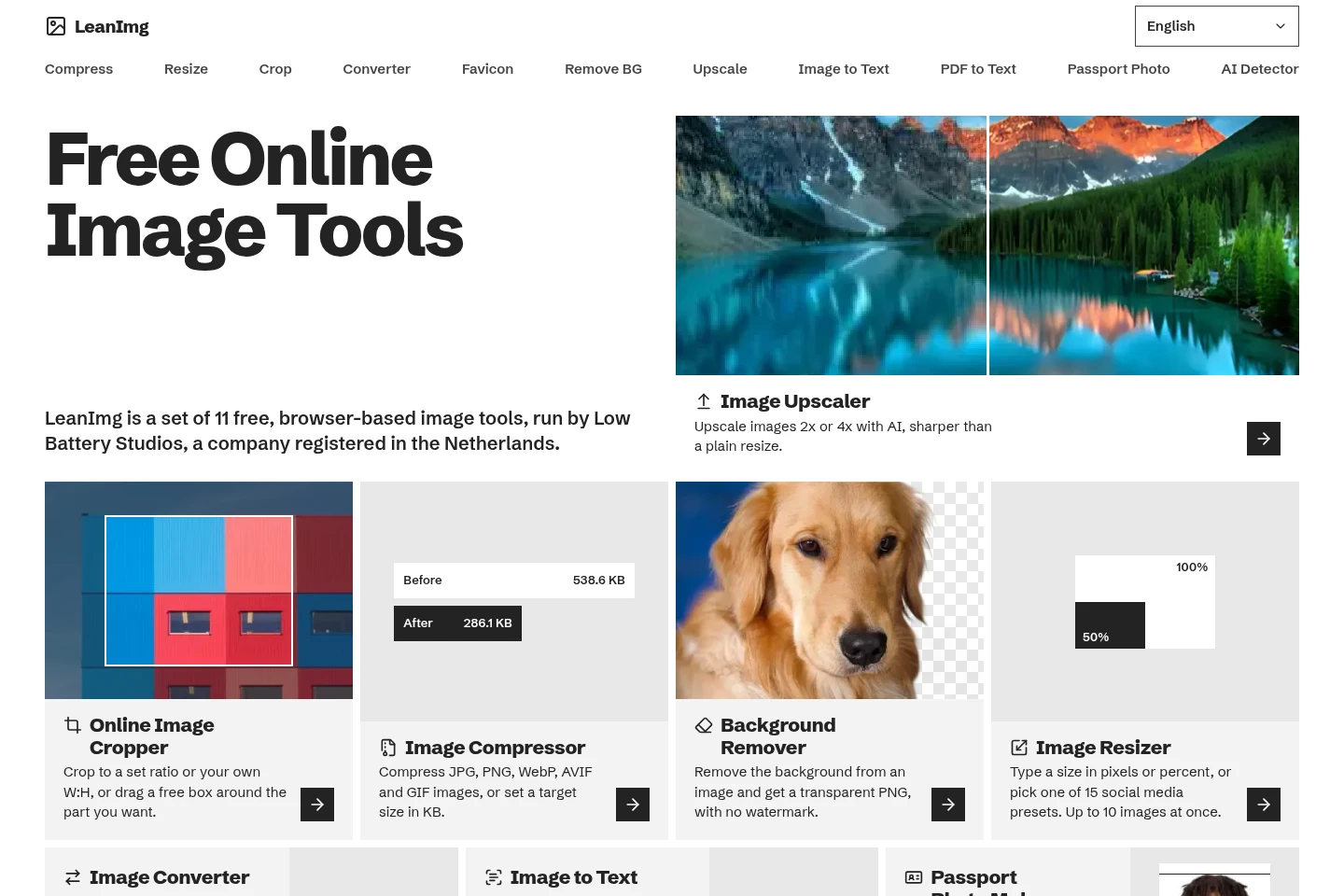
  3. LeanImg

    Free browser-based tools for everyday image tasks

    Free
  4. DigiKits IA

    Free browser tools and short courses for digital creators

    Free
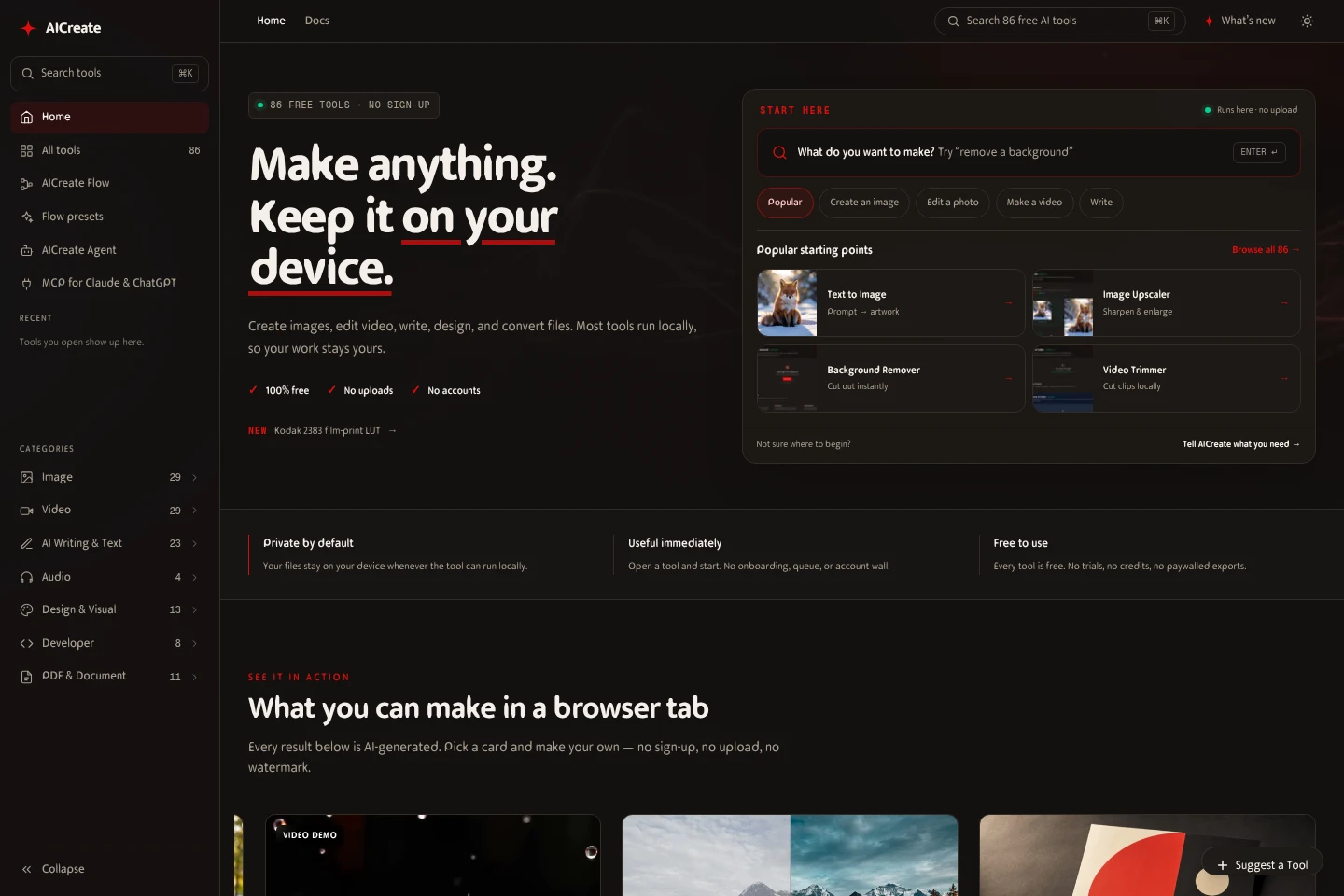
  5. AICreate

    Free browser tools for images, video, text, and files

    Free

Who it is for

  • Content creators who need AI and media tools without creating an account

  • People who need to extract image text or perform PDF operations in a browser

  • People who need quick image, audio or video conversion and editing tools

FAQ

Do I need an account to use Elevato?

No account is required, according to the homepage. It says users can start using the tools without registration.

Do Elevato’s file tools upload files?

The homepage says its PDF, image, audio and video tools work in the browser with no upload. It does not make that statement about every AI tool.

Which file operations are available?

The listed tools include PDF merging and splitting, image conversion and resizing, audio conversion and trimming, and video conversion and cropping. The homepage lists additional operations for each tool category.

Comments

Please sign in to leave a comment.
No comments yet. Be the first to share your thoughts!