Monthly visits
1,524
2026-10
Monthly growth +2,016.7%

DoneThat - Automatic, private time tracking for remote work

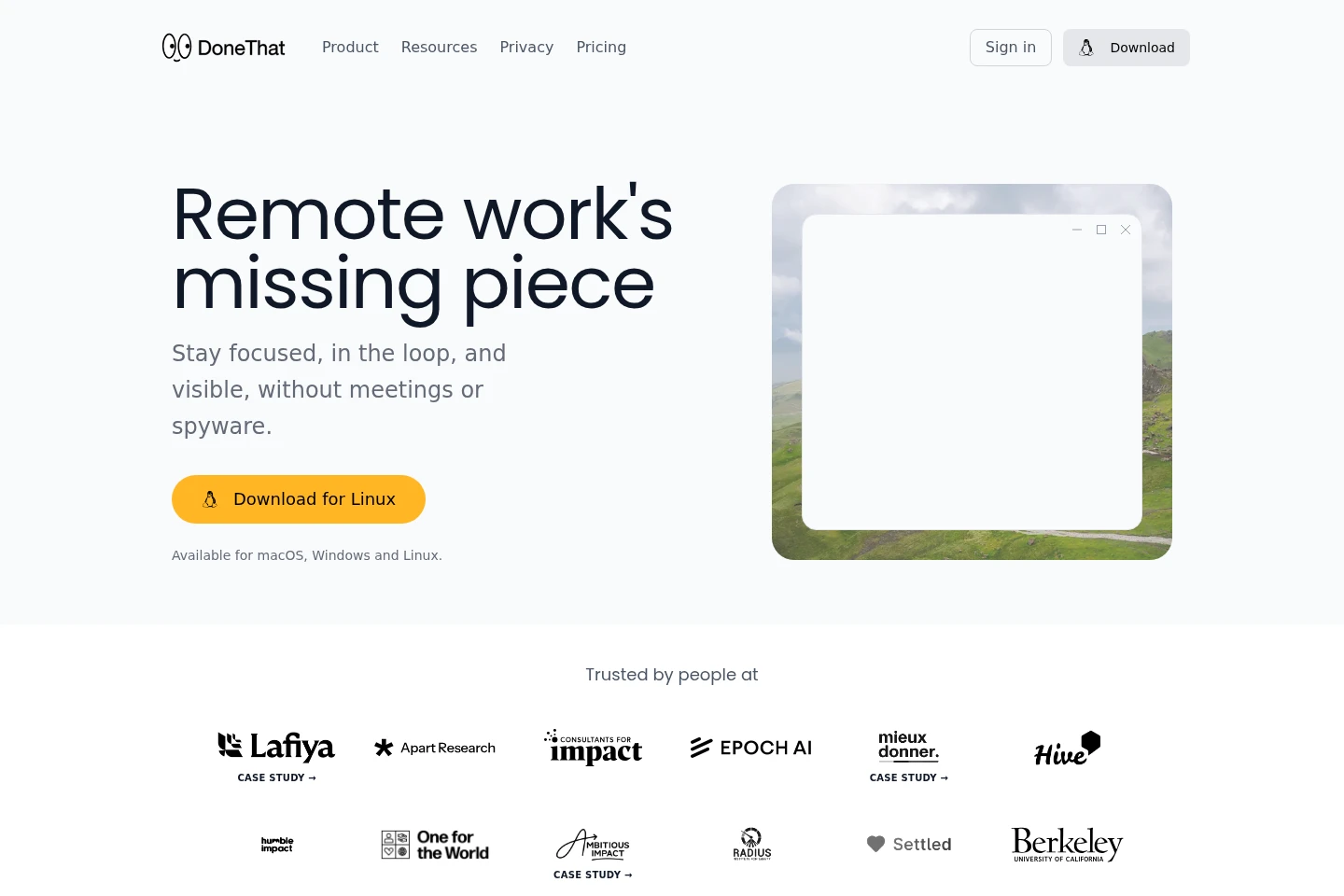
DoneThat is a desktop app that automatically captures work activity and turns it into a reviewable record of tasks and time. Users can keep activity private, hide tasks, set work hours, exclude apps, and choose what to share. AI-generated summaries can be sent to Slack or email, while integrations and API access connect captured work data to other tools.

Visit WebsiteUpdate this product

1Views

Capabilities

Automatic activity capture

The desktop app records work activity as time slices and turns it into a daily view of tasks and time. It captures activity automatically without requiring users to start timers; users can review the resulting record.

Activity privacy controls

Privacy controls let users review activity before sharing and hide individual tasks. Users can pause capture, set work hours, and exclude apps; screenshots are not stored, and the homepage says screenshots are deleted after processing.

AI work summaries

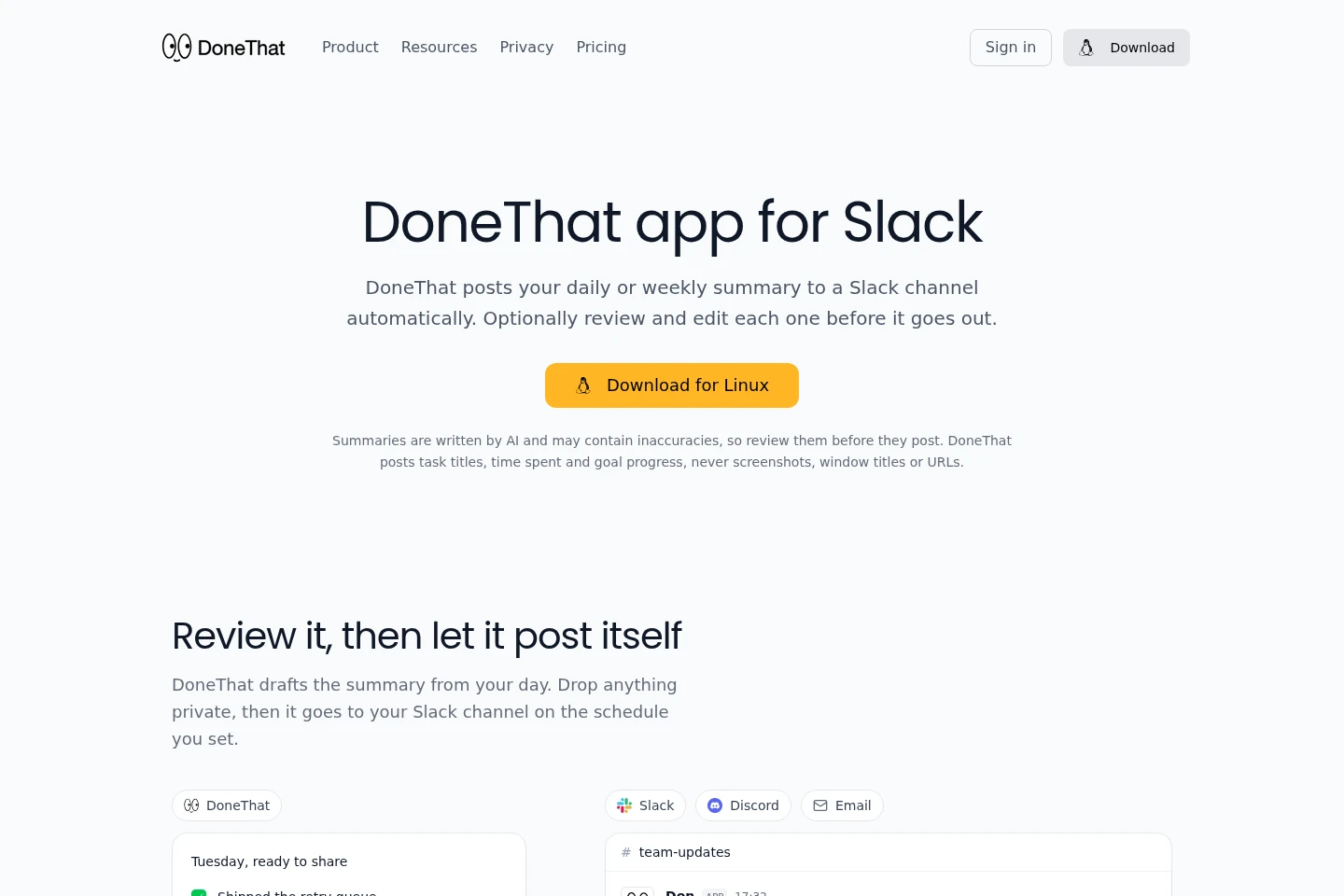
AI drafts daily or weekly summaries from captured activity for review and sharing. Users can edit or remove private items before sending; summaries can be scheduled for Slack or email, and AI-written summaries may contain inaccuracies.

Work data integrations

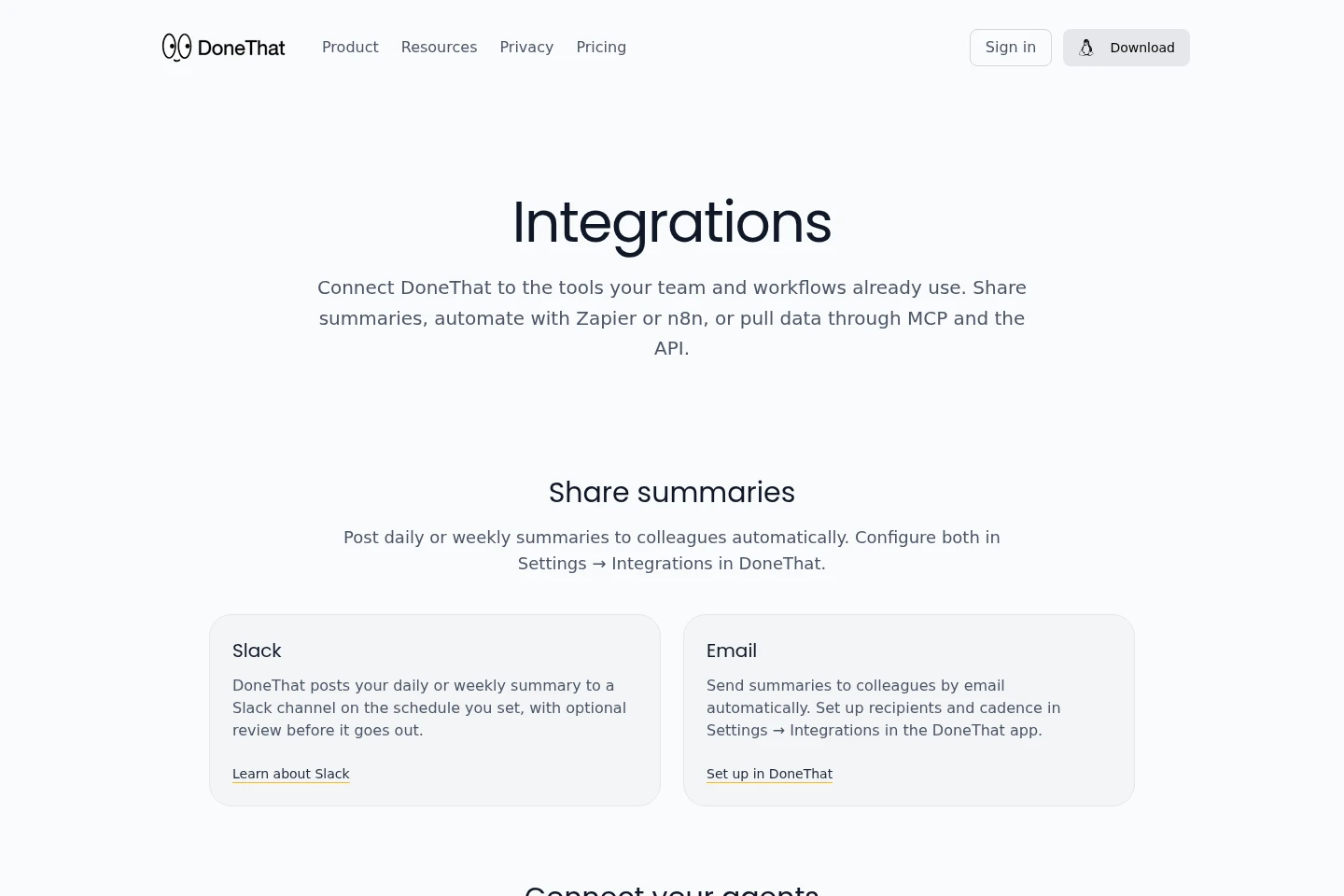
Integrations share summaries and move captured work data to other tools. Users can connect Slack and email, automate workflows with Zapier or n8n, or retrieve aggregated activity and summaries through the DoneThat API; API access is listed on Core and Pro.

Work activity views

The app organizes captured activity into views of time by task, project, and day. Users can inspect work patterns and export data as CSV on Basic, while history length depends on the plan.

PricingFree trial

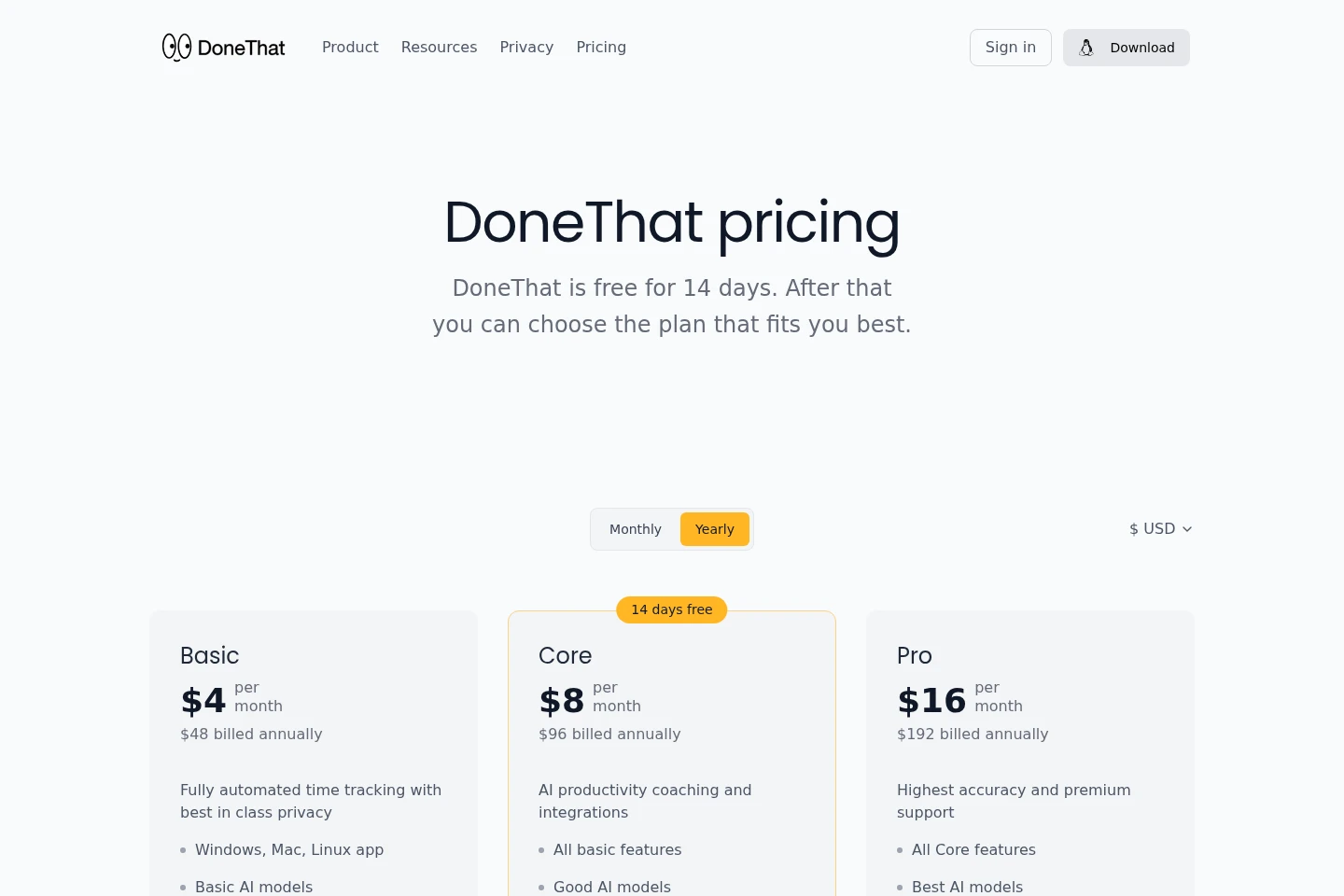
DoneThat is paid after a 14-day free period, with monthly or annual billing. Compare AI model access, history length, coaching, recording frequency, integrations, and support to choose a plan.

PlanPriceIncluded features and limits
Basic

$4/month or $48 billed annually

  • Windows, Mac, and Linux app

  • Basic AI models

  • 90-day history

  • European data privacy

  • CSV exports

Core

$8/month or $96 billed annually

  • All Basic features

  • Good AI models

  • Unlimited history

  • Don, DoneThat's coach

  • API, MCP, Zapier, and n8n

Pro

$16/month or $192 billed annually

  • All Core features

  • Best AI models

  • Higher recording frequency

  • Longer thinking for Don

  • Priority support

Organizations pay per seat on one invoice, with everyone on the same plan. When the organization pays, existing individual plans are cancelled and refunded.

Use cases

Review where work time went

When someone needs a record of how their workday was spent, the desktop app captures activity automatically and presents tasks with time estimates. They can review the daily view without manually starting timers.

Share scheduled team updates

When a remote worker needs to keep colleagues informed without writing a status report, DoneThat drafts a summary from captured activity. They can review and edit it, then schedule daily or weekly delivery to a Slack channel or email recipients.

Inspect time by task and project

When a worker or team wants to review how time was distributed, activity views group captured work by task, project, and day. Users can inspect the resulting summaries and export CSV data on Basic.

Limitations

  • AI-written summaries may contain inaccuracies, so users should review them before they are posted.

  • On Basic, activity history is limited to 90 days; Core includes unlimited history.

  • Slack summaries share task titles, time spent, and goal progress, not screenshots, window titles, or URLs.

  • Team subscriptions place everyone on the same plan and bill per seat on one invoice; existing individual plans are cancelled and refunded once the organization pays.

Alternatives

Clockk

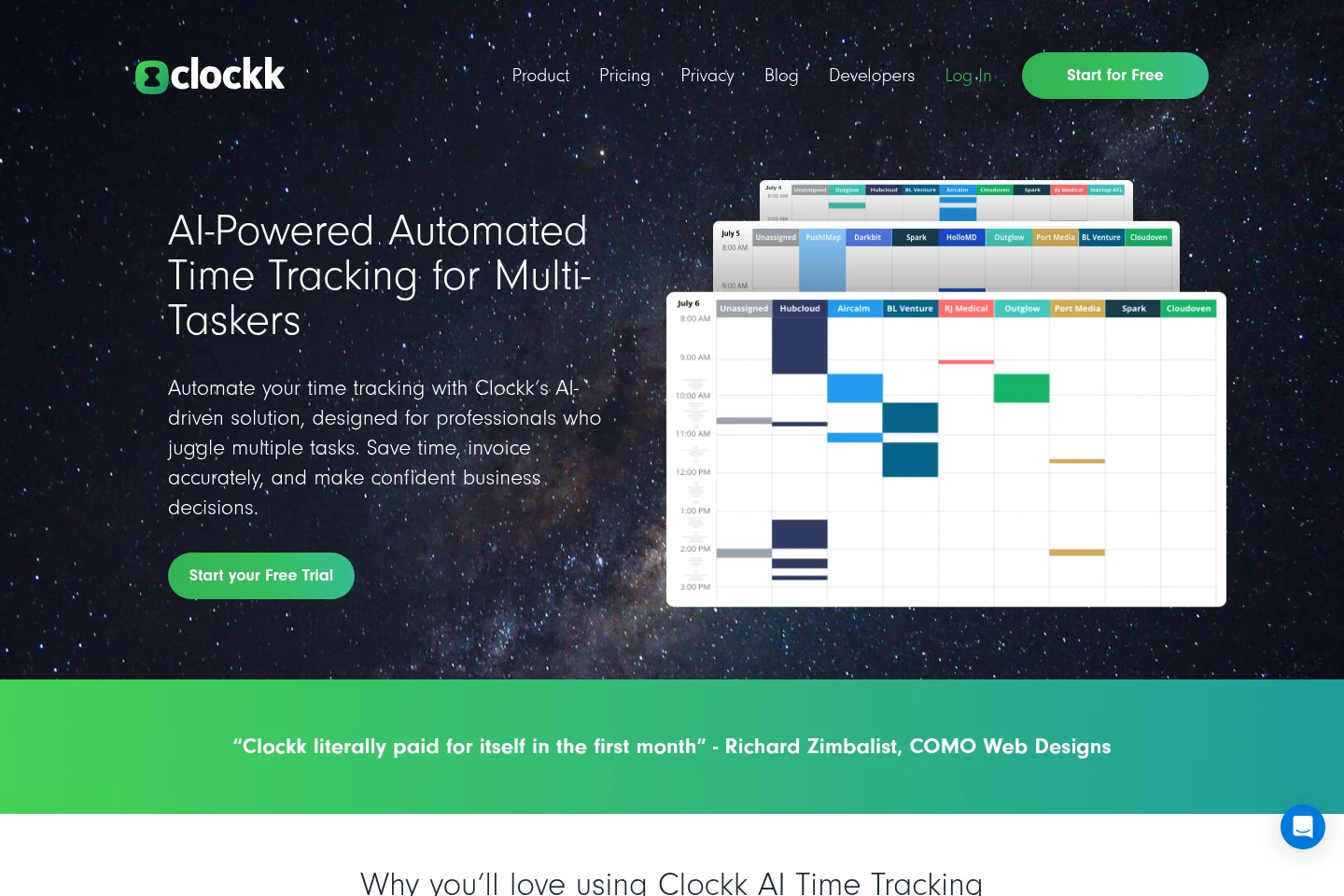
AI-powered automatic time tracking for accurate billing

Stop manually starting and stopping timers. Clockk automatically tracks your work activities using AI, intelligently categorizing time by project so you never miss billable hours. Perfect for freelancers and agencies who want accurate timesheets without the hassle. Includes team reporting and privacy-first design.

  • Freemium
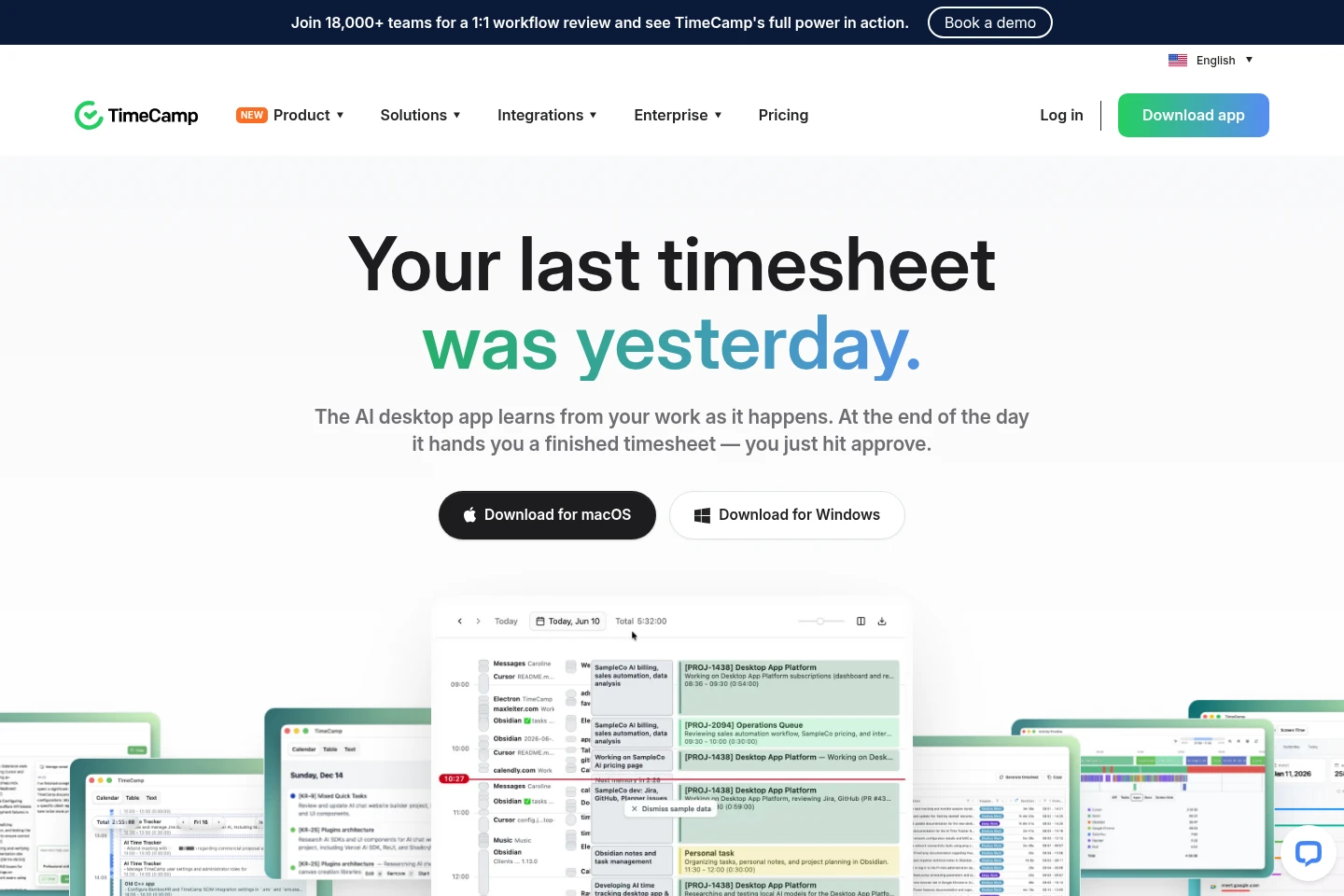
  1. TimeCamp AI Time Tracker

    A desktop app that turns work activity into timesheets

    Free
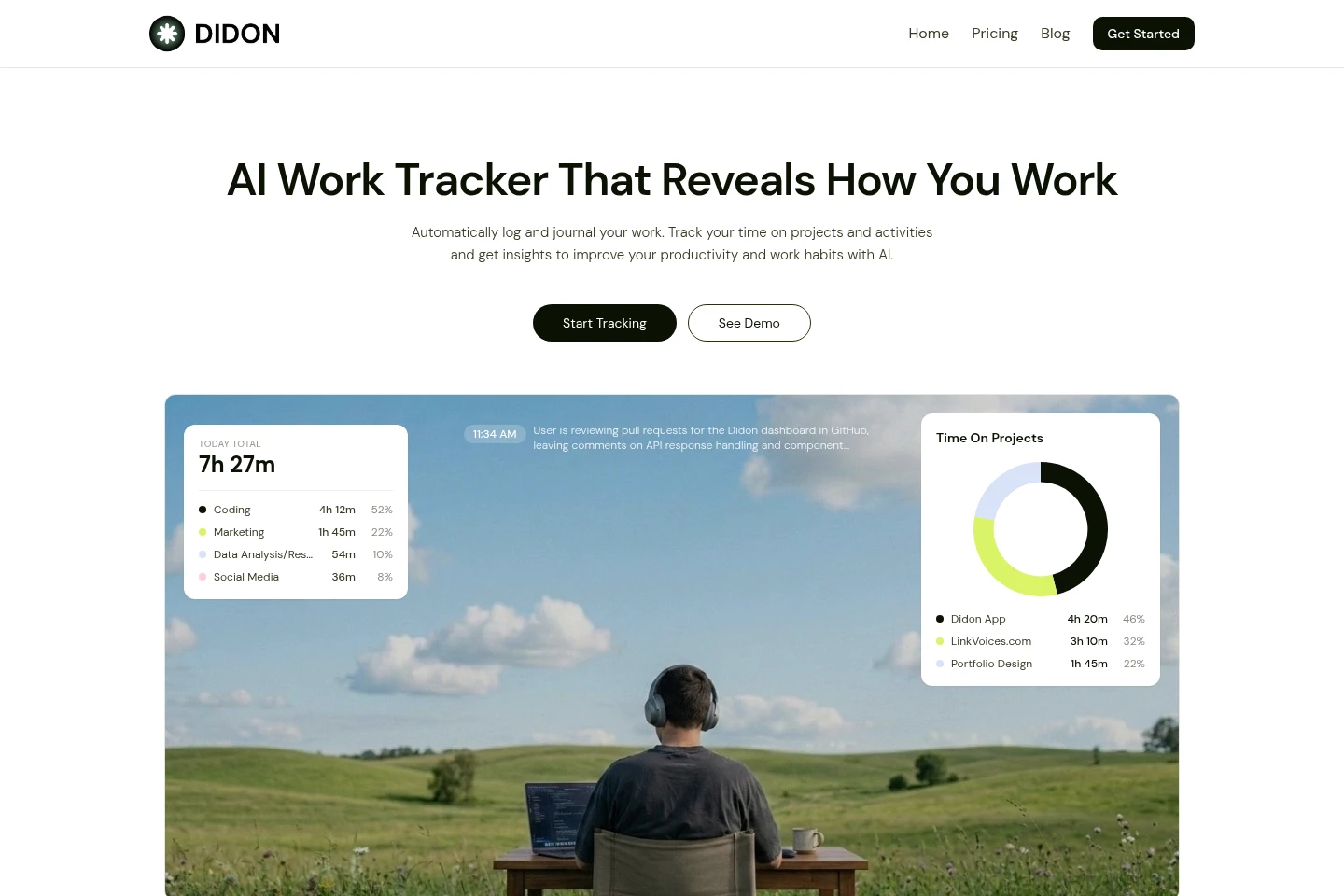
  2. Didon

    Private AI time tracking and work logs for Mac

    Free Plan · Free
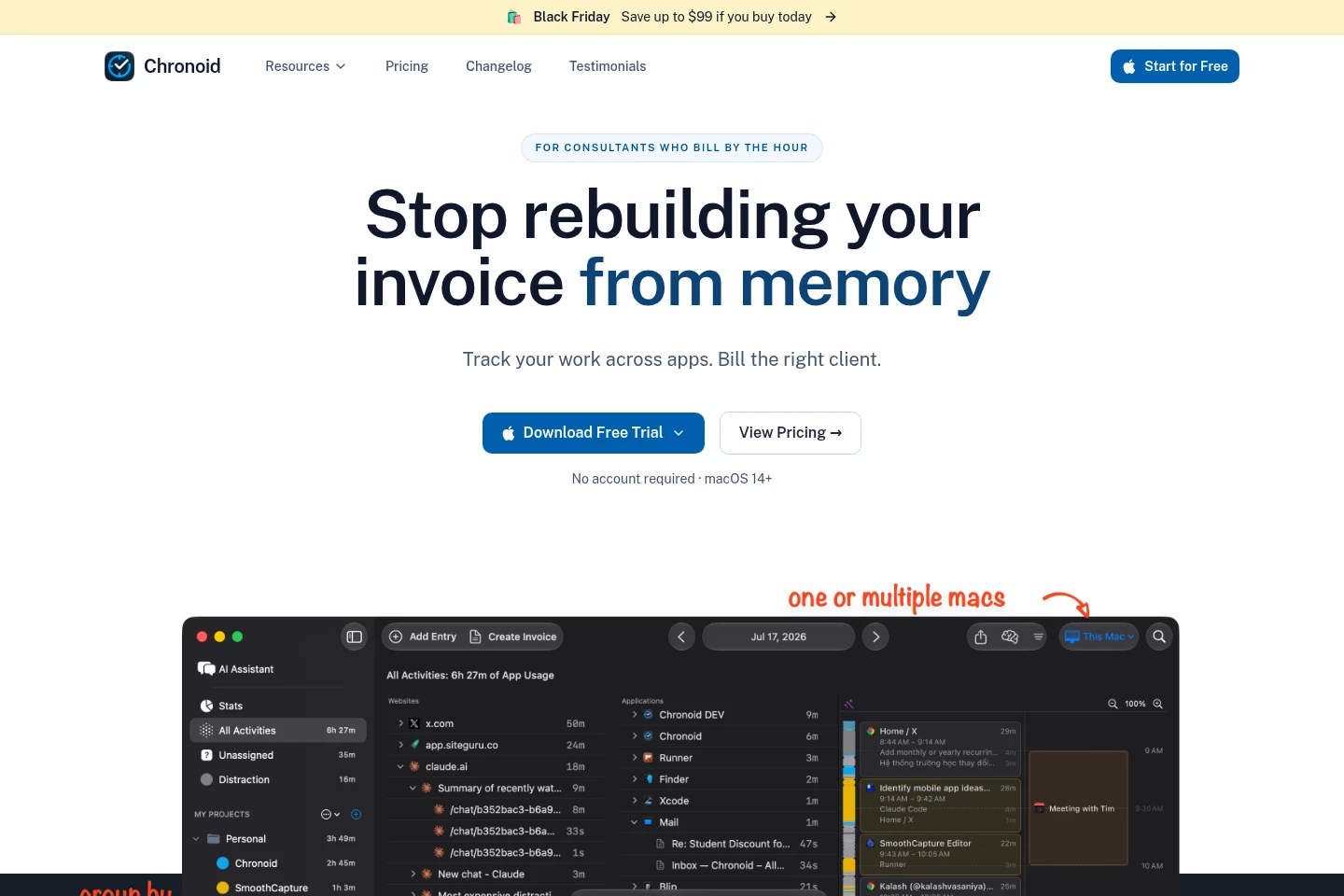
  3. Chronoid

    Automatic Mac time tracking for billable work

    Personal · $49.50 once
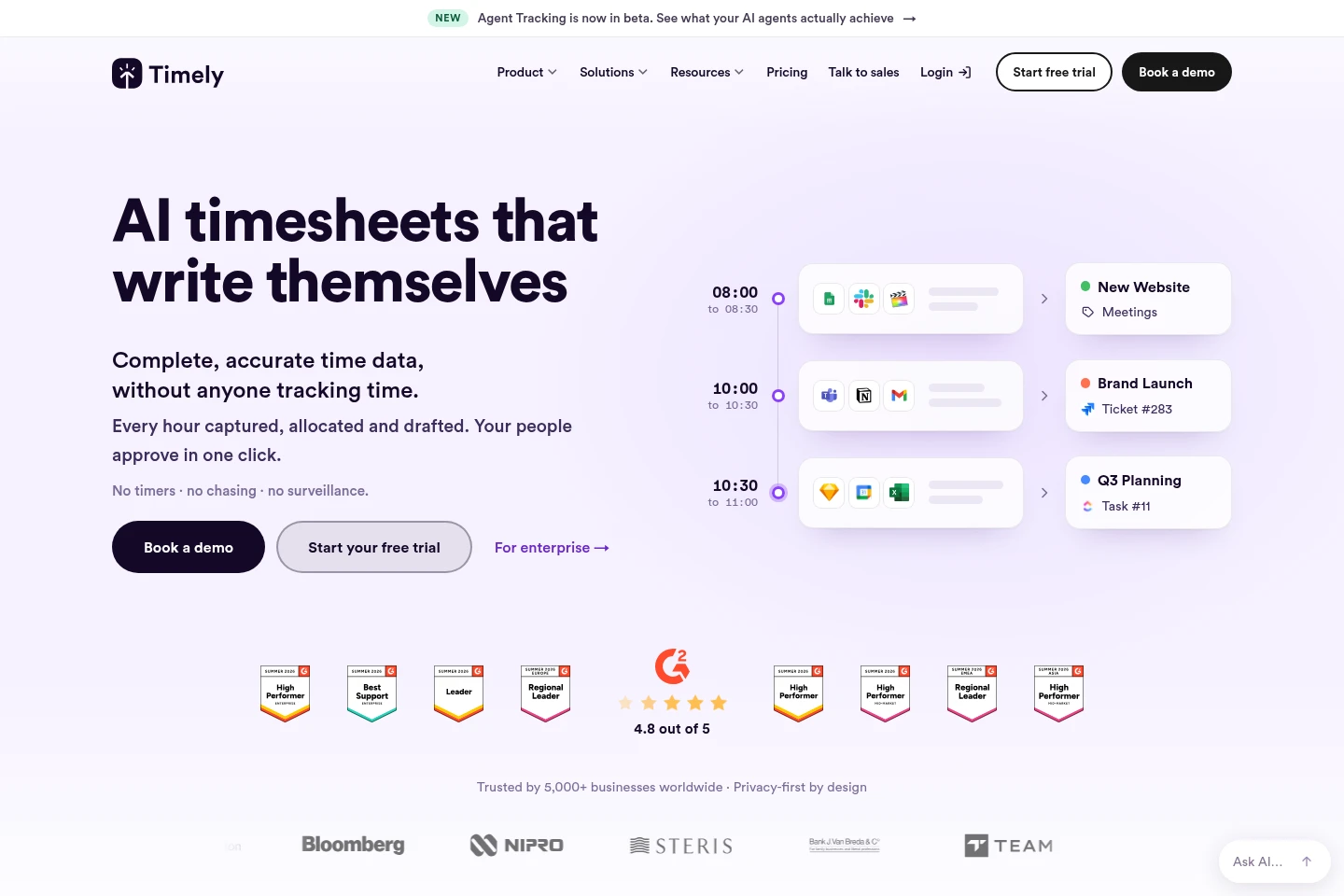
  4. Timely

    Effortless time tracking for better business insights

    Freemium
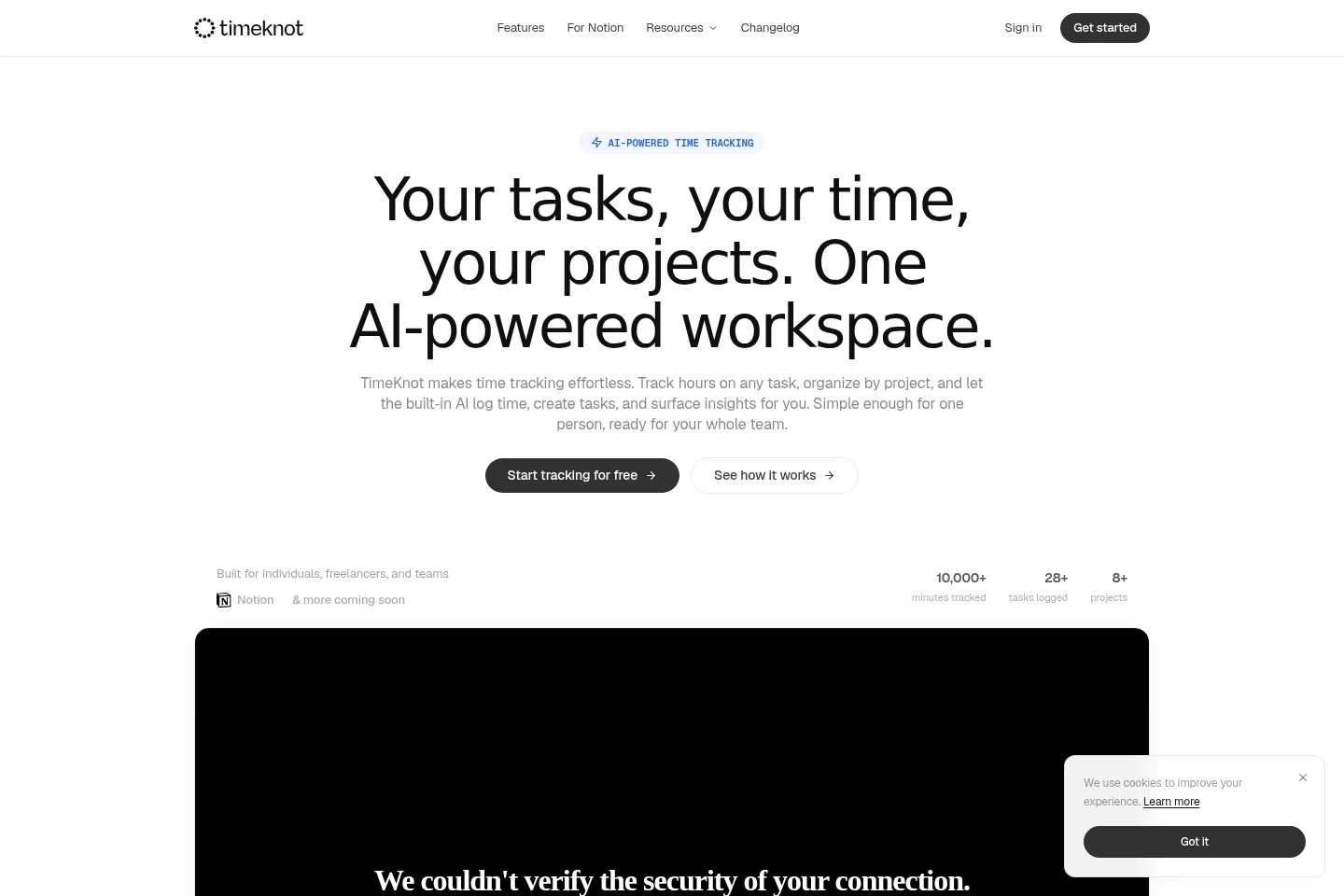
  5. TimeKnot

    Track tasks, projects, and time with an AI assistant

    Free

Who it is for

  • Remote workers who need to review work activity privately before sharing selected updates

  • Managers of distributed teams who need scheduled summaries of team activity

  • Independent professionals who want an automatic record of time spent across tasks and projects

FAQ

What is DoneThat?

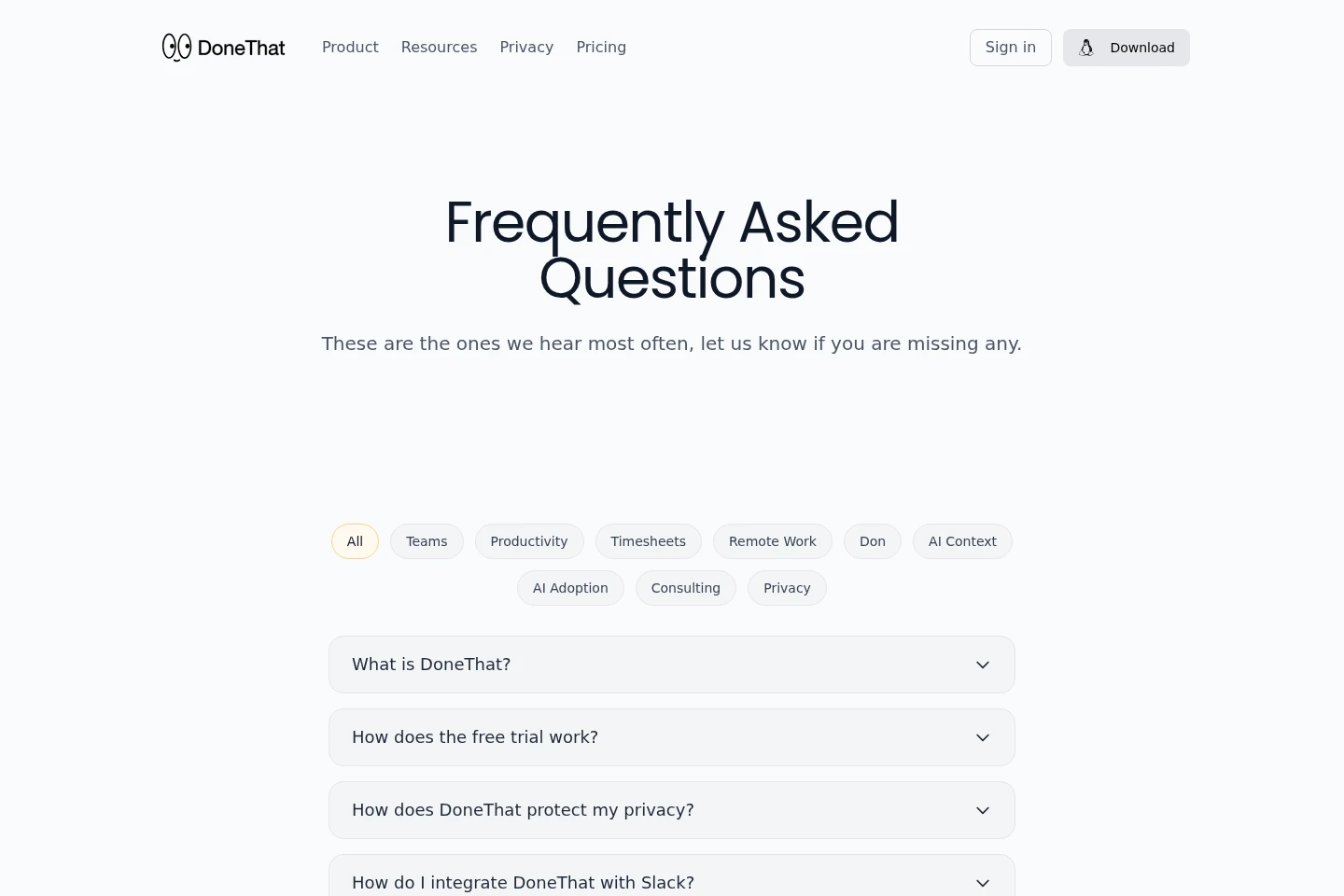
DoneThat is a desktop app for automatic time tracking. It captures work activity into a reviewable daily record, and users decide what to share.

How does the free trial work?

DoneThat is free for 14 days. After that, choose Basic, Core, or Pro, with monthly or annual billing available.

How does DoneThat protect my privacy?

Activity starts private, and users can review each day, hide tasks, and choose who sees shared activity. The homepage says screenshots are deleted after processing and that shared task records do not include when tasks occurred.

How do I integrate DoneThat with Slack?

Connect Slack from Settings → Integrations in the DoneThat app, authorize a workspace and channel, then choose daily, weekly, or both. Summaries can be reviewed and edited before posting.

Can I control when DoneThat captures my work?

Yes. Users can pause capture, set work hours, and exclude apps. The homepage also describes bringing your own AI so raw data does not reach DoneThat.

Can I use DoneThat for personal productivity, not just teams?

Yes. DoneThat offers individual plans as well as team billing. Organizations can pay per seat on one invoice for people using the same plan.

Comments

Please sign in to leave a comment.
No comments yet. Be the first to share your thoughts!