


Documind - AI-powered PDF platform for instant document insights
Launched on Feb 23, 2025Documind transforms PDFs into interactive AI chatbots. Upload documents, ask questions, and get instant answers with citations. With 63,577 users and 500%+ ROI, it's trusted by researchers, students, and professionals for document analysis.
What Is Documind
If you have ever struggled with reading through stacks of PDF documents, you are not alone. Researchers spend hours combing through academic papers. Students drown in textbook pages before exams. Legal professionals painstakingly search through contracts for key clauses. The truth is, traditional document reading is time-consuming and often inefficient, especially when you need to extract specific information quickly.
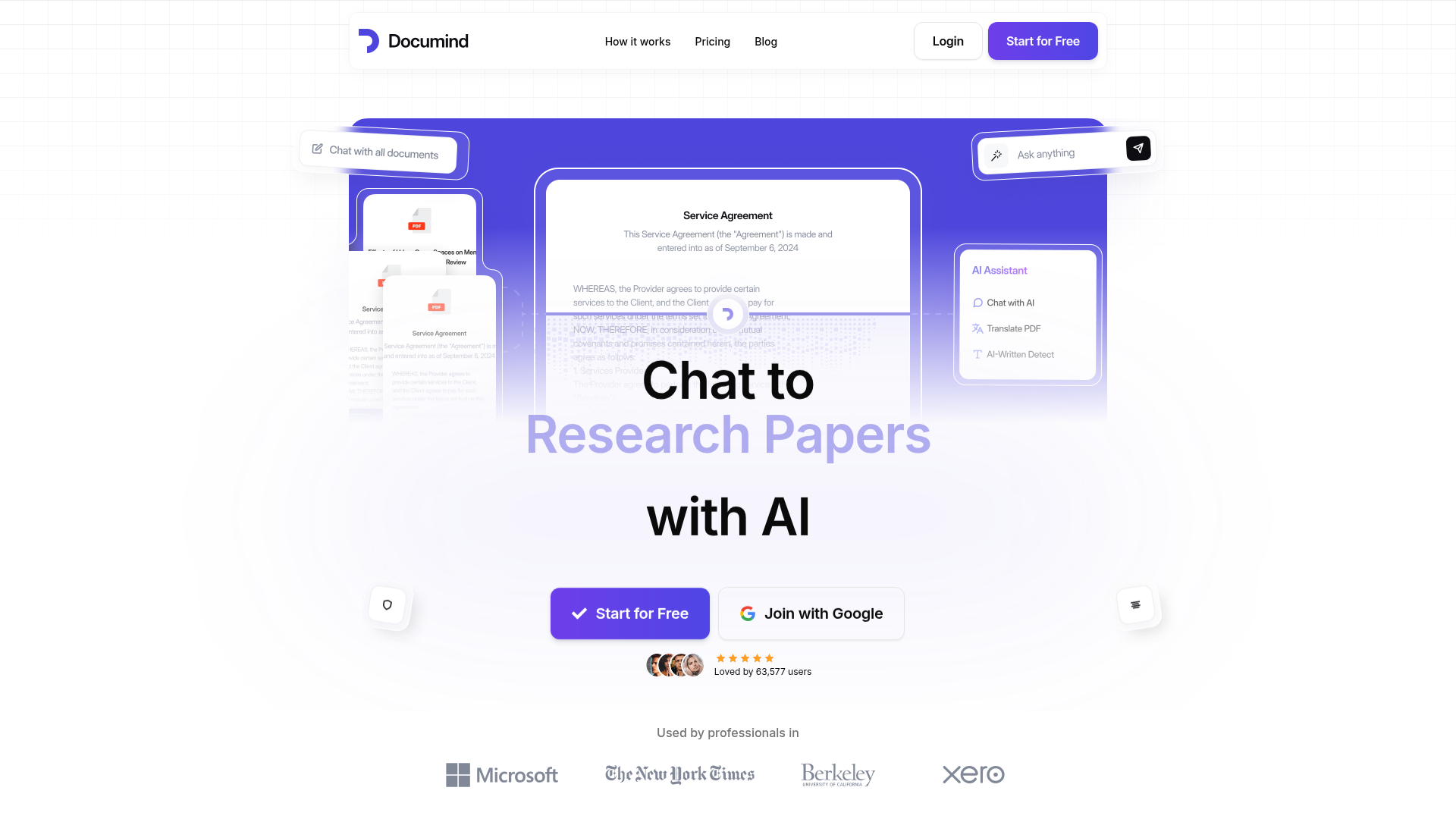
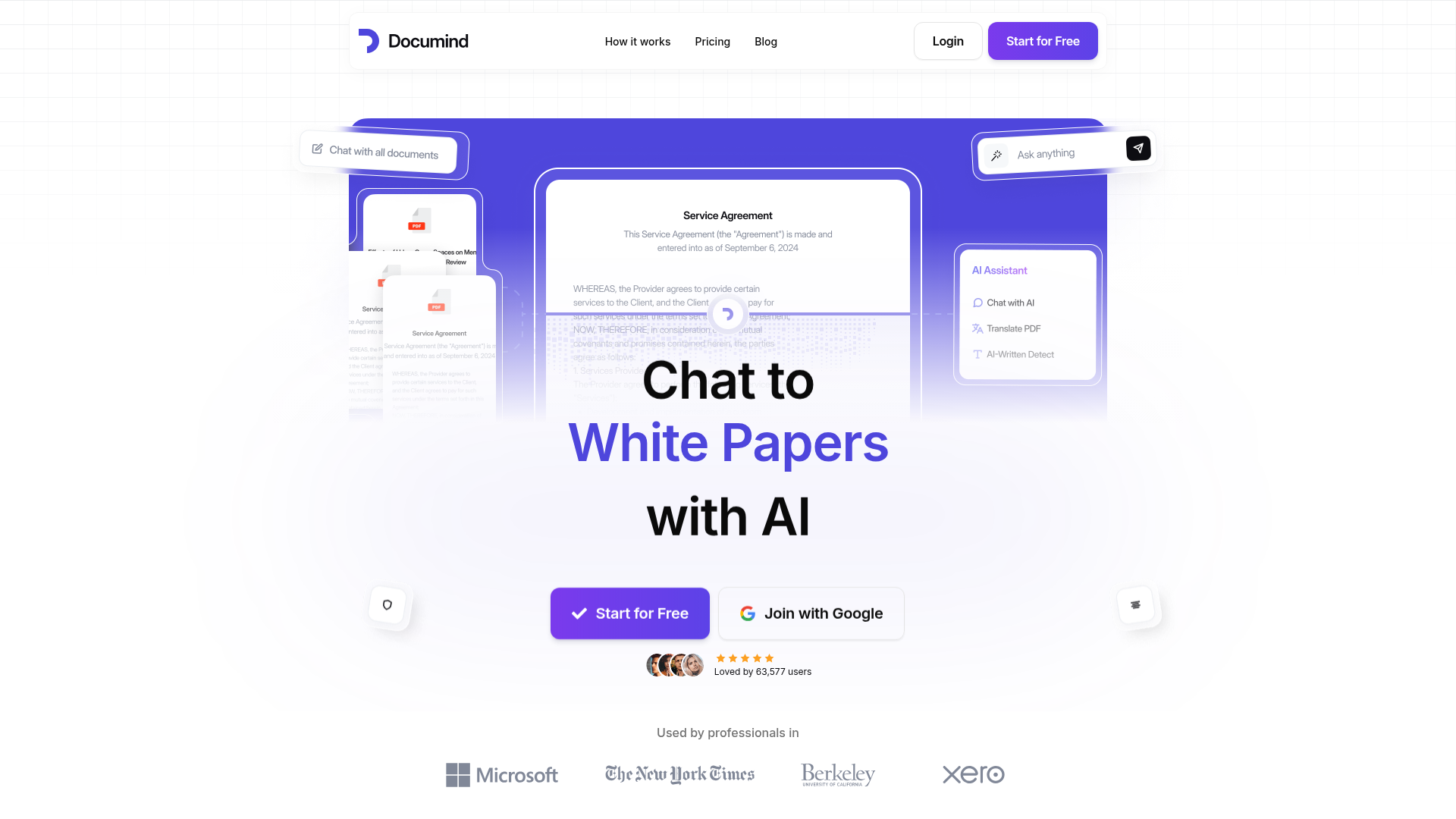
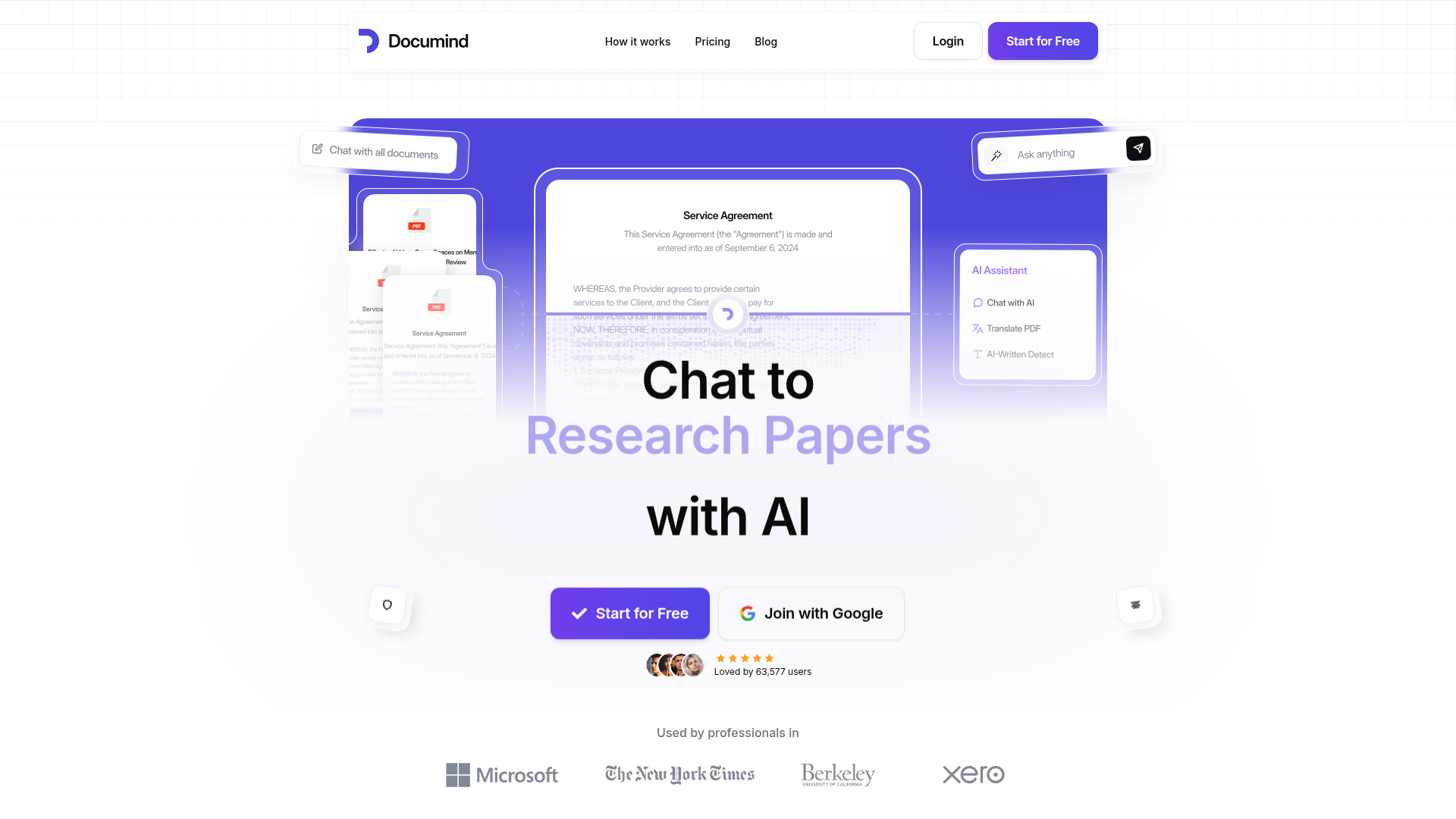
Documind changes that equation entirely. It is an AI-powered PDF intelligence platform that transforms your static documents into interactive assistants you can actually talk to. Instead of manually scanning hundreds of pages, you simply upload your PDFs and ask questions in plain language. The AI understands your documents, provides precise answers with citations, and helps you generate reports and summaries in seconds.
What makes Documind particularly powerful is its ability to handle multiple documents at once. You can upload hundreds of research papers and ask questions that span across all of them. You can also create custom chatbots trained on your specific documents and share them with others—no registration required. Whether you are a student, researcher, legal professional, or business user, Documind adapts to your workflow.
The platform has already earned the trust of over 63,577 users, with more than 100,000 professionals relying on it daily. Together, they have saved over 500,000 hours of reading time and achieved over 500% ROI on their productivity investment. These are not just numbers—they represent real people getting real results from their work.
:::card{type="summary" title="TL;DR"}
- AI-driven document processing that understands your PDFs
- Batch upload and manage hundreds of documents in one place
- Natural language Q&A with source citations
- Custom chatbot creation for sharing and website embedding :::
---
Core Features of Documind
The real power of Documind lies in what you can actually do with it. Rather than just listing features, let us focus on how they translate into tangible benefits for your daily work.
Batch Upload and Management lets you upload hundreds of PDFs in one go. Imagine processing an entire semester's worth of research papers or a complete contract archive in minutes instead of hours. The platform organizes everything in a clean, searchable library so you never lose track of your documents.
AI-Powered Q&A is where the magic happens. You can chat with your PDFs in natural language—asking questions like "What are the main findings in this paper?" or "Highlight the key payment terms in this contract." The AI provides answers with clear citations, so you always know exactly where the information came from. This is not just convenient; it is a game-changer for research accuracy and compliance verification.
Content Generation helps you create reports, summaries, and even drafts faster than ever. Need a summary of a 50-page research paper? Done. Want to generate an outline for your next article based on your source materials? Just ask. The AI pulls relevant information from your documents and structures it the way you need it.
Custom Chatbot Creation is perhaps Documind's most distinctive feature. You can train a chatbot on any set of documents—product manuals, company policies, customer support articles—and generate a shareable link or embed code. This means you can provide instant answers to others without them needing to sign up. Many businesses use this to power their customer service, while educators use it to create interactive learning tools for students.
Multi-Document Chat enables you to work across multiple PDFs simultaneously. Ask questions that require information from several documents, and the AI synthesizes answers from across your entire library. This is invaluable for competitive analysis, comprehensive literature reviews, or any project that spans many sources.
Multi-Language Support ensures you are not limited by language barriers. Documind processes and analyzes documents in multiple languages and can respond to your questions in the language you prefer. This makes it an essential tool for international businesses and multilingual research teams.
::::grid :::card{type="advantages"}
- Dramatic time savings: Process hours of reading in minutes
- Multilingual capability: Work with documents in any language
- Enterprise-grade security: SSL/TLS encryption and regular security audits
- Custom sharing: Embed chatbots on websites without requiring user accounts
- API access: Integrate into your existing workflows (Professional and Enterprise plans) ::: :::card{type="disadvantages"}
- PDF dependency: Works primarily with PDF format
- Internet required: Cloud-based processing needs an active connection
- Learning curve: Advanced features may require some exploration ::: ::::
---
Who Is Using Documind
Understanding who uses Documind helps you see whether it fits your situation. The platform serves a remarkably diverse user base, from individual students to Fortune 500 companies.
Academic Researchers rely on Documind to navigate vast amounts of literature. When you are reviewing dozens of papers for a literature review, being able to ask "What methodology was used in this study?" or "What are the key findings across these papers?" saves hours of manual reading. Researchers report multiplying their research efficiency by several times.
Students use Documind to tackle dense textbooks and course materials. Instead of re-reading chapters before exams, they upload their textbooks and ask the AI to explain concepts, generate study notes, or quiz them on key points. It is like having a patient tutor available 24/7.
Legal Professionals have found a powerful ally in Documind. Contract review, which traditionally takes days, can now be completed in hours. Upload a legal agreement and ask "What are the termination clauses?" or "What are the liability limitations?" The AI pinpoints relevant sections instantly, reducing risk while dramatically improving turnaround time.
Customer Support Teams deploy Documind chatbots on their websites to handle common questions. By training the chatbot on product documentation, FAQ pages, and support articles, businesses provide instant answers to customers around the clock—without increasing headcount.
Enterprise Knowledge Management teams use Documind to organize and democratize internal knowledge. Training materials, policy documents, and project archives become searchable and interactive. Instead of emailing colleagues to ask "Where is that report from last quarter?" teams simply ask their knowledge base chatbot.
Content Creators leverage Documind to streamline research-intensive writing. Whether you are writing a blog post, white paper, or marketing materials, uploading reference documents and asking the AI to help organize your thoughts accelerates the entire writing process.
:::card{type="tip" title="💡 Choosing the Right Plan"} Not sure which plan fits your needs? Students and casual users will find everything they need in Premium at $9.93/month. For professionals who need higher document limits and API access, Professional at $14.93/month is the most popular choice. Enterprise teams requiring dedicated support and white-labeling should explore the Enterprise plan. :::
---
Getting Started with Documind
One of the best things about Documind is how quickly you can go from sign-up to productivity. Here is how to hit the ground running.
Step 1: Create Your Account Visit documind.chat/signup and create your free account. The registration process takes less than a minute—no credit card required to start exploring.
Step 2: Upload Your Documents Once logged in, drag and drop your PDF files directly into the upload area. You can select multiple files for batch uploading. The platform accepts files up to 50MB on Premium, 100MB on Professional, and 150MB on Enterprise plans.
Step 3: Start Asking Questions After your documents are processed—usually within seconds—you can begin the conversation. Type questions in natural language, like you would ask a colleague. "Can you summarize this document?" "What are the main arguments in these papers?" "Find all instances where X is mentioned."
The AI responds with answers drawn directly from your documents, complete with citations pointing to the exact pages. Click on any citation to jump straight to the source.
Step 4: Create Your First Chatbot To create a custom chatbot, select the documents you want to train it on, click "Train Chatbot," and give it a name. Once trained, you can generate a shareable link or grab the embed code to put it on your website. This is perfect for customer service bots, student resources, or team knowledge bases.
:::card{type="tip" title="💡 Pro Tip for New Users"} Start with a small batch of documents—perhaps 3 to 5—to get comfortable with how the AI interprets and responds to questions. Once you understand the interaction patterns, you can confidently scale up to larger document sets. This approach helps you learn what questions yield the best results. :::
---
Pricing Plans
Documind offers three pricing tiers designed to serve different user needs. All plans include unlimited monthly chats, batch upload capability, multi-document conversation, folder organization, chatbot creation, and website embedding.
Plan Comparison
| Feature | Premium | Professional | Enterprise | |---------|---------|--------------|------------| | Price | $9.93/month | $14.93/month | $39.93/month | | PDF Uploads | 100 | 1,000 | 10,000 | | File Size Limit | 50MB | 100MB | 150MB | | API Access | Limited | Full | Full | | Priority Support | ✓ | ✓ | ✓ | | Early Feature Access | — | ✓ | ✓ | | Remove Documind Branding | — | — | ✓ | | Dedicated 24/7 Support | — | — | ✓ | | Best For | Students | Professionals | Enterprises |
Premium ($9.93/month) is tailored for students and individual users. You get 100 PDF uploads per month, a 50MB file size limit, and priority support. This plan includes everything you need for academic work, including article generation, PDF summarization, batch upload, multi-document chat, and chatbot creation.
Professional ($14.93/month) is the most popular choice among working professionals. With 1,000 PDF uploads and a 100MB file size limit, you have room to work with larger document libraries. The full API access enables custom integrations into your existing systems, and you get early access to new features as they launch.
Enterprise ($39.93/month) is designed for organizations with demanding requirements. You can upload 10,000 PDFs with up to 150MB per file. The plan removes Documind branding from shared chatbots, and you receive dedicated 24/7 support for your entire team.
All paid plans come with a 7-day full refund guarantee. If Documind does not meet your expectations within the first week, you can request a complete refund—no questions asked. This policy reflects the confidence the team has in their product's value.
:::card{type="tip" title="💡 Risk-Free Trial"} Every plan is backed by a 7-day money-back guarantee. Take your time to test the platform with your actual documents. If it does not transform your workflow, you get every penny back. :::
---
Frequently Asked Questions
:::card{type="faq" title="What exactly is Documind?"} Documind is an AI-powered document intelligence platform that transforms how you interact with PDFs. It allows you to extract information instantly, generate summaries, ask questions in natural language, and create custom chatbots from your documents. It is designed for anyone who works with large volumes of documents and needs to find information quickly. :::
:::card{type="faq" title="Can students use Documind?"} Absolutely. Documind is excellent for students handling textbooks, research papers, and course materials. It can summarize complex topics, generate study notes, and provide quick answers to questions—all of which make learning more efficient and exam preparation more thorough. The Premium plan at $9.93/month is specifically designed with students in mind. :::
:::card{type="faq" title="Does Documind support multiple languages?"} Yes, Documind supports multiple languages for both document processing and AI interaction. You can upload documents in various languages and ask questions or receive responses in your preferred language. This makes it a versatile tool for international businesses and researchers working with multilingual sources. :::
:::card{type="faq" title="Is my data secure?"} Security is a top priority at Documind. All documents are stored on secure cloud servers with SSL/TLS encryption during transmission. The platform undergoes regular security audits to maintain industry-standard protection. Importantly, your data is never used to train AI models, and Documind does not share your information with third parties. You also maintain full control over who can access your documents within your organization. :::
:::card{type="faq" title="Can I share Documind with my team?"} Yes, collaboration is built into Documind. You can share insights, summaries, and even custom chatbots with team members. This facilitates knowledge sharing across your organization and improves decision-making. Teams can work together on document analysis without needing individual accounts for everyone to benefit from the chatbot features. :::
:::card{type="faq" title="What is your refund policy?"} Documind offers a 7-day full refund guarantee on all paid plans. If you are not satisfied with the product within the first week after purchase, simply request a complete refund. The team is confident in the value Documind provides but understands that it may not be the right fit for everyone. :::
Related Content

Copy.ai Review 2026: AI Copywriting Made Easy
Our honest Copy.ai review for 2026. We test Content Agents, AI Workflows, pricing ($29-$249/mo), and compare it to Jasper and Writesonic. Find out if it's worth it for your marketing team.

Rytr Review 2026: Is This Budget AI Writer Worth It?
Our hands-on Rytr review for 2026. We test features, pricing, content quality, and compare it to Jasper & ChatGPT. Find out if Rytr is the best budget AI writing tool.

Word Changer - Free AI tool to rewrite and improve your writing instantly
Writing always using repetitive words or need to avoid plagiarism? Word Changer is a free AI writing assistant that instantly rewrites any text with richer vocabulary and appropriate tone. Get multiple versions with one click, adjust formality level, check readability - all for free!

Unite - AI-powered platform for romantic fantasies and dream couple moments
Explore romantic fantasies and create special moments for your dream couple. This AI-powered platform lets you generate personalized romantic content and experience exclusive AI-created romantic experiences.
Comments