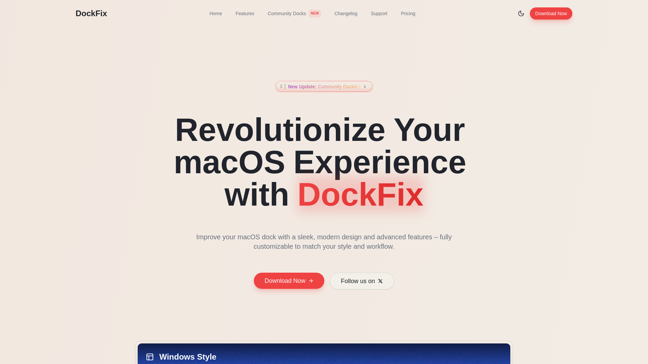
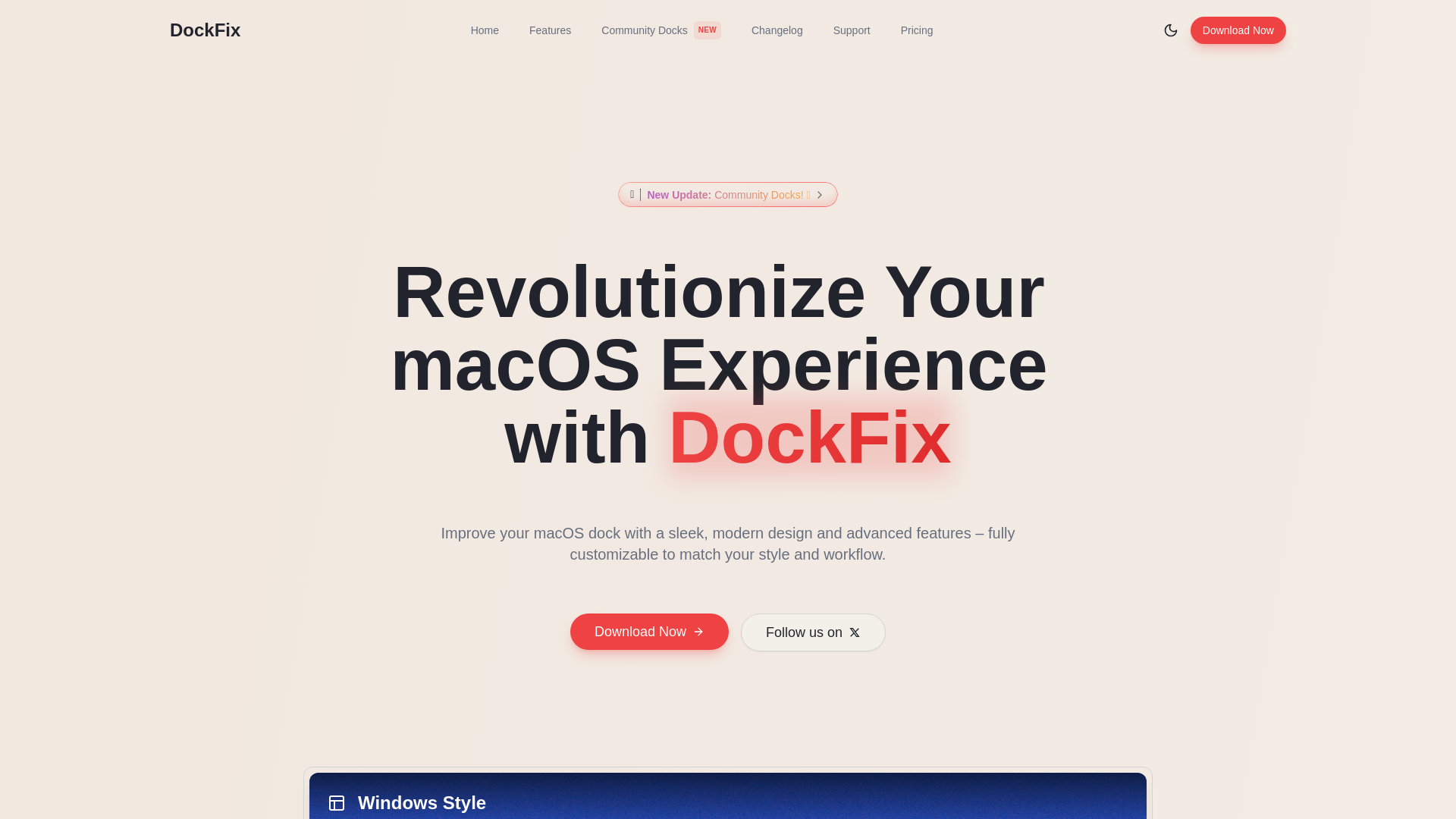
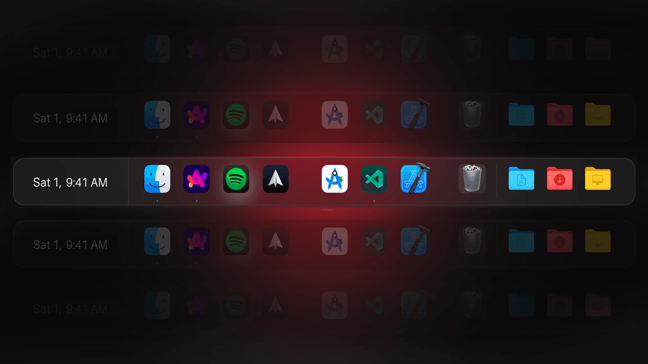
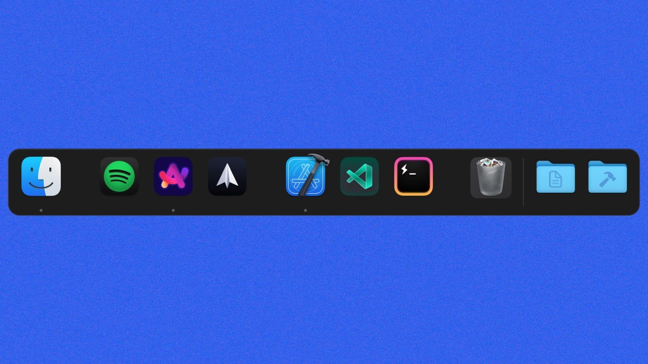
Is your macOS dock in need of a makeover? Revolutionize your experience with DockFix, the ultimate app for a fully customizable dock that matches your unique style and workflow.
How It Works
DockFix operates by providing users with advanced customization options for their macOS dock. Here's how it works:
- Native Aesthetics: Retain the classic macOS look while adding functionality.
- Custom App Icons: Apply unique icons to any app, even native ones.
- Notification Badges: See real-time alerts on apps with pending notifications.
- Widgets: Integrate custom widgets for easy access to essential tools.
- File Shelf: Store and transfer files quickly without cluttering your workspace.
- Screen Space Management: Automatically adjusts app positions to avoid dock overlap.
- Community Sharing: Join a community for sharing and discovering dock designs.
Usage
Getting started with DockFix is simple and intuitive:
- Download and Install: Visit the DockFix website and download the app.
- Set Up Your Dock: Launch DockFix and follow the simple setup guide.
- Customize Your Dock: Choose your preferred style, icon shapes, and colors. Adjust opacity and animations to suit your aesthetic.
- Add Functionality: Utilize features like notification badges and the file shelf to enhance your productivity.
- Explore Community Designs: Browse through community docks for inspiration and share your designs with fellow users.
- Regular Updates: Keep your app updated to enjoy the newest features and improvements released by the DockFix team.
Creative Professionals
DockFix allows creative professionals to customize their dock for easy access to design apps, enhancing productivity.
Students
Students can take advantage of a 50% discount while enjoying a dock that organizes study materials and frequently used apps.
Office Workers
Office workers can utilize DockFix to streamline their workflow with customized app layouts and productivity tools.
Gamers
Gamers can customize their dock with quick access to game launchers and community docks sharing gaming setups.
Developers
Developers can personalize their dock to organize coding tools and resources for a more efficient workspace.
Creative Writers
Writers can configure their dock with quick access to writing software and research tools, fostering creativity.
Features
- Custom App Icons: Apply unique icons to any apps, including native ones, giving your dock a personal touch.
- Notification Badges: Stay on top of your notifications with badges that indicate pending alerts on your applications.
- File Shelf: A dedicated space in the dock to temporarily store files for easy transfers.
- Community Sharing: Connect with other users by sharing your custom dock configurations and download theirs.
- Aesthetic Customization: Transform your dock's appearance with colors, animations, and personalized widgets.
- Screen Space Management: Automatically adjusts app sizes and positions to ensure visibility and access.
Lifetime License (one-time payment): $15
- Use on multiple personal devices
- Full access to all features
- Free updates and improvements
- No monthly or yearly fees
7-Day Free Trial (7 days): Free
- Full access to all features
- No credit card required
- Easy upgrade to lifetime license
- Cancel anytime
FAQ
- What is the purpose of DockFix?
DockFix enhances your macOS dock by providing extensive customization options and additional features that are not available in the standard dock.
- How does DockFix compare to other dock customization apps?
Unlike other apps, DockFix offers seamless integration with the native dock, revealing hidden features while allowing extensive personalization.
- Can I customize the native dock as well?
Yes, DockFix allows you to modify the native dock’s appearance and functionality without completely replacing it.
- Is DockFix safe for my Mac?
Absolutely! DockFix is designed to be safe and secure, with no harmful effects on your computer.
- Does DockFix track user data?
No, DockFix does not track or collect any personal data from its users.
- Is there a free trial available for DockFix?
Yes, DockFix offers a 7-day free trial with full access to all its features.
- What can I do if I lose my License Key?
If you lose your License Key, please contact our support team to retrieve it.
- Do you offer discounts for students?
Yes, DockFix provides an exclusive 50% discount for students.




Comments