
Monthly visits
22,780
2026-10
Monthly growth +25.3%

Cloudchipr - Track, explain, and optimize cloud and AI costs

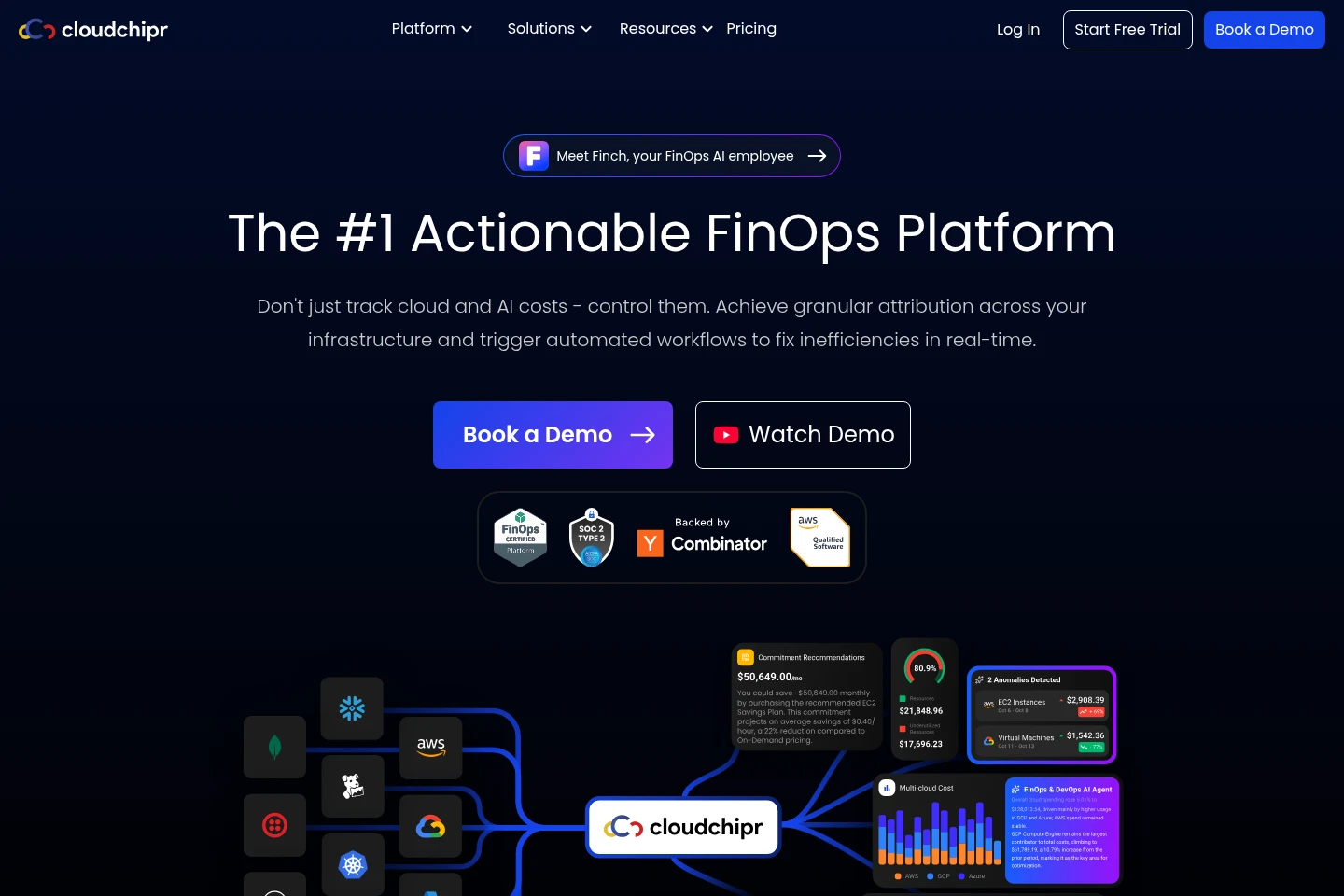
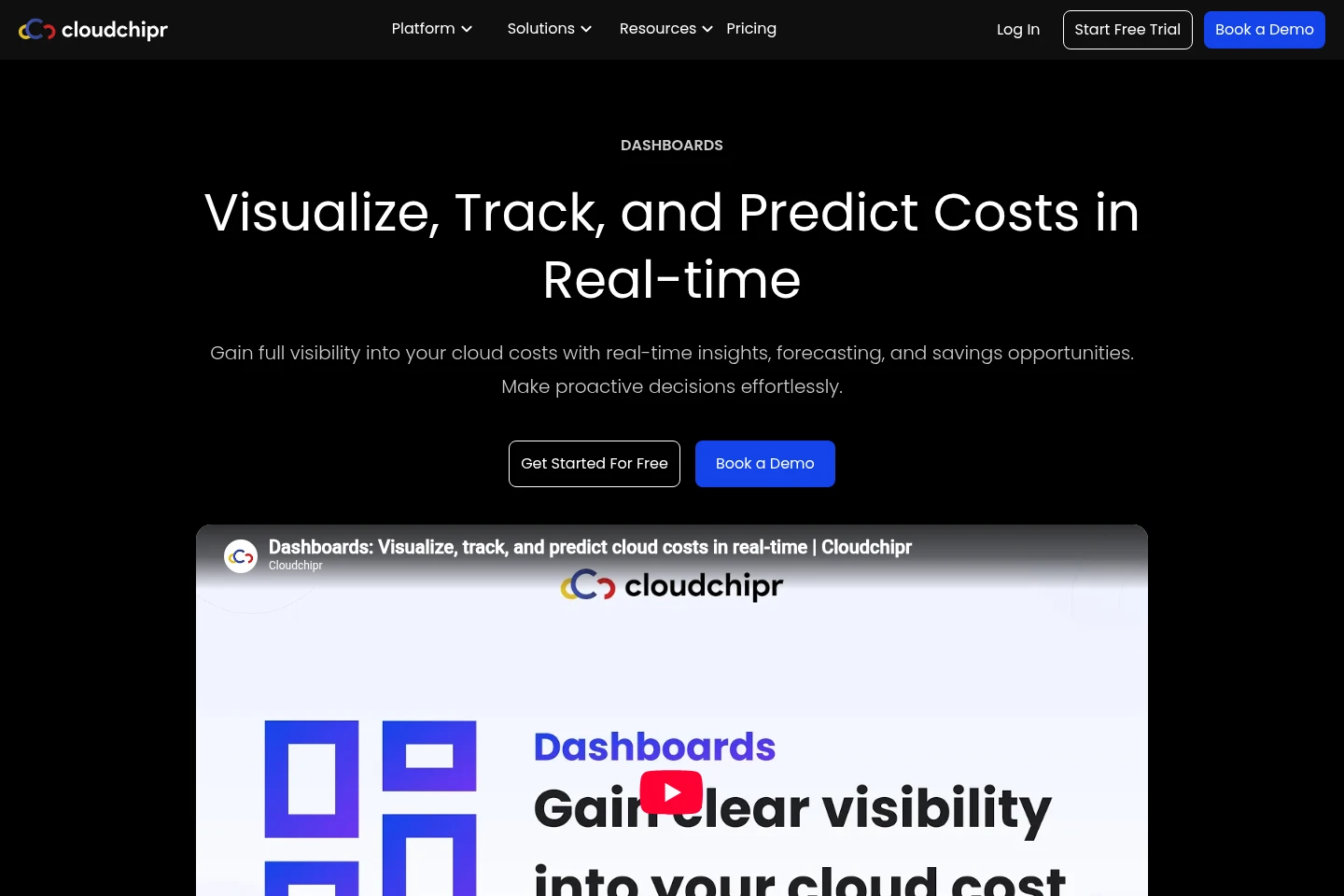
Cloudchipr brings cloud and AI cost data into dashboards for real-time visibility, forecasting, allocation, and anomaly detection. Teams can review savings recommendations, configure automated actions, and use Finch to ask cost questions and receive explanations. Cloud accounts connect through an IAM role.

Visit WebsiteUpdate this product

0Views

Capabilities

Cloud cost dashboards

Dashboards visualize cloud spending, budgets, forecasts, savings opportunities, and anomalies. Users combine widgets and organize views by provider, team, environment, project, or custom cost dimension.

Cost allocation dimensions

Dynamic rules create dimensions for tracking, attributing, and allocating cloud costs. Teams can define categories and compare expenses and savings across teams, environments, projects, and other areas.

Cost automation workflows

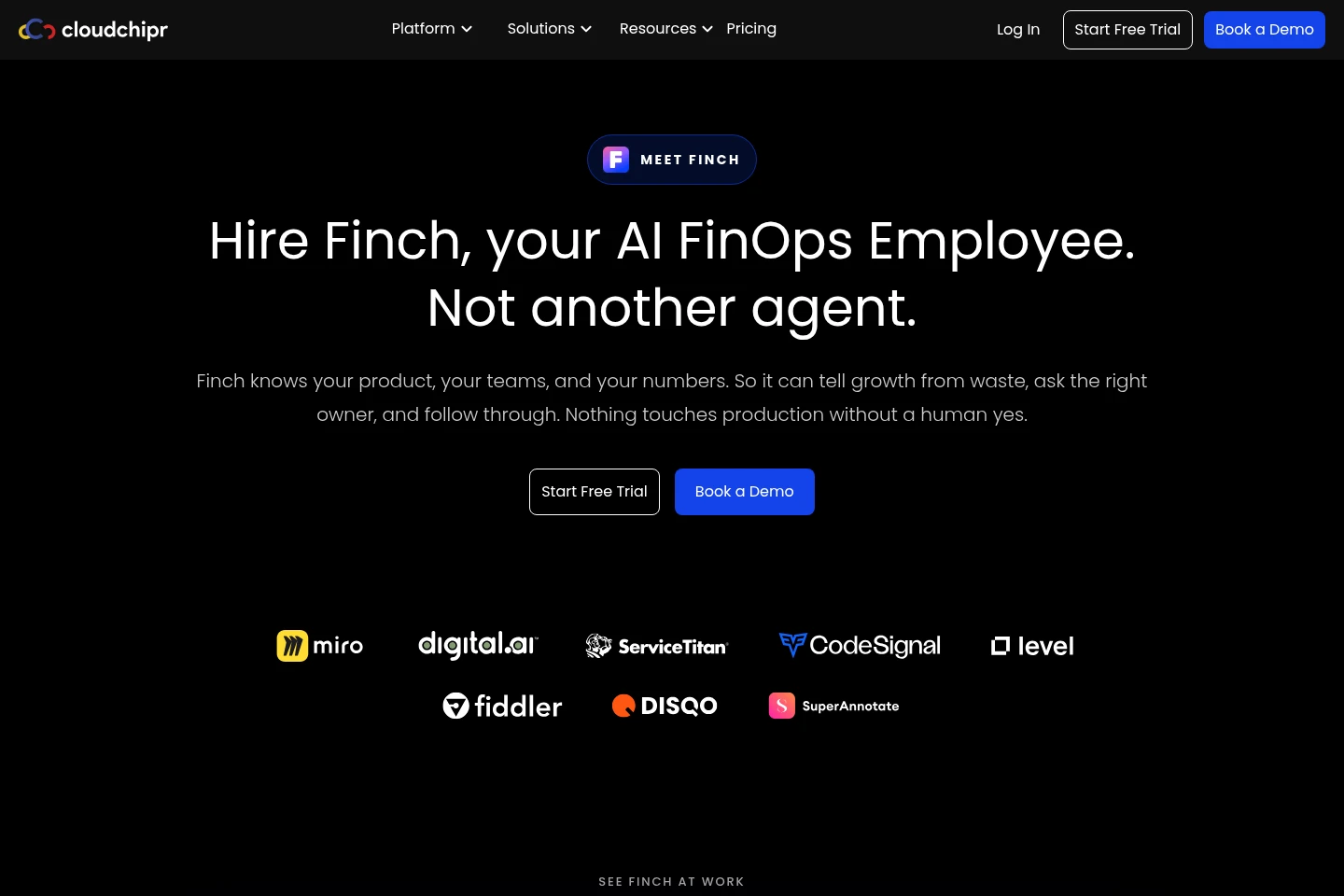
Automation workflows perform actions or send notifications when specified events occur. Users configure simple if-then logic; actions that affect production require human approval through Finch.

Finch cost analysis

Finch answers questions about cloud costs, usage, and trends and can return charts or reports. It explains changes, identifies potential waste, and provides recommendations using connected cloud data.

PricingFree trial

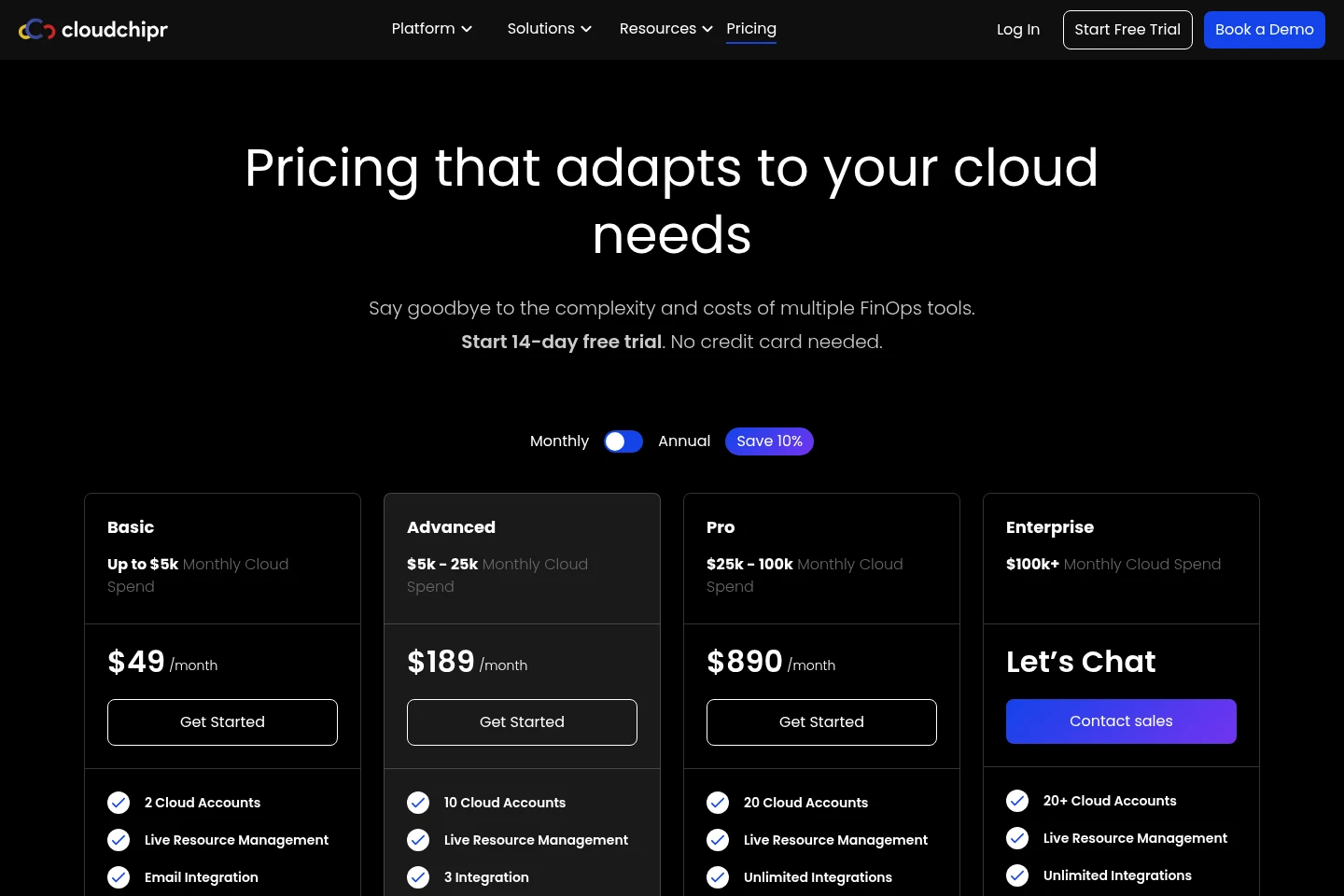
Cloudchipr offers a 14-day free trial followed by paid plans. Compare monthly cloud spend bands, account limits, included features, and whether you prefer monthly or annual billing; Enterprise pricing requires contacting sales.

PlanPriceIncluded features and limits
Basic

$49/month; $530/year

  • For up to $5k monthly cloud spend.

  • 2 cloud accounts.

  • Live Resource Management.

  • Email Integration.

Advanced

$189/month; $2,040/year

  • For $5k–$25k monthly cloud spend.

  • 10 cloud accounts.

  • 3 integrations.

  • Auto Clean.

Pro

$890/month; $9,560/year

  • For $25k–$100k monthly cloud spend.

  • 20 cloud accounts.

  • Task Management and Team Access.

  • Explain Reports With AI and Ask AI.

Enterprise

Contact sales; $100k+ monthly cloud spend

  • Dedicated Slack Channel.

  • Dedicated SRE Engineer.

  • For organizations with $100k+ monthly cloud spend.

The pricing page advertises annual billing with 10% savings. The listed annual plan amounts are shown separately from the monthly amounts; the page does not state that annual amounts are monthly rates.

Use cases

Monitor and forecast cloud spending

When finance or engineering teams need to understand spending across cloud providers, they use dashboards to compare budgets, forecasts, teams, and environments. The result is a consolidated view with cost trends and anomaly alerts.

Attribute cloud costs to teams and projects

When organizations need to understand which teams, projects, or environments incur cloud expenses, they define cost dimensions using categories and dynamic rules. Cloudchipr then supports tracking and comparing allocated costs and savings.

Automate cloud cost cleanup actions

When teams want to respond to specified cloud events or address waste, they configure if-then workflows to run actions or send notifications. Finch can identify issues and recommend a fix, while production actions require human approval.

Limitations

  • Snowflake and Kubernetes integrations are labeled as coming soon on the supplied product pages.

  • Connecting cloud accounts requires an IAM role or service account with ReadOnly permissions; cleanup actions require Read/Write permissions.

  • Finch does not perform actions that affect production without human approval.

Alternatives

CloudQuell

Track cloud and AI costs, allocate spend, and act on savings.

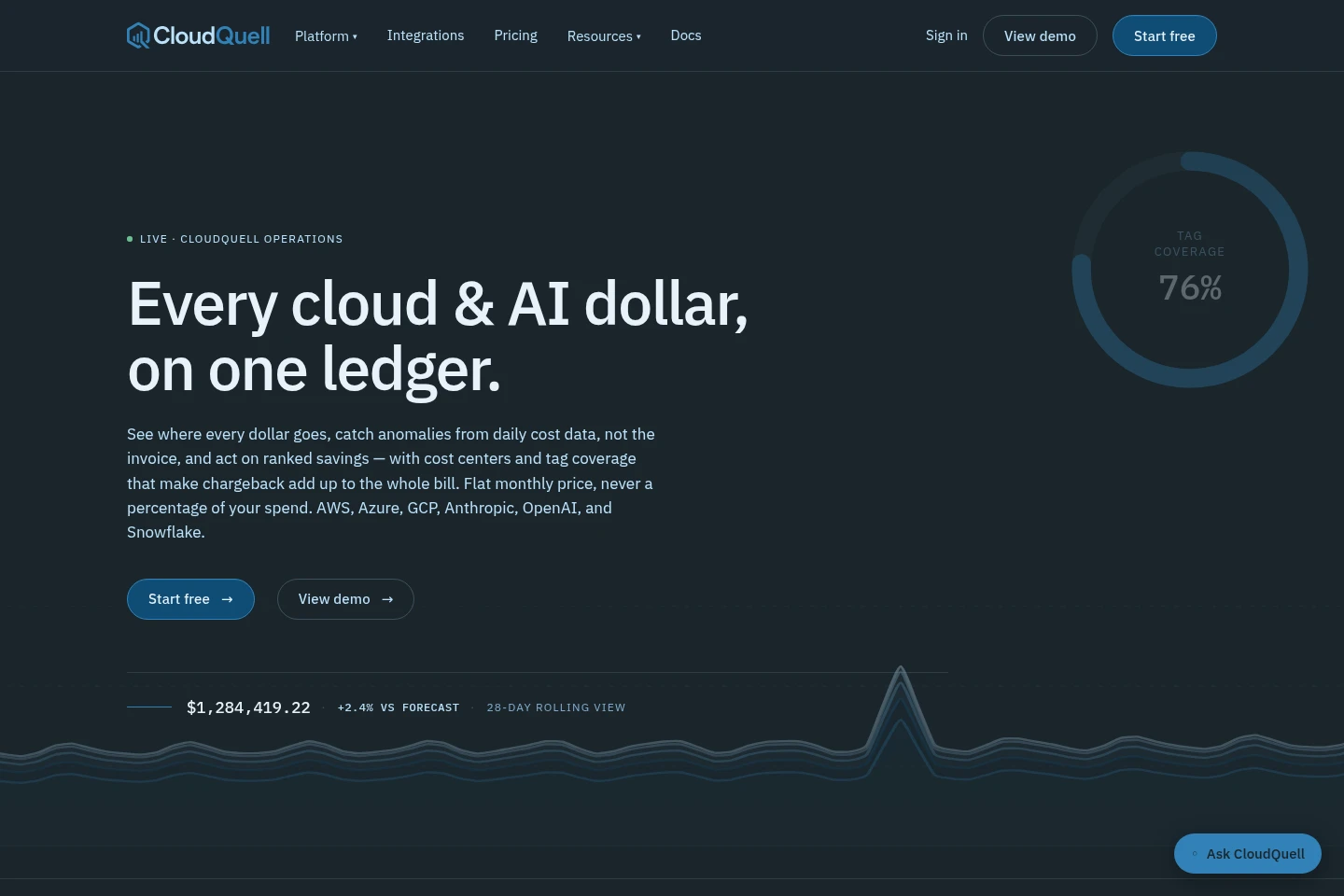
CloudQuell is a cloud and AI cost management platform that brings daily billing data from AWS, Azure, GCP, Anthropic, OpenAI, and Snowflake into one view. It detects anomalies, forecasts costs, allocates spend to cost centers, and ranks savings recommendations. The product uses read-only integrations and offers a free plan for tracked monthly spend under $10K.

  • Cloud
  • Freemium
  • Free$0
  • Starter$99 per month; $990 annually
  • Growth$199 per month; $1,990 annually
  • ScaleCustom pricing
  1. Trackly

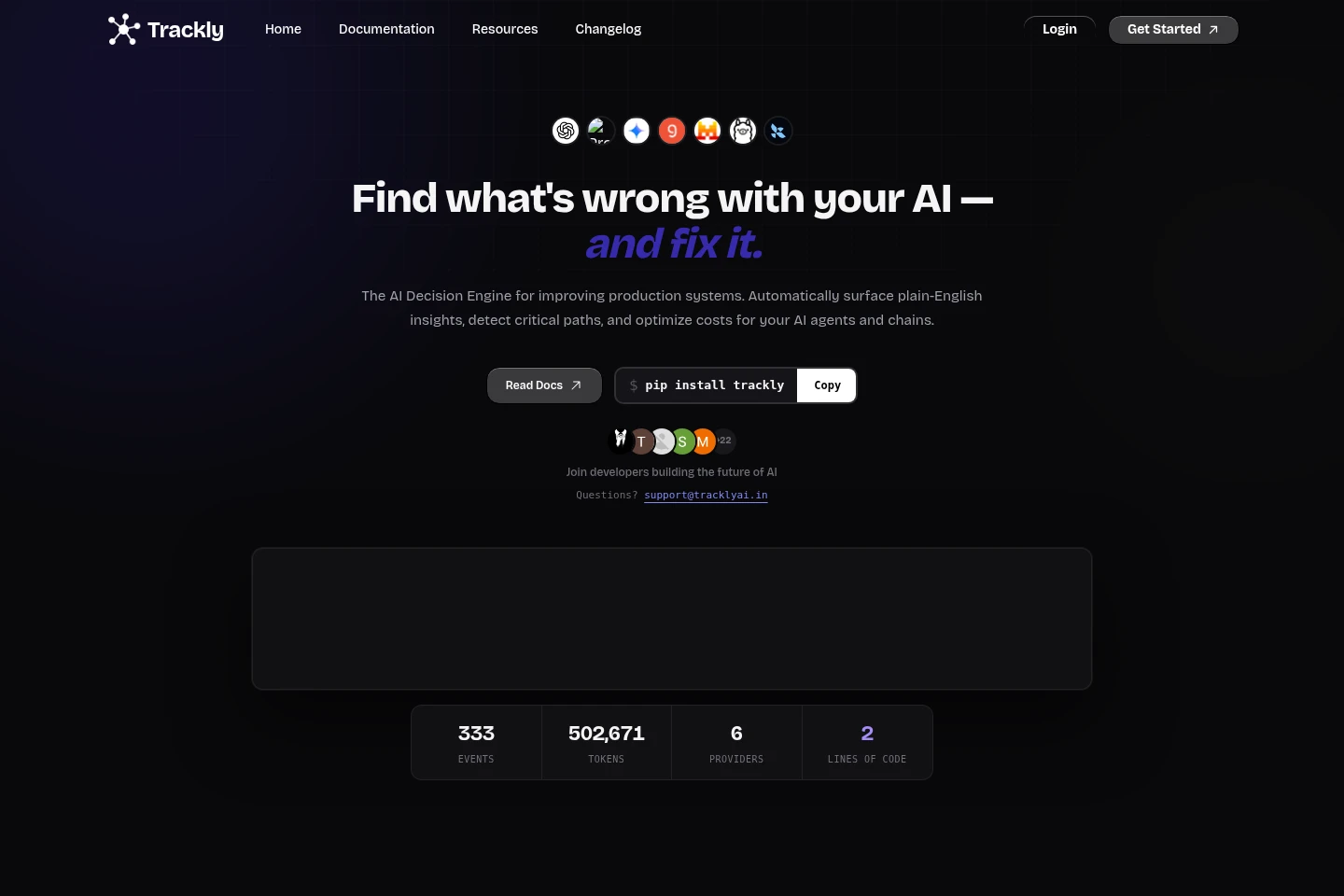
    Trace AI runs, explain costs, and find bottlenecks

    Starter · $0 forever
  2. OneCloud

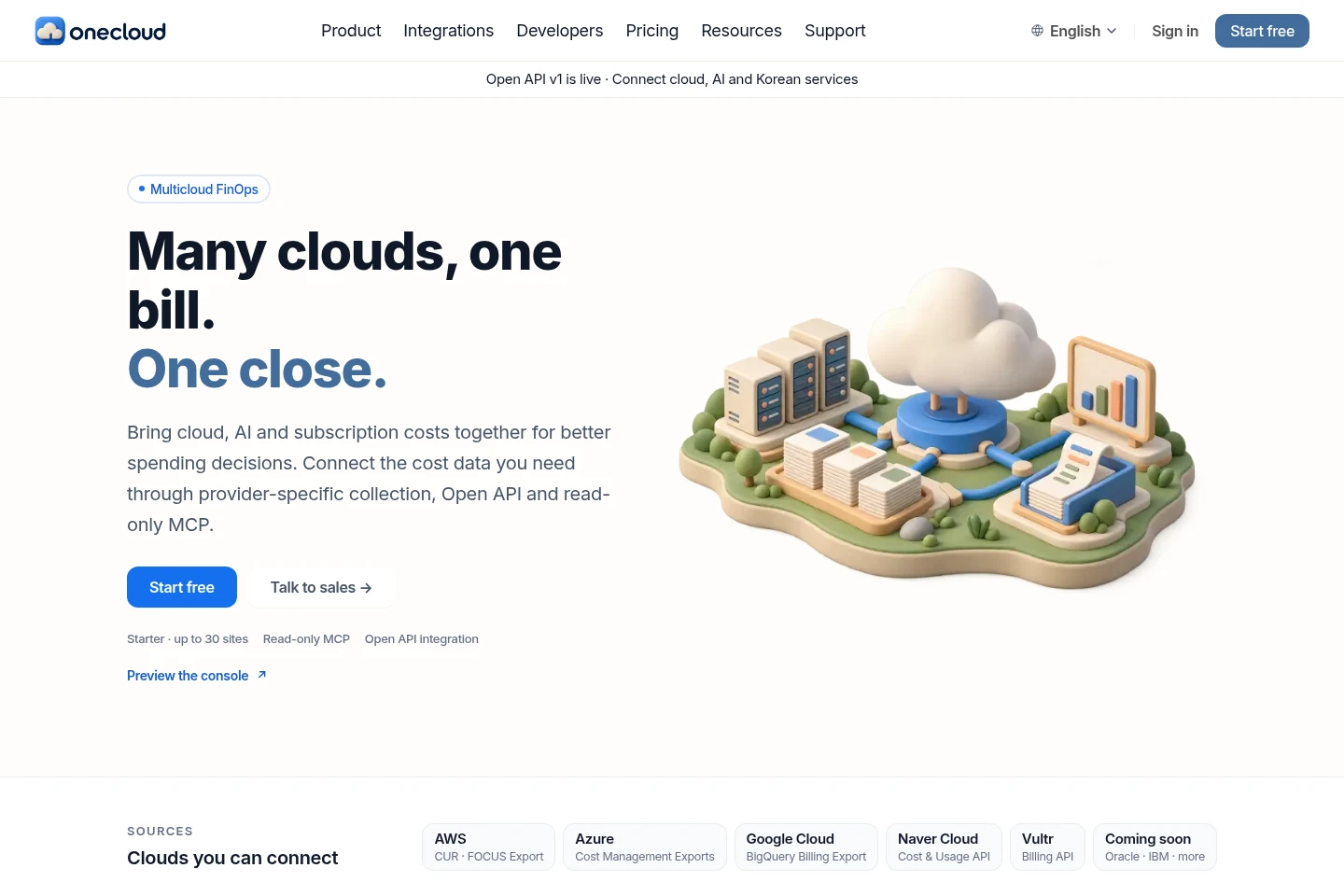
    Cloud and AI cost management across connected services

    Starter · $0; free forever
  3. Frugal

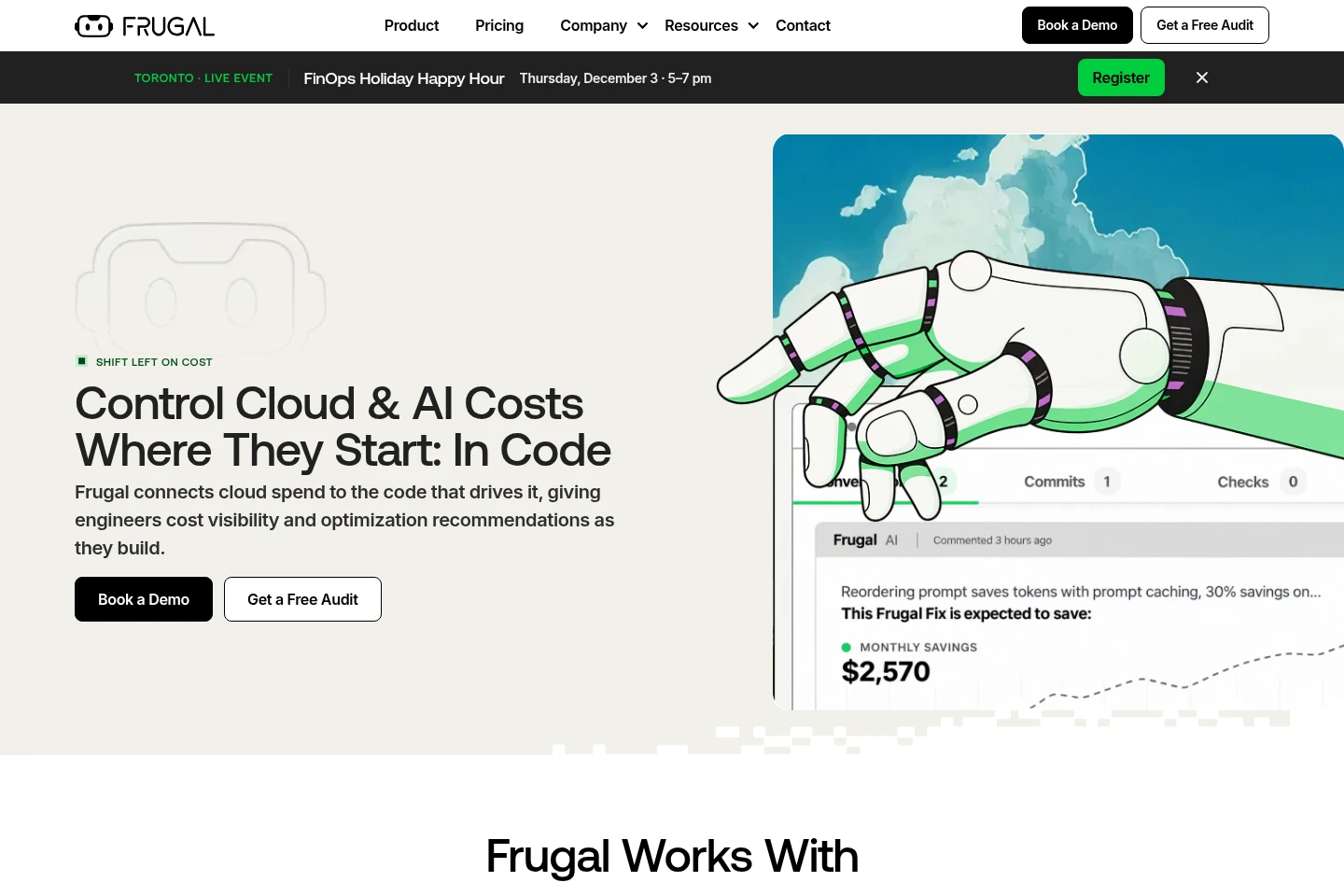
    Trace cloud and AI costs to code and fix waste before release

    Free Pilot · Free for 30 days
  4. BlueArch

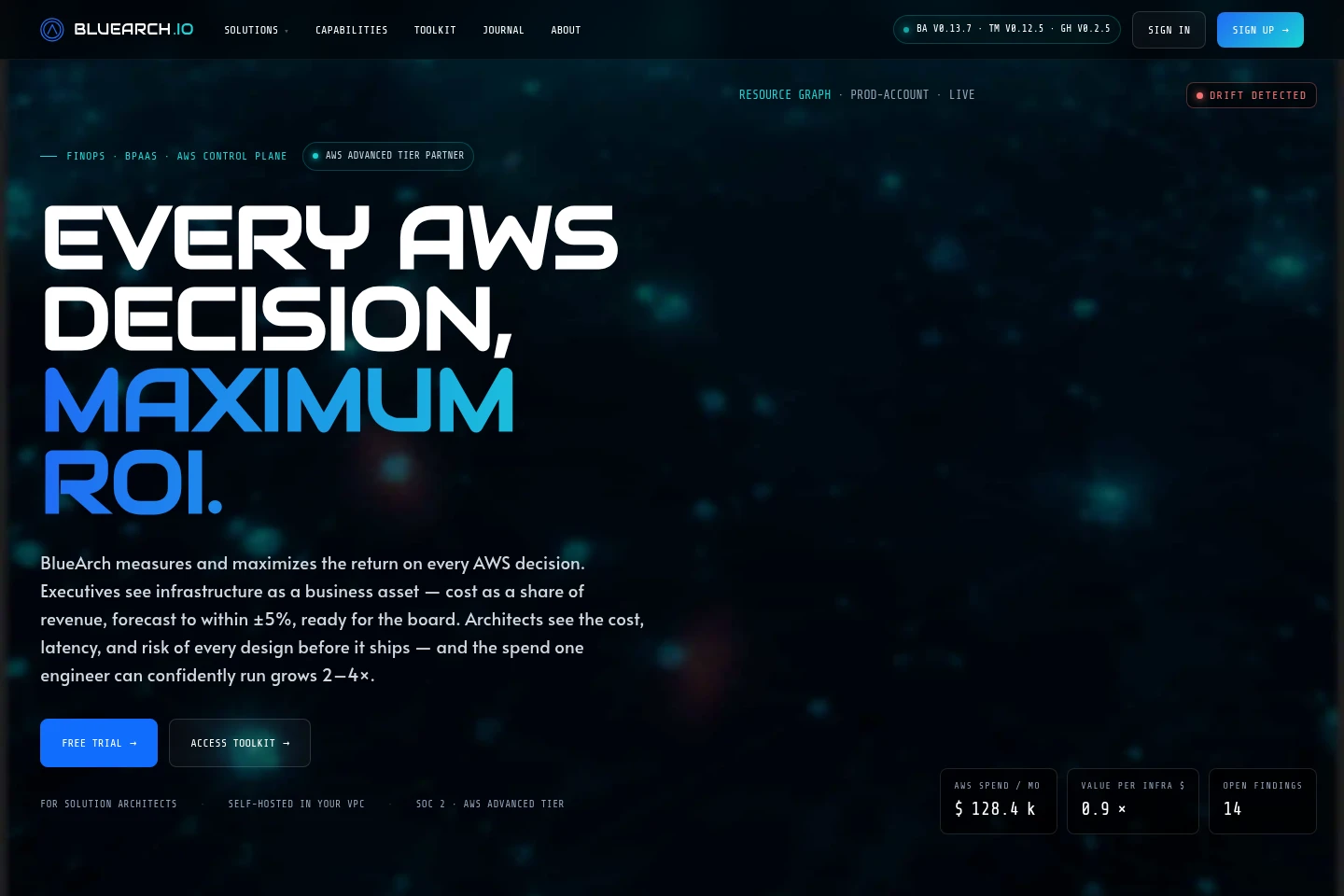
    AWS cost, governance, and architecture tools for cloud teams

    Freemium
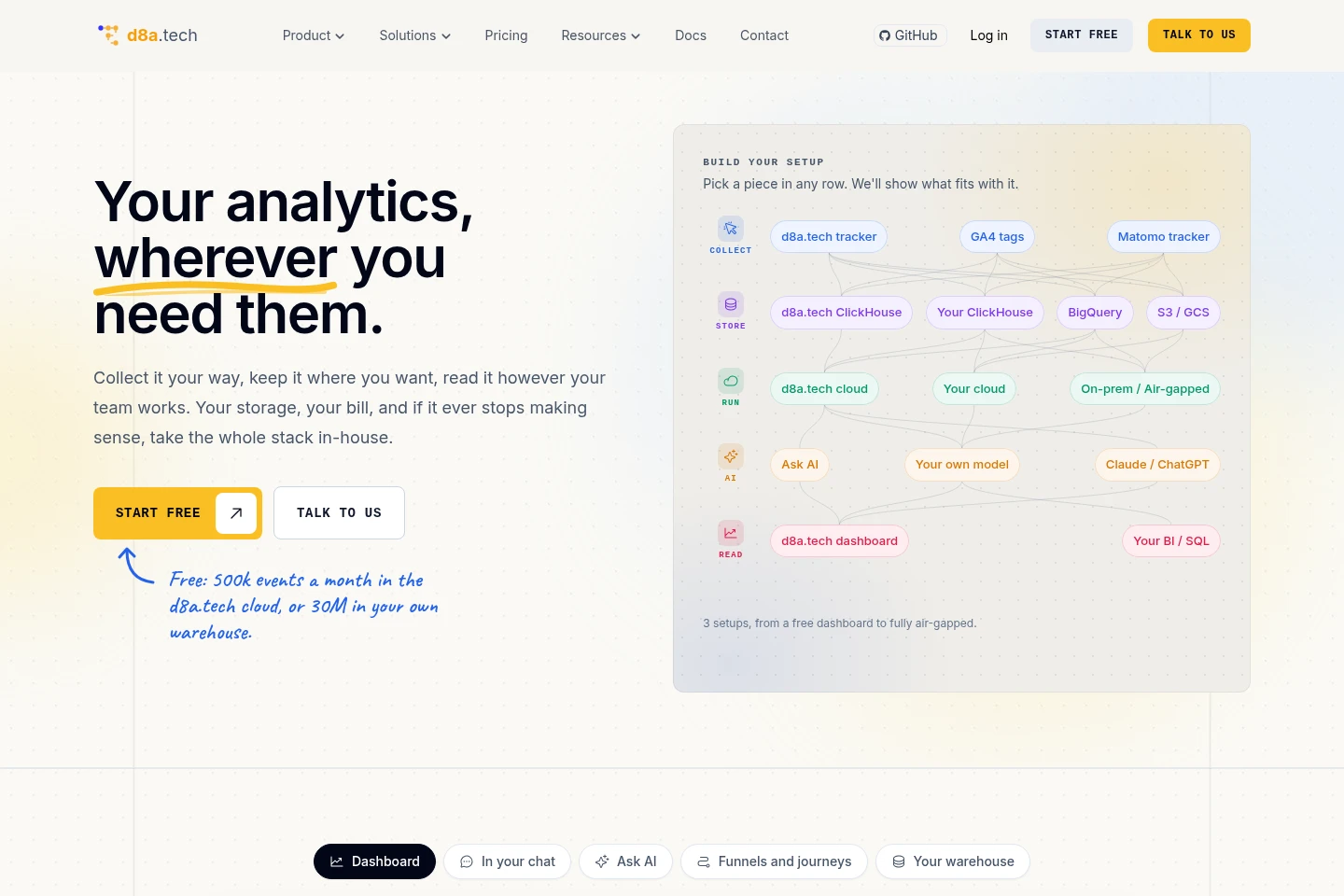
  5. d8a.tech

    Web analytics in your dashboard, warehouse, or AI chat

    Cloud Dashboard · Free; paid €20/$20–€610/$610 per month

Who it is for

  • FinOps teams needing cost visibility, allocation, forecasting, and savings workflows across cloud providers.

  • Cloud and engineering teams needing resource-level cost context and automated cost-management actions.

  • Finance and leadership teams needing consolidated cloud spending, budgets, and reporting by team.

FAQ

How does Cloudchipr connect to cloud accounts?

Connect accounts to a dedicated Cloudchipr account using an IAM role. The service periodically collects cloud resource data to produce recommendations.

What cloud data does Cloudchipr collect?

Cloudchipr says it collects resource usage metrics and resource identifiers from the Cloud API, not sensitive cloud data.

What is installed in a cloud account?

An IAM role or service account is used. It can have ReadOnly permissions, or Read/Write permissions if you want to run cleanup actions.

Is there a free trial?

Yes. Cloudchipr offers a 14-day free trial, and no credit card is needed to start it.

Which cloud integrations are marked as coming soon?

Snowflake and Kubernetes are marked as coming soon on the supplied product pages; availability is not represented as current there.

Comments

Please sign in to leave a comment.
No comments yet. Be the first to share your thoughts!