Monthly visits
1,843
2026-10
Monthly growth +39.7%

Buzz Cut Filter - Preview buzz cuts and hair transformations on your photo

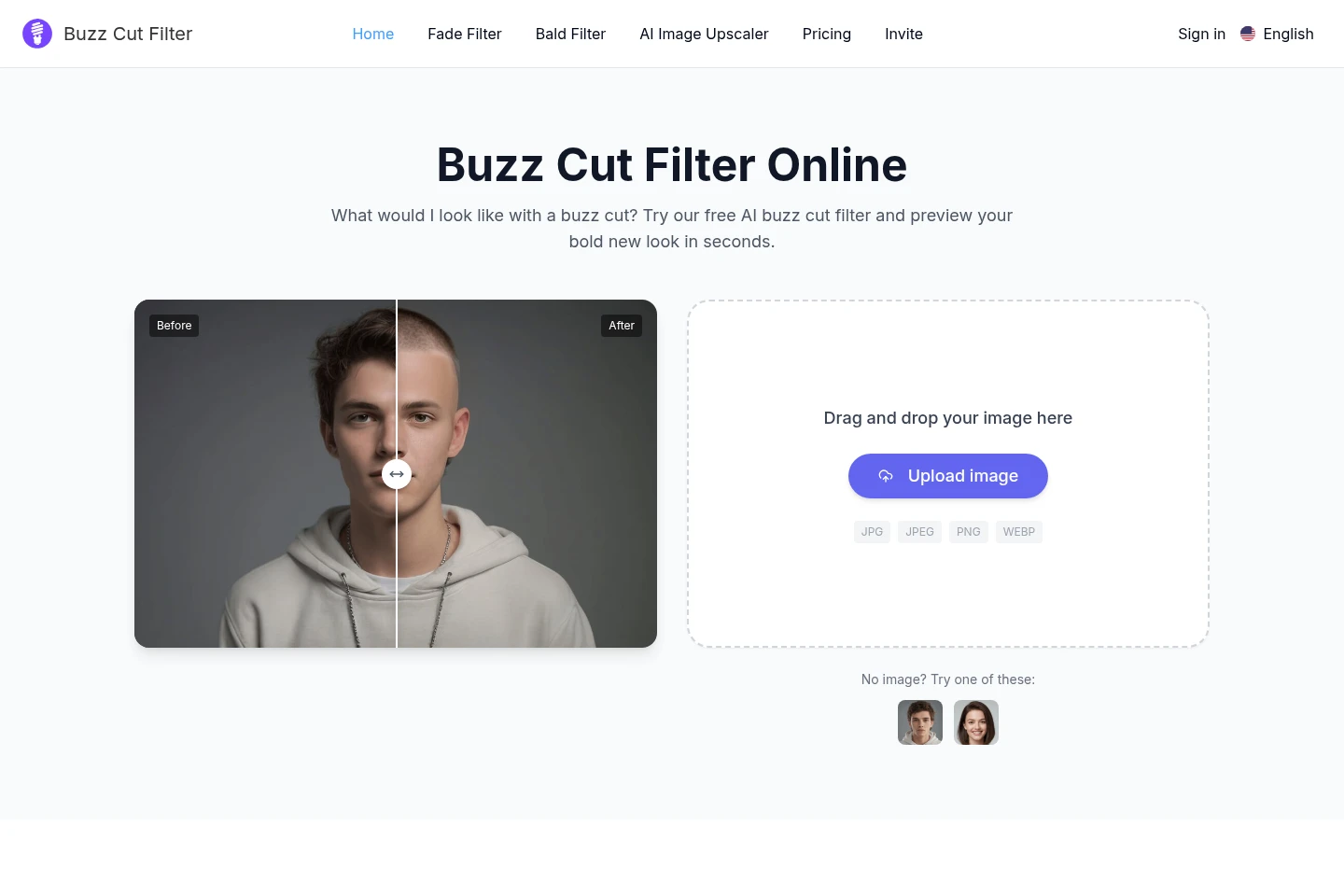
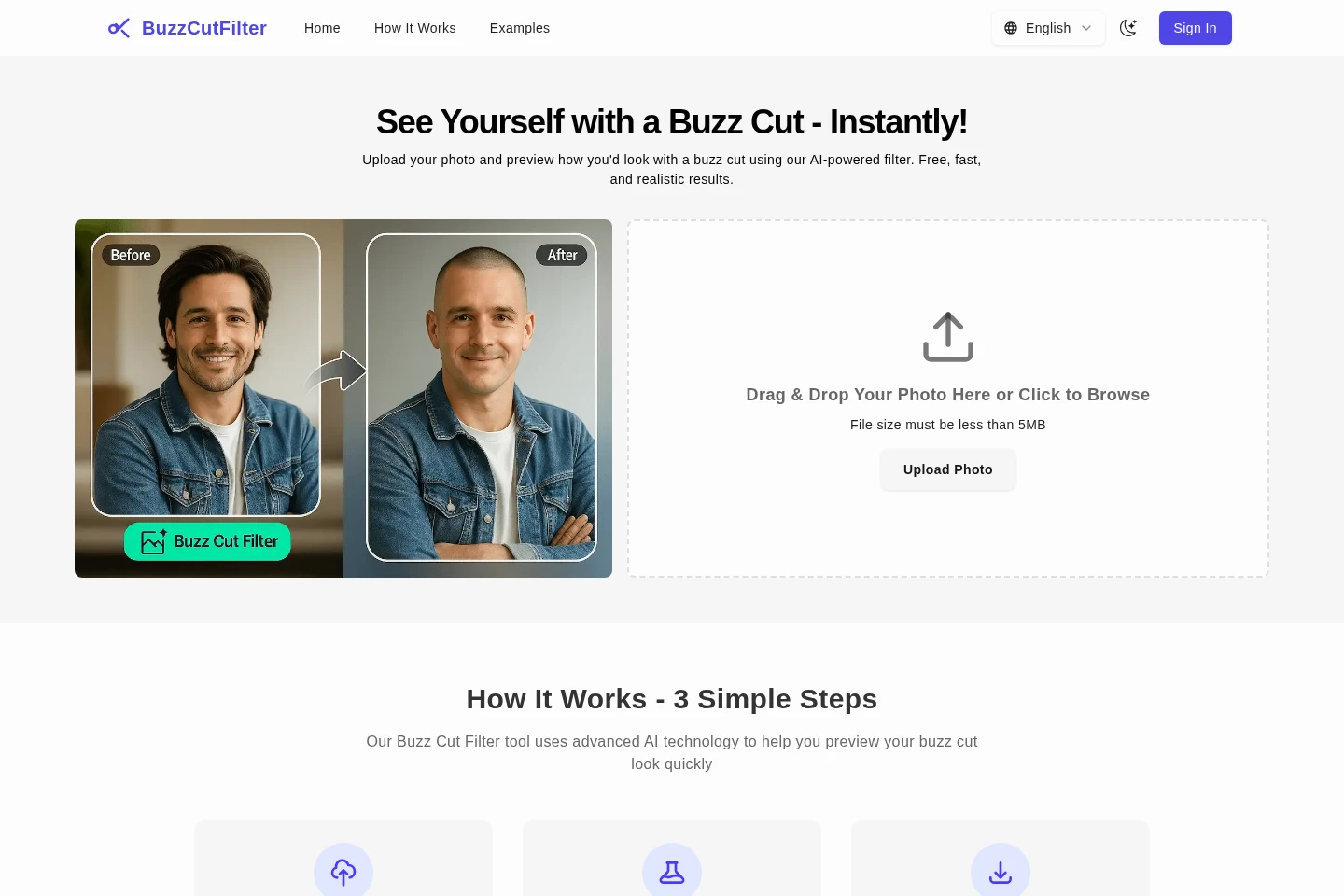
Buzz Cut Filter is an online AI photo tool for previewing buzz cuts, fade styles, and bald looks. Upload a portrait to generate a hairstyle preview, compare it with the original, and download the result. The site also lists paid credit and subscription plans with different image quotas and generation options.

Visit WebsiteUpdate this product

1Views

Capabilities

AI hairstyle preview

Generates a hairstyle preview on an uploaded portrait and provides an image to compare with the original. Users upload a clear photo, choose a hairstyle filter, and can download the generated result.

Fade style preview

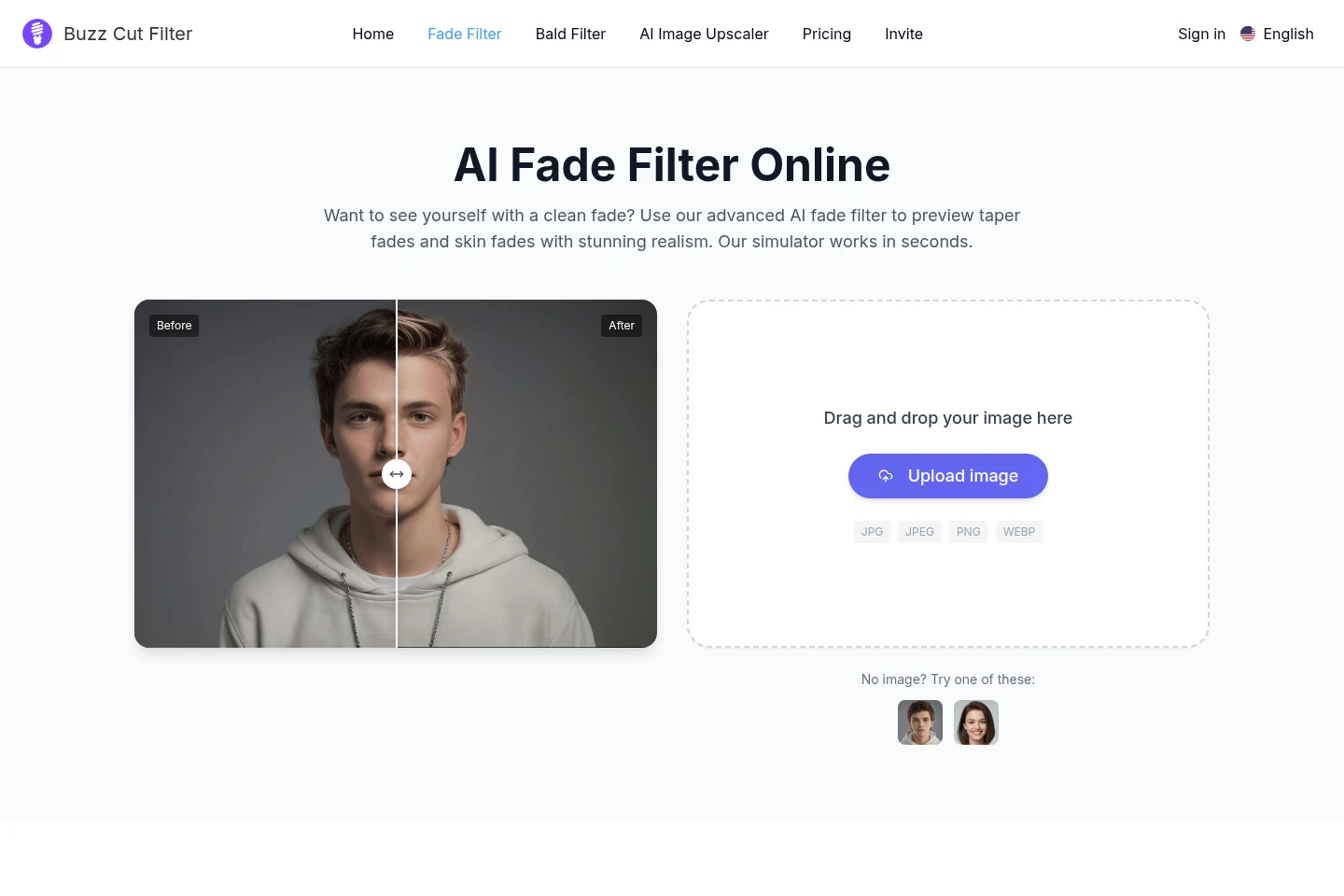
Applies a fade hairstyle preview to an uploaded photo and outputs a transformed image. Users can choose taper fade, skin fade, or burst fade styles; a clear photo with visible hairline and side profile is recommended.

Bald look preview

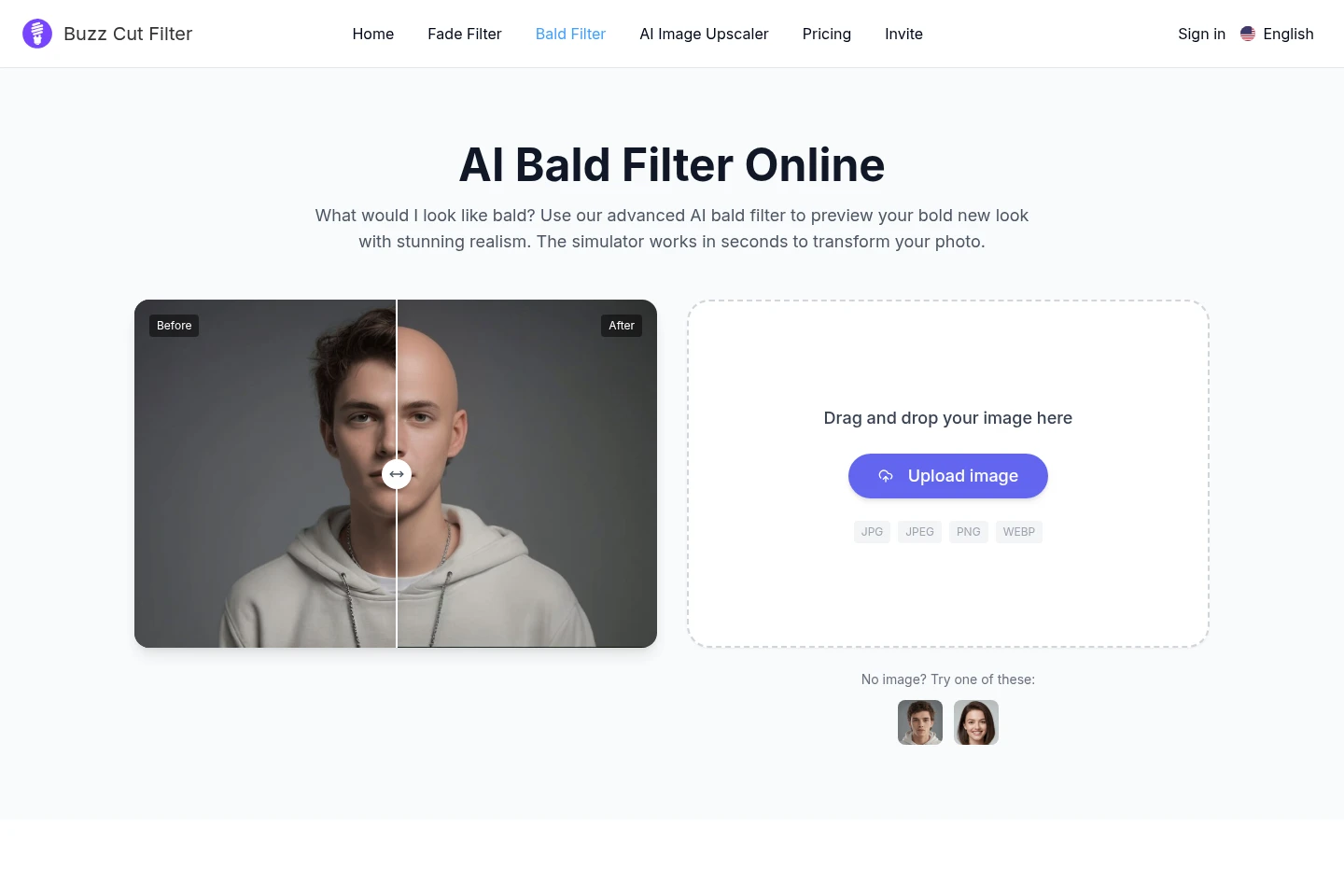
Creates a bald-look preview from an uploaded portrait and outputs an image for review or download. The filter simulates hair removal and scalp appearance; the site recommends a clear, front-facing photo with the head and hairline visible.

AI image upscaling

An AI Image Upscaler is listed as a site feature. The supplied pages do not describe its inputs, controls, or output conditions in further detail.


Pricing

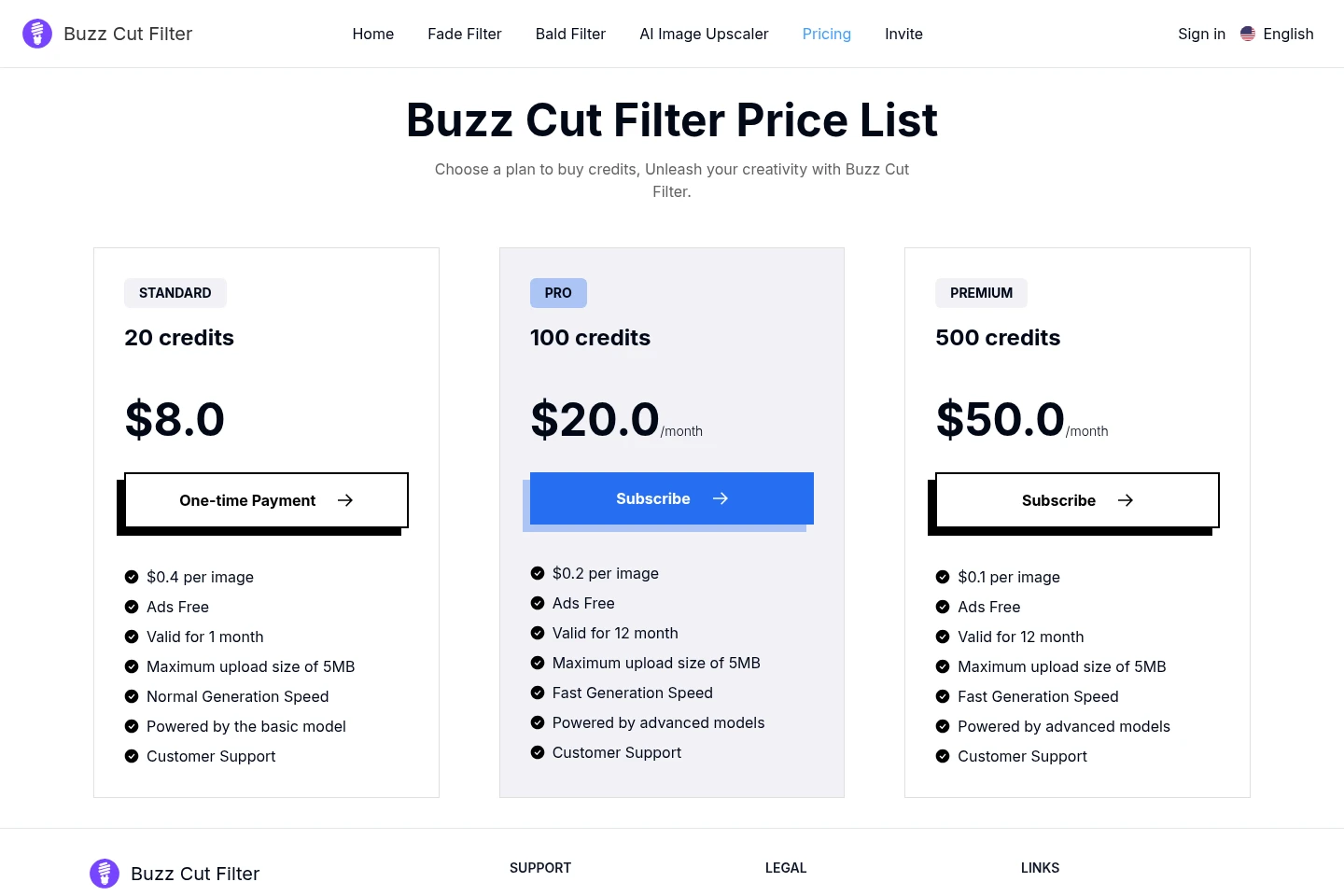
The site lists a one-time payment plan and two monthly subscriptions. Compare credit amounts, credit validity, per-image price, generation speed, and model access when choosing; image uploads are limited to 5MB on every listed plan.

PlanPriceIncluded features and limits
STANDARD

$8.0 one-time payment

  • 20 credits

  • Credits valid for 1 month

  • $0.4 per image

  • Normal generation speed

  • Powered by the basic model

  • Maximum upload size of 5MB

PRO

$20.0/month

  • 100 credits

  • Credits valid for 12 months

  • $0.2 per image

  • Fast generation speed

  • Powered by advanced models

  • Maximum upload size of 5MB

PREMIUM

$50.0/month

  • 500 credits

  • Credits valid for 12 months

  • $0.1 per image

  • Fast generation speed

  • Powered by advanced models

  • Maximum upload size of 5MB

Use cases

Compare a hairstyle with your current look

When considering a buzz cut or another listed hairstyle, upload a portrait and select a filter to generate a visual preview. Compare the result with the original before deciding whether to try the style.

Preview taper, skin, or burst fades

When exploring fade haircut options, upload a clear photo with the hairline and side profile visible, then select taper fade, skin fade, or burst fade. Review the generated transformation and download it if desired.

See a bald look on your portrait

When considering a shaved-head look, upload a clear, front-facing portrait with the head and hairline visible and apply the bald filter. Review the simulated scalp and download the resulting image.

Limitations

  • The STANDARD plan includes 20 credits, each valid for 1 month; unused-credit behavior beyond that stated validity is not specified.

  • PRO and PREMIUM credits are listed as valid for 12 months; the pages do not state what happens to unused credits after that period.

  • All three listed plans limit uploaded images to a maximum size of 5MB.

  • The homepage recommends a clear, front-facing portrait for the buzz cut filter; the fade filter also recommends a clearly visible hairline and side profile.

  • The bald filter recommends a clear, front-facing photo with the head and hairline fully visible.

Alternatives

Buzz Cut Filter

Preview AI-generated buzz cut styles on your photo

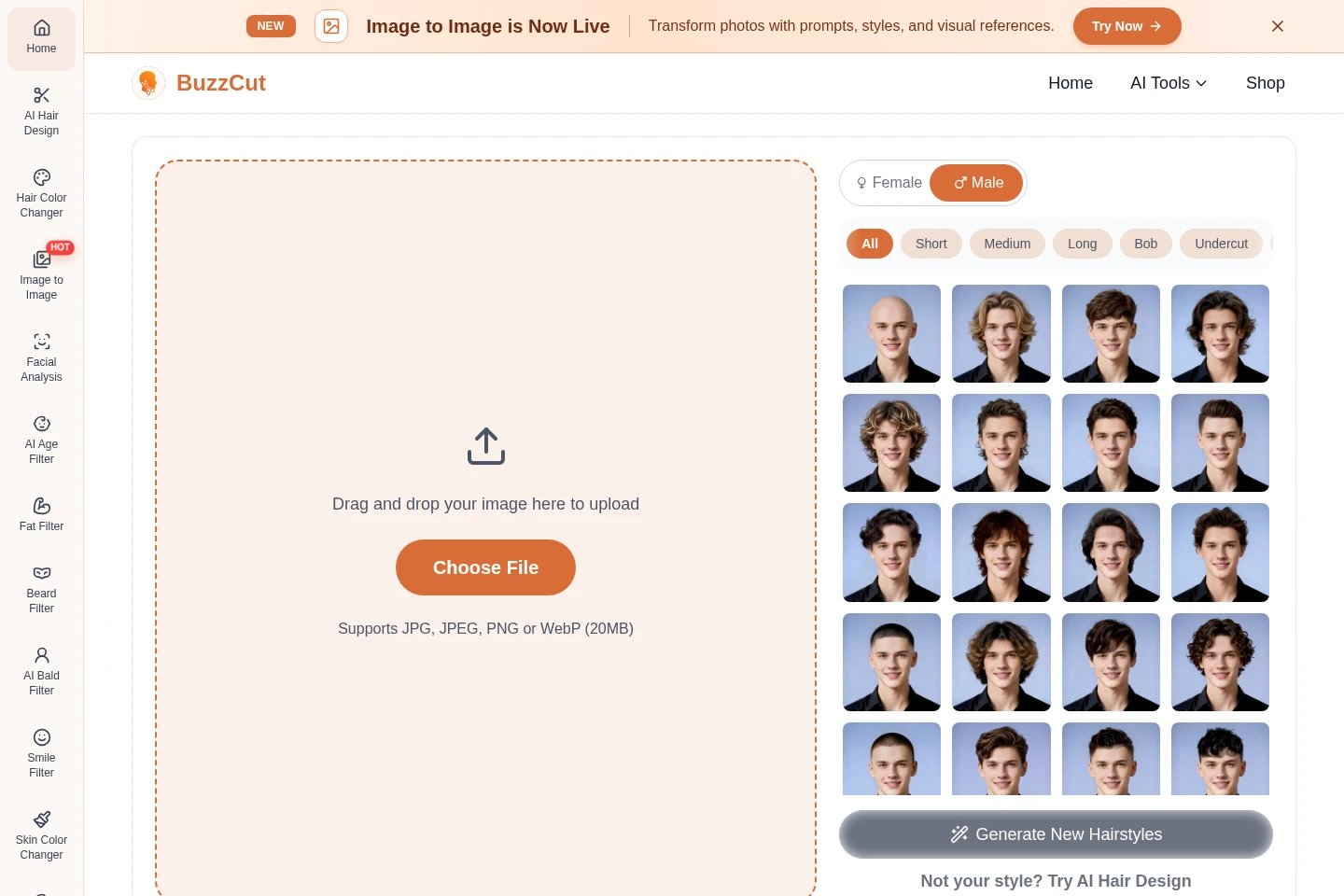
Buzz Cut Filter lets you upload a photo and preview AI-generated buzz cut and other short hairstyle looks. Choose from seven guard-inspired buzz cut lengths or other available styles, then review and download the result. Images can be uploaded as JPG, JPEG, PNG, or WebP files up to 20 MB.

  • Cloud
  • Contact Sales
  1. BuzzCutFilter

    Preview yourself with an AI-generated buzz cut

    Free Trial · Free
  2. BuzzCuts.me

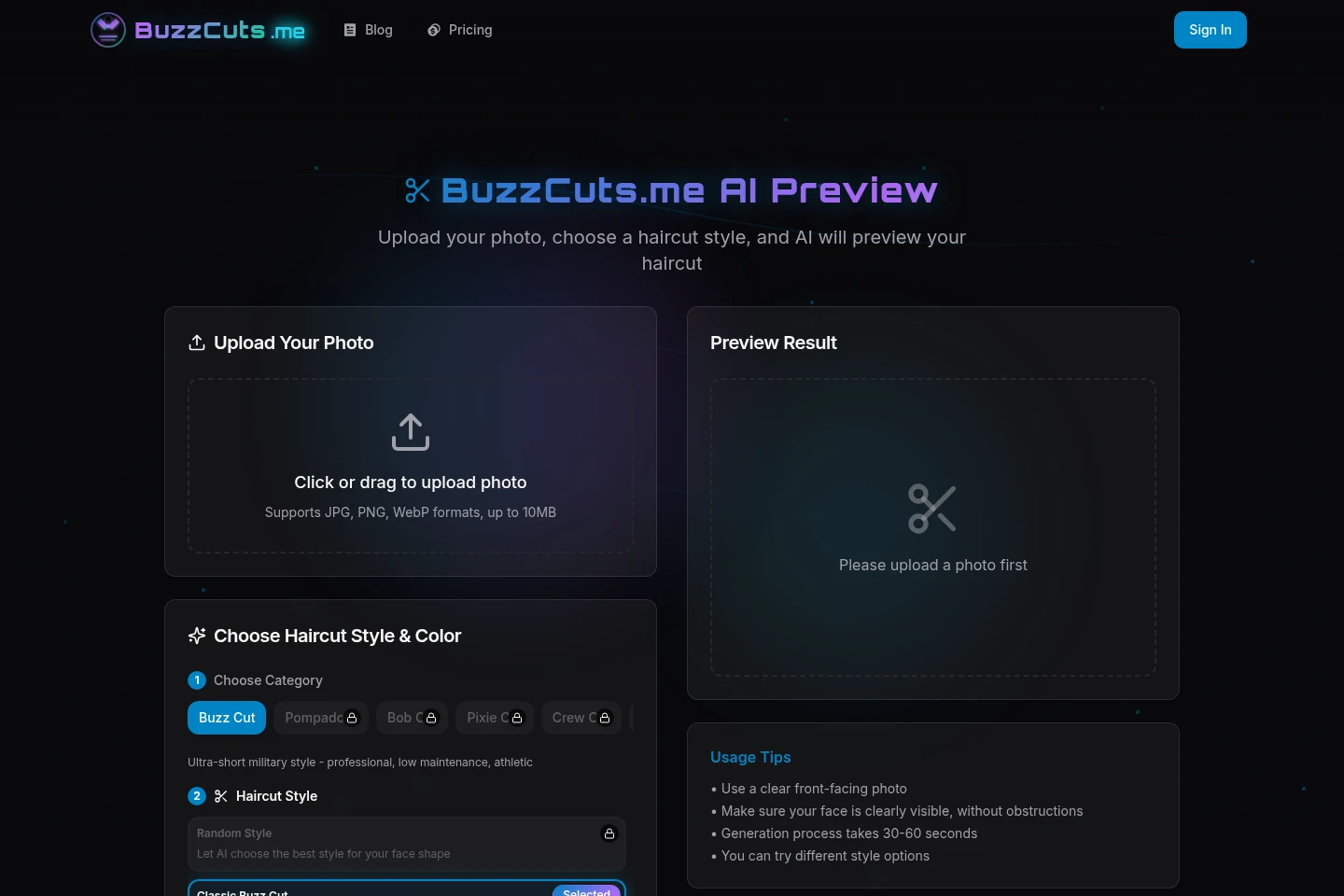
    Preview haircut styles on your photo before choosing a cut

    Freemium · $0 forever
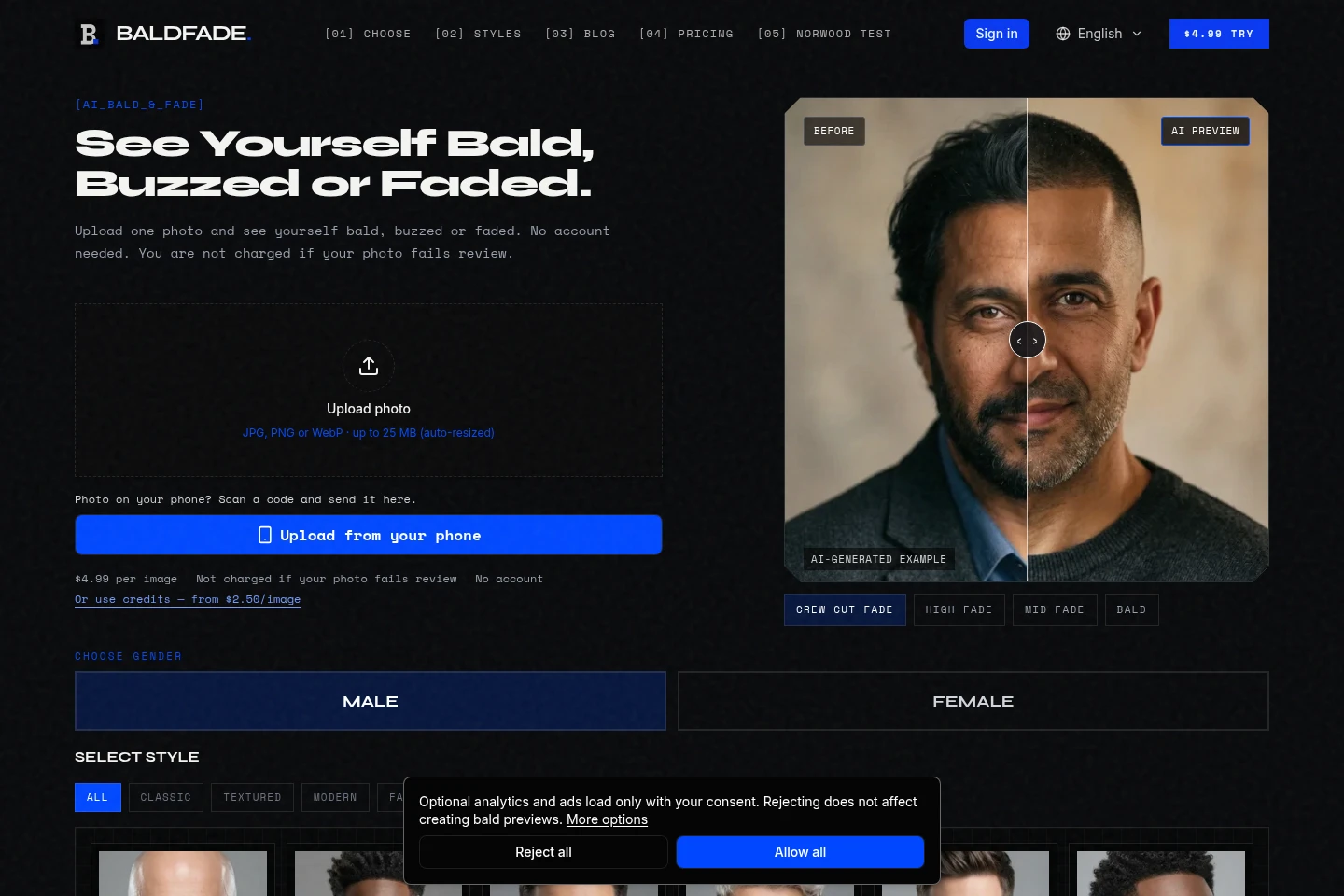
  3. BaldFade

    Preview bald, buzz cut and fade styles on your photo

    Single image · $4.99 per image
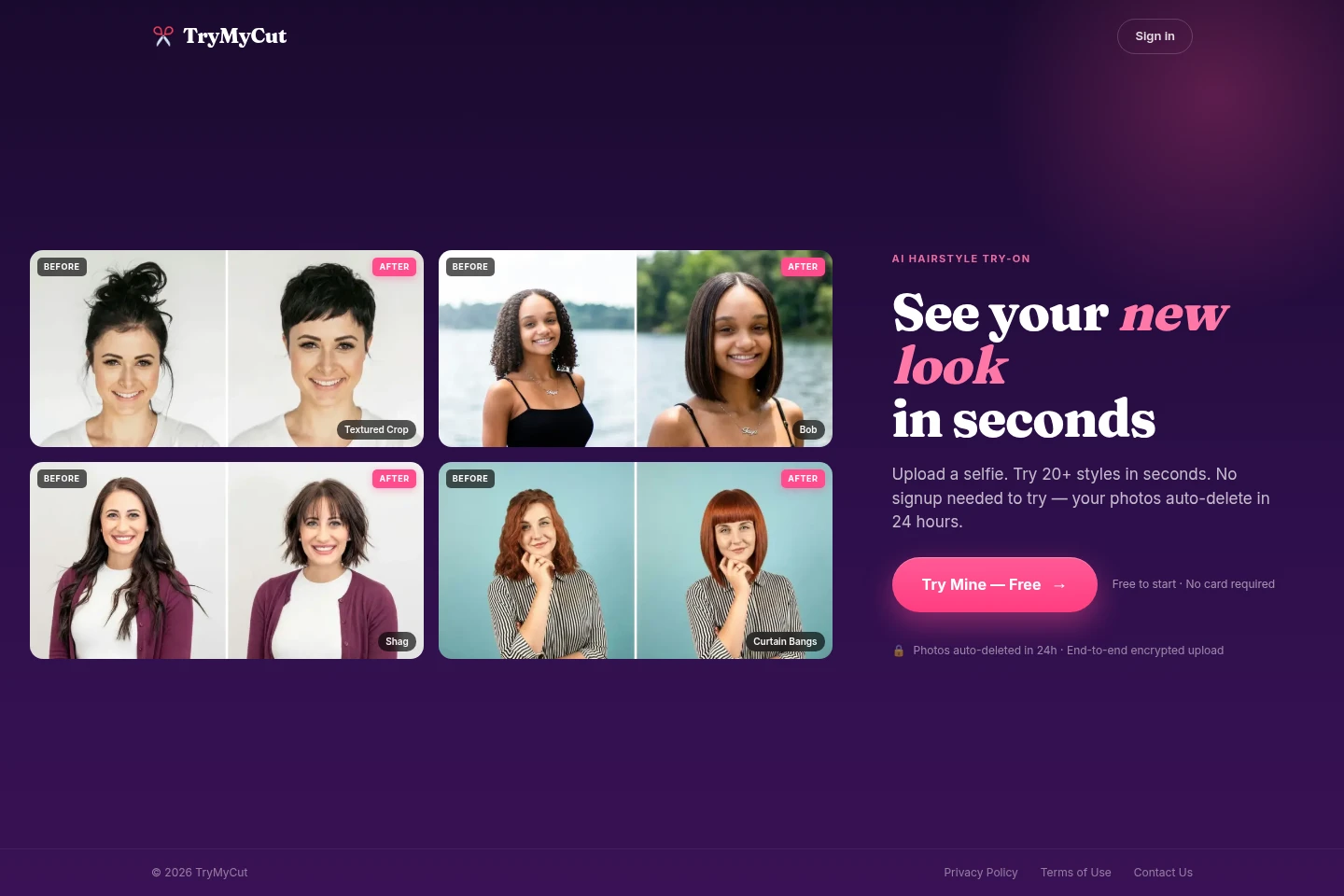
  4. TryMyCut

    Preview hairstyles on your selfie before your next cut

    Contact Sales
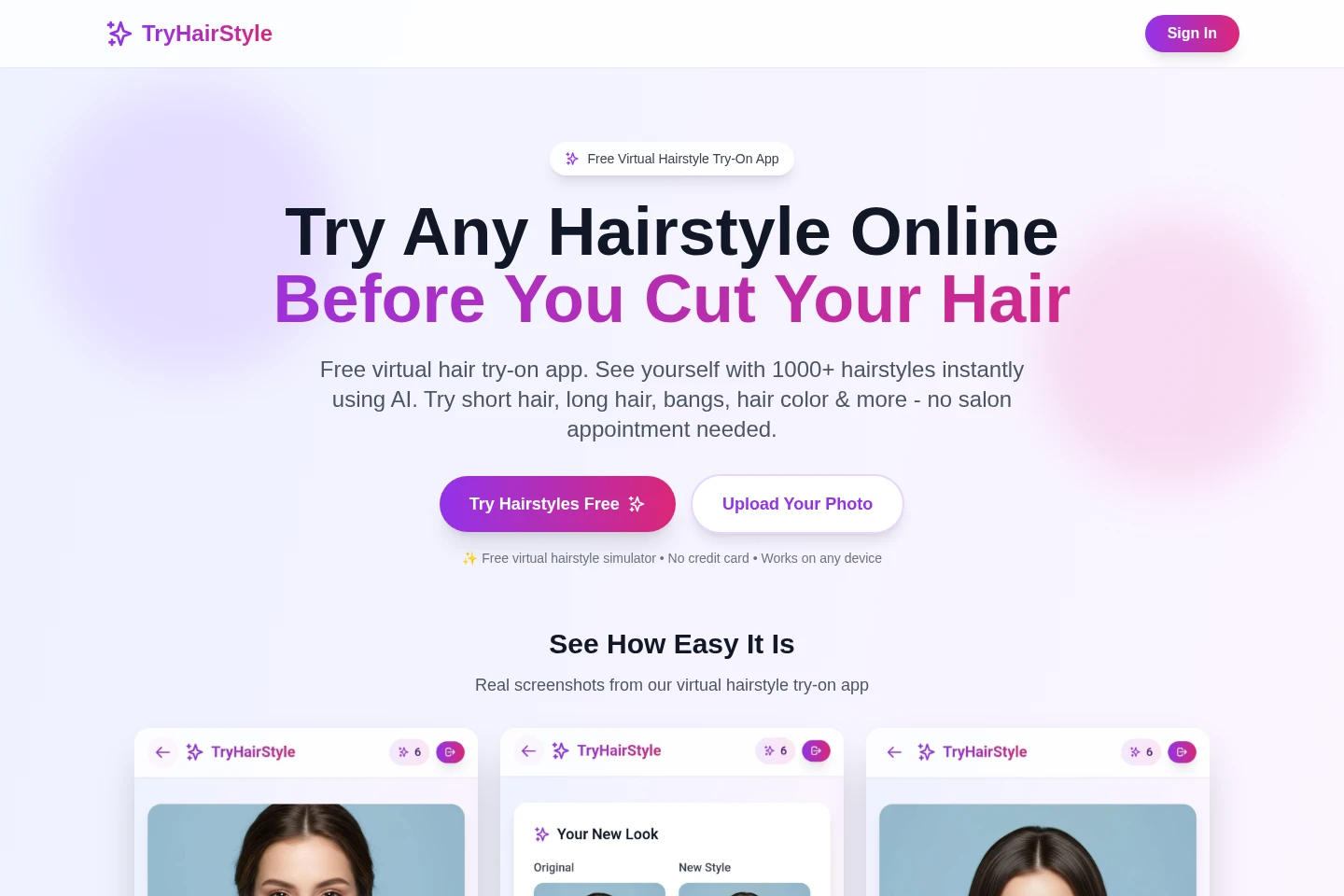
  5. Try Hairstyle App

    Preview hairstyles and colors on your photo with AI

    Free

Who it is for

  • People considering a buzz cut or other hairstyle who want to preview it on their own photo

  • People comparing taper, skin, or burst fade styles before choosing a haircut

  • People considering a shaved head who want to preview a bald look using a portrait

FAQ

What photo should I upload?

Use a clear portrait photo. For the buzz cut filter, the site says front-facing portrait photos work best; the fade filter recommends that the hairline and side profile are visible, and the bald filter recommends that the head and hairline are fully visible.

Which hairstyle filters are listed?

The site lists buzz cut, fade, and bald filters. Fade options named on the fade page are taper fade, skin fade, and burst fade.

Can I compare the generated look with my photo?

Yes. The pages describe before-and-after or side-by-side comparison for reviewing the generated hairstyle or bald-look preview against the original.

Can I download the generated image?

Yes. The pages describe downloading the result after previewing it; the homepage says the result can be downloaded in high quality, while plan details specify generation options and a 5MB maximum upload size.

What do the paid plans include?

STANDARD includes 20 credits for a one-time payment of $8.0. PRO is $20.0/month with 100 credits, and PREMIUM is $50.0/month with 500 credits; the plans also differ in stated generation speed and model access.

Comments

Please sign in to leave a comment.
No comments yet. Be the first to share your thoughts!